

Get your mentions straight to Slack
Octolens delivers real-time, AI-filtered brand mentions to your Slack channels — routed by keyword, sentiment, or platform, so every team sees exactly the conversations it should act on.
Included on every plan • Real-time alerts • Unlimited channelsWhy teams route mentions to Slack
Real-time awareness
Get notified the moment someone mentions your brand — and jump into conversations while they're still active.
Channel-specific routing
Product mentions to the product channel, support issues to support, praise to the whole company. Routing is a filter, not a project.
Signal, not a firehose
AI relevance scoring runs before anything is posted, so channels only receive mentions that actually matter to your business.
Rich previews
Post content, sentiment label, and platform right in the message — your team can triage without clicking through.
How to set up the Slack integration
From sign-in to mentions in your channels in about two minutes.
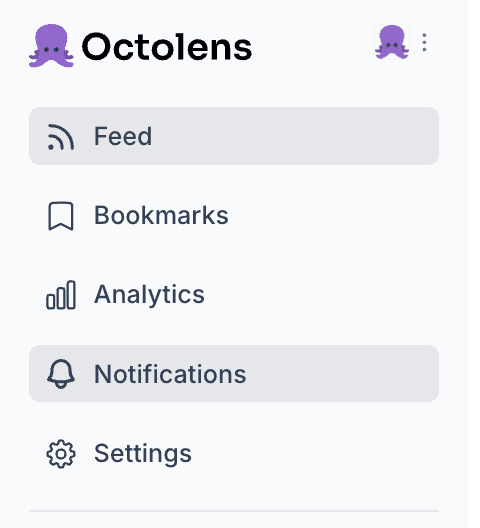
Log in to Octolens and head to Notifications
Sign in to your Octolens workspace (or start a free trial) and open the Notifications page.
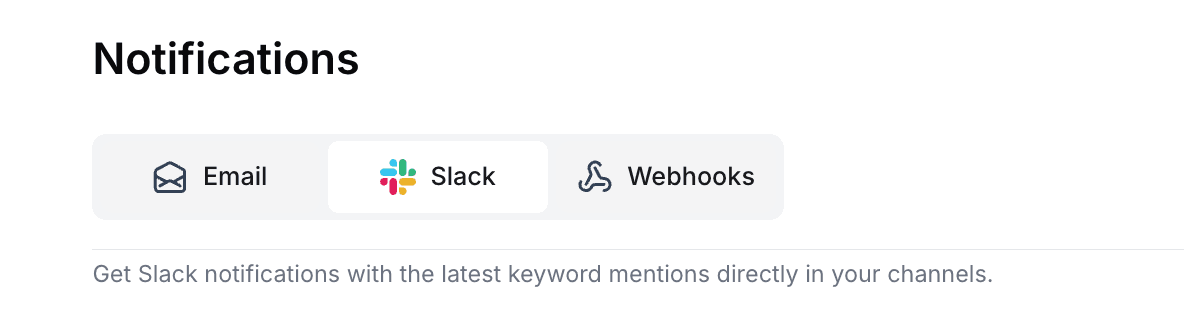
Select Slack
Select Slack at the top of your notifications page.
Install the Octolens app for Slack
Right at the top you'll see the option to install our Slack app.

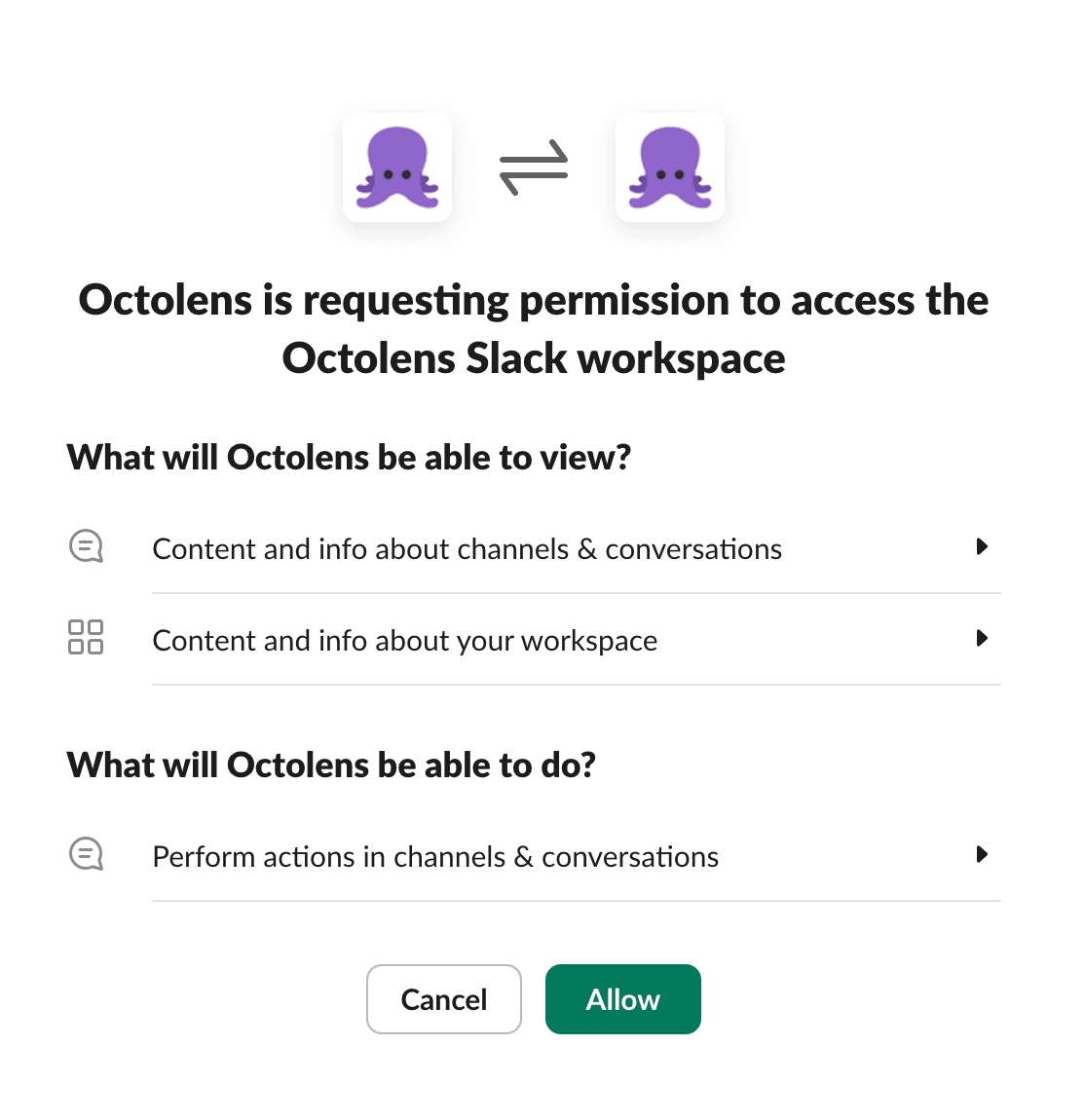
Authorize your workspace
Choose the Slack workspace you want to connect and click “Allow”.
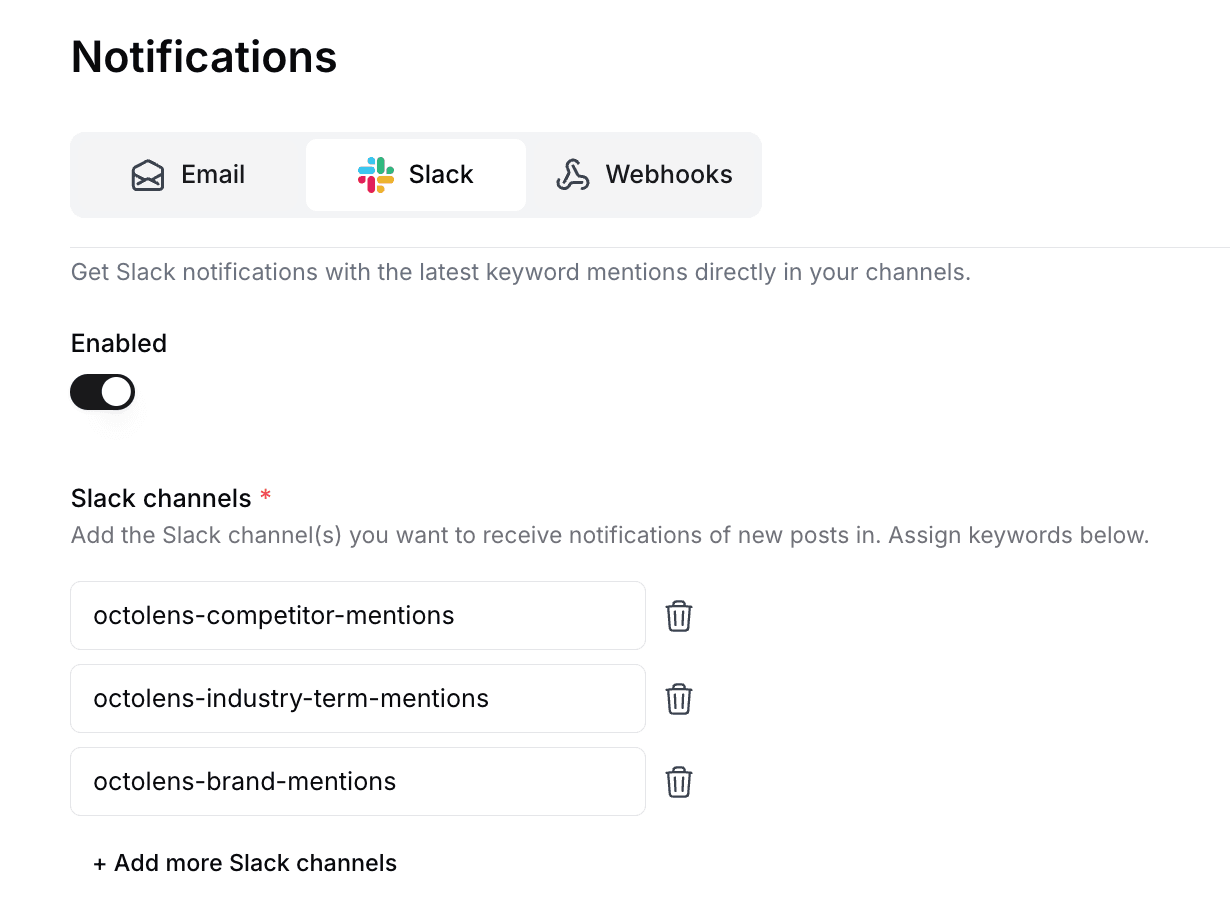
Configure channels
Choose which keywords go to which channels — one channel for everything, or one per product, team, or sentiment.
Frequently asked questions
Yes. Slack alerts are included on every Octolens plan, including the 7-day free trial — there's no add-on or premium tier for integrations.
As many as you like. Each feed can deliver to its own channel, so teams commonly run per-product, per-competitor, or negative-mentions-only channels from one workspace.
Only the permission to post messages to the channels you choose. It never reads your conversations, files, or member list.
Alerts are pushed as mentions are collected and scored — near real time. Mentions refresh hourly on Pro and in real time on Scale.
Monitoring continues unchanged — you can keep working from the dashboard, email digests, webhooks, or the API, and reconnect Slack any time.
Email digests, webhooks (great with Make, n8n, or Zapier), the REST API, and the MCP server for AI assistants — all included on every plan.
Related: Webhooks · Claude integration · Product overview
Connect Slack in minutes
Data access — API, webhooks, MCP, and integrations — is included on every plan.
No credit card required · API access on all plans · Cancel anytime