
Get your mentionsstraight to Slack
Octolens delivers real-time brand mentions and social media discussions directly to your Slack channels. Stay informed and respond quickly to opportunities and customer feedback.
No credit card required
Trusted by brands people talk about online















How to set up your integration for Slack
Follow these steps to start getting important mentions straight to Slack
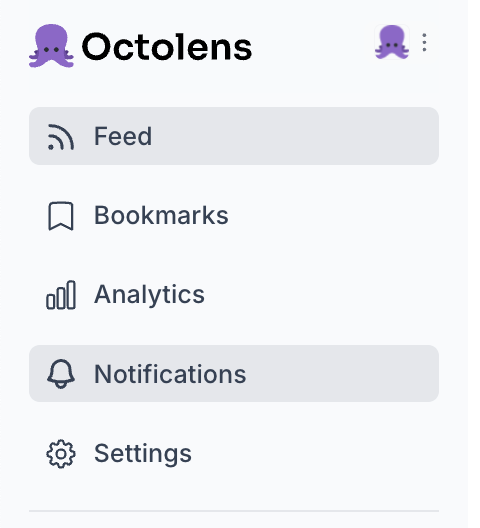
Step 1: Log in to Octolens and head to Notifications
Log in to your Octolens account or sign up for a free trial. Then click on Notifications in the side bar.
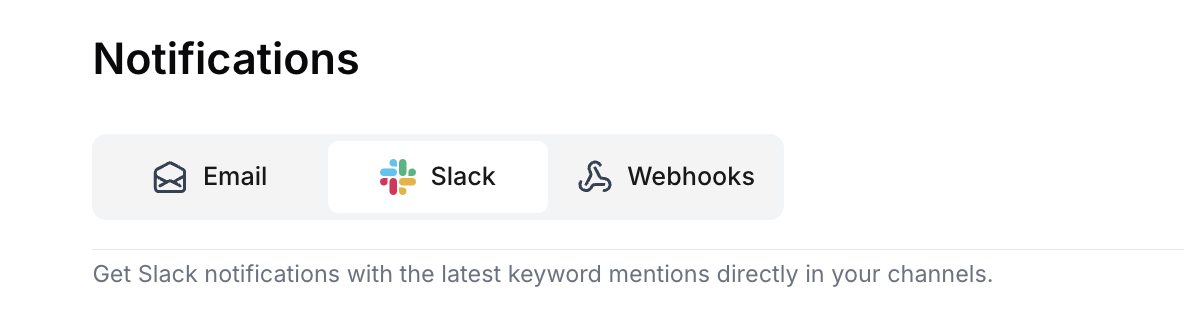
Step 2: Select Slack
Select Slack in your notifications page at the top.
Step 3: Install our integration for Slack App
Right at the top you'll see the option to install our integration for Slack'

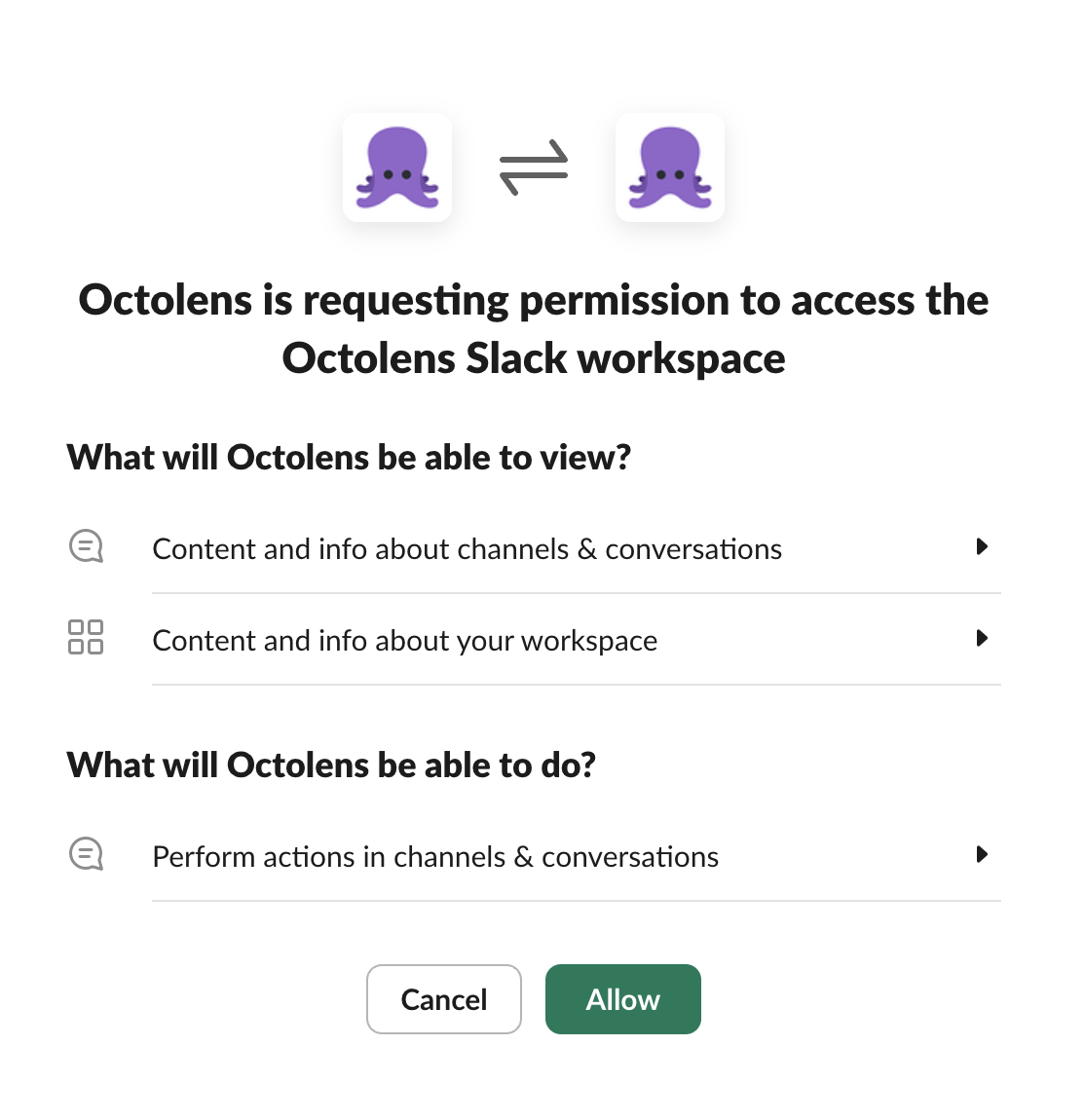
Step 4: Authorize Workspace
Choose the Slack workspace you want to connect and click 'Allow'
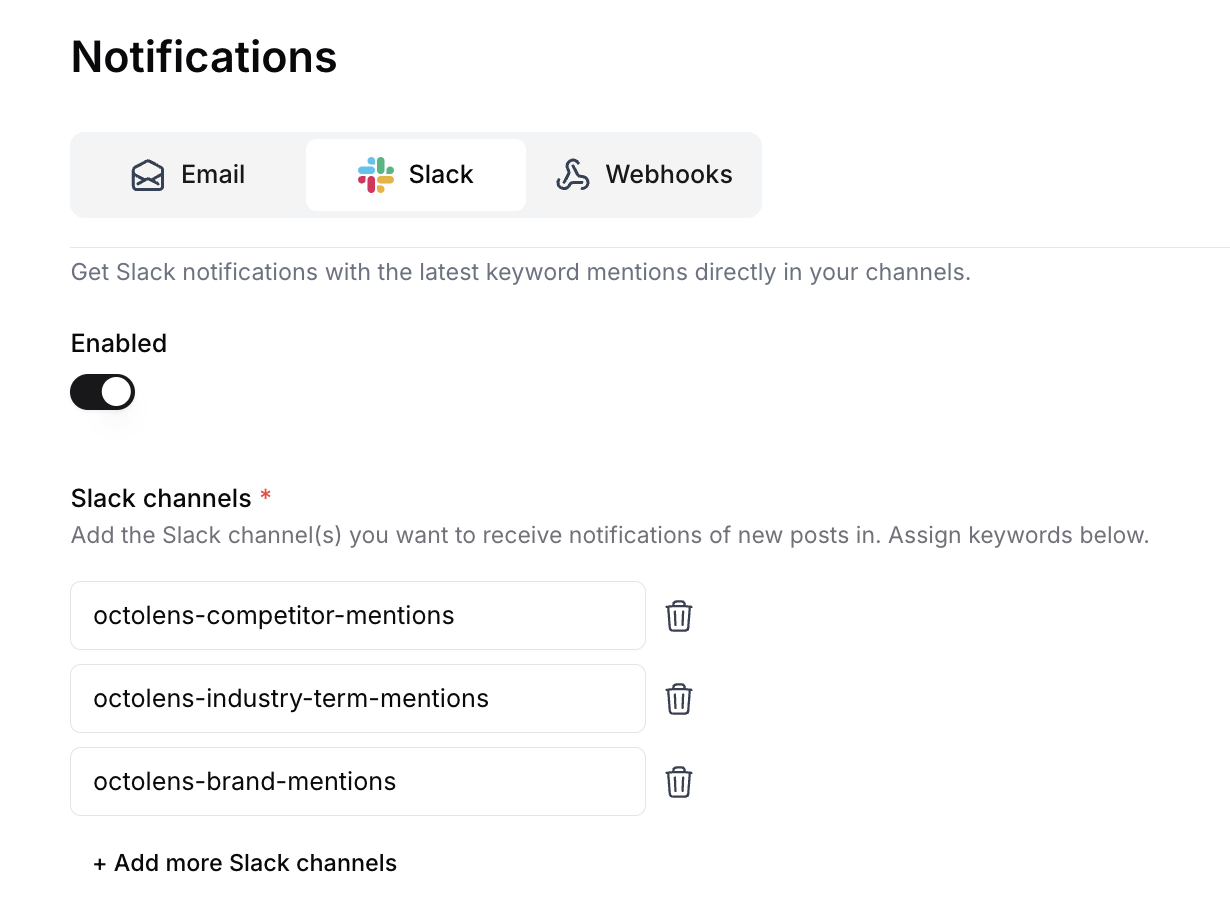
Step 5: Configure Channels
Choose which Slack channels you want to send which keywords to
Why Send Brand Mentions to Slack?
Real-time awareness
Get notified immediately when someone mentions your brand
Team collaboration
Share mentions with the right teams in their dedicated channels
Quick response
Jump into conversations while they're still active
Customized routing
Send product mentions to your product team, support issues to your support team
Powerful Features of our Integration for Slack
Cut through the noise
Only get alerts for mentions that actually matter to your business
Channel-specific routing
Send different types of mentions to different channels
Customizable notifications
Control the format and frequency of alerts
Rich previews
See post content, sentiment, and engagement metrics right in Slack
Yes, the integration for Slack is available on all Octolens plans, including the free trial. You can connect your Slack workspace and start receiving notifications right away.
You can connect as many Slack channels as you need. Each channel can be configured to receive different types of mentions based on your keywords and monitoring preferences.
The Octolens app for Slack only requires permissions to post messages in channels you specify. It doesn't read your conversations or access any other data in your Slack workspace.
Notifications are sent to Slack in near real-time as soon as new mentions are detected. The exact timing depends on your monitoring frequency settings.
If you disconnect the integration for Slack, you'll stop receiving notifications in Slack. Your monitoring will continue, and you can still view mentions in the Octolens dashboard or receive them via other notification methods.
Next to Slack, Octolens also offers email notifications and webhooks. With webhooks, you can send notifications almost anywhere in combination with popular automation tools like Make, n8n, Zapier, etc. This gives you flexibility to integrate mention notifications into your existing workflows.