Table of contents
When teams set up competitor tracking, the mentions usually all go to one Slack channel or one email digest. Everyone reads it for a week or two, and then the channel gets muted, because most of what arrives there isn't relevant for the person reading it.
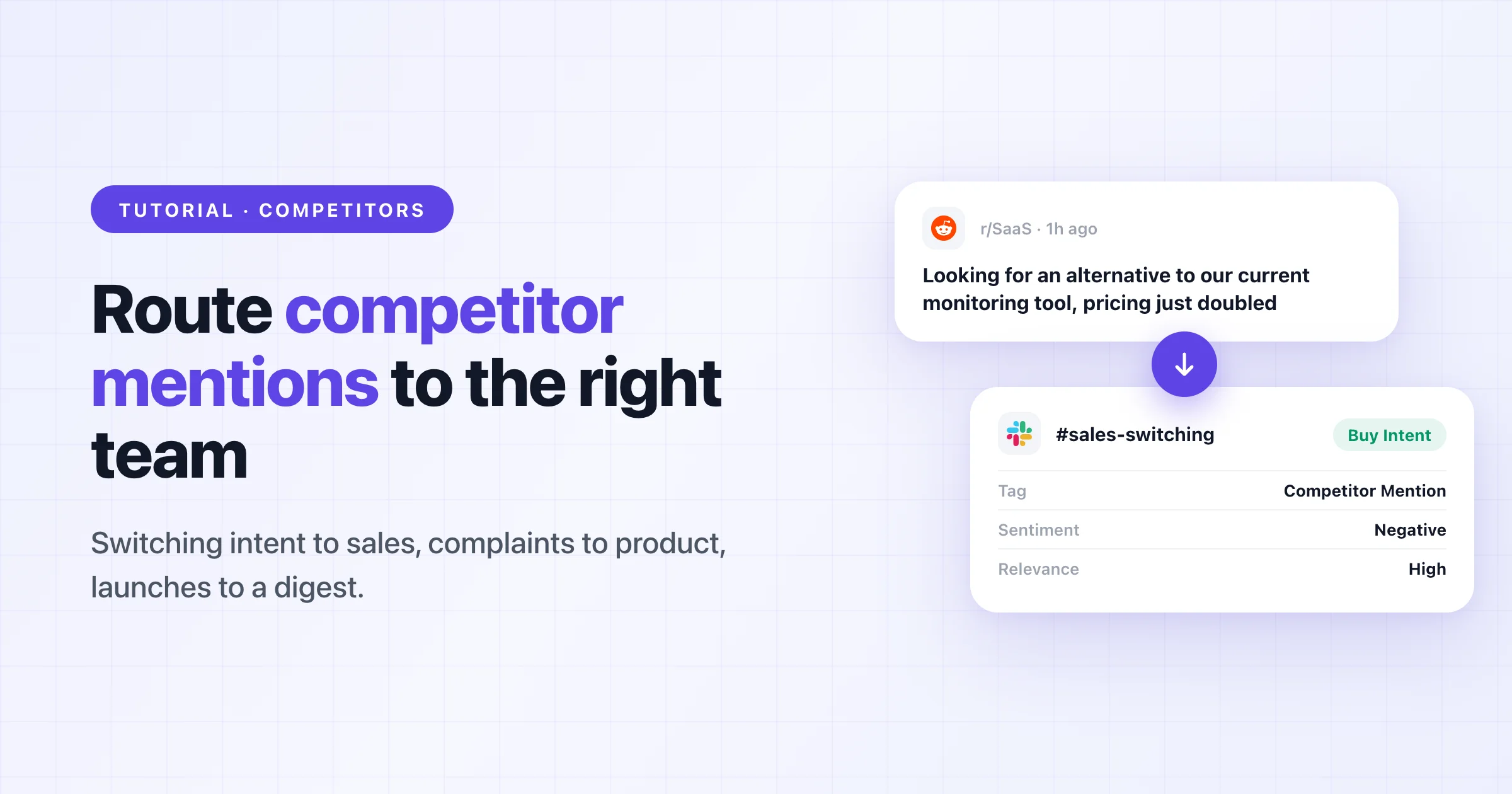
It works better to send different kinds of mentions to different people. Let's say someone posts on Reddit that they're looking for an alternative to your competitor. Sales should see that within the hour. A long thread of complaints about the same competitor's pricing change is interesting for product and marketing, but they can read it in a weekly summary. If both arrive in the same channel, the Reddit post gets buried.
I use Octolens for the examples below because it's what we built and what we use ourselves. You can build the same setup with any tool that has filters and webhooks. And if you're still deciding which competitors to watch, our competitor monitoring guide covers that part.
Decide what to watch
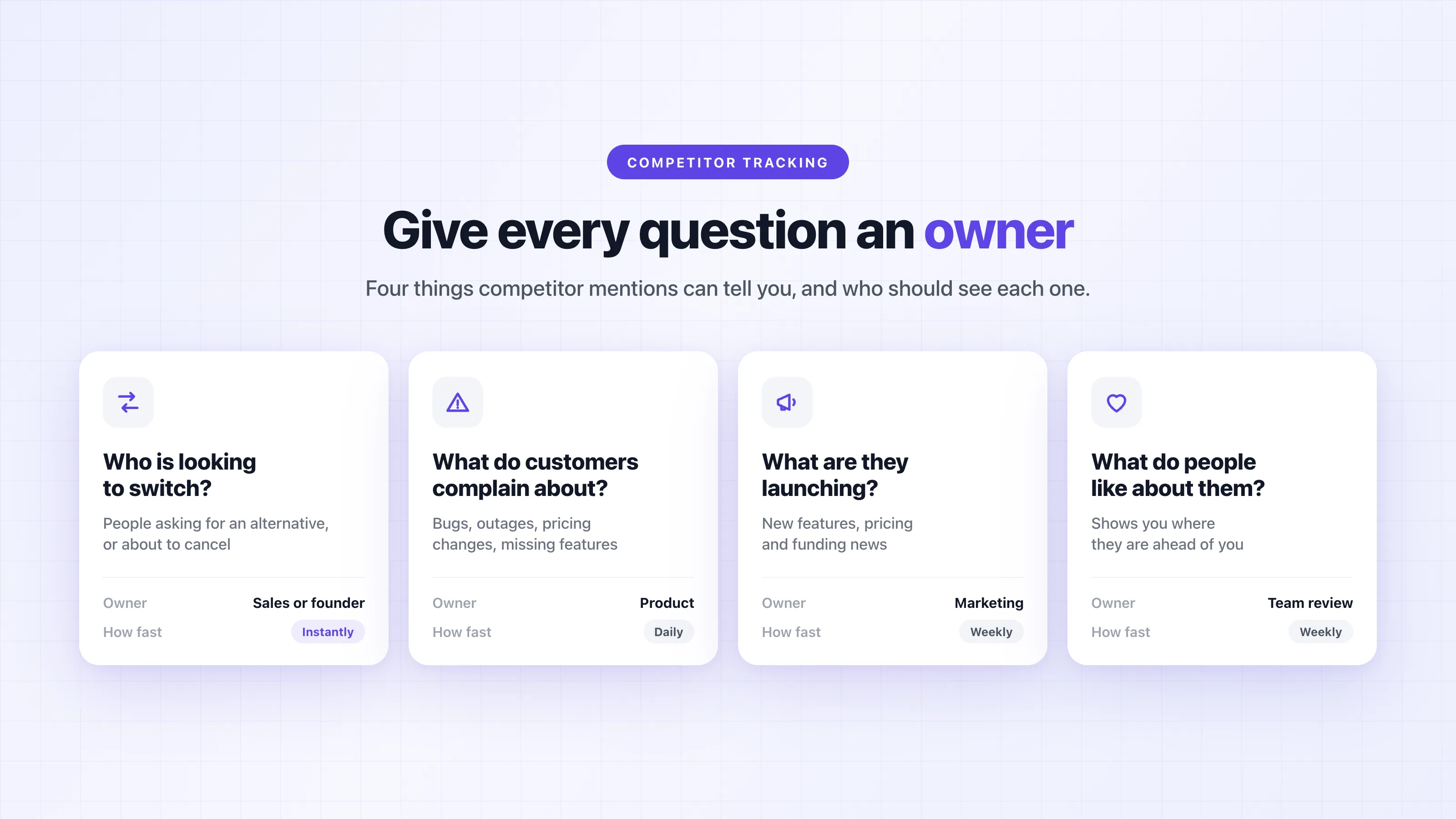
Before you add any keywords, write down the questions you want the mentions to answer. For competitors it's usually these four:
- Who is looking to switch? These are people asking for an alternative to a competitor, or saying they're about to cancel. They're the most time-sensitive mentions you'll get.
- What do their customers complain about? Bugs, outages, pricing changes and missing features all help with product decisions and with positioning.
- What are they launching? Marketing and leadership usually want to know about new features, pricing changes and funding, but they don't need it within the hour.
- What do people like about them? It's less fun to read, but it shows you where they're ahead of you.
Then give each question an owner. In most teams the switching posts go to sales or the founder, and the complaints go to product. If nobody owns a question yet, I wouldn't route it anywhere. Those mentions can stay in the app until someone needs them.
For the keywords, add each competitor's company name, plus any product names that people use on their own. Also note which competitors have a common-word name, like Railway or Modal, because those need extra rules later.
Choose a monitoring tool
With this kind of setup you'll rarely open the tool's dashboard, so what matters is what it can send out. I'd check five things:
- Which sources it covers. Competitor conversations happen in different places depending on your market. For developer tools that's mostly Reddit, Hacker News, GitHub, X and LinkedIn, and for consumer products it's more TikTok, YouTube and review sites.
- Whether it filters before it delivers. You want relevance, sentiment and topic tags applied before a mention reaches Slack or your CRM, otherwise you end up building the noise filter yourself.
- Whether the data is structured. Each mention should come with its source, author, link, sentiment, tags and the keyword it matched as separate fields, because you'll route on those later.
- Where it can deliver. You need Slack, email and webhooks at a minimum, and an API or an MCP server if you want agents to work with the data.
- Which plan includes all of this. Some tools only offer API and webhook access on enterprise plans, so check before you design a workflow around it.
If all you need is an email when a competitor's name shows up on Reddit or Hacker News, a free keyword alert like F5Bot does that. Once you want to filter by intent and send different mentions to different places, you need something with tags and webhooks.
In Octolens, every mention arrives with an AI relevance score (high, medium or low), a sentiment label and tags like Competitor Mention, Buy Intent, Bug Report or Product Question. API, webhooks and MCP are on every plan, including Pro.
Add competitor keywords
Add each competitor as a keyword on the Keywords page. Octolens tags it as Competitor based on your company context, so competitor mentions stay separate from mentions of your own brand and your industry terms. You can change the tag in the dropdown if it guesses wrong.
Then open the keyword settings for anything that could be noisy. There are three settings I'd look at:
- Keyword context is up to 200 characters that tell the AI what counts as relevant for this keyword. For example: "Railway is a cloud deployment platform. Ignore posts about trains or rail travel."
- "Posts must ALSO include" requires at least one extra term. Use it when you only care about part of the conversation, for example the competitor's name together with "pricing", "alternative" or "migrate".
- Negative terms exclude words that are always noise, and negative authors exclude specific accounts. I'd add the competitor's own accounts and employees there if you don't want their marketing posts.
New keywords look back 7 days on each platform, so you see real results right away and can tune the settings before you set up any routing.
Split mentions into feeds
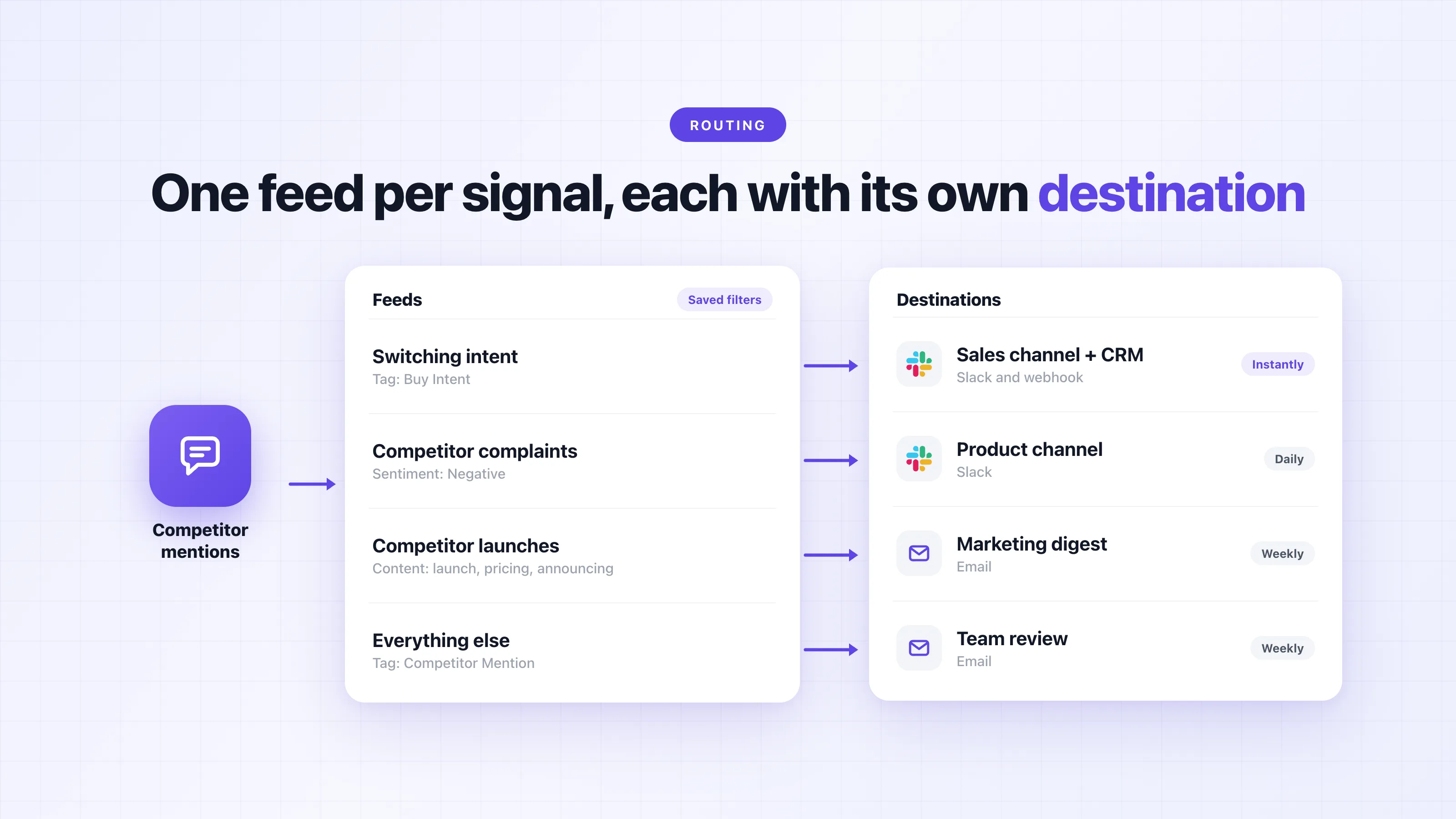
A feed in Octolens is a saved filter, and each feed has its own destinations and its own frequency. So instead of one "competitor mentions" stream, build one feed per question from the first step.
Octolens already includes default feeds for Competitor mentions and Buy Intent, so you can start from those. A split could look like this:
| Feed | Filters | Who it's for |
|---|---|---|
| Switching intent | Keyword: your competitors · Tag: Buy Intent | Sales or founder |
| Competitor complaints | Keyword: your competitors · Sentiment: Negative | Product |
| Competitor launches | Keyword: your competitors · Content: "launch", "pricing", "announcing" | Marketing |
| Everything else | Keyword: your competitors · Tag: Competitor Mention | Weekly review |
You can also filter by platform, by language and, on X, by the author's follower count. For anything that needs OR logic or nested conditions, there's an advanced filter.
Before you route a feed, check the counter at the top, which says something like "Showing 957 relevant mentions out of 1,327 total mentions". If a feed would send 40 mentions a day to a sales channel, tighten it first.
Route each feed
To add a destination, open the feed, click Set up alert, and toggle on email, Slack, webhook, or any combination of them. Each destination can run instantly, hourly, daily or weekly. Octolens collects mentions hourly on Pro and in real time on Scale.
Slack
Slack is the right place for anything time-sensitive, so I'd send the switching-intent feed to a sales channel with the frequency set to instantly. Each alert shows the post and the matched keyword, with a short AI summary for longer posts, and you can mark it as relevant or not right from Slack.
Email digests
Competitor launches and the "everything else" feed work well as a weekly email, since nobody needs to be interrupted by them during the day.
Your CRM
If you use Attio, the Octolens integration can trigger Attio workflows on new mentions. That means a post from someone looking for an alternative to your competitor can become a record or a deal, with the thread linked. For other CRMs, use a webhook.
Webhooks
A webhook sends one HTTPS POST per mention with a JSON body, so you can build any routing you want on top of it. The fields you'll route on are keyword (which competitor), tags, sentimentLabel and relevanceScore. This small receiver sends switching intent to sales and negative competitor mentions to product:
// One POST per mention from the "Competitor mentions" feed
app.post("/webhooks/octolens-competitors-8f3k2", async (req, res) => {
  res.sendStatus(200); // acknowledge first, do the work after
  const { action, data } = req.body;
  if (action !== "mention_created" || data.relevanceScore === "low") return;

  const competitor = data.keyword;

  if (data.tags.includes("buy_intent")) {
    await crm.createTask({
      title: `Switching from ${competitor}: ${data.authorName ?? data.author}`,
      link: data.url,
    });
  } else if (data.sentimentLabel === "Negative") {
    await slack.post("#product-competitors", `[${competitor}] ${data.url}`);
  }
});
Octolens doesn't sign webhooks yet, so use a long, unguessable URL like the one above and validate it on your side. Also keep in mind that the title and body fields are text from the open internet, so treat them as untrusted input, especially if you pass them to an LLM. The webhook docs have the full payload. If you don't want to run a server, a tool like Zapier or a Val Town function can receive the POST.
AI agents
Some routing is hard to express as filters, for example whether the person posting is a fit for you, or whether a complaint is about something you do better. For those cases, connect the Octolens MCP server to Claude or ChatGPT and give the agent a recurring task. It can read the last 24 hours of competitor mentions, pick the ones worth acting on, and draft a reply or a CRM note for each. We use the same setup for turning mentions into Linear issues.
Keep it tuned
People only keep reading alerts they trust, so I'd plan a short check after the first week:
- Look at what each channel received. If people ignore a channel, the feed is probably too broad, so tighten the filters or move it to a digest.
- Mark alerts as relevant or not relevant in Slack, so you can see which feeds produce noise.
- Add negative terms for any noise that keeps coming back.
- When a competitor launches a new product, add its name as a keyword. Otherwise you'll miss the conversation around it.
If you want to try this, Octolens has a 7-day free trial, and the default Competitor mentions and Buy Intent feeds are there from the start. And if you get stuck setting up the routing, just write me. Happy to go through it with you.