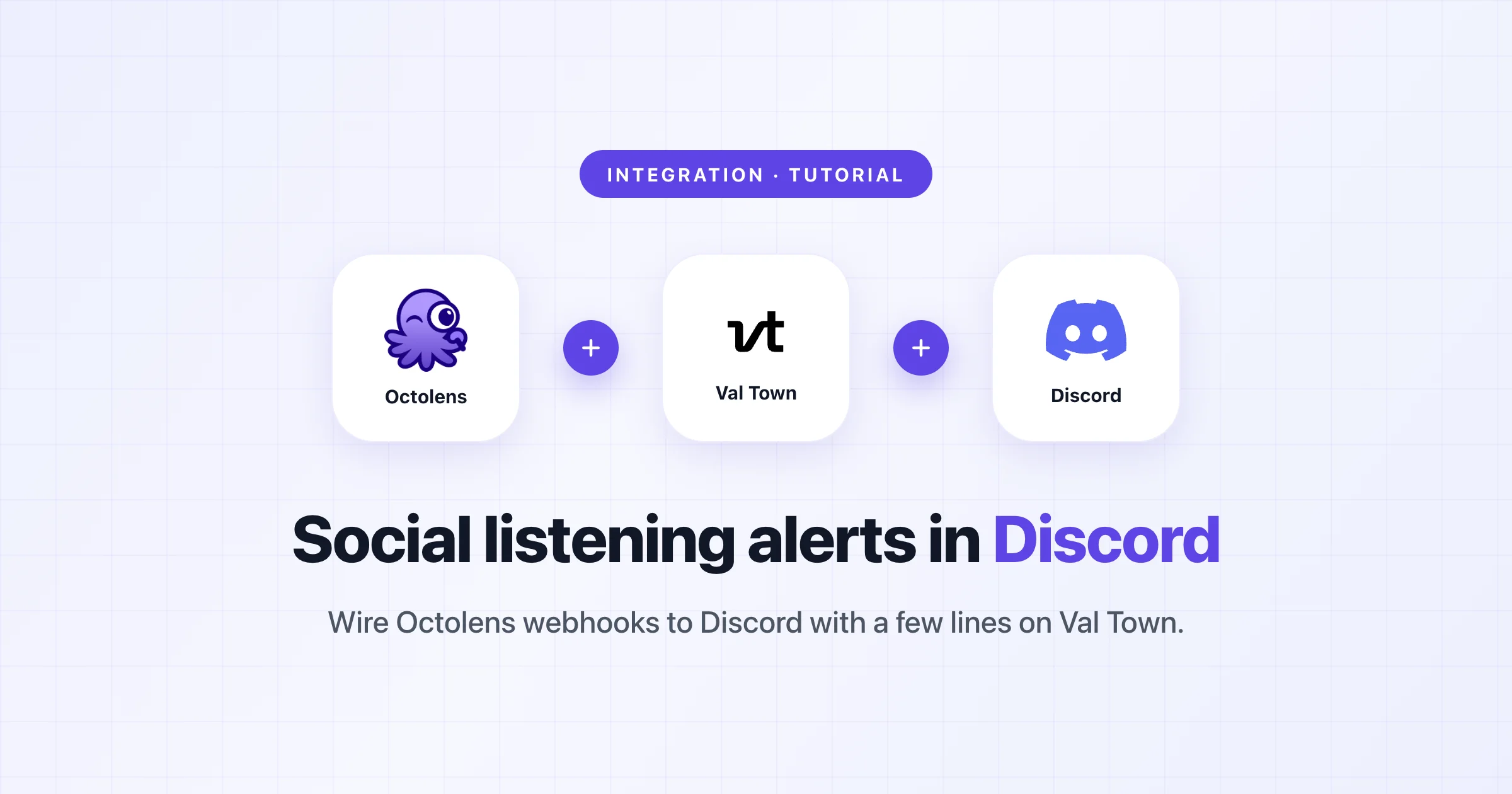
Get Social Listening Alerts in Discord with Val Town
Use Octolens webhooks and a free Val Town function to pipe brand mentions into Discord automatically.
Octolens has built-in Slack and email alerts. But a lot of developer teams live in Discord — especially devtools companies, open source communities, and indie hackers. If that's where your team hangs out, you probably want your brand mentions showing up there too.
There's no native Discord integration in Octolens (yet). But with webhooks and Val Town, you can set this up in about ten minutes. No server, no infrastructure, no maintenance.
This is exactly how the Val Town team themselves get their Octolens alerts — every mention across Reddit, Twitter, Hacker News, Bluesky, and more lands in a Discord channel automatically.
The flow is simple: Octolens detects a mention, sends a webhook to a Val Town function, and that function forwards it to Discord.
Val Town lets you write small cloud functions directly in your browser. No deployment, no server — you write code, it gets a URL, and it's live.
Val Town's team built an Octolens-to-Discord val that does exactly what we need. Hit Remix to create your own copy. It takes the incoming Octolens webhook payload, formats it into a Discord embed (with the platform, author, content, and a link to the original post), and sends it to Discord.
In your Discord server, go to the channel where you want mentions to appear. Open Channel Settings, then Integrations, then Webhooks. Create a new webhook, copy the URL, and save it in your val's environment variables.
Run shell.ts in your remixed val to verify everything works. It sends example mention data through the function so you can see what the Discord embed looks like before connecting it to Octolens.
Generate a random password and store it as PASSWORD in your val's environment variables. The val uses this password as a URL path segment for lightweight webhook authentication — only requests to the correct path get processed.
In Octolens, create a feed for the keywords you want to track. Set the alert destination to webhook and paste your val's HTTP endpoint URL with the randomly generated password as the URL path.
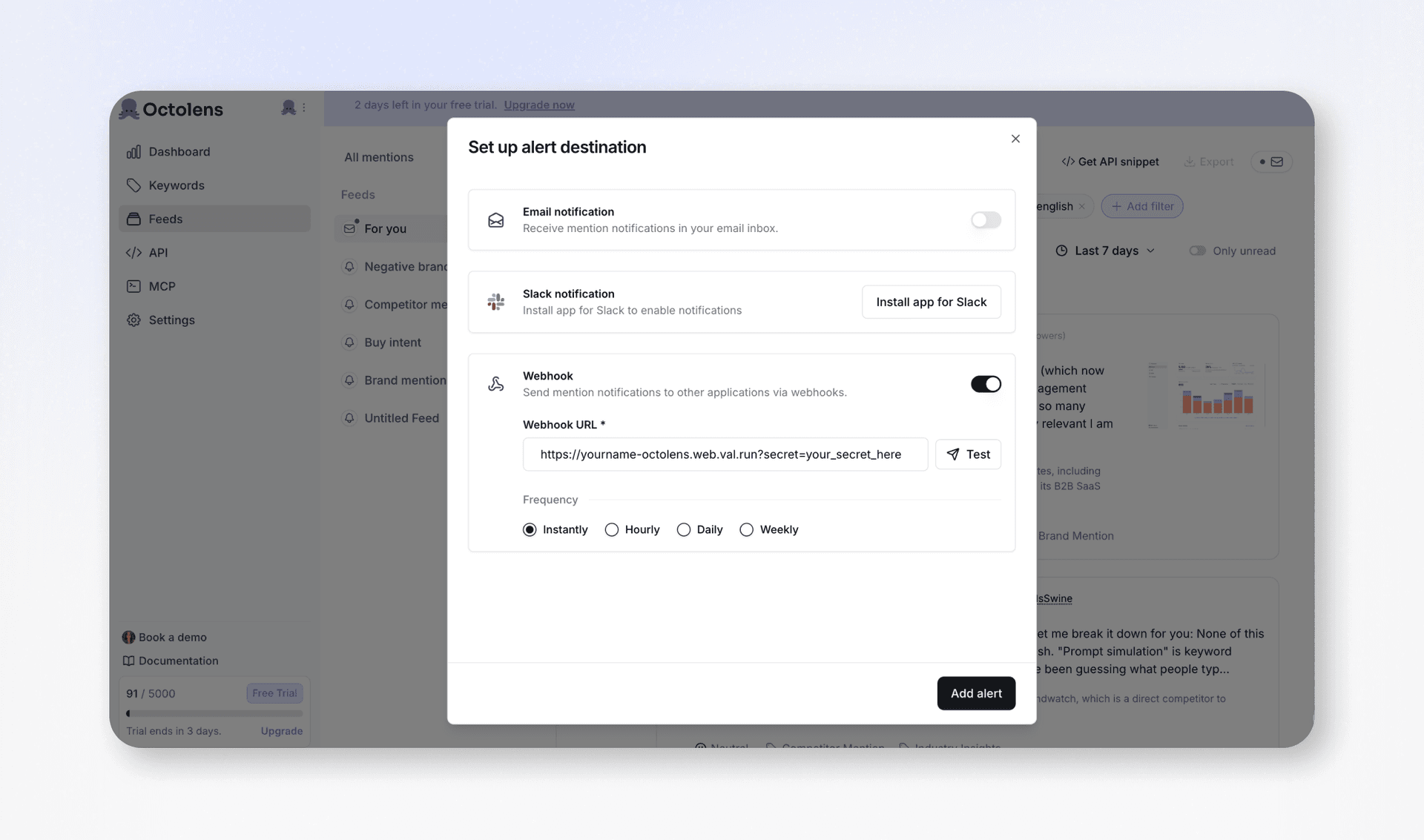
Hit the Test button next to your webhook URL in Octolens. This sends a test payload through the full flow — you should see it appear in your Discord channel within seconds.
That's it. Every time someone mentions your brand on any of the 13+ platforms Octolens monitors, it shows up in your Discord channel automatically.
Discord forwarding is the most common use case, but the Octolens webhook + Val Town combo is flexible. A few other things people are building:
- PostHog tracking — Brian Young from PostHog's Demand Gen team built a val that logs every mention as a PostHog event, so they can track mention trends and sentiment shifts in their analytics dashboard
- Lead enrichment — When someone mentions your product positively on Twitter or LinkedIn, look up their profile via Clay and push the enriched contact into your CRM
- Testimonial collection — Filter for positive sentiment, extract quotes, and store them in Airtable for your website and pitch decks
- Custom Slack formatting — If you want more control than the native Slack integration (grouping by platform, color-coding by sentiment, filtering by relevance), a val in the middle gives you that
Remix the Octolens val on Val Town and sign up at octolens.com if you haven't already. Val Town also has a dedicated Octolens guide with the full setup and code examples.
Val Town recently published a post about switching from hand-rolled social listening scripts to Octolens. They used to maintain separate vals for each platform — Twitter, Reddit, Hacker News, Bluesky, GitHub — and keeping up with API changes (especially Twitter's) was a constant headache.
Now they use Octolens as the listening layer and Val Town as the action layer. Octolens handles collecting mentions from everywhere, and their val handles sending them to Discord and any other tool.