
1
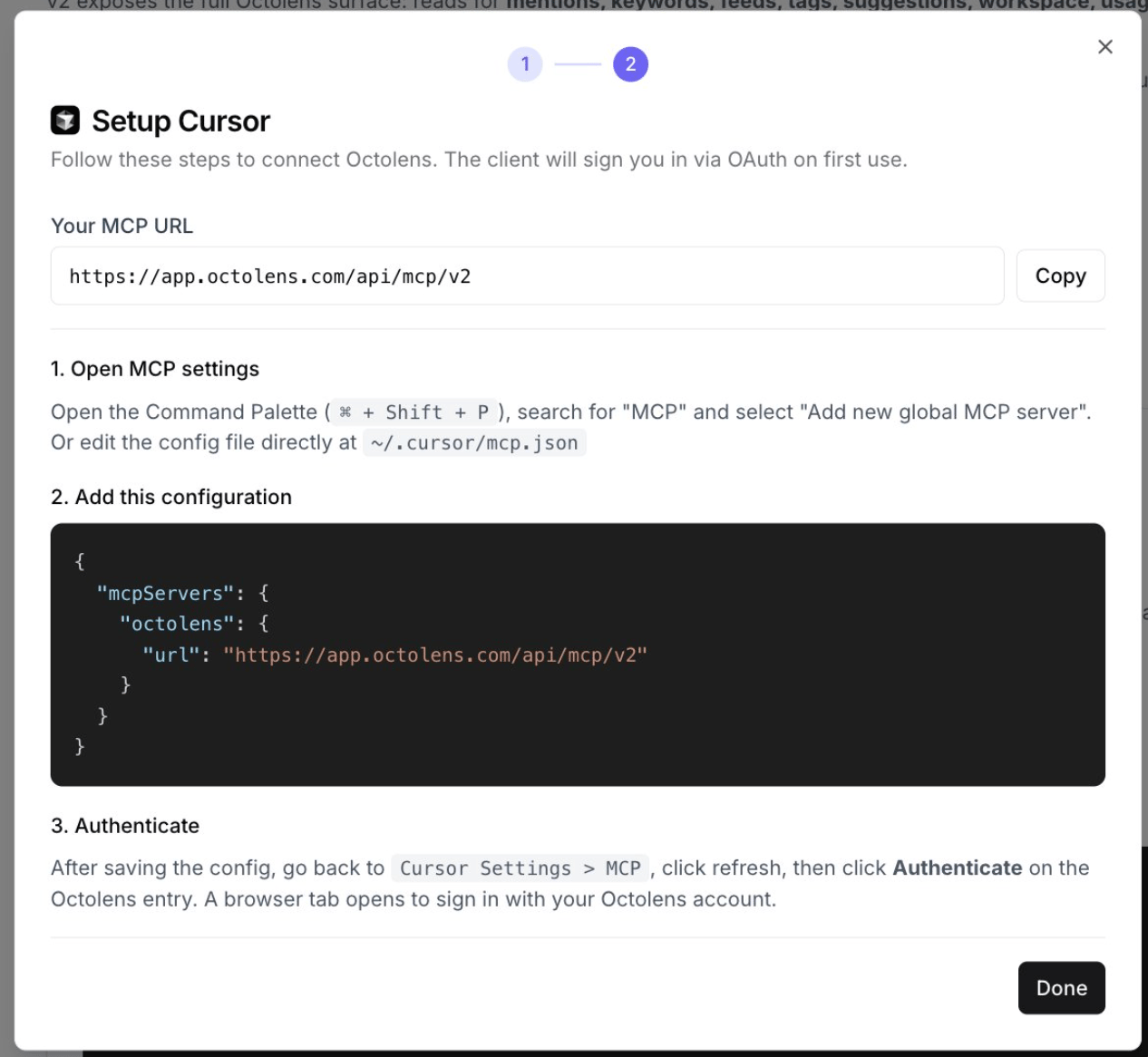
Open MCP settings
Open the Command Palette (
⌘ + Shift + P on Mac, Ctrl + Shift + P on Windows), search for “MCP” and select Add new global MCP server.Or edit the config file directly:- macOS/Linux:
~/.cursor/mcp.json - Windows:
%USERPROFILE%\.cursor\mcp.json
2
Add Octolens
3
Sign in
Save the file, open Cursor Settings → MCP, click refresh, then click Authenticate on the Octolens entry. Sign in to Octolens in the browser tab that opens. Use the Octolens tools in Agent mode.
Try it
- “Find feature requests about our CLI in Octolens and draft issues for them.”
- “Which competitor got the most negative mentions this month?”
Next steps
- Use cases: prompts that work well
- Tools Reference: everything Cursor can do in your workspace
- API and CLI: for scripts and automations