
What’s included
Web includes indexed pages across the open web. By default, Octolens monitors English-language pages and only includes pages from domains with a Domain Rating of 30 or higher. You can change the Domain Rating threshold in Global settings. The default is 30.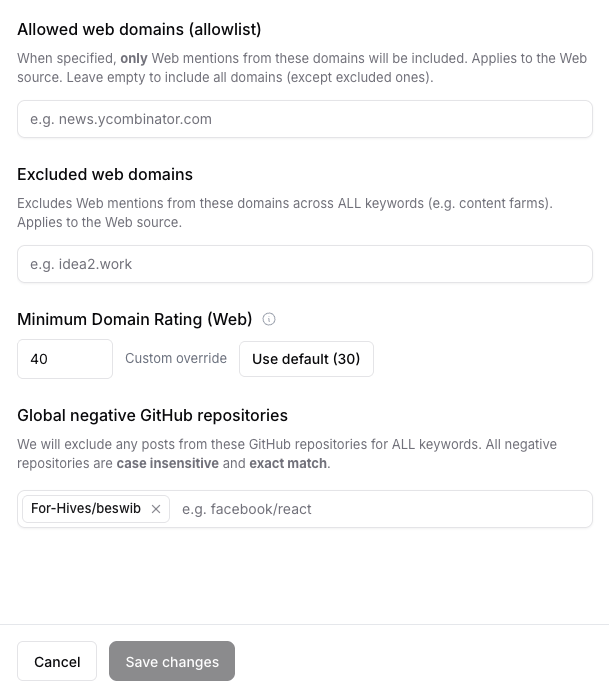
Web domain filters and minimum Domain Rating in Global keyword settings.
Turn on Web for other keywords
To enable Web for a keyword that is not one of your own brand keywords:- Go to Keyword management in Octolens.
- Edit the keyword.
- Add Web as a platform.
- Save your changes.
Control which domains are included
In Global keyword settings, you can control Web results across all keywords:- Allowed web domains: only include Web mentions from these domains.
- Excluded web domains: exclude Web mentions from these domains.
- Minimum Domain Rating: only include pages from domains at or above the selected Domain Rating.