
1
Turn on Developer Mode
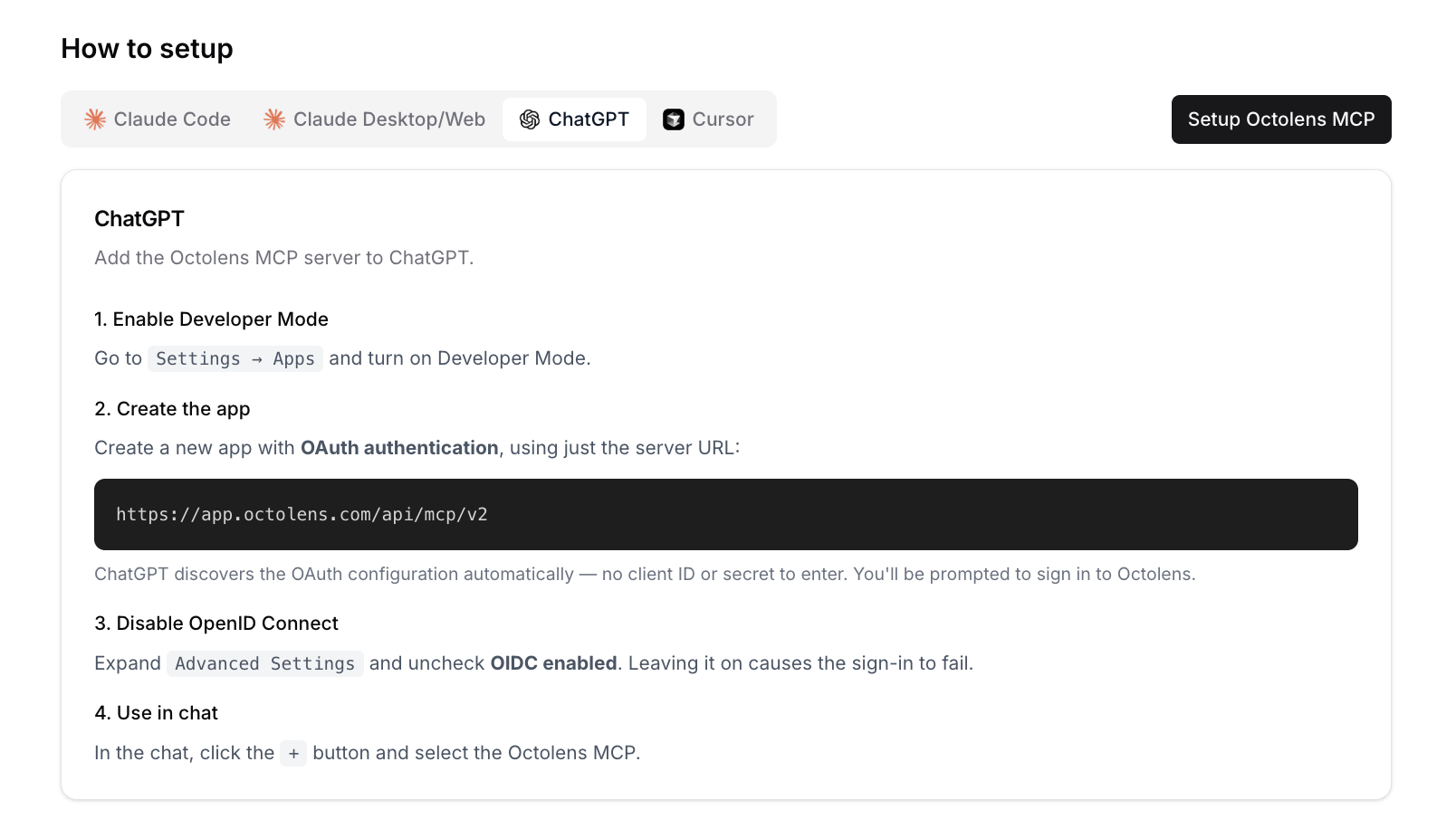
In ChatGPT, go to Settings → Apps and turn on Developer Mode.
2
Create the app
Create a new app with OAuth authentication and this URL:ChatGPT finds the sign-in settings on its own, so you don’t need a client ID or secret.
3
Turn off OpenID Connect
Expand Advanced Settings and uncheck OIDC enabled. If you leave it on, sign-in fails.
4
Sign in and use it
Sign in to Octolens when ChatGPT asks. In a chat, click + and select Octolens.
Try it
- “What changed in our mentions this week compared with last week?”
- “Show me negative mentions that still need a reply.”
Next steps
- Use cases: prompts that work well
- Tools Reference: everything ChatGPT can do in your workspace
- API and CLI: for scripts and automations