
Open the destination sheet
1
Open any feed
Click a default feed (like Brand mentions or Buy Intent) or any custom feed in the sidebar.
2
Click Set up alert
In the top-right of the feed.
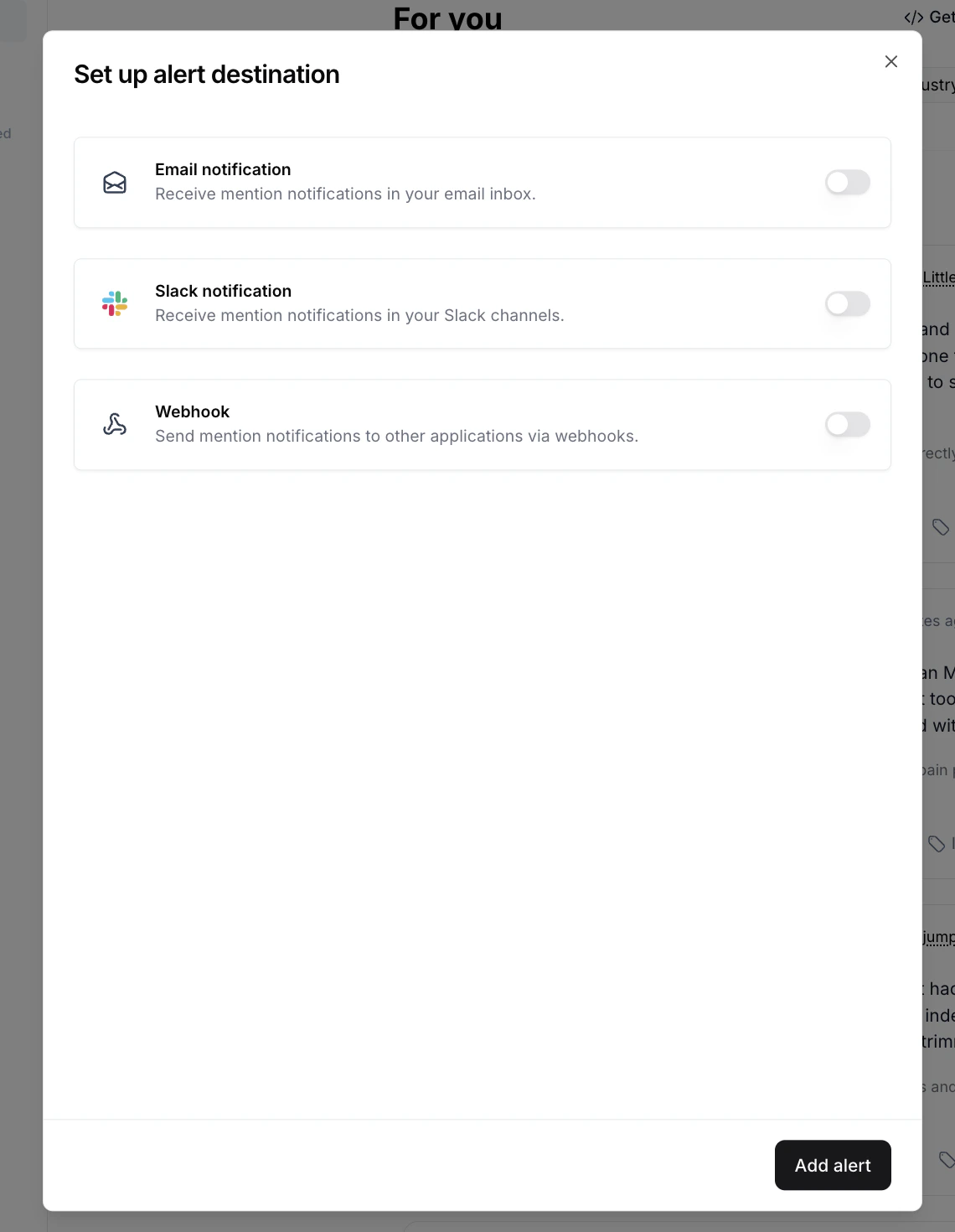
The destination sheet. Toggle on email, Slack, webhook, or any combination.
The three destinations
- Email recipient(s): enter one email per field. Click + Add recipient to send to multiple addresses.
- Frequency: Instantly, Hourly, Daily, or Weekly. Hourly, Daily, and Weekly are batched. You get one digest per interval with all matching mentions.
Slack
- Slack channel(s): multi-select the channels the feed should post to.
- Frequency: same options as email, with batched delivery for Hourly/Daily/Weekly.
Webhook
- Webhook URL: the endpoint Octolens will POST to.
- Test: send a sample payload to your endpoint to verify it’s reachable before you save.
- Frequency: Instantly, Hourly, Daily, or Weekly.
Frequency explained
All three destinations support the same four frequencies:- Instantly: each matching mention is sent as soon as Octolens ingests it
- Hourly: one batched delivery per hour with all matches from that hour
- Daily: one batched delivery per day
- Weekly: one batched delivery per week
Multiple destinations on one feed
A single feed can drive email, Slack, and webhook all at once. For example:- Email Buy Intent mentions to your sales lead, and
- Post the same mentions to your
#buy-intentSlack channel, and - Webhook them to a Linear automation that opens a “Reach out” task.
Edit or remove a destination
Open the same feed, click Set up alert again, and toggle off any destination you no longer want, or update the recipients, channels, URL, or frequency. Save to apply. To stop deliveries entirely without deleting your settings, toggle off all three destinations on the feed.Common patterns
- Send Brand mentions to a dedicated
#brand-watchchannel - Send Buy Intent to your sales team’s channel and as a webhook to your CRM
- Send Negative brand mentions to a leadership or comms channel instantly
- Send a custom feed (e.g. “negative mentions of our pricing”) to the product team daily
Next steps
- Feeds: build the feeds your destinations send from
- Connect Slack: prerequisite for Slack destinations
- Webhooks: payload format and integration patterns