
1
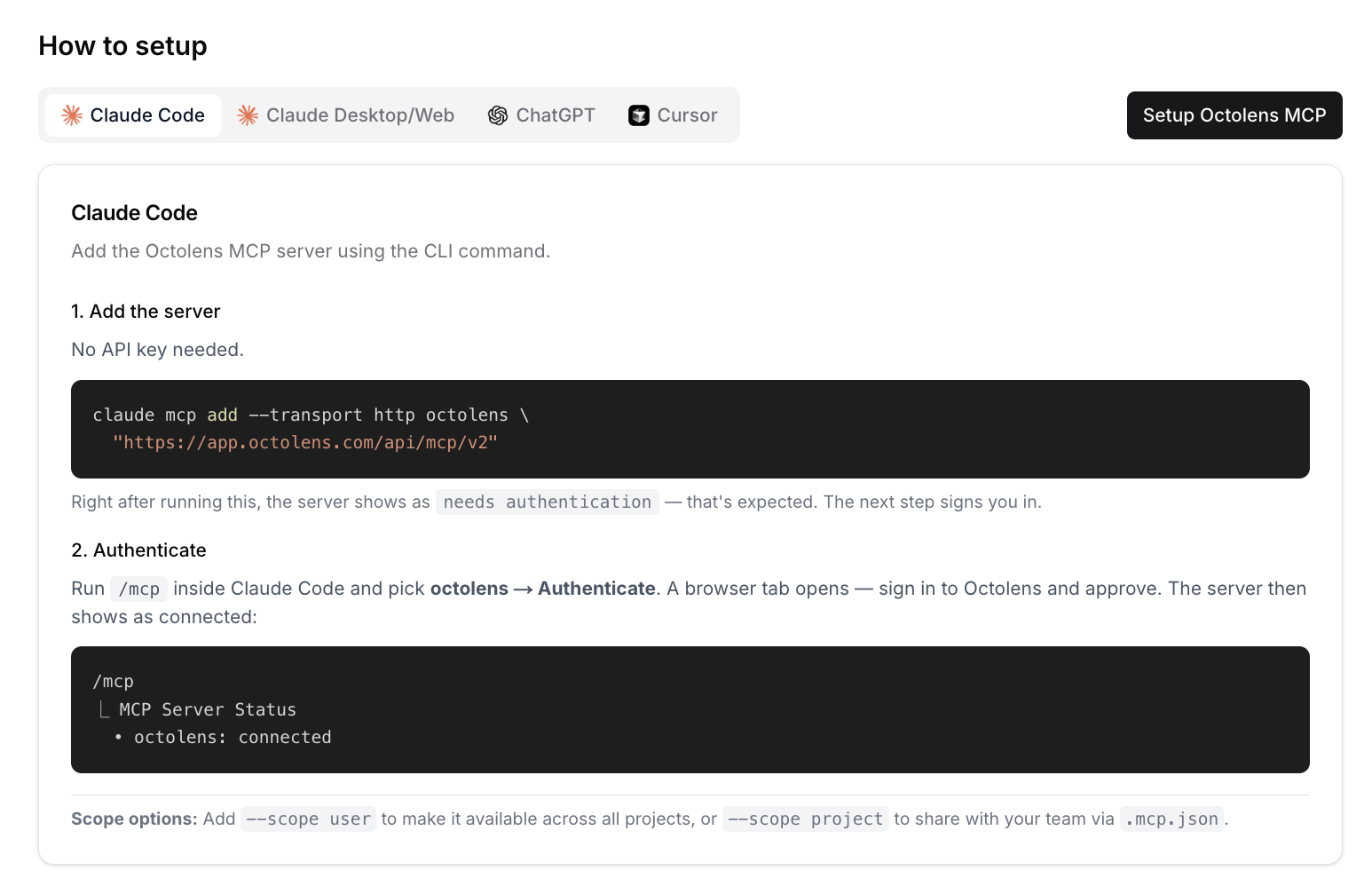
Add the server
needs authentication. The next step signs you in.2
Sign in
Run
/mcp inside Claude Code and pick octolens → Authenticate. A browser tab opens. Sign in to Octolens and approve the connection. The server then shows as connected:--scope user to use Octolens in every project, or --scope project to share it with your team through .mcp.json.
Try it
- “Pull this week’s bug reports from Octolens and group them by feature.”
- “Add ‘vercel deployment’ as a keyword, Reddit only.”
Next steps
- Use cases: prompts that work well
- Tools Reference: everything Claude can do in your workspace
- API and CLI: for scripts and automations