Table of contents
We use Google Alerts ourselves at Octolens — mostly to catch the occasional blog post or news article that mentions us outside of social media. It's free, it takes 30 seconds to set up, and for that it's fine.
But if you're relying on Google Alerts as your primary way to know what people are saying about your brand? You're going to have a bad time.
Here are the five biggest reasons it falls short — and what to do instead.
1. The results are full of noise (or just wrong)
This is the most common complaint, and it's easy to see why. Google Alerts has almost no filtering intelligence. It matches your keyword against indexed web pages and sends you whatever it finds.
If your brand name is a common word — like "Tally" or "Juicebox" — good luck. You'll get alerts about juice boxes, tally marks, and everything in between. There's no way to tell Google Alerts "I mean the SaaS product, not the beverage container."
Even with a unique name, the results tend to include random blog spam, scraped content, and pages that barely mention your keyword in passing.
What you can do: Use quotation marks around exact phrases, and add extra context words. For example, "Octolens" software instead of just Octolens. It helps a little, but it won't solve the core problem — Google Alerts simply doesn't understand context the way AI-powered tools do.
2. Alerts show up late — sometimes days late
Google Alerts depends on Google's indexing schedule. A page has to be crawled and indexed before it can trigger an alert. For popular news sites, that might happen quickly. For a Reddit thread, a Stack Overflow answer, or a niche forum post? It could take days — or never happen at all.
We've tested this ourselves: we published a blog post, and the Google Alert for our own brand name didn't fire for over 48 hours. By then, the conversation had moved on.
If someone posts a complaint about your product on Reddit at 9am, you probably want to know before lunch — not next Thursday.
What you can do: Set alert frequency to "As-it-happens" instead of daily or weekly. It helps marginally, but the underlying delay is in Google's indexing, which you can't control.
3. It completely misses social media
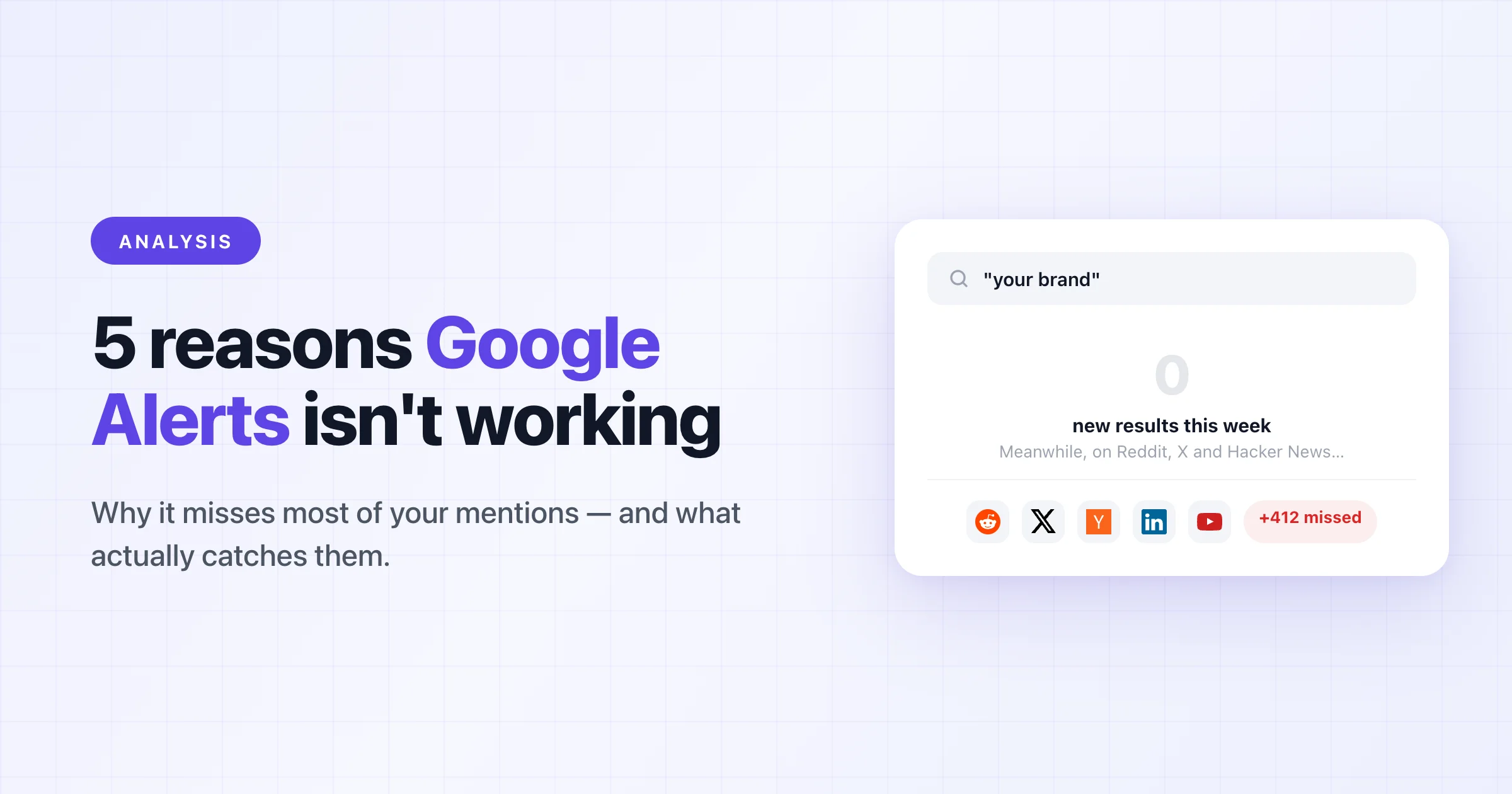
This is the biggest gap. Google Alerts doesn't monitor Twitter/X, LinkedIn, Reddit (reliably), YouTube comments, Hacker News, or any of the platforms where your customers actually talk about you.
Think about it: when someone complains about a SaaS tool, where do they go? Twitter. Reddit. A Slack community. Not a blog post that'll get indexed by Google three days from now.
Google Alerts covers web pages, news sites, and some blogs. That's roughly 20% of the conversations happening about your brand. The other 80% — social, community, developer forums — is invisible to it.
What you can do: There's no workaround here. Google Alerts fundamentally doesn't crawl social platforms. You need a dedicated social listening tool to cover those channels.
4. You can't rank or prioritize what you get
Let's say Google Alerts sends you 15 results today. Some might be genuinely important — a journalist writing about your product, a potential customer asking for recommendations. Others are noise — a random aggregator site that scraped your name, a three-year-old blog post Google just re-indexed.
Google Alerts treats all of them equally. There's no relevance scoring, no sentiment analysis, no way to say "show me the important ones first." You have to read through everything yourself and decide what matters.
When you get 5 alerts a week, that's manageable. When you get 50 a day, it becomes a job nobody wants.
What you can do: Create separate alerts with different keywords to rough-sort by topic. But honestly, this just multiplies the email noise without solving the prioritization problem.
5. There's zero customization (and no way to get help)
Google Alerts gives you exactly five settings: search query, sources, language, region, and frequency. That's it.
You can't exclude specific domains. You can't filter by sentiment. You can't get alerts in Slack instead of email. You can't set up team notifications so multiple people see the same mentions. And if something breaks or doesn't work the way you expect — there's no support team to ask. It's a free Google product, and it gets the level of support you'd expect from that.
What you can do: Accept the limitations and use Google Alerts as a supplement, not a primary tool. It's genuinely useful for catching the occasional news article or blog mention. Just don't rely on it for anything time-sensitive or business-critical.
A better setup for B2B companies
Google Alerts is still worth keeping around — it's free and occasionally catches things other tools miss on the open web. But treating it as your social listening strategy is like using Google Maps street view to watch your store's foot traffic. It technically shows you something, but it's not built for the job.
If you're running a B2B SaaS company, here's what actually works:
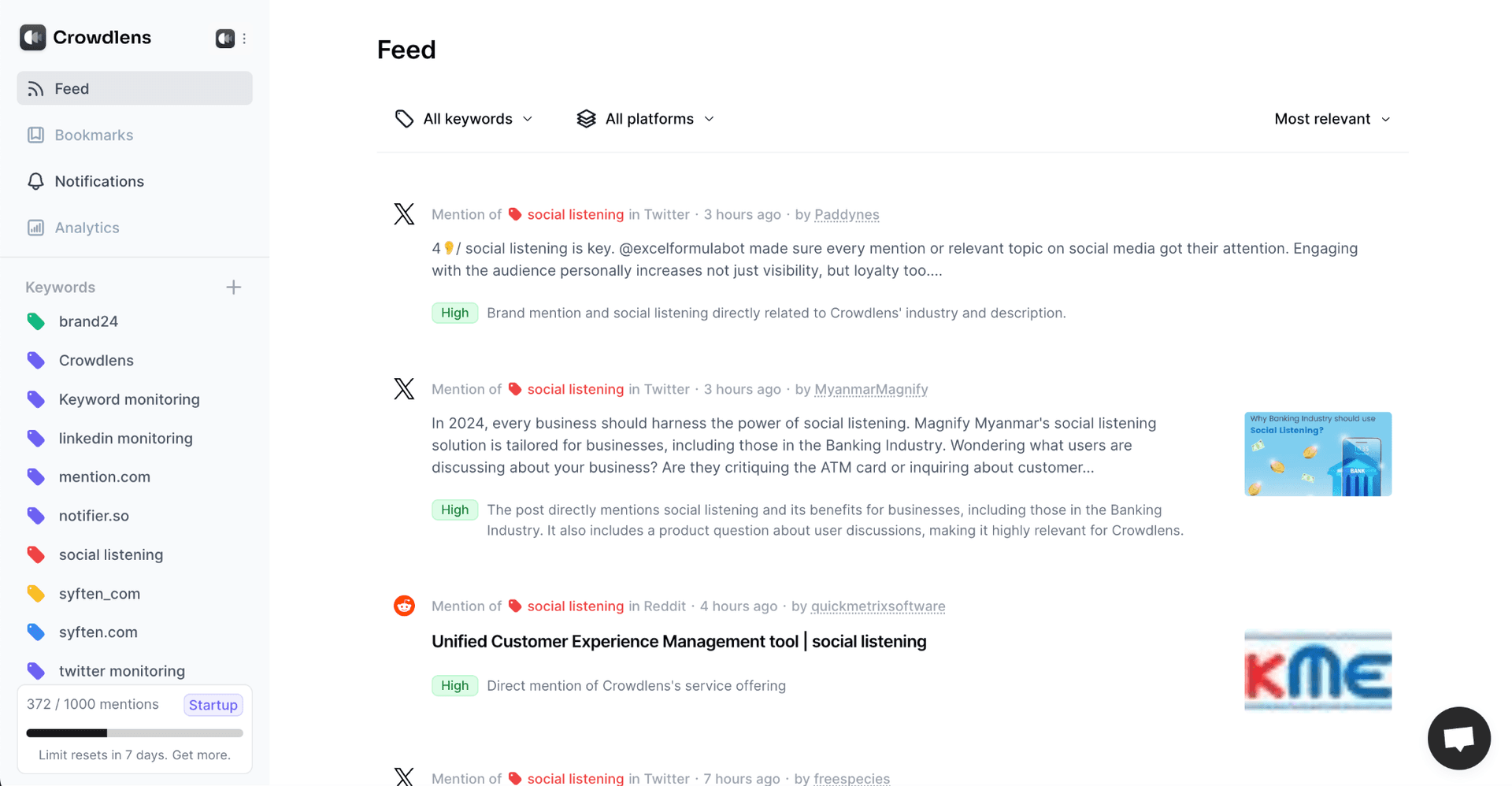
Use a purpose-built monitoring tool for social and community platforms. Octolens monitors everywhere your customers actually talk: Twitter/X, Reddit, LinkedIn, Hacker News, GitHub, YouTube, and more. Mentions come with AI-powered relevance scoring so you see the important conversations first, not just everything that matches a keyword. Here's how keyword monitoring works across all of them.
You can get alerts in Slack, email, or via webhooks and API if you want to build your own workflows. And because every mention gets scored for relevance and sentiment, your team spends time responding — not sorting through junk.
Keep Google Alerts for the long tail. News mentions, blog roundups, and the occasional obscure forum post that only Google's crawler reaches. It's a fine complement, just not a replacement.
You can find a detailed comparison of Google Alerts vs. Octolens here.
Start a free trial and see the difference in signal quality within the first hour.