
The 10 Best Google Alerts Alternatives in 2026 (Free & Paid)
Google Alerts is free — and it only sees what Google's crawler indexes. No Reddit, no X, no LinkedIn, no Hacker News; alerts land hours or days late, with no filtering and no API. These 10 alternatives (two of them free) catch the conversations it misses.

Charlotte Schmitt
Co-Founder at Octolens · Last updated July 2026
Why people look for a Google Alerts alternative
A Google Alerts alternative is a monitoring tool that tracks mentions of your brand, product, or topic beyond what Google's crawler indexes — most importantly on social and community platforms like Reddit, X (Twitter), LinkedIn, and Hacker News — and delivers them faster, with filtering, to more places than email. People switch because Google Alerts does exactly one thing: it emails you when a keyword appears on a web page Google has indexed. For a free tool, that's fine. The problem is everything it doesn't do:
- It can't see social media: Reddit, X, LinkedIn, Hacker News, YouTube comments, GitHub — the platforms where people actually talk about brands — are unindexed, unreliable, or invisible to it. If the conversation happens off the open web, you never hear about it.
- It's late, and it misses things: alerts depend on Google's crawler, so mentions arrive hours or days after they're posted — or never. Users have documented getting alerted to their own pages months after publishing them.
- No filtering, no analysis: there's no relevance scoring and no sentiment — a common brand name means a feed full of false positives you triage by hand.
- Email only: no Slack, no webhooks, no API. Whatever it finds stays in your inbox instead of flowing into the tools where you work.
You don't have to take our word for it — here's how those frustrations sound in public conversations (every card links to the original post):


Every quote above is reproduced word-for-word from a public post on Reddit or Hacker News found during research for this guide; ellipses shorten longer passages and square brackets note small editorial substitutions. The opinions are the authors' own.
The good news: because Google Alerts is free, you don't need a big budget to beat it — two tools on this list cost nothing, and the right paid pick depends on where your audience talks and where you want mentions delivered. We've evaluated 10 Google Alerts alternatives across platform coverage, speed, noise filtering, and data access (API, webhooks, MCP) — we build one of them (Octolens), and we'll be upfront about that; the list is genuinely useful whether or not you pick us.
How We Evaluated Google Alerts Alternatives
We compared all 10 tools on the criteria that decide whether a Google Alerts replacement is actually an upgrade: what it can see that Google Alerts can't, how fast mentions reach you, and whether the noise gets filtered before it hits your inbox. Google Alerts users range from solo founders watching a side project to teams monitoring a brand — so instead of pretending one tool wins for everyone, we evaluated who each tool genuinely fits, free tools included.
A reality check from our own monitoring
How much does Google Alerts' blind spot actually cost you? Our own Octolens workspace tracks a dozen industry keywords across 16 platforms, and the 28,000+ mentions it has collected paint a clear picture: Reddit alone carries 41% of the conversation — a platform Google Alerts covers unreliably at best — with X (21%) and LinkedIn (16%) close behind, both invisible to it. Rely on Google Alerts and the indexed web, and you're seeing roughly the smallest slice of where your brand comes up. The same data shows why filtering matters: just 21% of everything collected rated as high-relevance — without AI scoring, four out of five alerts are noise you sort by hand.
Platform Coverage
Whether the tool sees social and community platforms — Reddit, X, LinkedIn, Hacker News, GitHub — or just news and the indexed web Google Alerts already covers. This is the single biggest differentiator in this category
Speed & Reliability
Real-time or hourly beats 'whenever Google's crawler gets around to it' — and alerts have to actually arrive, not silently skip mentions or land in spam
Noise Control
AI relevance scoring and sentiment analysis — essential if your brand name is a common word, and the difference between a feed you act on and one you stop reading
Delivery & Integrations
Email is table stakes. Slack, webhooks, an API, and MCP are what let mentions flow into the tools and AI agents where work actually happens
Price & Value
What you get for free, what the first paid tier really includes (keyword and mention limits, update frequency), and where API access is gated or costs extra
Ease of Setup
Google Alerts takes 30 seconds to set up — a replacement shouldn't take a sales call and an onboarding project unless you're genuinely buying an enterprise suite
Full disclosure: we build a social listening tool ourselves, so we know this category from the inside — and we've tried to keep that bias in check by recommending free tools where they're honestly the right answer. Pricing was checked against each vendor's live pricing page in July 2026; enterprise contract medians come from Vendr marketplace data.
Compare Google Alerts Alternatives
All 10 Google Alerts alternatives in one table — with Google Alerts itself as the baseline, so you can see exactly what you'd gain
| Tool | Starting Price | Alerts | Platform Coverage | Data Access | AI Features |
|---|---|---|---|---|---|
| Octolens (our tool, not ranked) | $199/mo ($159 annual) | Real-time — Slack, email, webhooks | Excellent (incl. social & dev) | All plans (API, webhooks, MCP) | Relevance filtering, Sentiment, MCP |
| Talkwalker Alerts | Free | As-it-happens or digest — email, RSS, Slack | Fair (news, web, some social) | RSS feeds | None |
| F5Bot | Free (paid from $9.99/mo) | 2h on free tier; 5 min paid — email | Reddit, Hacker News, Lobsters only | API & webhooks on $214.99 tier | AI filtering on paid tiers |
| Brand24 | $249/mo ($199 annual) | 12-hour cycle on entry tier | Fair (social, news, podcasts) | Paid add-on ($99/mo) | Sentiment, AI assistant |
| Awario | €29/mo (annual) | Real-time — email, in-app | Fair (social, news, web) | No API | Sentiment, Boolean search |
| Syften | $29.95/mo | Near real-time — email, Slack (Standard+) | Dev communities + web | Webhooks & MCP on PRO | AI filtering (Standard+) |
| Mention | ~$599/mo | Real-time — email, in-app | Fair (social, news, 75+ review sites) | Enterprise plan | Sentiment, AI analytics |
| Feedly (Pro+) | $8.25/mo (annual) | Scheduled digests — email, app | News, blogs & RSS only | API (limited) | Leo AI prioritization |
| Meltwater | Custom (⌀ $25k/yr) | Real-time — email, app | Excellent (incl. print & broadcast) | Enterprise add-on | AI-powered analytics |
| Brandwatch | Custom (⌀ $50k/yr) | Real-time — email, app | Excellent (consumer social) | Enterprise plan | AI-powered analytics (Iris) |
| Google Alerts (baseline) | Free | Hours to days — email only | Google-indexed web only | RSS feed | None |
Our tool: Octolens
We make Octolens, so it sits outside the ranking. The numbered list below starts with the tools we don't make.
Octolens exists for exactly the gap Google Alerts leaves: it monitors the whole internet — X (Twitter), LinkedIn, Reddit, Hacker News, GitHub, YouTube, Bluesky, Dev.to, Stack Overflow, TikTok, plus news, podcasts, and newsletters — and reads every mention with AI before it reaches you. Where Google Alerts forwards whatever the crawler happens to index, Octolens scores each mention for relevance and sentiment, so a common brand name doesn't bury you in false positives.
The other structural difference is where mentions go. Google Alerts ends at your inbox. Octolens delivers to Slack, email, and webhooks in near real-time, and every plan includes API access, an MCP server, and CSV exports — so mentions flow into CRMs, dashboards, and AI agents from day one. It's not free like Google Alerts: plans start at $199/month ($159/month billed annually). The honest way to think about it: if mentions of your brand are worth acting on — support issues, buying questions, competitor comparisons — seeing all of them beats seeing the slice Google indexes, late.
Octolens vs Google Alerts
| Feature | Octolens | Google Alerts |
|---|---|---|
| Price | $199/month ($159/mo annual) | Free |
| Update speed | Minutes (real-time to hourly) | Hours to days, crawler-dependent |
| X, LinkedIn, Reddit, Hacker News, GitHub | ✓ Monitored natively | Unreliable or not covered |
| AI relevance filtering & sentiment | ✓ Every mention scored | None |
| Delivery | Slack, email, webhooks | Email (or RSS feed) |
| API, Webhooks & MCP | All plans | No API |
| Analytics & mention feed | ✓ Included | None — email only |
Platform Coverage
Who It's Best For
- Brands people talk about online — where mentions are worth acting on, not just reading
- Teams that want mentions in their stack: Slack, CRM, and AI agents (MCP, API, webhooks)
- Companies whose audience lives on Reddit, Hacker News, GitHub, X, and LinkedIn
- Anyone with a common-word brand name drowning in Google Alerts false positives
- Agencies monitoring client brands (multi-workspace on Enterprise, API for client dashboards)
Pros & Cons
Pros
- Covers the platforms Google Alerts can't see: Reddit, X, LinkedIn, Hacker News, GitHub, and 10+ more
- AI relevance scoring filters false positives before they reach you
- Mentions arrive in minutes, not days — Slack, email, or webhooks
- API, webhooks & MCP server on every plan — pipe mentions into AI agents and workflows
- Self-serve setup in minutes, 7-day free trial, cancel anytime
- Sentiment analysis and analytics included
Cons
- Not free — if the occasional news headline is all you need, Google Alerts costs nothing
- No print or broadcast media monitoring (see Meltwater for that)
- AI relevance scoring works best in English
1. Talkwalker Alerts - Best Free Drop-In Replacement
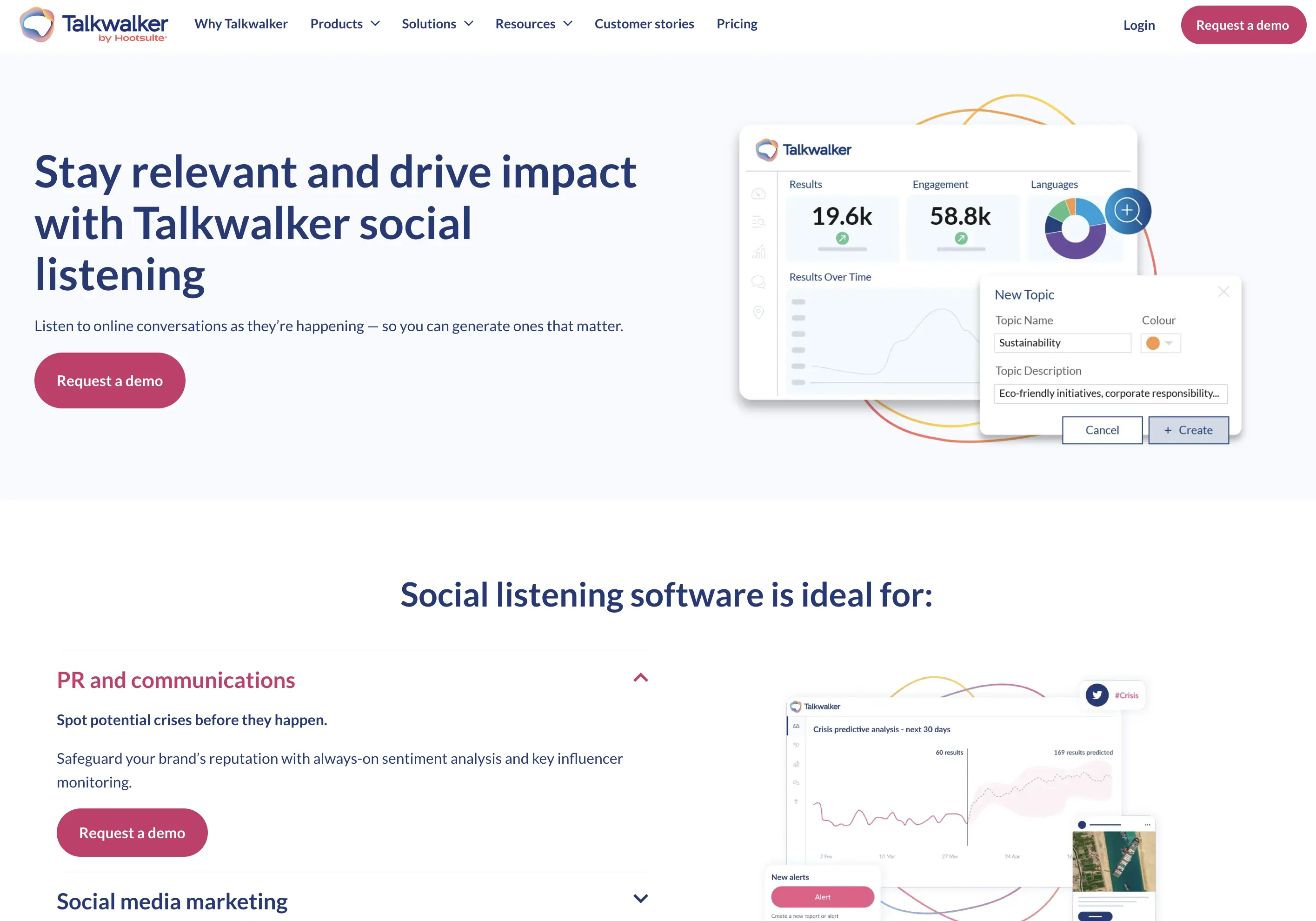
Talkwalker Alerts is the closest thing to Google Alerts with the bugs fixed: same mental model (keyword in, email out), same price (free), run by an enterprise listening company instead of a neglected side product. Setup takes under a minute, alerts can fire as-it-happens or on a schedule, and results consistently surface pages Google Alerts skips — plus some social coverage Google Alerts has never had.
Key differentiator: It's the only tool here that replaces Google Alerts without asking you to change anything: no new workflow, no budget request, just better coverage in the same email format. Delivery to RSS and Slack is included, and Boolean operators work in the query box.
Recent updates: Talkwalker was acquired by Hootsuite in 2024 and its enterprise platform rebranded as Lumen — but the free Alerts product keeps running as a standalone service (600,000+ users), effectively as a funnel for the paid suite.
Pricing
Free. The enterprise Talkwalker/Lumen platform is a separate, custom-priced product.
Best For
- •Anyone who wants Google Alerts, but working
- •News and web monitoring without a budget
- •A free supplement to run alongside a paid tool
- •Teams that live in RSS readers or want alerts in Slack for free
Pros
- Free, with more reliable coverage than Google Alerts
- Email, RSS, and Slack delivery
- As-it-happens frequency option
- Boolean operators for precise queries
Cons
- Social coverage is partial — X yes, Reddit/LinkedIn effectively no
- No relevance filtering or sentiment — same noise problem as Google Alerts
- No API or webhooks
- Exists to upsell the enterprise suite; expect marketing emails
2. F5Bot - Best Free Tool for Reddit & Hacker News
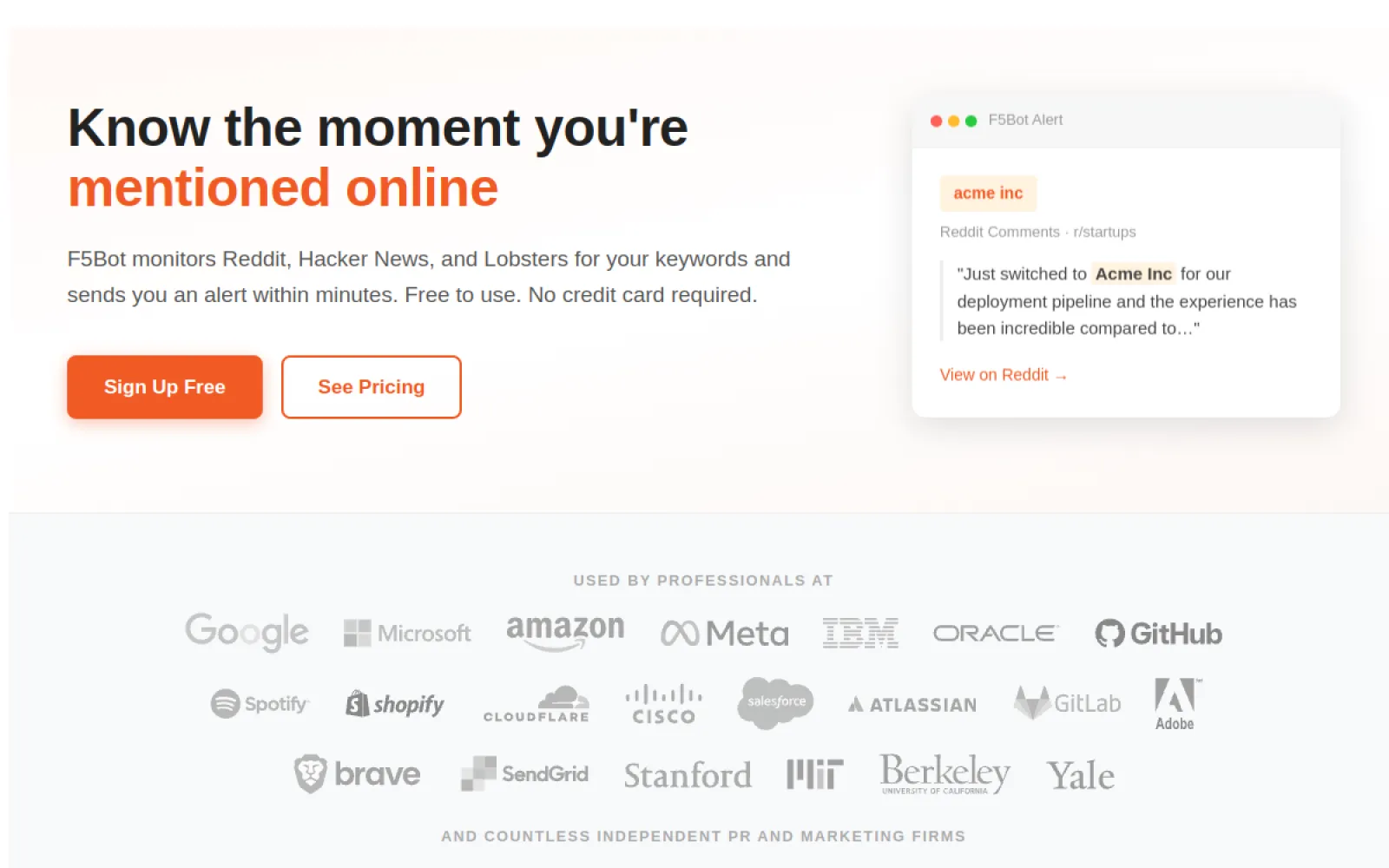
F5Bot does one thing Google Alerts fundamentally can't: it emails you when your keyword appears on Reddit, Hacker News, or Lobsters — the exact communities where developers and founders find out about products. The free tier covers 5 keywords with alerts within two hours; it's been a fixture of founder toolkits for years, and developers on Hacker News recommend it by name (one: "Set up services like f5bot.com. Google alerts is useless.").
Key differentiator: Coverage of the Reddit and Hacker News firehoses, including Reddit comments — which even most paid listening tools miss. On paid tiers alerts arrive within five minutes or instantly, while the thread is still active and replying is still useful.
Recent updates: F5Bot has grown from a free one-person side project into a real product (F5Bot LLC) with paid tiers: Silver at $9.99/month (20 keywords, 5-minute alerts) through Platinum at $214.99/month (API, webhooks), with AI filtering and Slack/Discord delivery on Gold and up. The free tier remains, now limited to personal use, 5 keywords, and 2-hour alert speed.
Pricing
Free for personal use (5 keywords, 20 daily alerts, 2-hour speed); paid tiers from $9.99/month (Silver) to $214.99/month (Platinum, adds API & webhooks) and custom enterprise plans.
Best For
- •Founders who want to know when their project hits Reddit or Hacker News
- •Catching threads early enough to join the conversation
- •Running alongside Talkwalker Alerts for a $0 monitoring stack
- •Developers who don't want another dashboard
Pros
- Free tier still covers the core job at $0
- Covers Reddit comments, not just posts — rare even among paid tools
- Zero setup beyond adding keywords
- Cheap first paid step ($9.99/mo) if you outgrow the free limits
Cons
- Reddit, Hacker News, and Lobsters only
- Free tier alerts can lag up to 2 hours and are capped at 20/day
- Slack, AI filtering, and API are locked behind $49.99+ tiers
- No sentiment, search history, or analytics at any tier
3. Brand24 - Best Self-Serve Dashboards on a Mid-Range Budget
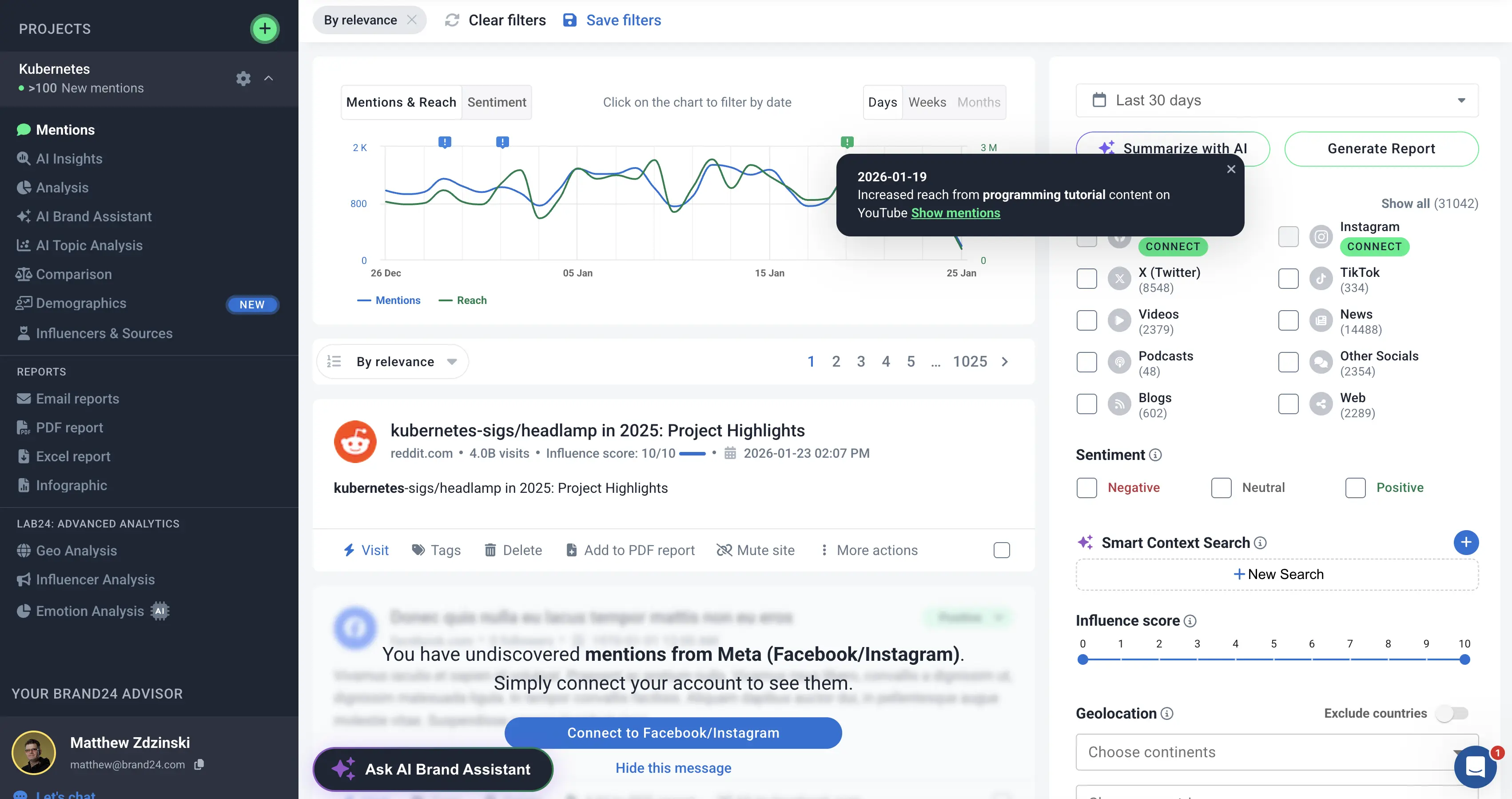
Brand24 is usually the first 'real' social listening tool Google Alerts users graduate to: transparent pricing, a 14-day trial, no sales call, and dashboards that turn mentions into sentiment charts, reach estimates, and share-of-voice — across social networks, news, blogs, podcasts, and review sites in 108 languages.
Key differentiator: The dashboards. Where Google Alerts hands you raw links, Brand24 hands you charts a marketing team can put in a slide — plus an AI assistant you can ask questions about your mentions directly.
Recent updates: Semrush acquired a controlling stake in Brand24 in 2024, and pricing has climbed since: the entry Individual plan now runs $249/month ($199 billed annually) — a significant jump from the sub-$100 entry tiers the brand was known for.
Pricing
From $249/month ($199/month billed annually) for 3 keywords, 2,000 mentions, and 12-hour updates; real-time monitoring starts on the $499/month Pro tier. API access is a $149/month add-on (Pro tier and up). 14-day free trial.
Best For
- •Marketing teams that want sentiment and trend dashboards
- •Brands measuring share of voice against competitors
- •Teams already in the Semrush ecosystem
- •Reporting to stakeholders who want charts, not links
Pros
- True self-serve signup with a 14-day trial
- Polished dashboards, sentiment, and reach metrics
- Ask-your-data AI assistant
- Podcast and review-site coverage included
Cons
- Entry tier is tight: 3 keywords, 2,000 mentions, 12-hour update cycles
- No longer cheap — $249/month is a real budget line
- API costs extra ($149/month add-on, Pro tier and up)
- No relevance filtering — noisy keywords still need manual triage
See also: Full Brand24 alternatives comparison
4. Awario - Best Budget Social Listening
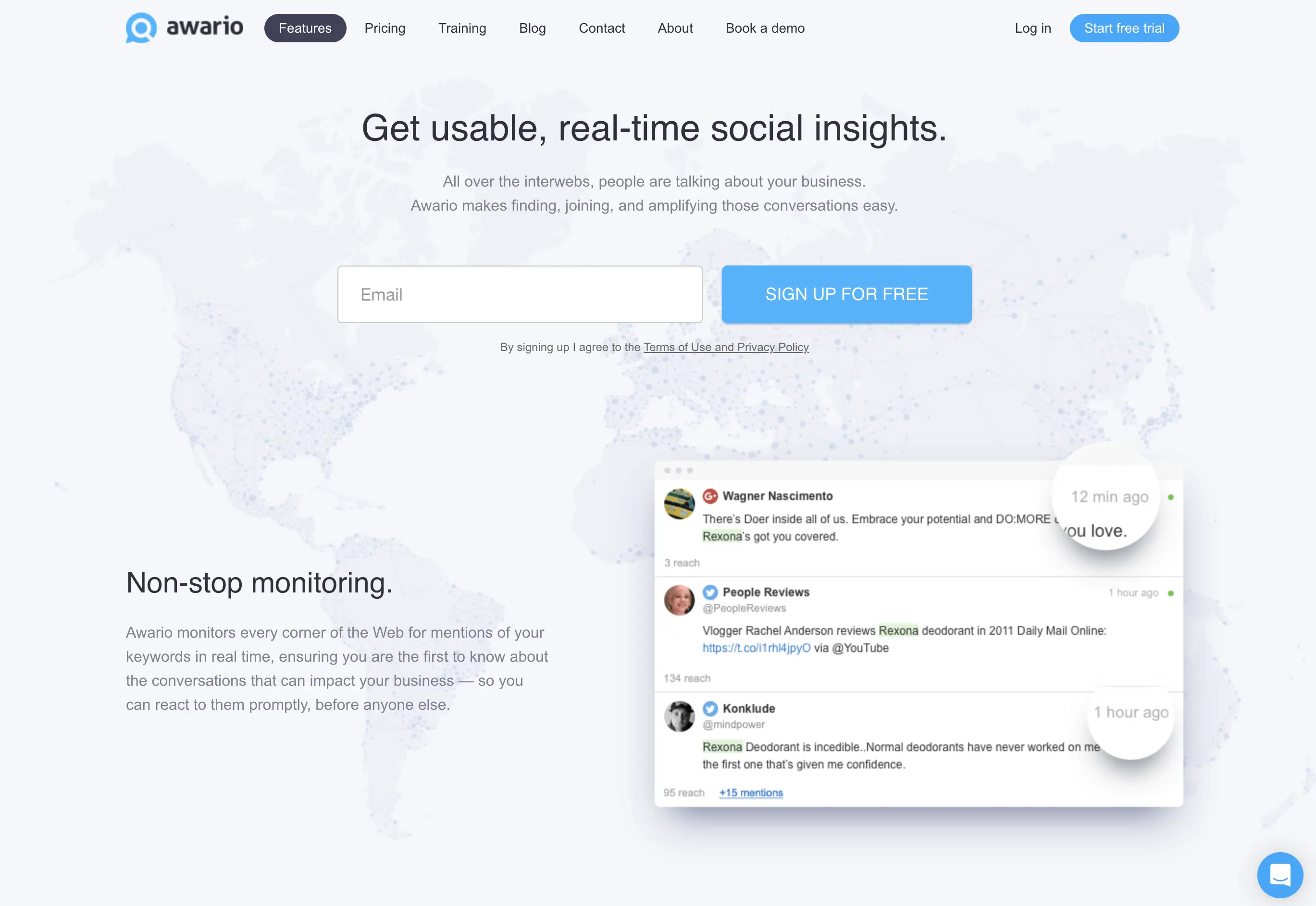
Awario is the cheapest way to get genuine social listening — continuous monitoring of social networks, news, blogs, and forums with Boolean search — for less than most tools' add-on fees. From €29/month billed annually, it covers the 'is anyone talking about us?' job for small brands without pretending to be an enterprise suite.
Key differentiator: Price-to-coverage ratio. Nothing else with real social coverage and Boolean queries starts this low, which makes Awario the default answer for 'better than Google Alerts, but barely more expensive than free.'
Recent updates: Awario (from Link-Assistant.Com, the SEO PowerSuite maker) stays deliberately simple — no AI filtering push, API reserved for its Enterprise plan — with steady iteration on its core monitoring and mobile apps.
Pricing
Starter €29/month billed annually (€49 monthly) with 3 topics and 30,000 mentions/month; Pro €89/month and Enterprise €249/month (annual). Free trial on Starter.
Best For
- •Small brands and solo marketers on a tight budget
- •Boolean search power users
- •Broad web + social coverage where perfect precision isn't required
- •Stepping up from free tools without a real budget
Pros
- Lowest-priced real social listening on this list
- Boolean queries for precise matching
- Real-time tracking with decent Reddit post coverage
- Generous mention quotas for the price
Cons
- No API, webhooks, or integrations beyond email
- Sentiment analysis is hit-or-miss; no relevance filtering
- Misses Reddit comments and developer platforms
- Interface feels dated next to newer tools
See also: Full Awario comparison
5. Syften - Best for Indie Hackers Watching Dev Communities
Syften monitors the places indie software gets discussed — Reddit, Hacker News, Indie Hackers, Lobsters, Dev.to, Stack Exchange, public Slack communities, and more — with keyword filters designed by a developer, for developers. It's F5Bot's paid sibling: same community focus, but with more sources, better filtering, and delivery beyond email.
Key differentiator: Community breadth for solo builders: public Slack groups, Indie Hackers, and Mastodon are sources almost nothing else on this list touches. Higher tiers now add AI filtering, webhooks, and an MCP server — unusual at this price point.
Recent updates: Syften has moved upmarket from its early ~$15 hobby pricing: plans now run $29.95–$119.95/month, with AI filtering from the Standard tier and webhooks + MCP support on PRO.
Pricing
Entry $29.95/month (3 community filters), Standard $49.95/month (adds Slack delivery and AI filtering), PRO $119.95/month (adds webhooks and MCP). 14-day free trial.
Best For
- •Indie hackers and solo devs watching a handful of communities
- •Monitoring niche sources: Indie Hackers, Lobsters, public Slacks
- •Developers who want webhooks without an enterprise plan
- •Upgrading from F5Bot when email-only stops scaling
Pros
- Deepest niche-community coverage in this comparison
- AI filtering and Slack delivery on mid tier
- Webhooks and MCP on PRO — rare under $200/month
- Built and run by a developer who uses it
Cons
- Not built for brand teams — no analytics, reporting, or collaboration
- Filter and result limits are tight on the entry tier
- No LinkedIn or TikTok coverage
- Single-developer product: support and roadmap depend on one person
6. Mention - Best for Agencies & Review-Site Coverage
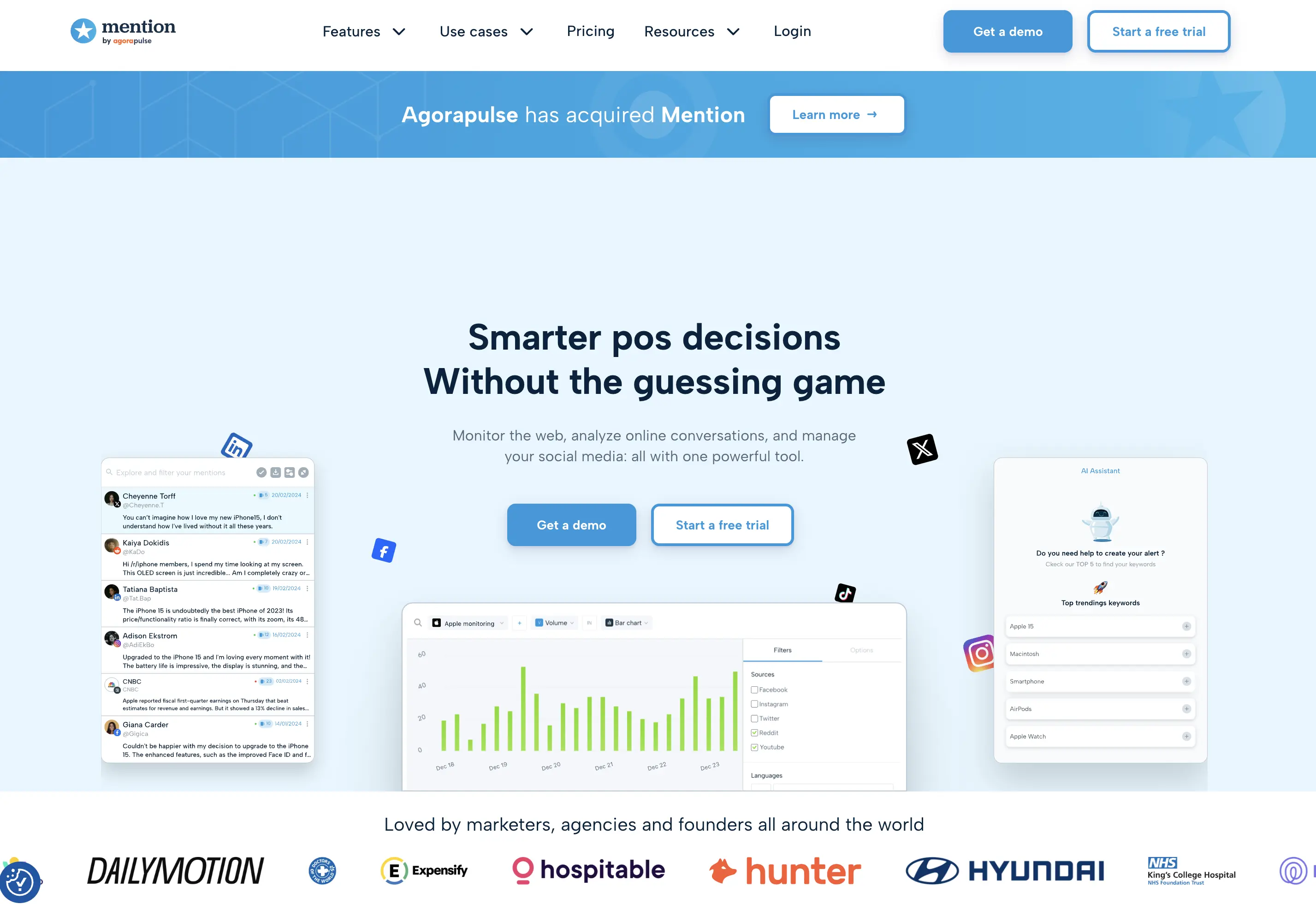
Mention is a listening veteran whose sweet spot today is agency work: multiple brands under one roof, collaborative workflows, and branded reports that land in a client's inbox every Monday. Its standout coverage is review platforms — 75+ including G2, Trustpilot, and Google reviews — which matters more than social for local and B2C brands.
Key differentiator: Client-ready reporting with minimal setup, plus the broadest review-site monitoring here. If your deliverable is a branded PDF, Mention does that job better than anything else on this list.
Recent updates: Agorapulse acquired Mention in 2025, discontinued the self-serve Solo/Pro tiers in July 2025 (only the sales-led Company plan remains), and retired publishing features in January 2026 — Mention is now a pure listening product.
Pricing
Sales-led Company plan on annual contract, reported to start around $599/month. Free trial available, but no self-serve signup anymore.
Best For
- •Agencies running listening for multiple clients
- •Brands where reviews drive revenue (local, e-commerce, B2C)
- •Teams whose deliverable is a branded weekly report
- •Mid-market comms teams with an annual budget line
Pros
- Branded client reports out of the box
- 75+ review platforms monitored
- Solid multi-brand workflows and real-time alerts
- Boolean queries for precision
Cons
- No self-serve plans since July 2025 — expect a demo and annual contract
- A big jump from free: ~$599/month entry
- API gated to enterprise tiers
- No developer-platform coverage (GitHub, Hacker News)
See also: Full Mention alternatives comparison
7. Feedly - Best for News & Market Research
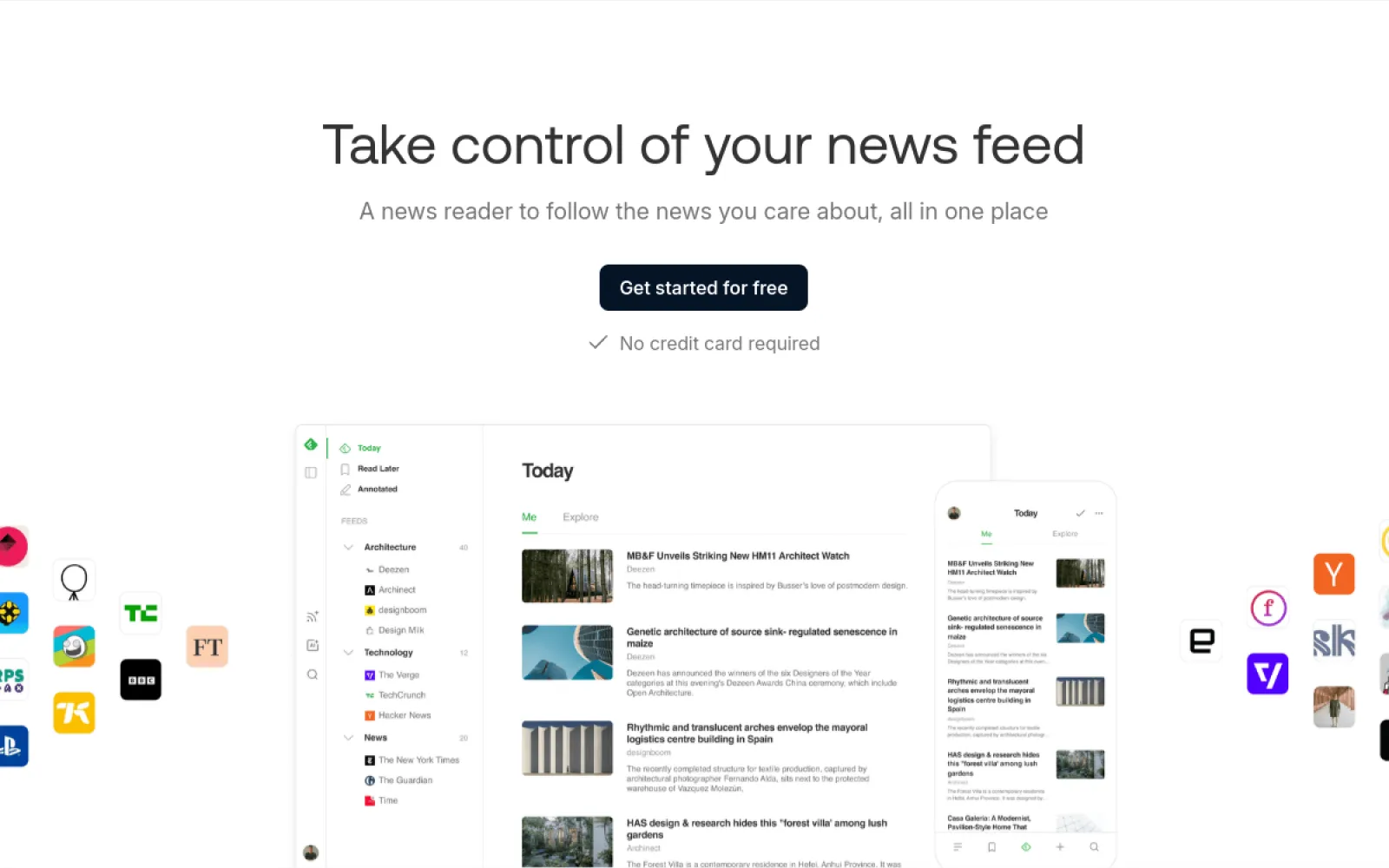
Feedly isn't a mention tracker — it's a news reader with an AI layer (Leo) that a lot of ex-Google-Alerts users end up loving for a different job: following topics, competitors, and industries at scale. Leo deduplicates, prioritizes by keyword, and mutes noise across thousands of publications and RSS feeds, then delivers a readable digest instead of a link dump.
Key differentiator: Signal-to-noise on published content. For tracking an industry (rather than your own brand name), Feedly's AI prioritization beats every alerting tool here — at a fraction of their price.
Recent updates: Feedly continues to split its consumer product (Pro/Pro+) from Feedly Market Intelligence, its enterprise research suite (from ~$1,600/month). Leo's AI actions — summarization, dedup, topic muting — keep expanding on Pro+.
Pricing
Pro from $6/month (annual); Pro+ with Leo AI at $8.25/month billed annually ($12.99 monthly). Enterprise Market Intelligence is custom-priced.
Best For
- •Market and competitor research across publications
- •Replacing Google Alerts for topic tracking (not brand mentions)
- •Analysts who want one reading queue instead of alert emails
- •Keeping a team newsletter or digest fed
Pros
- Excellent AI prioritization and dedup (Leo)
- Cheapest paid tool on this list
- Follows anything with an RSS feed, plus newsletters
- Clean reading experience across devices
Cons
- Article-oriented: inherits Google Alerts' blind spot on Reddit, X, and LinkedIn
- Not built for brand monitoring — no sentiment, no mention analytics
- Leo requires the Pro+ tier
- API access is limited and enterprise-focused
8. Meltwater - Best for Enterprise PR & Media Monitoring
Meltwater is what replacing Google Alerts looks like when the requirement is 'the comms team needs full media coverage': news, print, broadcast, and social monitoring plus journalist databases, outreach tools, and executive-ready reporting. It's a genuinely different category from everything above — bought through procurement, not a signup form.
Key differentiator: Earned-media completeness. Print and broadcast monitoring plus PR workflow tooling is coverage no self-serve tool on this list offers at any price — if your mentions include TV segments and trade magazines, this is the tier you're shopping in.
Recent updates: Meltwater (taken private in 2023 by Altor and Marlin Equity) has been rolling AI-assisted summaries and insights across its modular suite — media intelligence, social listening, and influencer tools are priced and sold separately.
Pricing
Custom enterprise pricing with annual contracts — Vendr's median is ~$25k/year, with multi-module suites reaching six figures.
Best For
- •PR and communications teams with earned-media KPIs
- •Enterprises that need print and broadcast alongside social
- •Global brands with dedicated media budgets
- •Teams that also need journalist outreach tooling
Pros
- Broadest media coverage on this list (incl. print & broadcast)
- PR tooling: journalist database, outreach, press analytics
- Global, multi-language monitoring
- Enterprise support and onboarding
Cons
- Enterprise pricing and annual contracts — no self-serve, no trial
- Massive overkill for 'tell me when someone mentions my brand'
- Recurring review complaints about auto-renewal terms
- Developer communities aren't covered
See also: Full Meltwater alternatives comparison
9. Brandwatch - Best for Enterprise Consumer Intelligence
Brandwatch sits at the opposite end of the spectrum from Google Alerts: a consumer-intelligence platform with deep historical social data, audience segmentation, and analyst-grade dashboards. Large marketing and insights teams use it to research markets and track campaigns — monitoring your own brand mentions is almost a side effect of what it's built for.
Key differentiator: Research depth. Historical archives, demographic segmentation, and custom dashboards go further than anything else here — if you have analysts to drive them. Its official Reddit data partnership is also unique at the enterprise tier.
Recent updates: Brandwatch (owned by Cision) continues to expand its Iris AI analytics layer. Pricing remains enterprise-only: no public price list, custom annual contracts, and a sales process to see a number.
Pricing
Custom enterprise pricing — Vendr's median contract is ~$50k/year, with entry deals around $20k. Annual commitment plus onboarding.
Best For
- •Enterprise insights teams doing consumer research
- •Large-scale trend and audience analysis
- •Global brands with dedicated analysts
- •Campaign measurement across huge social datasets
Pros
- Deepest analytics and historical data in this comparison
- Official Reddit data partnership
- Powerful segmentation and dashboarding
- Strong AI analytics layer (Iris)
Cons
- A ~$50k/year median contract to replace a free tool
- Requires training and dedicated analysts to justify
- Sales cycle and annual lock-in
- No self-serve anything — including pricing
See also: Full Brandwatch alternatives comparison
How to Choose the Right Google Alerts Alternative
Find your situation below — each scenario maps to the tool that fits it best
This combo covers most of Google Alerts' blind spots for $0: Talkwalker Alerts handles news and the web (with email, RSS, and Slack delivery), while F5Bot's free tier emails you when your keyword hits Reddit, Hacker News, or Lobsters (within two hours, 5 keywords). You'll still have no filtering and no X/LinkedIn coverage — but you'll see far more than Google Alerts shows you today.
Octolens covers every major platform, including the ones where those conversations actually happen (Reddit, X, LinkedIn, Hacker News, GitHub), scores every mention for relevance and sentiment, and delivers to Slack in minutes. At $199/month self-serve, it's the step up you take when missing a support thread or a buying question costs more than the subscription.
Google Alerts ends at your inbox. Octolens includes an API, webhooks, and an MCP server on every plan — mentions flow into CRMs, dashboards, Slack workflows, and AI agents from day one. The only other tool here with MCP support is Syften (on its $119.95 PRO tier); everything else gates data access behind enterprise contracts.
Syften monitors Reddit, Hacker News, Indie Hackers, Lobsters, Dev.to, and even public Slack communities from $29.95/month, with AI filtering and Slack delivery on the $49.95 tier. If email-only is fine and your keywords are quiet, F5Bot does the core job for free.
Brand24 ($249/month, or $199 billed annually) turns mentions into sentiment charts, reach estimates, and share-of-voice with a 14-day trial and no sales call. If that's more than the problem is worth, Awario covers social + web monitoring with Boolean search from €29/month billed annually — the cheapest real listening here.
For following markets, competitors, and industry news, Feedly's Leo AI deduplicates and prioritizes published content better than any alerting tool — at $8.25/month billed annually. Just know its scope: articles and RSS, not social conversations.
Mention (sales-led, from ~$599/month) ships branded client reports and 75+ review-site coverage out of the box. Octolens fits agencies that build their own client dashboards: multi-workspace on Enterprise and full API access for pulling mention data into your reporting — welcomed, not an afterthought.
If 'mentions' includes TV segments, trade magazines, and journalist outreach, you're shopping for media intelligence, not an alerts tool. Meltwater is the most complete earned-media suite here — at enterprise pricing (Vendr median ~$25k/year).
Historical archives, audience segmentation, and analyst-grade dashboards — Brandwatch goes deeper than anything else here, at a ~$50k/year median contract. It's the right tool for insights teams, and the wrong tool for 'tell me when someone mentions us.'
If your brand name is a common word, unfiltered alerting is unusable — that's true of Google Alerts and of most paid tools on this list. Octolens' AI reads every mention before you do: across our own monitoring, only 21% of collected mentions rate high-relevance, and that's the slice that reaches your Slack.
Still Not Sure?
Honestly: most teams end up running a free tool for long-tail web mentions and a dedicated platform for the social conversations that drive decisions. Keep Talkwalker Alerts (or even Google Alerts) as a free backstop — it just shouldn't be your only line of sight. If people talk about your brand online, start an Octolens trial next to it and compare what each catches for a week.
What Happens After Google Alerts
Real experiences from teams that started with free alerts and outgrew them
"We tried five different social listening platforms. Octolens is the first that genuinely delivers."

The Pattern We Hear From Google Alerts Users
Almost everyone starts with Google Alerts — it's free and takes 30 seconds. The teams that eventually replace it describe the same three moments:
- The missed thread: A customer complaint or comparison thread blows up on Reddit or Hacker News, and they find out days later from a customer — not from their alerts.
- The noise wall: A common-word brand name turns the alert email into a junk drawer, and everyone quietly stops reading it.
- The inbox dead-end: Mentions pile up in email while the team works in Slack and their tools speak APIs — there's no way to route or automate anything.
What They Get Instead
- Coverage where conversations happen: Reddit, X, LinkedIn, Hacker News, GitHub, podcasts, and newsletters — alongside the news and web Google Alerts already saw
- A filtered feed, not a firehose: AI relevance scoring means what lands in Slack is worth reading — no manual triage
- Mentions as data: API, webhooks, and MCP on every plan, so mentions become rows in a CRM, triggers in a workflow, or context for an AI agent
"I LOVE Octolens and use it daily. It's the best social listening tool out there."

Compare other social listening tools
See how Octolens compares to other popular social listening platforms.
Frequently Asked Questions
It depends on the job. For brands people talk about online, Octolens (which we make) is built for this: it monitors the platforms Google Alerts can't see (Reddit, X, LinkedIn, Hacker News, GitHub), filters mentions with AI, and includes API, webhooks, and MCP on every plan from $199/month. For a free replacement, run Talkwalker Alerts (news and web) together with F5Bot (Reddit and Hacker News). For dashboards on a budget, Brand24; for news research, Feedly Pro+; for enterprise PR, Meltwater.
Two free tools together beat Google Alerts at its own game: Talkwalker Alerts is a direct drop-in for news and web monitoring (with email, RSS, and Slack delivery, run by an enterprise listening company), and F5Bot's free tier emails you when your keyword appears on Reddit, Hacker News, or Lobsters — within about two hours, for up to 5 keywords. Between them you cover the open web plus the biggest community platforms for $0 — though with no relevance filtering and no X or LinkedIn coverage.
Google Alerts is still free and still running — Google hasn't announced any plan to shut it down. But it's received essentially no meaningful updates in years, and long-time users widely report degrading quality: fewer results, delayed alerts, and missed mentions. It only surfaces what Google's crawler indexes, so social platforms and community forums remain out of scope. It works as a free backstop; it's just no longer enough on its own.
The usual causes: Google Alerts only sees pages Google indexes (so social media, forums, and anything behind a login are invisible to it), its alerts depend on crawl timing (so mentions arrive hours or days late, or never), overly-specific queries return nothing while broad ones drown you in noise, and its own emails sometimes land in spam. We've written up the five specific failure modes and their fixes in a separate guide — but if the mentions you're missing are on Reddit, X, LinkedIn, or Hacker News, no settings change will fix that. That's a coverage gap, and it's what this list is for.
Yes — Talkwalker Alerts is completely free, with no paid tier on the Alerts product itself (Talkwalker's enterprise listening platform, now part of Hootsuite as Lumen, is a separate custom-priced product). You can create alerts with Boolean operators, choose as-it-happens or digest frequency, and receive results by email, RSS, or Slack. It's the most direct free Google Alerts replacement available.
Yes. Google Alerts works with any email address — you don't need Gmail, though you do need a Google account for managing alerts. If avoiding Google entirely is the point, Talkwalker Alerts delivers the same style of free keyword alerts to any email address with no Google account involved, and F5Bot does the same for Reddit and Hacker News mentions.
Not reliably, and mostly not at all. X and LinkedIn are effectively invisible to Google Alerts — their content isn't indexed in a way that triggers alerts. Reddit occasionally surfaces if a thread gets indexed, but it's spotty and days late. Since these platforms (plus Hacker News and GitHub for technical audiences) are where most brand conversations actually happen, this is the single biggest reason people replace Google Alerts. In our own monitoring data, Reddit alone carries 41% of brand-conversation volume.
No — Google Alerts has no official API and no webhook support. The closest it offers is RSS feed delivery, which you can parse yourself. If you want mention data programmatically, you need an alternative built for it: Octolens includes a full REST API, webhooks, and an MCP server on every plan ($199/month), and Syften offers webhooks and MCP on its PRO tier ($119.95/month). Most other tools gate API access behind enterprise contracts or paid add-ons.
No. Google Alerts has two relevance settings ('only the best results' or 'all results') and nothing else — no sentiment analysis, no AI relevance scoring, no deduplication. If your brand name is a common word, that means hand-sorting false positives forever. This is where paid alternatives differ most: Octolens scores every mention for relevance and sentiment before it reaches you, Brand24 adds sentiment dashboards, and Syften applies AI filtering on its Standard tier and up.
Three ways. Coverage: Octolens monitors the whole internet natively — X, LinkedIn, Reddit, Hacker News, GitHub, YouTube, Bluesky, podcasts, newsletters, and news — where Google Alerts sees only the indexed web. Intelligence: every mention is scored for relevance and sentiment by AI, so you read signal instead of triaging noise. Delivery: mentions arrive in Slack, email, or webhooks within minutes, and the API and MCP server on every plan let you pipe them into CRMs, dashboards, and AI agents. The trade-off is price: Google Alerts is free; Octolens starts at $199/month ($159/month billed annually) with a 7-day free trial.
Email hi@octolens.com and tell us what you're monitoring today. We typically reply the same day with a straight answer on whether Octolens fits your situation — and which of the other tools to pick if it doesn't (including the free ones).
See the Mentions Google Alerts Has Been Missing
Join the brands people talk about online using Octolens — AI-filtered mentions from every major platform, including Reddit, X, LinkedIn, and Hacker News, with API, webhooks, and MCP on every plan. Run it next to Google Alerts for a week and compare.