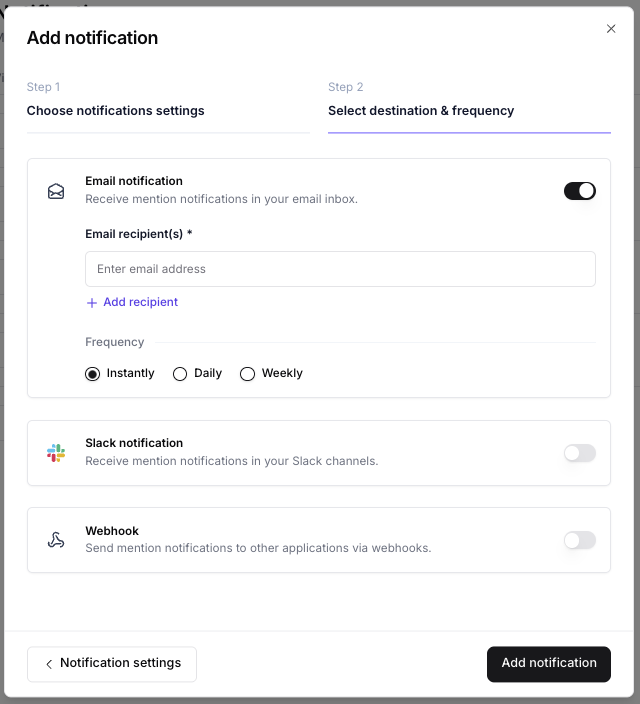
How to set up an alert
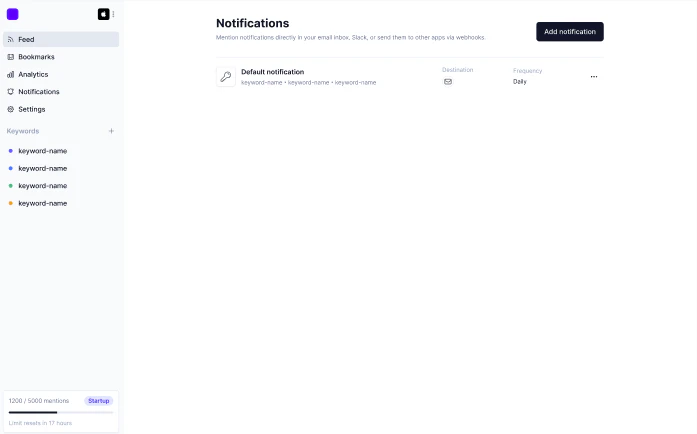
You can start the alert setup from two places: From your feed — click “Enable as alert” in the top-right of any view.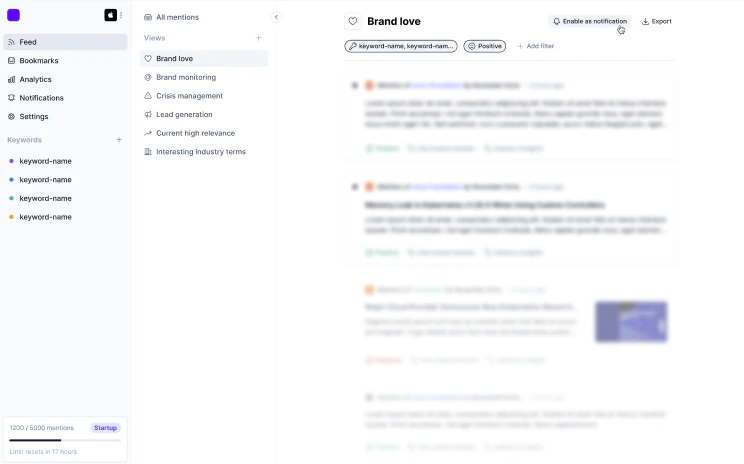
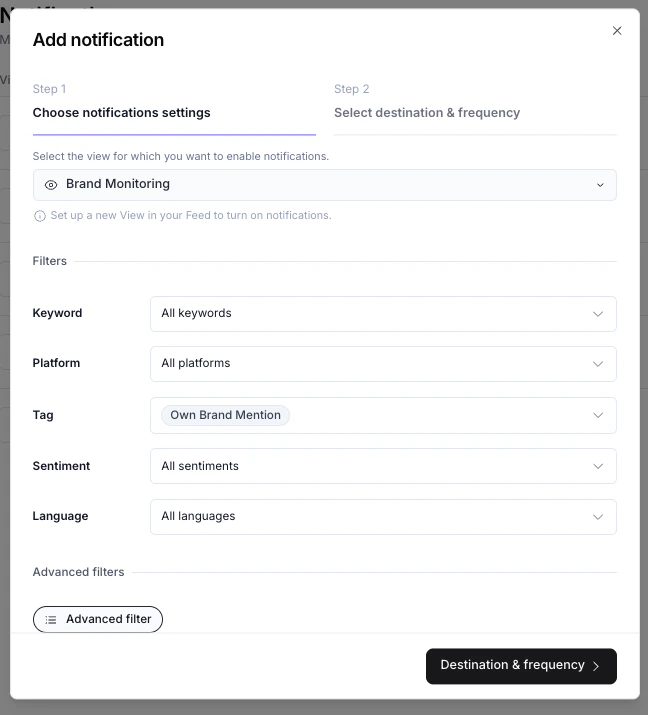
Step 1: Choose alert settings
Choose the view you want to get alerted for
Select a view from the dropdown. If the view doesn’t exist yet, create it first.
Step 2: Select destination and frequency
Choose where you want to send your alert and how often.