Twitter Monitoring Tool for SaaS Teams
Octolens is a twitter tracker that monitors 24/7 so you never miss a mention - even when customers don't tag you.
Start monitoring Twitter
No credit card • 7-day free trial • Set up in 5 minutes

Octolens is a twitter tracker that monitors 24/7 so you never miss a mention - even when customers don't tag you.
No credit card • 7-day free trial • Set up in 5 minutes
Loved by 1000+ Brands Developers Love








67% of all public brand mentions on social media happen on Twitter.
But 91% of posts about your brand don't tag your Twitter company handle.
That means:
People on Twitter are actively complaining, comparing tools, and asking for recommendations - and you never see it because they don't tag you. By the time you find out, the deal is gone.
Critical conversations about your product happen publicly, without an @mention. Issues escalate, misinformation spreads, and by the time you notice, you're already on the back foot.
Users share feature requests, bugs, and sharp insights on Twitter, but it never reaches your product team. You're shipping based on assumptions while real feedback scrolls by unnoticed.
While you're blind, competitors jump into conversations first, help users, and look responsive. They win mindshare simply because they were there when it mattered.
Octolens is a comprehensive Twitter monitoring tool designed specifically for SaaS & Developer-first teams who need to track every mention of their brand, product, or industry.
Unlike basic Twitter monitoring tools, Octolens gives you:
Track your brand mentions across Twitter as they happen
Monitor what people say about your competitors
Get notified when specific keywords appear in tweets
Understand how people feel about your brand
Use Boolean search and negative keywords to reduce noise
Our Twitter monitoring software integrates with your existing workflow through Slack, webhooks, and email alerts. Whether you're doing social listening for lead generation, reputation management, or customer support, Octolens helps you monitor Twitter effectively without drowning in irrelevant mentions.
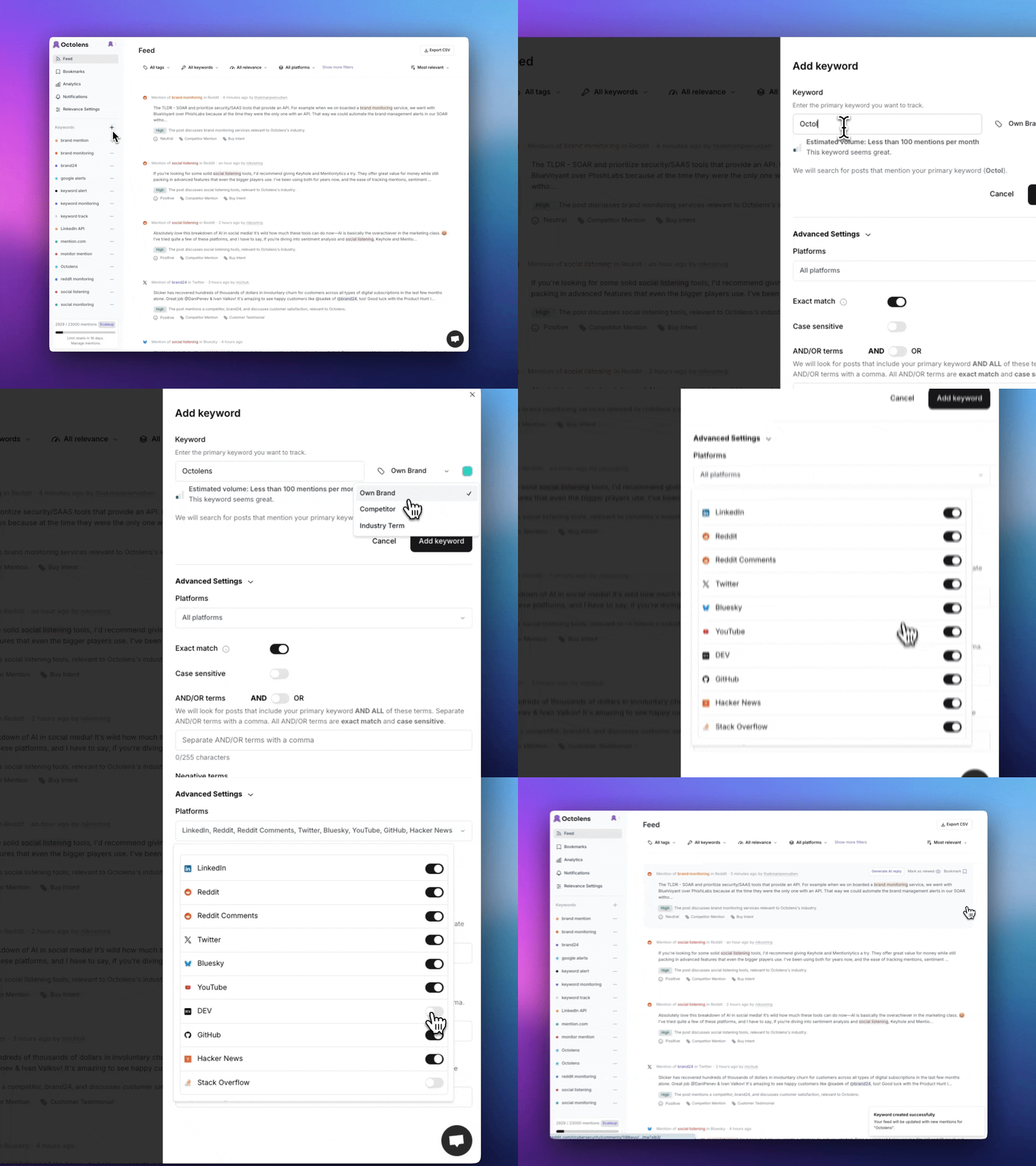
Track keywords for your brand name, your competitors, or the pain points you are solving. Octolens will scan Twitter so you never miss a mention.
"The Octolens team built one of the most impactful products I've used in the last 10 years. It fundamentally changed how we run every product team at Vercel."

"A big part of our job is paying attention to what people are saying online - answering questions, correcting misunderstandings, and joining the conversation in real time."

"It’s not about replying to everything. It’s about showing up in the right conversations and doing it genuinely. Octolens helps us do that at scale."

"Developers tune out advertising, but they do talk online - and that's where our reputation is built."

Octolens comes with all the features you need to monitor Twitter and other social platforms effectively.
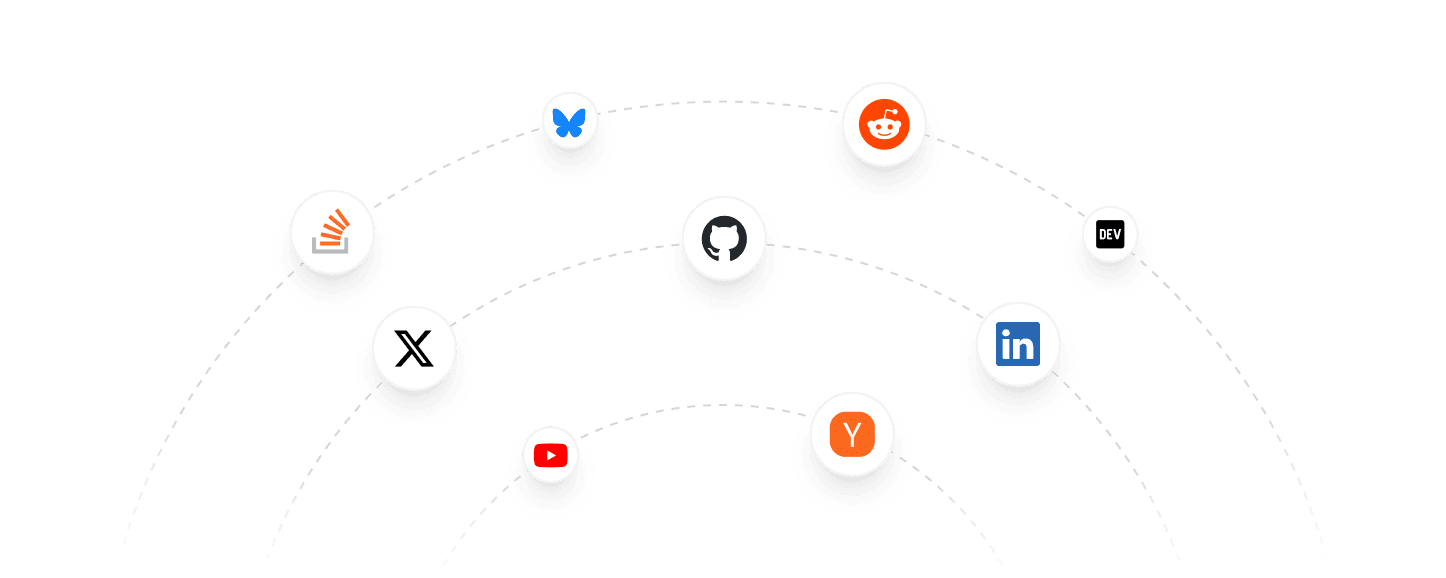
Keep a pulse on Twitter, LinkedIn, Reddit, GitHub, and many more.
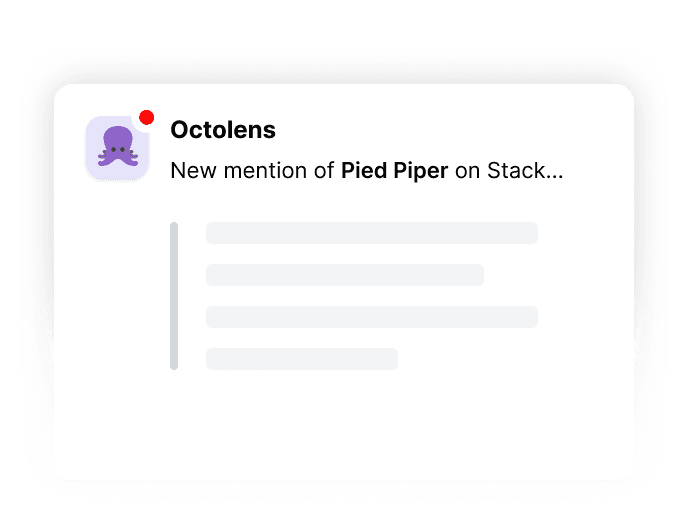
Get notified whenever somebody mentions your keyword - either via email or Slack.
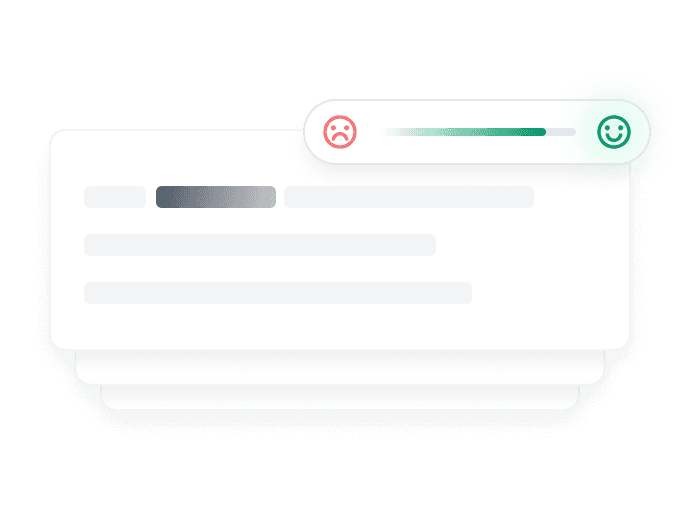
We have context on your business & score posts on their relevance to you, filtering out the noise.
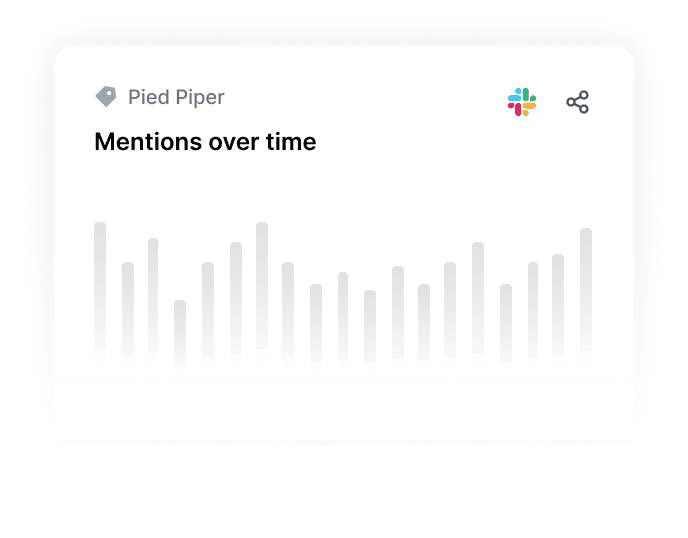
Understand and report keyword trends over time, platforms, and relevance and share them with your team.
Connect your mention data to any system via webhooks, API, and MCP server integrations.
$119/month
For growing brands


$319/month
For brands with communities
Custom
For viral brands

Need more mentions or keywords?
You can add extra mentions (from $0.007 per mention) and keywords (from $5/month) to any plan – with full cost control and flexibility.
Twitter monitoring is the process of tracking and analyzing mentions of your brand, products, competitors, or industry keywords across Twitter in real-time. Without Twitter monitoring, you miss critical conversations about your brand including support questions from frustrated customers, buying intent signals from potential customers, competitive threats and market shifts, product feedback and feature requests, and brand reputation issues before they escalate.
Twitter monitoring is tactical and focuses specifically on Twitter as a platform, tracking specific keywords, brand mentions, and competitor names with real-time alerts for immediate action. Social listening is strategic and monitors conversations across multiple social platforms including Twitter, Reddit, LinkedIn and others, analyzing broader trends, sentiment, and themes by aggregating data over time for insights.
Twitter monitoring helps you identify potential customers, manage your reputation, collect customer feedback, and stay ahead of competitors by being the first to respond to critical conversations.
We check Twitter for new posts every hour. If you need more frequent updates, please contact us at hi@octolens.com.
Yes, you can monitor Twitter with Octolens without having a Twitter account because our Twitter monitoring tool works independently of your personal or company Twitter account.
Yes! You can monitor multiple keywords on Twitter. This can include your brand name, competitors, industry terms, or any other relevant keywords.
You can monitor all public tweets that contain your keywords.
We optimize our monitoring to work within Twitter's rate limits while ensuring reliable coverage. Our system is designed to maintain consistent monitoring without interruption.
Yes! You can customize your notifications based on AI relevance scores (high, medium, low) and receive them via email, Slack, or webhook.
Currently, we focus on monitoring tweets and their engagement. Support for Twitter Spaces and Lists monitoring may be added in future updates.
Yes, you can export your Twitter monitoring data as CSV. We also provide webhook, API, and MCP server integrations for connecting with your existing tools.
Octolens uses AI-powered relevance scoring to filter out noise and focus on the most important mentions. Our tool is specifically designed for SaaS companies and provides real-time alerts via multiple channels. Additionally, you can integrate the data into your workflows with webhooks, API, or our MCP server.
Octolens offers a free trial for Twitter Monitoring. After the trial, the pricing starts at $119/month.
Please contact us at hi@octolens.com and we will be happy to help you.