# Octolens
> One API for every mention across the internet. AI social listening across 15+ platforms — Reddit, LinkedIn, X (Twitter), Bluesky, GitHub, YouTube, Hacker News, Stack Overflow, TikTok, DEV, podcasts, newsletters, and news — delivered as structured JSON via REST API, webhooks, and MCP server on every plan.
## Core Pages
- [Homepage](https://octolens.com/): Overview of Octolens — one API for every mention across the internet
- [Pricing](https://octolens.com/pricing): Pro $199/mo ($159/mo billed annually) and Scale $599/mo ($499/mo billed annually); Enterprise custom
- [Product Overview](https://octolens.com/product): How Octolens works: mentions from 15+ platforms, AI scoring for relevance, intent, and sentiment, delivered via Slack, email, API, MCP, and webhooks
- [Customers](https://octolens.com/customers): Customer stories from Vercel, PostHog, Prisma, Tally, and more
- [Blog](https://octolens.com/blog): Guides and research on social listening, brand monitoring, and AI search
- [Sentiment Analysis](https://octolens.com/sentiment-analysis): AI sentiment analysis for every brand mention — Positive, Negative, or Neutral labels with relevance scoring and tags across 15+ platforms, on every plan
## API & MCP
- [Social Listening API](https://octolens.com/social-listening-api): One REST API for mentions across 15+ platforms — structured JSON, one auth, one schema
- [Webhooks](https://octolens.com/webhooks): One webhook POST per mention across 15+ platforms — structured JSON with sentiment, relevance & tags, retries built in, on every plan
- [MCP Server](https://octolens.com/mcp): Model Context Protocol server — social data for Claude, Cursor, and AI agents
- [Twitter MCP](https://octolens.com/twitter-mcp): Twitter/X monitoring via MCP
- [Reddit MCP](https://octolens.com/reddit-mcp): Reddit monitoring via MCP
- [LinkedIn MCP](https://octolens.com/linkedin-mcp): LinkedIn monitoring via MCP
- [YouTube MCP](https://octolens.com/youtube-mcp): YouTube monitoring via MCP
- [Hacker News MCP](https://octolens.com/hackernews-mcp): Hacker News monitoring via MCP
- [News MCP](https://octolens.com/news-mcp): News and press monitoring via MCP
- [Bluesky MCP](https://octolens.com/bluesky-mcp): Bluesky monitoring via MCP
- [Integrations](https://octolens.com/integrations): Native integrations — Slack alerts, Attio CRM records, the PostHog data warehouse, and MCP connections for Claude, ChatGPT, and Cursor — on every plan
- [Slack Integration](https://octolens.com/integrations/slack): Filtered brand mentions in the channels where your team already works.
- [Attio Integration](https://octolens.com/integrations/attio): Public buying signals become CRM records and deals — thread linked.
- [PostHog Integration](https://octolens.com/integrations/posthog): Sync mentions into the PostHog data warehouse and query them with SQL.
- [Claude Integration](https://octolens.com/integrations/claude): Ask Claude about your mentions — search, analytics, and feeds over MCP.
- [ChatGPT Integration](https://octolens.com/integrations/chatgpt): Bring your brand mentions into ChatGPT as a connected app.
- [Cursor Integration](https://octolens.com/integrations/cursor): Mention data in your editor — for agents that fix what users report.
## Agent Skills
- [Agent Skills Library](https://octolens.com/skills): Ready-made playbooks AI agents can run over the Octolens MCP — mentions to Linear issues, leads, churn signals, copy, and reports
- [Turn mentions into Linear issues](https://octolens.com/skills/turn-mentions-into-linear-issues): Catch bug reports and feature requests posted in public — on Reddit, X, LinkedIn, Hacker News, GitHub — and file them as Linear issues automatically.
- [Build a wall of love from real mentions](https://octolens.com/skills/turn-mentions-into-wall-of-love): Pull a year of positive mentions, score them against your ICP and homepage positioning, and output a fresh quotes.json for your landing page.
- [Surface early churn signals](https://octolens.com/skills/surface-early-churn-signals): Flag negative mentions with switching language or blocked workflows the day they're posted — with a drafted reply ready for human review.
- [Find leads in public conversations](https://octolens.com/skills/find-leads-in-public-conversations): Catch people publicly shopping for an alternative to your competitors, qualify them against your ICP, and get drafted openers for each.
- [Turn mentions into CRM deals](https://octolens.com/skills/turn-mentions-into-crm-deals): Buy-intent and switching mentions become enriched CRM deals with the thread linked and an opener drafted — pipeline from public conversations, no scrolling.
- [Write copy in real customer language](https://octolens.com/skills/write-copy-in-customer-language): Mine six months of mentions for the exact words customers use to describe you, then rewrite your page copy from that vocabulary — with receipts.
- [Weekly share-of-voice report](https://octolens.com/skills/weekly-share-of-voice-report): A weekly report on your share of voice vs competitors — counts, sentiment, and what actually drove the changes, with linked evidence.
- [Top 5 posts to reply to today](https://octolens.com/skills/top-posts-to-reply-to-today): A daily shortlist of the five conversations most worth joining — each with why it matters, the right angle, and a reply draft in a human voice.
- [Reply on Reddit without getting banned](https://octolens.com/skills/reply-on-reddit-without-getting-banned): Five Reddit threads worth replying to every morning, each with a draft in your voice — built on the guardrails that keep replies helpful instead of salesy.
- [Three LinkedIn drafts every morning](https://octolens.com/skills/three-linkedin-drafts-every-morning): A 7:00 recurring task that drafts three different LinkedIn posts from fresh data — your calls, your tickets, and what your industry said yesterday — in your voice.
- [Weekly competitor insights in Slack](https://octolens.com/skills/weekly-competitor-insights-to-slack): A weekly competitor digest in Slack: launches, complaints, switching talk, and openings for you — every claim backed by a linked mention.
- [Grow your AI search visibility (GEO)](https://octolens.com/skills/grow-ai-search-visibility): Find the Reddit threads, listicles, and comparisons AI engines cite where competitors appear and you don't — with drafted contributions for each gap.
- [Build SEO pages from real conversations](https://octolens.com/skills/build-seo-pages-from-real-conversations): Evidence, not vibes: real search data decides what to build, verified user quotes make it impossible to copy. The open-source seo-page-builder methodology, condensed.
- [Optimize your Octolens keywords](https://octolens.com/skills/optimize-octolens-keywords): Audit every keyword for signal-to-noise, cut the ones burning your mention budget, and tune exclusions — with changes applied only after you approve.
## Platform Monitoring
- [Reddit Monitoring](https://octolens.com/reddit-monitoring): Track Reddit posts and comments
- [LinkedIn Monitoring](https://octolens.com/linkedin-monitoring): Monitor LinkedIn posts and comments — mentions, competitors, buy intent
- [Twitter Monitoring](https://octolens.com/twitter-monitoring): Monitor X/Twitter mentions
- [TikTok Monitoring](https://octolens.com/tiktok-monitoring): Monitor TikTok with full video transcripts — keywords caught when spoken, not just captions
- [Bluesky Monitoring](https://octolens.com/bluesky-monitoring): Track Bluesky posts in real time — brand mentions, competitors, industry terms
- [Hacker News Monitoring](https://octolens.com/hackernews-monitoring): Monitor Hacker News posts and comments — Show HN, Ask HN, and the threads that move signups
- [YouTube Monitoring](https://octolens.com/youtube-monitoring): Monitor YouTube videos and comments — reviews, tutorials, and buying signals
- [GitHub Monitoring](https://octolens.com/github-monitoring): Monitor GitHub issues, discussions, and READMEs that name your tool or competitors
- [Stack Overflow Monitoring](https://octolens.com/stackoverflow-monitoring): Monitor Stack Overflow questions and answers — support signal at the source
- [DEV.to Monitoring](https://octolens.com/dev-monitoring): Track DEV.to articles — tutorials and writeups that decide developer adoption
- [Podcast Monitoring](https://octolens.com/podcast-monitoring): Monitor 4m+ podcasts via transcripts — hear your category discussed out loud
- [Newsletter Monitoring](https://octolens.com/newsletter-monitoring): Track mentions inside hundreds of hand-picked B2B and tech newsletters
- [News Monitoring](https://octolens.com/news-monitoring): Track news articles across 150k+ outlets
- [Web Monitoring](https://octolens.com/web-monitoring): Track mentions across the wider web
- [Review Monitoring](https://octolens.com/review-monitoring): Monitor Trustpilot, App Store, and Google Play reviews — sentiment, alerts, and API access
## Alternatives & Comparisons
- [Alternatives Hub](https://octolens.com/alternatives): All social listening tool comparisons
- [Brand24 Alternatives](https://octolens.com/brand24-alternatives): Best Brand24 alternatives, tested and compared
- [Trigify Alternatives](https://octolens.com/trigify-alternatives): Best Trigify alternatives after the October 2026 shutdown, compared by job
- [Common Room Alternatives](https://octolens.com/common-room-alternatives): Best Common Room alternatives for community listening and GTM signals
- [Sprout Social Alternatives](https://octolens.com/sprout-social-alternatives): Best Sprout Social alternatives and competitors, compared
- [Mention Alternatives](https://octolens.com/mention-alternatives): Best Mention alternatives, tested and compared
- [Brandwatch Alternatives](https://octolens.com/brandwatch-alternatives): Best Brandwatch alternatives, tested and compared
- [Hootsuite Alternatives](https://octolens.com/hootsuite-alternatives): Best Hootsuite alternatives for social listening, tested and compared
- [Meltwater Alternatives](https://octolens.com/meltwater-alternatives): Best Meltwater alternatives, tested and compared
- [Google Alerts Alternatives](https://octolens.com/google-alerts-alternatives): Best Google Alerts alternatives — free and paid, tested and compared
- [Awario Alternative](https://octolens.com/awario-alternative): Compare Octolens vs Awario
- [Brand24 vs Brandwatch (2026): Pricing, Coverage & Verdict](https://octolens.com/brand24-vs-brandwatch): Brand24 vs Brandwatch with verified 2026 pricing and real user quotes: $249/month self-serve vs a $50k/year median contract. Which weight class are you in?
- [Brand24 vs Mention (2026): Pricing, Coverage & Verdict](https://octolens.com/brand24-vs-mention): Brand24 vs Mention with verified 2026 pricing and real user quotes: $249/month self-serve vs a demo-gated Agorapulse plan with no published price. What changed, and which fits.
- [Brandwatch vs Meltwater (2026): Contracts, Coverage & Fit](https://octolens.com/brandwatch-vs-meltwater): Brandwatch vs Meltwater with verified 2026 contract data: $50k vs $25.8k median per year — same invoice ballpark, different jobs. Which one are you hiring for?
- [Brandwatch vs Meltwater vs Talkwalker (2026): Which to Pick](https://octolens.com/brandwatch-vs-meltwater-vs-talkwalker): The enterprise listening shortlist with verified 2026 contract data: $50k vs $25.8k vs $13.3k medians, who owns each platform now, and which job each one actually fits.
- [Brandwatch vs Sprout Social (2026): Pricing & Verdict](https://octolens.com/brandwatch-vs-sprout-social): Brandwatch vs Sprout Social with verified 2026 pricing and real user quotes: a $50k/year consumer-intelligence contract vs per-seat plans with a sales-quoted listening add-on.
- [Meltwater vs Talkwalker (2026): The Hootsuite Deal & Pricing](https://octolens.com/meltwater-vs-talkwalker): Meltwater vs Talkwalker with what nobody else covers: Talkwalker is now Hootsuite's "Lumen", and real contracts run $6.9k–$45k/year for the same job. Here's how to choose.
- [Octolens vs Syften (2026): Coverage, Pricing & Workflows](https://octolens.com/compare/octolens-vs-syften): Octolens vs Syften on sources, Reddit speed, AI filtering, API/MCP and real cost. When Syften wins, and when Octolens is the better Syften alternative.
## Free Tools
- [Tweet Tester](https://octolens.com/tweet-tester): Free tool: score your X post with AI and let 8 AI writers rewrite it
- [Share of Voice Calculator](https://octolens.com/share-of-voice-calculator): Free tool: calculate share of voice vs competitors
- [Best Time to Post on Reddit](https://octolens.com/best-time-to-post-on-reddit): Free tool: find the best posting time per subreddit
- [Pricing Calculator](https://octolens.com/pricing-calculator): Estimate your Octolens plan cost by mention volume
## Research
- [Reddit B2B SaaS Study](https://octolens.com/reddit-b2b-saas-study): Original research: 522M+ Reddit mentions analyzed across 500K+ subreddits and 300K+ SaaS brands
## Use Cases
- [Build with Octolens](https://octolens.com/build): Build social listening into your own product — scored mention data over one API, isolated child workspaces per customer with programmatic provisioning and caps, webhooks, MCP, and usage metering for your own billing
- [For Founders](https://octolens.com/founders): Social listening for founders & executives — demand signals, competitor intelligence, and a prioritized daily brief from 15+ platforms, delivered to Slack, email, or your stack
- [For Marketing Teams](https://octolens.com/marketing): Social listening for marketing teams — brand perception, competitor intelligence, content research, and buying-intent signals from 15+ platforms, delivered as focused feeds and weekly AI summaries
- [For Developer Relations](https://octolens.com/developer-relations): Social listening for DevRel & community teams — AI-triaged mentions from Reddit, GitHub, Hacker News, Stack Overflow & X, routed to the right team with a daily reply shortlist
- [For AI Agents](https://octolens.com/agents): Social listening and social data for AI agents
- [AI Visibility](https://octolens.com/ai-visibility): Get recommended by ChatGPT, Perplexity & Gemini — monitor and win the conversations AI engines cite, across 15+ platforms on every plan
- [For Agencies](https://octolens.com/agencies): Multi-client social listening for agencies — an isolated workspace per client, central agency controls, and API, MCP & webhook delivery into your client workflows
- [Referral Program](https://octolens.com/referral-program): Earn commission recommending Octolens
- [Online Reputation Monitoring Tool — See Every Mention | Octolens](https://octolens.com/online-reputation-monitoring): Online reputation monitoring where reputation actually forms: public conversations, review and comparison pages, and the sources AI assistants read.
- [Competitor Monitoring Tool: What People Say About Rivals | Octolens](https://octolens.com/competitor-monitoring): Track competitor mentions everywhere people talk: complaints, comparison threads, and switching moments. AI-filtered, delivered to Slack, your CRM, and agents.
- [Customer Feedback Tool — Hear the Feedback Nobody Sends You | Octolens](https://octolens.com/customer-feedback): Surveys capture what customers tell you. Octolens captures what they tell each other: candid feedback from Reddit, X, LinkedIn, and more, routed to your team.
- [Content Production from Real Customer Conversations | Octolens](https://octolens.com/content-production): The best content is built from primary sources. Octolens mines verbatim quotes, customer language, and social proof from Reddit, X, LinkedIn, and 15+ platforms — for your writers and your agents, via app, API, and MCP.
## Company
- [Charlotte Schmitt — Co-Founder & CEO](https://octolens.com/about/charlotte-schmitt): About Octolens co-founder and CEO Charlotte Schmitt: her story, what she cares about, plus bios, press assets, and booking
## Key Information
- **Pricing**: Pro $199/month ($159/month billed annually), Scale $599/month ($499/month billed annually), Enterprise custom. See https://octolens.com/pricing
- **Included**: Pro: 15,000 mentions/month, 10 keywords. Scale: 50,000 mentions/month, 40 keywords.
- **Free Trial**: 7-day free trial
- **Platforms**: 15+ platforms including Reddit, X (Twitter), LinkedIn, Bluesky, GitHub, YouTube, Hacker News, Stack Overflow, DEV.to, TikTok, podcasts, newsletters, news, and the wider web
- **AI Features**: AI relevance scoring, sentiment analysis, smart filtering, AI summaries
- **Integrations**: Slack, Attio, PostHog, Claude, ChatGPT, Cursor, plus REST API, Webhooks, MCP server, Email — all available on every plan
- **API Documentation**: https://octolens.com/docs
- **OpenAPI Spec**: https://octolens.com/openapi.json (OpenAPI 3.1 — full REST API surface; API keys are scoped read/write/admin, each operation names its required scope)
- **MCP Server**: https://app.octolens.com/api/mcp/v2 (OAuth; docs: https://octolens.com/docs/mcp/v2/overview)
- **Founded**: 2023
- **Customers**: Used by leading product-led companies including Vercel, PostHog, Prisma, Tally, and Lovable
- **Support**: hi@octolens.com
## Blog
- [Reddit Lead Generation Tools: Read This Before You Buy One](https://octolens.com/blog/reddit-lead-generation): AI reply tools promise Reddit leads on autopilot. Here's what happened to brands that tried it, and how teams like Render and Tally turn threads into customers.
- [The 13 Best MCP Servers for Brand Monitoring & Marketing in 2026](https://octolens.com/blog/best-mcp-servers-for-brand-monitoring): We compared the MCP servers that give Claude, ChatGPT, and Cursor access to brand mentions, social data, and marketing tools — real auth models, real pricing, honest trade-offs.
- [Brandwatch Pricing in 2026: What It Actually Costs (Real Contract Data)](https://octolens.com/blog/brandwatch-pricing): Brandwatch pricing explained with real numbers: a $50,000/year median contract from Vendr data, a public rate card from £10,800/year, and the query-based pricing model that drives your quote.
- [What Is Media Monitoring? A Practical 2026 Guide](https://octolens.com/blog/media-monitoring): What media monitoring is, what it covers, what it actually costs (real contract numbers), and how to set it up — a practical guide with quotes from practitioners.
- [The 15 Best AI Sentiment Analysis Tools in 2026 (By Use Case)](https://octolens.com/blog/best-sentiment-analysis-tools): We compared 15 AI sentiment analysis tools across social listening, customer feedback, call centers, APIs, and open source — real prices, real user quotes, honest trade-offs.
- [Sprout Social Pricing in 2026: What It Actually Costs Per Seat](https://octolens.com/blog/sprout-social-pricing): Sprout Social pricing explained: $199–$399/seat annual vs $249–$499 monthly, the unpublished Listening add-on, and real contract data (median $18,960/yr).
- [Brand24 Review (2026): Hands-On Test, Pricing, and Verdict](https://octolens.com/blog/brand24-review): An honest Brand24 review based on a hands-on run of the free trial: real source coverage numbers, noise filtering, verified 2026 pricing, and who it actually fits.
- [Brand Reputation Monitoring in 2026: The Complete Guide](https://octolens.com/blog/brand-reputation-monitoring): What brand reputation monitoring is, how to measure reputation with real metrics, and how to catch problems early — including what AI assistants say about you.
- [Meltwater Pricing in 2026: What It Actually Costs (Real Contract Data)](https://octolens.com/blog/meltwater-pricing): Meltwater pricing explained with real numbers: $10k–$130k+ per year, actual contract data from 286 buyers, a public rate card, and the auto-renewal terms to check before signing.
- [23 Best Competitor Monitoring Tools in 2026 (By Category)](https://octolens.com/blog/best-competitor-monitoring-tools): We compared 23 competitor monitoring and AI competitor analysis tools — competitor intelligence, SEO, ads, pricing, website changes, and mentions — with real prices and honest trade-offs.
- [How to Get Your Brand Mentioned in ChatGPT (and Every Other AI Assistant)](https://octolens.com/blog/how-to-get-your-brand-mentioned-in-chatgpt): A tactical guide to getting your SaaS recommended by ChatGPT, Perplexity, and Gemini: find your money prompts, build pages LLMs cite, and earn mentions where the models actually look.
- [How Render Reaches 4x More Developers](https://octolens.com/blog/render): How Render uses Octolens to filter social noise, respond to 4x more developers, and turn live conversations into growth signals for people and AI agents.
- [Our Best Customers Never Open Our App](https://octolens.com/blog/best-customers-never-open-app): Our most valuable customers almost never open Octolens. Here's why we rebuilt social listening as a data layer — API, webhooks, and MCP on every plan.
- [Best Social Media Monitoring Tools (Real-Time Alerts) — 2026 Comparison](https://octolens.com/blog/best-social-media-monitoring-tools): Compare social media monitoring tools for real-time alerts, better noise filtering, and free and paid options — with verified pricing for 2026.
- [21 Best Social Listening Tools in 2026 (Compared)](https://octolens.com/blog/best-social-listening-tools): We compared 21 social listening tools side by side — G2 ratings, real pricing, platform coverage, and what actual users say about each one.
- [Build a Wall of Love from Reddit, Twitter & LinkedIn Mentions](https://octolens.com/blog/turn-mentions-into-wall-of-love): Turn positive mentions from Reddit, X, LinkedIn and Hacker News into a wall of love on your homepage using Octolens and MCP — includes a copy-paste prompt.
- [How to Track Social Signals Across the Internet (Not Just LinkedIn)](https://octolens.com/blog/track-social-signals): LinkedIn isn't the only place your buyers talk. Learn how GTM teams track social signals across Reddit, Hacker News, Twitter, podcasts, and more to find buying intent before competitors do.
- [Auto-Create Linear Issues from Reddit, Twitter & LinkedIn Mentions](https://octolens.com/blog/turn-mentions-into-linear-issues): A step-by-step tutorial for automatically turning product mentions from Reddit, X, LinkedIn, Hacker News and more into Linear issues using Octolens, Linear, and MCP — includes a copy-paste prompt.
- [How Metabase's Dev Advocate Saves 10 Hours a Week](https://octolens.com/blog/metabase): How Metabase's first Developer Advocate uses Octolens to track community conversations across Hacker News, Reddit, GitHub and X — saving 10 hours a week.
- [Get Social Listening Alerts in Discord with Val Town](https://octolens.com/blog/val-town): Set up Octolens webhooks and Val Town to get brand mention alerts straight in your Discord server — no infrastructure needed.
- [13 Best Social Media APIs for Developers in 2026](https://octolens.com/blog/best-social-media-apis): An honest comparison of 13 social media APIs — auth complexity, rate limits, real pricing, and which ones are worth integrating. From a dev who's tried them all.
- [How Developer Marketing Teams Create Original Content With AI](https://octolens.com/blog/content-workflow): Developer audiences hate generic AI content. Here's a content workflow that turns community mentions and a social listening API into original technical content at scale.
- [How Railway Uses the Octolens API to Reach 2.6M Developers](https://octolens.com/blog/railway): How Railway monitors brand mentions with the Octolens API — filtering noise for a common-word name and tying mentions to 40% MoM signup growth.
- [Reddit API Pricing in 2026: Complete Breakdown](https://octolens.com/blog/reddit-api-pricing): Reddit API pricing explained: free tier limits, commercial costs, and why developers are looking for alternatives. Complete 2026 breakdown.
- [How AI Agents Access Social Data Without Getting Blocked](https://octolens.com/blog/how-ai-agents-access-social-data-reliably): Learn how AI agents like OpenClaw access social media data reliably. Set up the Octolens MCP skill for real-time brand monitoring across Reddit, X, and more.
- [12 Best Social Media Search Engines in 2026 (Compared)](https://octolens.com/blog/search-engines-for-social-media): Compare the 12 best social media search engines for brand monitoring, mention tracking, and social listening. Includes pricing, pros/cons, and an honest comparison table.
- [Brand Monitoring in 2026: B2B Brands Built in Public](https://octolens.com/blog/brand-monitoring): A practical guide to brand monitoring in 2026: how B2B teams track meaningful brand signals, avoid alert fatigue, and use always-on brand tracking from real conversations.
- [Best Brand Monitoring Tools in 2026 (Free Stack + Paid Compared)](https://octolens.com/blog/best-brand-monitoring-tools): Compare brand monitoring tools across a free stack and paid options, with verified 2026 pricing, coverage, and alerting tradeoffs.
- [What Is Social Listening? A B2B Founder’s Guide (2026)](https://octolens.com/blog/social-listening): Social listening means tracking what people say in public about your brand, your competitors, and the problems you solve. Here's how to do it as a founder.
- [How Tally Turns Community Conversations Into Compounding Growth](https://octolens.com/blog/tally): Learn how the bootstrapped form builder Tally used community conversations as a core ingredient to reach $4M in ARR.
- [How Vercel Listens to Developers at Scale](https://octolens.com/blog/vercel): Learn how teams across Vercel use Octolens to capture user feedback, detect incidents early, and build a thriving developer community.
- [How Juicebox Saves 10+ Hours a Week on User Feedback](https://octolens.com/blog/juicebox): Learn how Juicebox uses Octolens to surface candid brand mentions and engages faster across LinkedIn, Reddit and beyond.
- [How PostHog Keeps a Pulse on Brand Perception and Product Sentiment](https://octolens.com/blog/posthog): Learn how PostHog uses Octolens for real-time social listening, from product sentiment to brand buzz - featuring insights from Demand Gen lead Brian Young.
- [How Prisma Responds To 600 Mentions Per Week In Under 5 Minutes](https://octolens.com/blog/prisma): Prisma uses Octolens to monitor 600+ weekly mentions, cut noise, and respond in minutes—protecting brand reputation and launching new products faster.
- [Competitor Social Media Monitoring: The Insider's Guide](https://octolens.com/blog/competitor-monitoring): A practical guide to tracking competitors on social media — what to monitor, which tools actually work, and how to turn what you learn into an advantage.
- [$200k in 60 Days: An Honest AppSumo Select Review (2024)](https://octolens.com/blog/200k-in-60-days-honest-review-of-appsumo-select-for-my-ai-b2b-saas-product-2024): Honest review of AppSumo Select Lifetime deal, with pros, cons, and if it's worth it for recurring-cost products. Discover insights on revenue, user quality, and support.
- [5 Reasons Why Google Alerts Is Not Working](https://octolens.com/blog/why-google-alerts-is-not-working): Learn about the 5 most common reasons why Google Alerts is not working - and what you can do about it.
## Contact
- Email: hi@octolens.com
- Website: https://octolens.com
---
# Reddit Lead Generation Tools: Read This Before You Buy One
URL: https://octolens.com/blog/reddit-lead-generation · Published: 2026-10-05 · Updated: 2026-10-05 · Author: Charlotte Schmitt (Co-Founder)
There's a category of tools right now that promises revenue from Reddit on autopilot. You connect your product, an AI finds conversations where people are asking for something like it, and then it writes replies that mention your product and posts them for you, sometimes from accounts that look like regular users. The pitch is essentially lead generation without the work.
I understand the appeal, and I want to explain why I think this approach backfires, especially if your audience is developers or technical buyers. We build [social listening](/blog/social-listening) at Octolens, so we sit one step earlier in exactly this workflow, and our customers work from the same signal these tools use. The difference is what happens after the signal.
## TL;DR
- **The autopilot version doesn't survive contact with Reddit** — when 404 Media investigated ReplyGuy, most of the accounts on its own website were already banned, and Reddit calls this spam outright
- **Reddit's enforcement is industrial**: around 25,000 spammy posts and comments caught per day, with Reddit's own LLMs detecting coordinated behavior before a human sees it
- **Getting caught is the expensive part** — call-out threads rank on Google for years and become part of what ChatGPT and Claude say about your brand
- **The tools themselves churn**: ReplyGuy's founder sold after about a year at $10k MRR; the customers leave once the bans and call-outs arrive, so the vendors need a constant supply of unburned startups
- **The buying intent underneath is genuine** — what works is replying fast, as yourself, with disclosure; Render does ~30 human replies a day in about 30 minutes this way
- **Use AI for everything around the reply** (finding threads, filtering, drafting, routing to your CRM), and keep one step human: pressing post
## The promise: Reddit lead generation on autopilot
The reason these tools sell is that the pitch leads with the outcome. Nobody wakes up wanting to monitor keywords. People want customers, so "we turn Reddit threads into revenue" is a much easier story than "we show you conversations worth joining."
I know this because we tried a version of it ourselves. In the early days we leaned on the lead generation angle too, because it's the obvious pitch. What happens is you attract people who want the outcome without the work, they put the tool on autopilot in their heads even when the tool isn't automated, and when leads don't fall out of it by themselves, they leave. It took us a while to see what that promise was doing to our own signups.
The autopilot tools take the same promise to its logical end: if the goal is replies that mention your product, why not have an AI write and post them? [ReplyGuy](https://www.404media.co/ai-is-poisoning-reddit-to-promote-products-and-game-google-with-parasite-seo/) advertised itself as "the AI that plugs your product on Reddit." There are newer tools in the same space, some fully automated, some that generate the reply and let you post it manually. The names change fairly often.
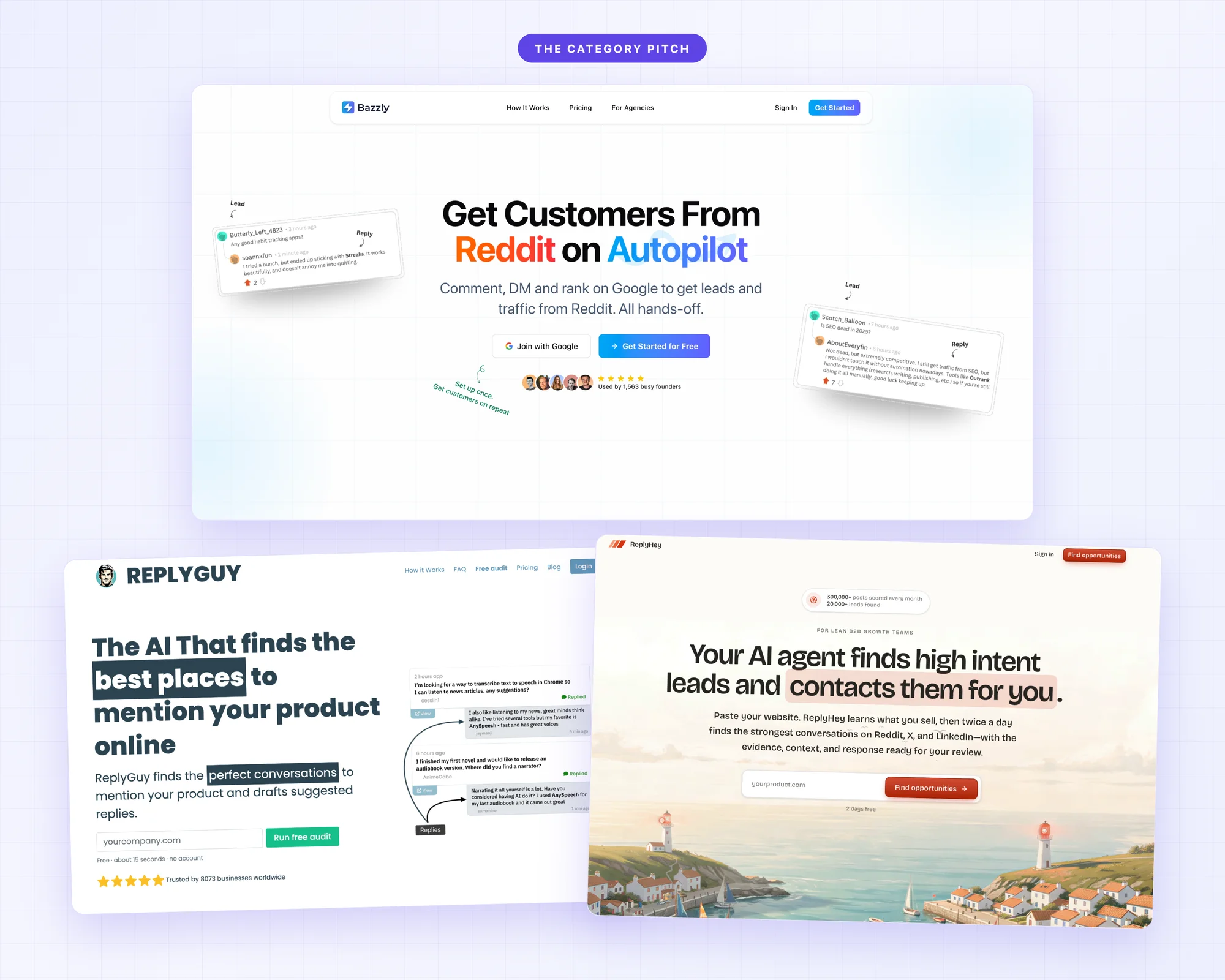
## What happened with ReplyGuy
ReplyGuy is the most documented case, so it's the one worth looking at.
When [404 Media investigated it in 2024](https://www.404media.co/ai-is-poisoning-reddit-to-promote-products-and-game-google-with-parasite-seo/), they found that most of the example accounts the tool showed off on its own website had already been banned by Reddit. A Reddit spokesperson told them this kind of manipulation is treated as spam and content manipulation and breaks the site's rules. The replies themselves were the kind of thing you've probably scrolled past: an account with a generic history suddenly recommending a text-to-speech app or a debt consolidation service, phrased just a little too smoothly.
On [Hacker News](https://news.ycombinator.com/item?id=38795506), the most substantive comment on the tool called AI bots writing "ostensibly personal recommendations under the guise of regular accounts without disclosing that they're paid ads" super shady. Developers have been scrolling past astroturfing for years, and they recognize it quickly.

And the tool itself? The original founder [sold ReplyGuy in September 2024](https://medium.com/@alexandr.belogubov/from-a-failed-launch-to-10k-mmr-and-a-6-figure-sale-the-replyguy-story-58bb9a0fd331), about a year in, at around $10k in monthly revenue, and wrote the story up himself. Today there are two unrelated products using the ReplyGuy name. I'll come back to why I think sellers keep exiting this category early.
You can see where the replies end up in almost any B2B category today. Search for tool recommendations and there's a good chance the top Reddit thread is full of vendors pretending not to be vendors, with commenters saying things like "crazy to see so many obviously AI generated comments" and accusing specific teams of astroturfing by name. And it's measurable: one [independent analysis of 51,000 comments in knife subreddits](https://www.petervijeh.com/projects/reddit-astroturf) found a single manufacturer getting 31% of its "what should I buy" mentions from just 5% of accounts. The author is careful to say those accounts looked ordinary, so they could be devoted fans or well-aged purchased accounts, and that's kind of the point: readers can't tell either, so they discount the whole thread. And this isn't a moral point. The spammy version literally doesn't produce customers, because once a thread reads like that, nobody in it is buying anything.
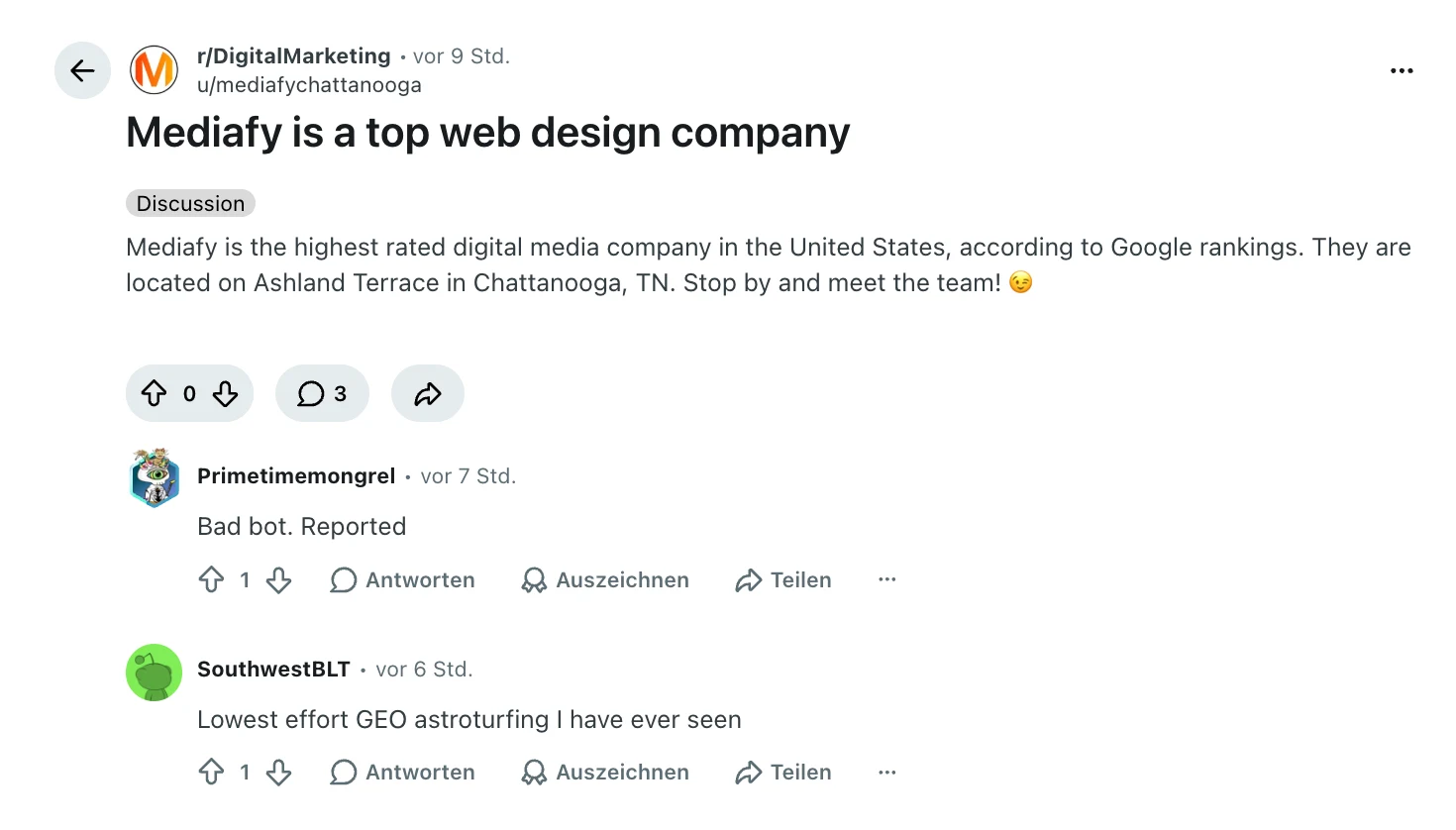
*Found with an Octolens search for "astroturfing", October 2026. The call-out took two hours.*
## Reddit automation is exactly what the platform is built to catch
The other side of this is that Reddit isn't passive about it. As of 2026, Reddit says it [catches around 25,000 spammy posts and comments per day and blocks about 23 million spam views daily](https://www.mediapost.com/publications/article/416312/reddit-infiltrated-by-stealth-ai-in-brand-citation.html), and it now uses large language models of its own to detect coordinated inauthentic behavior. Their line is that the most effective enforcement happens before a post is ever seen by a human. So the bet you're making with reply automation is that your vendor's AI stays ahead of Reddit's AI, on Reddit's infrastructure, indefinitely. I wouldn't take that bet.
And the downside is worse than a removed comment. When a community notices a brand astroturfing, the call-out thread stays up, ranks, and gets cited. We see this from the other direction: [1 in 4 Octolens signups now comes from AI assistants recommending us](/blog/how-to-get-your-brand-mentioned-in-chatgpt), which means AI answers are built heavily on community threads. A thread where your brand got caught spamming doesn't expire, it just becomes part of what ChatGPT and Claude know about you.
And it's not only Reddit's systems you're up against. Communities are writing their own detection guides now. This one collected a few hundred upvotes in under a day:
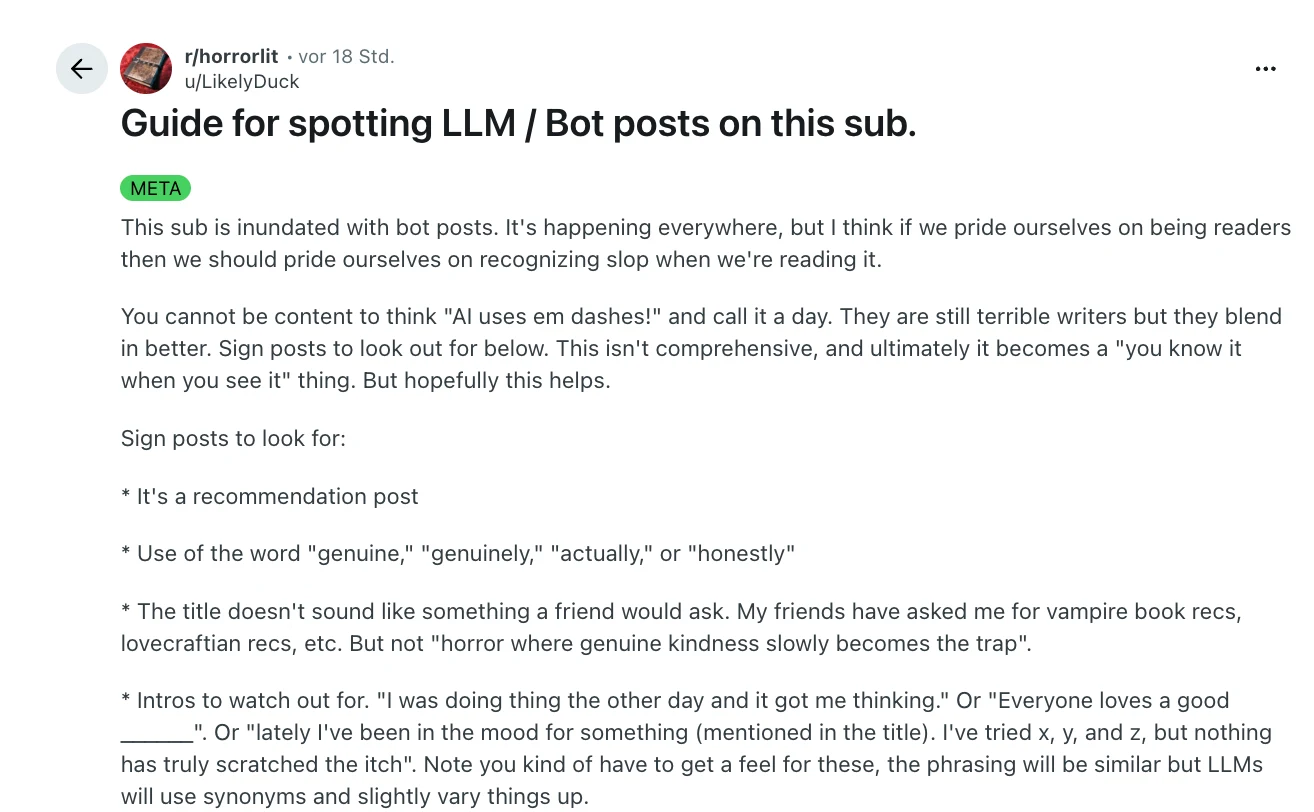
## Why the retention on these tools is so bad
This is the part I promised to come back to. The tools in this category don't stick around. They appear, get some traction on launch platforms, and a year later they're sold, renamed, or gone.
I think the reason is structural rather than bad execution. The product works best in the first few weeks, while the accounts are fresh and the communities haven't noticed yet. Then the replies start getting removed, the accounts get banned, or someone in the community points at the pattern, and the customer is left with the cleanup. So the customer churns, and the vendor needs a constant stream of new customers who haven't been burned yet. Mostly that stream is early-stage startups, because an established brand has too much to lose. A product whose customers systematically stop being customers after a few months is telling you something.
At least, that's the pattern as I read it. I haven't run one of these companies, and I'm sure the founders believe in the automation. However, the incentive problem doesn't go away: the vendor gets paid during the weeks it works, and you carry the reputation damage after.
## How to actually get leads from Reddit
The frustrating part is that the underlying signal is genuinely good. People go to Reddit specifically to ask for recommendations and alternatives, and [B2B software conversations there keep growing](/reddit-b2b-saas-study). The buying intent these tools point at really exists. The mistake is automating the one step where a human is the entire point.
What actually happens when this works is a lot more boring than the autopilot promise. Somebody asks a question in a thread and you answer it well. Six other people read that answer, some go look at your product, and a few buy. Then the thread sits on Google for years, because Reddit ranks well there, and people keep finding it. A comment you write this week can still be bringing you customers in two years. The whole approach is really reply fast, sell never. The bot replies never get to the compounding part, they're removed or scrolled past long before it starts.
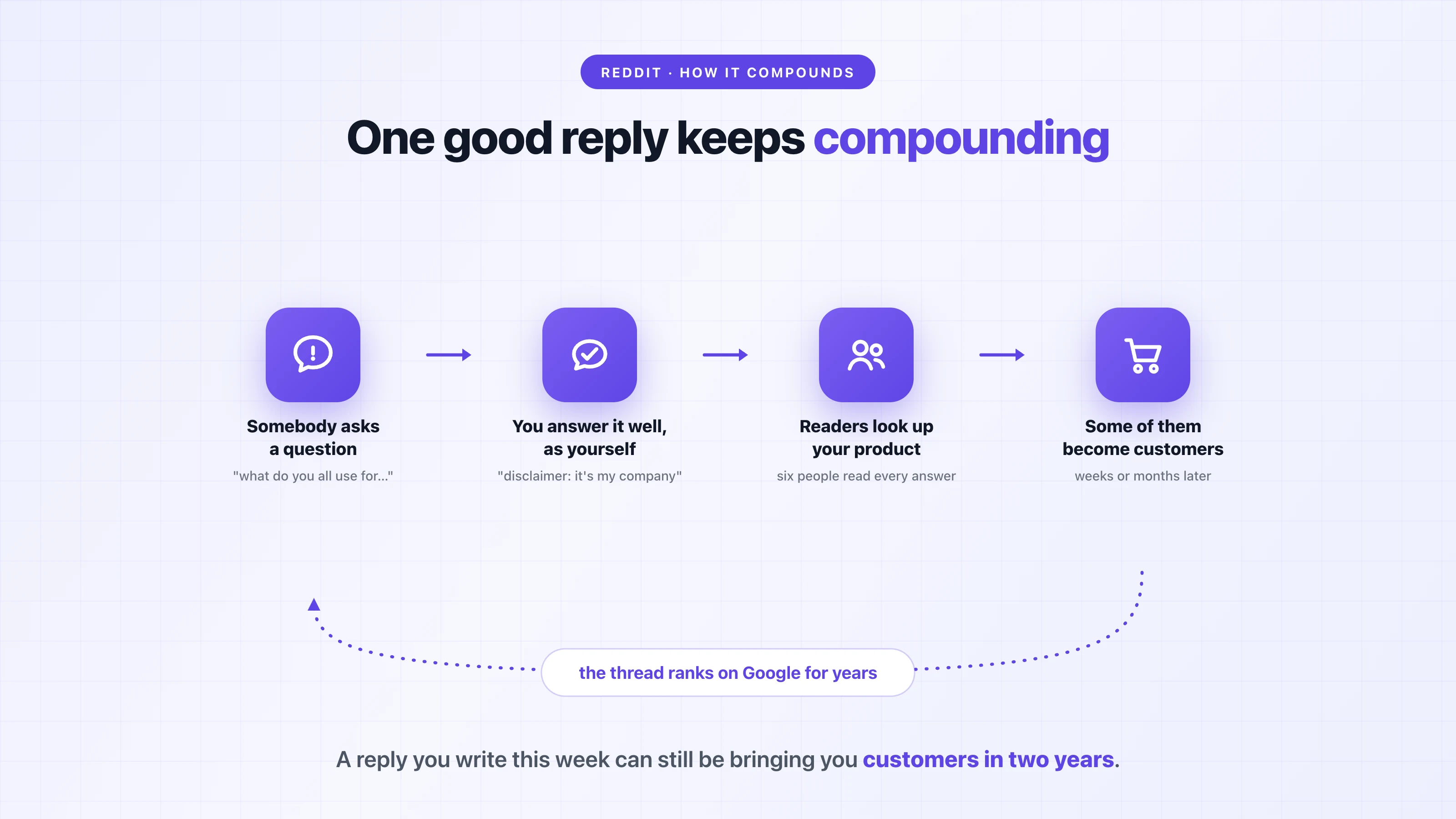
Marie, the founder of Tally, did this in the early days: when people asked for a free alternative to a form builder, she would go into the thread and say, hey, I'm the founder of Tally, check out our tool. She said who she was, the reply was genuinely useful in context, and that's how Tally got a lot of its early customers. Nobody experiences that as spam. The thing people object to is the deception, and there wasn't any.
### Decide which conversations you want to be pulled into
The reason not everyone simply does this is that the right threads are hard to find by browsing. Nobody is tagging your brand, and a lot of the real conversations are three replies deep in a comment section rather than sitting in a post with a nice title. On top of that, Reddit threads are busiest in the first few hours and have a short shelf life, so by the time a thread turns up in a Google search it's days or weeks old and somebody else has already answered. The practical question isn't really how do I market on Reddit. It's how do I find the conversations I should be replying to while they're still happening.
The way you solve that is to write down in advance the kinds of conversations you want to be pulled into. I'm going to call these keywords because that's what every tool calls them, but that's all a keyword really is: a description of a conversation you'd want to know about, in the language users actually use. Let's say you make invoicing software. Somebody asking how to deal with clients who pay late is a conversation where you can be genuinely helpful, because you have expertise to share. However, if you just track the word invoice, it's going to be far too many posts, and most of them will have nothing to do with you. (When I use Octolens for Octolens, I track keyword monitoring, social listening, and brand monitoring next to our own brand name, and that keeps the volume manageable.)
Practically it's three things. Number one, your own brand name, including the popular variants and misspellings. Number two, your competitors' names, because when somebody is unhappy with a tool in your category, that's a conversation you can be useful in, and also one you can learn from. Number three, a few topics you actually know a lot about, the kind of questions where you'd have a good answer whether or not you sold anything.
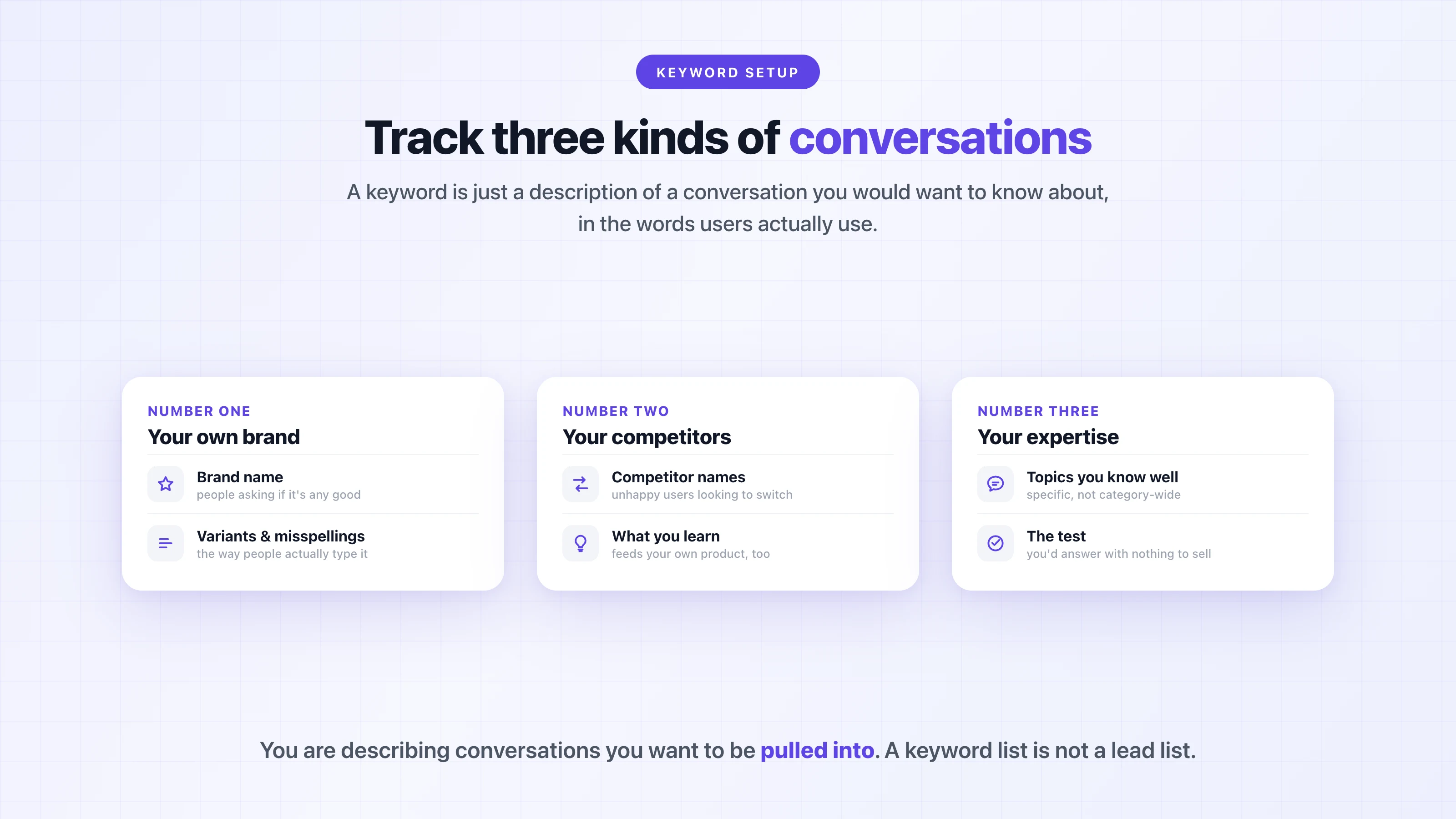
One warning, because I have watched this go wrong: don't turn this into a lead list. If you track something like "looking for a CRM" and start pitching everyone who says it, you're essentially back to the bot playbook, just slower, and you'll earn the same reputation.
### The reply pattern that holds up
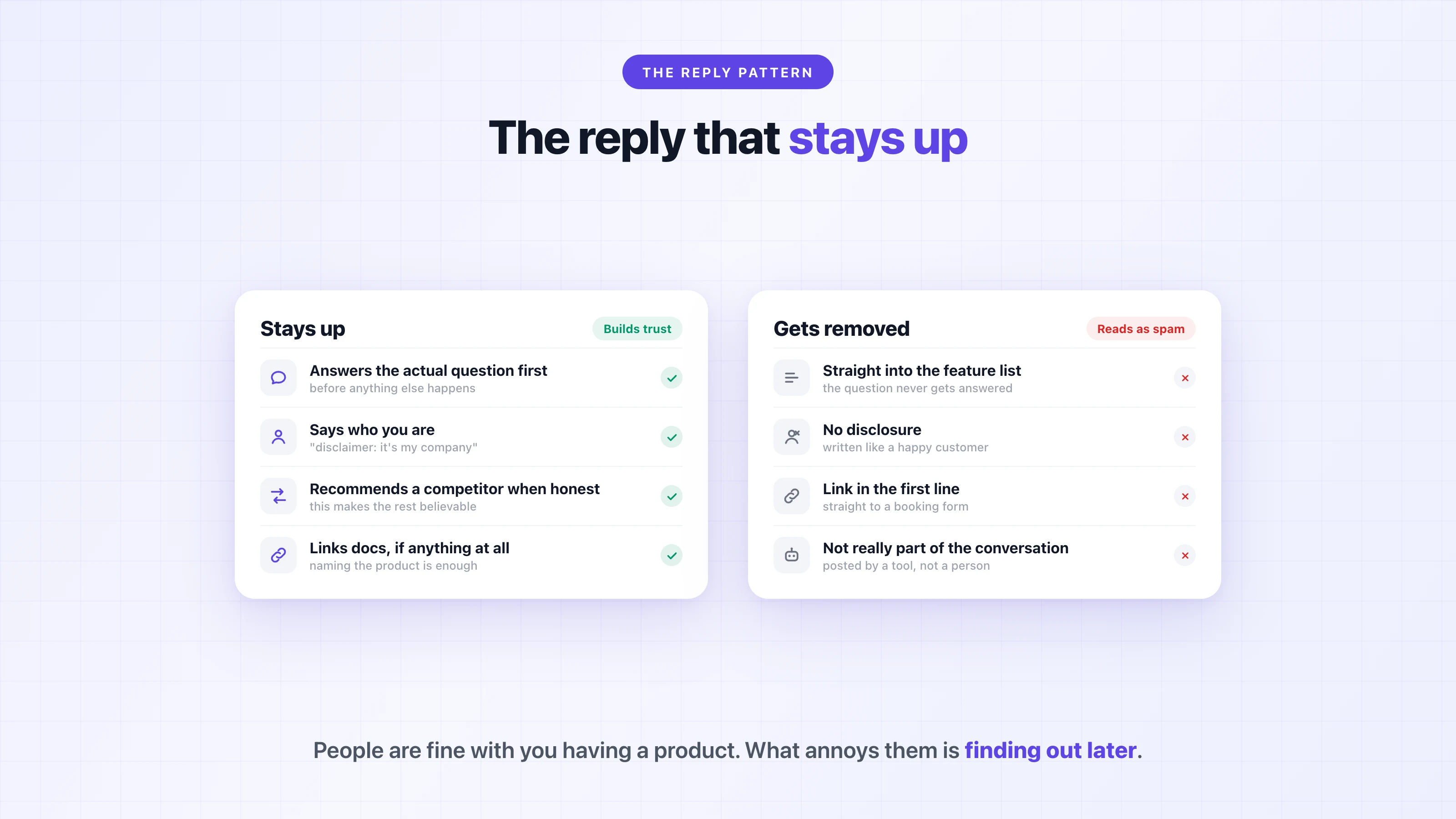
In the reply itself, answer the actual question first, before anything else happens. If the honest answer is a competitor or a free tool, say that. Some people underestimate this part because they think recommending something that isn't theirs takes away from them, but it's exactly what makes everything else you write believable.
Then say who you are. I do this on Reddit all the time, and I literally write: disclaimer, it's my company, take that with a grain of salt. It feels like disclosure might hurt you, but it does the opposite. People are usually fine with you having a product. What annoys people is finding out later, after you wrote everything as if you were just a happy customer.
And don't drop links. If you link anything, link documentation or a genuinely useful blog post, never a booking form. Most of the time naming the product is enough, because people can search. The version that gets removed is the mirror image of all this: straight into features, no disclosure, a link in the first line, and no actual participation in the conversation.
### Speed matters more than polish
Being right about all of this two days later doesn't help much, because the thread has moved on. The free way to handle this is to search your terms on Reddit, save those searches as bookmarks, and work through them at the start of every day. That genuinely works, and plenty of people do it that way. It just stops scaling at some point, and it misses the conversations that never contain your exact search term.
This is the part where I'm biased, so, full disclosure: Octolens does this step automatically, and I built it mostly because I got tired of doing it manually at my last company. It catches the posts and comments that match your keywords, checks with AI whether they're actually relevant, and sends you the ones that matter in Slack, email, or a webhook.
The teams doing this at scale have essentially industrialized showing up, without automating it. [Render's](/blog/render) DevRel team went from 4 to 6 replies a day to around 30, with about 30 minutes a day spent on engagement, because the finding and filtering is handled for them and the humans only do the replying. [Prisma](/blog/prisma) answers mentions in under 5 minutes, as actual named people. Speed changes the economics here, because the first helpful reply in a thread is the one that gets read.
If you want the practical version of this, we wrote up [how to reply on Reddit without getting banned](/skills/reply-on-reddit-without-getting-banned) and how to get a [daily shortlist of the top posts worth replying to](/skills/top-posts-to-reply-to-today).
## Where AI belongs in this workflow
I'm not against AI in this loop. We are an AI company, and honestly most of the work around a good reply is work AI should be doing.
Let's say a thread goes up asking for alternatives to a tool in your category. Collecting the mention, scoring whether it's actually relevant, summarizing the thread, drafting a starting point in your tone of voice: all of that can be automated. Same for what happens after the reply, so logging the thread in your CRM, [opening an issue if it was a bug report](/blog/turn-mentions-into-linear-issues), flagging a follow-up for next week. The advice I give almost every trial user is to set up the MCP and make a recurring task in Claude or ChatGPT: give me a daily brief with the five posts I should respond to. That keeps the judgment and the voice human, and removes basically all of the searching.
The one step we think should never be automated is pressing post, because that's the step the community actually sees.
One more thing the same data is good for: the threads where people describe their problem are also where they tell you the exact words they search with. Several of our customers feed that language into their [content and SEO work](/content-production), because a page that ranks keeps working next year.
To be honest about what Reddit earns you when you do it this way: it's slow, and it builds over time. Most of what you write will get maybe two upvotes and nothing else, and it can feel a little hopeless in the beginning. Then every so often somebody reads a comment you wrote two months or two years ago, because Reddit ranks well on Google, and they sign up. You'll never really be able to attribute that to anything. So I'm not going to tell you this fills your pipeline next week. What it does do is make sure you're in the thread while the conversation is still happening, instead of finding it three weeks later when somebody else has already answered.
If you're currently using one of the reply automation tools, I'm not going to pretend it never produces a lead. It sometimes does, which is exactly why the category keeps reappearing. But if your buyers are technical, the expected cost is higher than the expected return, and the cost arrives later, when it's harder to undo. If you want to talk through what a human-in-the-loop setup would look like for your team, write me. Happy to go through anything.
---
# The 13 Best MCP Servers for Brand Monitoring & Marketing in 2026
URL: https://octolens.com/blog/best-mcp-servers-for-brand-monitoring · Published: 2026-09-30 · Updated: 2026-09-30 · Author: Charlotte Schmitt (Co-Founder)
## The best data source for an AI assistant is the one someone already cleaned
I'm the co-founder of Octolens, and our MCP server is on this list, so I'll say that upfront — and I'll also tell you where a different server, or a plain free API, is the better pick. The reason I wrote this page is that "best MCP servers" lists are usually fifty entries long and organized by nothing. That's not how anyone works with these things. Every server you connect adds its tools to your assistant's context on every single request, and people who run a lot of them notice:
> *"mcp servers tend to inject too many tokens into the context, that might not be relevant for the task at hand"* — [a Hacker News commenter](https://news.ycombinator.com/item?id=48145993) in a thread on how Claude Code works in large codebases
And trust is a real question too, because a server is code you're wiring into your assistant:
> *"I've been a bit hesitant to spin up too many MCP servers locally when I can't easily tell what permissions they're asking for."* — [a Hacker News commenter](https://news.ycombinator.com/item?id=48840898) on a Show HN that sandboxed 70 MCP servers to log what they do
So this list is short on purpose and organized by the actual jobs that come up in marketing and founder-led growth work. I've also been specific about auth models everywhere, because "paste your session cookie" and "sign in with OAuth" are very different risk profiles and listicles usually gloss over that.
The jobs:
1. **Brand mentions & social listening** — what people say about you across the internet
2. **Platform-specific data** — Reddit, YouTube, LinkedIn and the DIY wrapper servers
3. **Your own marketing stack** — analytics, CRM, and product data
4. **Web research & scraping** — search-grounded answers and page extraction
## What is an MCP server?
An MCP server is a program that exposes tools and data to an AI assistant over the Model Context Protocol — the open standard Anthropic introduced in November 2024 that ChatGPT, Cursor, and most serious AI clients now speak too. Connect a server and your assistant can do things: search your mentions, query your analytics, pull a competitor's pricing page. The assistant decides when to call which tool; the server does the work and returns structured results.
Two distinctions matter more than any feature list:
- **Remote vs. local.** Remote servers are hosted — you add a URL, sign in, done. Local servers are processes you install and run, with API keys in config files. Remote with OAuth is the pattern that works across every client with the least setup.
- **A door vs. a pipeline.** Most servers are doors: they let the assistant query something that already exists. If the thing behind the door is raw (a platform API), your assistant gets raw data and burns context filtering it. If it's a pipeline that already collects, filters, and scores, the assistant gets signal. For monitoring specifically this is the whole game, because an MCP server only answers when asked — the watching has to happen somewhere else.
## How we evaluated these servers
Every server on this page went through the same checks:
1. **Does it verifiably exist and work today?** Live repo or product page, recent activity. The MCP ecosystem moves fast and half the servers in older roundups are abandoned.
2. **Auth model.** OAuth, API key, session cookie, or nothing — and what that means for safety and setup time.
3. **What the underlying data costs.** A free server wrapping a paid API isn't free. We note the real cost of the data underneath.
4. **Raw or filtered.** Does your assistant get an unfiltered firehose to reason over, or scored, deduplicated results?
5. **Client support.** Whether it works in Claude Code, Claude Desktop, ChatGPT, and Cursor, or only some of them.
Prices and repo facts were checked on September 30, 2026. Where something couldn't be verified against an official source, it isn't claimed.
## Quick comparison: all 13 servers at a glance
| Server | Best for | Runs | Auth | Underlying cost |
| --- | --- | --- | --- | --- |
| [Octolens](#our-tool-octolens) *(our tool, not ranked)* | AI-filtered brand mentions from across the internet | Remote | OAuth | From $159/mo (annual) |
| [Reddit MCP Buddy](#1-reddit-mcp-buddy) | Ad-hoc Reddit queries | Local | None (optional free Reddit app) | Free |
| [LinkedIn MCP Server](#2-linkedin-mcp-server) | LinkedIn profile/company lookups | Local | Your LinkedIn session cookie | Free + account risk |
| [mcp-hn](#3-mcp-hn) | Hacker News queries | Local | None | Free |
| [YouTube MCP Server](#4-youtube-mcp-server) | YouTube video/channel data | Local | YouTube Data API key | Free quota (tight) |
| [PostHog MCP](#5-posthog-mcp) | Your product analytics | Remote | Personal API key | Free tier, then usage |
| [HubSpot MCP](#6-hubspot-mcp) | Your CRM | Remote | OAuth | Free CRM tier up |
| [Google Analytics MCP](#7-google-analytics-mcp) | GA4 reports | Local | Google Cloud ADC | Free |
| [Ahrefs MCP](#8-ahrefs-mcp) | SEO data | Remote | OAuth (Lite plan+) | From $129/mo |
| [Apify MCP](#9-apify-mcp) | Scraping via 1,000s of Actors | Remote or local | OAuth / API token | $5 free credit/mo, then usage |
| [Firecrawl MCP](#10-firecrawl-mcp) | Turning websites into clean data | Local (hosted API) | API key | 1,000 free credits/mo |
| [Tavily MCP](#11-tavily-mcp) | Search built for agents | Remote or local | API key | 1,000 free credits/mo |
| [Bright Data Web MCP](#12-bright-data-web-mcp) | Scraping hard-to-reach pages | Local (hosted API) | API key | 5,000 free requests/mo |
## Brand mentions & social listening
This is the job where the door-vs-pipeline distinction decides everything. An assistant can only answer "what are people saying about us?" well if something has been collecting and filtering mentions the whole time.
## Our tool: Octolens
*We make Octolens, so it sits outside the ranking. The numbered list below starts with the tools we don't make.*
**Best for: brand mentions from across the internet, already filtered and scored**
Ours, so here is exactly what it is and where it isn't the right pick. Octolens monitors your keywords across Reddit, X, LinkedIn, Hacker News, Bluesky, YouTube, GitHub, Stack Overflow, TikTok, podcasts, newsletters, and news — the collection runs continuously on our side, and every mention gets scored by AI for relevance and sentiment before your assistant ever sees it. The [MCP server](https://octolens.com/mcp) is the door into that pipeline: 23 tools for listing and searching mentions, running analytics, and managing keywords. It's a remote server with OAuth sign-in, so the same URL works in Claude Code, Claude Desktop, ChatGPT, and Cursor with nothing to install and no API key to paste.
What this replaces is not one wrapper server but the stack you'd otherwise assemble: a Reddit wrapper plus an HN wrapper plus something risky for LinkedIn, each returning raw results your assistant has to filter in context. As an example, when I use Octolens for Octolens, the daily prompt is "give me the five posts I should respond to today" — that only works because relevance filtering already happened upstream. Trial users who set up the MCP or API convert at 4x our baseline, which tells you something about who this clicks for.
| Detail | Info |
| --- | --- |
| Runs | Remote (`https://app.octolens.com/api/mcp/v2`), OAuth — no API key |
| Covers | Social, forums, video, podcasts, newsletters; posts and comments; news on the Scale plan |
| Pricing | Pro $159/mo (annual) / $199 monthly. Scale $499/mo (annual) / $599 monthly. 7-day trial |
| Honest limits | Monitors public mentions only — no surveys or support tickets. Archive builds from when you add a keyword (7-day backfill) |
Per-platform setup guides: [Reddit](https://octolens.com/reddit-mcp), [LinkedIn](https://octolens.com/linkedin-mcp), [Twitter/X](https://octolens.com/twitter-mcp), [YouTube](https://octolens.com/youtube-mcp), [Hacker News](https://octolens.com/hackernews-mcp), [News](https://octolens.com/news-mcp), [Bluesky](https://octolens.com/bluesky-mcp).
**Website:** [https://octolens.com](https://octolens.com)
## Platform-specific servers: the DIY wrappers
These are open-source servers that wrap one platform's API. They're free, they're honest about what they are, and they're genuinely useful for ad-hoc questions — with the shared caveat that they answer queries rather than watch anything, and your assistant does the filtering in context. There are also small Bluesky servers ([bsky-mcp-server](https://github.com/brianellin/bsky-mcp-server), 49★, app-password auth) if that's where your audience is.
## 1. Reddit MCP Buddy
**Best for: asking Claude about Reddit without any setup** | ~840★ on GitHub
The most-starred dedicated Reddit MCP server. It browses subreddits, searches posts, and analyzes users, with output formatted for LLMs, and the zero-setup mode is the nice part: it runs anonymously against Reddit's public endpoints at about 10 requests a minute. Add free Reddit app credentials and you get 60–100 requests a minute plus full post metrics. For "what's r/SaaS saying about pricing models this week" it's exactly right. For continuous brand monitoring you'd end up rebuilding a poller, storage, and filtering around it, and that's usually the point where a wrapper stops being enough.
| Detail | Info |
| --- | --- |
| Runs | Local |
| Auth | None; optional free Reddit client_id/secret for higher limits |
| Cost | Free (OSS, individual maintainer) |
| Honest limits | Anonymous mode returns no scores/comment counts; per-query, no watching |
**Repo:** [github.com/karanb192/reddit-mcp-buddy](https://github.com/karanb192/reddit-mcp-buddy)
## 2. LinkedIn MCP Server
**Best for: LinkedIn lookups if you accept the account risk** | ~3,700★ on GitHub
The prominent LinkedIn server, and I'm including it because pretending it doesn't exist would make this list less useful. It scrapes profiles, companies, and jobs through a real browser session. The auth is the thing to understand: it signs in as you — current versions import your li_at session cookie from a local browser or open a login window. That's unofficial automated access, it violates LinkedIn's User Agreement, and accounts do get restricted for it. Sessions also expire, so it breaks periodically by design. If you use it, use it sparingly and know what you're risking; if you want LinkedIn mentions without your account in the line of fire, that's the exact case [we built for](https://octolens.com/linkedin-mcp).
| Detail | Info |
| --- | --- |
| Runs | Local (drives a Chromium session) |
| Auth | Your LinkedIn session cookie / interactive login |
| Cost | Free (OSS) — plus the account-restriction risk |
| Honest limits | ToS-violating scraping; sees only what your account can see; breaks when sessions expire |
**Repo:** [github.com/stickerdaniel/linkedin-mcp-server](https://github.com/stickerdaniel/linkedin-mcp-server)
## 3. mcp-hn
**Best for: Hacker News queries with literally zero auth** | ~80★ on GitHub
Hacker News is the one platform where the free APIs are genuinely free and open, and this small server wraps them: front page, top/show/ask lists, search via Algolia, comments, user info. There is no key or account needed at all. The ecosystem here is fragmented — several similar wrappers exist and none dominates — but they're all thin layers on the same two public APIs, so picking by recent maintenance is fine. The gap, as with every wrapper: HN threads peak in hours, and a server that answers when asked won't tell you a thread about you is rising. That's a pipeline job.
| Detail | Info |
| --- | --- |
| Runs | Local |
| Auth | None |
| Cost | Free (OSS) |
| Honest limits | Query-only; no alerts; fragmented ecosystem of similar small wrappers |
**Repo:** [github.com/erithwik/mcp-hn](https://github.com/erithwik/mcp-hn)
## 4. YouTube MCP Server
**Best for: video and channel data inside the API's free quota** | ~580★ on GitHub
Two flavors exist and they're worth distinguishing. ZubeidHendricks/youtube-mcp-server is the full Data API server — video details, channel stats, searches — authenticated with a YouTube Data API key, and it even supports rotating multiple keys because the free quota is tight: search calls are capped at 100 per day by default. The other flavor, [mcp-server-youtube-transcript](https://github.com/kimtaeyoon83/mcp-server-youtube-transcript) (~600★), needs no key at all and just pulls transcripts — genuinely handy for "summarize this competitor's launch video." Neither can search YouTube comments by keyword, because the Data API itself can't; comment mentions of your brand under other people's videos stay invisible to any DIY setup.
| Detail | Info |
| --- | --- |
| Runs | Local |
| Auth | YouTube Data API key (transcript variant: none) |
| Cost | Free within Data API quota |
| Honest limits | search capped at 100 calls/day; no comment keyword search exists in the API |
**Repo:** [github.com/ZubeidHendricks/youtube-mcp-server](https://github.com/ZubeidHendricks/youtube-mcp-server)
## Your own marketing stack
The official vendor servers. These are the easy wins: OAuth or a personal key, data you already own, and no ambiguity about who runs the code.
## 5. PostHog MCP
**Best for: asking your product analytics questions in plain language**
PostHog's official server queries insights, dashboards, feature flags, and error tracking, and can run analytics queries directly — "which signup source converted best last month" without opening the app. Install is a one-liner (`npx @posthog/wizard@latest mcp add`), auth is a personal API key, and PostHog's free tier (1M events a month) means most teams pay nothing to start. The code recently moved into the PostHog monorepo, which is a good sign for maintenance. We use this one ourselves; it covers the inside view the same way mention monitoring covers the outside one.
| Detail | Info |
| --- | --- |
| Runs | Remote |
| Auth | Personal API key |
| Cost | PostHog freemium — 1M events/mo free, then usage-based |
| Honest limits | Your first-party data only |
**Docs:** [posthog.com/docs/model-context-protocol](https://posthog.com/docs/model-context-protocol)
## 6. HubSpot MCP
**Best for: CRM lookups and updates from your assistant**
HubSpot's remote server went GA in April 2026 and does read and write on core CRM objects — contacts, deals, engagements — over OAuth. "Draft a follow-up for every deal that went quiet this month" becomes a prompt. One confusion to save you: HubSpot ships two official servers, this CRM one at mcp.hubspot.com and a separate local Developer server for app/CMS work. For marketing you want the first. Works from the free CRM tier up, with rate limits inheriting from your HubSpot plan.
| Detail | Info |
| --- | --- |
| Runs | Remote (mcp.hubspot.com) |
| Auth | OAuth |
| Cost | Free CRM tier up; paid hubs from ~$15–20/seat/mo |
| Honest limits | Two same-named official servers confuse setup; write access deserves care |
**Docs:** [developers.hubspot.com/ai-tools/mcp](https://developers.hubspot.com/ai-tools/mcp)
## 7. Google Analytics MCP
**Best for: GA4 reports without the GA4 interface**
Official, Google-owned, and explicitly labeled experimental. It exposes account summaries, standard and funnel reports, and custom dimensions over the GA4 APIs. The friction is setup: it runs locally and authenticates through Google Cloud Application Default Credentials, which means a GCP project with the right APIs enabled — noticeably more ceremony than pasting one key. Once it's up, "compare organic traffic to the two pages we shipped last month" beats clicking through GA4's report builder, which is honestly most of the value.
| Detail | Info |
| --- | --- |
| Runs | Local (pip package analytics-mcp) |
| Auth | Google Cloud ADC / OAuth |
| Cost | Free |
| Honest limits | Experimental label; GCP setup friction; GA4 properties only |
**Repo:** [github.com/googleanalytics/google-analytics-mcp](https://github.com/googleanalytics/google-analytics-mcp)
## 8. Ahrefs MCP
**Best for: SEO data in your assistant, if you already pay for Ahrefs**
Official, hosted by Ahrefs, with 100+ tools across Site Explorer, Keywords Explorer, Rank Tracker, and Site Audit, including batch analysis across up to 100 domains. Auth is OAuth against your Ahrefs account — which is also the catch: it requires the Lite plan ($129/mo) or higher, and calls consume your plan's API units, which can go quickly if your assistant gets enthusiastic. There is no free tier at all. Semrush ships an equivalent official remote server ([mcp.semrush.com](https://www.semrush.com/mcp/)) with the same shape: paid plan required, unit-metered. If you already pay for either, connecting it is an obvious yes; nobody should buy a $129/mo subscription just to have an SEO MCP.
| Detail | Info |
| --- | --- |
| Runs | Remote (api.ahrefs.com/mcp/mcp) |
| Auth | OAuth — Ahrefs Lite plan ($129/mo) or higher |
| Cost | Plan price + API unit consumption |
| Honest limits | No free tier; agent loops can burn units fast |
**Docs:** [docs.ahrefs.com/en/mcp](https://docs.ahrefs.com/en/mcp/docs/introduction)
## Web research & scraping
The general-purpose layer: search and extraction servers your assistant uses for competitive research, content work, and everything the platform-specific servers don't cover. All four are real companies with real free tiers, so the choice is mostly about shape.
## 9. Apify MCP
**Best for: one server that opens a marketplace of scrapers** | ~9,100★ on GitHub
The biggest repo on this list, and structurally the most interesting: Apify's server exposes their Actor marketplace — thousands of purpose-built scrapers for Reddit, X, Instagram, TikTok, YouTube, Google Maps, and more — as MCP tools. Hosted remote with OAuth at mcp.apify.com, or local with an API token. The free plan includes $5 of platform credit a month, and then each Actor bills its own usage, which is also the honest catch: predicting cost across Actors with different pricing models takes attention. Individual Actors can even be connected as standalone MCP servers, including purpose-built brand-monitoring ones, so it's really closer to a toolkit than a single tool.
| Detail | Info |
| --- | --- |
| Runs | Remote (mcp.apify.com, OAuth) or local |
| Auth | OAuth / API token |
| Cost | $5 free platform credit/mo; Starter $19/mo; Actors bill usage on top |
| Honest limits | Per-Actor pricing makes total cost hard to estimate; results are raw scrapes |
**Repo:** [github.com/apify/apify-mcp-server](https://github.com/apify/apify-mcp-server)
## 10. Firecrawl MCP
**Best for: turning any website into clean, structured data** | ~7,500★ on GitHub
Firecrawl's official server does scrape, crawl, site mapping, search, and structured extraction, and it's become the default answer for "get this page into my assistant as clean markdown." The free tier is 1,000 credits a month at roughly a credit per page, with paid plans from $16/mo (annual). For marketing work it shines at competitor pages, docs, and pricing tables — anywhere the content is public but unstructured. JS-heavy and anti-bot sites consume more credits, and it has no social-platform-specific structure, which is why it pairs with rather than replaces the platform servers above.
| Detail | Info |
| --- | --- |
| Runs | Local server, hosted API underneath |
| Auth | API key |
| Cost | 1,000 free credits/mo; Hobby $16/mo (annual) for 5,000 |
| Honest limits | Credit burn on JS-heavy sites; generic extraction, not platform-aware |
**Repo:** [github.com/firecrawl/firecrawl-mcp-server](https://github.com/firecrawl/firecrawl-mcp-server)
## 11. Tavily MCP
**Best for: giving your assistant a search engine built for agents** | ~2,400★ on GitHub
Tavily built search for LLM consumption from the start — results arrive pre-processed for context windows rather than as ten blue links — and the MCP server adds extract, map, and crawl on top. Free tier is 1,000 credits a month resetting on the 1st, then pay-as-you-go at $0.008 a credit. It's the simplest of the four to reason about and a good default for "research this company before the call." Exa ([exa-mcp-server](https://github.com/exa-labs/exa-mcp-server), ~5,000★, $10 free credits) is the semantic-search alternative, and Perplexity's [official server](https://github.com/perplexityai/modelcontextprotocol) grounds answers in its Sonar API — worth knowing about, priced per-request plus per-token, which adds up in monitoring-style loops.
| Detail | Info |
| --- | --- |
| Runs | Remote endpoint or local |
| Auth | API key |
| Cost | 1,000 free credits/mo; then $0.008/credit |
| Honest limits | Hard stop at monthly credit cap; search, not persistent tracking |
**Repo:** [github.com/tavily-ai/tavily-mcp](https://github.com/tavily-ai/tavily-mcp)
## 12. Bright Data Web MCP
**Best for: pages that block everything else** | ~2,700★ on GitHub
Bright Data's server routes search and scraping through their unblocker and proxy network, which is the point: it reaches pages that defeat normal scrapers. The free tier is real — 5,000 requests a month, no credit card — and the Pro mode adds structured feeds for LinkedIn, Instagram, and X on Bright Data's usage-based pricing. This is the heavy machinery of the category; for most marketing teams it's the escalation path when Firecrawl or Tavily can't get through, not the daily driver. Unused free requests don't roll over, and the cap is a hard stop.
| Detail | Info |
| --- | --- |
| Runs | Local server, hosted network underneath |
| Auth | Bright Data API key |
| Cost | 5,000 free requests/mo; then usage-based |
| Honest limits | Pro tools excluded from free tier; scraped social data has the same ToS questions as any scraper |
**Repo:** [github.com/brightdata/brightdata-mcp](https://github.com/brightdata/brightdata-mcp)
## Which ones should you actually connect?
Definitely not all thirteen. The working set I'd suggest for a founder or marketing team, based on what we see customers run, is three to five:
- **Mentions:** Octolens — the outside view, filtered before it hits your context window. That's us, and this is the job we'd argue hardest for, because it's the one where a raw wrapper genuinely can't substitute for a pipeline.
- **Your own numbers:** PostHog and/or HubSpot, depending on where your truth lives. Official servers, OAuth, low risk.
- **Research:** Tavily or Firecrawl for general web work, Apify when you need a platform-specific scraper for a one-off.
- **Situational:** the free platform wrappers for ad-hoc digging (Reddit MCP Buddy and mcp-hn are safe and free), Ahrefs if you already pay for it.
And the LinkedIn cookie server is the one to think twice about — not because the code is bad, but because it's the only entry on this list that puts one of your accounts at risk.
If you want to see the mentions side working before committing to anything, the [Octolens trial](https://octolens.com/me/sign-up?selectedPlan=Free_trial) is 7 days, and the MCP server connects in about five minutes — [setup guides here](https://octolens.com/mcp). Reach out if you have any questions.
---
# Brandwatch Pricing in 2026: What It Actually Costs (Real Contract Data)
URL: https://octolens.com/blog/brandwatch-pricing · Published: 2026-09-15 · Updated: 2026-09-15 · Author: Charlotte Schmitt (Co-Founder)
Try to find a price on brandwatch.com. There's a [plans page](https://www.brandwatch.com/plans/), it lists three products, and there isn't a single number on it — every path ends at "schedule your free demo."
The people who went through that funnel describe the result pretty consistently. One agency marketer on Reddit shared their actual bill while [shopping for a cheaper option](https://www.reddit.com/r/SocialMediaMarketing/comments/1id34am/looking_for_a_cheaper_alternative_to_brandwatch/): *"Currently we pay about $10,000/year for Brandwatch … We have two user seats … though I'm really the only one who uses the tool."* The first reply: *"$10k/year for 2 users that's for social media? Are you serious?"* And that was one of the small contracts.
The numbers are out there, though. Vendr tracks real Brandwatch contracts from real buyers, and — the best source we found — Brandwatch filed an actual rate card with the UK government's public procurement marketplace. This post pulls it all together: what Brandwatch really costs in 2026, how the query-based pricing model works, what's hidden in the add-ons, and how to decide whether it's worth it.
(Disclosure up front: we build [Octolens](https://octolens.com/), a social listening tool that competes with Brandwatch for part of this market. We'll be explicit about where we're a good alternative and where we're not — Brandwatch does things we don't.)
## How Much Does Brandwatch Cost?
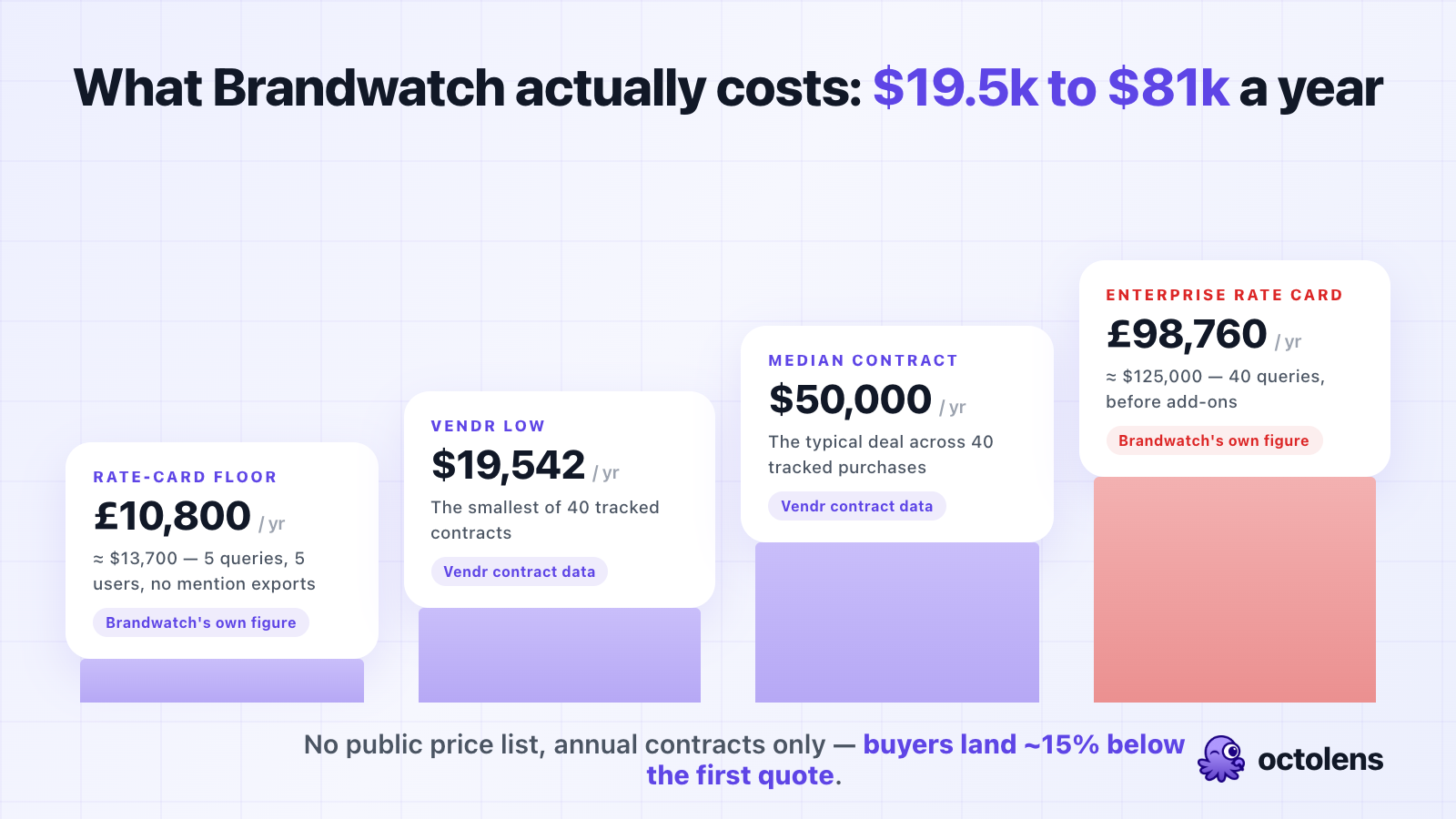
Short answer: **the median Brandwatch contract is $50,000 per year, and real contracts range from about $19,500 to $81,200.**
Here's the same question answered from four independent sources:
| Source | What it says |
| --- | --- |
| [Brandwatch's own plans page](https://www.brandwatch.com/plans/) | No prices published — custom quotes only, behind a demo call |
| [Vendr](https://www.vendr.com/marketplace/brandwatch) (40 tracked purchases, updated Feb 2026) | Median contract **$50,000/yr**, range **$19,542–$81,200** |
| [Brandwatch's public UK government rate card](https://assets.applytosupply.digitalmarketplace.service.gov.uk/g-cloud-14/documents/93287/917870886671618-pricing-document-2024-05-01-0908.pdf) | Consumer Intelligence from **£10,800/yr** (about $13,700), Social Media Management from **£13,800/yr** (about $17,500) |
| User reports on [Reddit](https://www.reddit.com/r/SocialMediaMarketing/comments/1id34am/looking_for_a_cheaper_alternative_to_brandwatch/) | **$10,000/yr** for a 2-seat agency setup (an older, small contract — below today's Vendr floor) |
The gap between the rate-card floor and the Vendr median is the important part. The £10,800 entry package exists, but it comes with limits most buyers outgrow in the sales call itself — 5 saved queries, 1 year of data, no mention exports. By the time a typical insights team has scoped what it actually needs, the quote lands near $50,000. That's also why independent researchers keep arriving at the same number: a [9-vendor pricing study posted to Reddit in September 2026](https://www.reddit.com/r/marketinteltools/comments/1w8xliv/what_social_listening_tools_cost_in_2026_29month/) notes that Brandwatch attaches *"a dollar figure only through a demo, a buyer's own contract, or a tracked-purchase marketplace like Vendr"* — and cites the same $50,000 median.
For how this compares across the category: Meltwater's median contract is [$25,800/year](https://octolens.com/blog/meltwater-pricing), Sprout Social prices [per seat with an unpriced listening add-on](https://octolens.com/blog/sprout-social-pricing), and the full landscape from $29/month upwards is in our [social listening tools guide](https://octolens.com/blog/best-social-listening-tools).
## Brandwatch Pricing Plans Explained
Brandwatch sells three products, each quoted separately. Understanding which one you're actually being quoted for matters, because they overlap just enough to be confusing.
### Consumer Intelligence — the flagship, from ~£10,800/year
This is the deep social listening product (the app itself is called Consumer Research). It comes in Pro, Premium, and Enterprise packages, and pricing runs on one of two models:
- **Query model** — you pay for the number of saved searches you can have running at once
- **Mentions model** — you pay for the volume of results collected per month (Premium and Enterprise only)
The package tier decides your limits: Pro gets up to 5 users, 1 year of historical data, and no mention exports at all. Premium gets 20 users, 2 years of data, and exports up to 10k mentions per day. Enterprise raises that to 50 users and 100k per day. Basic API access is included in all three, but the rate limits are real — lifting them is a paid add-on (more below).
### Social Media Management — from ~£13,800/year
The publishing, engagement, and monitoring suite (the old Falcon.io product, for anyone who remembers the acquisition). Standard is £13,800/year with 3 users and a single Listen query, Pro is £22,200 with 3 queries, Premium is £39,000 with 5. Extra Listen queries are £540/year each.
There's also a **Listen Standalone** option at £7,200/year (~$9,100) with 3 users and 3 searches — the closest thing Brandwatch sells to an entry-level listening product, and notably not something the sales process tends to lead with.
### Influencer Marketing — from ~£8,100/year
Influencer discovery and campaign management (Influence), at £27,000/year standalone or £8,100 for the discover-only version. Separate product, separate quote; API access for it is another £5,400/year.
### What actually drives your quote
From the rate card's own structure, your price moves with:
- **Query count** — each concurrent saved search costs roughly £1,400–£1,740/year at the margin
- **Mention volume** — on the mentions model, each additional 1M monthly mentions is £15,600–£22,800/year
- **Package tier** — Pro vs. Premium vs. Enterprise decides seats, data history, and export rights
- **Historical data** — access beyond the rolling window is a separate paid add-on
- **Channels** — extra Facebook/Instagram and Twitter/X channel packs are priced separately
- **Contract length** — Vendr's data shows 15–25% discounts for 2–3 year commitments
## The Public Rate Card Brandwatch Doesn't Advertise
To sell to the UK government, Brandwatch filed a [17-page pricing document on the G-Cloud 14 procurement marketplace](https://assets.applytosupply.digitalmarketplace.service.gov.uk/g-cloud-14/documents/93287/917870886671618-pricing-document-2024-05-01-0908.pdf). It's public, anyone can read it, and it's the only place Brandwatch itself puts numbers next to its products. (Prices are GBP and from the May 2024 filing — treat them as the shape of the pricing, and expect your commercial quote to differ.)
The Consumer Intelligence query ladder, per year:
| Queries | Pro | Premium | Enterprise |
| --- | --- | --- | --- |
| 5 | **£10,800** | £21,000 | n/a |
| 10 | £16,200 | £30,600 | £37,200 |
| 20 | £27,900 | £48,360 | £58,860 |
| 40 | n/a | £88,200 | **£98,760** |
That top-right cell is worth converting: £98,760 is about $125,000/year — before add-ons. And the ladder keeps going: past 40 queries, each additional one is £1,440–£1,740/year.
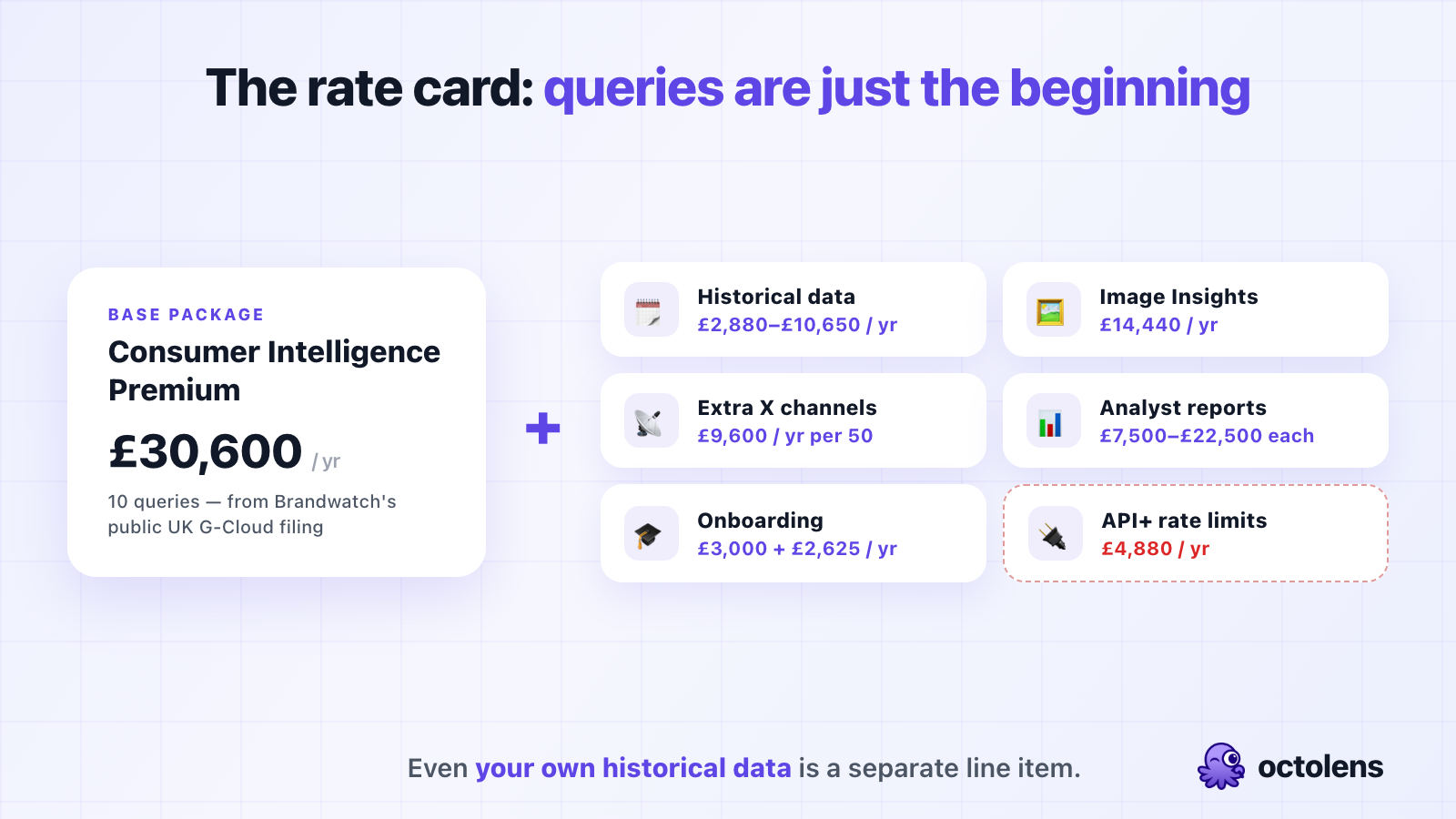
Then the add-ons, each priced separately:
| Add-on | Price |
| --- | --- |
| Historical data access (Premium/Enterprise only) | £2,880–£10,650/yr depending on queries |
| Image Insights (logo detection in photos) | £14,440/yr |
| Logo Recognition (add your own logos) | £4,608 per logo per yr |
| Vizia Reporting (live report screens) | £7,680/yr |
| Additional Twitter/X channels (50) | £9,600/yr |
| Premium print data (Dow Jones + NYT) | £6,360–£20,400/yr by tier |
| **API+ (rate limit increase)** | **£4,880/yr** |
| Onboarding (Basic) | £3,000 one-off, or £2,625/yr recurring |
| Analyst reports (Bronze/Silver/Gold) | £7,500–£22,500 one-off each |
| Expert hours | £200/hr |
Three things jump out:
**Your own historical data is an add-on.** The base packages include a 1–2 year rolling window. Going further back — the archive depth that's supposed to be Brandwatch's headline strength — costs up to £10,650/year extra, and isn't available on Pro at all. The September 2026 pricing study mentioned above flags the same issue from the buyer side: get *"the historical-data window in writing before signing"* — Brandwatch is *"the one vendor here with no retention figure published anywhere in its public documentation."*
**Onboarding can be a subscription.** £3,000 one-off is normal for enterprise software. The £2,625/year *recurring* onboarding package — renewable training hours, forever — is a line item we haven't seen anywhere else in this category.
**API access is included, but throughput is paid.** Every Consumer Intelligence tier lists "Basic API," and then the rate card prices the rate-limit increase at £4,880/year. So programmatic access to your own mentions technically exists on every package; using it at production volume is another negotiation.
## The Hidden Costs
Reading the rate card next to Vendr's buyer data, the contract number is the start, not the total. Budget for:
- **Onboarding: £3,000–£6,000** (Basic or Advanced), unless you take the recurring version.
- **Historical data**, if you need to look back further than your package's rolling window — and most research use cases do.
- **Query creep.** Queries are the unit of everything. Each brand, competitor, campaign, and topic is a query, and every one past your allowance is ~£1,500/year. Teams that start with 5 rarely stay at 5.
- **Export ceilings.** On Pro you cannot export mentions at all; on Premium you're capped at 10k/day. If your workflow involves getting data *out* of Brandwatch, the tier decides whether that's possible.
- **Reports and services.** The analyst-report tiers run £7,500–£22,500 per report, and anything custom is £200/hour.
One more structural cost: **there is no monthly option and no self-serve trial.** Every figure above is committed annually before you've used the product outside a demo. That's the part the smaller buyers consistently regret — as one user [put it on X](https://twitter.com/awpthorp/status/2095222411503521956): *"I tried it with brandwatch and realised it's only good for mega corps and those guys all have big enterprise gigs for listening."*
## What a Real Brandwatch Quote Looks Like
Three realistic scenarios, assembled from the rate card and the Vendr data:
**Scenario 1: A small team that wants listening, not a research department.** The honest fit inside Brandwatch's catalog is Listen Standalone (£7,200/yr, 3 users, 3 searches) or Consumer Intelligence Pro with 5 queries (£10,800/yr, no exports). All-in with basic onboarding you're at roughly **$13,000–$18,000 for year one** — right where the Reddit agency's $10k legacy deal sits, and right where the seat waste starts. Two seats, one actual user is a pattern the sales process doesn't discourage.
**Scenario 2: A mid-market consumer-insights team.** Consumer Intelligence Premium with 10 queries (£30,600), historical data for those queries (£4,180), and basic onboarding (£3,000). That's £37,780 — about **$48,000 for year one**, which is Vendr's $50,000 median almost exactly. The rate card and the contract data land in the same place, which makes both easier to trust.
**Scenario 3: An enterprise insights org.** Enterprise at 40 queries (£98,760), Image Insights (£14,440), Vizia reporting (£7,680), advanced onboarding (£6,000). Over £126,000 — call it **$160,000/year** — and that's before extra channel packs, print data, or a single analyst report. This is the buyer Brandwatch is actually built for, and at this level you're negotiating a platform relationship, not a price list.
## How to Negotiate Your Brandwatch Contract
If Brandwatch is the right tool for your job, don't pay the first number. The dynamics are documented in Vendr's negotiation data:
1. **The first quote moves ~15%.** Vendr's tracked buyers land an average of 15.29% below the initial Brandwatch quote. Treat the first number as an opening position, because that's what it is.
2. **Bring a Meltwater quote.** The two get cross-shopped constantly (we've written up the [direct comparison](https://octolens.com/brandwatch-vs-meltwater)), and a real competing number moves the price more than anything you can say. Meltwater's median is half of Brandwatch's, which makes it a useful anchor even if you never intended to buy it.
3. **Trade contract length carefully.** 2–3 year commitments earn 15–25% off. Real money — but weigh it against being locked into a tool you couldn't trial, from a vendor whose parent company [went through a debt restructuring](https://octolens.com/brandwatch-vs-meltwater-vs-talkwalker) in 2025–2026.
4. **Get the data window in writing.** Rolling data, query save history, and archive access are all tier-dependent and none of it is in Brandwatch's public documentation. Put the retention numbers in the order form.
5. **Size queries and exports at signing.** Mid-term additions price at list. If you'll want 15 queries and daily exports by Q3, negotiate them now, not in Q3.
## Is Brandwatch Worth It?
Honest answer: for the right buyer, yes — and the right buyer is narrower than the marketing suggests.
**Where Brandwatch genuinely earns its price:** consumer-insights research at scale. Consumer Research's archives, audience segmentation, and analytics genuinely go deeper than mid-market tools — as one practitioner [put it in a recent thread](https://www.reddit.com/r/marketinteltools/comments/1wdd1wz/what_is_your_opinion_on_brandwatch_and/), *"Brandwatch is solid if you need deep archives and analyst-style reports, but the sales process is rough for small teams."* It has an official Reddit data partnership, coverage across 100M+ sources, and reporting built for insights analysts presenting to executives. A consumer brand running always-on category research across markets is making a reasonable $50,000 purchase.
Concretely, Brandwatch is the right buy when:
1. **You're an insights or research team at a consumer brand** — the segmentation and archive tooling is the actual product, and it's good
2. **You need image and logo detection** — the Image Insights add-on tracks brand appearances in photos, which almost nothing mid-market does
3. **Procurement expects an enterprise vendor** — annual contracts, security reviews, a dedicated CSM on the Enterprise tier
**Where the price stops making sense:** when the job is knowing what people say about your product and acting on it. Then you're paying $50,000/year for capped seats, capped exports, add-on historical data, and add-on API throughput — for mentions your team reads in a dashboard. The same buyer frustration shows up in how people describe the product experience: [one thread asking for opinions on Brandwatch](https://www.reddit.com/r/marketinteltools/comments/1wdd1wz/what_is_your_opinion_on_brandwatch_and/) opens with the observation that these platforms *"look very dated and I am surprised there's not much clean, light, helpful software for monitoring brands …"*
That's the actual dividing line. Brandwatch sells research infrastructure for insights departments. If what you need is the mentions themselves — in Slack, in your CRM, in your AI agents, while the thread is still alive — you're buying the wrong shape of product, at ten times the price of the right one.
## Brandwatch Pricing vs. Alternatives
How the market prices out in 2026:
| Tool | Entry price | Typical annual cost | Billing | API access | Best for |
| --- | --- | --- | --- | --- | --- |
| **Brandwatch** | Custom (~£10,800/yr rate-card floor) | **$50,000 median** ($19.5k–$81k) | Annual only | All tiers, throughput paid | Consumer insights at scale |
| **Meltwater** | ~$10,000/yr | $25,800 median | Annual only | Enterprise tier only | PR teams needing premium news |
| **Talkwalker** (Lumen, via Hootsuite Enterprise) | Custom | ~$13,300 (thin sample) | Annual only | Custom | Legacy Talkwalker workflows |
| **Brand24** | $249/mo ($199 annual) | $2,388–$4,788 | Monthly or annual | Higher tiers | SMB keyword tracking |
| **Octolens** | $199/mo ($159 annual) | $1,908–$7,188 | Monthly or annual | **Every plan** | Product-led and technical brands |
(Brandwatch, Meltwater, and Talkwalker figures are Vendr tracked-contract data; the Talkwalker sample is thin since it now ships inside Hootsuite Enterprise. Head-to-head write-ups: [Brandwatch vs Meltwater](https://octolens.com/brandwatch-vs-meltwater), [Brandwatch vs Sprout Social](https://octolens.com/brandwatch-vs-sprout-social), [Brand24 vs Brandwatch](https://octolens.com/brand24-vs-brandwatch), and the [three-way legacy comparison](https://octolens.com/brandwatch-vs-meltwater-vs-talkwalker). We also ran Brand24's trial ourselves — the write-up is in our [hands-on Brand24 review](https://octolens.com/blog/brand24-review).)
### When an alternative is the better buy
Look elsewhere if:
- **Your customers talk on Reddit, Hacker News, GitHub, and podcasts** — Brandwatch's Reddit partnership feeds its research archive; it doesn't get a developer thread into your team's Slack while a reply still matters
- **You want data in your tools, not another dashboard** — with Brandwatch, export rights and API throughput are tier decisions; with API-first tools they're the default
- **You can't commit $50,000 annually before trying the product** — no trial, no monthly billing, and a quote that depends on a sales conversation is a lot of risk for a tool you haven't used
- **You're the agency paying $10k for seats nobody uses** — the Reddit thread that opened this post is the pattern, and it has better answers now
Price only means something next to the job you're hiring for. Brandwatch Enterprise and Octolens Pro aren't the same product with different price tags: one is research infrastructure for an insights department, the other is a data layer for what people say about you online — coverage of the platforms your customers actually use (Reddit, Hacker News, X, LinkedIn, YouTube, podcasts, newsletters, GitHub), AI relevance scoring so only signal gets through, and delivery straight into Slack, email, or [webhooks, a REST API, and MCP for AI agents](https://octolens.com/social-listening-api) on every plan. Vercel, PostHog, Cursor, and Lovable all set this up without ever talking to a sales team.
If Brandwatch's shape isn't your shape, we keep an updated comparison of [Brandwatch alternatives](https://octolens.com/brandwatch-alternatives) — including where each one (ours included) falls short.
## TL;DR
- **Brandwatch publishes no prices** — the plans page lists three products and routes everything to a demo call
- **The median real contract is $50,000/year** across 40 purchases tracked by Vendr (updated Feb 2026), ranging from $19,542 to $81,200
- **Brandwatch's own public UK rate card** starts at £10,800/year for 5 queries and 5 users, climbs to £98,760/year at 40 Enterprise queries, and prices historical data, image recognition, and API throughput as separate add-ons
- **Queries are the pricing unit** — every saved search past your allowance is ~£1,500/year, and mid-term additions price at list
- **There's no free trial, no free plan, and no monthly billing** — and buyers land ~15% below the first quote on average, so negotiate
- **Worth it** for consumer-insights teams doing deep research at scale; **hard to justify** for teams that mainly need mentions delivered into their own tools
The real question behind "how much does Brandwatch cost" is what you're buying: a research department's infrastructure, or the mentions themselves.
If it's the mentions you're after, you don't need a sales call to see them: [try Octolens free for 7 days](https://octolens.com/me/sign-up?selectedPlan=Free_trial) — sign up, add your keywords, and your mentions are in Slack the same afternoon, with API, [webhooks](https://octolens.com/webhooks), and MCP included on every plan, billed monthly if you want.
---
# What Is Media Monitoring? A Practical 2026 Guide
URL: https://octolens.com/blog/media-monitoring · Published: 2026-09-02 · Updated: 2026-09-02 · Author: Charlotte Schmitt (Co-Founder)
**Media monitoring is the practice of automatically tracking mentions of your brand, products, competitors, or industry keywords across published media — news articles, blogs, podcasts, newsletters, and social platforms — so that relevant coverage reaches your team shortly after it appears.** The point is speed and completeness: knowing about the article, review, or thread while you can still respond, amplify, or correct it.
That definition sounds simple, and the collecting part is. What makes media monitoring interesting in 2026 is everything around it: what counts as "media" now, how AI changed the filtering, what these tools really cost (the list prices are hard to find, so we collected real contract numbers below), and what teams actually do with the mentions once they have them.
We build [Octolens](https://octolens.com/), a monitoring tool, so we're a vendor in this category — I'll point out where our product fits and where a different category of tool is the better choice.
## What media monitoring covers
"Media" used to mean newspapers, magazines, TV, and radio. Today the coverage that moves opinion about a company is spread across many more places, and a monitoring setup has to decide which of them to watch:
| Media type | What it includes | Why it matters |
|---|---|---|
| News & press | Online publications, trade press, regional outlets, press releases | Coverage that ranks in search and gets cited by AI assistants for years |
| Blogs & newsletters | Industry blogs, Substacks, curated newsletters | Where niche audiences actually read about tools and companies |
| Podcasts & video | Podcast episodes, YouTube reviews and tutorials | High-trust, high-influence mentions that most tools still miss |
| Social & communities | Reddit, X, LinkedIn, Hacker News, forums | Where buying questions get asked and reputations form in public |
| Broadcast & print | TV, radio, physical newspapers | Still relevant for consumer brands and crisis work; needs enterprise tooling |
Most teams don't need all five. A B2B software company lives in the first four rows. A consumer brand doing crisis-prone work is the main case where broadcast and print clipping still earn their cost.
One thing that changed in the last few years: the lines between these types blur quickly. A journalist publishes an article, someone posts it on Hacker News, the comment thread develops its own opinion of your product, and a newsletter quotes the thread two days later. Monitoring only the article means seeing a third of the story.
## Media monitoring, social listening, brand monitoring, media intelligence
These terms overlap a lot, and vendors use them loosely. The practical differences:
- **Media monitoring** is the umbrella term, with a historical lean toward news, press, and broadcast. When a PR team says "media monitoring," they usually mean tracking earned coverage.
- **[Social listening](https://octolens.com/blog/social-listening)** focuses on conversations — social platforms and communities — and on analyzing them for trends and sentiment, beyond your own brand name.
- **[Brand monitoring](https://octolens.com/blog/brand-monitoring)** is scoped by subject rather than by channel: tracking mentions of *your* brand and products, wherever they appear, so someone can respond.
- **Media intelligence** is what the enterprise suites call the analytics layer on top: dashboards, narrative analysis, reporting for leadership.
For example, when a customer asks us whether they need social listening or media monitoring, the honest answer is usually that the distinction matters less than coverage: they need one feed that includes the trade article *and* the Reddit thread about it, because the two together are the actual story.
## What teams use media monitoring for
**Measuring PR and amplifying coverage.** The classic use case. A publication writes about you; the value of that article depends heavily on what you do in the first day — sharing it, thanking the author, getting it in front of customers. Teams that learn about coverage from a weekly report consistently miss that window.
**Catching problems early.** Negative coverage compounds. An article about a billing issue gets syndicated, quoted, and discussed, and each hop makes it harder to correct the record. The teams that handle this well hear about the story within the hour. As an example from our own customers: [Vercel](https://octolens.com/blog/vercel) routes mentions into more than 20 team-specific Slack channels, so the team that owns a problem sees the conversation about it directly.
**Competitive intelligence.** Tracking competitor names surfaces their launches, their coverage, and — often most useful — articles and threads where people compare them to you. That feeds positioning, sales enablement, and roadmap discussions with real outside language instead of internal assumptions.
**Feeding AI workflows.** This one is newer. Once mentions are structured data with relevance and sentiment scores, they stop being something only humans read. Customers pipe mentions through webhooks into ticketing systems, CRMs, and AI agents that classify, summarize, and draft responses. An agent can already see your code, docs, and tickets; monitoring gives it ears for what's being said outside the company.
## From press clippings to AI filtering: how it works in 2026
Media monitoring is genuinely old. Clipping bureaus have existed since the 1800s, and the workflow barely changed for a century: humans read publications, cut out relevant articles, and mailed them to clients.
> "In the 19th century, industrial magnates and politicians would pay for 'press cuttings' or clipping services that summarized the news of the day for them. Even today, wealthy individuals will pay secretaries and assistants to do the same."
>
> — [riskable on Hacker News](https://news.ycombinator.com/item?id=45266351)
The modern pipeline automates each step of that. What happens is:
1. **You define keywords** — your brand, products, competitors, executives, and a few industry terms. This is the step most worth doing carefully: too broad and you drown, too narrow and you miss the conversations you wanted.
2. **The tool collects mentions** from its source network continuously. Coverage breadth is the real differentiator between tools here, and it's worth testing with your own keywords rather than trusting the sources page.
3. **AI filters and scores** each mention for relevance and sentiment. This is the part that changed most in the last few years. Keyword matching alone made monitoring unusable for common-word brand names; LLM-based filtering made it workable, because the model can tell whether a post about "Notion" means the product or the concept.
4. **Mentions get delivered** — to a dashboard if you want one, but more usefully into Slack, email, a webhook, or an API, where your team and your automations already are.
Two honest caveats about the AI step. Sentiment analysis has been oversold for a long time — practitioners were reporting roughly 60% accuracy from the pre-LLM generation of tools:
> "We've found most automated sentiment analysis to be subpar (at best, 60% accurate). The problem with just looking at words is that there is no context of the whole Tweet."
>
> — [jsiarto on Hacker News](https://news.ycombinator.com/item?id=5128461)
LLMs improved this a lot, especially with company context to score against, but sentiment on sarcastic or mixed posts is still judgment, and no vendor should tell you otherwise. And coverage gaps are real even at the top of the market:
> "We have moved tools several times in the last few years and have used pretty much all of the big guys. They are all rubbish — we're with the global leader at the moment (no names) and we regularly find coverage that they've missed."
>
> — [MassiveCicada410 on r/PublicRelations](https://www.reddit.com/r/PublicRelations/comments/1qhozse/is_media_monitoring_getting_harder_not_easier/)
## The actual hard part is deciding what matters
If you read practitioner discussions, one theme comes up again and again — collecting mentions is solved, and the work has moved to deciding what matters:
> "Monitoring itself is easier than ever; making sense of it is what's gotten harder. … Signal ≠ volume anymore. Mentions are cheap. Context isn't. One niche journalist, creator, or analyst can move sentiment more than 200 generic pickups."
>
> — [honeytech on r/PublicRelations](https://www.reddit.com/r/PublicRelations/comments/1qhozse/is_media_monitoring_getting_harder_not_easier/)
That matches what we see with customers. The setups that survive are the ones where every alert has an owner and a possible action. A feed someone has to remember to check gets abandoned in week three. A filtered stream in the Slack channel of the team that can act on it keeps working, because the cost of consuming it is near zero.
The practical implication: the useful measure of a monitoring setup is how many mentions led to an action, for example a reply, an escalation, a share, or a ticket. Raw mention counts mostly measure how broad your keywords are.
## What media monitoring actually costs
This is the least transparent part of the market. The enterprise suites don't publish prices, and buyers notice:
> "Currently considering whether to renew our media monitoring contract and the lack of price transparency only serves the interest of these companies. … I'll go first: About $13k a year." — [DiscoFriesPls on r/PublicRelations](https://www.reddit.com/r/PublicRelations/comments/1jkfvz9/how_much_do_you_pay_for_cision_etc/)
> "It costs whatever the sales rep wants to make it cost. Best thing to do is negotiate at the end of a quarter." — [Comfortable_Big_3571, same thread](https://www.reddit.com/r/PublicRelations/comments/1jkfvz9/how_much_do_you_pay_for_cision_etc/)
Combining self-reported contracts from that thread with procurement data, the market has three price bands:
**Enterprise suites — roughly $10,000 to $130,000+ per year.** Meltwater's contracts run a median of $25,800/year in [Vendr's data across 126 purchases](https://octolens.com/blog/meltwater-pricing); [Brandwatch's Vendr median is around $50,000/year](https://octolens.com/blog/brandwatch-pricing); Cision is custom-quoted, with Reddit buyers reporting $13k–$23k. Self-reported contracts in that thread scatter widely for similar usage, and almost everyone who shares a number also shares a negotiation story:
> "I've tried Cision, Meltwater, and Muckrack. Year-long contracts with each … They initially quoted me $12,500-ish per year for 3 seats, I got them down to $10k … I had to sign an NDA to get out of a contract with one of the other two mentioned, because what they promised vs. what was delivered was...off by a mile."
>
> — [iHeartCyndiLauper on r/PublicRelations](https://www.reddit.com/r/PublicRelations/comments/1jkfvz9/how_much_do_you_pay_for_cision_etc/)
What you get for that money: broadcast and print clipping, journalist contact databases, press-release distribution, and account management. If you need those, this band is the only place to get them.
**Self-serve monitoring tools — roughly $50 to $600 per month.** Tools like Brand24 (from $199/month billed annually), Mention, and Octolens ($199/month) cover online media — news, blogs, podcasts, newsletters, and social platforms — with monthly billing and no sales call. We compared the segment in detail in our [social media monitoring tools roundup](https://octolens.com/blog/best-social-media-monitoring-tools). This band is where most product-led and B2B software companies land, because their coverage lives online and they don't need a journalist database.
**Free — Google Alerts and Talkwalker Alerts.** Genuinely fine for a low-stakes brand name, with known gaps: delayed digests, patchy coverage of smaller outlets, no social platforms to speak of, no filtering. The common failure mode is assuming free alerts catch everything. They don't, and usually a customer is the one who tells you what you missed.
For a deeper breakdown of the enterprise band, including a public rate card, see our [Meltwater pricing analysis](https://octolens.com/blog/meltwater-pricing).
## Media monitoring reports and metrics
Whether a report is useful depends on whether it changes decisions. The metrics that tend to:
- **Mention volume against your own baseline.** Absolute numbers mean little; a 3x spike against your normal week means something happened worth understanding.
- **Sentiment ratio over time.** The trend matters more than the score, and the *why* matters more than the trend. "Negative share doubled after the pricing change article" gives you something to act on, while a standalone score like "sentiment is 71 today" usually doesn't.
- **Share of voice** against two or three named competitors, on a consistent keyword set.
- **Response time** on actionable mentions — the metric that most directly reflects whether monitoring is working as an operational system.
- **Recurring themes** inside negative and confused mentions, which is roadmap and docs input, essentially for free.
The format matters as much as the metrics. A monthly PDF assembled by hand is the modern version of the mailed clippings envelope, and it has the same problem: by the time anyone reads it, the stories in it are over. If the underlying data is accessible — through an API or exports — the report can be a live view or an automated weekly summary instead, and the human time goes into interpretation.
## How to set up media monitoring (a practical sequence)
1. **Write down the actions first.** Who responds to a negative article? Who shares positive coverage, and where? Who sees competitor launches? If a mention type has no owner and no action, don't alert on it.
2. **Start with a narrow keyword set.** Your brand, product names, common misspellings, and your two most-compared competitors. Add industry terms later, once relevance filtering is tuned — going too broad on day one buries the signal and burns your patience.
3. **Route mentions where the owners already work.** Slack channels per team beat one shared inbox. As an example, [Tally](https://octolens.com/blog/tally) runs mentions into the tools they already use daily and keeps response time under five minutes without anyone watching a dashboard.
4. **Tune for two weeks, then trust it.** Mark irrelevant mentions, add negative keywords, adjust thresholds. The goal is a feed where most alerts deserve a look.
5. **Connect the data to your systems** once the basics work — webhooks into ticketing for bug reports, API pulls for reporting, or an agent that drafts a daily brief of the five mentions worth responding to.
## When you don't need a media monitoring tool
The honest cases against buying anything: your brand gets a handful of mentions a month and Google Alerts plus a weekly manual search covers it. Or you're pre-launch and there is no coverage to monitor yet — spend the time earning mentions instead of tracking them. Or your coverage is genuinely broadcast-first, in which case the enterprise suites are the right category and a tool like ours isn't.
The case for a tool is volume and stakes: enough mentions that manual checking fails, or few enough hours that the checking never happens, or coverage that moves fast enough that finding out late costs real money.
If your coverage lives online — press, blogs, podcasts, newsletters, communities — that's the segment we built [Octolens](https://octolens.com/news-monitoring) for: one feed across 150,000+ news sources and every major social platform, AI-filtered, delivered into Slack or your own systems via API, webhooks, and MCP. And if you need clipping for TV segments or a database of journalist contacts, take the enterprise-suite band seriously despite the pricing games; that's what it's for.
---
# The 15 Best AI Sentiment Analysis Tools in 2026 (By Use Case)
URL: https://octolens.com/blog/best-sentiment-analysis-tools · Published: 2026-09-01 · Updated: 2026-09-01 · Author: Charlotte Schmitt (Co-Founder)
## "Sentiment analysis tool" means three different products
I'm the co-founder of Octolens, and Octolens is one of the fifteen tools below, so I'll say that upfront and make the case for where we win honestly — and tell you plainly where another tool is the better pick. Because here's what I learned researching this page: when people search for sentiment analysis tools, they land on lists that mix social listening platforms, survey analytics suites, call center software, and developer APIs as if they were interchangeable. They aren't. One buyer on r/SaaS who evaluated the category [put it better than any vendor page](https://www.reddit.com/r/SaaS/comments/1s5p55b/best_sentiment_analysis_software_ive_evaluated/):
> *"Some are really just social listening platforms with a sentiment layer bolted on. Some are survey tools that score open text responses. A few are trying to connect sentiment to the actual issues causing it, which is a different problem entirely."* — [u/AltruisticPumpkin238 on r/SaaS](https://www.reddit.com/r/SaaS/comments/1s5p55b/best_sentiment_analysis_software_ive_evaluated/)
So this list is organized by where your text actually lives, because that decides your tool before any feature comparison does:
1. **Social listening sentiment** — what people say about your brand on Reddit, X, LinkedIn, news, and the rest of the internet
2. **Customer feedback sentiment** — surveys, reviews, and support tickets
3. **Call sentiment** — live phone conversations
4. **Sentiment analysis APIs** — for developers building their own pipeline
5. **Free and open source** — including just using an LLM directly
And one honest note before the list. The most common complaint about this entire category is the same everywhere I looked:
> *"A lot of tools bucket things into 'positive,' 'negative,' and 'neutral,' but I feel like that's not always enough. Like, a sarcastic tweet might be labeled 'positive,' but it's clearly not. Or a 'neutral' comment might still carry disappointment or frustration."* — [u/sibjunee on r/socialmedia](https://www.reddit.com/r/socialmedia/comments/1jrwk4f/how_useful_do_you_actually_find_sentiment/)
That complaint is the reason "AI" matters in this comparison. The tools below differ a lot in whether their sentiment layer is an old-style keyword model or an actual language model, and I'll flag which is which.
## What is AI sentiment analysis?
AI sentiment analysis is the use of machine learning models — today usually large language models — to automatically classify the emotional tone of text as positive, negative, or neutral, and increasingly to detect specific emotions or score sentiment per topic. It replaces older lexicon-based methods that added up word scores and missed context, sarcasm, and slang.
There are three main types, and knowing which one a vendor means saves you a bad purchase:
- **Polarity detection** — positive / negative / neutral buckets. What most tools ship.
- **Emotion detection** — anger, joy, frustration, surprise. Useful when "negative" alone doesn't tell you whether to escalate.
- **Aspect-based sentiment analysis** — one review saying "love the product, support is terrible" gets split into positive-on-product and negative-on-support. This is where the customer feedback tools earn their price.
Why the AI part matters in practice: sarcasm. Marketers keep running into the same failure with older models:
> *"The basic sentiment buckets are a good starting point, but they miss so much nuance, especially in places like Twitter where sarcasm is basically a second language. I've had 'positive' mentions turn out to be roasting the brand in a polite tone"* — [u/masoudraoufi2 on r/socialmedia](https://www.reddit.com/r/socialmedia/comments/1jrwk4f/how_useful_do_you_actually_find_sentiment/)
LLM-based classification handles this a lot better, which is why the newer tools in this list run every text through a language model, and the older platforms are retrofitting one.
## How we evaluated these tools
Every tool on this page went through the same five checks:
1. **Where the text comes from.** Does the tool collect the text for you (social, reviews, calls), or do you bring your own? A brilliant classifier with no data source is only half a product.
2. **What the sentiment layer actually is.** LLM-based, transformer-based, or lexicon-based — and whether it does polarity only or aspects and emotions too.
3. **Pricing transparency.** Can you find the price on the website? Where vendors hide it, we cite third-party contract data (Vendr) and label it as such.
4. **Where the results can go.** API, webhooks, MCP, exports — or locked in a dashboard.
5. **Honest value.** Including the cases where the right answer is a free library or a $0.05-per-million-tokens API call.
Every price below was checked against the vendor's page on September 1, 2026. G2 ratings were checked the same day; review counts are approximate. Every user quote links to its source.
## Quick comparison: all 15 tools at a glance
| Tool | Best for | G2 (Sep 2026) | Starting price | Sentiment included from |
| --- | --- | --- | --- | --- |
| [Octolens](#our-tool-octolens) *(our tool, not ranked)* | Brand mentions across the internet | 5/5 (6) | $159/mo (annual) | All plans, incl. API/MCP |
| [Brand24](#1-brand24) | Mainstream social + news on a budget | 4.6/5 (~340) | $199/mo (annual) | All plans |
| [Mentionlytics](#2-mentionlytics) | Cheapest credible social listening | 4.9/5 (small base) | $49/mo (annual) | All plans |
| [Sprout Social](#3-sprout-social) | Listening inside a social suite | 4.4/5 (~7,400) | $79/seat/mo (annual) | Advanced, $399/seat/mo |
| [Brandwatch](#4-brandwatch) | Enterprise consumer research | 4.4/5 (~730) | ~$50k/yr median (Vendr) | Enterprise contract |
| [Thematic](#5-thematic) | Theme discovery in feedback | 4.8/5 (43) | $25,000/yr | All plans |
| [Chattermill](#6-chattermill) | Aspect-based CX sentiment | 4.4/5 (~240) | ~$64k/yr avg (Vendr) | All plans |
| [Qualtrics](#7-qualtrics) | Sentiment inside a survey suite | 4.3/5 (~750) | Quote-only (CX) | License-dependent |
| [Dialpad](#8-dialpad) | Live call sentiment | 4.4/5 (~4,900) | $80/user/mo (Support) | All Support plans |
| [Google Cloud Natural Language](#9-google-cloud-natural-language) | Managed API, Google stack | — | $1/1k units after free tier | Pay-as-you-go |
| [Amazon Comprehend](#10-amazon-comprehend) | Managed API, AWS stack | — | ~$1 per 1M characters | Pay-as-you-go |
| [Azure AI Language](#11-azure-ai-language) | Managed API, Azure stack | — | $1/1k records after free tier | Pay-as-you-go |
| [VADER](#12-vader) | Free rule-based baseline | — (open source) | Free (MIT) | — |
| [Hugging Face models](#13-hugging-face-models) | Free transformer models | — (open source) | Free (run locally) | — |
| [LLM APIs directly](#14-using-an-llm-api-directly) | DIY at LLM accuracy | — | ~$0.01 per 1k texts | — |
## Social listening sentiment: your brand across the internet
This is the case where the tool has to solve two problems: finding the text (millions of posts across platforms) and classifying it. If you only compare classifiers, you miss that the collection side is the harder half.
## Our tool: Octolens
*We make Octolens, so it sits outside the ranking. The numbered list below starts with the tools we don't make.*
**Best for: Sentiment on brand mentions across the internet, delivered into your stack** | G2: 5/5 (6 reviews)
Ours, so let me explain exactly what the sentiment layer does and doesn't do. Octolens tracks mentions of your keywords across the internet, including Reddit, Hacker News, X, LinkedIn, Bluesky, GitHub, Stack Overflow, YouTube, TikTok, podcasts, newsletters, and news — and runs every single post through AI twice: once for relevance (is this actually about your company?) and once for classification, which includes a sentiment label and topical tags like bug_report or competitor_mention. The relevance step matters more than it sounds: roughly 70–76% of posts matching a typical keyword turn out to be irrelevant, and sentiment stats computed over unfiltered mentions are mostly noise about other things.
The part that's genuinely different is where the sentiment goes ([full feature breakdown here](https://octolens.com/sentiment-analysis)). The API, [webhooks](https://octolens.com/webhooks), and the MCP server are included on every plan, so each mention arrives as structured JSON with its sentiment attached — into Slack, your warehouse, your CRM, or an AI agent that decides what to do with a negative post. Teams at Vercel, PostHog, Cursor, and Lovable run their monitoring this way, and the most common setup I recommend on calls is a feed of negative, high-relevance mentions going straight to the channel where someone can respond.
| Detail | Info |
| --- | --- |
| Pricing | Pro $159/mo (annual) / $199/mo monthly — 15,000 mentions, 10 keywords. Scale $499/mo (annual) / $599/mo — 50,000 mentions, 40 keywords. Enterprise custom. |
| Sentiment | LLM-based polarity + topical tags on every mention, all plans |
| Data access | REST API + webhooks + MCP on all plans |
| Free trial | 7 days |
**Pros:**
- Sentiment comes attached to mentions from the platforms where technical audiences actually talk (Reddit, HN, GitHub, podcasts)
- API, webhooks, and MCP on every plan — sentiment data is usable by your systems and agents from day one
- AI relevance filtering first, so sentiment percentages describe your brand and skip the junk
**Cons:**
- Sentiment is per-mention polarity plus tags — if you need aspect-based scoring of survey responses, Thematic or Chattermill below do that job properly
- No surveys, support tickets, or call transcripts; Octolens only analyzes public mentions
- Analytics dashboards are younger than what the enterprise suites ship
**Website:** [https://octolens.com](https://octolens.com)
## 1. Brand24
**Best for: Mainstream social and news monitoring with sentiment on every plan** | G2: 4.6/5 (~340 reviews)
Brand24 covers the mainstream well — social platforms, news, blogs, podcasts, reviews — and its AI sentiment analysis is included on all plans, which stopped being common in this category a while ago. The AI feature set (Insights, Topics, Brand Assistant) has grown steadily, and since April 2026 the company sits inside Adobe, which acquired Semrush, which had acquired Brand24 in 2024. What that changes for buyers isn't clear yet; prices did move up this year, with the entry plan now at $199/mo billed annually.
The catch for anyone who wants the data outside the dashboard: API access doesn't exist on the two lower plans at all, and above that it's a paid extra — the pricing page marks it as an added fee on Pro ($399/mo) and Business ($599/mo), and when we [trialed Brand24 hands-on in August](https://octolens.com/blog/brand24-review), the add-on could only actually be attached from the Business plan up. The MCP server is available from Pro up, which is a nicer story. If your endgame is sentiment data flowing into your own systems, price that in before comparing entry plans.
| Detail | Info |
| --- | --- |
| Pricing | Individual $199/mo (annual, 3 keywords, 2k mentions) → Team $299 → Pro $399 → Business $599 → Enterprise from $1,499. Monthly billing costs more. |
| Sentiment | AI sentiment on all plans |
| Data access | API: not on Individual/Team; extra fee on Pro and Business; included on Enterprise. MCP from Pro up. |
| Free trial | 14 days, no credit card |
**Pros:**
- Sentiment analysis on every tier, including the cheapest
- Broad mainstream coverage with solid reporting for the price
- 14-day trial without a card
**Cons:**
- API locked out of the lower half of the price list, then billed extra on the upper half
- Entry plan's 2,000 mentions/month runs out fast for any active brand
- Reviewers regularly mention irrelevant-mention noise that needs manual filtering
**Website:** [https://brand24.com](https://brand24.com)
## 2. Mentionlytics
**Best for: The lowest entry price into real social listening sentiment** | G2: 4.9/5 (small review base)
Mentionlytics is the budget entry into this category that practitioners actually bring up in threads. At $49/mo billed annually you get 3 keywords, 5,000 mentions, and their AI sentiment analysis, with emotion analysis arriving on the Advanced plan. For a small team that wants to know how sentiment is trending without a four-figure budget, that's a fair deal, and agencies in comparison threads consistently describe it as the reasonable mid-market choice.
The honest counterweight, from an agency comparing it head-to-head with Brandwatch:
> *"mentionlytics is easier to handle but the sentiment analysis can be pretty hit or miss. it often struggles with sarcasm or slang which means you end up cleaning the data manually anyway"* — [u/Strong_Teaching8548 on r/digital_marketing](https://www.reddit.com/r/digital_marketing/comments/1t37tya/mentionlytics_vs_brandwatch_for_social_listening/)
That matches the pattern across budget tools: the sentiment layer is where the cost savings come from.
| Detail | Info |
| --- | --- |
| Pricing | Basic $49/mo (annual) / $69 monthly → Essential $131 → Advanced $239 → Pro $399 → Business $599 → Enterprise from $1,299 |
| Sentiment | AI sentiment on all plans; emotion analysis from Advanced |
| Data access | API from Advanced ($239/mo annual) up |
| Free trial | 14 days, no credit card |
**Pros:**
- Cheapest credible entry price in this roundup with sentiment included
- Emotion analysis exists at a mid-market price point
- Strong G2 satisfaction, though from a small review base
**Cons:**
- Sentiment accuracy on sarcasm and slang draws criticism from real users
- API gated to the $239+/mo tier
- Less analytics depth than the enterprise platforms it gets compared to
**Website:** [https://www.mentionlytics.com](https://www.mentionlytics.com)
## 3. Sprout Social
**Best for: Sentiment inside a full social media management suite** | G2: 4.4/5 (~7,400 reviews across products)
Sprout is a social media management platform first — publishing, inbox, reporting — with listening and sentiment layered on top. If your team already lives in Sprout for publishing, adding sentiment there is operationally simpler than adding another tool. The new $79/seat Essentials tier makes the suite itself more accessible than it used to be.
The sentiment math is the thing to check before you commit: sentiment in the Smart Inbox arrives on the Advanced plan at $399 per seat per month billed annually, and the full social listening module (topic-level sentiment, share of voice) is a separately-priced add-on that requires a sales conversation. Per-seat pricing also compounds in a way flat-priced listening tools don't — three seats on Advanced is already about $14k a year before the Listening add-on. If that's where it stops adding up, we compared [Sprout Social alternatives](/sprout-social-alternatives) by listening depth and price.
| Detail | Info |
| --- | --- |
| Pricing | Essentials $79/seat/mo (annual) → Standard $199 → Professional $299 → Advanced $399; monthly billing higher. Listening add-on priced by sales. |
| Sentiment | Inbox/review sentiment on Advanced; listening sentiment via add-on (Standard+) |
| Data access | API on Advanced and up |
| Free trial | 30 days, no credit card |
**Pros:**
- One suite for publishing, inbox, reporting, and sentiment
- 30-day trial is the most generous in this list
- Huge review base and mature product
**Cons:**
- Sentiment effectively starts at $399/seat/mo plus an unpriced add-on
- Per-seat pricing scales cost with team size, and listening data doesn't get cheaper per seat
- Community platforms like Reddit and HN aren't its strength
**Website:** [https://sproutsocial.com](https://sproutsocial.com)
## 4. Brandwatch
**Best for: Enterprise consumer research with analyst-grade sentiment history** | G2: 4.4/5 (~730 reviews)
Brandwatch is the research-grade option: the deepest historical archive in social listening, sentiment and emotion classification you can slice by demographic and topic, and dashboards built for insights teams. For a global consumer brand with analysts on staff, it does things nothing cheaper does.
It's also the definition of enterprise procurement. There is no public pricing and no trial; Vendr's contract data puts the median at about $50,000/yr (range roughly $19.5k–$81k). And the practitioner threads repeat two costs beyond the invoice — the learning curve and the add-on structure:
> *"Now we've used Brandwatch in the past. Yes, visualization wise it's better … But their sources weren't as extensive and every new add on was behind a paywall. If I wanted to have a similar setup with that of Mentionlytics I would need to pay 35K at least."* — [u/icancount192 on r/digital_marketing](https://www.reddit.com/r/digital_marketing/comments/1t37tya/mentionlytics_vs_brandwatch_for_social_listening/)
| Detail | Info |
| --- | --- |
| Pricing | Quote-only. Vendr median ~$50k/yr (40 purchases; range ~$19.5k–$81k) |
| Sentiment | LLM-assisted sentiment + emotion within Consumer Intelligence |
| Data access | API within enterprise contract scope |
| Free trial | None — demo only |
**Pros:**
- Deepest historical data and query power in the category
- Sentiment analysis you can segment properly for research
- Strong dashboards for analyst teams
**Cons:**
- Five-figure minimum spend, opaque pricing, no way to try before contract
- Boolean query setup takes real time to learn ("you'll spend more time trying to configure the complex boolean queries than actually looking at the insights", same thread as above)
- Add-ons priced separately, so the quoted number tends to grow
**Website:** [https://www.brandwatch.com](https://www.brandwatch.com)
## Customer feedback sentiment: surveys, reviews, and support tickets
Different problem: the text arrives through your own channels, volumes are lower but stakes per document are higher, and polarity alone is nearly useless — you need to know sentiment *about what*. That's why these tools lead with aspect-based analysis.
## 5. Thematic
**Best for: Discovering what themes drive sentiment in customer feedback** | G2: 4.8/5 (43 reviews)
Thematic's angle is that the taxonomy should come from the feedback itself. Instead of you defining categories upfront, it reads your surveys, reviews, tickets, and call transcripts, finds the themes in the customers' own words, and tracks sentiment per theme over time — then ties themes to metrics like NPS so you can see which issue actually moves the score. That bottom-up approach is genuinely its differentiator, and its G2 rating is the highest in this roundup.
Unusually for this category, the price is public: the Foundation plan is $25,000/yr for up to 25,000 comments. That transparency deserves credit, and it also tells you clearly who this is for — enterprise insights teams, not a startup with a feedback form.
| Detail | Info |
| --- | --- |
| Pricing | Foundation $25,000/yr (up to 25k comments, 3 datasets); Enterprise custom |
| Sentiment | Theme-level and sentence-level sentiment, both plans |
| Data access | API and integrations on both plans |
| Free trial | No self-serve trial; demo and paid pilot |
**Pros:**
- AI theme discovery from the feedback itself, so you learn what you didn't think to ask
- Sentiment tied to outcome metrics (NPS, churn) rather than floating percentages
- Publishes its price — rare in enterprise CX
**Cons:**
- $25k/yr floor puts it out of SMB reach
- Small review base for an enterprise purchase
- No self-serve way to try it
**Website:** [https://getthematic.com](https://getthematic.com)
## 6. Chattermill
**Best for: Aspect-based sentiment across every feedback channel at once** | G2: 4.4/5 (~240 reviews)
Chattermill unifies feedback from 65+ sources — Zendesk, Intercom, Trustpilot, app store reviews, surveys — and runs aspect-based sentiment through its Lyra AI layer, which combines dedicated models with LLMs. Aspect-based is the operative word: a single support ticket gets split into the things it's actually about, each scored separately. For CX teams drowning in multi-channel feedback, that's the real job. They also ship an MCP server, which makes them one of the few CX platforms thinking about agents reading this data, and that's a direction I obviously agree with.
Pricing is fully demo-gated. Vendr's data puts the average contract around $64,000/yr with entry points near $30k, and Chattermill themselves suggest the product makes sense from about 5,000 feedback pieces a month. Below that volume, you're paying for machinery you won't feed.
| Detail | Info |
| --- | --- |
| Pricing | Quote-only. Vendr: entry ~$30k+/yr, average ~$64k/yr, priced by integrations + volume |
| Sentiment | Aspect-based sentiment + themes (Lyra AI), core product on all plans |
| Data access | API plus an MCP server |
| Free trial | None — demo only |
**Pros:**
- Proper aspect-based sentiment rather than document-level buckets
- Widest feedback-connector set in this group (65+)
- MCP server means agents can query your CX data directly
**Cons:**
- No pricing transparency at all, and contracts average deep five figures
- Needs real feedback volume (their own guidance: 5,000+ pieces/month) to justify itself
- Setup and taxonomy tuning take onboarding effort
**Website:** [https://chattermill.com](https://chattermill.com)
## 7. Qualtrics
**Best for: Sentiment analysis inside the survey platform you already run** | G2: 4.3/5 (~750 reviews, CX listing)
If your feedback already flows through Qualtrics surveys, its Text iQ layer scores open-text responses from Very Negative to Very Positive without another vendor. There's an important distinction buyers keep tripping over: Text iQ is the survey-platform feature, while XM Discover — from the Clarabridge acquisition — is a separate, separately-sold conversational intelligence product that does sentence-level sentiment on a -5 to +5 scale plus emotion, effort, and intent across calls, chats, and reviews. Roundups conflate the two constantly; being quoted for Text iQ while imagining Discover-grade analysis is the classic mistake.
Core CX pricing is quote-only, though there's a free survey account and a self-serve research tier at $420/mo, so the platform itself is easy to start with. Discover-level sentiment lives firmly in enterprise-contract territory.
| Detail | Info |
| --- | --- |
| Pricing | CX suites quote-only; free survey account; self-serve Strategic Research $420/mo (annual). XM Discover sold separately. |
| Sentiment | Text iQ (survey responses, license-dependent); XM Discover (phrase-level, separate product) |
| Data access | API on paid/enterprise licenses |
| Free trial | Free survey account; 30-day Strategic Research trial |
**Pros:**
- Sentiment where your surveys already are, with serious stats tooling around it
- XM Discover is one of the deepest NLU engines in CX when you actually buy it
- Free account exists for small-scale starts
**Cons:**
- Text iQ vs XM Discover confusion is a real procurement trap
- CX pricing depends heavily on the sales process
- Heavy platform if sentiment is all you came for
**Website:** [https://www.qualtrics.com](https://www.qualtrics.com)
## Call sentiment: live conversations
## 8. Dialpad
**Best for: Real-time sentiment on live phone calls** | G2: 4.4/5 (~4,900 reviews)
Dialpad does something none of the text tools above do: sentiment on calls while they're still happening. Supervisors see a live board where calls trending negative flag red, and they can listen in or join before the call ends badly. As an operational signal for a support floor, that's a different product from retrospective analytics, and it's why Dialpad belongs on this list even though it's a phone system.
Scope it correctly though: real-time sentiment lives in Dialpad Support (the contact center product, from $80/user/mo billed annually) and Dialpad Sell. The $15/user Connect phone plans get transcription and recaps but not the sentiment dashboard, and the predicted-CSAT feature sits on the Premium tier. The classification itself leans on spotted phrases and keywords, so treat it as an escalation signal rather than analytics-grade sentiment.
| Detail | Info |
| --- | --- |
| Pricing | Support: Essentials $80 → Advanced $115 → Premium $150 per user/mo (annual), plus usage minutes. Connect (phone only, no sentiment dashboard): from $15/user/mo annual. |
| Sentiment | Real-time call sentiment on all Support and Sell plans; Ai CSAT on Premium |
| Data access | API; deeper integrations at higher tiers |
| Free trial | 14 days on Connect; Support is sales-led |
**Pros:**
- Live sentiment you can act on mid-call — unique in this list
- Included in all Support tiers without an extra AI fee
- Cheap self-serve entry into the platform via Connect
**Cons:**
- Phrase-based detection, so nuance is limited — think of it as an escalation signal
- The features in the marketing (Ai CSAT, scorecards) sit on the $150 Premium tier
- Voice-only scope; your Reddit thread or NPS verbatim never enters the system
**Website:** [https://www.dialpad.com](https://www.dialpad.com)
## Sentiment analysis APIs for developers
If you already have the text — you're building a product, analyzing a corpus, enriching a pipeline — you don't need collection or dashboards, just a classifier behind an endpoint. All three clouds sell exactly that, priced per unit of text, and all three have free tiers that cover real experimentation. (A note on rumors: Google's Natural Language API is alive and taking new customers — what Google retired in 2025 was AutoML Text training, a different product. Same on AWS: Comprehend closed three niche features to new customers in April 2026, and sentiment detection isn't one of them.)
## 9. Google Cloud Natural Language
**Best for: Managed sentiment with document and entity-level scores on GCP**
The `analyzeSentiment` endpoint returns document and sentence-level score and magnitude; entity sentiment (how the text feels about each thing it names, a light version of aspect-based) is a separate, pricier call. First 5,000 units each month are free, then $1.00 per 1,000 units (a unit is 1,000 characters), dropping to $0.50 and $0.25 at millions of units. Google's strategic energy is visibly in Vertex AI and Gemini, so for anything beyond classic classification they'd rather you prompt a model — but for a stable, cheap sentiment endpoint this still does the job.
**Pricing:** 5k units/mo free, then $1.00/1k units (sentiment); entity sentiment $2.00/1k. **Docs:** [cloud.google.com/natural-language](https://cloud.google.com/natural-language)
## 10. Amazon Comprehend
**Best for: Managed sentiment inside an AWS pipeline**
`DetectSentiment` returns positive/negative/neutral/mixed with confidence scores, and the targeted-sentiment variant scores per entity. Pricing is per 100-character unit at $0.0001 — about $1 per million characters — with volume discounts past 10M units, and a free tier of 50,000 units per month for your first 12 months. If your text already flows through AWS, this is the lowest-friction option; batch jobs read straight from S3.
**Pricing:** $0.0001/unit (100 chars), 3-unit minimum per request; free tier 50k units/mo for 12 months. **Docs:** [aws.amazon.com/comprehend](https://aws.amazon.com/comprehend/)
## 11. Azure AI Language
**Best for: Managed sentiment with opinion mining on Azure**
Azure's sentiment endpoint (the service currently brands as Azure Language in Foundry Tools, after several renames) returns document and sentence sentiment, and its opinion-mining option extracts aspect-level opinions — the most aspect-capable of the three cloud APIs. The free tier is 5,000 text records per month; the standard tier starts at $1.00 per 1,000 text records and steps down to $0.25 at volume. Microsoft's naming churn is annoying, but the underlying API has been stable for years.
**Pricing:** 5k records/mo free; then $1.00/1k records, decreasing to $0.25 at scale. **Docs:** [azure.microsoft.com/pricing/details/language](https://azure.microsoft.com/en-us/pricing/details/language/)
## Free and open-source sentiment analysis
## 12. VADER
**Best for: A free baseline in one pip install**
VADER is a lexicon and rule-based Python library tuned for social media text — it knows emoticons, slang, capitalization emphasis, and negations, outputs a compound score from -1 to +1, is MIT-licensed, and still gets maintained (last merged improvement March 2026). It runs anywhere instantly with no model download. It's also twenty-year-old technique, and the NLP crowd is blunt about where it stands now:
> *"VADER is just a dictionary mapping each word to a single sentiment weight and adding it up with some basic logic for negations and such. There's an ocean of smaller NLP ML between that naive approach and LLMs. … If all you need is a model trained to do sentiment analysis, using VADER over something like DistilBERT is NLP malpractice in 2025."* — [Cheer2171 on Hacker News](https://news.ycombinator.com/item?id=43863996)
The counterpoint in the same thread is fair too: it's vastly cheaper than anything model-based, and for quick correlation checks over huge English corpora that tradeoff can be rational. Just don't ship customer-facing decisions on it.
**Pricing:** free, MIT license. **Repo:** [github.com/cjhutto/vaderSentiment](https://github.com/cjhutto/vaderSentiment)
## 13. Hugging Face models
**Best for: Free transformer-grade accuracy you run yourself**
Two models dominate the sentiment downloads on Hugging Face: `distilbert-base-uncased-finetuned-sst-2-english` (~3.8M downloads/month, Apache-2.0) for general text, and Cardiff NLP's `twitter-roberta-base-sentiment-latest` (~3.2M/month, trained on 124M tweets) for social media text. Both are small enough to run on CPU, cost nothing locally, and sit clearly above lexicon methods on accuracy. The practical costs are engineering ones: you host it, you batch it, and you accept fixed labels with no reasoning about context beyond what the fine-tune learned. Hugging Face's Inference Providers can host the call for you at pass-through compute rates if you'd rather not.
**Pricing:** free locally; Inference Providers metered (small free credit tier). **Models:** [huggingface.co/models?other=sentiment](https://huggingface.co/models?other=sentiment)
## 14. Using an LLM API directly
**Best for: The accuracy ceiling, if you build the pipeline**
The honest observation about this whole category in 2026: a cheap LLM with a fixed prompt is an excellent sentiment classifier — it handles sarcasm, slang, and mixed languages better than everything above except the tools that are themselves LLM-based. Developers have internalized this:
> *"Literally anything else? Smaller models are fine. Classifiers, sentiment analysis, editing blog posts, tool calling, whatever."* — [com2kid on Hacker News](https://news.ycombinator.com/item?id=47800219)
The economics work at almost any scale. Classifying 1,000 short texts (~150 input tokens each with the prompt, a few output tokens) costs roughly **$0.01 with GPT-5-nano** ($0.05/$0.40 per million tokens), ~$0.06 with GPT-5-mini, and ~$0.20 with Claude Haiku 4.5 ($1/$5 per million) — about half that with batch APIs. Those are estimates that scale with your prompt length, but the order of magnitude is the point.
What the API price doesn't include is everything else: collecting the text, deduplicating, prompt consistency so Tuesday's labels match Monday's, retries, and somewhere for results to live. That's the real boundary between this option and the tools above: at this point what you're paying a tool for is the pipeline around the classification. (If the text you want is public brand mentions, that pipeline is exactly what our [social listening API](https://octolens.com/social-listening-api) is, with the classification already done.)
**Pricing:** GPT-5-nano $0.05/$0.40 per 1M tokens; Claude Haiku 4.5 $1/$5 per 1M; both ~50% off via batch. **Docs:** [developers.openai.com/api/docs/pricing](https://developers.openai.com/api/docs/pricing), [platform.claude.com](https://platform.claude.com/docs/en/about-claude/pricing)
## Which one should you actually pick?
Match the tool to where your text lives:
- **You want sentiment on what people say about your brand publicly:** Octolens. This is us, so the honest pitch is just: [start the trial](https://octolens.com), add your keywords, and check the sentiment labels against the actual mentions for a day — with the API and MCP included you can also immediately test it inside your own stack. Brand24 or Mentionlytics if budget rules and mainstream social is enough; Brandwatch if you're a consumer brand with an insights team and $50k.
- **Your text is surveys, reviews, and tickets:** Thematic if you want the themes discovered for you, Chattermill for aspect-based analysis across many channels, Qualtrics if the surveys already live there (and be precise about Text iQ vs XM Discover in the sales process).
- **Your text is phone calls:** Dialpad Support. Nothing else here does live calls.
- **You have the text and an engineer:** Azure, Google, or Comprehend for a stable managed endpoint in your cloud — or skip straight to an LLM API with a fixed prompt, which is what we'd build today.
- **You have no budget:** VADER for a quick baseline, a Hugging Face model for real accuracy, and the cloud free tiers for a few thousand texts a month.
One thing I'd gently push back on regardless of tool: sentiment percentages in a dashboard don't do anything by themselves. The setups that work route classified text to where someone (or some agent) acts on it — a negative-mention feed in Slack, a churn-signal webhook, a weekly themes report. If you're deciding how to operationalize that for brand monitoring specifically, our guide to [brand reputation monitoring](https://octolens.com/blog/brand-reputation-monitoring) covers the workflow side, and our ranking of the [best social listening tools](https://octolens.com/blog/best-social-listening-tools) compares the collection side of these platforms in more depth. If you're pricing the enterprise suites, our breakdown of [Meltwater pricing](https://octolens.com/blog/meltwater-pricing) shows what those contracts actually look like.
---
# Sprout Social Pricing in 2026: What It Actually Costs Per Seat
URL: https://octolens.com/blog/sprout-social-pricing · Published: 2026-09-01 · Updated: 2026-09-01 · Author: Charlotte Schmitt (Co-Founder)
Sprout Social does something most of its competitors won't: it puts prices on the pricing page. There's no "book a demo to find out," and no rate card hidden in a government procurement portal like [Meltwater's](https://octolens.com/blog/meltwater-pricing). The numbers are right there.
So why is "sprout social pricing" still one of the most-searched questions about the tool? Because the number on the pricing page and the number on the invoice are two different things. Pricing is per seat, so it multiplies with your team. There are two billing bases 25–33% apart, and most guides quote one of them without saying which. And the Listening add-on — for a lot of buyers, the actual reason they're looking at Sprout — has no published price at all.
The reviews tell you how that plays out. One agency owner on Reddit put it plainly: *"Sprout's pricing is brutal for what you get. … Most people overpay for features they never use."* ([r/bloggersmania](https://www.reddit.com/r/bloggersmania/comments/1p2rns8/whats_the_best_sprout_social_alternative_youre/))
This post lays out the real numbers: every plan on both billing bases, what the add-ons cost according to people who actually pay for them, what real contracts look like in procurement data, and where the surprise charges come from.
(Disclosure up front: we build [Octolens](https://octolens.com/), a social listening tool that competes with Sprout Social for part of this market — the listening part, specifically. We'll be explicit about where we're a good alternative and where we're not; Sprout does things we don't.)
## How Much Does Sprout Social Cost?
Short answer: **$199 to $399 per seat per month on annual billing ($249 to $499 billed monthly), and the median real contract is $18,960 per year** according to [Vendr's data from 358 purchases](https://www.vendr.com/marketplace/sprout-social).
Here is every plan with both billing bases, from [Sprout's pricing page](https://sproutsocial.com/pricing/) as of September 2026:
| Plan | Annual billing (per seat/mo) | Monthly billing (per seat/mo) | Social profiles | Brand keywords |
| --- | --- | --- | --- | --- |
| Essentials | **$79** | **$99** | 5 | Not included |
| Standard | **$199** | **$249** | 5 | 10 per group |
| Professional | **$299** | **$399** | Unlimited | 10 per group |
| Advanced | **$399** | **$499** | Unlimited | 20 per group |
| Enterprise | Custom | Custom | Custom | Custom |
One thing worth saying directly, because it causes real confusion: **most third-party pricing guides quote only one of these columns, usually without telling you which.** Some say Standard is $199, others say $249 — both are right, for different billing. Even Vendr's own guide lists $249/$399/$499 as the annual prices when those are actually the monthly-billing prices. If a quote you've seen doesn't match the table above, that's almost certainly why.
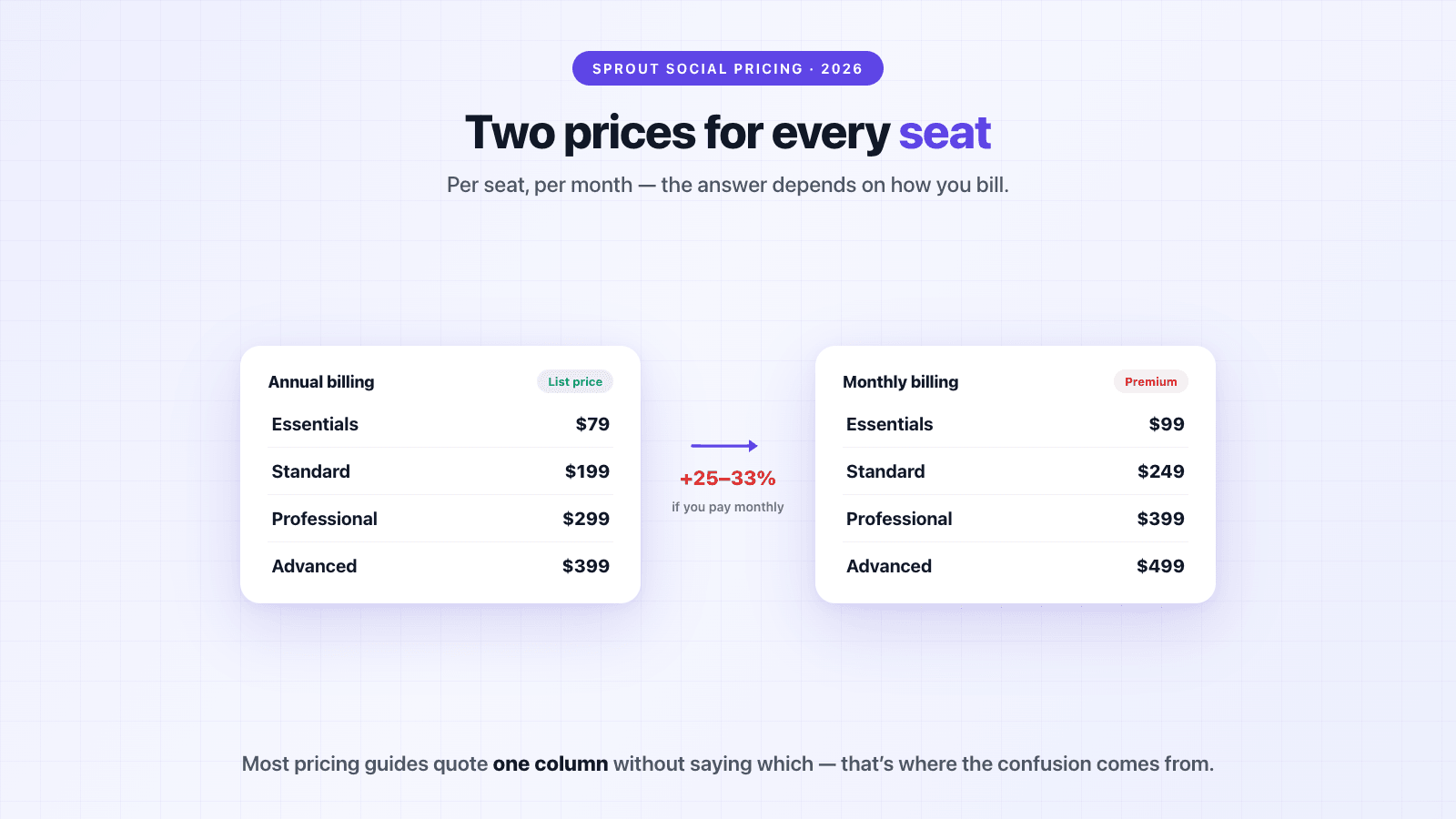
The per-seat part matters more than the tier. Sprout's list price reads like a $199 product, but every additional teammate multiplies it. That's how [Vendr](https://www.vendr.com/marketplace/sprout-social) ends up with a median contract of **$18,960/year** and a range of **$6,382 to $55,000** across 358 tracked purchases — for a tool whose pricing page starts at $79.
## Sprout Social Plans Explained
### Essentials — $79/seat/month (annual)
The newest and cheapest plan, added in 2026, and most pricing guides haven't caught up to it yet. It's a scheduling-focused entry point: 5 social profiles, optimal send times, profile-level reporting, and Sprout's Trellis AI assistant. What it doesn't include is brand keyword monitoring — so if you want Sprout to tell you when someone mentions you, this plan can't.
### Standard — $199/seat/month (annual)
The plan most small teams start on. Adds the consolidated inbox, collaboration tools, review management, and keyword and location monitoring with up to 10 brand keywords per group. Still capped at 5 social profiles per seat, which teams with many accounts hit quickly.
### Professional — $299/seat/month (annual)
Unlimited social profiles, message tagging, competitive insights, and AI-assisted posting. This is the tier Sprout labels most popular, and for teams actually using the suite — publishing, inbox, reporting across many profiles — it's usually the honest fit.
### Advanced — $399/seat/month (annual)
Everything in Professional plus automation, sentiment in the Smart Inbox, spike alerts, and — the detail that matters if you want your data outside of Sprout — **the Sprout API**. Programmatic access to your own mentions starts at $399 per seat per month, billed annually. On this point Sprout is actually friendlier than the enterprise platforms (Meltwater gates its API behind six-figure contracts), but it's still a $4,788/year-per-seat floor for getting data into your own stack. We think that's backwards — [API access is on every Octolens plan](https://octolens.com/social-listening-api), including the cheapest — but it's at least reachable here.
### Enterprise — custom
Custom pricing, premium onboarding, SSO, priority support. Standard enterprise motion: talk to sales.
Two limits apply across every plan, per Sprout's own comparison table: Trellis AI credits are capped at **100 per seat per month** on all four tiers (heavier AI use is metered), and brand keywords cap at 10–20 per group. If monitoring coverage is what you care about, those keyword caps are the spec to check first.
## The Listening Add-On Nobody Prices
Here's the part of Sprout's pricing that isn't on the pricing page.
The plans above include basic keyword monitoring. Actual social listening — trend analysis, sentiment at scale, Smart Categories, spike alerts across millions of conversations — is a **separate add-on, available on Standard and up, with no published price**. Same for Premium Analytics. Sprout's page says exactly this: "Premium Analytics and Listening are each available as individual add-ons to the Standard plan and up. Schedule a demo."
What does it cost? Users have [commonly reported around $999/month](https://twitter.com/apgrunewald/status/2045966166406185288). Vendr's contract data is blunter about the range: *"Social Listening in particular can double or triple total contract value depending on the number of topics, keywords, and users."*
So the realistic math for a team that wants Sprout for listening looks like this: a 3-person team on Standard annual is $7,164/year in seats, and the listening add-on at reported rates is another ~$12,000/year on top. Call it **$19,000/year** — which lands almost exactly on Vendr's $18,960 median. That median isn't an accident: it's what "from $199/month" turns into once the thing you actually came for is priced in.
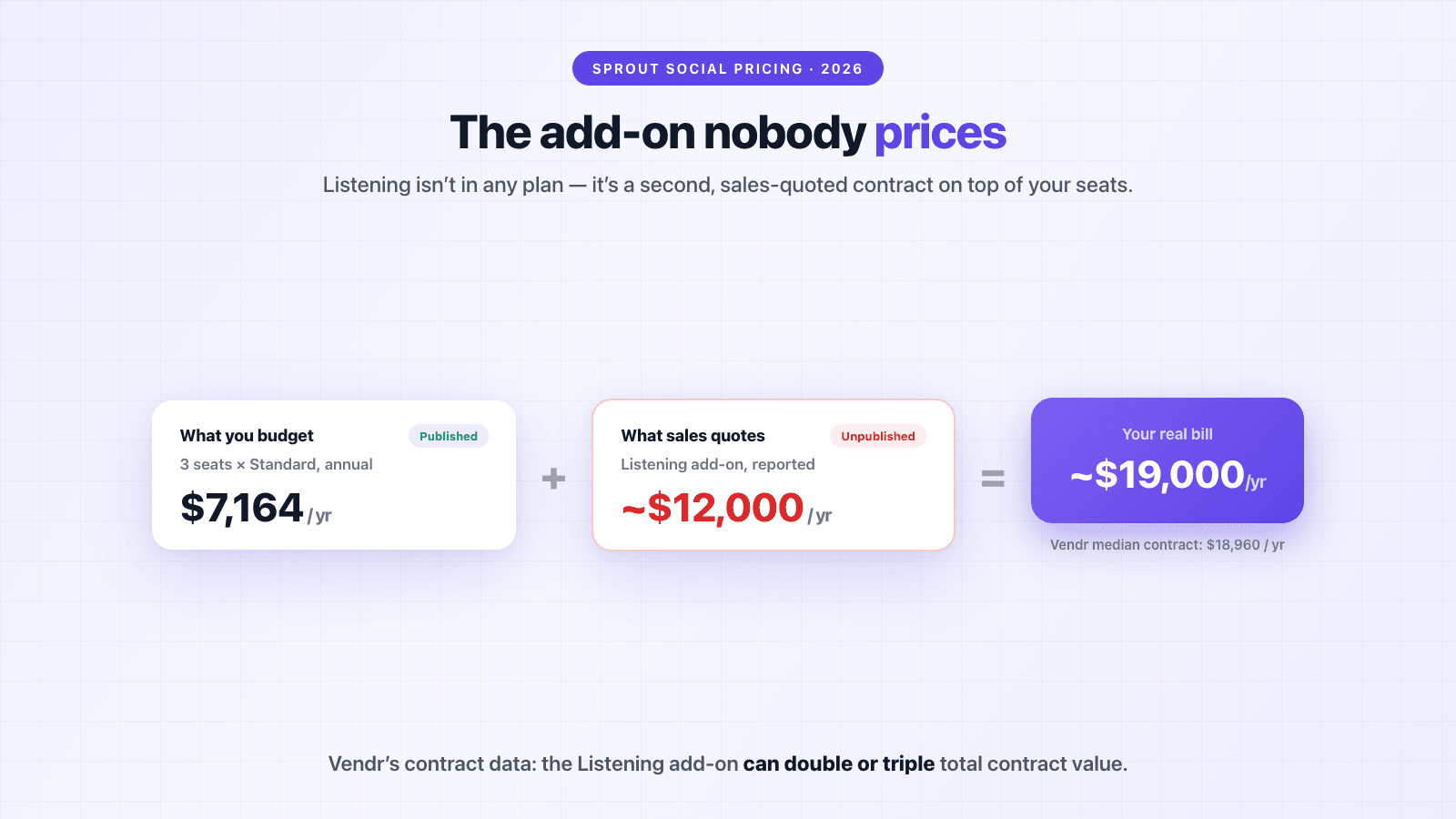
For comparison: this is the norm in the seat-based suite category, not a Sprout quirk. Agorapulse also sells advanced listening as a custom-priced add-on, and Hootsuite reserves its serious listening (the Talkwalker engine it acquired) for custom-priced Enterprise. The whole category prices listening as an upsell on top of a scheduler. Dedicated listening tools invert that — it's the core product, priced flat. That difference in shape, more than any individual number, is what decides which kind of tool is cheaper for your job.
## What a Real Sprout Social Bill Looks Like
Three realistic scenarios, using annual-billing rates:
**Scenario 1: A solo social media manager on Standard.** One seat, $199/month — **$2,388/year**, or $2,988 if you pay monthly. This is the honest sticker-price scenario, and at one seat Sprout is reasonably priced for what the suite does. The catch is only that it rarely stays one seat.
**Scenario 2: A 3-person team on Professional.** Three seats at $299/month is $897/month — **$10,764/year** before any add-ons. Nothing hidden here, it's just per-seat multiplication, but it surprises teams who anchored on "$299/month" as the product's price rather than the seat's.
**Scenario 3: A 5-person team on Standard plus Listening.** Five seats at $199 is $11,940/year, plus the listening add-on at reported rates (~$12,000/year): about **$24,000/year**. This is the scenario the 1–2 star reviews come from — teams that budgeted for seats and discovered the capability they wanted was a second, unpublished contract.
One customer's version of scenario 3, from a [Trustpilot review in February 2026](https://www.trustpilot.com/reviews/69a1d6f9b152dc6a92cb58ae): *"In January 2026 they charged our American Express almost double the agreed contract amount, they say because someone at our agency added 2 additional users. … There was no email correspondence to confirm this additional $9,576 in charges."* Two seats, $9,576 — the per-seat math, applied mid-contract at list price.
## The Hidden Costs
Beyond seats and the listening add-on, the recurring themes from contract data and reviews:
- **The monthly-billing premium.** Paying monthly costs 25–33% more per seat. One reviewer's experience: *"The so called special lower price is $499 if you go with a monthly payment … so I paid $1000 [USD] for two months."* ([Trustpilot](https://www.trustpilot.com/reviews/681771ff03a4342f940062c6)) The same review flags something worth knowing before you cancel: data exports are only available while you're subscribed.
- **Seats go up mid-contract, not down.** Vendr's data notes Sprout typically allows seat additions mid-contract (at list price) but restricts reductions until renewal. Add a freelancer in March, pay for them until next January.
- **Renewal escalation.** Renewal contracts commonly carry 3–7% annual increases unless you cap them at signing. A public-office customer since 2020: *"Since then, the price has risen dramatically without any service improvement."* ([Trustpilot](https://www.trustpilot.com/reviews/68b54a7c961be94878319d5e))
- **Multi-year lock-in dressed as a discount.** *"To secure a specific rate, he signed me up for a 24-month contract but assured me this was merely a formality … I attempted to cancel, only to be told that I was locked in and owed them for another 18 months."* ([Trustpilot](https://www.trustpilot.com/reviews/691d7508cb23a2c6ccdea49d)) The discount is real, but so is the term you signed for.
- **Auto-renewal enforced to the letter.** *"We verbally spoke with a Sprout Social rep back in January to cancel our annual contract. … But then they auto-renewed our annual contract in April. We noticed 6 days later and reached out to them. Their response: 'too bad, you're locked in.'"* ([Trustpilot](https://www.trustpilot.com/reviews/69e7f055dc0db73936d7d0f8))
If you do sign: get the seat count, add-on prices, renewal cap, and cancellation mechanics into the order form itself, and calendar the cancellation window the day you sign. This is the same advice we gave for [Meltwater contracts](https://octolens.com/blog/meltwater-pricing), because it's the same commercial playbook at a lower price point. And per Vendr, buyers who bring competing quotes (Hootsuite's are the ones that move Sprout most) and negotiate 60–90 days before renewal save about 14% on average.
## Is Sprout Social Worth It?
Honest answer: for the job it was built for, often yes.
Sprout's suite — publishing, the shared Smart Inbox, approval workflows, reporting — is genuinely one of the best in the category, and the [4.4/5 rating across 6,881 G2 reviews](https://www.g2.com/products/sprout-social/reviews) reflects that. Teams handling high volumes of customer conversations across many profiles are the buyers it earns its price with. Even the critical reviews mostly concede the product is good; the complaints cluster around the commercial side.
What's telling is that the seat economics bother even the happy customers. From a five-star G2 review in August 2026: *"Pricing is also a little steep, especially when it comes to adding just a single additional seat."* ([G2](https://www.g2.com/products/sprout-social/reviews))
Where it stops making sense is when listening is the point. You'd be buying seats of a management suite you won't fully use, plus an unpublished add-on, to get monitoring that dedicated tools sell as their core product. A marketer in [one of the switching threads](https://www.reddit.com/r/AskMarketing/comments/1frm8er/looking_to_move_from_sprout_social_to_a_cheaper/) summarized their move: *"I left Sprout Social too because of how expensive it is. I use Agorapulse now … it's still much better than Sprout cost wise."* That thread ranks on the first page for this exact search, and Sprout's own team shows up in similar threads to make the bundle case — the pricing conversation is happening in public either way.
There's also a coverage question that no Sprout tier fixes: Sprout listens where a social suite listens. If your customers talk on Reddit, Hacker News, GitHub, in podcasts or newsletters — the places [developer-tool and product-led brands actually get discussed](https://octolens.com/blog/best-brand-monitoring-tools) — that's outside the suite's world at any price.
## Sprout Social Pricing vs. Alternatives
How the options actually price out for a 3-person team, using annual-billing rates verified September 2026:
| Tool | Entry price | 3-person team, per year | Listening | Billing |
| --- | --- | --- | --- | --- |
| **Sprout Social** | $199/seat/mo (annual) | $7,164 + add-ons | Add-on, unpublished (~$999/mo reported) | Annual, or monthly at +25–33% |
| **Hootsuite** | $99/user/mo (annual) | $3,564 | Enterprise only (Talkwalker) | Annual |
| **Agorapulse** | $79/user/mo (annual) | $2,844 | Advanced listening is a custom add-on | Monthly or annual |
| **Octolens** | $199/mo flat ($159/mo annual) | **$1,908 flat** — no per-seat fees | Core product, every plan | Monthly or annual |
(Hootsuite and Agorapulse figures from their published pricing; full tool-by-tool breakdowns are in our [Sprout Social alternatives guide](https://octolens.com/sprout-social-alternatives) and the [Brandwatch vs. Sprout Social comparison](https://octolens.com/brandwatch-vs-sprout-social); Brandwatch's own contract economics are in our [Brandwatch pricing guide](https://octolens.com/blog/brandwatch-pricing). If there's no budget at all, we also cover the [free Sprout Social alternatives](https://octolens.com/sprout-social-alternatives#free-alternatives) — Buffer's free tier, Google Alerts, and F5Bot — and where that stack breaks.)
The way to read that table isn't "cheapest wins" — these are different products wearing the same category label. Choose by the job:
- **You need publishing, inbox, and reporting at scale** → Sprout is the premium pick and often worth it; Agorapulse is the closest experience at a friendlier seat price.
- **You need scheduling and basic monitoring on a budget** → Hootsuite or Agorapulse, and skip the listening add-ons entirely.
- **You need to know what people say about you across the internet** → a listening-first tool wins on both coverage and price, because you're not buying a scheduler to get it. Octolens watches everywhere people talk — Reddit, Hacker News, X, LinkedIn, YouTube, GitHub, podcasts, newsletters — filters the noise with AI, and delivers mentions into Slack, your CRM, or your AI agents via [API, webhooks, and MCP on every plan](https://octolens.com/social-listening-api). It's one flat price with no seats, so the whole team (and your agents) can use the data. That's how teams like Vercel, PostHog, Supabase, and Lovable run their community listening.
- **You genuinely need both** → a cheap scheduler plus a dedicated listening tool usually totals well under one Sprout-with-Listening contract. Scenario 3 above costs ~$24,000/year; Buffer for publishing plus Octolens Pro annual is under $3,000.
For the tool-by-tool version of this, with pricing, coverage, and who each one is actually for, see our comparison of the [10 best Sprout Social alternatives](/sprout-social-alternatives).
## TL;DR
- **Sprout Social costs $199–$399 per seat per month on annual billing** ($249–$499 monthly), plus a newer $79 Essentials plan — always check which billing basis a quote refers to, because most guides don't say
- **The median real contract is $18,960/year** across 358 purchases in Vendr's data, range $6,382–$55,000 — per-seat multiplication and add-ons close the gap between sticker and invoice
- **The Listening add-on has no published price** — commonly reported ~$999/month, available on Standard and up, and per Vendr it can double or triple total contract value
- **API access starts on the Advanced plan** at $399/seat/month annual — better than the enterprise platforms' six-figure gates, still a steep floor for owning your own data
- **The contract mechanics are where the 1–2 star reviews come from** — mid-contract seat additions at list price, 25–33% monthly-billing premium, auto-renewal enforced to the day, multi-year terms attached to discounts
- **Worth it** for teams running the full suite across many profiles; **hard to justify** when listening is the main job — that's a flat-priced product elsewhere, not a per-seat add-on
The pricing page tells you what a seat costs. The invoice depends on what job you're hiring the tool for — and if the job is knowing what people say about you online, you don't need to buy seats of a management suite to get it.
---
# Brand24 Review (2026): Hands-On Test, Pricing, and Verdict
URL: https://octolens.com/blog/brand24-review · Published: 2026-08-13 · Updated: 2026-09-01 · Author: Charlotte Schmitt (Co-Founder)
Every Brand24 review I could find was written from a demo account or from the marketing site. So we did it properly: I signed up for the 14-day free trial, added our own keywords, and ran it next to our own stack, the same way any founder evaluating it would.
Quick disclosure before anything else: we build [Octolens](https://octolens.com/), a social listening tool that competes with Brand24 for part of this market. I'll be specific about where Brand24 is genuinely good, where it wasn't a fit for us, and where a different tool (including ours) makes more sense. There are use cases where Brand24 is the right buy, and I'll name them.
The short version, if you only read one paragraph:
> Brand24 is a well-built, self-serve social listening tool with genuinely good news and web coverage, honest public pricing, and the best reach estimation I've seen at this price point. It's built around dashboards and shareable reports. If you're a consumer brand that wants to understand trends and share PDF reports with stakeholders, it's a solid choice. If you're a B2B company whose customers talk on Reddit, LinkedIn, Hacker News, or GitHub, or you want mentions flowing into Slack workflows, CRMs, and AI agents, it's not built for that job.
Prefer video? I walked through the whole trial here:
## How I Tested Brand24
For transparency, this is exactly what my trial looked like:
| Trial setup | Details |
| --- | --- |
| **Trial period** | 14-day free trial, started August 2026 |
| **Trial limits** | 10 keywords, 30,000 mentions |
| **Keywords tracked** | "Octolens" (our brand), "Brand24" (a competitor), "Social listening" (an industry term) |
| **Sources connected** | Everything except Facebook and Instagram — we're B2B, those aren't where our buyers talk |
| **What I expected going in** | An AI social listening tool |
That keyword mix was deliberate, because it's the setup I recommend to almost every trial user of any tool: your own brand, one competitor, one industry term. It tests the three jobs a listening tool has to do, and each one stressed Brand24 differently.
## Setup and Onboarding
Credit where it's due: setup is fast. From signup to a populated dashboard took me under 3 minutes, which is genuinely good — mentions started appearing before I had finished looking around.
The onboarding suggests keywords for you, which is helpful. However, it doesn't show categories or volume estimates, so you're picking keywords a bit blind. That matters more than it sounds, because keyword choice is the single biggest factor in whether a listening tool feels useful or noisy. "Social listening" as a keyword, for example, ate about 10,000 of my 30,000 trial mentions almost immediately after onboarding. A volume estimate at setup would have warned me.
One thing that genuinely confused me: after onboarding, I could not figure out how to add more keywords. The flow that was so smooth during setup essentially disappears, and I spent real time hunting through settings. I eventually got there, but for a core action it's strangely buried.
The first thing the dashboard shows is a mentions chart, some filters, and a feed that was mostly web mentions. The chart aggregates all keywords together, which was my first hint of a bigger issue I'll come back to. And honestly, the first ten minutes are a lot: many charts, many numbers, a lot of information to digest before you know which of it matters.
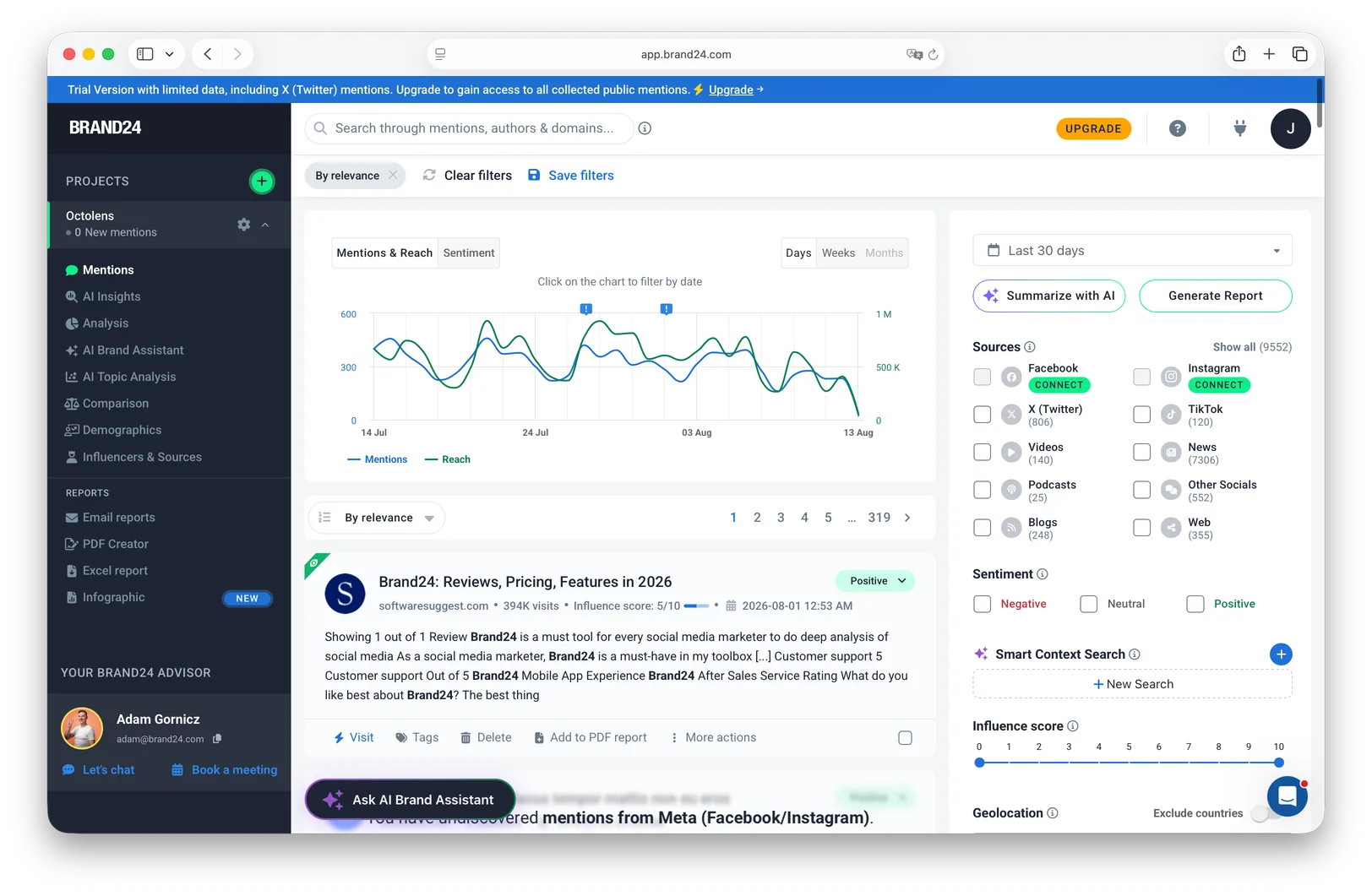
## Source Coverage: Where Mentions Actually Came From
This is the section I'd tell a friend to read first, because coverage is the thing you can't fix with settings.
Over the trial, my mentions broke down roughly like this:
| Source | Share of mentions |
| --- | --- |
| News | ~75% |
| Twitter/X | ~10% |
| "Other socials" | ~6% |
| Blogs | ~3% |
| Web | ~3% |
| TikTok | ~1% |
| Videos | ~1% |
(Facebook and Instagram were not connected, so treat this as B2B-flavored data.)
Two things stand out. The first is that news and web coverage is genuinely strong — Brand24 caught articles and blog posts I wouldn't have found otherwise, and if press coverage is what you care about, this is a real strength.
The second is what's missing. When I opened the sources list in settings, the only dedicated social platforms were Facebook, Instagram, X, and TikTok. Everything else lives under "other socials" or "web". There is no dedicated Reddit source and no dedicated LinkedIn source. Some Reddit and LinkedIn posts did arrive — presumably the ones that get indexed by Google — but most were simply missed. For a B2B company this is the part that matters most, because Reddit, LinkedIn, Hacker News, and GitHub are exactly where our buyers compare tools and complain about problems. (LinkedIn restricts third-party monitoring, to be fair — this is a hard problem for every tool, and Brand24 isn't unusually bad here. But partial coverage via web indexing is not the same as coverage.)
Podcast, news, and blog coverage seemed solid throughout. So the honest summary is: strong for the mainstream web, thin exactly where developer and B2B conversations happen.
## Mention Quality and Noise
Here's the biggest product gap I hit, and it surprised me: **I could not find a way to filter the mentions feed by keyword.** All three of my keywords — my brand, a competitor, and an industry term — landed in one combined feed. Those are three completely different jobs (respond, watch, learn), and the tool treats them as one stream. Finding the mentions that were actually relevant to me was hard.
Quality inside the feed was mixed. I sorted by "most relevant" and looked at the top 10; three of them I would classify as spam. That's not a disaster for a listening tool before tuning, but it does mean "most relevant" isn't a sort order you can trust on day one. These are the three, exactly as Brand24 ranked them:
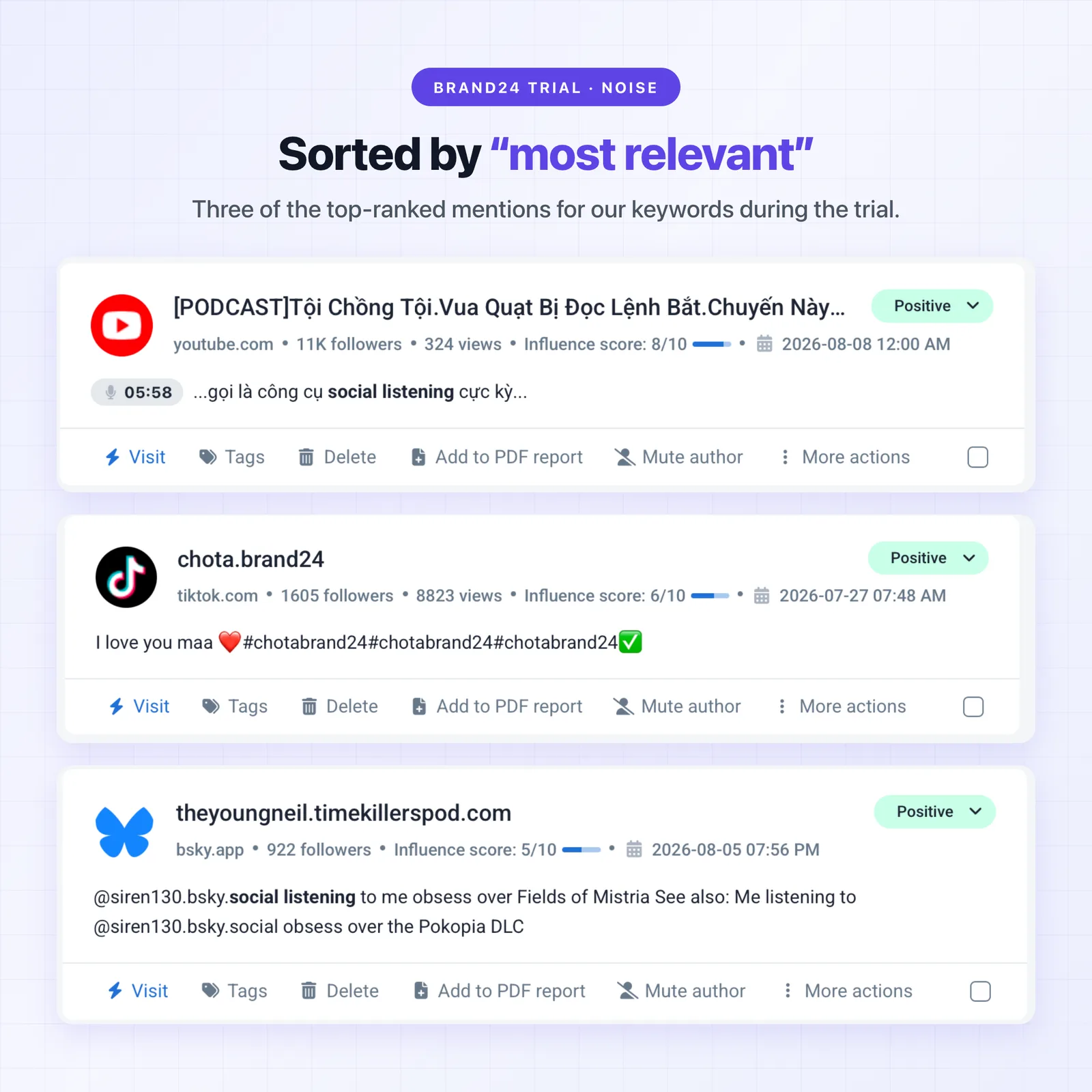
To fight noise, Brand24 gives you several tools: excluded terms, a "Smart Context Search", an Influence Score (0–10 per source), geolocation filters, author filters, and an importance flag. These are all reasonable ideas. What's missing is any pre-configuration or guidance — nothing is set up for you, and there's a real learning curve before the filters start earning their keep. I also never understood how the tool handles duplicates, cross-posts, and spam accounts; whatever logic exists isn't visible.
This experience matches what other users report, by the way — there's a whole section of quotes further down, and manual filter tuning is the most consistent theme in them.
For contrast, this is the problem we obsess over at Octolens: our AI filtering scores every mention for relevance before you see it, because across our customers roughly 70–76% of raw keyword matches turn out to be irrelevant. I don't expect every tool to make that trade-off, but after living in Brand24 for the trial I can say the difference is very noticeable in daily use.
## Speed, Alerts, and Reporting
Speed was good. I tested with a fresh post mentioning a tracked keyword, and it appeared in Brand24 in under an hour, which is what the trial tier promises (update frequency is a plan feature: 12 hours on Individual, hourly on Team, real-time on Pro and up — worth knowing before you pick a tier).
Alerts took me a moment to find because email reports are off by default; you have to actively turn them on. Once you do, you can pick daily reports, weekly reports, and Storm Alerts — a notification when mention volume spikes past a threshold you define. Storm Alerts are a genuinely nice idea; volume spikes are exactly the moment you want to be interrupted.
There's a Slack integration for getting mentions into a channel, plus Teams. Reports come as Excel exports and infographic-style PDFs, and this is a place where Brand24 is clearly built with care: if your deliverable is "send the leadership team a monthly report on brand trends", the reports are ready to share as-is.
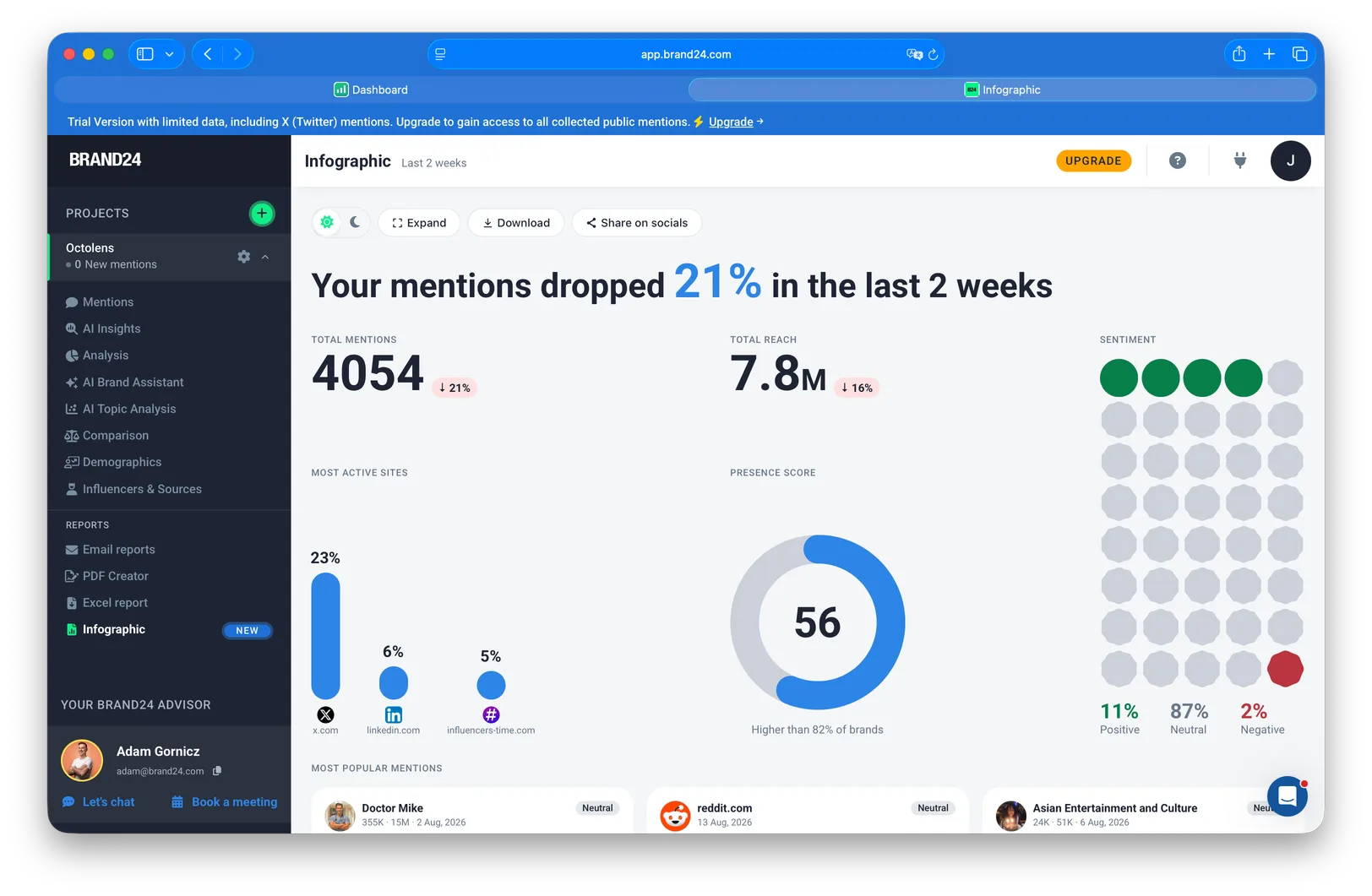
## Analytics and AI Features
There are a lot of charts. Honestly, most of them I would never look at weekly — mentions-over-time and cumulative-reach curves are the kind of thing that fills a dashboard without changing any decision. A few features did stand out:
- **Reach and impressions estimation is the standout.** Brand24 puts an estimated reach number on posts and sources, and it's something most tools in this range don't attempt. If you need to know whether a mention was seen by 50 people or 50,000, this is the best answer I've seen at this price.
- **The influencers and sources list is genuinely useful.** It ranks who is talking about your keywords by influence, which makes "who should we build a relationship with?" an easy question to answer.
- **AI Insights is a good idea** — it summarizes what happened in your project so you don't have to read every mention.
- **The comparison view is useful** for putting two keywords side by side (your brand vs a competitor).
- **AI Topic Analysis and demographics were locked** on my trial tier, so I can't judge them.
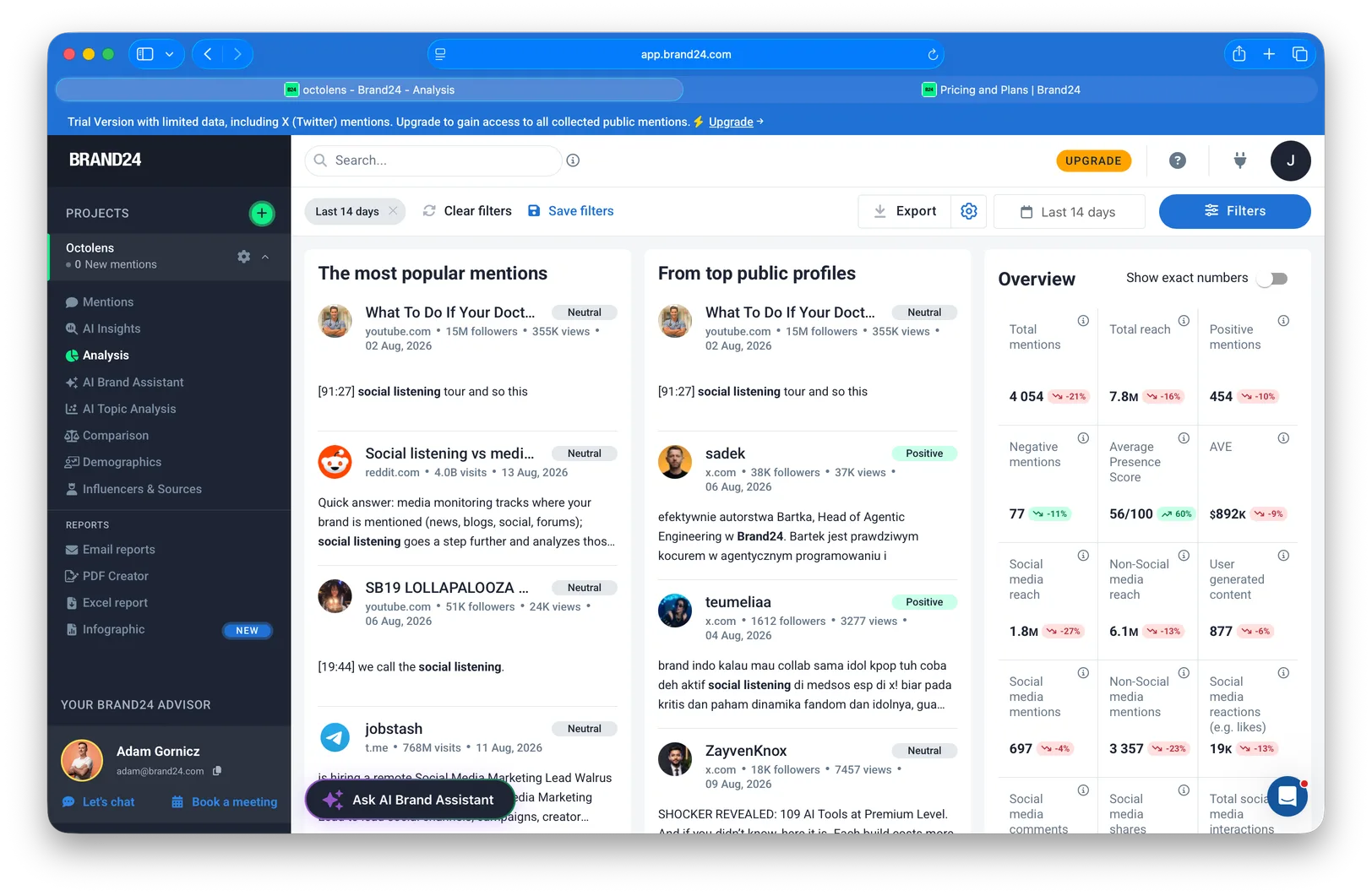
Sentiment analysis was okay to good in my spot checks — the usual caveats about sarcasm apply, but I didn't see anything alarming.
The AI chatbot is where the cracks showed. I asked it "what are people complaining about?" and it summarized complaints across all my keywords in one answer, without separating my brand from the competitor I was tracking. What I actually wanted to know is what people complain about with *my* brand versus with *theirs* — that's the entire point of tracking both. As far as I can tell this differentiation is missing in the data model, which is the same root cause as the single combined feed: keywords are labels on one big pile of mentions, rather than separate projects with separate jobs.
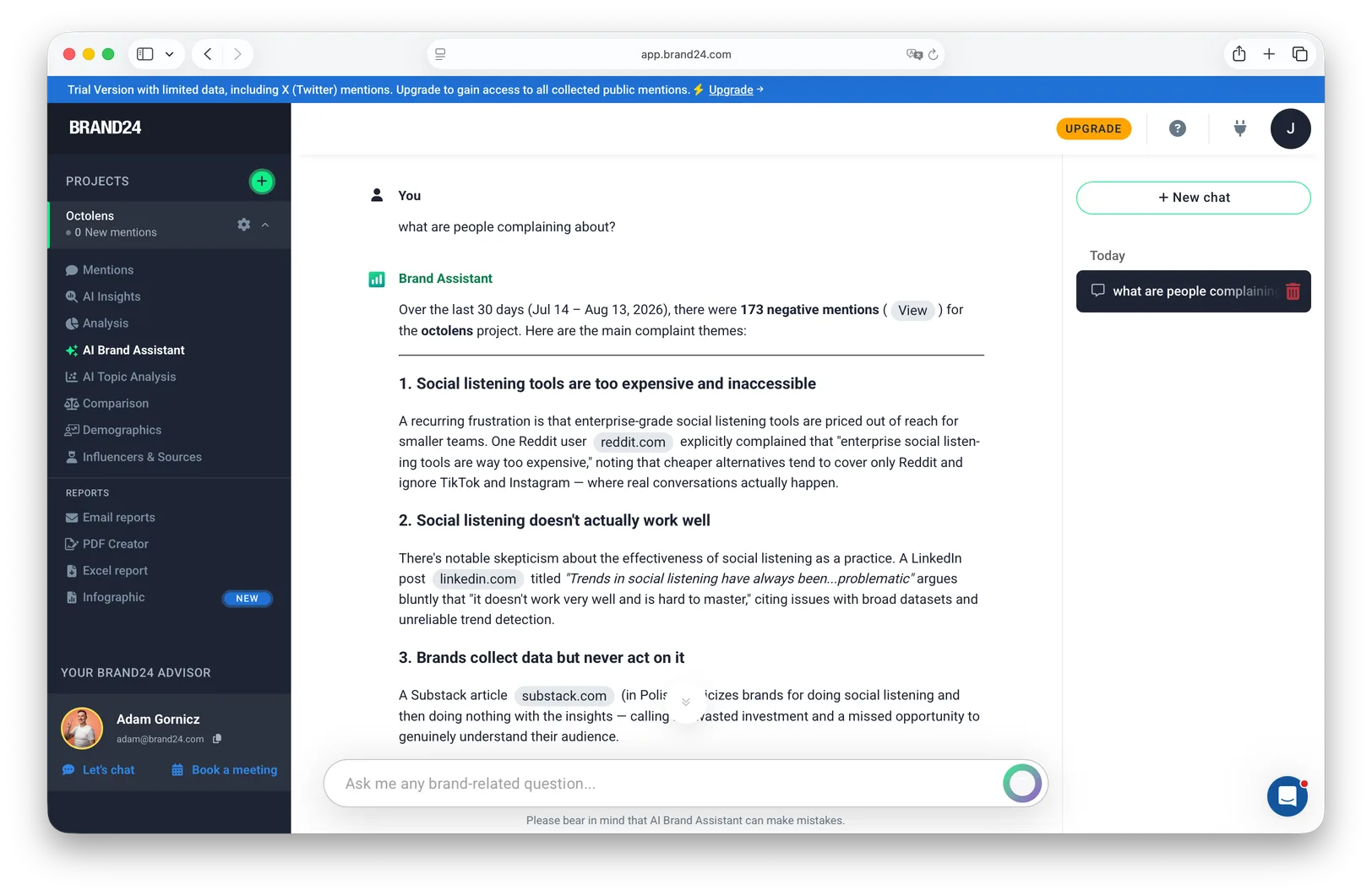
## Getting Data Out: Integrations, API, and MCP
If you've read anything else we've written, you know this is the part we care most about, so I'll try to be extra fair here.
What exists: the Slack and Teams integrations, Excel exports, email reports and PDF-style reports. For a reporting workflow, that's enough.
What doesn't: there are no webhooks, and there's no native Zapier app ([Zapier's own Brand24 page](https://zapier.com/apps/brand24/integrations) confirms it), so automating anything downstream means polling the API yourself. The API itself is a **$149/month add-on** on top of your subscription (it was $99 until 2026). The pricing page now lists it from the Pro plan, though in our trial it could only be added on the Business plan or Enterprise. So the realistic minimum for API access is Pro at $499/month plus the add-on — $648/month before you've built anything with it, and $848/month if your account, like ours, only offers it from Business.
To Brand24's credit, **it does have an MCP server** (OAuth, at mcp.brand24.com), which lets AI assistants like Claude and ChatGPT query your projects for summaries, topics, and influencer lists. That's more than most legacy tools offer, and I want to acknowledge it properly. The philosophical difference is real, though: Brand24 runs its AI features on the platform and gives agents a read-only window into them, while we'd rather deliver the raw structured data into whatever AI assistant or workflow you already use and let you build there. Which approach is better genuinely depends on the user — if you don't want to build anything, on-platform AI is simpler.
But the overall shape is clear, and it matches how one Reddit user summarized the tool: it monitors and reports, and acting on what it finds is your problem. That was fine when social listening meant a weekly report. It fits less well now that teams wire mentions into [Linear tickets](https://octolens.com/blog/turn-mentions-into-linear-issues), CRM enrichment, and agent workflows, because all of those need webhooks or an API on day one, and here that access starts at roughly $650/month.
## Brand24 Pricing in 2026
All prices verified on [brand24.com/prices](https://brand24.com/prices/) in September 2026:
| Plan | Monthly / annual | Keywords | Mentions/mo | Updates | API |
| --- | --- | --- | --- | --- | --- |
| Individual | $249 / $199 | 3 | 2,000 | Every 12h | — |
| Team | $349 / $299 | 7 | 10,000 | Hourly | — |
| Pro | $499 / $399 | 12 | 40,000 | Real-time | +$149/mo |
| Business | $699 / $599 | 25 | 100,000 | Real-time | +$149/mo |
| Enterprise | from $1,499 (annual) | Custom | Custom | Real-time | Included |
There's a 14-day free trial and a 30-day money-back guarantee, and monthly billing exists on every self-serve tier — all of which is genuinely customer-friendly compared to the enterprise platforms that [start with a sales call](https://octolens.com/blog/meltwater-pricing). On ownership: Brand24 belongs to Semrush, and Semrush was [acquired by Adobe in April 2026](https://news.adobe.com/news/2026/04/adobe-completes-semrush-acquisition) — so Brand24 is now part of Adobe.
The thing to understand about this table is the ladder. The Individual plan is priced attractively at $199–249, but 3 keywords, 2,000 mentions, and a 12-hour refresh cycle is not enough to run real monitoring — by the time a thread is 12 hours old, joining the conversation is awkward. In my view **Team ($299–349) is where the product starts making sense**, because hourly updates are the minimum for actually responding to things.
To make it concrete with our own setup: I track roughly 15 keywords for Octolens, want real-time updates, and want mentions in Slack. On Brand24 that requires the Business plan at $699/month ($599 annual), because Pro caps at 12 keywords. Add the API and you're at $848/month. For comparison, that entire setup — more sources, AI relevance filtering, API, [webhooks](https://octolens.com/webhooks), and MCP included — is $199/month on [our Pro plan](https://octolens.com/pricing). Different tools, different jobs, but that's the honest math for a B2B SaaS setup.
## What Other Users Say
I don't want you to take one competitor's trial as the whole story, so here's what actual users say in public threads. Every quote links to the original post.
On using it for B2B listening — an agency marketer [in r/AskMarketing](https://www.reddit.com/r/AskMarketing/comments/1sfvqk5/is_anyone_actually_using_brand24_for_b2b_voice_of/), April 2026:
> "Whenever we try to track a deliverable plus a friction word (like 'product launch' + bottleneck), 99% of our results are just people selling stuff … Is anyone actually successfully using Brand24 to hunt down these granular, internal pain points, or is the tool really just built for B2C brand tracking?"
On where it sits in the market — a practitioner mapping the tool landscape [in r/Marketingcurated](https://www.reddit.com/r/Marketingcurated/comments/1sy49di/best_free_and_paid_marketing_tools_to_track/), May 2026:
> "BrandMentions → best 'no-fuss' option for tracking mentions … Brand24 / Talkwalker → for PR use cases"
On what it does and doesn't do — from a tool comparison [in r/SocialMediaManagers](https://www.reddit.com/r/SocialMediaManagers/comments/1v03ca7/reddit_brand_monitoring_in_2025_comparing_the/), July 2026:
> "Monitors Reddit plus a wide range of other platforms. Strong on reporting, sentiment scoring, and share-of-voice metrics … Does not post or engage on your behalf."
And on the filter learning curve — a long-term user [in r/sociallistening](https://www.reddit.com/r/sociallistening/comments/jesb41/anyone_has_the_experience_of_brand24/) (older thread, but it matches my 2026 experience exactly):
> "Even after setting up keywords, you will not automatically start getting your desired results. You WILL have to do experimentation with Filters and Boolean searches."
The pattern across reviews is consistent with the ratings, too: Brand24 holds [4.6/5 on G2 across 356 reviews](https://www.g2.com/products/brand24/reviews), with praise clustering around ease of use and coverage, and criticism clustering around noise on common keywords and sentiment accuracy.
## What Brand24 Does Well
- **News, blog, and web coverage** — the 75% of my feed that was news was well-caught, including things I'd have missed
- **Reach and impressions estimation** — the best I've seen at this price, and something most competitors (us included) don't offer
- **Influencer and source ranking** — makes outreach targets obvious
- **Report quality** — Excel and infographic PDFs that are genuinely ready to share with stakeholders
- **Storm Alerts** — spike-based alerting is a smart default for crisis detection
- **Honest, public, self-serve pricing** — monthly billing, 14-day trial, 30-day money-back guarantee
- **An MCP server** — ahead of most of the legacy market on this
## Where Brand24 Falls Short
- **No dedicated Reddit or LinkedIn sources** — the two most important B2B platforms arrive only partially, via web indexing
- **No per-keyword feeds** — brand, competitor, and industry keywords share one stream, and the AI chatbot can't separate them either
- **Noise requires manual tuning** — the filter toolbox is fine, but nothing is pre-configured and the learning curve is real
- **Data is hard to get out** — no webhooks, no Zapier, API as a $149 add-on on top of at least the $499 Pro tier
- **Dashboard overload** — many charts you'll never act on, while core actions (adding a keyword!) hide in settings
- **Common-word keywords burn quota fast** — a third of my trial mentions went to one industry term almost immediately
## Should You Buy Brand24?
A founder friend running a seed-stage B2B SaaS asked me exactly this, and my literal answer was: as a B2B SaaS, no. If you're a mid-sized or large consumer company that wants to understand social trends and report on them, yes.
Slightly longer version:
**Buy Brand24 if** you're a consumer brand or PR-driven team whose mentions live in news, mainstream social, and blogs; your deliverable is understanding trends and sharing polished reports with stakeholders; and someone on the team will invest a week into tuning filters. At $299–499/month it's fair value for that job, and the reach estimation and influencer data are real differentiators.
**Skip Brand24 if** your customers talk on Reddit, LinkedIn, Hacker News, or GitHub; you want to respond to individual mentions rather than chart them; or you want mention data flowing into Slack workflows, your CRM, or AI agents. The platform has a different understanding of what social listening is for — watching and reporting, rather than acting — and no amount of filter tuning changes that.
## Brand24 Alternatives
If the gaps above are the ones that matter to you, we've written up the landscape in more depth:
- [Brand24 alternatives](https://octolens.com/brand24-alternatives) — the full comparison across nine tools
- [Best social listening tools in 2026](https://octolens.com/blog/best-social-listening-tools) — the whole market, including where we fit and where we don't
And since you're on our blog: [Octolens](https://octolens.com/) is what we'd suggest testing if your gap is B2B coverage and data access. We monitor 15+ platforms with Reddit, LinkedIn, Hacker News, GitHub, and Stack Overflow as first-class sources, AI-filter every mention for relevance, and include the API, webhooks, and MCP on every plan, starting at $199/month. That's the setup teams like Vercel, PostHog, Cursor, and Lovable run. To be equally honest about our gaps: we don't estimate reach and impressions the way Brand24 does, our reports are not infographic PDFs, and if you want Facebook and Instagram coverage for a consumer brand, Brand24 is the better fit. Brand24's trial runs 14 days and ours runs 7, so for the price of one afternoon of setup you can run both and do your own version of this review.
## TL;DR
- **Setup is excellent** (under 3 minutes to a live dashboard), but adding keywords later is confusingly buried
- **Coverage skews mainstream**: ~75% of my mentions were news; Reddit and LinkedIn are not dedicated sources and arrive only partially
- **Noise is manageable but manual**: no per-keyword feeds, spam in the top "most relevant" results, and a filter toolbox with no presets
- **Reports and reach estimation are the standout strengths** — if your job is stakeholder reporting, Brand24 is genuinely good at it
- **Pricing is honest** ($249–$1,499/month, verified September 2026), but the realistic floor is Team at $299–349, and API access means at least the Pro plan plus the $149 add-on — $648/month on monthly billing
- **Verdict**: right tool for consumer brands and PR teams that live in reports; wrong tool for B2B teams that want to act on mentions or pipe them into their own systems
---
# Brand Reputation Monitoring in 2026: The Complete Guide
URL: https://octolens.com/blog/brand-reputation-monitoring · Published: 2026-08-05 · Updated: 2026-09-02 · Author: Charlotte Schmitt (Co-Founder)
Search Google for "brand reputation monitoring" and the first result isn't a software vendor or an analyst report. It's a Reddit thread — someone asking strangers which tools they use, with answers from a mix of real practitioners and vendors pretending not to be vendors.
That search result tells you most of what you need to know about this topic. Your reputation is being formed in public threads like that one, and they get read by your prospects and, increasingly, by the AI assistants your prospects ask for recommendations. The brands that come out of this fine are usually the ones who knew what was being said while there was still time to do something about it.
This guide covers what brand reputation monitoring actually is, how it differs from adjacent things with confusingly similar names, how to measure reputation with real metrics, and how to build a monitoring setup that catches problems early. One disclosure up front: we make [Octolens](https://octolens.com), a monitoring tool, so we're a vendor in this category. We'll be explicit about where our kind of tool fits and where a different kind is the better choice.
## What is brand reputation monitoring?
Brand reputation monitoring is the continuous tracking of what people say about your brand — across review platforms, social media, communities, news, and AI assistants — so you can measure how perception is trending and act on problems before they spread. Essentially it's the detection layer of reputation work: knowing what is being said and where, before you decide what to do about it.
That sounds simple until you try to do it. Here's how one marketer described what they were actually looking for, in that #1-ranking thread:
> *"I'm looking for a solution to monitor what people say about my brand (and products, team, partners, etc) across all channels … somewhat of 'sentiment analysis' over my brand as well as reporting over key events (and being able to filter out the noise)"* — [r/AskMarketing](https://www.reddit.com/r/AskMarketing/comments/1nyqvq4/what_are_good_tools_for_brand_reputation/)
Every phrase in that request is a real requirement: all channels, not just the two easy ones. Sentiment, not just mention counts. Key events surfaced, noise filtered out. Most reputation problems trace back to one of those requirements being unmet — the mention appeared on a platform nobody watched, or it appeared in a channel so noisy nobody read it.
## Reputation monitoring vs. brand monitoring vs. ORM
Three overlapping terms, three different jobs:
| | What it does | The question it answers |
| --- | --- | --- |
| **Brand monitoring** | Tracks all mentions of your brand for any purpose: leads, feedback, competitive intel, reputation | "Who is talking about us, and what do they need?" |
| **Brand reputation monitoring** | Tracks mentions specifically for sentiment, trust, and risk | "Is perception of us getting better or worse — and is anything on fire?" |
| **[Online reputation management (ORM)](https://octolens.com/online-reputation-monitoring)** | Intervenes: responds to reviews, corrects misinformation, works to change what ranks for your brand name | "How do we fix what people find?" |
Reputation monitoring is a subset of [brand monitoring](https://octolens.com/blog/brand-monitoring) with a narrower question and a lower tolerance for lag. If you miss a sales-opportunity mention, you lose one deal — however, a missed reputation signal keeps costing you, because a negative thread keeps getting read (and ranked, and cited) long after the original conversation ended.
ORM is a different discipline entirely — closer to PR and SEO than to monitoring. If your problem is "a five-year-old lawsuit ranks #2 for our brand name," you need an ORM strategy or agency, not a monitoring tool. But every ORM effort runs on detection: you can't manage what you don't know about. Monitoring comes first.
## Where brand reputation actually forms in 2026
Ten years ago a reputation strategy meant watching your Google results and your review pages. Those still matter, but the map has grown — and the newest territory is the one most teams haven't started watching.
**Review platforms** — G2, Capterra, Trustpilot, App Store, Google reviews. Still the most structured reputation surface, and the first stop for buyers in evaluation mode. If your business is local or review-driven, this is your center of gravity.
**Communities** — Reddit, Hacker News, Discord, niche forums. This is where the unfiltered version of your reputation lives, and it's the hardest surface to monitor well:
> *"i used to just manually search for my company name every day which... yeah that didn't work well. missed so much."* — [r/digital_marketing](https://www.reddit.com/r/digital_marketing/comments/1omad4f/comment/nn34fuy/)
The same person landed on the real problem: *"honestly the hardest part is just staying on top of it without it becoming a full-time job."*
Community threads also have a second life that makes them disproportionately important: they rank. Google increasingly surfaces Reddit threads for commercial queries — including, as noted, for this article's own topic. A thread where three people complain about your pricing isn't just three unhappy people; it's a page your next hundred prospects may read.
**News and media** — coverage, funding announcements, incident reports. Lower volume, higher stakes, and the source AI models cite most confidently.
**Social platforms** — X, LinkedIn, TikTok, YouTube, Bluesky. High volume, fast decay, and where reputation incidents usually start before they get written up anywhere else.
**AI assistants** — the new one. When someone asks ChatGPT, Perplexity, or Gemini "what's the best tool for X" or "is [your brand] any good," the answer is a synthesis of everything above — reviews, threads, articles. Marketers are noticing:
> *"I'm tracking it now because Google rankings stopped telling the full story."* — [r/seogrowth](https://www.reddit.com/r/seogrowth/comments/1pjx8yy/comment/nu3zo4l/)
And noticing that it's genuinely hard:
> *"tracking brand mentions in ai outputs is gonna become huge, but i think most teams aren't equipped for it yet … these responses are dynamic and personalized, so consistent tracking is kinda a nightmare"* — [r/seogrowth](https://www.reddit.com/r/seogrowth/comments/1pjx8yy/comment/ntj7h55/)
This one is personal for us: 1 in 4 signups at Octolens now comes from AI assistants, so what the models say about us has direct revenue attached. The practical takeaway is that AI answers are downstream of the other four surfaces. The Reddit thread you didn't respond to and the review page you let drift are now training data and retrieval sources, which means monitoring those surfaces is already most of monitoring your AI reputation. If you want to actively influence what the models say, we've written a full guide on [how to get your brand mentioned in ChatGPT](https://octolens.com/blog/how-to-get-your-brand-mentioned-in-chatgpt).
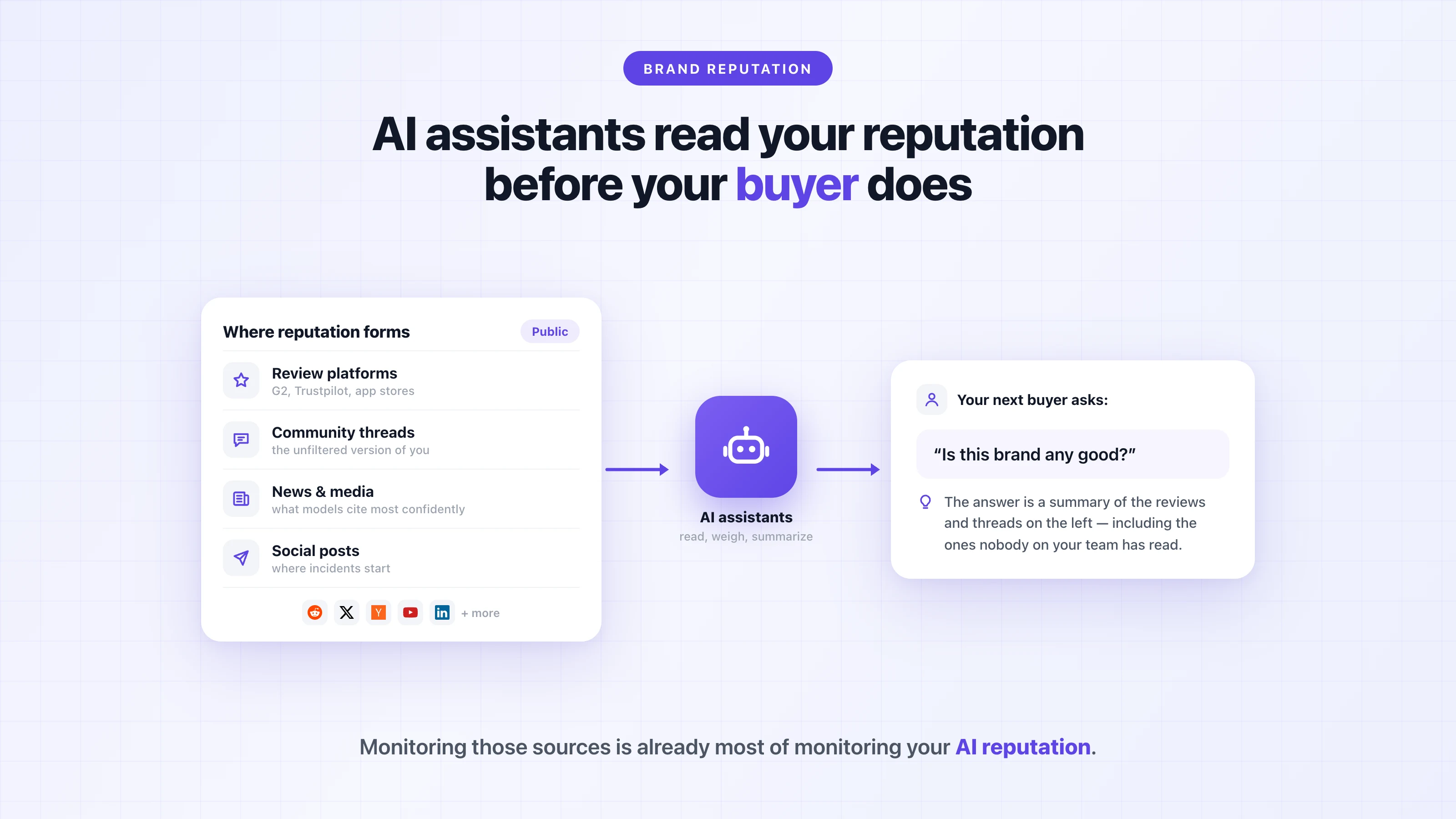
## How to measure brand reputation
"How do you measure brand reputation?" is one of the most-asked questions on this topic, and most answers are hand-waving. Reputation isn't one number, but it is measurable — as a set of trend lines:
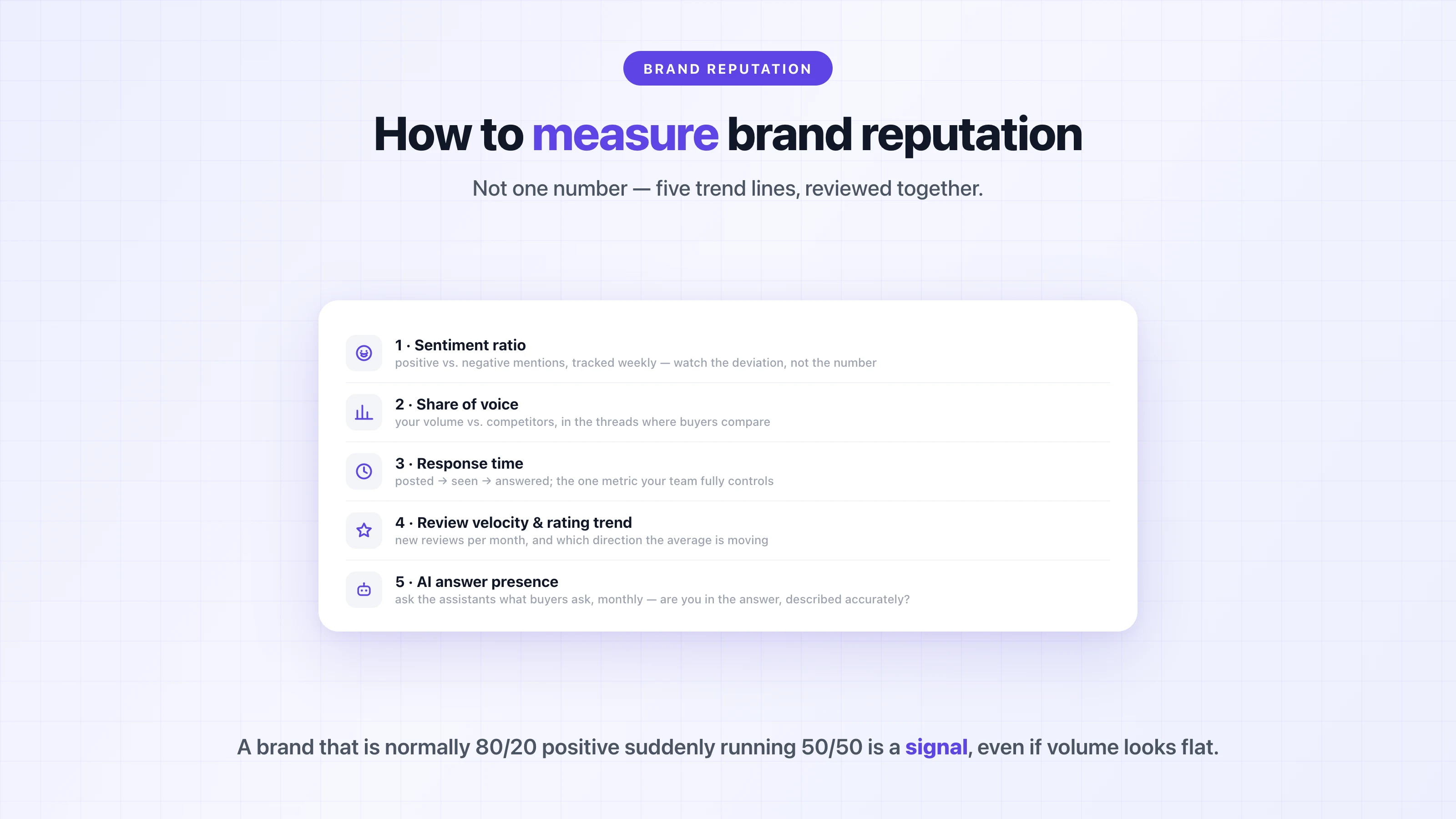
**1. Sentiment ratio.** The share of your mentions that are positive vs. negative, tracked weekly. The absolute number matters less than the trend and the deviation: a brand that's normally 80/20 positive suddenly running 50/50 is a signal even if total volume looks flat. Use AI-based sentiment classification as a triage layer, not a verdict — sarcasm and community in-jokes still fool it, so read the threads that matter before reacting to a score. (We compared how the major platforms handle exactly this in our guide to the [best AI sentiment analysis tools](https://octolens.com/blog/best-sentiment-analysis-tools).)
**2. Share of voice.** Your mention volume as a share of your competitive set, on the platforms where your buyers actually are. This matters because reputation is relative — if buyers compare options in threads where your main competitor shows up twice as often as you, that gap is part of your reputation whether you track it or not.
**3. Response time to negative mentions.** This is the metric your team controls most directly: how long between a mention being posted, someone on your team seeing it, and someone responding. A complaint that gets an honest answer within the hour often ends with the author editing their post or thanking the company. The same complaint answered four days later just becomes the thread's permanent conclusion.
**4. Review velocity and rating trend.** New reviews per month and the direction of your average rating on the two or three platforms that matter for your category. A slowly sinking average is one of the clearest early reputation indicators — and one of the slowest to repair.
**5. AI answer presence.** Ask the major assistants the questions your buyers ask ("best [category] tool," "is [brand] worth it," "[brand] vs [competitor]") on a monthly cadence and log what comes back: are you mentioned, is the description accurate, which sources are cited? Tooling here is young and results vary — as one practitioner put it, *"I've tried various tools and the results they show are different lol"* ([r/seogrowth](https://www.reddit.com/r/seogrowth/comments/1pjx8yy/comment/ntgquss/)) — but a simple prompt log in a spreadsheet beats not looking.
## How to monitor your brand reputation, step by step
**Step 1: Track more than your brand name.** The minimum viable keyword set is your brand, common misspellings, your product names, your founders or public execs, and "[your brand] vs [each competitor]." The comparison queries are especially important, because that's where undecided buyers hear about you from people who owe you nothing.
**Step 2: Cover the platforms where opinions form, not just the easy ones.** Most tools are strongest on X and news because those are the easiest to ingest. But if your buyers live on Reddit, Hacker News, YouTube, or in podcasts, a tool that misses those isn't monitoring your reputation — it's monitoring a convenient sample of it. Coverage questions beat feature questions when evaluating any tool.
**Step 3: Filter before you alert.** Raw mention streams are what kill monitoring programs. Alerts pile up, the channel gets muted "temporarily," and the one mention that mattered scrolls past unseen. For context on how much filtering matters: across Octolens customers, roughly 70–76% of posts matching a keyword get scored irrelevant by AI filtering — that's the noise your team would otherwise be reading. [Relevance and sentiment filtering](https://octolens.com/sentiment-analysis) is the difference between a system your team trusts and a channel they mute:
> *"what actually matters to me is accurate sentiment filtering (so i don't get alerted for every neutral mention) and how fast the alerts come through. waiting 4 hours for a 'crisis' alert is useless."* — [r/AskMarketing](https://www.reddit.com/r/AskMarketing/comments/1onssv4/comment/nruzxjz/)
**Step 4: Route mentions to the people who can act.** Reputation monitoring fails quietly when mentions land in a dashboard nobody opens. Send them where work already happens: negative mentions and review alerts into a channel support and marketing actually watch, competitor comparisons to sales, recurring product complaints to the product team. Vercel routes mentions into more than 20 Slack channels so each team sees exactly the conversations it owns — nobody checks a dashboard, and nothing waits for a weekly report.
**Step 5: Define response rules before the incident.** Decide now what gets a reply (genuine complaints, factual errors, comparison questions), what doesn't (trolling, spam, decade-old grudges), who replies, and how fast. Ideally you reply as a named human rather than a brand account reciting policy. Also worth knowing: communities punish stealth marketing. The recommendation threads we researched for this guide were full of astroturf accusations, and they were usually correct. Showing up honestly, as yourself, stands out because so many vendors don't.
**Step 6: Review trends monthly, not just incidents daily.** Alerts will catch the sudden problems, but slow erosion only shows up when you look at trends. Once a month, go through the five metrics above plus the recurring themes in negative mentions. When three unrelated people describe the same onboarding confusion, that's a product finding, and it should reach the product team. [PostHog runs exactly this loop](https://octolens.com/blog/posthog), using its mention stream to keep a pulse on brand perception and route product sentiment to the teams that ship the fixes.
## Early-warning signs of a reputation problem
The point of all this infrastructure is to compress one interval: the time between "something started" and "we know about it." Because the default, without monitoring, looks like this:
> *"we used pretty basic monitoring before, and by the time we caught sentiment turning negative, it was already too late to fix the messaging"* — [r/b2bmarketing](https://www.reddit.com/r/b2bmarketing/comments/1qwmset/anyone_tried_ai_social_listening_tools_for/)
The signals that deserve an immediate look, not a spot in the weekly review:
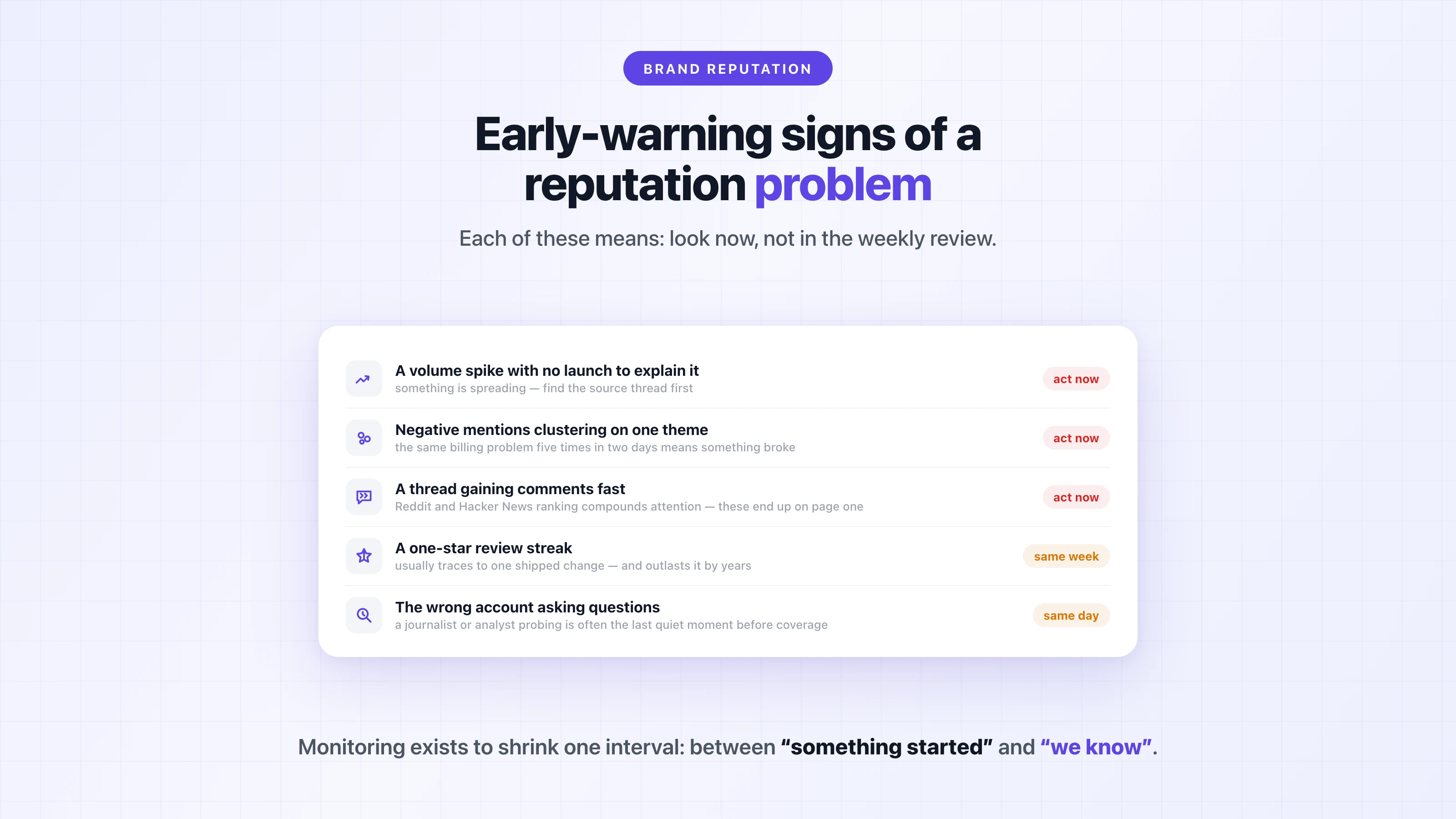
- **A volume spike without a launch to explain it.** Mentions running well above your baseline means something is spreading. Find the source thread before you do anything else.
- **Negative sentiment clustering on one theme.** Scattered unrelated complaints are normal for any brand. Five mentions of the same billing problem in two days means something specific broke, and the complaints will keep coming until it's fixed.
- **A thread with velocity.** One post gathering comments and shares fast, especially on Reddit or Hacker News where ranking compounds attention. These are the threads that end up on page one for your brand name.
- **A one-star review streak.** Several in a week usually traces to a single shipped change or incident — and review-page damage outlasts the incident by years.
- **The wrong account asking questions.** A journalist, analyst, or prominent voice in your space suddenly asking pointed questions about you is often the last quiet moment before coverage.
When one of these fires, the playbook is not complicated: find the origin thread, establish the facts internally, respond once where the conversation actually is (honestly, from a named human), and then keep watching the numbers instead of re-arguing the thread. A fast, honest "you're right, here's what we're doing" usually works better than a perfect statement two days later, because by then the thread has already concluded without you.
## Choosing a reputation monitoring stack
Different reputation centers of gravity need different tools, and no single product covers everything well. Honest map of the categories:
**Review management platforms** (Birdeye, Podium, Reputation.com) are built for local and multi-location businesses: aggregating reviews across hundreds of listings, automating review requests, managing responses at scale. If you run 40 dental clinics, this category is your answer — conversation monitoring is a sideshow for you. Pricing is typically custom, quoted per location.
**Enterprise media intelligence** (Meltwater, Cision, Brandwatch) is built for PR and comms teams at large brands: massive source coverage, analyst-grade reporting, crisis war-room features. The tradeoff is cost and commitment — contracts typically run [$10,000 to $130,000+ per year](https://octolens.com/blog/meltwater-pricing), annual-only. Or as one practitioner warned a buyer evaluating the category: *"Meltwater is going to be really expensive. Think tens of thousands per year, with annual commitments."* ([r/b2bmarketing](https://www.reddit.com/r/b2bmarketing/comments/1qwmset/comment/o3q8ynd/))
**Conversation monitoring tools** (Octolens — that's us — Brand24, Mention) track mentions across social, communities, [news](https://octolens.com/news-monitoring), and forums with filtering and alerts, at self-serve prices: Brand24 starts at $249/month, Octolens at $199/month. This is the right category when your reputation forms in public conversations — the developer-tool, SaaS, and product-led pattern. Where we differ from the rest of the category: AI relevance filtering tuned for high-volume and common-word brands, coverage that includes Reddit, Hacker News, podcasts, and newsletters, and API, [webhooks](https://octolens.com/webhooks), and MCP access on every plan — so mentions flow into Slack, your own tools, and your AI agents instead of another dashboard. Our honest cons: no review-platform aggregation, no publishing or scheduling features, and we start at $199/month — F5Bot is the better answer for a side project.
**Free tools** (Google Alerts, F5Bot) cover the basics: Google Alerts for news and indexed pages, F5Bot for Reddit and Hacker News, both genuinely free. Real coverage gaps and no filtering, but infinitely better than not looking.
For a full comparison of eleven options in the monitoring category, see our [best brand monitoring tools](https://octolens.com/blog/best-brand-monitoring-tools) roundup.
## Putting brand reputation monitoring into practice
To sum up where this leaves you: your reputation lives in more places than it used to, including inside AI answers that your prospects often trust more than your homepage. Detection needs to be continuous and filtered, because a missed signal gets more expensive the longer it sits there. And the output of monitoring should be action inside the tools where your team already works, because a dashboard nobody opens is just a slower way of not knowing.
The teams that do this well have wired the conversation about their brand directly into Slack channels, ticket queues, and agent workflows. When perception starts to shift, the right person is already reading the thread.
If your reputation forms in public conversations, [try Octolens free for 7 days](https://octolens.com/me/sign-up?selectedPlan=Free_trial) and see what people are saying about your brand right now.
---
# Meltwater Pricing in 2026: What It Actually Costs (Real Contract Data)
URL: https://octolens.com/blog/meltwater-pricing · Published: 2026-08-04 · Updated: 2026-09-02 · Author: Charlotte Schmitt (Co-Founder)
Try to find a price on meltwater.com. There's a pricing page, but no prices — just a form that routes you to a sales call.
That's not an accident. Meltwater sells six-figure enterprise contracts, and opaque pricing is part of the playbook: the quote depends on what the rep thinks your budget is.
But the numbers are out there. Meltwater has started publishing "indicative ranges" on its own blog, procurement platforms like Vendr and SpendHound track real contract data, and — the best source we found — Meltwater filed an actual rate card with the UK government's public procurement marketplace.
This post pulls all of it together: what Meltwater really costs in 2026, what's hidden in the contract, and how to decide whether it's worth it.
(Disclosure up front: we build [Octolens](https://octolens.com/), a social listening tool that competes with Meltwater for part of this market. We'll be explicit about where we're a good alternative and where we're not — Meltwater does things we don't.)
## How Much Does Meltwater Cost?
Short answer: **plan for $10,000 to $57,000 per year for most teams, and $100,000+ for global enterprise deployments.**
Here's the same question answered from four independent sources:
| Source | What it says |
| --- | --- |
| [Meltwater's own blog](https://www.meltwater.com/en/blog/meltwater-pricing) | Starter from **$10,000/yr**, Pro from **$25,000/yr**, Enterprise from **$130,000/yr** |
| [Vendr](https://www.vendr.com/marketplace/meltwater) (126 real purchases) | Median contract **$25,800/yr**, range **$5,375–$56,993** |
| [SpendHound](https://www.spendhound.com/marketplace/meltwater-pricing) (160 customers) | SMB average **$13,275/yr**, enterprise average **$65,020/yr** |
| User reports on [Reddit](https://www.reddit.com/r/PublicRelations/comments/mr0939/whats_the_starting_cost_of_meltwater_and_muckrack/) | **$6,900/yr** (monitoring only) up to **$100,000** (enterprise reporting) |
The sources agree with each other, which is a good sign the numbers are real. The floor for a bare-bones single-region setup is around $6,000–$10,000 per year. The typical contract is mid-twenties. And once you add users, regions, and modules, six figures arrives fast.
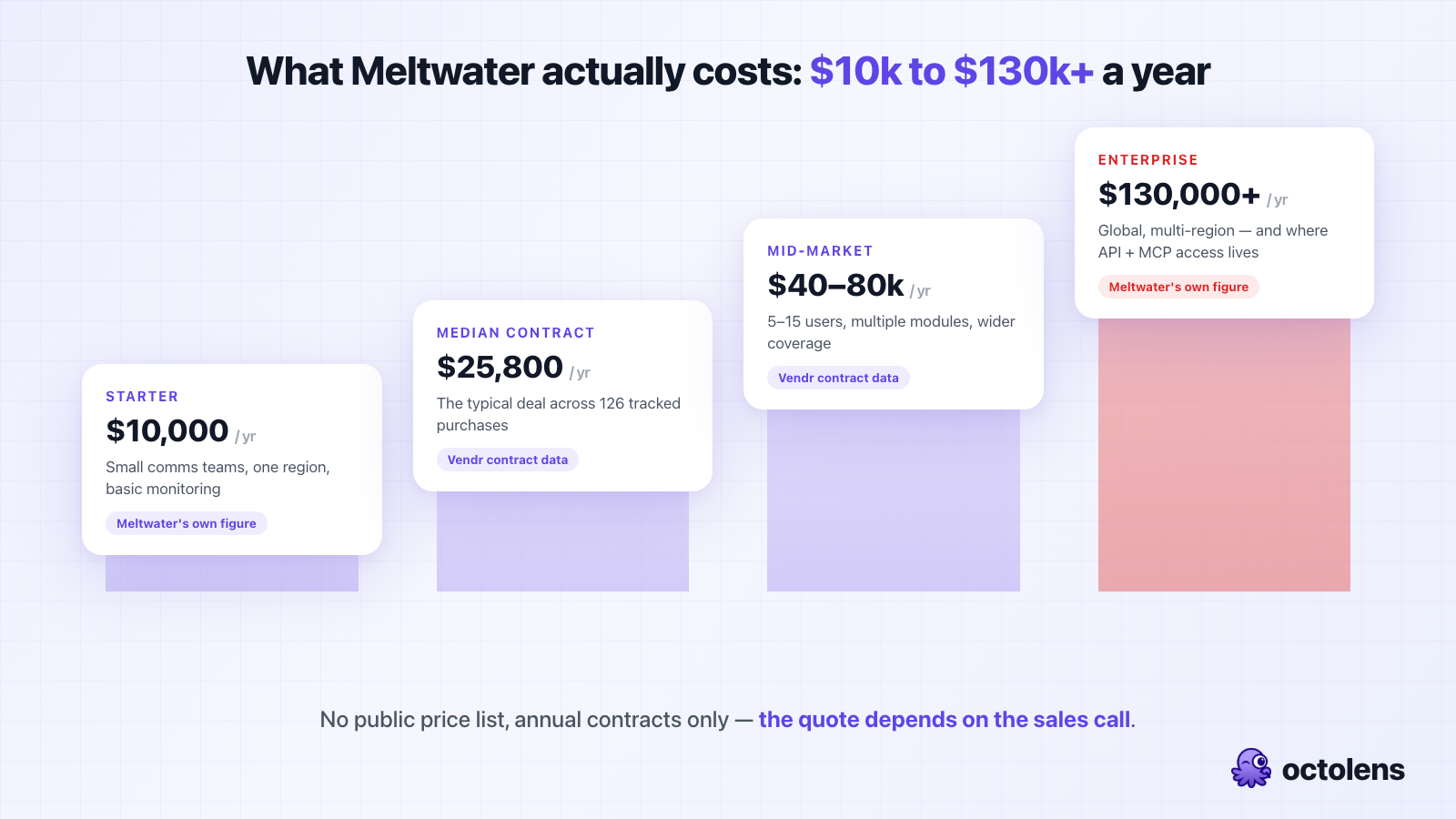
For context on how the market segments: enterprise platforms like Meltwater, Brandwatch, and Sprinklr typically start at $800–1,000/month, while mid-range tools run $159–$599/month. We've broken down the whole landscape in our guide to the [best social listening tools](https://octolens.com/blog/best-social-listening-tools).
## Meltwater Pricing Plans Explained
Meltwater doesn't have fixed plans in the way a self-serve SaaS product does — every contract is scoped individually. But their published tiers give you the shape of it:
### Starter — from $10,000/year
Built for small comms teams. Includes basic media monitoring, social listening, AI summaries, and access to the media relations database. Typically limited to a single region.
At this tier you're paying roughly $833/month for what mid-market tools deliver for $200–$600/month — the premium is for Meltwater's news coverage and the PR toolset, not for more social listening.
### Pro — from $25,000/year
The tier most mid-sized teams land on, and it matches Vendr's $25,800 median almost exactly. Adds cross-channel monitoring, competitive benchmarking, expanded AI features, and wider geographic coverage.
### Enterprise — from $130,000/year
Global, multi-region, multi-language deployments with governance workflows and influencer marketing. This is also the tier where **API and MCP access lives** — if you want your mention data flowing into your own systems or AI agents, Meltwater gates that behind the six-figure tier.
That last point matters more than it looks. In 2026, mention data you can't pipe into your own stack — your Slack, your CRM, your agents — is data trapped in a dashboard. It's the single biggest philosophical difference between Meltwater and API-first tools, and we've written about why we think [data access shouldn't be an enterprise upsell](https://octolens.com/blog/best-customers-never-open-app).
### What actually drives your quote
Per Meltwater's own cost-driver list, your price moves with:
- **Modules** — media monitoring, social listening, media contacts/outreach, consumer insights, influencer marketing are all priced separately
- **Users** — per-seat licensing, and seats aren't cheap (more on this below)
- **Geography and languages** — single-region vs. global coverage is a major multiplier
- **Search volume** — contracts specify how many saved searches you get, not just seats
- **Contract length** — multi-year deals earn 10–20% discounts, per Vendr's negotiation data
## The Public Rate Card Meltwater Doesn't Advertise
Here's the most concrete pricing data available anywhere: to sell to the UK government, Meltwater had to file a [pricing document on the G-Cloud 14 public procurement marketplace](https://assets.applytosupply.digitalmarketplace.service.gov.uk/g-cloud-14/documents/711323/694109367077416-pricing-document-2024-05-07-1316.pdf). It's public. Anyone can read it.
The core platform (GBP, per year):
| Configuration | Price |
| --- | --- |
| Media Intelligence Platform — 10 users, 25 searches, 2 workspaces | **£22,800/yr** (~$29,000) |
| Media Intelligence Platform — 15 users, 50 searches, 2 workspaces | **£32,700/yr** (~$41,500) |
Note the structure: you're capped on **users and searches**. Going from 10 to 15 users and 25 to 50 saved searches costs an extra £9,900 a year — that's the per-seat economics in action.
Then the add-ons, each priced separately:
| Add-on | Price |
| --- | --- |
| UK broadcast (radio/TV) monitoring | £2,950/yr |
| Global broadcast monitoring | £5,700/yr |
| UK print monitoring (100 clips/month) | £3,000/yr |
| **Podcast monitoring** | **£2,950/yr** |
| Journalist database + press distribution (UK) | £6,480/yr |
| Journalist database + press distribution (global) | £7,880/yr |
| Newswire distribution | £500–£2,500 per release |
| AI-driven insight reports (monthly) | £8,250/yr |
| Branded newsletter (up to 1,000 recipients) | £3,250/yr |
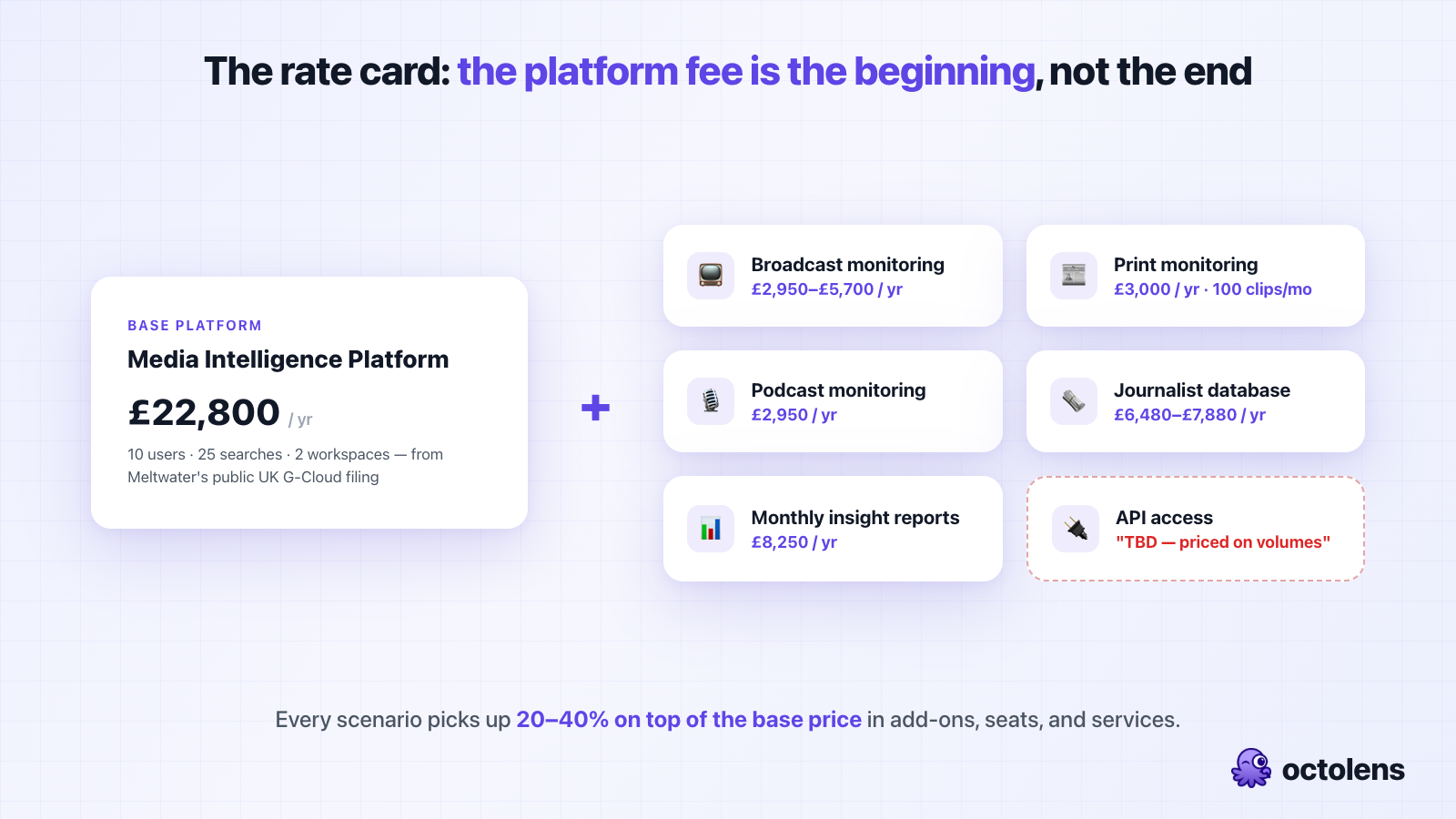
Two things jump out:
**Podcast monitoring is a ~$3,700/year add-on.** Podcasts are where a lot of high-intent product conversations happen now, and Meltwater treats them as premium extras. (For comparison: Octolens includes [podcast, news, and newsletter coverage](https://octolens.com/news-monitoring) on its Scale plan at $599/month — alongside Reddit, Hacker News, and GitHub on every plan.)
**The API has no listed price at all.** On Meltwater's own rate card, the Export API, Streaming API, and Display API are all marked "TBD — priced on volumes." Even in a public government filing, programmatic access to your own mention data is a custom negotiation.
## The Hidden Costs
The contract number isn't the whole number. From Vendr's buyer data and user reports, budget for:
- **Onboarding and training: $2,000–$10,000.** Implementation isn't free, and Meltwater's platform is complex enough that training is genuinely necessary.
- **Renewal increases: 3–7% per year.** Built-in price escalation is standard in Meltwater contracts. Your $25,000 year-one contract is a $28,000+ contract by year three before you've added anything.
- **Overage charges.** Contracts specify usage limits; exceeding them triggers overage fees.
- **Mid-contract upgrades at list price.** Negotiating leverage exists at renewal time. Add a module mid-term and you'll pay at or above list — Vendr's data shows upgrades are where discounts go to die.
- **Professional services.** Custom reporting and integrations are billable. The analyst-curated report tiers on the G-Cloud rate card are literally priced "TBD."
One more structural cost: **there is no monthly option.** Every dollar above is committed annually, up front. If the tool doesn't work out in month three, you own it for nine more months.
## What a Real Meltwater Quote Looks Like
Abstract ranges are only so useful, so here are three realistic scenarios assembled from the rate card and contract data above:
**Scenario 1: A 3-person comms team at a Series B startup.** Media monitoring plus social listening, one region, no print or broadcast. You're at the Starter tier: expect a first quote around $12,000–$15,000/year, negotiable toward $10,000. Add onboarding (~$2,000–$3,000) and you're at roughly **$13,000–$17,000 all-in for year one** — about $1,100–$1,400/month. This is the buyer profile where the mid-market alternatives make the strongest case, because at this scope you're using maybe a third of what you're paying for.
**Scenario 2: A 10-person PR team at a mid-market company.** Media Intelligence Platform with 10 seats and 25 searches (the G-Cloud configuration: ~$29,000), plus the journalist database (~$8,000), plus quarterly insight reports (~$5,600). That's roughly **$42,000–$45,000/year** — squarely inside Vendr's mid-market band of $40,000–$80,000. If this team also wants broadcast and podcast coverage, add another $8,000–$11,000.
**Scenario 3: A global enterprise comms org.** Multi-region, multi-language, 15+ seats, influencer marketing, API integration into an internal data warehouse. This is the $100,000–$150,000+ band, consistent with Meltwater's own "from $130,000" Enterprise figure. At this level the line items stop mattering — you're negotiating a platform relationship, and everything is custom.
The pattern across all three: **the platform fee is the beginning, not the end.** Every scenario picks up 20–40% on top of the base price in add-ons, seats, and services.
## How to Negotiate Your Meltwater Contract
If Meltwater is the right tool for your job, don't pay list. The negotiation dynamics are well documented in Vendr's buyer data, and the average buyer saves about 15%:
1. **Start 90–120 days before your decision deadline.** Meltwater's reps work quarterly quotas like every enterprise sales team. Time pressure is your leverage, not theirs — but only if you're not the one in a hurry.
2. **Bring competing quotes.** Cision and Brandwatch quotes move Meltwater's price more than anything else you can say. Get real numbers from at least one direct competitor before your pricing call.
3. **Bundle modules at signing, not mid-term.** Vendr's data is blunt about this: mid-contract upgrades price at or above list. If you think you'll want the journalist database in six months, negotiate it now.
4. **Trade contract length for price — carefully.** Multi-year commitments earn 10–20% discounts. That's real money, but weigh it against being locked into a tool you haven't used yet, with an auto-renewal clause on top.
5. **Cap the renewal escalator in writing.** The 3–7% annual increase is negotiable at signing and nearly impossible to fight later. Get a cap (or a fixed renewal price) into the order form itself, not a side email.
## The Contract Trap: Auto-Renewal and the 60-Day Window
This is the part current customers complain about most, and it deserves its own section.
Meltwater contracts **auto-renew for a full year unless you cancel at least 60 days before the term ends**. That's [confirmed in Meltwater's own help center](https://help.meltwater.com/en/articles/8490875-renewing-your-subscription-with-meltwater). Miss the window by a day and you're contractually committed to another year at the (escalated) renewal price.
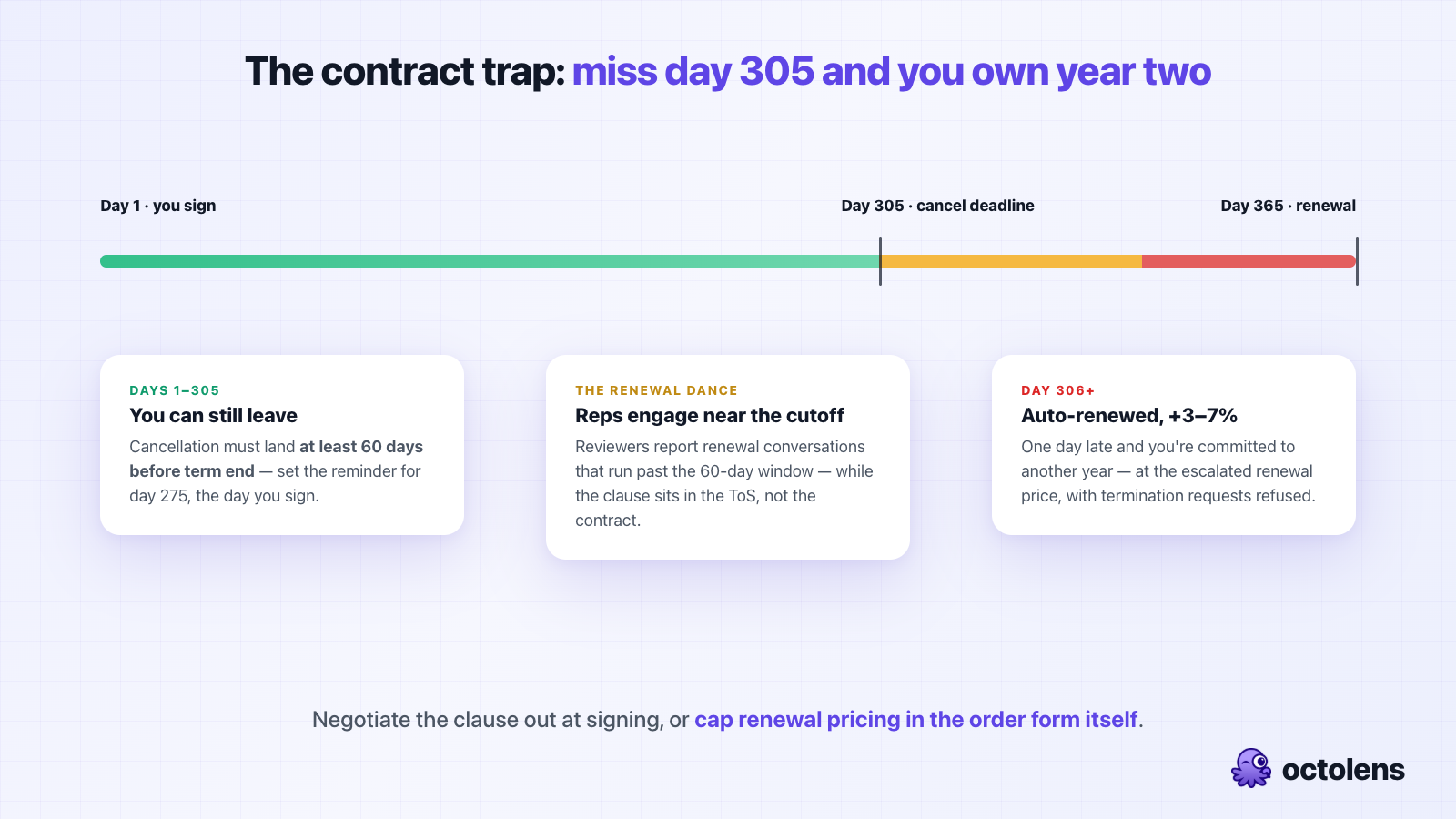
Review sites are full of this exact story. Two representative [TrustRadius](https://www.trustradius.com/reviews/meltwater-media-intelligence-platform-2020-09-28-11-13-43) review titles: *"Beware of Hidden Contract Terms like Auto-renewal Clauses and Built-in Price Increases"* and *"Meltwater deceptive auto-renewal policy and truly awful customer service."* Reviewers describe the same pattern: the auto-renewal clause lives in the terms of service referenced by the contract rather than the contract itself, sales reps engage in renewal conversations that run past the 60-day cutoff, and once the window closes, termination requests are refused. One Canadian customer reported their billing being switched from CAD to USD at renewal — an effective 25%+ price increase on top of the escalator.
Meltwater's [G2 rating is 4.1/5 across roughly 2,900 reviews](https://www.g2.com/products/meltwater/reviews), and the pattern in the reviews is consistent: people generally like the data. The complaints cluster around the buying experience — pricing opacity, aggressive renewal and upsell tactics, and contracts that are hard to exit.
If you do sign with Meltwater, three practical defenses:
1. **Calendar the cancellation deadline the day you sign.** Set the reminder for 90 days before term end, not 60.
2. **Negotiate the auto-renewal clause out**, or at minimum get renewal pricing capped in writing. Vendr's data says buyers who engage 90–120 days early with competing quotes in hand save ~15%.
3. **Get every limit in writing** — seats, searches, clip volumes, overage rates — before signing, not after.
## Is Meltwater Worth It?
Honest answer: it depends entirely on which job you're hiring it for.
**Where Meltwater genuinely earns its price:** premium news coverage. Meltwater licenses paywalled content from Bloomberg, Dow Jones/Factiva, and similar outlets — coverage that cheaper tools legally cannot index — and pairs it with print and broadcast tracking. A Fortune 500 comms department spending $65,000/year on it is making a reasonable purchase.
Concretely, Meltwater is the right buy when:
1. **You're a PR/comms team at a large organization** — the journalist database (450,000+ contacts), press distribution, and coverage reporting are the actual product, and they're good
2. **You report coverage to executives** — the analyst-curated reports and branded dashboards exist for exactly this
3. **Procurement is a feature, not a bug** — your org expects annual contracts, security reviews, and a key account manager
**Where the price stops making sense:** everything downstream of "PR coverage tracking." As we said in our [brand monitoring tools comparison](https://octolens.com/blog/best-brand-monitoring-tools), Meltwater is a PR tool first and a brand monitoring tool second. If what you actually need is to know when someone mentions your product on Reddit, Hacker News, or a podcast — and to get that mention into Slack or your CRM while the thread is still alive — you're paying five figures for a dashboard your team will rarely open, with the API that would fix that gated at $130,000/year.
There's a version of this that's been true for a decade: a five-figure contract, two licensed seats, and everyone else in the company queuing behind them for data. That model is exactly what modern tooling is unwinding.
## Meltwater Pricing vs. Alternatives
How the market actually prices out in 2026:
| Tool | Entry price | Typical annual cost | Billing | API access | Best for |
| --- | --- | --- | --- | --- | --- |
| **Meltwater** | ~$10,000/yr | $13,000–$65,000 | Annual only | Enterprise tier only | PR teams needing premium news |
| **Brandwatch** | Custom | ~$50,000 (Vendr median) | Annual only | Enterprise tiers | Consumer insights at scale |
| **Cision** | Custom | $9,600 SMB / $75,000 ent. | Annual only | Limited | Press release distribution + PR |
| **Octolens** | $199/mo ($159 annual) | $1,908–$7,188 | Monthly or annual | **Every plan** | Product-led and technical brands |
(Brandwatch's ~$50k median is from Vendr contract data; Cision figures are SpendHound customer averages. Full breakdowns of each tool are in our [social listening tools guide](https://octolens.com/blog/best-social-listening-tools).)
### Meltwater vs. Cision vs. Brandwatch
The three legacy platforms get cross-shopped constantly, so here's the direct comparison using the same contract-data sources:
- **Meltwater vs. Cision:** Nearly identical pricing profiles — SpendHound puts Cision at $9,565/year for SMBs (slightly cheaper than Meltwater's $13,275) but $74,923 for enterprises (more expensive than Meltwater's $65,020). The real difference is emphasis: Cision leads with press release distribution (PR Newswire is theirs), Meltwater leads with monitoring and analytics. Teams that primarily push news out lean Cision; teams that primarily track coverage lean Meltwater.
- **Meltwater vs. Brandwatch:** Brandwatch is the more expensive platform — Vendr's median Brandwatch contract runs about [$50,000/year](https://octolens.com/blog/brandwatch-pricing) against Meltwater's $25,800. You're paying for deeper consumer-insights tooling: bigger historical archives, more sophisticated audience segmentation, dashboards built for insights analysts rather than PR managers. If your buyer is a comms director, Meltwater; if it's a consumer-insights team, Brandwatch — at twice the median price.
- **All three share the same commercial model:** annual-only contracts, custom quotes behind sales calls, API access reserved for the top tiers, and per-seat economics that make broad internal access expensive. Whichever you pick, the negotiation advice above applies unchanged.
### When an alternative is the better buy
Look elsewhere if:
- **Your customers talk on Reddit, Hacker News, GitHub, and podcasts** — Meltwater's center of gravity is news and mainstream social; developer-community coverage is not what you're paying the premium for
- **You want data in your tools, not another dashboard** — if mentions should land in Slack, your CRM, or your AI agents, you need API and webhook access that doesn't cost $130,000/year
- **You can't commit five figures annually** — the annual-only, auto-renewing contract structure is a real risk for a tool you haven't been able to trial
- **You're a startup or mid-market product team** — you'd be paying for a journalist database and print monitoring you'll never use
Because in the end, the comparison worth doing isn't really price — it's price *per job*. Meltwater's Starter tier at $10,000/year and Octolens Pro at $1,908/year (annual) aren't the same product with different price tags. One is a PR suite with premium news licensing. The other is a data layer that watches 15+ platforms — Reddit, Hacker News, X, LinkedIn, YouTube, podcasts, newsletters, GitHub — filters the noise with AI, and delivers mentions wherever your team works: Slack, email, [webhooks, a REST API, or MCP for AI agents](https://octolens.com/social-listening-api), on every plan including the cheapest one.
That's why teams like Vercel, PostHog, Cursor, and Lovable run their community listening this way — mentions route to the right Slack channel or straight into their own tools, and nobody's queuing behind two licensed seats.
If that sounds more like your job to be done, we keep an updated comparison of [Meltwater alternatives](https://octolens.com/meltwater-alternatives) — including where each one (ours included) falls short.
## TL;DR
- **Meltwater pricing starts around $10,000/year** (their own published Starter figure) and runs to $130,000+ for enterprise
- **The median real contract is $25,800/year** across 126 purchases tracked by Vendr; SMBs average $13,275, enterprises $65,020
- **Meltwater's public UK government rate card** shows £22,800/year for 10 users and 25 searches — with broadcast, print, and podcast monitoring all as paid add-ons, and API pricing listed as "TBD"
- **There's no free trial, no free plan, and no monthly billing** — contracts are annual with a 60-day auto-renewal cancellation window and built-in 3–7% yearly increases
- **Worth it** for enterprise PR teams that need premium news and journalist outreach; **hard to justify** for product-led teams that need community mentions flowing into their own tools
- **API access on every plan is the structural difference** — with Meltwater it's an enterprise negotiation; with tools like Octolens it's included at $199/month
The real question isn't "how much does Meltwater cost?" — it's whether you're buying a PR suite or a data layer.
If it's the data layer you're after, you don't need a sales call to find out what your mentions look like: [try Octolens free for 7 days](https://octolens.com/me/sign-up?selectedPlan=Free_trial) and they're flowing into Slack, your CRM, and your agents this week — API, [webhooks](https://octolens.com/webhooks), and MCP on every plan, no annual contract.
---
# 23 Best Competitor Monitoring Tools in 2026 (By Category)
URL: https://octolens.com/blog/best-competitor-monitoring-tools · Published: 2026-07-30 · Updated: 2026-09-02 · Author: Charlotte Schmitt (Co-Founder)
## Competitor monitoring is seven jobs, not one
I'm the co-founder of Octolens, and Octolens is one of the twenty-three tools below. So I've taken us out of the numbered ranking and put Octolens in its own clearly labeled section, and the ranked list only covers tools we don't make. I'll also tell you something most listicles won't — **competitor monitoring is not one job, and no tool on this list does all of it.** Octolens included. Most "best competitor monitoring tools" lists are written by the tools themselves; this one includes G2 ratings, real prices, and quotes from actual practitioners so you can check my ranking against the data on this page.
When we researched this page, we pulled the tools that actually rank for "competitor monitoring" and the ones practitioners actually name in threads. You'll see the same category labeled competitor intelligence, competitive intelligence, or AI competitor analysis depending on who's writing — the names differ, but the work underneath splits into the same seven distinct jobs:
1. **Conversation monitoring** — what customers say about competitors (and you) across the internet
2. **Competitive intelligence platforms** — battlecards and win/loss enablement for sales teams
3. **Search intelligence** — competitors' SEO and paid search footprint
4. **Website & price tracking** — what competitors change on their own sites
5. **Social benchmarking** — engagement and share-of-voice on social accounts
6. **Ad intelligence** — every ad your competitors run, and what they spend
7. **AI search visibility** — who ChatGPT and Perplexity recommend in your category
Here's how real this pain is: founders keep building tools for it out of frustration. From a Show HN [three weeks ago](https://news.ycombinator.com/item?id=48991266):
> *"I run two small products I launched this year and as a daily task I was keeping an eye on my competitors… I was initially checking their blogs manually and handpicked the topics I was curious about"* — nyku on Hacker News
Manual checking doesn't scale. Here's what does, by job.
## How we evaluated these tools
Every tool on this page went through the same five checks:
1. **Job fit** — Which of the seven monitoring jobs does it actually do well? A tool that's mediocre at four jobs lost to a tool that's excellent at one.
2. **Pricing transparency** — Can you find the price on the website, or does it take a sales call? Where vendors hide pricing, we cite third-party buyer data (Vendr and 2026 buyer reports) instead.
3. **Signal vs. noise** — Does it filter and prioritize, or dump everything on you? An alert stream you learn to ignore is worse than no alerts.
4. **API and workflow integration** — Can you pipe competitor intel into Slack, your CRM, your warehouse, or an AI agent — or are you stuck in a dashboard?
5. **Honest value** — Is it worth what it costs for the job it does? Including where the honest answer is "use the free option instead."
G2 ratings are included as of July 2026; review counts are approximate. Every user quote links to its source, and every price was checked against the vendor's page (or attributed where it wasn't published).
## Quick comparison: all 23 tools at a glance
| Tool | Best for | G2 (Jul 2026) | Starting price | API |
| --- | --- | --- | --- | --- |
| [Octolens](#our-tool-octolens) *(our tool, not ranked)* | Competitor mentions across the internet | 5/5 (6) | $159/mo (annual) | Yes (all plans) |
| [Awario](#1-awario) | Budget broad monitoring | 3.9/5 (~50) | €29/mo (annual) | Enterprise only |
| [Brandwatch](#2-brandwatch) | Enterprise consumer intelligence | 4.2/5 (~1,700) | ~$50k/yr median | Yes (enterprise) |
| [Klue](#3-klue) | Sales battlecards & CI | 4.8/5 | ~$15k–30k+/yr | Yes |
| [Crayon](#4-crayon) | Broad CI program | 4.6/5 (~385) | ~$13k–48k/yr | Yes |
| [Contify](#5-contify) | Market + competitive intel, multi-team | 4.5/5 (~114) | Custom | Yes |
| [AlphaSense](#6-alphasense) | Deep research on public companies | 4.6/5 (~346) | Custom | Yes |
| [Semrush](#7-semrush) | SEO + PPC intel | 4.5/5 (~3,300) | $117/mo (annual) | Higher tiers |
| [Ahrefs](#8-ahrefs) | Backlinks & content gaps | 4.5/5 (~700) | $29/mo (Starter) | Higher tiers |
| [SpyFu](#9-spyfu) | PPC history on a budget | 4.6/5 (~517) | $29/mo (annual) | Yes |
| [Similarweb](#10-similarweb) | Traffic benchmarking | 4.4/5 (~1,140) | ~$199/mo | Business tiers |
| [Visualping](#11-visualping) | Website change alerts | 4.6/5 (~408) | Free / $10/mo | Business plans |
| [changedetection.io](#12-changedetectionio) | Selector-level page monitoring | N/A (open source) | Free / $8.99/mo | Yes |
| [Hexowatch](#13-hexowatch) | Deep technical site monitoring | 4.7/5 (~52) | ~$29/mo | Yes |
| [Prisync](#14-prisync) | E-commerce price tracking | 4.7/5 (~161) | $99/mo | +20% add-on |
| [Sprout Social](#15-sprout-social) | Social account benchmarking | 4.4/5 (~6,400) | $199–299/seat/mo | Yes |
| [Rival IQ](#16-rival-iq) | Head-to-head social benchmarks | 4.5/5 (~49) | $239/mo | Yes |
| [Adbeat](#17-adbeat) | Display & native ad intel | N/A (few reviews) | Free / $249/mo | Higher tiers |
| [BigSpy](#18-bigspy) | Ad creative search | 4.6/5 (~635) | ~$19/mo | No |
| [Competitors.app](#19-competitorsapp) | All-in-one for SMBs | N/A (12 reviews) | $19.95/mo (promo) | Custom plan |
| [Owler](#20-owler) | Company news, funding, M&A | 4.3/5 (~480) | Free / $39/user/mo | Max tier |
| [Otterly.AI](#21-otterlyai) | AI search visibility (entry) | N/A (few reviews) | $29/mo | From $189/mo |
| [Peec AI](#22-peec-ai) | AI search visibility (depth) | 4.9/5 (11) | ~€89/mo | Higher tiers |
## Conversation monitoring
The fastest-moving signal on this list. A competitor's unhappy customer asking for alternatives in public is the warmest lead on the internet — and it goes cold in hours.
## Our tool: Octolens
*We make Octolens, so it sits outside the ranking. The numbered list below starts with the tools we don't make.*
**Best for: Competitor mentions across the internet, delivered into your stack** | G2: 5/5 (6 reviews, Jul 2026)
Ours. The job Octolens does: track every public mention of your competitors (and your own brand) across the internet, including Reddit, Hacker News, Twitter/X, LinkedIn, Bluesky, GitHub, Stack Overflow, YouTube, TikTok, podcasts, newsletters, and 150k+ news outlets — filter it with AI so you only see relevant conversations, and deliver it wherever you work: Slack, email, webhooks, or straight into your own systems.
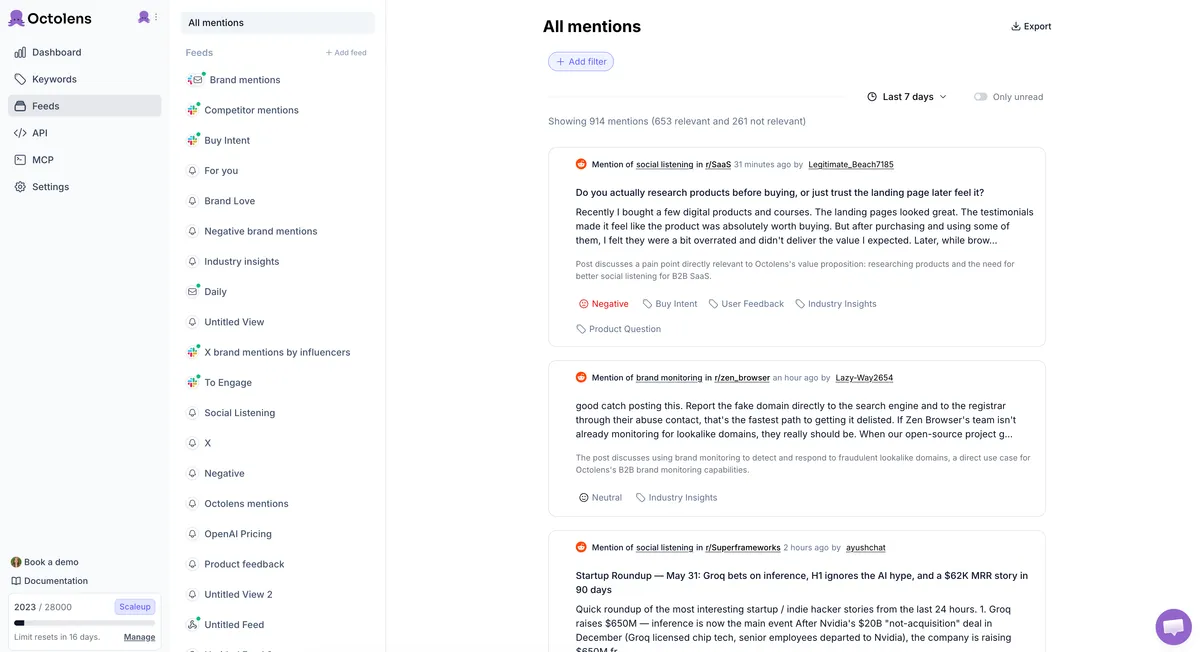
[Competitor monitoring](https://octolens.com/competitor-monitoring) is one of the highest-leverage ways to use it. Add competitor names as keywords and you see their feature complaints, pricing gripes, and "any alternatives to X?" threads in real time. And because the API, [webhooks](https://octolens.com/webhooks), and MCP server are included on every plan — not gated behind enterprise — piping those mentions into your CRM, warehouse, or an AI agent workflow is the designed-for path, not a workaround. People already build on it:
> *"Used octolens API for the mention trigger and Interfaze for scraping the full post and reply generation"* — [@yoeven](https://twitter.com/yoeven/status/2079457299639525691)
> *"the only durable SaaS right now is unique data or action APIs to be used by agents. For example: Unique data: Octolens"* — [@andyhattemer](https://twitter.com/andyhattemer/status/2079550021104452072)
Teams at Vercel, Prisma, PostHog, Tally, and Juicebox run their monitoring through Octolens. Setup takes about 2 minutes — AI onboarding pulls your company info and suggests competitor keywords automatically.
| Detail | Info |
| --- | --- |
| Pricing | Pro $159/mo (annual) / $199/mo — 15,000 mentions, 10 keywords. Scale $499/mo (annual) / $599/mo — 50,000 mentions, 40 keywords. Enterprise custom. |
| Coverage | Across the internet, incl. Reddit, HN, GitHub, Stack Overflow, podcasts, newsletters, 150k+ news outlets |
| API | REST API + webhooks + MCP on all plans |
| Free trial | 7 days |
**Pros:**
- Widest coverage of the platforms where technical and product-led audiences actually talk (HN, GitHub, Reddit, podcasts)
- API, webhooks, and MCP on every plan — competitor mentions go into your workflows, not another dashboard
- AI relevance filtering handles common-word competitor names ("Mention", "Crayon", "Linear"…) without flooding you
- Unlimited team seats on all plans; 2-minute AI-assisted setup
**Cons:**
- No print or broadcast media coverage — if your competitors live on TV, you need a PR suite
- Analytics layer is younger than the enterprise platforms'
- If your competitors get almost no public mentions, conversation monitoring isn't your bottleneck — website tracking below will tell you more
**Website:** [https://octolens.com](https://octolens.com)
## 1. Awario
**Best for: Price-sensitive teams monitoring mainstream social and news** | G2: 3.9/5 (~50 reviews, Jul 2026)
Awario is the budget end of broad conversation monitoring: news, blogs, X/Twitter, Reddit, and the general web, with Boolean search even on the entry plan. For a small team that wants wide coverage and generous mention quotas at the lowest possible price, the fundamentals are there — and the white-label reports make it a quiet agency favorite.
The trade-offs are what the price implies. There's no AI relevance filtering — Boolean queries are powerful but you tune them by hand, and common-word competitor names will flood the feed until you do. The entry plan caps you at 3 topics, which competitor monitoring eats instantly (your brand + two rivals and you're done). And developer-community coverage — Hacker News, GitHub, Stack Overflow, podcasts — isn't its territory, so for technical products the most valuable competitor conversations simply won't show up.
| Detail | Info |
| --- | --- |
| Pricing | Starter €29/mo (annual) / €49/mo — 3 topics. Pro €89/mo (annual) — 15 topics. Enterprise €249/mo (annual) — 100 topics. |
| Coverage | X/Twitter, Reddit, news, blogs, web; no HN/GitHub/SO/podcasts |
| API | Enterprise plan only |
| Free trial | Yes, no card |
**Pros:**
- Cheapest real entry into broad conversation monitoring (€29/mo annual)
- Boolean search and data export even on the entry plan
- White-label PDF reports make it agency-friendly
- Generous mention quotas (30k/mo on Starter)
**Cons:**
- No AI relevance filtering — hand-tuned Boolean or a noisy feed
- API gated to the Enterprise plan — no programmatic access on Starter or Pro
- 3 topics on Starter is instantly consumed by competitor monitoring
- No developer-community or podcast coverage
- Lowest G2 rating on this list (3.9), largely reflecting data-coverage complaints
**Website:** [https://awario.com](https://awario.com)
## 2. Brandwatch
**Best for: Global consumer brands with analyst teams and six-figure budgets** | G2: 4.2/5 (~1,700 reviews, Jul 2026)
Brandwatch (part of Cision) is the enterprise end of conversation monitoring: 100M+ sources, the deepest historical archive in the industry, an official Reddit data partnership, and consumer-intelligence analytics that can surface emerging narratives across millions of conversations. For a global consumer brand with an analyst team running multi-market competitor tracking, it's a legitimate shortlist tool — and its crisis-management workflows are battle-tested at Fortune 500 scale.
The entry bar is the story. Pricing is opaque and enterprise-only — Vendr's July 2026 buyer data puts the median contract at $50k/year, and you'll sit through a sales cycle just to see a number. Setup means complex Boolean query building and a multi-week onboarding (Brandwatch Academy exists for a reason). And for all the source volume, developer communities — GitHub, Hacker News, Stack Overflow — aren't its strength, so technical-product competitor chatter is exactly the slice it's weakest on. If you don't have a dedicated analyst, most of what you're paying for goes unused.
| Detail | Info |
| --- | --- |
| Pricing | Custom, enterprise-only; median contract ~$50k/yr (Vendr, Jul 2026) |
| Coverage | 100M+ sources; social, news, forums, reviews; official Reddit partnership |
| API | Enterprise contracts |
| Free trial | Demo only |
**Pros:**
- Deepest source coverage and historical archive in the category
- Enterprise analytics: narrative detection, image/logo recognition, crisis workflows
- Official Reddit data partnership
- Battle-tested at Fortune 500 scale
**Cons:**
- Median contract ~$50k/yr and no public pricing — a sales cycle just to see a number
- Multi-week onboarding and complex Boolean setup
- Weak on developer communities, where technical-product competitor chatter lives
- Overkill without a dedicated analyst — the tool doesn't run itself
See our full [Brandwatch alternatives breakdown](https://octolens.com/brandwatch-alternatives).
**Website:** [https://www.brandwatch.com](https://www.brandwatch.com)
## Competitive intelligence platforms
The enterprise category, also called competitor intelligence: platforms that aggregate competitor signals into battlecards your sales team uses mid-deal. One honest caveat up front, from a practitioner [this week](https://twitter.com/polsia/status/2082154450614202815):
> *"Intel PMM teams license Contify, Klue, Crayon and still launch on stale intel."* — @polsia
These platforms work when someone owns them. Without a dedicated owner, any of them becomes an expensive RSS feed within a quarter.
## 3. Klue
**Best for: B2B sales orgs with a product marketer who owns competitive intel** | G2: 4.8/5 (Jul 2026 — highest in the CI category)
Klue is the category leader for sales-facing competitive intelligence. The core loop: it aggregates competitor signals (news, website changes, reviews, win/loss data), your PMM curates them into battlecards, and sales reps consume those battlecards inside their CRM mid-deal. Its G2 rating reflects the thing it does exceptionally well: making competitive knowledge usable during a deal, not after it. Recent releases lean hard into AI — auto-generated insights and win/loss interview clips — reportedly driving meaningful win-rate lifts for teams that actually operationalize them.
The catch is commitment. Klue doesn't publish pricing; 2026 buyer reports put typical contracts at $15k–$30k+/year. And like every tool in this category, it assumes a human owner — battlecards nobody curates go stale in a quarter.
| Detail | Info |
| --- | --- |
| Pricing | Custom; ~$15k–30k+/yr typical (2026 buyer reports) |
| Coverage | Competitor news, site changes, reviews, win/loss data → battlecards in CRM |
| API | Yes |
| Free trial | Demo only |
**Pros:**
- Best-in-class sales enablement: battlecards where reps actually work
- Highest G2 rating in the CI category (4.8)
- Win/loss program tooling built in
- Strong AI summarization of competitor signals
**Cons:**
- No public pricing; five-figure annual commitment
- Needs a dedicated PMM owner or it decays into an expensive feed
- Sales-first scope — broader market intelligence isn't the focus
**Website:** [https://klue.com](https://klue.com)
## 4. Crayon
**Best for: Teams running a formal CI program beyond just sales enablement** | G2: 4.6/5 (~385 reviews, Jul 2026)
Crayon is Klue's perennial comparison — most CI evaluations come down to these two. Crayon leans broader: it tracks 100+ signal types across competitor websites, pricing pages, job postings, reviews, and news, with AI summarization on top. Klue is sales-first; Crayon is CI-first with sales enablement attached.
It's a classic high-touch enterprise purchase: sales-led, demo-only, no public pricing and no self-serve trial. Third-party estimates put contracts at roughly $13k–$48k/year depending on scope. Same honest caveat as Klue: these platforms assume a dedicated CI function. If "competitive intel" is 10% of one marketer's job, start with point tools and graduate later.
| Detail | Info |
| --- | --- |
| Pricing | Custom; ~$13k–48k/yr estimated (third-party, 2026) |
| Coverage | 100+ signal types: sites, pricing pages, job postings, reviews, news |
| API | Yes |
| Free trial | Demo only |
**Pros:**
- Broadest signal coverage in the CI category (100+ types)
- Strong AI digests of competitor moves
- G2 4.6 across ~385 reviews — consistently well-reviewed
- Battlecards and enablement included, not bolted on
**Cons:**
- Demo-only, no public pricing, no self-serve trial
- Five-figure annual contracts
- Assumes a formal CI program — light users won't extract the value
**Website:** [https://www.crayon.co](https://www.crayon.co)
## 5. Contify
**Best for: Global or multi-team organizations where CI extends beyond sales** | G2: 4.5/5 (~114 reviews, Jul 2026)
Contify positions itself as market *and* competitive intelligence — broader than the Klue/Crayon sales-enablement lane. It runs intelligence workflows across industries like pharma, financial services, procurement, and consulting: competitor tracking plus supplier research, market analysis, and analyst-led monitoring, with newsfeeds tuned per team. It was named a Visionary in Gartner's inaugural 2026 Magic Quadrant for Competitive and Market Intelligence Platforms.
Pricing is custom like the rest of the category, but Contify offers a 7-day free trial — rare among enterprise CI vendors, and a sign it supports bottom-up evaluation rather than only top-down sales cycles.
| Detail | Info |
| --- | --- |
| Pricing | Custom |
| Coverage | Competitor + market + supplier intelligence, multi-vertical, per-team newsfeeds |
| API | Yes |
| Free trial | 7 days — unusual for enterprise CI |
**Pros:**
- Broader than sales enablement: market, supplier, and analyst-led intelligence
- Only enterprise CI vendor here with a self-serve trial
- Gartner MQ Visionary (2026); praised on G2 for support quality
- Fits multi-team, multi-vertical deployments
**Cons:**
- Custom pricing — budget conversation still required
- Less sales-enablement depth than Klue for pure battlecard use cases
- Smaller review base than Klue/Crayon
**Website:** [https://www.contify.com](https://www.contify.com)
## 6. AlphaSense
**Best for: Strategy, finance, and corp-dev teams doing deep competitor research** | G2: 4.6/5 (~346 reviews, Jul 2026)
AlphaSense comes at competitive intelligence from the research side: its core asset is a searchable universe of earnings calls, filings, broker research, expert call transcripts, and news, with AI summarization on top. For deep-dive questions — "what is this competitor telling investors about their roadmap?" — nothing else on this list comes close. It's the tool of choice for investment and corporate strategy teams rather than day-to-day PMM work.
Custom pricing with a 2-week free trial. Expect enterprise numbers; this is a research platform, not a monitoring point tool.
| Detail | Info |
| --- | --- |
| Pricing | Custom (enterprise) |
| Coverage | Earnings calls, filings, broker research, expert transcripts, news |
| API | Yes |
| Free trial | 2 weeks |
**Pros:**
- Unmatched depth on public and late-stage companies
- Expert call transcript library is a genuine moat
- Strong AI search and summarization across financial documents
- G2 4.6 across ~346 reviews
**Cons:**
- Enterprise pricing for what's fundamentally a research subscription
- Not a monitoring tool — alerts and workflows are secondary
- Overkill for tracking private startup competitors with thin public footprints
**Website:** [https://www.alpha-sense.com](https://www.alpha-sense.com)
## Search intelligence
The SEO tools get expensive, and practitioners feel it:
> *"stop paying $140+/month for SEO tools 😳 someone open sourced an Ahrefs/Semrush alternative"* — [@SahilPanhotra](https://twitter.com/SahilPanhotra/status/2082501175061127292)
Still, for most teams one of these four earns its keep.
## 7. Semrush
**Best for: Marketing teams that want SEO, PPC, and content competitor intel in one subscription** | G2: 4.5/5 (~3,300 reviews, Jul 2026)
The all-in-one. Type in a competitor's domain and you get their top organic keywords, estimated traffic, paid search spend, ad copy history, and backlink profile. The Keyword Gap and Backlink Gap tools directly answer "what do they rank for that we don't?" — the single highest-value SEO competitor question. In 2026 Semrush also tracks AI visibility (how often ChatGPT, Perplexity, and Gemini surface each domain), which is quickly becoming its own battleground.
| Detail | Info |
| --- | --- |
| Pricing | SEO plan $117.33/mo (annual); Starter bundle with AI tracking $165.17/mo; Pro+ $248.17/mo |
| Coverage | Organic keywords, PPC history, backlinks, traffic estimates, AI visibility |
| API | Higher tiers (Advanced) |
| Free trial | Free tier + 7-day trial |
**Pros:**
- Broadest single-subscription competitor coverage: SEO + PPC + content + AI visibility
- Keyword Gap / Backlink Gap answer the highest-value questions directly
- Position tracking with competitor comparison built in
- Massive review base (G2 4.5, ~3,300 reviews)
**Cons:**
- Gets expensive as you add seats and add-ons
- Depth per module trails specialists (Ahrefs on links, SpyFu on PPC history)
- Traffic numbers are estimates — directionally useful, not analytics
**Website:** [https://www.semrush.com](https://www.semrush.com)
## 8. Ahrefs
**Best for: SEO-led teams that care most about backlinks and content gaps** | G2: 4.5/5 (~700 reviews, Jul 2026)
Ahrefs runs the second-most active crawler on the web, and it shows in backlink data quality — for "who links to my competitors and not to me," it's the reference tool. Site Explorer on a competitor domain gives you their top pages, keyword movements, and link growth; Content Gap does the rank-comparison job. The $29/mo Starter plan is one of the cheapest real entries into competitor SEO data.
Compared to Semrush it's deeper on links and lighter on PPC intelligence — if paid search spying matters, pair it with SpyFu instead.
| Detail | Info |
| --- | --- |
| Pricing | Starter $29/mo; Lite $129/mo; Standard $229/mo (annual saves ~17%) |
| Coverage | Backlinks, organic keywords, content gaps, top pages |
| API | Higher tiers |
| Free trial | Free tier (Ahrefs Webmaster Tools) |
**Pros:**
- Best backlink index in the industry — the link-intersect job is its home turf
- $29 Starter is the cheapest serious entry into competitor SEO data
- Content Gap and Top Pages make competitor content strategy legible
- Clean UX that SEO teams genuinely like
**Cons:**
- Light on paid-search intelligence
- Costs climb fast beyond Starter as limits bite
- No meaningful social or conversation coverage — it's SEO-only by design
**Website:** [https://ahrefs.com](https://ahrefs.com)
## 9. SpyFu
**Best for: Small teams and agencies doing PPC competitor research on a budget** | G2: 4.6/5 (~517 reviews, Jul 2026)
The budget pick for paid search. SpyFu's specialty is history: years of competitor Google Ads copy, keyword targeting, and spend estimates, so you can see not just what a competitor bids on today but what they tried and abandoned — which is often the more useful signal. From $39/mo ($29/mo annual) with unlimited searches, it's the cheapest way to answer "what is their PPC strategy?"
Estimates are estimates: spend and click numbers are directional, not precise, and the SEO side is thinner than Ahrefs or Semrush.
| Detail | Info |
| --- | --- |
| Pricing | $39/mo ($29/mo annual); Professional $79/mo ($39 annual) |
| Coverage | Google Ads history, keyword targeting, spend estimates, basic SEO |
| API | Yes |
| Free trial | Limited free lookups |
**Pros:**
- Years of competitor ad history — see what rivals tried and abandoned
- Unlimited searches at every tier; cheapest PPC intel on the list
- G2 4.6 across ~500 reviews — well-liked for its price point
- Simple enough for non-specialists
**Cons:**
- Spend/click estimates are directional, not audited numbers
- SEO features are secondary — pair with Ahrefs for organic depth
- US/UK-centric data; thinner in other markets
**Website:** [https://www.spyfu.com](https://www.spyfu.com)
## 10. Similarweb
**Best for: Benchmarking traffic and market share against sizable competitors** | G2: 4.4/5 (~1,140 reviews, Jul 2026)
Similarweb estimates any website's traffic, its sources, and its audience overlap with yours — the closest thing to seeing a competitor's analytics. It's become the default sniff test for claims:
> *"no bro my SimilarWeb extension shows 0 traffic on your site for the past 3 months"* — [Hacker News](https://news.ycombinator.com/item?id=49024805)
That quote also illustrates the limitation: the data is modeled, and small sites fall below the modeling threshold. For competitors doing meaningful volume the directional trends are solid; for niche B2B products with 10k visits/month, take it with salt.
| Detail | Info |
| --- | --- |
| Pricing | Free tier; self-serve ~$199/mo; business tiers custom |
| Coverage | Traffic estimates, sources, audience overlap, app data |
| API | Business tiers |
| Free trial | Free tier + trial |
**Pros:**
- The reference tool for "how big are they really?"
- Traffic-source breakdown reveals competitor channel strategy
- Audience-overlap analysis is unique at this price point
- Free tier covers quick sanity checks
**Cons:**
- Modeled data — small sites (under ~50k visits/mo) are unreliable or missing
- Meaningful analysis needs paid tiers; enterprise features are custom-priced
- Can't tell you *why* traffic moved, only that it did
**Website:** [https://www.similarweb.com](https://www.similarweb.com)
## Website & price tracking
The cheapest high-signal monitoring you can set up: watch competitor pricing pages, changelogs, and careers pages, and get told the moment they change. This category is active — people keep building alternatives on top of LLMs, [pitching them on Hacker News](https://news.ycombinator.com/item?id=48774008) for exactly this use case ("monitor your competitors… their pricing, products, TOS").
## 11. Visualping
**Best for: No-setup website change alerts on pricing pages, changelogs, and careers pages** | G2: 4.6/5 (~408 reviews, Jul 2026)
Visualping watches any page — a competitor's pricing page, changelog, careers page — and alerts you when it changes, with AI summaries of what actually changed so a font tweak doesn't page you. Careers pages are the underrated one: engineering job posts telegraph roadmap months ahead.
| Detail | Info |
| --- | --- |
| Pricing | Free (150 checks/mo); personal from $10/mo; business from ~$100/mo |
| Coverage | Any webpage; visual, text, and element-level monitoring |
| API | Business plans |
| Free trial | Free plan |
**Pros:**
- Two-minute setup, no technical skills needed
- AI change summaries filter trivial diffs
- Free plan is genuinely useful (150 checks/month)
- G2 4.6 across ~400 reviews; #1 in multiple G2 categories
**Cons:**
- Business features (API, team workflows) jump to ~$100/mo
- Per-page check model — large-scale monitoring gets costly
- Email-first support on lower tiers
**Website:** [https://visualping.io](https://visualping.io)
## 12. changedetection.io
**Best for: Technical teams that want selector-level page monitoring without a per-page bill** | G2: N/A (open source — 32k+ GitHub stars stands in for reviews)
The practitioner favorite. changedetection.io is fully open source — self-host it and competitor page monitoring costs you nothing but a Docker container — or pay $8.99/mo for the hosted version with up to 5,000 URL watches, a real Chrome browser for JavaScript-heavy sites, and 85+ notification integrations. CSS/XPath selectors let you watch exactly the element you care about (a price, a plan name, a version number) instead of the whole page.
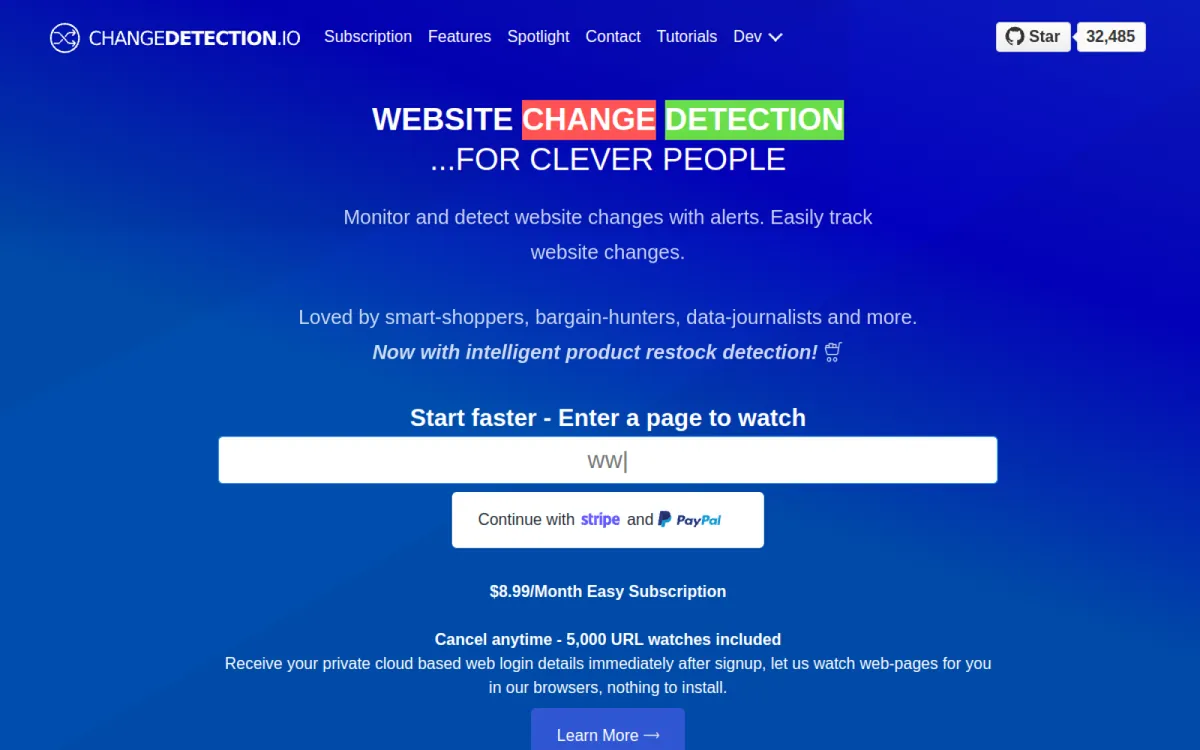
The trade-off is polish: it's a technical tool with a technical UI, and there are no AI summaries or team workflows. For a developer, that's a fair trade for the price and control.
| Detail | Info |
| --- | --- |
| Pricing | Free (self-hosted, open source); hosted $8.99/mo — 5,000 URL watches |
| Coverage | Any webpage; CSS/XPath selector-level watching; JS rendering via real Chrome |
| API | Yes |
| Free trial | Open source is the trial |
**Pros:**
- Open source — full control, zero vendor lock-in, self-host for free
- 5,000 watches for $8.99/mo hosted is an order of magnitude cheaper than commercial rivals
- Selector-level precision: watch the price, not the page
- 85+ notification integrations (Slack, Discord, webhooks…)
**Cons:**
- Technical UI, technical setup — not for non-developers
- No AI summaries, team roles, or audit trails
- Community support only (self-hosted)
**Website:** [https://changedetection.io](https://changedetection.io)
## 13. Hexowatch
**Best for: Technically-minded marketers monitoring below-the-surface site changes** | G2: 4.7/5 (~52 reviews, Jul 2026)
Hexowatch goes deeper than visual page monitoring: it watches content, HTML source, technology stack, backlinks, sitemaps, and even WHOIS records — 13 monitoring types in total. That makes it the pick when the change you care about isn't visible on the rendered page: a competitor quietly adding a new analytics tool, changing their schema markup, or staging pages appearing in a sitemap.
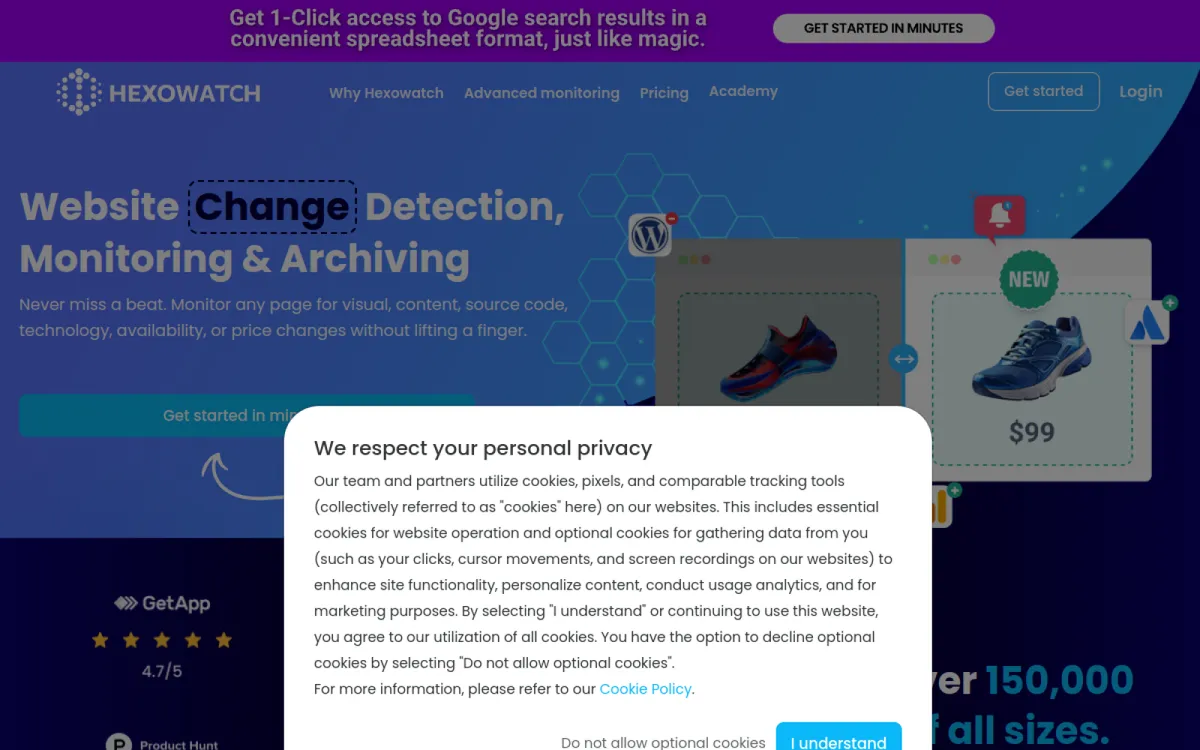
Setup takes more thought than Visualping — choosing the right monitor type per target is on you.
| Detail | Info |
| --- | --- |
| Pricing | Paid plans from ~$29/mo (Pro; per HubSpot's Jul 2026 roundup — tier prices aren't exposed on-site) |
| Coverage | 13 monitor types: content, source, tech stack, sitemap, WHOIS, backlinks… |
| API | Yes |
| Free trial | 7 days |
**Pros:**
- Monitors what visual tools can't see: source code, tech stack, sitemaps
- G2 4.7 — small but very happy user base
- Strong automation options (Zapier, webhooks)
- Reasonable entry price for the depth
**Cons:**
- Pricing not clearly published on-site
- Setup requires knowing which of the 13 monitor types fits each target
- Overkill if all you need is "tell me when the pricing page changes"
**Website:** [https://hexowatch.com](https://hexowatch.com)
## 14. Prisync
**Best for: E-commerce teams tracking price and availability across a catalog** | G2: 4.7/5 (~161 reviews, Jul 2026)
If you sell physical products, competitor pricing is the whole game, and doing it by URL-watching doesn't scale to a catalog. Prisync is purpose-built: it tracks competitor prices and stock across thousands of SKUs, with dynamic repricing rules on higher tiers.
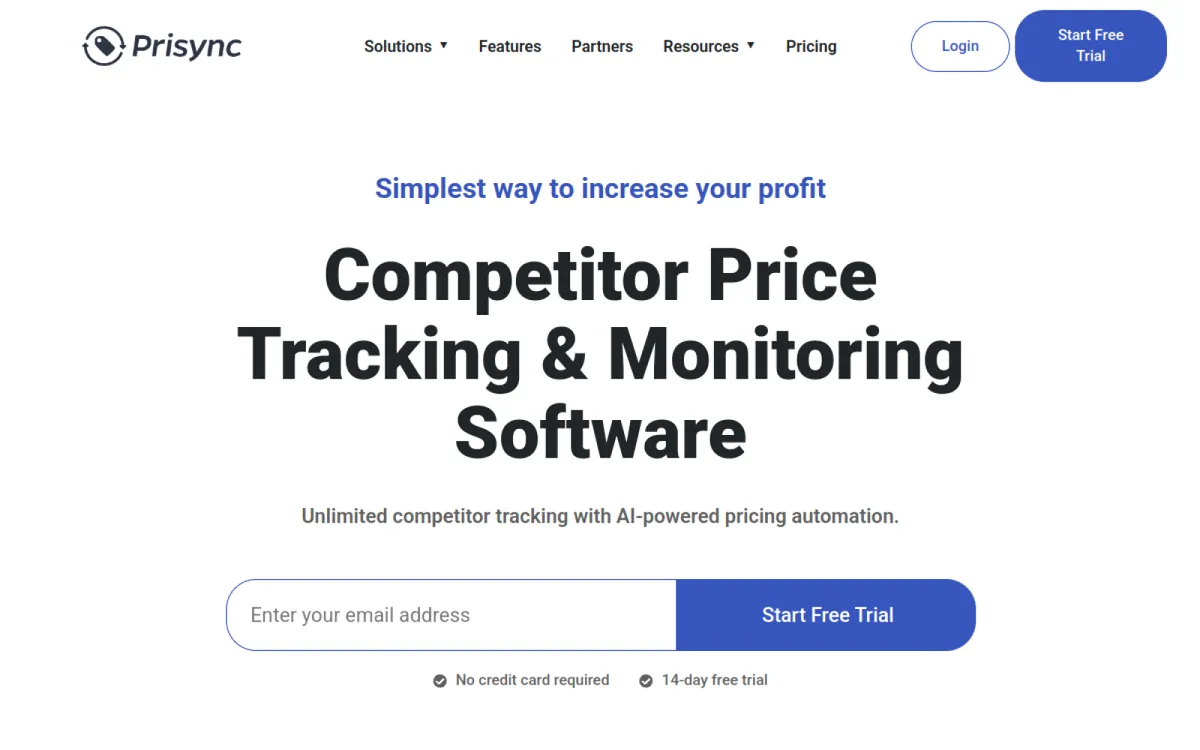
It's an e-commerce specialist — if you're SaaS, Visualping or changedetection.io on pricing pages does the job for a tenth of the price.
| Detail | Info |
| --- | --- |
| Pricing | URL-based: $99/mo (100 products) → $399/mo (5,000). Channel-based with auto-discovery: from $199/mo. |
| Coverage | Competitor prices + stock across catalogs; dynamic repricing on higher tiers |
| API | +20% add-on |
| Free trial | 14 days, with onboarding |
**Pros:**
- Catalog-scale price tracking that URL-watchers can't do
- Dynamic repricing automation on Premium+
- G2 4.7 with strong support reviews
- Free onboarding on the trial
**Cons:**
- E-commerce only — wrong tool for SaaS pricing pages
- Channel-based and hybrid models get expensive fast
- API costs +20% on top of any plan
**Website:** [https://prisync.com](https://prisync.com)
## Social benchmarking
A different question than conversation monitoring: not "what are people saying?" but "how is their content performing against ours?"
## 15. Sprout Social
**Best for: Social teams already in a management suite who want account-level benchmarks** | G2: 4.4/5 (~6,400 reviews, Jul 2026)
Sprout is a social media management suite whose competitor reports benchmark posting cadence, engagement rates, follower growth, and share of voice, account against account.
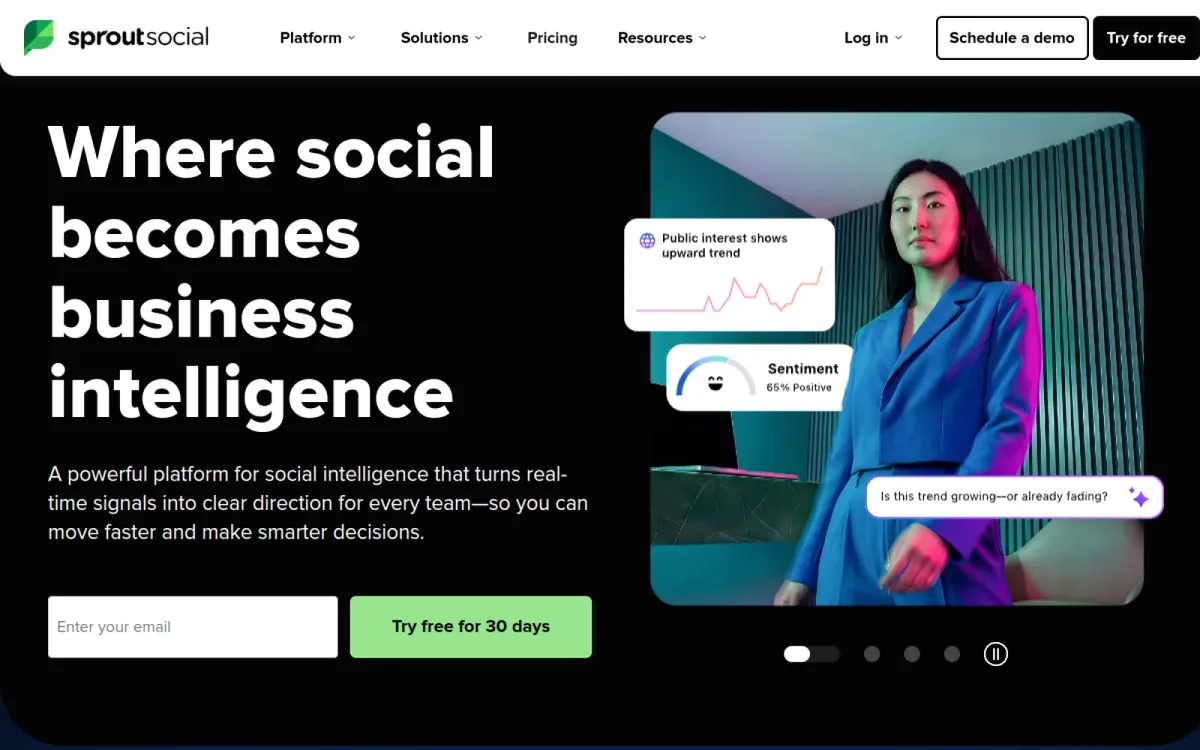
The competitive reports unlock on the Professional plan at $299/seat/mo (annual $199/seat on Standard doesn't include the full set), and deeper listening is a separate add-on. Per-seat pricing compounds fast. If you already run publishing through Sprout it's a natural add; buying it only for competitor benchmarking is expensive. We've compared [Sprout Social alternatives](https://octolens.com/sprout-social-alternatives) if the price makes you flinch.
| Detail | Info |
| --- | --- |
| Pricing | Standard $199/seat/mo (annual), Professional $299/seat/mo — competitor reports unlock at Professional; Listening is an add-on |
| Coverage | FB, IG, X, LinkedIn, TikTok account benchmarking |
| API | Yes |
| Free trial | 30 days |
**Pros:**
- Clean, genuinely well-designed competitor reports
- One tool for publishing + engagement + benchmarking
- Huge review base (G2 4.4, ~6,400 reviews)
- 30-day trial is the longest on this list
**Cons:**
- $299/seat/mo for full competitive reports; listening costs extra on top
- Per-seat model punishes growing teams
- No community/dev-platform coverage — social accounts only
**Website:** [https://sproutsocial.com](https://sproutsocial.com)
## 16. Rival IQ
**Best for: Social and brand teams whose leadership asks "how do we compare?" every month** | G2: 4.5/5 (~49 reviews, Jul 2026)
Rival IQ is the benchmarking specialist — it exists specifically to compare social accounts head-to-head. Track up to 10–40 companies (by tier) across Facebook, Instagram, X, LinkedIn, and TikTok, and it surfaces the analysis suites bury: engagement rate benchmarks by industry, detection of competitors' boosted posts, and alerts when a rival's post takes off. Its free industry benchmark reports are a staple in social marketing decks for a reason.
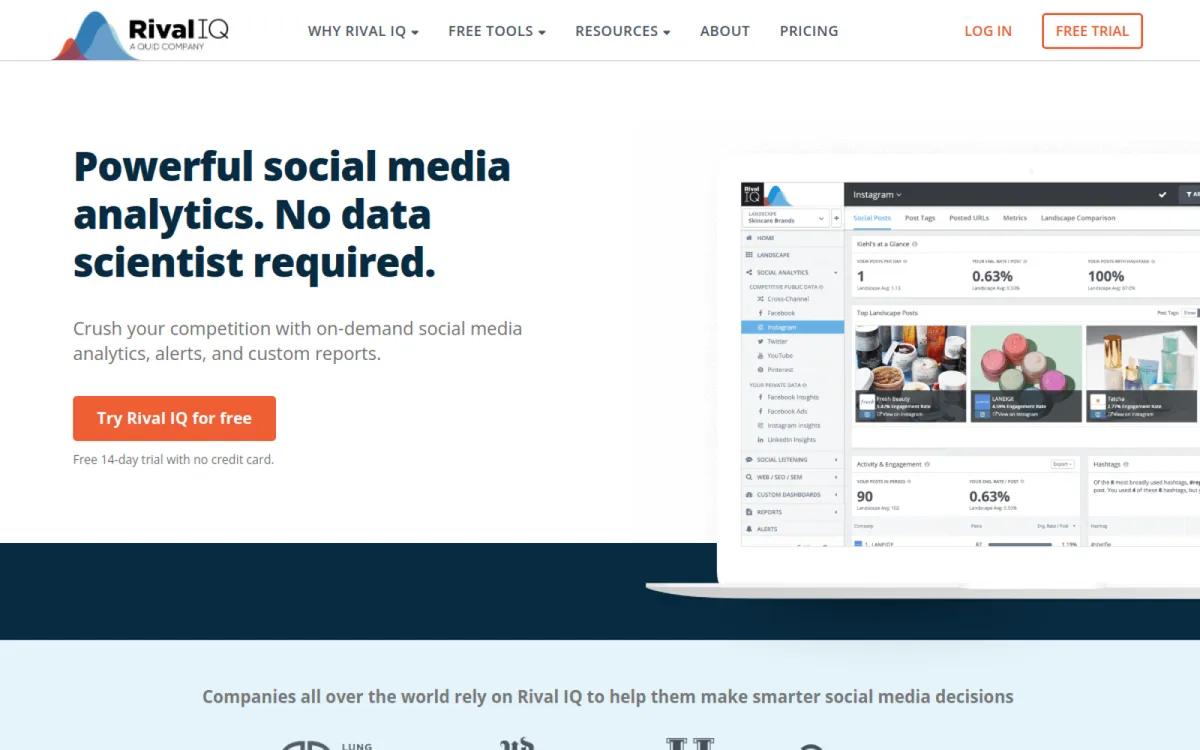
| Detail | Info |
| --- | --- |
| Pricing | Drive $239/mo (10 companies), Engage $349/mo (20), Engage Pro $559/mo (40); 15% off annual |
| Coverage | FB, IG, X, LinkedIn, TikTok head-to-head benchmarking |
| API | Yes |
| Free trial | 14 days, no card |
**Pros:**
- Purpose-built for head-to-head benchmarking — depth suites don't match
- Boosted-post detection reveals competitors' paid amplification
- Industry benchmark reports (free) are excellent context
- Alerts when a competitor's content takes off
**Cons:**
- $239/mo entry is steep for social analytics alone
- Small review base (~49 on G2)
- No conversation/mention monitoring — accounts, not discussions
**Website:** [https://www.rivaliq.com](https://www.rivaliq.com)
## Ad intelligence
What competitors spend money on reveals their actual strategy. And it's often the first place you learn you've been noticed, as one founder [put it this week](https://twitter.com/nerder_/status/2082481649334341689):
> *"You want to know if you are winning? If your competitors are starting to buying your app name on Google Ads, you are winning 😂"* — @nerder_
## 17. Adbeat
**Best for: Performance teams competing in display, native, and programmatic** | G2: N/A (few reviews)
Adbeat is the display and native advertising specialist: it monitors 145+ display networks, DSPs, and exchanges plus 29 native ad networks across 35+ countries, showing you competitors' creatives, landing pages, publishers, and (on Enterprise) estimated spend. For the "where are they buying display, and with what message?" question, it's the deepest dataset available at self-serve prices.
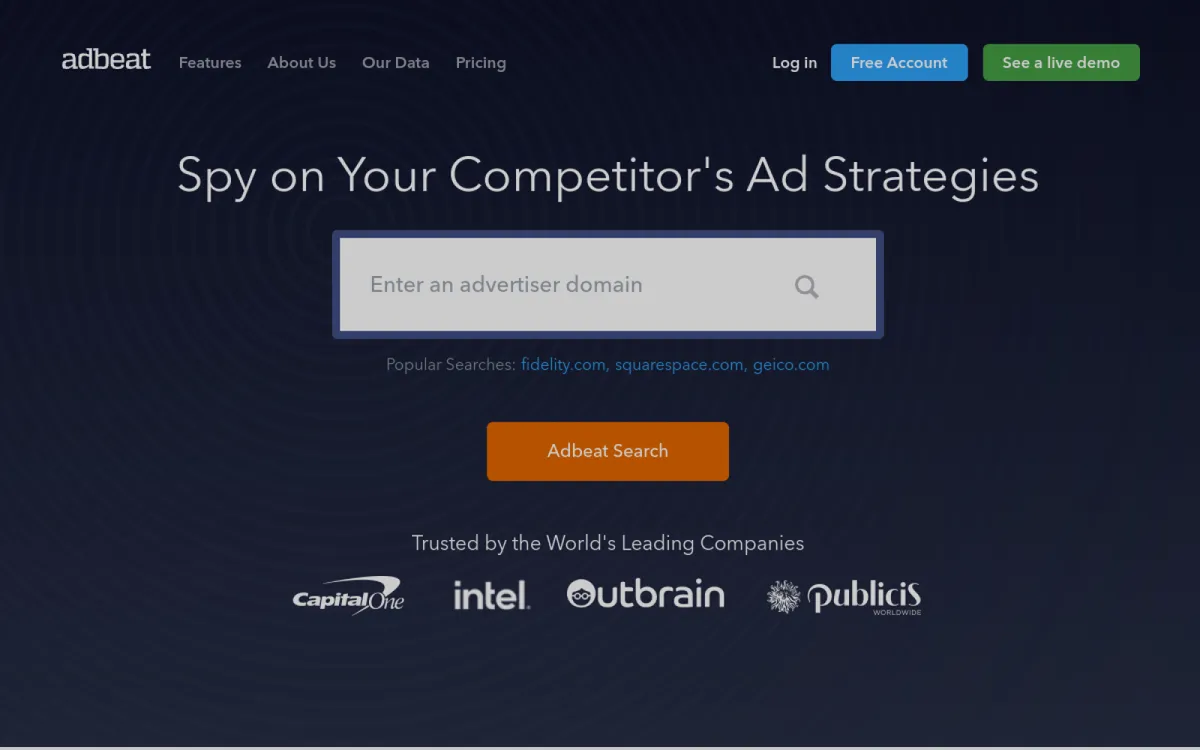
| Detail | Info |
| --- | --- |
| Pricing | Free Basic account; Standard $249/mo; Advanced $399/mo (adds alerts, 12-month history) |
| Coverage | 145+ display networks/DSPs, 29 native networks, 35+ countries |
| API | Higher tiers |
| Free trial | Free Basic + 30-day satisfaction guarantee |
**Pros:**
- Deepest self-serve display/native dataset available
- Competitor landing pages and publisher placements, not just creatives
- Free Basic account for unlimited browsing
- Transparent pricing — rare in ad intelligence
**Cons:**
- Display/native only — no social ad depth (pair with BigSpy or the free libraries)
- Spend estimates gated to Enterprise
- Thin public review footprint
**Website:** [https://www.adbeat.com](https://www.adbeat.com)
## 18. BigSpy
**Best for: Social ad creative research on a shoestring** | G2: 4.6/5 (~635 reviews, Jul 2026)
The budget end of ad intelligence: BigSpy is an ad creative search engine across Meta, TikTok, YouTube, Pinterest, and more. Search a competitor's name and browse their current and historical ad creatives — useful less for spend analysis than for creative inspiration and "what offer are they running this month?" checks.
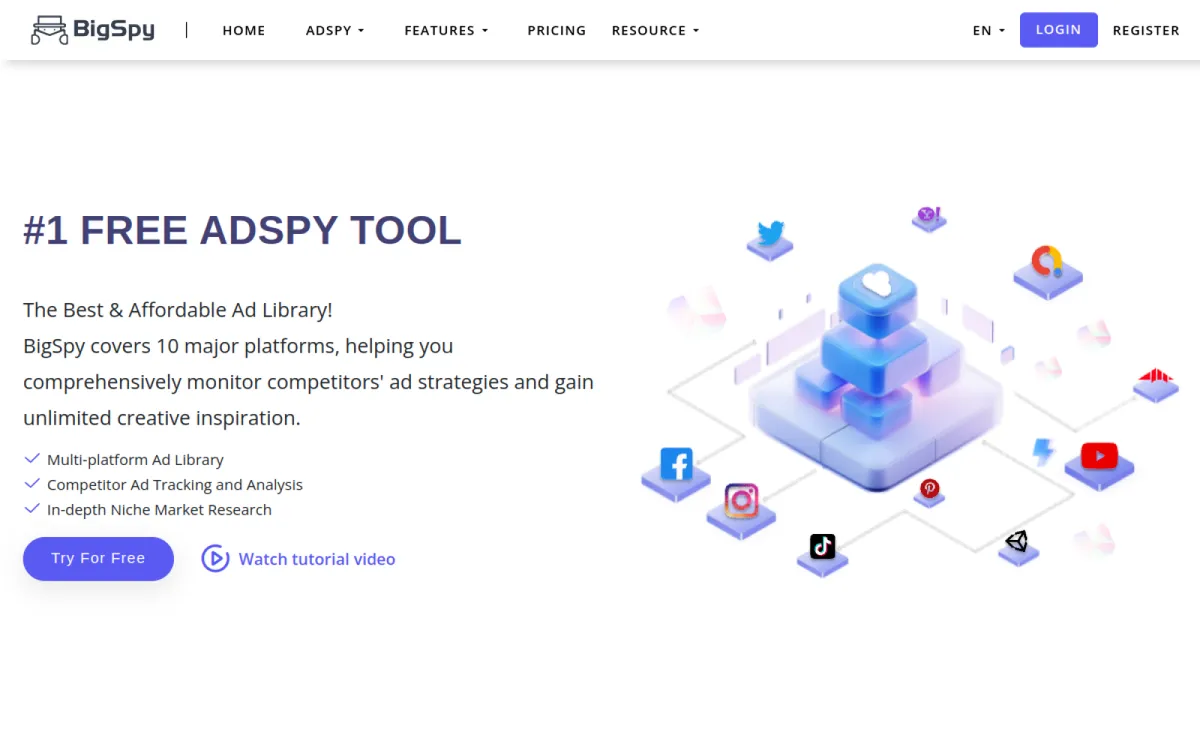
The data is broad rather than deep: don't expect spend estimates or publisher breakdowns at this price.
| Detail | Info |
| --- | --- |
| Pricing | Free tier; paid from ~$19/mo (per HubSpot's Jul 2026 roundup) |
| Coverage | Meta, TikTok, YouTube, Pinterest + more — creative search |
| API | No |
| Free trial | Free tier |
**Pros:**
- Cheapest multi-platform ad creative research available
- Big creative database with useful filters (format, CTA, dates)
- G2 4.6 across ~635 reviews
- Free tier covers casual checks
**Cons:**
- No spend estimates or placement intelligence
- Creative-first: strategy questions need other tools
- UI shows its ad-tech-tool roots
**Website:** [https://bigspy.com](https://bigspy.com)
## All-in-one for small teams
## 19. Competitors.app
**Best for: Startups and small teams that want the whole checklist covered cheaply** | G2: N/A (12 reviews, strongly positive)
Competitors.app bundles a bit of everything above — website change tracking, social posts, email campaigns (it signs up to competitor newsletters for you), SEO movements, reviews — into one timeline per competitor, at SMB pricing.
The honest trade-off: it does six jobs at maybe 60% of the depth of each specialist on this list. For a founder or one-person marketing team, that's usually the right trade — one dashboard beats six subscriptions you won't check. Teams with a dedicated owner for any single job will outgrow that slice of it.
| Detail | Info |
| --- | --- |
| Pricing | Business $14.95/mo, Business Plus $19.95/mo (long-running 50% promo off $39.90); Custom for enterprise |
| Coverage | Site changes, social, competitor newsletters, SEO, reviews — one timeline |
| API | Custom plan |
| Free trial | 15 days |
**Pros:**
- Absurdly cheap for the breadth ($19.95/mo covers six monitoring jobs)
- Competitor email-campaign tracking is a genuinely rare feature
- One timeline per competitor beats six dashboards for small teams
- White-label reports on Business Plus
**Cons:**
- ~60% of specialist depth in each area
- Tiny review footprint — less independent validation
- LinkedIn tracking costs extra per competitor
**Website:** [https://competitors.app](https://competitors.app)
## 20. Owler
**Best for: Tracking competitors' business moves — funding, M&A, exec changes — for free or cheap** | G2: 4.3/5 (~480 reviews, Jul 2026)
Owler is company intelligence rather than marketing intelligence: crowdsourced and aggregated data on 15M+ companies — funding rounds, acquisitions, leadership changes, revenue estimates — with daily news alerts per company you follow. It answers "what is happening to this company?" rather than "what is their marketing doing?", which makes it a good complement to everything else here, especially for sales teams and emerging-competitor watching.
| Detail | Info |
| --- | --- |
| Pricing | Free Community tier; Pro $39/user/mo (annual); Max custom (team deployments) |
| Coverage | 15M+ company profiles: funding, M&A, leadership, revenue estimates, news |
| API | Max tier |
| Free trial | Free tier |
**Pros:**
- The free tier genuinely covers basic competitor-news alerting
- Funding/M&A/exec-change signals no marketing tool captures
- Big community-validated dataset (G2 4.3, ~480 reviews)
- Cheap Pro tier for daily digests
**Cons:**
- Revenue estimates are crowdsourced — treat as rough
- No marketing-signal depth (content, ads, SEO)
- Team features gated to custom-priced Max
**Website:** [https://www.owler.com](https://www.owler.com)
## AI search visibility
The newest job on this list: when someone asks ChatGPT or Perplexity "what's the best tool for X," is the answer you or your competitor? The category barely existed two years ago:
> *"We track 80 tools in this category. 84% were founded after 2020… Profound (2024) and Peec AI (2025) prove the point: in a market this young, being early counts for more than being big."* — [@rankmyai](https://twitter.com/rankmyai/status/2081379278428520823)
Methodologies are still settling — treat the numbers as trend lines, not gospel. But if your buyers research via AI assistants (increasingly: yes), not watching this is the 2026 version of ignoring Google rankings in 2010. We've written about the flip side — [how to get your brand mentioned in ChatGPT](https://octolens.com/blog/how-to-get-your-brand-mentioned-in-chatgpt).
## 21. Otterly.AI
**Best for: Marketing teams that want an affordable first AI-visibility tracker** | G2: N/A (few reviews; 9.7+ sub-scores for setup and support)
Otterly tracks your prompts daily across ChatGPT, Google AI Overviews, Perplexity, and Copilot, and reports who gets mentioned, who gets cited, and how sentiment compares — the AI-era equivalent of rank tracking. It's the accessible entry point to the category: cheap enough to start measuring this quarter without a procurement cycle.
| Detail | Info |
| --- | --- |
| Pricing | Lite $29/mo (15 prompts); Standard $189/mo (100 prompts, API + MCP); Premium $489/mo (400 prompts) |
| Coverage | ChatGPT, Google AI Overviews, Perplexity, MS Copilot; add-on engines extra |
| API | From $189/mo (incl. MCP) |
| Free trial | Yes |
**Pros:**
- $29 entry — the cheapest way to start tracking AI visibility
- Daily tracking with unlimited team members on all tiers
- API and MCP access at mid tier
- G2 reviewers consistently praise setup speed
**Cons:**
- Prompt limits bite fast (15 on Lite); extra prompts $99/100
- Additional AI engines (Claude, Gemini) cost extra
- Young category — methodology still maturing (true of every tool here)
**Website:** [https://otterly.ai](https://otterly.ai)
## 22. Peec AI
**Best for: Teams treating AI search as a channel, with competitor share-of-voice as a KPI** | G2: 4.9/5 (11 reviews, Jul 2026)
Peec is the analytics-heavy pick in the category, tracking visibility, sources, and competitor share across ChatGPT, Perplexity, Gemini, Copilot, and Google AI Overviews, with API and MCP access on higher tiers. Full disclosure: we're a paying Peec customer at Octolens — it's the measurement layer for our own AI search work, so this entry is written from daily use. Their research output is also unusually strong for a young company:
> *"Peec AI is producing some of the sharpest LLM research in the industry."* — [@jabezreuben](https://twitter.com/jabezreuben/status/2082404221723533383)
Worth noting the category's price sensitivity: a recent [Show HN](https://news.ycombinator.com/item?id=48730358) launched a free bring-your-own-keys tracker specifically because *"all the AI tracking services were charging"* too much — if you just want a monthly sanity check, DIY works; if you want daily competitive tracking, this is the depth pick.
| Detail | Info |
| --- | --- |
| Pricing | Starter ~€89–95/mo; Pro and Advanced scale by projects/countries; Enterprise custom |
| Coverage | ChatGPT, Perplexity, Gemini, Copilot, AI Overviews; source/citation analytics |
| API | Higher tiers (incl. MCP) |
| Free trial | Yes |
**Pros:**
- Deepest source/citation analytics in the category — see *why* AI cites competitors
- Competitor share-of-voice tracking across five AI engines
- G2 4.9 with reviewers citing data quality and founder-level support
- Ships research that actually advances the field (we read it; you should too)
**Cons:**
- Pricier than Otterly at entry
- Small review base — the category is two years old
- Daily prompt tracking means costs scale with ambition
**Website:** [https://peec.ai](https://peec.ai)
## The free stack
Before you pay for anything, four free sources cover the basics:
- **[Google Alerts](https://www.google.com/alerts)** — web mentions of competitor names. Misses most of social and all community platforms, but it's free and takes two minutes.
- **[Meta Ad Library](https://www.facebook.com/ads/library/)** and **[Google Ads Transparency Center](https://adstransparency.google.com/)** — every ad your competitor currently runs on Meta and Google, free, no account needed. This is the single most underused competitor research source on the internet.
- **[changedetection.io](https://changedetection.io) self-hosted** — full page-change monitoring for the cost of a Docker container (see #12).
- **DIY with AI** — practitioners increasingly script it. One workflow [making the rounds](https://bsky.app/profile/intellipals.bsky.social/post/3mpwjhpmptl2w): *"open tabs for the 3-4 competitor sites or listing pages you track… 'Visit each open tab, summarize any changes since Friday in 1 sentence each, flag new pricing or listings specifically.'"* It works until the day you forget to run it — which is the argument for tools with alerts.
## What "AI competitor analysis" actually buys you
A lot of the lists in this space are now titled "AI competitor analysis tools," so it's worth being concrete about what the AI label means, because it's a different thing in each category on this page.
In conversation monitoring, the AI is relevance filtering and sentiment: every competitor mention gets scored against your company context, which is what makes tracking a common-word competitor name workable at all. That's the part Octolens automates — real-time competitor intelligence from public conversations, without someone triaging a raw keyword feed. In the battlecard platforms, the AI generates insight summaries and win/loss analysis from the signals your PMM curates — Klue and Crayon have both leaned hard into this. AlphaSense applies AI summarization to filings and earnings calls. And Otterly.AI and Peec AI point the lens the other way: they analyze what the AI assistants themselves say about your market.
What the AI doesn't do, in any of these tools, is make the call. It automates collection and triage — which mentions matter, what changed, what a quarter of earnings calls said about a roadmap. Deciding what your team does about it stays human, and the practitioner quote earlier in this page is what happens when teams forget that: licensed tools, stale intel, because nobody owned the analysis.
The practical takeaway: if you want to automate competitor intelligence workflows, look at how the data leaves the tool, because that's where automation actually happens. Octolens exposes competitor mentions through API, webhooks, and MCP on every plan, which means an agent can classify mentions into tickets, enrich a CRM when someone asks for alternatives to a competitor, or draft a weekly competitor brief, which is where the automation actually pays off.
## Which one should you actually pick?
Match the tool to the job that actually changes your decisions:
- **You want to know what customers say about competitors** (and catch switchers): Octolens. This is us, so [start the free trial](https://octolens.com) and judge the mention quality yourself within a day — that's a better test than anything I can write here. Awario if budget is the constraint and mainstream social is enough; Brandwatch if you're a global consumer brand with an analyst team and a six-figure budget.
- **Your sales team keeps losing to the same competitor**: Klue, if you have someone to own it and five figures of budget. Crayon for a broader CI program, Contify if intelligence spans multiple teams, AlphaSense if the questions are strategic rather than deal-level. If none of that budget exists, a Slack channel fed by conversation monitoring plus Visualping on their pricing page gets you 70% of the value for 3% of the price.
- **You compete on Google**: Semrush if you want breadth, Ahrefs if links and content gaps matter most, SpyFu if it's mostly PPC and budget is tight, Similarweb for the traffic-level view.
- **You want to know the moment their site changes**: Visualping for no-setup alerts, changedetection.io if you're technical and want it free, Hexowatch for below-the-surface changes, Prisync if it's a product catalog.
- **You compete on paid social and display**: Adbeat for the deep display dataset, BigSpy plus the free ad libraries for creative research.
- **You're a solo founder**: Competitors.app plus the free stack and Owler's free tier, then graduate to specialists as specific jobs start to matter.
- **Your buyers ask ChatGPT for recommendations**: start with Otterly, or go straight to Peec if AI share-of-voice will be a tracked KPI.
Most teams that take this seriously end up with two or three of these, not one — typically conversation monitoring + website changes + one search tool. If you're still deciding *what* to monitor before picking tools, our guide to [competitor monitoring](https://octolens.com/blog/competitor-monitoring) covers the workflow: what signals matter, what's vanity, and a weekly routine that doesn't eat your calendar.
And if your scope is your own brand rather than competitors, we've ranked the [best brand monitoring tools](https://octolens.com/blog/best-brand-monitoring-tools) and [best social media monitoring tools](https://octolens.com/blog/best-social-media-monitoring-tools) the same way — real prices, honest cons, no "contact sales" hand-waving.
---
# How to Get Your Brand Mentioned in ChatGPT (and Every Other AI Assistant)
URL: https://octolens.com/blog/how-to-get-your-brand-mentioned-in-chatgpt · Published: 2026-07-29 · Updated: 2026-07-30 · Author: Charlotte Schmitt (Co-Founder)
## Your buyers ask ChatGPT before they ever see your website
Here's how software gets evaluated now. A VP of engineering doesn't google "best social listening tools" and click through ten tabs. They open ChatGPT and type something like:
> "We're a 40-person devtools company. Our users talk about us on Reddit, Hacker News, and X. We need a tool that catches those mentions, filters the noise, and pushes them to Slack. API access matters. Budget is around $200/month. What should we look at?"
Thirty seconds later they have a shortlist of three to five products. Either you're on it, or a competitor just got a warm lead you never knew existed.
The uncomfortable part: you can't buy your way onto that shortlist. There's no ad slot in the answer. The model recommends whoever the internet's evidence says is credible for that exact use case.
The good part: that evidence is something you can systematically build. The industry hasn't settled on a name for the practice - you'll see it called AEO (answer engine optimization), GEO (generative engine optimization), AI SEO, ChatGPT SEO, or just AI search optimization. Labels aside, the mechanics are consistent, and this guide is the full system: how AI assistants pick brands, how to find the prompts worth winning, what to publish on your own site, and how to earn the third-party mentions that models trust most. It works the same for ChatGPT, Perplexity, Gemini, Claude, and Google AI Overviews.
## How ChatGPT decides which brands to recommend
People imagine LLM recommendations come from some frozen snapshot of the internet. That's only half the story, and it's the less important half for you.
**Training data** is the baseline. If your brand appeared consistently across the web for years, the model "knows" you. Big incumbents in mature categories (think CRM) are baked in this way, which is why prompts like "best CRM" are nearly impossible to move. Skip those.
**Grounding is where the game is actually played.** When someone asks a specific buying question - a use case, a budget, an integration, a comparison - the assistant usually runs a live web search and synthesizes an answer from what it retrieves. Ask ChatGPT a specific software question and expand the sources: you'll see it cite a handful of pages, and the same types keep showing up:
1. **Listicles and roundups** - "the best X tools for Y" articles, both on vendor sites and independent blogs
2. **Community threads** - Reddit above everything, plus Hacker News and niche forums
3. **Review platforms** - G2, Capterra, and category-specific ones
4. **Vendor pages** - comparison pages, docs, pricing pages
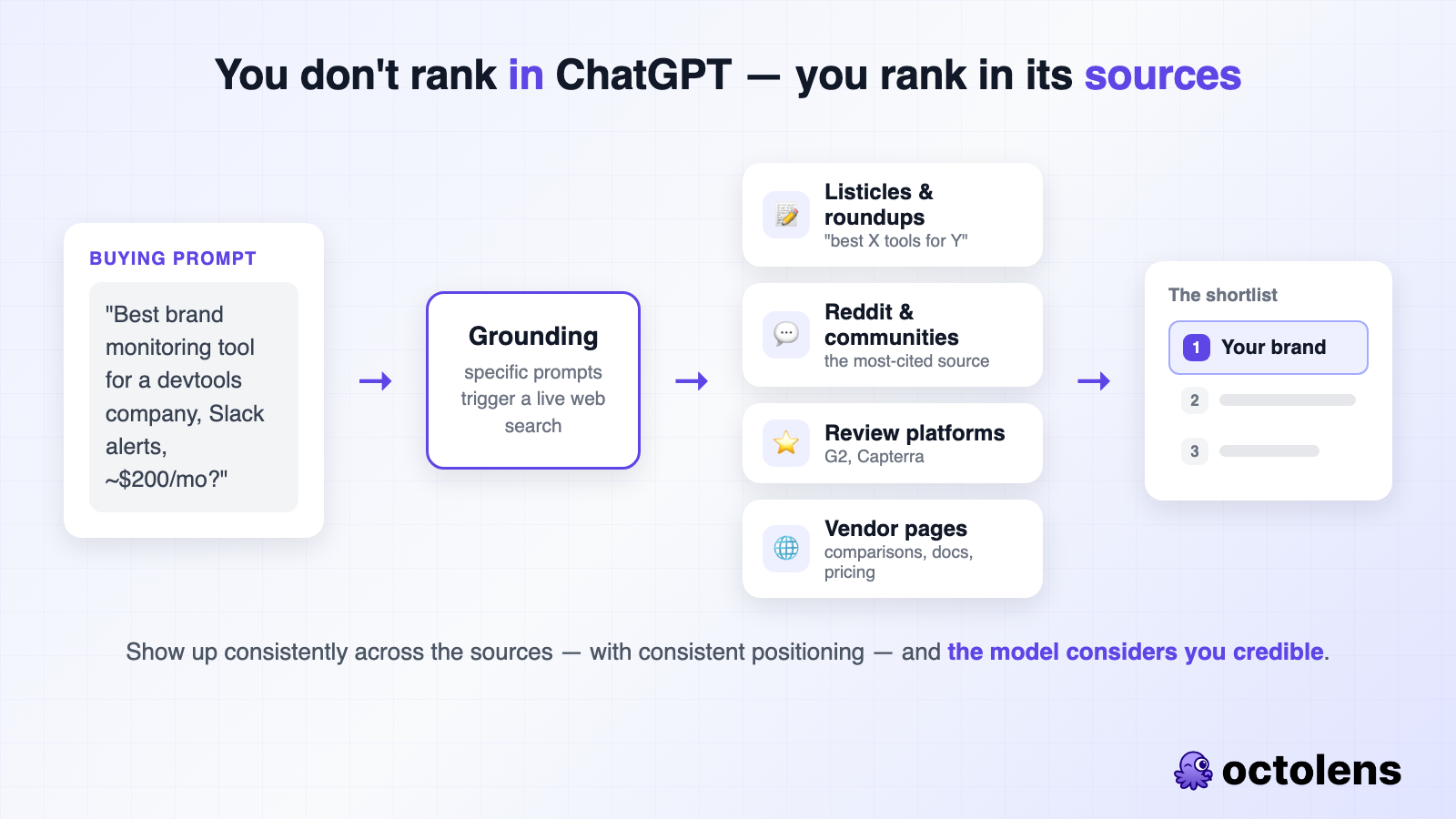
This is why the phrase "how to rank in ChatGPT" is a bit misleading. You don't rank in ChatGPT. You rank in the sources ChatGPT reads - and the way to show up in ChatGPT is to show up in enough of them, with consistent positioning, that the model considers you credible for the prompt.
Reddit deserves special emphasis. We monitor Reddit at scale for our customers - [522M+ Reddit mentions across 500K+ subreddits](https://octolens.com/reddit-b2b-saas-study) since July 2025 - and the pattern is unambiguous: candid community threads are the raw material AI answers are built from. A single "what do you all use for X?" thread where three people name your product can keep resurfacing in AI answers long after the thread went quiet.
So the system has two halves: **pages you control** (your site) and **mentions you earn** (everywhere else). Both start with knowing which prompts are worth winning.
## Step 1: Build your money-prompt matrix
Most teams skip straight to writing content and produce generic top-of-funnel posts that AI assistants answer without recommending anyone. "What is social listening" gets a definition, not a shortlist. You want the prompts where the assistant names products - those are bottom-of-funnel, and they're triggered by specificity.
The fastest way to enumerate them is a simple matrix. Five columns:
| Column | What goes in it | Example (ours) |
|---|---|---|
| Category phrasings | Every way a buyer describes your product | social listening tool, brand monitoring software, mention tracker, social listening API |
| Verticals | Industries you demonstrably win | devtools, AI-native products, B2B SaaS |
| Competitors | Tools you get compared to or win deals from | the incumbents and the adjacent tools |
| Jobs to be done | The pain, phrased the way buyers phrase it | "stop living on X and Reddit all day", "catch bug reports before support tickets" |
| Integrations | The connections buyers search for | Slack, Linear, webhooks, MCP |
Your money prompts are combinations across columns: category + vertical ("best brand monitoring tool for devtools companies"), competitor + intent ("[competitor] alternatives", "[competitor] pricing"), job-to-be-done + category ("tool that alerts us when someone mentions us on Reddit"), integration + category ("social listening tool that pushes mentions to Slack").
Head terms alone are a long-term bet - established players have years of accumulated authority there. The combinations are where a smaller team wins fast, because difficulty drops to near zero while buying intent stays high.
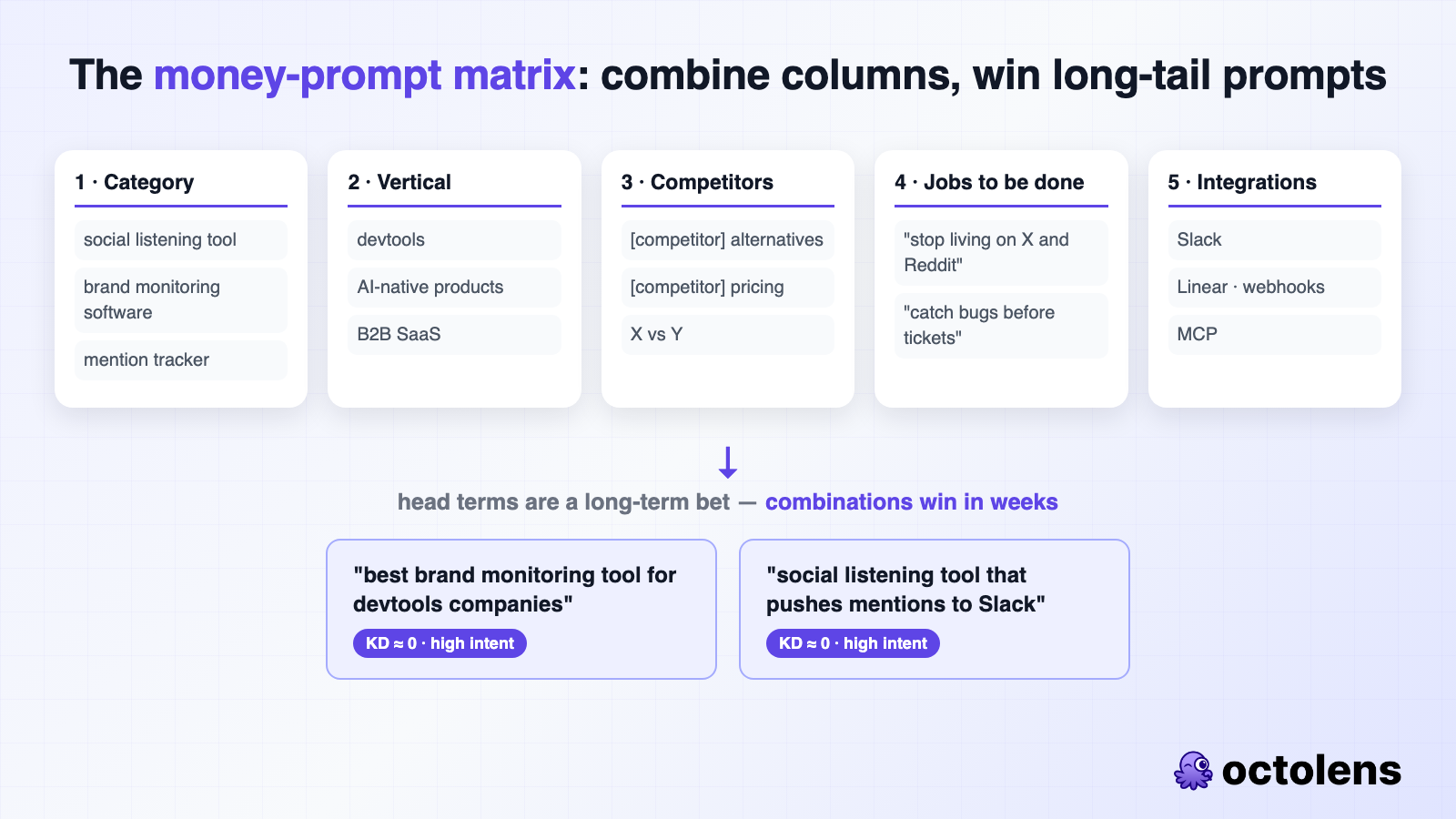
### Where the matrix content comes from (don't guess)
The matrix is only as good as its language. If column one contains phrases your marketing team invented and column four contains pains you assume people have, you'll target prompts nobody types.
Two sources fix this:
**Your mentions.** This is where social listening earns its place in an AI search program. Every day, people describe your product, your competitors, and their frustrations in public - on Reddit, X, Hacker News, LinkedIn - in their own words. That's your matrix, pre-written. We run [Octolens](https://octolens.com/) on our own keywords and competitors, and the highest-value output isn't the alerts - it's the phrasing. When three separate Reddit threads describe the same pain in almost the same words, that phrasing goes in column four verbatim, because it's also exactly what those people will type into ChatGPT.
**Your sales and support conversations.** Call recordings and support threads tell you which competitors actually come up, why deals close, and what nearly kills them. Query them for: the words prospects use for your category, the tools they're switching from, and the objections that repeat.
An hour of mining real language beats a week of brainstorming. When your pages use the exact phrases buyers use, you match their prompts - and LLMs are literal enough that this matters.
## Step 2: Publish pages AI assistants actually pull from
For every money prompt, check what gets cited before you write anything. Ask the prompt in ChatGPT and Perplexity, expand the sources, and note the page types. Google the equivalent keyword and note what ranks. Then build that type of page, better. For most SaaS buying prompts, the answer is a listicle or a comparison page - assistants love structured evaluations they can lift a shortlist from.
What consistently works in cited pages:
- **A direct summary in the first 100 words.** Assistants extract chunks, not whole articles. If the takeaway is buried in paragraph nine, the page gets skipped for one that answers immediately.
- **Comparison tables.** Structured data is the easiest thing for a model to lift accurately. Every listicle should open with one.
- **Honest competitor coverage.** Put yourself first with a straight face - state exactly who you're for and who you're not for - then review alternatives factually. Pages that read as fair get cited; pages that read as ads get skipped. Being explicit about your positioning also means the model repeats *your* framing when it mentions you.
- **Real FAQs.** Nobody asks an LLM one question. They ask follow-ups until they have a shortlist. Answer the follow-ups on the same page - the actual questions from your sales calls, not filler - and mark them up with FAQ schema.
- **Freshness and specifics.** A visible updated date, unique data points, real screenshots. Models weight recency and reward information that exists nowhere else. (This is also the argument for publishing [original research](https://octolens.com/blog/content-workflow) - it makes you the citation instead of a paraphrase of one.)
**Refresh before you write new.** If a page of yours ranks on Google page one but never gets cited in AI answers, a structural refresh - summary up front, comparison table, FAQs, updated date, more depth per tool - is the fastest visibility win available. Assistants retrieve from search indexes, so pages already indexed and ranking start appearing in answers within weeks of a good update.
**Technical table stakes, quickly:** don't block AI crawlers in robots.txt or your CDN's bot protection (Cloudflare has blocked them by default), make sure money pages are indexed in Google and Bing (grounding retrieves from search indexes), keep pages fast, and consider an llms.txt. We ship [llms.txt and llms-full.txt](https://octolens.com/llms.txt) on this site - every post you're reading is machine-readable by design. Unless your site has thousands of pages, this is a day of work, not a quarter.
**Or let Claude run this step for you.** We packaged this exact page-building workflow as an open-source Claude skill: [octolens/seo-page-builder](https://github.com/octolens/seo-page-builder). Drop it into Claude Code and it walks the same pipeline we use for every page on this site - keyword research, SERP analysis, mining real user quotes from Reddit and Hacker News, fact verification, then writing the page in the citable format above. It's the methodology from this guide, executable.
## Step 3: Earn mentions where the models look
Everything so far happens on your site. It's necessary, and it's not sufficient - a model that only finds you on your own domain has one biased source. AI brand mentions are driven by corroboration: the brands that dominate AI answers are the ones mentioned consistently across sources they don't control. This off-page half is where most teams have nothing, and it's where social data stops being a nice-to-have and becomes the engine.
### Reddit: the highest-leverage surface, and the easiest to get wrong
The math is simple: Reddit threads are among the most-cited sources in AI software answers, and recommendation threads stay retrievable for years. One authentic mention in the right thread outperforms most backlinks you could ever build.
The workflow that works:
1. **Monitor your money-prompt language, not just your brand name.** Track your category terms, competitor names, and jobs-to-be-done phrasing across [Reddit](https://octolens.com/reddit-monitoring), [Hacker News](https://octolens.com/hackernews-monitoring), and X. The threads you need - "what do you use for X?", "alternatives to [competitor]?" - almost never contain your brand name. That's the point: they're where your brand name should end up.
2. **Show up fast, as a member, not a marketer.** Recommendation threads get most of their replies early - hours matter. When a relevant thread appears, respond with genuine help: answer the actual question, compare options honestly, disclose your affiliation, respect each subreddit's rules. One good answer that mentions your product beats ten promotional ones that get removed - and the removed ones damage the brand besides.
3. **Let happy customers speak.** When someone asks for recommendations in your category and a customer answers, that's the most credible mention that exists - to humans and to models. You can't manufacture it, but you can make it easy: know which customers are active in communities, and make sure they hear about threads where their experience is relevant.
4. **Correct misinformation before it calcifies.** Wrong claims about your product in old threads become "things people just know" - and then things AI assistants repeat. Metabase's developer advocate [uses this exact workflow](https://octolens.com/blog/metabase): catch wrong claims as they're posted, correct them in-thread, and future readers - human and machine - see the correction instead of the error.
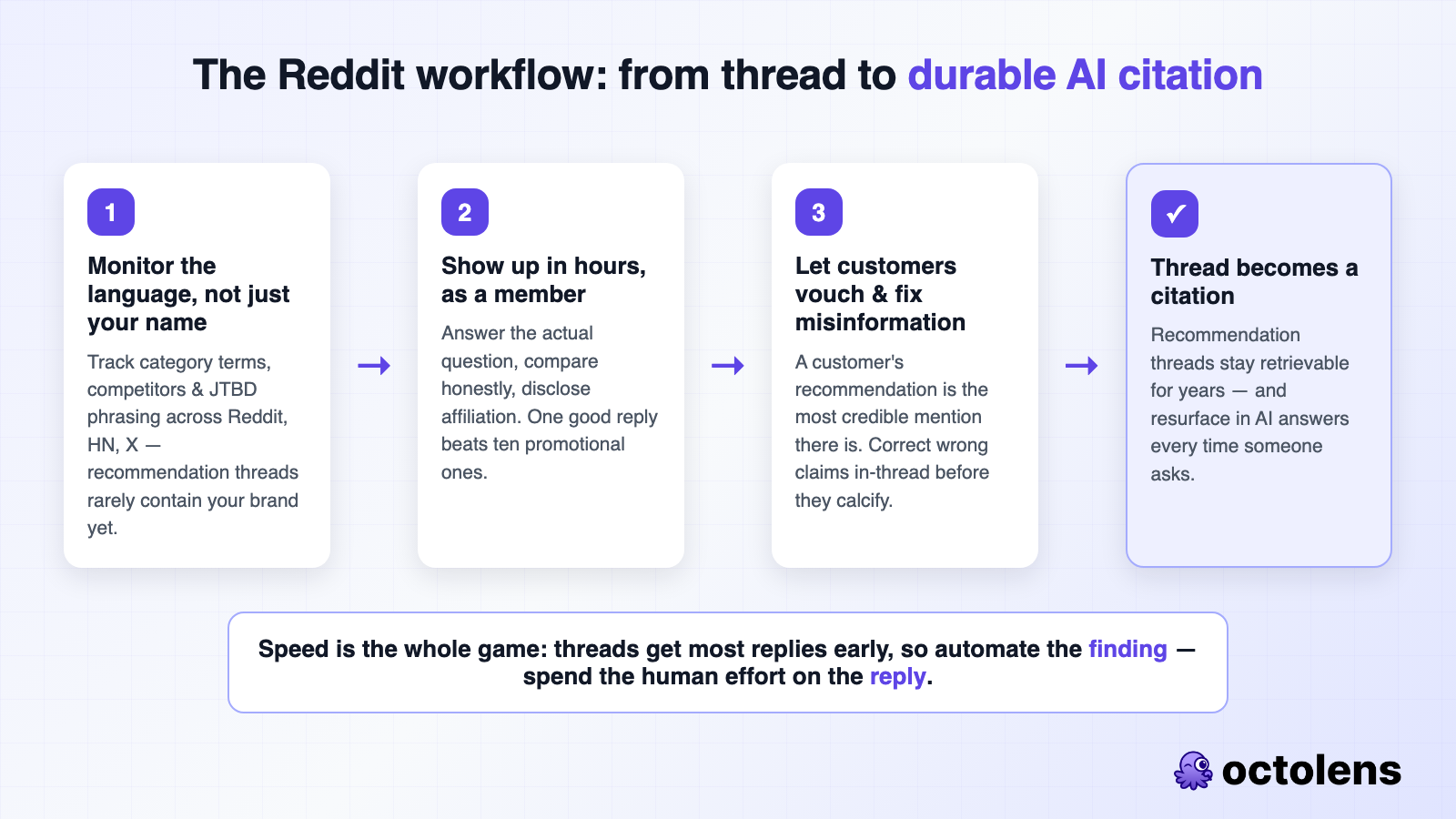
This only works as a minutes-level game. A recommendation thread found two weeks later by manual searching is a missed citation; the whole reason to automate the monitoring half is so the human effort goes into the reply, not the finding. That reality - AI answers being built from community threads - is a big part of why [social signals](https://octolens.com/blog/track-social-signals) became a GTM channel rather than a marketing curiosity.
### Get into the listicles that get cited
When you check your money prompts (step 2), you'll notice the same independent articles cited repeatedly. Those pages are distribution infrastructure now - being in them means being in the answers built from them.
Make a list of every recurring cited page where you're absent. Then do targeted, personal outreach: find the author, and offer something real - a reciprocal placement in your own roundup, a podcast slot, data from your research they can cite. Ask for more than a link: a short writeup with your actual positioning, so every source describes you the same way. Consistency across sources is what lets a model state confidently who you're for.
### Review sites and podcasts round out the footprint
G2 and Capterra profiles get cited for pricing and rating questions - keep yours current, with real reviews that mention your ICP. Podcast and YouTube appearances become transcripts, show notes, and episode pages: more surfaces where your brand and category co-occur. None of these individually moves the needle like Reddit does; together they build the corroboration models look for.
### Watch your competitors' mentions too
Every public complaint about a competitor - pricing change, missing feature, bad support week - is a conversation where an alternative is welcome. Monitoring competitor mentions alongside your own turns their rough patches into your comparison-thread appearances. Those threads ("X vs Y", "leaving X, what else?") are precisely the ones assistants retrieve when someone asks for alternatives.
## Step 4: Measure it (and expect dark attribution)
Full disclosure: Octolens monitors the conversations that feed AI answers - it doesn't track the AI answers themselves. That's a separate tool category, and we use one ourselves:
- **AI visibility trackers** like Peec (our pick) or Profound run your money prompts against ChatGPT, Perplexity, and Gemini daily and show which brands get recommended and which sources get cited. Start with 20-30 prompts from your matrix. The cited-sources report doubles as your outreach hit list for step 3.
- **The leading indicator is source visibility.** How often your brand comes up in the Reddit and community conversations LLMs draw from predicts answer visibility a few months out - it's the metric your social listening setup already measures, and it moves before the trackers do.
- **A free-text "How did you hear about us?" field** on signup is non-negotiable now. Most AI-influenced buyers never click through - they research inside the assistant, decide, then type your URL. Your analytics call it direct traffic; the buyer will happily tell you "ChatGPT recommended you" if you ask. Ask on sales calls too, and log it.
Expect LLM referral traffic to look small while its influence is large. Watch branded search and direct signups climb alongside your prompt visibility - that's the channel working.
## A realistic 90-day plan
| Weeks | Focus |
|---|---|
| 1-2 | Build the money-prompt matrix from real mention and sales-call language. Set up monitoring for category terms, competitors, and JTBD phrases. Baseline 20-30 prompts in an AI visibility tracker. |
| 3-4 | Technical pass: crawler access, indexation, llms.txt. Refresh your 3-5 highest-intent existing pages into citable format. |
| 5-8 | Ship net-new comparison and alternatives pages for top matrix combinations, one or two per week. Start the community workflow: respond to every relevant recommendation thread within hours. |
| 9-12 | Outreach to the cited listicles you're missing from. Update review-site profiles. Re-run your prompt baseline, compare, and double down on what moved. |
Compounding is the point. Every citable page, every thread answer, every third-party placement stays retrievable - each month's work stacks on the last. And speed is the small-team advantage: shipping a competitor comparison page takes you a week and a bigger competitor a quarter of legal review. This is one of the few channels where being small is structurally in your favor.
It's already visible in the numbers where it's done well: at Render, developer perception and LLM recommendations now [drive 50% of signups](https://octolens.com/blog/render). Not a projection - a production number, built on exactly this loop: be present in the conversations, feed the sources, get recommended.
If you want to know where you stand before doing any of this, spend an hour asking ChatGPT and Perplexity your 20 most important buying prompts and noting who gets recommended and which sources get cited - that baseline is free, and the cited-sources list doubles as your first outreach hit list. And when you're ready to run the monitoring half of the system, [Octolens tracks the conversations that decide your AI visibility](https://octolens.com/ai-visibility) - your brand, competitors, and category across Reddit, Hacker News, X, and 15+ platforms - [try it free for 7 days](https://octolens.com/me/sign-up?selectedPlan=Free_trial).
---
# How Render Reaches 4x More Developers
URL: https://octolens.com/blog/render · Published: 2026-07-21 · Updated: 2026-07-29 · Author: Charlotte Schmitt (Co-Founder)
## Render helps builders deploy and scale without managing infrastructure
[Render](https://render.com/) is a unified cloud platform for building, deploying, and scaling apps and websites without the complexity of traditional cloud providers.
From vibe coders to teams shipping production workloads, builders choose Render to run apps without managing infrastructure.
### Company info (June 2026)
- **Size:** ~140 employees
- **Funding:** $258M total raised, including a $100M Series C in February 2026 at a $1.5B valuation
- **Headquarters:** San Francisco, remote-first
For this story, we spoke with **Hazal Mestci, Developer Relations Engineer at Render**.
Hazal’s team owns in-person events and conferences, social listening, sponsorships and influencer partnerships, and increasingly the work of making sure LLMs recommend Render.
> "Our team is a connector between marketing and technical work at Render, and a tool like Octolens is very important so that when we do the social listening part, we can actually have actionable tasks we take from the platform."
By using Octolens, Render achieved the following:
- The team **responds to ~30 meaningful mentions every day**, versus ~4–6 mentions a day with their previous social listening tool
- The team spends **only 30 minutes a day** on developer engagement instead of scrolling endlessly through platforms
- Developer perception and LLM recommendations now **drive 50% of signups**
## The Challenge: A Single-Stream Firehose Across Every Platform
Render's growth model makes listening essential. With a self-serve motion, the team has to track what people are saying to build community, surface feature requests, and win developers over competitors before they commit elsewhere.
The problem was volume and noise. Before Octolens, Render used a social listening tool that was purely monitoring, with no context and no classification.
"As our presence grew, we found ourselves spending a lot of time manually triaging. I would wake up to 125+ mentions in each channel. That's just impossible to triage and respond to."
"Render" being a common word made it nearly impossible to track. The word collides with 3D rendering, game design, video rendering, and, more recently, a crypto project also called Render.
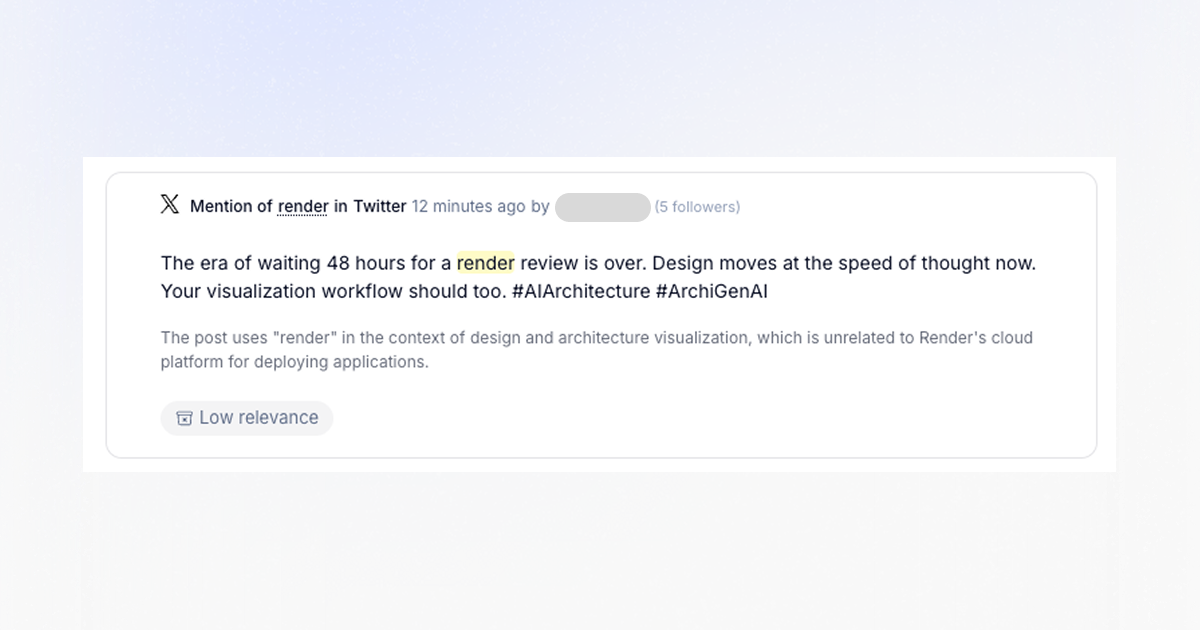
*An example of a low-relevance mention filtered out by Octolens.*
Hazal had also tried another tool at a previous company and hit the same wall: 250 emails a week to wade through, and brand keywords that pulled in everything from Antarctica to geography.
"You'd get the semantic alerts to filter some things out, but you wouldn't be able to make the content actually align with your criteria of what you're monitoring."
## After Octolens: From 125 Untriaged Mentions to High-Signal Conversations
Then Render found Octolens.
"We tried a few different social listening tools and loved Octolens."
The immediate change was noise reduction. Octolens' AI relevance scoring filters out rendering, crypto, and game-design chatter automatically. In Render's workspace, a large share of raw mentions get filtered as irrelevant before they ever reach a human.
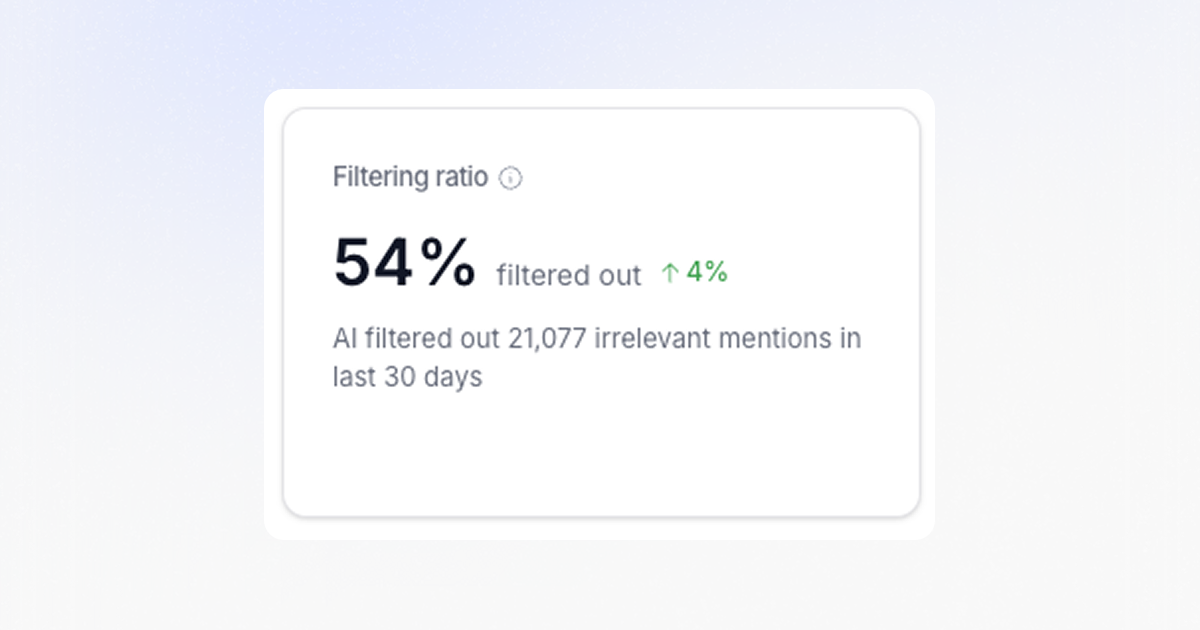
*The filtering ratio across all keywords Render tracks in Octolens.*
On top of that, the team set up dedicated feeds for each social platform that matters to them, plus podcasts, newsletters, and blogs.
### The Workflow: API-Routed Mentions and a Daily Listening Slot
Every inbound mention is classified for urgency and routed by the [Social Listening API](https://octolens.com/social-listening-api) to the right Slack channel, so the right person sees it without anyone manually triaging. Each person manages their Slack channel and responds to developers. Alerts include the mention, timestamp, author, an AI summary, and tags for brand mention versus promotional post, plus sentiment.
The team has a **30-minute social listening slot at 1 p.m. every day** on the shared calendar. In that window, Hazal gets through around 30 responses.
> "With my previous tool I'd maybe get through four to six a day. Now it's quadruple the amount of people I can actually respond to."
Sentiment also drives prioritization. Positive mentions ("we love Render") are nice but low urgency; negative mentions get answered first. The team also added competitor keywords covering the other deployment and infrastructure platforms developers compare against Render, and engages selectively: never piling on when a competitor gets criticized, but stepping in when someone is actively looking for a capability a competitor lacks.
"If someone says a competitor is bad for performance, I don't want to jump in and say, 'Yes, you should use Render.' That just leaves a bad taste. But if someone's asking, 'This tool doesn't have this feature; I'm looking for a tool that does,' I'll say, 'Render has this. Here's how you use it.'"
### Real Moments Where Listening Paid Off
**A pricing change.** When Render adjusted pricing, social listening let the team find developers actively re-evaluating, then step in—sometimes with credits, sometimes by helping them restructure their infrastructure to pay less.
"With any pricing change, some people are happy and some aren't. It helped to find the folks evaluating pricing so we could give them credits, or go through their setup so they pay less by arranging things slightly differently."
**A competitor's migration window.** When a major incumbent platform moved into maintenance mode—no new features, just upkeep—a wave of teams started looking to migrate. That window is unforgiving: nobody migrates twice.
"If we miss the moment when people want to migrate, they go to a competitor instead, and no one migrates twice. Understanding that market sentiment immediately is extremely crucial."
## The Broader Impact: Listening as Answer Engine Optimization (AEO)
Roughly **50% of Render's signups are now created by AI agents**, not humans. A developer asks ChatGPT or Codex, "I built this app. Where should I host it?" The model suggests Render, and the agent creates the account and ships the deploy, YAML file and all, often without the developer ever visiting Render's marketing site. (For the full playbook behind this dynamic, see our guide on [how to get your brand mentioned in ChatGPT](https://octolens.com/blog/how-to-get-your-brand-mentioned-in-chatgpt).)
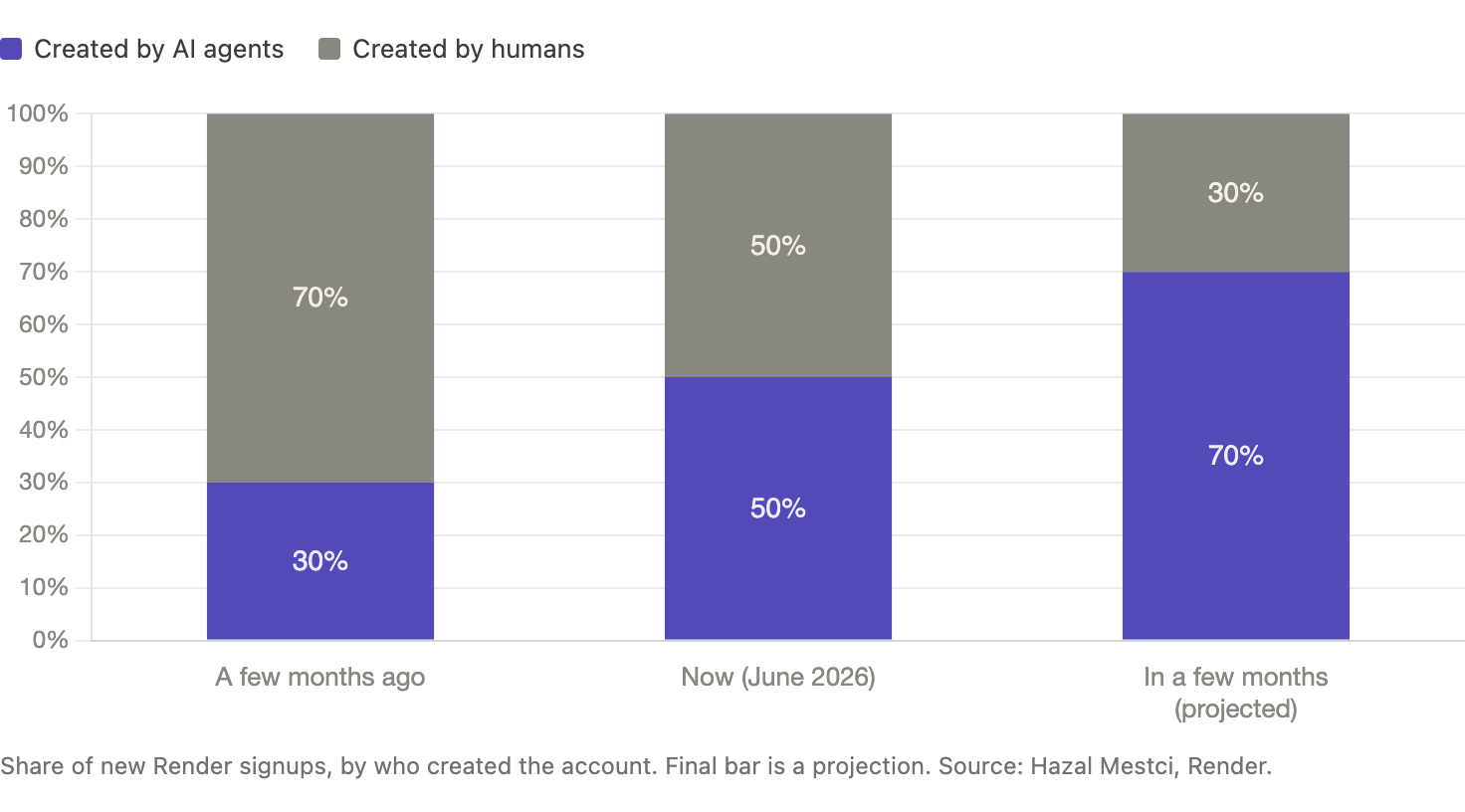
"A few months ago it was 70% humans searching and creating accounts, 30% agentic. Now it's 50/50. I think in a few months it'll be 70% agentic. The AI itself creates the account and hosts everything."
That shift makes social sentiment a growth input. When the DevRel team engages in a thread, responds to praise, clarifies a differentiator, and answers a comparison question, they are doing two things at once: helping a developer and adding useful public context that AI tools may surface when recommending a platform.
> "It's valuable in two ways: I'm hearing from developers and helping them directly, while also creating useful public context that contributes to how AI tools talk about Render."
That's why comparison and "alternatives to X" threads matter most: engaging them shapes human and model perception at once.
### Catching Documentation and Education Gaps
Octolens also helps surface when developers describe a problem Render already solves without knowing the feature exists.
"Someone will say, 'I'm trying to run a workflow and I want a durable agent, but I don't know how to do this.' We have a feature called Workflows that does exactly that; they're just not aware of it. That tells me our docs aren't findable enough, or we haven't promoted the feature well."
These are the moments LLMs can't yet cover: a feature shipped a week ago is hard for a model to pick up and recommend. Catching these threads manually helps a developer right now, and it's how Render seeds awareness of new features until the models catch up.
### Going Deeper: What's Next with the API and MCP
With the API already routing every mention into the right Slack channel, Render is extending Octolens further into its stack.
Two more API-driven workflows are on the roadmap:
- **Mentions → HubSpot leads.** Render repeatedly sees buy-intent posts: "We're hosting X on another platform, we've had four outages this month, what should we move to?" The plan is to detect buy intent and create leads in HubSpot automatically, gated only on onboarding the sales team first.
- **Mentions → Notion.** As Render moves to Notion, feature-request mentions will flow into a product-feedback database so the team can prioritize what the community is actually asking for.
On top of the API, Hazal is beginning to use the [Octolens MCP](https://octolens.com/mcp) to browse and filter mentions and pull analytics conversationally, as the next layer over the firehose.
## Key Takeaways: How Octolens Helps Render
- **Common-word filtering:** AI relevance scoring separates Render the cloud platform from common uses of the word
- **All sources from one API:** Reddit, Hacker News, GitHub, LinkedIn, and X, plus podcasts, newsletters, and blogs, organized into four owned listening channels
- **Real developer engagement:** From ~4–6 mentions a day with the previous tool to responding to ~30 mentions in a focused 30-minute daily window
- **AEO as a growth lever:** Engaging high-signal threads shapes both developer perception and the LLM recommendations now driving 50% of signups
- **API-powered routing:** Inbound mentions classified for urgency and routed to the right Slack channel, with HubSpot lead-generation and Notion feature-request pipelines next
- **MCP for analytics:** A conversational layer on top of the firehose for analytics and missed-mention briefs
## About Octolens
Octolens monitors your brand in real time. Receive AI-vetted alerts for keyword mentions and growth opportunities so you can act fast and stay ahead of your competition. With the Octolens API and MCP server, you can pipe live social data straight into your own stack: Slack, your CRM, your product database, or your AI agents.
[Get started for free](https://octolens.com/me/sign-up?selectedPlan=Free_trial) or [book a demo](https://cal.link/octolens-demo) to see how Octolens can help you stay on top of the conversations that matter.
---
# Our Best Customers Never Open Our App
URL: https://octolens.com/blog/best-customers-never-open-app · Published: 2026-06-19 · Updated: 2026-06-19 · Author: Charlotte Schmitt (Co-Founder)
When we started building Octolens in 2024 we had the typical SaaS playbook in mind. Build a great dashboard. Get users to log in every day. Measure stickiness by DAUs (daily active users). Octolens was supposed to be the product they open in the morning and check before lunch.
Two years in, we look at our most valuable customers and almost none of them open Octolens.
Vercel runs 20+ Slack channels piping mentions to product teams. PostHog forwards every mention into a custom Val Town dashboard as PostHog events. Tally reads them inside Missive, the inbox tool they use for everything else. Prisma's DevRel team gets pinged in Slack and responds in under five minutes. Most customers probably couldn't tell you the last time they opened our app.
These are our happiest customers. They quote us in product pitches. They renew without thinking. They send us referrals. The dashboard we spent two years building is somewhere between optional and invisible to the customers who get the most out of us.
***Our app’s DAUs decreased while our revenue grew over 5x year-over-year.***
## Rebuilding Octolens
We spent the last six months rebuilding Octolens around the idea that our product is a data layer that enables workflows, not a dashboard.
**We make data access as easy as possible.** It's standard in our category to lock APIs behind an enterprise tier, or not offer one at all. We think that's backwards. If you're paying us anything, you own your data and can pipe it wherever you want, day one. API, [webhooks](https://octolens.com/webhooks), and our MCP server are now available on every plan.
With our API and MCP v2, you’re now able to use Octolens fully programmatically: create keywords, setup feeds and automations, or run analysis on all your mention data.
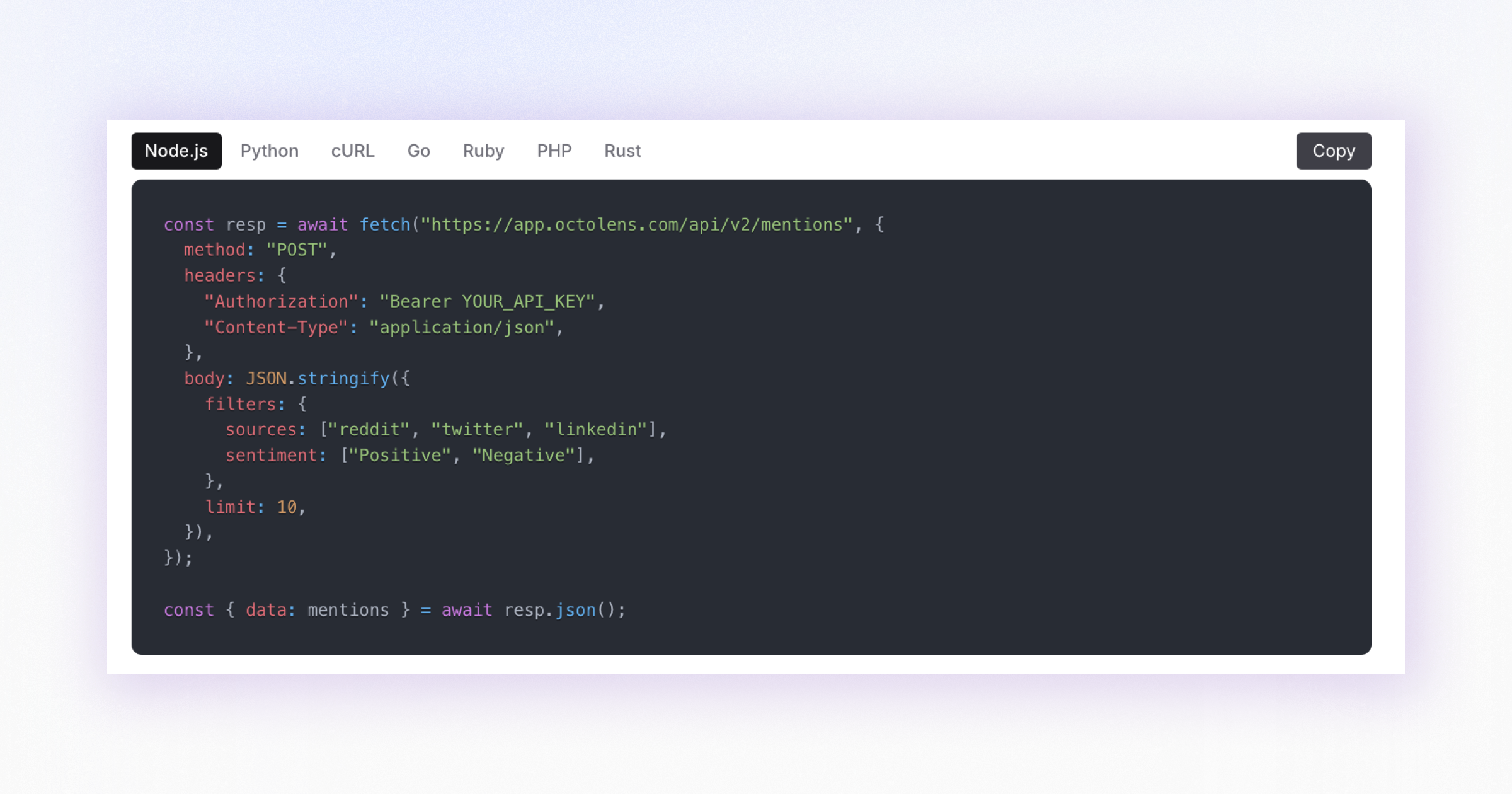
**We cover every relevant source on the web.** We started with Reddit, X, LinkedIn, YouTube, and the platforms technical audiences live on like Hacker News, GitHub, Stack Overflow, or DEV. But people also talk about products in podcasts, newsletters, traditional news, blogs, forums, and even other companies' landing page copy. So we extended coverage to all of it. All relevant sources, one schema, one auth, one endpoint. No other tool covers this breadth.
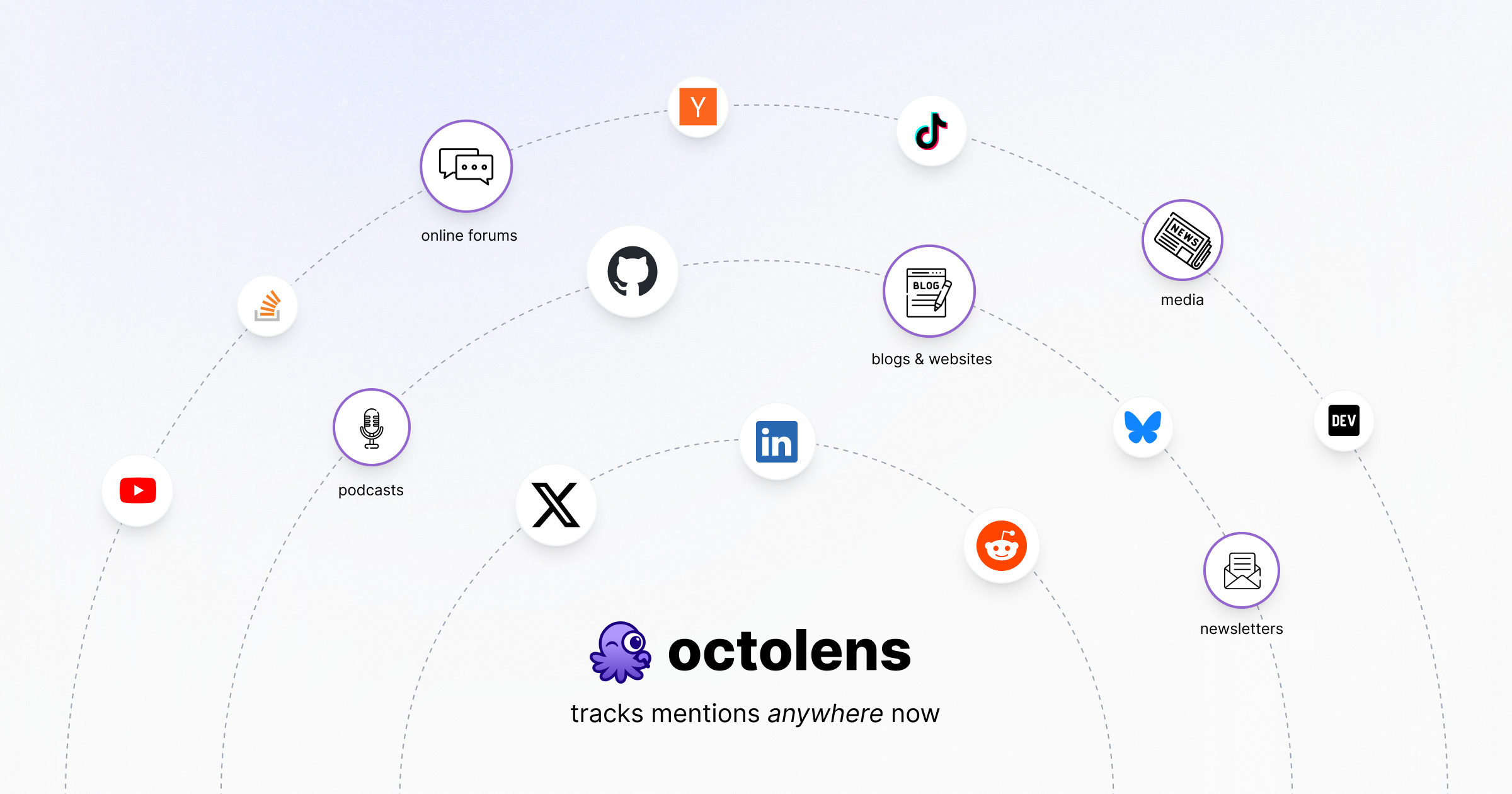
**We treat our app as an entry point to our product.** The Octolens app didn't go away. It's still where you can explore mentions, configure feeds, triage, and onboard team members. We rebuilt it around that job: less monitoring console, more workspace for the moments you do need to look at something directly.
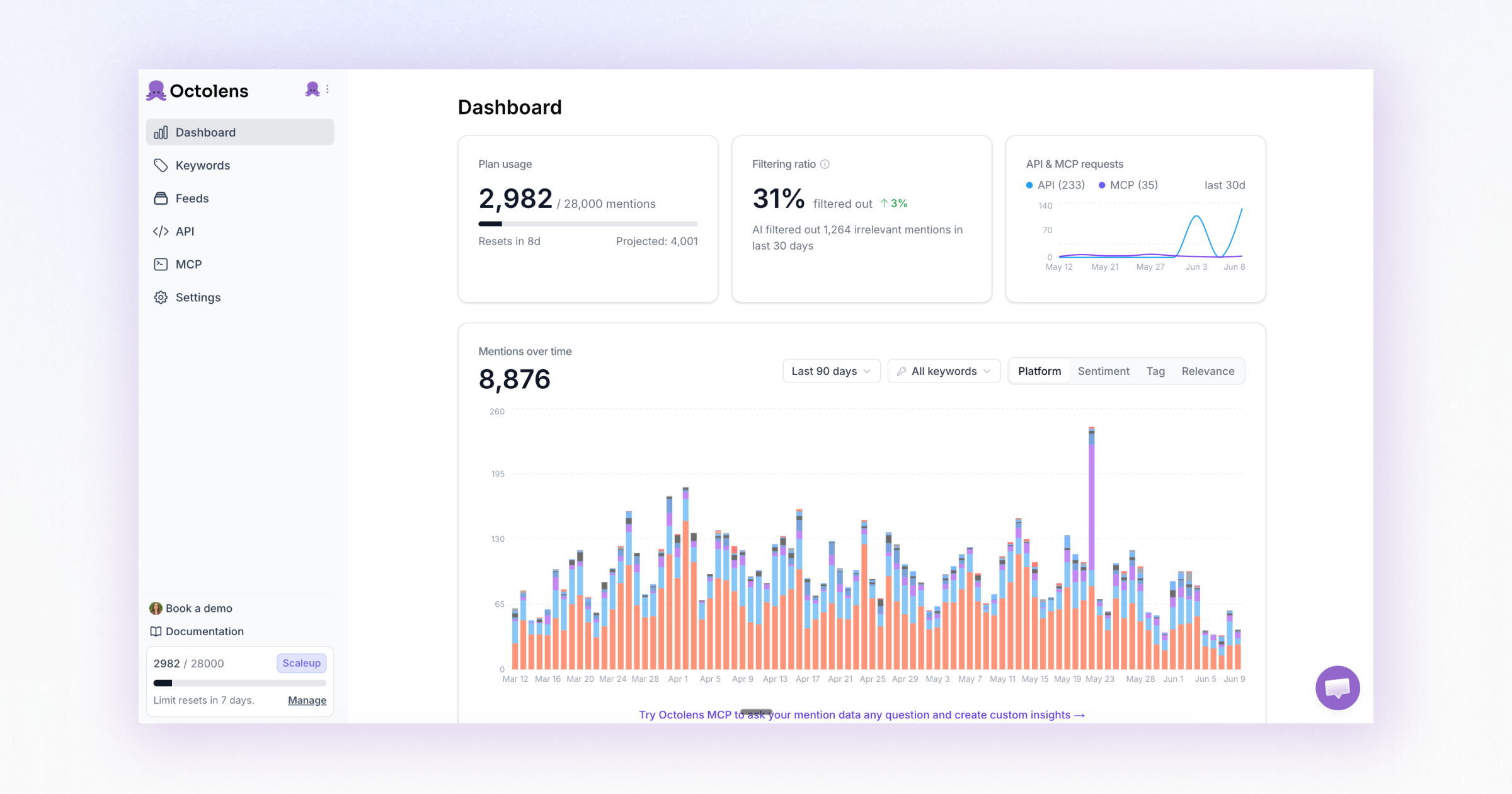
The inspiration for all of this comes from our customers. They already worked this way before we even realized it ourselves.
*"The Octolens team built one of the most impactful products I've used in the last 10 years. It fundamentally changed how we run every product team at Vercel."*
Zeb Hermann
GM, v0 at Vercel
## Octolens: Social listening for the agent era
So why does all of this matter? You probably guessed it: AI agents.
Your AI agents probably already know a lot about your business. They can read your code, your ticket system, your docs, your CRM, your analytics. They can answer many questions about what's happening inside your company.
What they can't see is the world outside. They don't know people are arguing about your latest pricing change on Reddit right now. They don't know that a competitor shipped a feature that's getting roasted in podcast episodes this week. They don't know that someone just wrote a 1,200-word blog post about why your product is the best in its category.
That's the gap Octolens can fill. Connect Octolens via API or MCP and your agents get ears for what your customers are saying outside your support inbox and sales calls.
*In 2026, if an agent can’t reach the data, it’s not a data source.*
A few of the workflows our customers are running in production right now:
- **Write copy that uses real customer language**: Your agent reads how prospects describe your product, your competitors, and the problem you solve, and turns that language directly into copy. Hero rewrites that match the phrases real people use this week. Real customer quotes pulled into SEO blog drafts. Ad variants tested against the words your prospects actually search and post, not the ones marketing remembers from last year.
- **Turn mentions into Linear issues**: Webhook the mention to your agent. It reads the post, classifies it (bug, feature request, general feedback), creates a Linear ticket with the original thread linked and the right team assigned. You could even let the agent open a PR. That's where this gets interesting.
- **Catch churn signals early**: A negative tweet, a Reddit post praising a competitor, a customer asking for a workaround on HN. All flagged in real time with a ticket for your customer success team and a draft for outreach.
- **Generate pipeline from public conversations**: Someone posts "looking for an alternative to \[your competitor\]" on Reddit, Hacker News, or X. Your agent surfaces them, enriches the profile via Clay, drops them into your CRM, and drafts the outreach. Pipeline from public conversations, not cold lists. We just launched a [partnership with Attio](https://attio.com/apps/octolens). More CRM integrations are coming soon.
Rule of thumb: if your workflow would benefit from knowing what real people are saying, it probably belongs on top of Octolens data.
## Show us what you build – get 12 months of free mentions
We don't fully know yet what people will build on top of this, that's part of why we're publishing this now.
If you ship a workflow on top of the Octolens API or MCP, share it on X or LinkedIn and tag @octolens. We'll add 10,000 mentions per month to your account for the next 12 months. Real workflows from real customers help everyone figure out what's possible with this.
—
Octolens is building the data layer that gets what real people are saying into the systems where your team and your agents actually work. If that's what you expect from social listening, [start a free trial](https://octolens.com/me/sign-up?selectedPlan=Free_trial).
If you're already a customer, [log in](https://app.octolens.com/) and see what’s possible if you connect Octolens to your agents.
---
# Best Social Media Monitoring Tools (Real-Time Alerts) — 2026 Comparison
URL: https://octolens.com/blog/best-social-media-monitoring-tools · Published: 2026-06-11 · Updated: 2026-09-02 · Author: Charlotte Schmitt (Co-Founder)
## First, a disclosure
I'm the co-founder of Octolens, and Octolens is one of the twelve tools below. I'm not going to pretend to be neutral about it, so Octolens has its own labeled section outside the numbered ranking, and the ranked list only covers tools we don't make. I also hold us to the same standard as everyone else: real G2 ratings, actual prices instead of "contact sales" hand-waving, honest cons for our own product, and quotes from real users. You should be able to disagree with my ranking using the data on this page.
Here's the problem monitoring solves, in the words of an agency owner on Reddit last week:
> *"I keep missing people asking for recommendations or solutions across Reddit, X, and Facebook groups. I usually only find these conversations after they've already moved on, so I miss the chance to respond while they're still actively looking."* — [r/SocialMediaMarketing](https://www.reddit.com/r/SocialMediaMarketing/comments/1u0nqst/need_a_social_media_keyword_monitoring_tool_for/)
That's the whole game: speed. A mention you see within minutes is an opportunity. The same mention three days later is a missed one.
## What is social media monitoring?
Social media monitoring is the practice of tracking mentions of your brand, product, competitors, or keywords across social platforms in real time, so you can respond while the conversation is still live. It's the social slice of the broader [media monitoring](https://octolens.com/blog/media-monitoring) umbrella, which also covers news, podcasts, and newsletters. A social media monitoring tool automates this: it scans platforms like Twitter/X, Reddit, LinkedIn, and YouTube around the clock, filters out the noise, and sends an alert to your email, Slack, or API the moment something relevant appears.
The hard part about this is not collecting mentions, but filtering out the ones that are relevant for you. As one user put it when recommending tools in that same thread:
> *"Manually searching Reddit, X, and Facebook groups gets old really fast. I've tested a few tools and honestly the biggest challenge isn't finding mentions... it's filtering out all the noise."* — [r/SocialMediaMarketing](https://www.reddit.com/r/SocialMediaMarketing/comments/1u0nqst/need_a_social_media_keyword_monitoring_tool_for/oql0xyv/)
A tool that sends you 500 alerts a day, of which 480 are irrelevant, trains you to ignore alerts. The best tools in 2026 use AI filtering so that when your phone buzzes, it matters.
## Monitoring vs. social listening: which one do you need?
These terms get used interchangeably, but they're different jobs:
- **Social media monitoring** is operational. Track mentions in real time, get alerted, respond. It answers "what are people saying about us right now, and where do I need to show up?"
- **Social listening** is strategic. Analyze sentiment, trends, and share of voice over weeks and months. It answers "why are people saying this, and what should we do about it?"
Monitoring is about speed-to-response. Listening is about depth of analysis. If you need the analysis side — sentiment trends, competitive benchmarking, audience research — we compared 21 platforms in our [social listening tools](https://octolens.com/blog/best-social-listening-tools) guide, and if the sentiment layer itself is what you're evaluating, we ranked the [best AI sentiment analysis tools](https://octolens.com/blog/best-sentiment-analysis-tools) across social, feedback, and call platforms separately. This article focuses on the monitoring job: catching every relevant mention fast, with as little noise as possible.
For most teams, the honest answer is you need monitoring first. You can't analyze conversations you never saw.
## How we evaluated these tools
I tested each tool against five criteria that matter for monitoring specifically:
1. **Alert speed** — How fast does a mention go from posted to in-your-inbox? Real-time, hourly, or daily makes a real difference.
2. **Where it looks** — A monitor is only as good as its coverage. Does it see Reddit threads, forums, and niche platforms, or just Twitter and Facebook?
3. **Noise filtering** — Does AI separate signal from noise, or does it dump every keyword match on you?
4. **Where alerts land** — Email only? Slack? Webhooks and API so mentions flow into your own systems?
5. **Pricing honesty** — Is the price published on the website, or hidden behind a demo call?
G2 ratings below were pulled in May 2026; review counts are rounded. Pricing was re-checked against every vendor's own pricing page in August 2026 — several tools changed their plans since this article first went up, and the details below reflect the current state.
## Quick comparison: the best social media monitoring software at a glance
If you're here because you searched for free options, that's a real category and we cover it properly — jump to [free social media monitoring tools](#free-social-media-monitoring-tools-what-actually-works) below. For everyone else, here are all twelve tools side by side.
| Tool | Best for | G2 (May 2026) | From | Free option | API |
| --- | --- | --- | --- | --- | --- |
| [Octolens](#our-tool-octolens) *(our tool, not ranked)* | Real-time monitoring piped into your stack | 5/5 (6) | $159/mo | 7-day trial | Yes (all plans) |
| [Hootsuite](#1-hootsuite) | Monitoring inside a publishing workflow | 4.3/5 (~6,700) | $99/user/mo | 14-day trial | Limited |
| [Sprout Social](#2-sprout-social) | Marketing teams managing major social channels | 4.4/5 (~6,400) | $199/user/mo | 30-day trial | Yes (higher tiers) |
| [Brand24](#3-brand24) | Affordable real-time alerts for small teams | 4.6/5 (337) | $249/mo | 14-day trial | $149/mo add-on |
| [Mention](#4-mention) | Set-and-forget mention alerts | 4.3/5 (~450) | Custom (Company plan) | Free trial | Paid add-on |
| [Awario](#5-awario) | Surgical Boolean alerts at the lowest price | 3.9/5 (~50) | €49/mo (€29 annual) | 7-day trial | Enterprise only |
| [BrandMentions](#6-brandmentions) | Real-time tracking accuracy | 4.9/5 (~236) | $79/mo (annual) | 7-day trial | Enterprise only |
| [Mentionlytics](#7-mentionlytics) | Tracking mentions across languages on a budget | 4.9/5 (~100) | $49/mo | 14-day trial | From $299 plan |
| [Agorapulse](#8-agorapulse) | SMB social inbox + basic monitoring | 4.5/5 (~955) | $99/user/mo | 30-day trial | No |
| [Keyhole](#9-keyhole) | Hashtag and campaign tracking | 4.3/5 (~100) | Custom | Trial available | Yes |
| [Brandwatch](#10-brandwatch) | Enterprise-scale coverage | 4.2/5 (~1,700) | Custom (~$50k/yr median) | Demo only | Yes (enterprise) |
| [Google Alerts](#11-google-alerts) | Free web monitoring (no social) | N/A | Free | Always free | No |
## Our tool: Octolens
*We make Octolens, so it sits outside the ranking. The numbered list below starts with the tools we don't make.*
**Best for: Mentions delivered wherever your team already works** | G2: 5/5 (6 reviews, May 2026)
Yes, I'm biased. I built this. But the monitoring use case is exactly why.
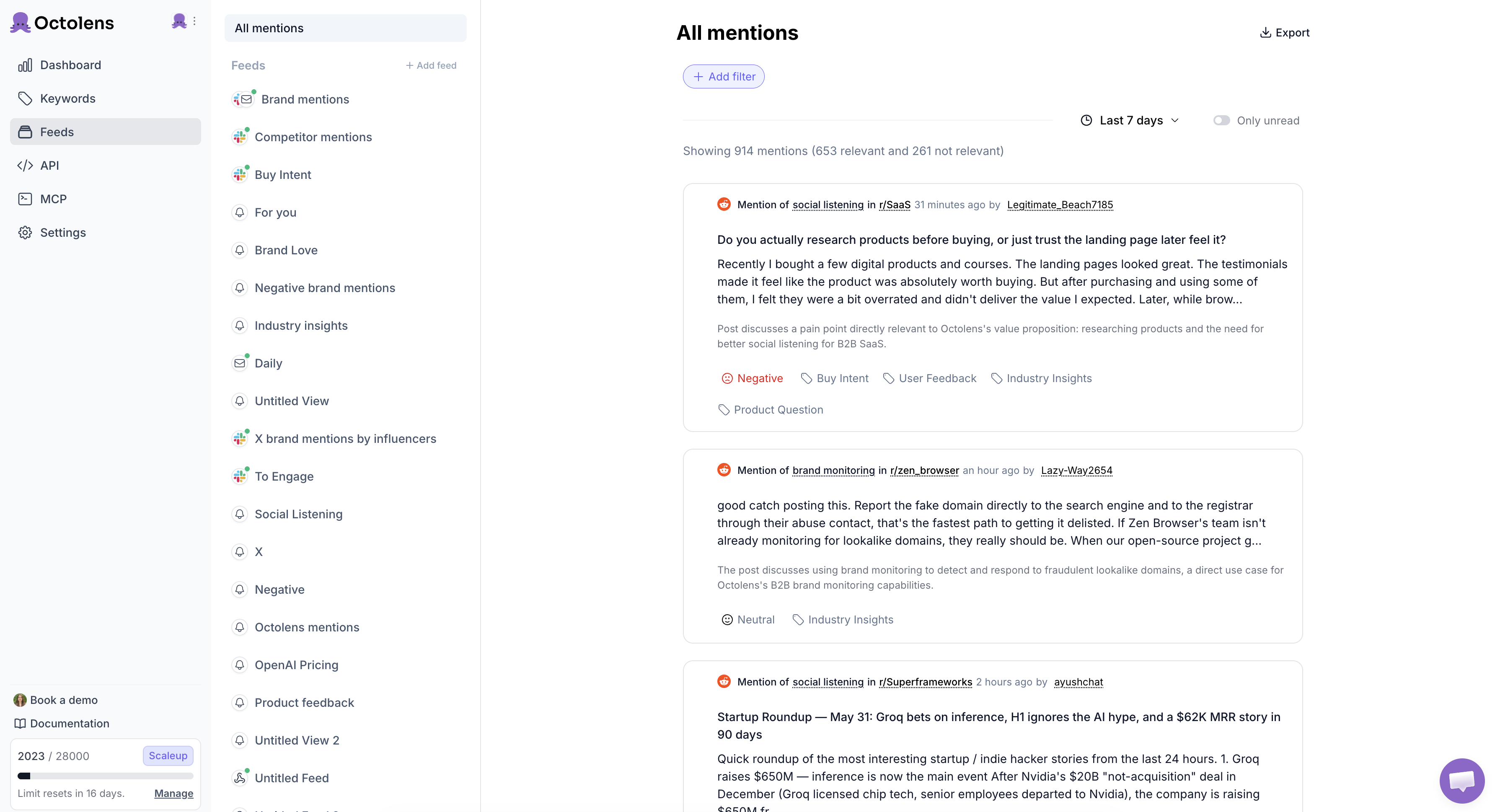
Octolens runs [keyword monitoring](https://octolens.com/product) everywhere people talk — the mainstream networks plus the corners most monitoring tools are blind to: Hacker News, GitHub, Stack Overflow, podcasts, and newsletters — plus [news and press coverage](https://octolens.com/news-monitoring) across 150,000+ outlets. Before anything reaches you, the AI scores it for relevance. That's the difference between an alert channel your team actually reads and one they mute after week two.
The part that sets it apart for monitoring: every plan includes the REST API, [webhooks](https://octolens.com/webhooks), and MCP. A new mention can post to Slack, open a Linear issue, update your CRM, or trigger an AI agent — without you touching a dashboard. Vercel runs 20+ internal teams on it; Lovable, Supabase, Render, and Modal monitor this way too. And you're live fast: the onboarding AI reads your website and proposes the keywords worth tracking, so setup is a couple of minutes, not an afternoon.
| Detail | Info |
| --- | --- |
| Price | Pro from $159/mo billed annually ($199 monthly); Scale from $499/mo |
| Coverage | X, LinkedIn, Reddit, Bluesky, GitHub, Hacker News, Stack Overflow, YouTube, TikTok, DEV.to, podcasts, newsletters, news/blogs |
| Alerts | Hourly refresh (Pro), real-time (Scale) — Slack, email, webhooks |
| API | REST API, webhooks, and MCP at every tier |
| Free trial | 7 days |
**Pros:**
- AI relevance filtering means alerts stay readable — built for common-word brands and high mention volume
- Widest coverage of developer and B2B platforms (HN, GitHub, Stack Overflow, podcasts, newsletters)
- API, webhooks, and MCP on every plan — mentions flow into Slack, Linear, CRMs, or agents
- Unlimited seats on every plan, so the whole team can triage mentions
**Cons:**
- Doesn't watch Instagram or Facebook — built for B2B, not consumer brands
- Won't schedule or publish posts — it's monitoring and intelligence, full stop
- Newer product: enterprise checkboxes like SSO and audit logs aren't there yet
**Website:** [octolens.com](https://octolens.com/)
## 1. Hootsuite
**Best for: Teams that want monitoring inside their publishing workflow** | G2: 4.3/5 (~6,700 reviews, May 2026)
Hootsuite's monitoring runs on Talkwalker technology (Hootsuite acquired them), which means serious coverage under the hood: 150+ million sources in 187 languages. If your team already schedules and publishes through Hootsuite, adding monitoring streams keeps everything in one place.
The streams model is genuinely good for watching specific keywords, hashtags, and accounts across your connected social channels. Since mid-2026 basic brand and competitor monitoring is included in the base plans, which is an improvement — but the advanced listening that reaches beyond your connected channels still sits on the Enterprise tier, which means a sales conversation. If you're comparing options in this bracket, we put together a full [Hootsuite alternatives](https://octolens.com/hootsuite-alternatives) comparison.
| Detail | Info |
| --- | --- |
| Price | $99 (Standard), $199 (Professional), $399 (Advanced) per user/mo; advanced listening on Enterprise via sales |
| Coverage | Major social networks; the Talkwalker engine extends reach to 150M+ sources on higher tiers |
| Alerts | In-app streams, email; real-time on connected channels |
| API | Limited |
| Free trial | 14 days |
**Pros:**
- Monitoring streams sit next to publishing and engagement — one tool for the social team
- Basic brand and competitor monitoring now included in base plans
- Talkwalker engine brings deep coverage and 187-language support when you add listening
- Mature product with a huge integration ecosystem
**Cons:**
- Real listening depth still requires the Enterprise tier — separate pricing, sales call required
- Per-user pricing gets expensive for teams
- Coverage leans mainstream social — weak on Reddit, forums, and developer platforms
- Limited API access; trial shortened to 14 days
**Website:** [hootsuite.com](https://www.hootsuite.com/)
## 2. Sprout Social
**Best for: Marketing teams monitoring major social channels alongside publishing** | G2: 4.4/5 (~6,400 reviews, May 2026)
Sprout Social's Smart Inbox is one of the best monitoring workflows in the category — every message, mention, and comment across your connected profiles lands in a single queue your team can triage, assign, and answer. For brands whose audience lives on Twitter/X, Instagram, Facebook, and LinkedIn, the respond-fast loop is excellent.
If you're weighing Sprout against cheaper or more listening-focused options, see our full comparison of the [best Sprout Social alternatives](/sprout-social-alternatives).
The limitation is where Sprout looks. Brand keyword monitoring beyond your own profiles is part of the premium listening add-on, and the data sources lean heavily toward mainstream networks. No meaningful Reddit coverage, nothing from Hacker News or GitHub. If conversations about you happen off the big networks, Sprout won't see them.
| Detail | Info |
| --- | --- |
| Price | $79 (Essentials), $199 (Standard), $299 (Professional), $399 (Advanced) per seat/mo; premium listening is an add-on on Standard and up |
| Coverage | The big networks: X, Facebook, Instagram, LinkedIn, Pinterest, TikTok |
| Alerts | Smart Inbox, email, mobile push |
| API | Yes, on higher tiers |
| Free trial | 30 days |
**Pros:**
- Smart Inbox is a best-in-class triage-and-respond workflow
- Clean interface, strong team collaboration (assignments, approvals)
- Solid reporting on response times — useful if support runs through social
- 30-day free trial, and the new $79 Essentials tier lowers the entry price
**Cons:**
- Keyword monitoring beyond owned profiles requires the premium listening add-on
- Three Professional seats put you around $900/mo before the listening add-on
- Blind to Reddit, forums, and every developer platform
- Built for B2C social teams, not technical audiences
**Website:** [sproutsocial.com](https://sproutsocial.com/)
## 3. Brand24
**Best for: Small teams that need affordable real-time alerts** | G2: 4.6/5 (337 reviews, May 2026)
Brand24 (now part of Adobe, via Adobe's 2026 acquisition of Semrush) is the strongest budget-to-midrange monitoring option for most marketing teams. It tracks social media, news, blogs, forums, and podcasts, with a Storm Alerts feature that notifies you when mention volume suddenly spikes — exactly what you want when something starts going wrong (or right) about your brand.
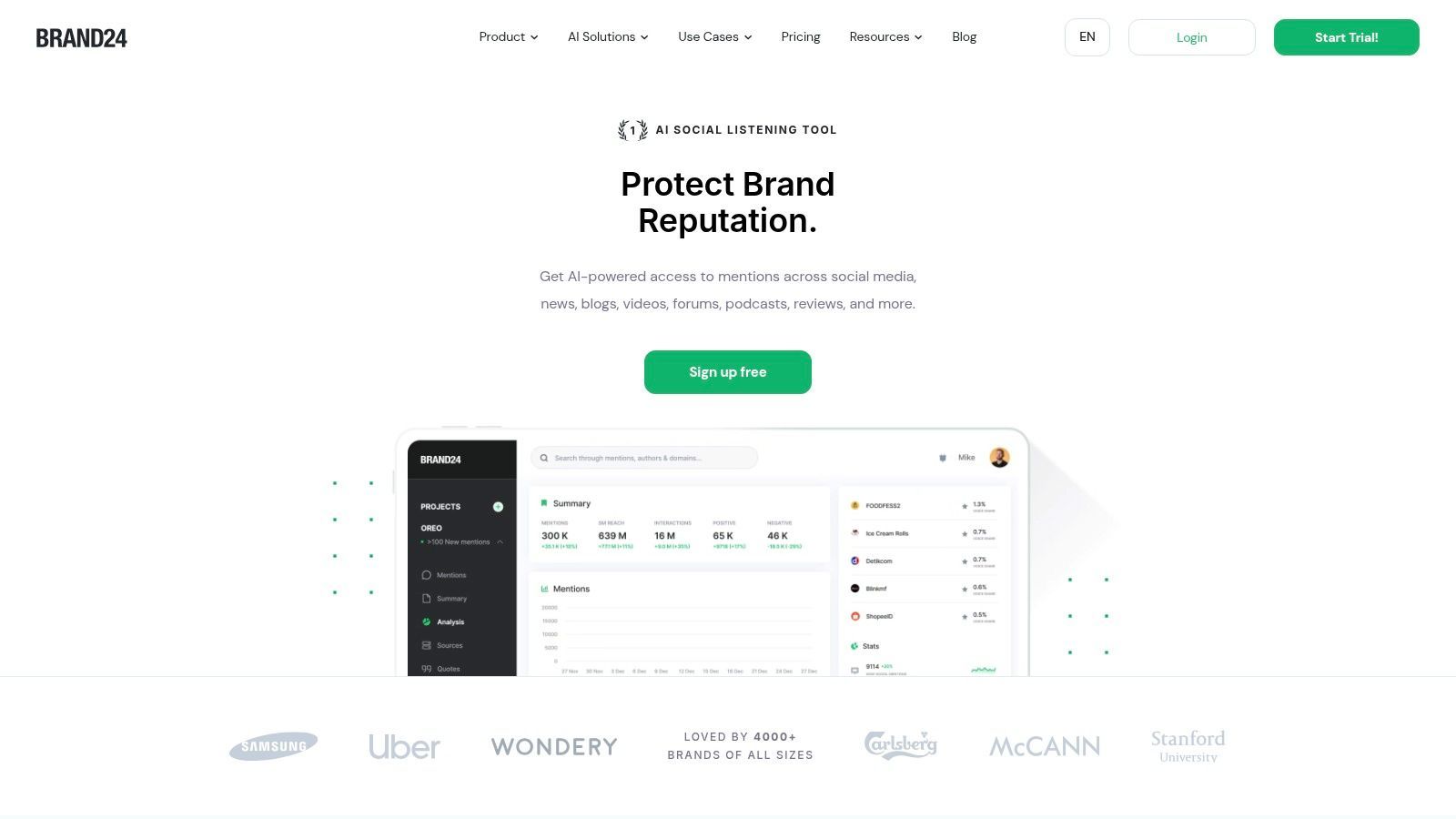
Influence scoring helps you prioritize which mentions deserve a response first, and the interface doesn't need a training session. The trade-offs: mention quotas tighten as you grow, and coverage of developer platforms is thin.
| Detail | Info |
| --- | --- |
| Price | $249/mo (Individual), $349 (Team), $499 (Pro), $699 (Business); roughly 20% less on annual billing |
| Coverage | Social channels plus news, blogs, forums, podcasts, and review sites |
| Alerts | Real-time in-app, email, Slack; Storm Alerts for volume spikes |
| API | $149/mo add-on on Pro and Business; included on Enterprise |
| Free trial | 14 days |
**Pros:**
- Storm Alerts catch sudden mention spikes — early warning for PR moments
- Influencer Score ranks mentions by author reach, so you answer the big ones first
- Easy setup and a clean interface
- 14-day free trial, no sales call
**Cons:**
- Mention limits get restrictive as volume grows — upgrades sneak up on you
- Skips developer platforms entirely (Hacker News, GitHub, Stack Overflow)
- API costs an extra $149/mo even on the $499 Pro plan
- Analytics are lighter than enterprise tools
See our [Brand24 alternatives comparison](https://octolens.com/brand24-alternatives), or our full [hands-on Brand24 review](https://octolens.com/blog/brand24-review) from a real trial run.
**Website:** [brand24.com](https://brand24.com/)
## 4. Mention
**Best for: Set-and-forget mention alerts for small teams** | G2: 4.3/5 (~450 reviews, May 2026)
Mention (now owned by Agorapulse) does exactly what the name says: it tracks mentions across social media, news, blogs, and forums and tells you about them. Setup is fast, the alert configuration is flexible (daily digests, real-time pings, or both), and the mobile app means you can triage mentions from anywhere.
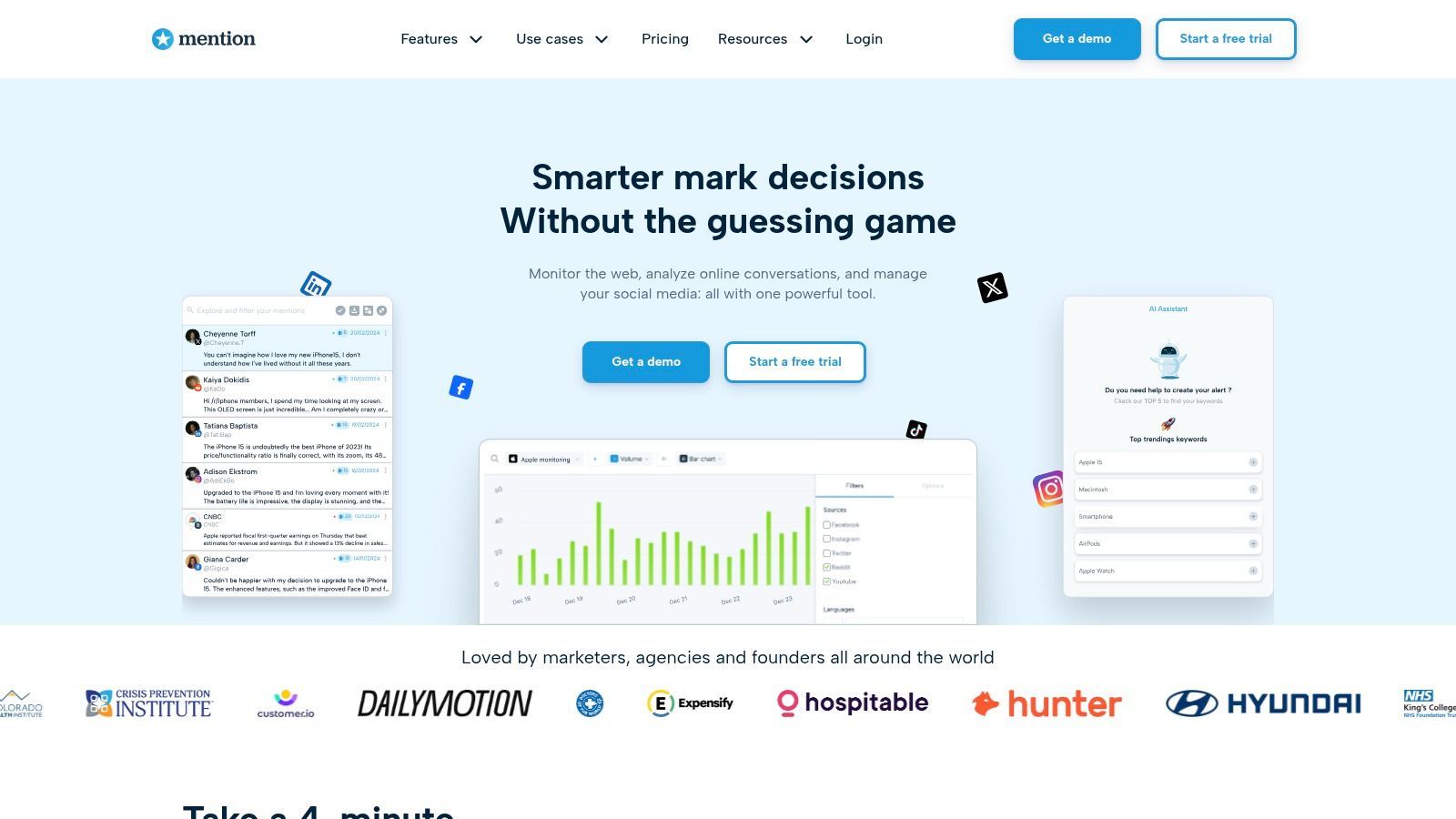
The honest caveat from my own competitor testing: coverage has gaps. Mentions that other tools caught sometimes never showed up in Mention. For low-stakes monitoring that's tolerable; if catching every conversation matters to your pipeline, it's a real cost.
One more thing that changed in 2026: Mention no longer publishes prices. There's now a single "Company" plan with custom pricing, and API access and historical data are paid add-ons. The old $599/month tier no longer exists. A free trial is back as of August 2026, so at least you can test coverage before talking to sales.
| Detail | Info |
| --- | --- |
| Price | Custom ("Company" plan; pricing revealed via trial or demo) |
| Coverage | Mainstream social plus news, blogs, and forums |
| Alerts | Real-time and digest emails, in-app, mobile push |
| API | Paid add-on |
| Free trial | Yes |
**Pros:**
- Keywords to live alerts in minutes
- Flexible alerting: real-time pings or daily digests per keyword
- Mobile app makes triage from your phone painless
- Free trial available again, without a demo call first
**Cons:**
- Misses things — side-by-side tests surfaced conversations Mention never caught
- No published pricing anymore, so budgeting means a sales conversation
- API is a paid add-on on top of the custom plan price
- Doesn't reach developer platforms, and the roadmap under Agorapulse is an open question
See our [Mention alternative comparison](https://octolens.com/mention-alternatives).
**Website:** [mention.com](https://mention.com/)
## 5. Awario
**Best for: Noise-free alerts via hand-tuned Boolean queries** | G2: 3.9/5 (~50 reviews, May 2026)
Awario is the cheapest serious monitoring tool on this list, and its Boolean search is the best in its price class. If your brand name is a common word — or you only care about mentions that include specific qualifiers — Awario lets you build queries precise enough to keep the feed clean without AI filtering.
The Leads module is a clever monitoring twist: it watches for people asking for recommendations in your category, which turns brand monitoring into pipeline. At €49/month — or €29/month if you commit annually (Awario now prices in euros) — it's the cheapest serious option here; just know that unless you're on Enterprise, the data goes no further than the dashboard.
| Detail | Info |
| --- | --- |
| Price | €49/mo (Starter), €149 (Pro), €399 (Enterprise); €29/€89/€249 on annual billing |
| Coverage | Social networks plus news, blogs, forums, and review sites |
| Alerts | Email digests and in-app, near real-time |
| API | Enterprise plan only |
| Free trial | 7 days |
**Pros:**
- Boolean queries give you surgical control over what triggers an alert
- Leads module surfaces buying-intent conversations
- Cheapest credible monitoring option — €29/mo on annual billing
- White-label reports for agencies
**Cons:**
- API only on the €399 Enterprise plan, and no webhooks anywhere
- The UI looks and feels dated next to 2026-era tools
- Thin historical data
- Boolean precision requires manual tuning that AI tools do automatically
Weighing it seriously? We wrote a longer [Awario alternative](https://octolens.com/awario-alternative) comparison.
**Website:** [awario.com](https://awario.com/)
## 6. BrandMentions
**Best for: Real-time tracking accuracy at a fair price** | G2: 4.9/5 (~236 reviews, May 2026)
BrandMentions holds one of the highest G2 ratings in the category, and the reviews consistently praise the same thing: when something gets posted, it shows up fast. For a tool whose entire job is "tell me the moment someone mentions me," that's the metric that counts.
Coverage spans the social networks alongside news, blogs, forums, and review portals, with sentiment and emotion tagged on each mention. The analytics are serviceable rather than deep — this is a monitoring tool, not an intelligence platform — but at under $100/month that's the right trade. Tier differences are mostly about history depth and refresh speed: daily updates on the entry plan, real-time on the higher ones.
| Detail | Info |
| --- | --- |
| Price | From $79/mo on annual billing (~$99 on shorter billing cycles) |
| Coverage | Web-wide: social, news, blogs, forums, and review portals |
| Alerts | Real-time email and in-app on higher tiers; daily updates on the entry plan |
| API | Enterprise plan only |
| Free trial | 7 days |
**Pros:**
- Real-time tracking accuracy is the most-praised feature in reviews
- Tops the category on G2 at 4.9/5
- Strong sentiment and emotion tagging on mentions
- Fair pricing from $79/mo
**Cons:**
- API only on Enterprise, so mentions can't leave the platform on the plans most teams buy
- Entry plan refreshes daily, not in real time — the headline feature costs more
- Analytics won't sustain serious competitive research
- Small vendor with a thin integration ecosystem
**Website:** [brandmentions.com](https://brandmentions.com/)
## 7. Mentionlytics
**Best for: Catching mentions in every language your customers speak** | G2: 4.9/5 (~100 reviews, May 2026)
Mentionlytics covers social media, news, blogs, and forums with strong multi-language support — if your mentions come in Spanish, German, and Greek as well as English, it handles that better than most tools in its price range. The Social Intelligence Advisor (SIA) turns raw mention data into plain-language suggestions about what to act on.
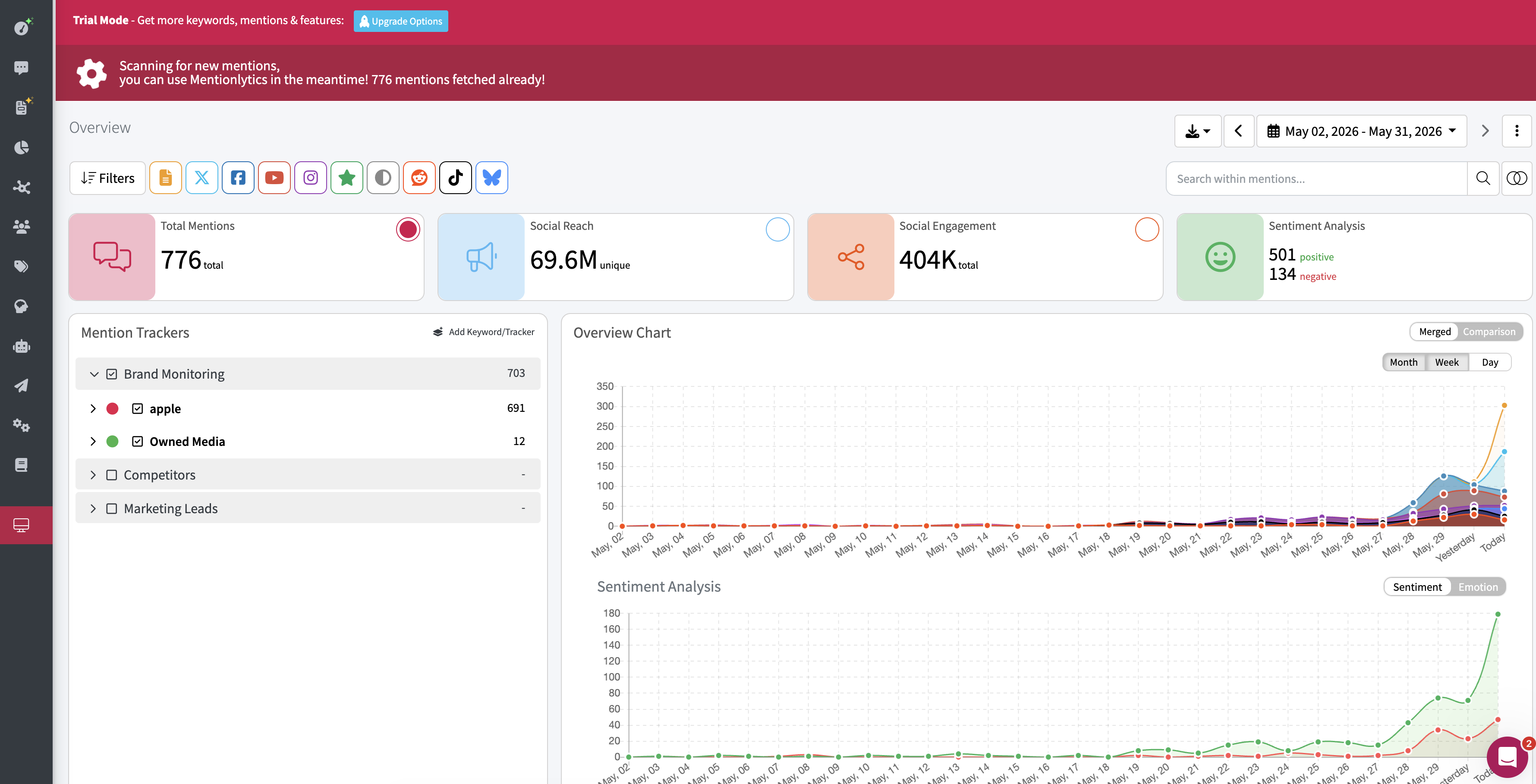
At $49/month entry pricing (billed yearly) it undercuts most of the list while keeping a 4.9/5 G2 rating. The constraint is the ceiling: the API starts at the $299 Advanced plan, integrations are fewer, and coverage depth trails the bigger platforms.
| Detail | Info |
| --- | --- |
| Price | $49/mo (Basic), $169 (Essential), $299 (Advanced), billed yearly; plans continue up to Enterprise |
| Coverage | Social channels, news sites, blogs, and forums |
| Alerts | Email, in-app; mention spikes flagged by SIA |
| API | Advanced plan ($299/mo) and up |
| Free trial | 14 days |
**Pros:**
- Strong multi-language mention tracking for the price
- SIA turns mentions into plain-language recommended actions
- Accessible pricing from $49/mo
- 4.9/5 on G2
**Cons:**
- API locked to the $299 Advanced plan and above
- Fewer integrations than larger platforms
- Coverage depth trails enterprise tools
- Only around 100 G2 reviews to date
**Website:** [mentionlytics.com](https://www.mentionlytics.com/)
## 8. Agorapulse
**Best for: Small businesses that answer mentions from one inbox** | G2: 4.5/5 (~955 reviews, May 2026)
Agorapulse is a social media management tool first — publishing, scheduling, unified inbox — with keyword monitoring layered in. For a small business, that combination is practical: the same inbox where you answer comments also surfaces brand mentions and competitor keywords, so responding is one click instead of a context switch.
The monitoring itself is basic compared to dedicated tools: major social platforms only, no forums, no developer platforms. But if your audience is on Facebook, Instagram, and LinkedIn and you want one affordable tool for the whole social workflow, it earns its spot.
| Detail | Info |
| --- | --- |
| Price | $99 per user/mo (Standard), $149 (Professional), $199 (Advanced); up to 20% off annually |
| Coverage | The six big networks: Facebook, Instagram, X, LinkedIn, TikTok, YouTube |
| Alerts | Unified inbox, email notifications |
| API | No |
| Free trial | 30 days |
**Pros:**
- Monitoring lands in the same inbox where you respond — fast reaction loop
- Clean interface, quick setup
- Good team features (assignments, saved replies)
- 30-day free trial
**Cons:**
- Monitoring limited to major social networks — no forums, Reddit depth, or dev platforms
- Per-user pricing grows with the team
- No API
- Listening depth well below dedicated tools
**Website:** [agorapulse.com](https://www.agorapulse.com/)
## 9. Keyhole
**Best for: Hashtag and campaign monitoring in real time** | G2: 4.3/5 (~100 reviews, May 2026)
Keyhole (acquired by Muck Rack) is a specialist: real-time hashtag and campaign tracking. If you're running a launch, an event, or an influencer campaign and need a live read on hashtag reach, volume, and engagement, Keyhole does that job better than the general-purpose tools on this list.
It also handles account tracking and some keyword monitoring across X, Instagram, Facebook, YouTube, TikTok, and news. But it's campaign measurement first — if you need always-on brand monitoring across the open web, this isn't the primary tool.
| Detail | Info |
| --- | --- |
| Price | Custom — nothing published |
| Coverage | X, Instagram, Facebook, YouTube, TikTok, plus news sites |
| Alerts | Real-time dashboards, scheduled reports |
| API | Yes |
| Free trial | Available |
**Pros:**
- Live hashtag tracking is the best in the business
- Live event monitoring is genuinely useful mid-campaign
- Influencer identification built in
- API access included
**Cons:**
- Campaign-focused — not built for always-on keyword tracking
- No public pricing
- Doesn't look beyond the major networks
- Muck Rack acquisition may shift product direction
**Website:** [keyhole.co](https://keyhole.co/)
## 10. Brandwatch
**Best for: Enterprise monitoring at maximum coverage** | G2: 4.2/5 (~1,700 reviews, May 2026)
If budget isn't the constraint and coverage is, Brandwatch monitors more of the internet than anything else on this list — 100+ million sources with years of historical data. The Boolean query engine is the most powerful in the industry, and Signals (automated anomaly alerts) will flag unusual mention activity before a human would have noticed.
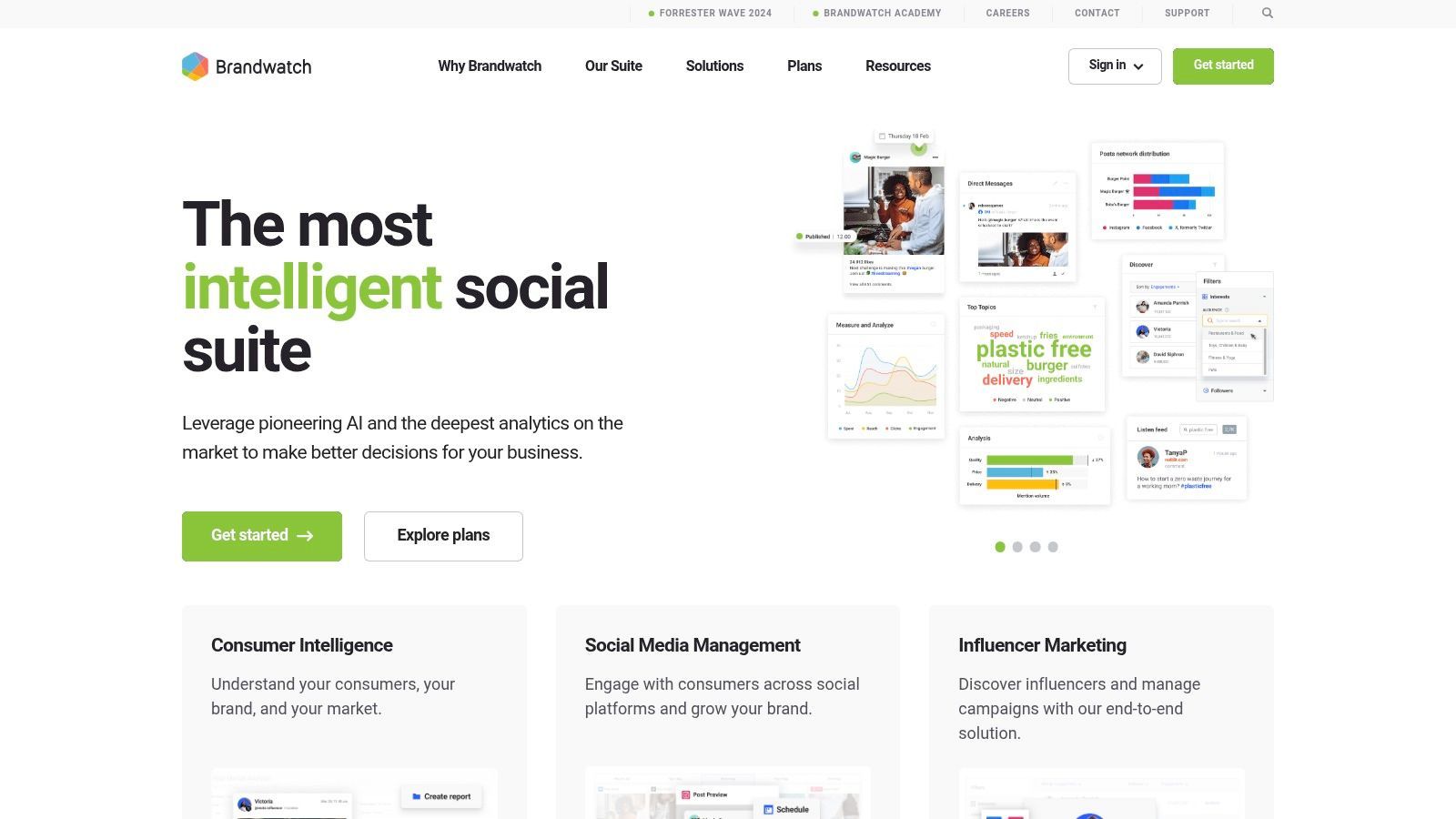
The reality check: this is enterprise software with enterprise onboarding. Pricing starts around $1,000/month and requires a sales cycle, the interface assumes a trained analyst, and most teams under 100 people will use a fraction of what they're paying for.
| Detail | Info |
| --- | --- |
| Price | Custom enterprise contracts — budget $1,000+/mo |
| Coverage | 100M+ sources spanning social, news, forums, and review sites, with deep archives |
| Alerts | Signals (AI anomaly detection), email, in-app |
| API | Yes, at enterprise tiers |
| Free trial | Demo only |
**Pros:**
- Broadest source coverage available — 100M+ sources, deep history
- Signals catches mention anomalies automatically
- Most powerful Boolean engine in the category
- Strong multi-language sentiment analysis
**Cons:**
- $1,000+/mo entry and a sales cycle before you see your own data
- Weeks-long onboarding; built for trained analysts
- Massive overkill below enterprise scale
- No self-serve anything
If it's on your shortlist, read our [Brandwatch alternatives breakdown](https://octolens.com/brandwatch-alternatives) first.
**Website:** [brandwatch.com](https://www.brandwatch.com/)
## 11. Google Alerts
**Best for: Free web monitoring — as long as you know what it misses** | G2: N/A
Google Alerts is free, takes 30 seconds to set up, and has no keyword limits. For monitoring news sites and blogs that Google indexes, it's a reasonable baseline that costs nothing.
It's also the most common source of false confidence in monitoring. Google Alerts covers zero social platforms — no Twitter/X, no Reddit, no LinkedIn, no YouTube — and mentions can take days to surface, if they surface at all. We've written about [why Google Alerts misses so much](https://octolens.com/blog/why-google-alerts-is-not-working) and what a proper [Google Alerts alternative](https://octolens.com/google-alerts-alternatives) looks like.
| Detail | Info |
| --- | --- |
| Price | Free |
| Coverage | Only web pages that land in Google's index |
| Alerts | Email (as-it-happens, daily, or weekly) |
| API | No |
| Free trial | N/A (always free) |
**Pros:**
- Free forever, with as many alerts as you want
- 30-second setup
- Decent for news sites and blogs
- Worth keeping as a backstop next to a paid tool
**Cons:**
- No social media coverage at all
- Days of lag — useless for responding while conversations are live
- High miss rate even on indexed content
- No filtering, no sentiment, no API
**Website:** [google.com/alerts](https://www.google.com/alerts)
## Free social media monitoring tools: what actually works
"Free" is the most-searched qualifier in this category, so here's the honest version. A founder on X summed up why people look:
> *"Why it exists? Brand monitoring tools want $80/mo. Manually checking Reddit/HN/Google News is not a morning routine."* — [@just4rxxy](https://twitter.com/just4rxxy/status/2061736105737683429)
Your real free options:
| Free tool | What it covers | Speed | The catch |
| --- | --- | --- | --- |
| Google Alerts | Web pages in Google's index | Often days behind | Zero social platforms |
| Talkwalker Alerts | Google Alerts coverage + Twitter/X | Email digests | No Reddit, LinkedIn, or forums |
| F5Bot | Reddit, Hacker News, Lobsters | Near real-time | No filtering; every keyword match lands in email |
| Native saved searches (X, Reddit) | One platform each | Instant, but pull not push | You have to remember to check |
- **Google Alerts** — Web pages only, no social. Set it up anyway; it's free coverage of news and blogs.
- **Talkwalker Alerts** — A free Google Alerts alternative that adds Twitter/X mentions. Same email-digest model, slightly better coverage.
- **F5Bot** — Free emails when your keywords appear on Reddit, Hacker News, or Lobsters. For indie hackers, this is the best free tool on the list — it genuinely works. Browse Hacker News and you'll find people showing up in threads minutes after their name comes up, opening with things like *"(came from f5bot) thanks for the post …"* — [that's swyx](https://news.ycombinator.com/item?id=47598278), who runs the Latent Space podcast, responding to a mention in April 2026. The limitation is just as visible: every raw keyword match lands in your inbox, unfiltered.
- **Native platform search** — Saved searches on X and Reddit work, but they're pull, not push: you have to remember to check.
- **Free trials** — Every paid tool above except Brandwatch offers 7-30 days free. Run two or three in parallel with the same keywords and compare what each catches; the differences will be obvious within a week.
One more free option from us: the [share of voice calculator](https://octolens.com/share-of-voice-calculator) takes your brand plus up to three competitors and counts real mentions across 13+ platforms over the past week, so you can see how you compare before paying for anything.
The free stack (Google Alerts + Talkwalker Alerts + F5Bot) is a legitimate starting point for a solo founder. Its limits show up fast: no LinkedIn, no filtering, no sentiment, nothing pushed to Slack, and a lot of misses. When a missed conversation starts costing more than $50-100/month, that's your signal to upgrade — paid entry points are €29/mo (Awario annual) or $49/mo (Mentionlytics).
## Which monitoring tool should you pick?
A decision framework, by situation:
**You want mentions flowing into Slack, Linear, or your own systems in real time** — [Octolens](https://octolens.com/). API, webhooks, and MCP on every plan, with AI filtering so alerts stay relevant. Built for B2B and technical audiences.
**Your audience is on mainstream social and you also publish there** — Sprout Social or Hootsuite. Monitoring inside the same tool your social team already uses.
**You're budget-conscious but need real coverage** — Brand24 for spike detection and influence scoring, Awario for Boolean precision at €49/mo (€29 on annual billing), or BrandMentions for raw real-time accuracy from $79/mo.
**You're a small business that wants one tool for everything social** — Agorapulse. Inbox, publishing, and basic monitoring in one place.
**You're monitoring a campaign or hashtag, not a brand** — Keyhole. Live campaign tracking is its specialty.
**You're enterprise-scale with an analyst team** — Brandwatch. Maximum coverage if you can absorb the price and onboarding.
**You have zero budget** — Google Alerts + Talkwalker Alerts + F5Bot, and the discipline to check saved searches.
One more thing worth doing regardless of which tool you pick: monitor your competitors' names alongside your own. Their unhappy customers ask for alternatives in public, and being the first helpful reply is the cheapest pipeline you'll ever generate. We wrote a full guide on [competitor monitoring](https://octolens.com/blog/competitor-monitoring) if you want the playbook, ranked the [best competitor monitoring tools](https://octolens.com/blog/best-competitor-monitoring-tools) across every category from CI platforms to price trackers, and compared [brand monitoring tools](https://octolens.com/blog/best-brand-monitoring-tools) if your scope is reputation beyond social.
If your audience includes developers or technical buyers, check coverage before you commit to anything: most tools on this list don't watch Reddit properly, let alone Hacker News or GitHub. Start the free trials, set up the same keywords in two or three tools, and count what each one catches. Whichever one surfaces the most real conversations is your answer — and you'll know within days.
---
# 21 Best Social Listening Tools in 2026 (Compared)
URL: https://octolens.com/blog/best-social-listening-tools · Published: 2026-05-29 · Updated: 2026-09-28 · Author: Charlotte Schmitt (Co-Founder)
## A note before we start
Most "best social listening tools" lists are written by the tools themselves — Sprinklr's list recommends Sprinklr, Sprout Social's recommends Sprout Social. This one is written by the co-founder of Octolens, so yes, we're on the list too. But we also tested every tool here and included G2 ratings, real pricing, and quotes from actual users on Reddit, X, and LinkedIn so you can make your own call.
The social listening market in 2026 is split: enterprise platforms built for consumer brand managers (Brandwatch, Sprinklr, Meltwater) and a growing wave of lighter tools built for startups, dev teams, and product-led companies. What matters is finding the one that covers the platforms where your audience actually talks. (If your priority is real-time alerts and response rather than deep analysis, see our comparison of the best [social media monitoring tools](https://octolens.com/blog/best-social-media-monitoring-tools) instead.)
> *"the real opportunity usually happens much before that. it's in the Reddit thread where someone asks if your product is worth it. it's in the LinkedIn comment where a customer mentions a confusing experience ... most brands are waiting to be tagged. your customers aren't waiting to tag you."* — [Katerina Stasiukevich on LinkedIn](https://www.linkedin.com/posts/katerina-stasiukevich_i-think-social-listening-is-one-of-the-most-activity-7486793638132289536-5S0O)
> *"Social listening as an industry isn't dead but the tools that survive will need to go deeper than just scraping and displaying data. Real time alerts, trend tracking over time, actual workflow integration."* — [r/SaaS](https://www.reddit.com/r/SaaS/comments/1nhj7mi/do_tools_like_popsy_ai_reddit_monitor_ogtool/oo8qgvk/)
## How we evaluated these tools
I tested each tool against five criteria that actually matter:
1. **Platform coverage** — Does it monitor the platforms where your audience talks? Not just Twitter and Facebook.
2. **Pricing transparency** — Can you find the price on the website, or do you need a "sales call"?
3. **AI and filtering quality** — Does it reduce noise or just dump every mention on you?
4. **API and workflow integration** — Can you pipe the data somewhere useful, or are you stuck in a dashboard?
5. **Honest value** — Is it worth what they charge for what you actually get?
G2 ratings are included as of August 2026. Review counts are approximate.
## Quick comparison: all 21 tools at a glance
| Tool | Best For | G2 Rating (August 2026) | Starting Price | API |
| --- | --- | --- | --- | --- |
| [Octolens](#our-tool-octolens) *(our tool, not ranked)* | Social data in your stack, not another dashboard | 5/5 (8) | $159/mo | Yes (all plans) |
| [Brandwatch](#1-brandwatch) | Enterprise consumer intelligence | 4.4/5 (~730) | Custom | Yes (enterprise) |
| [Sprout Social](#2-sprout-social) | All-in-one social management + listening | 4.4/5 (~6,900) | $299/user/mo | Yes (higher tiers) |
| [Hootsuite (Talkwalker)](#3-hootsuite-talkwalker) | Adding listening to your Hootsuite workflow | 4.3/5 (~7,400) | $99/user/mo | Limited |
| [Brand24](#4-brand24) | Budget-friendly real-time alerts | 4.6/5 (355) | $249/mo | Yes (higher tiers) |
| [Meltwater](#5-meltwater) | PR + media monitoring combined | 4.1/5 (~2,700) | Custom | Yes (enterprise) |
| [Mention](#6-mention) | Broad web + review-site monitoring | 4.4/5 (~440) | Custom (Company plan) | Paid add-on |
| [Sprinklr](#7-sprinklr) | Enterprise unified CX platform | 4.1/5 (~1,200) | Custom | Yes (enterprise) |
| [Awario](#8-awario) | Boolean search precision on a budget | 3.9/5 (~50) | €49/mo | Enterprise only |
| [YouScan](#9-youscan) | Visual and image recognition listening | 4.8/5 (~300) | $499/mo | Yes |
| [BrandMentions](#10-brandmentions) | Real-time web + social mention tracking | 4.9/5 (~240) | $99/mo | No |
| [Keyhole](#11-keyhole) | Hashtag and influencer analytics | 4.3/5 (~70) | Custom | Yes |
| [Agorapulse](#12-agorapulse) | SMB social management with listening | 4.5/5 (~970) | $99/user/mo | No |
| [NetBase Quid](#13-netbase-quid) | Market intelligence + patent tracking | 4.3/5 (~305) | Custom | Yes (enterprise) |
| [Synthesio (Ipsos)](#14-synthesio-ipsos) | Social + market research correlation | 4.4/5 (~150) | Custom | Yes (enterprise) |
| [Vista Social](#15-vista-social) | Best value all-in-one for tiny teams | 4.9/5 (~1,120) | $79/mo | No |
| [Mentionlytics](#16-mentionlytics) | Multi-language monitoring for SMBs | 4.9/5 (~112) | $69/mo | Yes (Pro plan and up) |
| [BuzzSumo](#17-buzzsumo) | Content discovery + engagement tracking | 4.5/5 (~107) | $199/mo | Yes |
| [Common Room](#18-common-room) | Developer community intelligence | 4.5/5 (~115) | $2,500/mo (annual) | Yes |
| [Syften](#19-syften) | Lightweight Reddit/HN keyword tracking | N/A (few reviews) | $29.95/mo | Yes (all plans; webhooks + MCP on PRO) |
| [Google Alerts](#20-google-alerts) | Free basic web monitoring | N/A | Free | No |
## Our tool: Octolens
*We make Octolens, so it sits outside the ranking. The numbered list below starts with the tools we don't make.*
**Best for: Teams that want social data in their stack, not another dashboard** | G2: 5/5 (8 reviews, August 2026)
Yes, I'm biased. I built this. But hear me out on why.
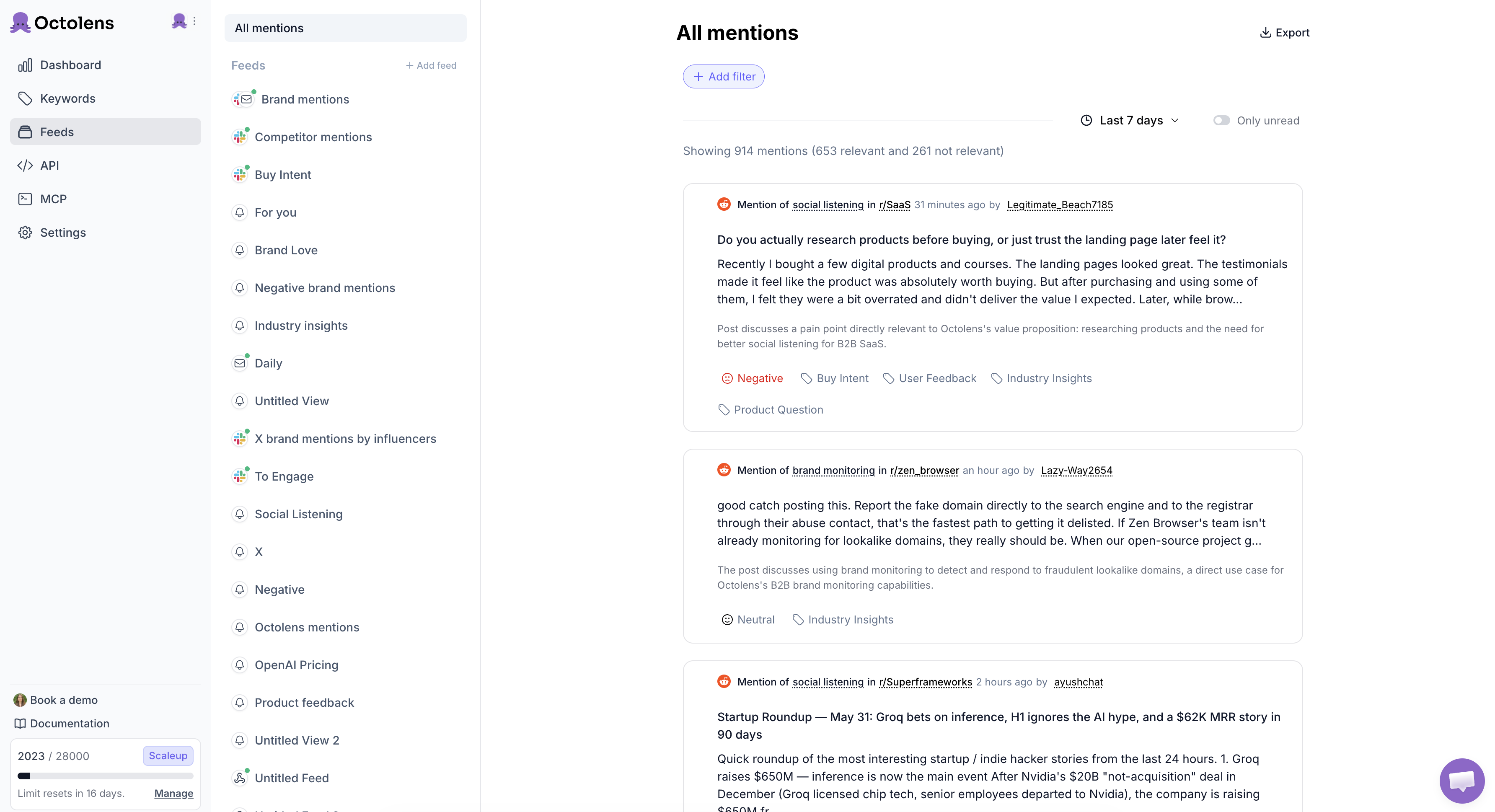
We built Octolens because every tool on this list either ignored the platforms where conversations in tech actually happen (Hacker News, GitHub, Podcats, Newsletters, etc.) or charged enterprise prices for features we didn't need.
Octolens tracks mentions across the internet, including Twitter/X, LinkedIn, Reddit, Bluesky, GitHub, YouTube, DEV.to, Hacker News, Stack Overflow, Newsletters, Podcasts, TikTok, News/Blogs, Forums, and Websites. Every plan includes API access, [Webhooks](https://octolens.com/webhooks), and MCP — because I believe in 2026, you should own your data and workflows and not stare at a dashboard.
Teams at Vercel (20+ teams use it internally), Lovable, Supabase, Render, and Modal run their social listening through Octolens. Setup takes about 2 minutes — the AI onboarding pulls your company info and suggests keywords to track automatically.
| Detail | Info |
| --- | --- |
| Pricing | Pro $159/mo (annual), $199/mo (monthly). Scale $499/mo (annual), $599/mo (monthly) |
| Platforms | 15+ including X, LinkedIn, Reddit, forums, podcasts, newsletters, websites |
| API | REST API + Webhooks + MCP on all plans |
| Free trial | 7 days |
**Pros:**
- Widest platform coverage for SaaS & tech businesses (e.g. HN, GitHub, DEV.to) — no other tool matches this
- API, Webhooks, and MCP included on every plan, not locked behind enterprise tiers
- AI relevance filtering actually works — cuts noise on common-word brands
- 2-minute setup with AI-powered keyword suggestions
- Unlimited team seats on all plans
**Cons:**
- No B2C platforms (Instagram, Facebook) — purely B2B focused
- No social media scheduling or posting — listening and intelligence only
- Younger product than Brandwatch or Sprout — missing enterprise features like OAuth and audits logs
**Website:** [octolens.com](https://octolens.com/)
## 1. Brandwatch
**Best for: Enterprise teams with dedicated analysts and large budgets** | G2: 4.4/5 (~730 reviews for Brandwatch Consumer Intelligence, August 2026)
Brandwatch is the heavyweight. 100+ million sources, years of historical data, Boolean queries that would make a search engineer jealous. If you're an enterprise brand with a six-figure social listening budget, it's probably the most comprehensive option out there.
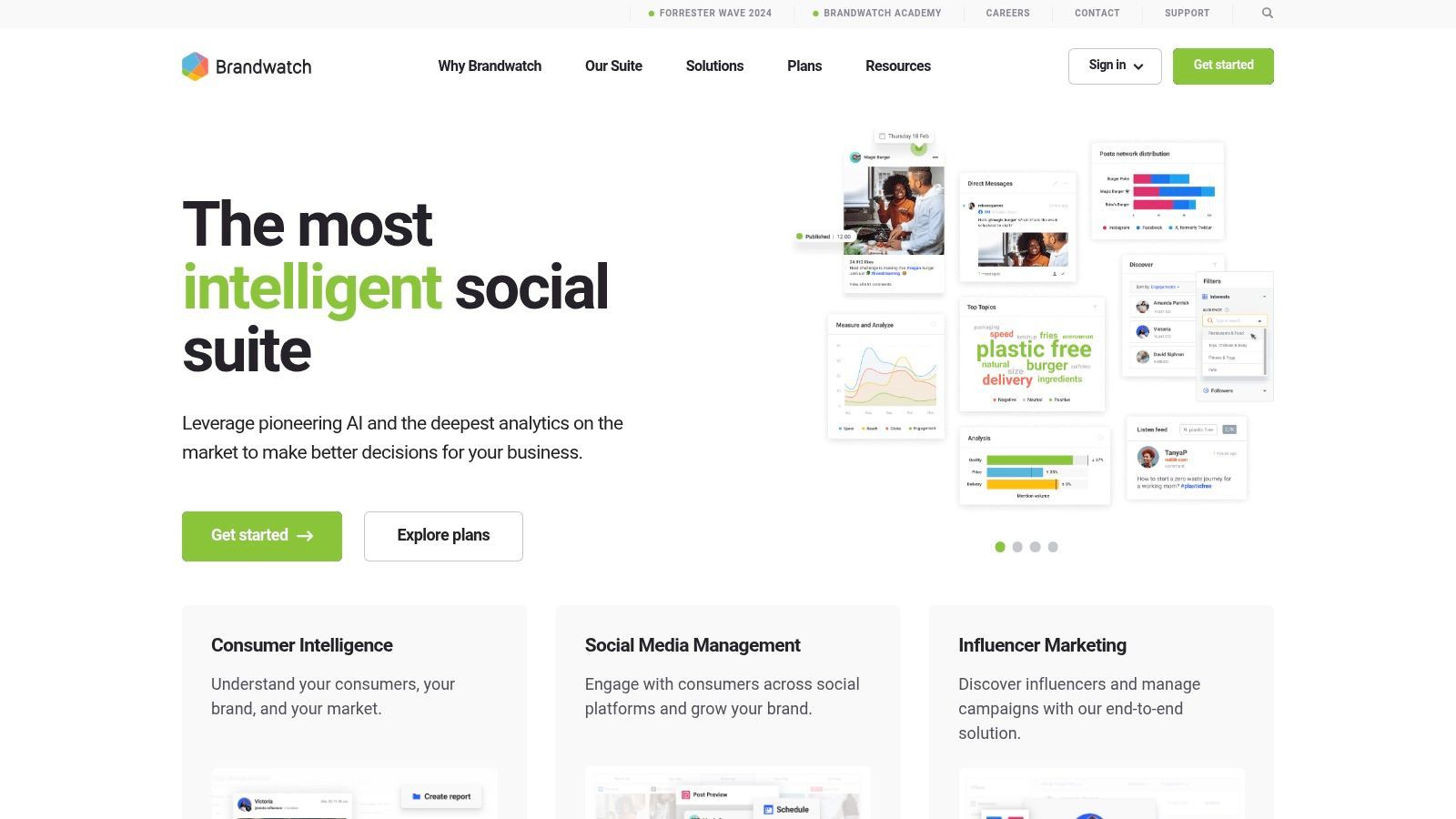
The image and logo recognition is genuinely impressive — it can spot your brand in photos even when nobody tagged you. Their AI sentiment analysis is among the most accurate I've tested, especially across languages.
But here's the catch for smaller teams: Brandwatch is built for consumer intelligence at scale. The interface reflects that — it's powerful but dense, and onboarding takes weeks, not minutes.
> *"For a decade this meant a five figure contract with Brandwatch or Meltwater, and two seats on it. Two people could open the data. Everyone else queued at their desk, half-sure what to ask for, waiting days for numbers they didn't quite need."* — [Justin Wohlstadter on X](https://x.com/justpw/status/2082479246908305734)
> *"What people post publicly on social is what they are okay being seen saying. What they search and type into Reddit or Google or Chat at 11pm is what they actually think. Both conversations are happening about your brand and both are important signals. Most teams only track one."* — [Claire W. on LinkedIn](https://www.linkedin.com/posts/cwwilliamson_a-call-out-from-the-data-behind-consumer-activity-7485321466238951424-G8g3), reflecting on a Brandwatch webinar
| Detail | Info |
| --- | --- |
| Pricing | Custom (enterprise). Expect $1,000+/mo minimum. |
| Platforms | 100M+ sources across social, news, forums, review sites |
| API | Yes, at enterprise tiers |
| Free trial | Demo only |
**Pros:**
- Most comprehensive data coverage in the category — 100M+ sources with years of historical data
- Best-in-class image and logo recognition
- AI sentiment analysis handles sarcasm and multiple languages well
- Deep Boolean query builder for precise monitoring
**Cons:**
- Pricing requires a sales call — expect $1,000+/mo minimum
- Complex interface with weeks-long onboarding
- Overkill for teams under 100 people
- No self-serve signup — you can't just try it
See our full [Brandwatch alternatives breakdown](https://octolens.com/brandwatch-alternatives).
## 2. Sprout Social
**Best for: Marketing teams that want publishing + listening in one tool** | G2: 4.4/5 (~6,900 reviews, August 2026)
Sprout Social is the tool your marketing team already wants to buy because it does everything — scheduling, publishing, engagement, analytics, AND listening. The all-in-one pitch is compelling, and the interface is genuinely one of the cleanest in the space.
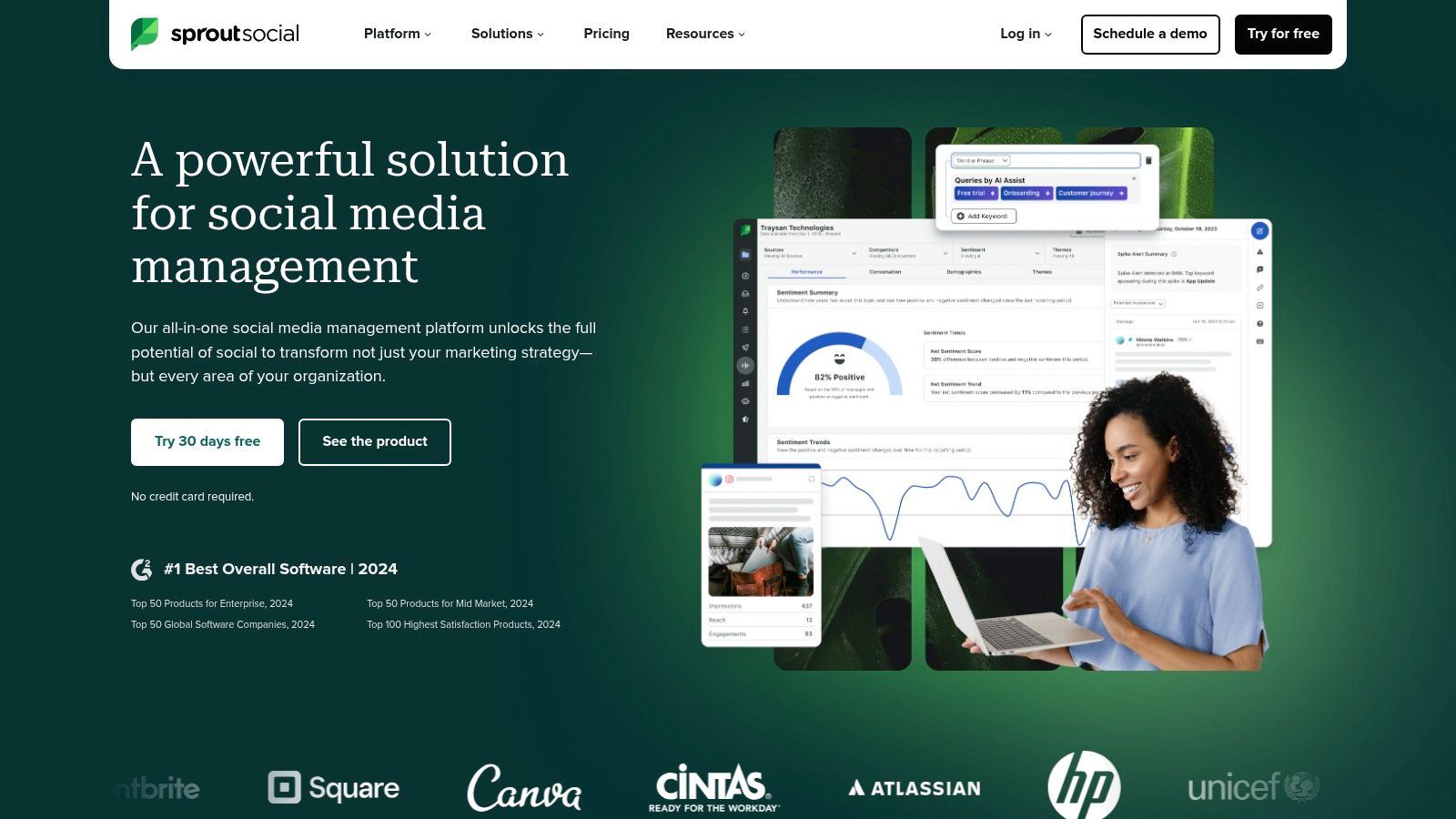
The listening features are good but not deep. Topic tracking and sentiment analysis cover the basics well, and the Smart Inbox is a real time-saver for teams managing multiple social accounts. G2 named it the #1 Social Listening product in their 2026 Winter reports.
Where Sprout falls short for B2B: the data sources lean toward major social networks. No Reddit monitoring worth mentioning. Nothing from Hacker News, GitHub, or Stack Overflow. If your audience lives on those platforms — and if you're building developer tools, they do — you'll have blind spots.
Considering a switch? We compared the [best Sprout Social alternatives](/sprout-social-alternatives) for both listening and management, with pricing and who each one is for.
> *"[Sprout Social is] perfect if you're already managing content there and want publishing, analytics and social listening in the same workflow."* — [Katerina Stasiukevich on LinkedIn](https://www.linkedin.com/posts/katerina-stasiukevich_i-think-social-listening-is-one-of-the-most-activity-7486793638132289536-5S0O)
| Detail | Info |
| --- | --- |
| Pricing | $299/user/mo (Professional). Listening is a premium add-on. |
| Platforms | Twitter, Facebook, Instagram, LinkedIn, Pinterest, TikTok |
| API | Yes, on higher tiers |
| Free trial | 30 days |
**Pros:**
- Cleanest interface in the category — publishing, engagement, and listening in one tool
- Smart Inbox unifies messages from every channel
- Strong analytics and reporting
- 30-day free trial is generous
**Cons:**
- Per-user pricing adds up fast — 3 users = $750+/mo before listening add-ons
- Listening is a premium add-on, not included in base plans
- No Reddit, Hacker News, GitHub, or Stack Overflow coverage
- Data sources lean heavily toward mainstream social networks
**Website:** [sproutsocial.com](https://sproutsocial.com/)
## 3. Hootsuite (Talkwalker)
**Best for: Existing Hootsuite users who want to add listening** | G2: 4.3/5 (~7,400 reviews, August 2026)
Hootsuite Insights is Talkwalker's technology integrated into Hootsuite's interface. If your team already lives in Hootsuite for scheduling and publishing, adding Insights gives you solid listening without switching platforms.
Talkwalker covers 150+ million sources in 187 languages. The Blue Silk AI handles sentiment analysis across those languages with surprising accuracy. The Virality Map — which visualizes how content spreads across the web — is genuinely useful.
The problem? Pricing complexity. Listening isn't cheap to add, and the per-user model gets expensive fast. Data sources also lean heavily toward mainstream social.
| Detail | Info |
| --- | --- |
| Pricing | $99/user/mo base + listening add-on (contact sales) |
| Platforms | 150M+ sources via Talkwalker, 187 languages |
| API | Limited |
| Free trial | 30 days (base product) |
**Pros:**
- 187 language support via Talkwalker — best multi-language coverage available
- Virality Map shows how content spreads across channels
- Blue Silk AI sentiment analysis is accurate across languages
- Integrated with Hootsuite's publishing and engagement tools
**Cons:**
- Pricing is complex — per-user base + separate listening add-on
- Not worth signing up for Hootsuite just to get listening
- Data sources still lean toward mainstream social
- Limited API access
**Website:** [hootsuite.com](https://www.hootsuite.com/products/insights)
## 4. Brand24
**Best for: Early-stage startups and small teams needing affordable monitoring** | G2: 4.6/5 (355 reviews, August 2026)
Brand24 is the budget-friendly option that punches above its weight. Clean interface, solid sentiment analysis, and influence scoring that helps you figure out which mentions actually matter. Now part of Adobe, after Semrush (Brand24's owner) was acquired by Adobe in April 2026.
For early-stage startups watching their spend, Brand24 is a legitimate option. It covers social media, news, blogs, and forums at a price point that won't require budget approval. We also ran the free trial ourselves and wrote up the results in our [hands-on Brand24 review](https://octolens.com/blog/brand24-review).
> *"Social media tools that are actually worth your money: ... Brand24: This will help you monitor every mention of your brand, products, competitors, or keywords across the web, so you never miss important conversations."* — [@PassiveAnna on X](https://x.com/PassiveAnna/status/2082848458621280481)
| Detail | Info |
| --- | --- |
| Pricing | Individual $249/mo, Team $349/mo, Pro $499/mo |
| Platforms | Social media, news, blogs, forums, podcasts, review sites |
| API | $149/mo add-on (Pro plan and above; included on Enterprise) |
| Free trial | 14 days |
**Pros:**
- Affordable entry point for startups — solid value at $249/mo
- Clean interface that's easy to learn
- Influence scoring helps prioritize which mentions matter
- Good customer support (consistently praised in reviews, August 2026)
- 14-day free trial
**Cons:**
- Mention limits can be restrictive — you'll need to upgrade as you scale
- No developer platform coverage (HN, GitHub, SO)
- Analytics aren't deep enough for serious competitive intelligence
- Historical data is thinner than enterprise tools
See our [Brand24 alternatives comparison](https://octolens.com/brand24-alternatives).
**Website:** [brand24.com](https://brand24.com/)
## 5. Meltwater
**Best for: PR teams that need media monitoring + social listening combined** | G2: 4.1/5 (~2,700 reviews, August 2026)
Meltwater goes beyond social — it covers TV, radio, podcasts, print, and traditional media alongside social platforms. If your comms team needs to track earned media alongside social conversations, this is the Swiss Army knife.
The coverage is genuinely broad and the dashboard lets you build custom views. Image recognition and sentiment analysis are solid. Where Meltwater struggles is the user experience — the interface has a learning curve, and pricing is opaque (sales call required).
> *"We're working with Meltwater and the renewal contract increased 20%. I want to see what customers say about us and our competitors, but not just every single mention — ideally grouped by subject."* — [r/DigitalMarketing](https://www.reddit.com/r/DigitalMarketing/comments/1sfn4nk/looking_for_new_tool_for_monitoring_customer/)
| Detail | Info |
| --- | --- |
| Pricing | Custom. Expect $800+/mo minimum. |
| Platforms | Social, news, TV, radio, podcasts, print, blogs |
| API | Yes (enterprise) |
| Free trial | Demo only |
**Pros:**
- Broadest media coverage — TV, radio, print, podcasts alongside social
- Custom dashboards with strong visualization options
- Image recognition and solid sentiment analysis
- Good for PR teams tracking earned media
**Cons:**
- Pricing is opaque — sales call required, expect $800+/mo
- Interface has a steep learning curve
- Renewal price increases are common (users report 20%+ bumps)
- Slower to set up than self-serve tools
**Website:** [meltwater.com](https://www.meltwater.com/)
## 6. Mention
**Best for: Broad web and review-site monitoring for teams with budget** | G2: 4.4/5 (~440 reviews, August 2026)
Mention used to be the "good enough for most teams" option, and the product itself still is: it covers social media, news, blogs, forums, and 75+ review sites with a clean interface that doesn't require a training session. Setup is fast, alerts work, and the mobile app is solid.
However, the positioning has changed, and it matters for buyers: the self-serve plans are gone. Mention's pricing page now shows a single demo-gated "Company" plan with custom pricing, API access and historical data are paid add-ons rather than included features, and the Publish and Respond features have been deprecated in favor of Agorapulse (its sister product). If you saw a $41 or $599 monthly price in an older comparison, those tiers no longer exist.
Beyond the repositioning, the earlier caveats still apply: data coverage has gaps — several users, including me when I was testing competitors, noticed missing mentions that showed up in other tools — and the analytics aren't deep enough for serious competitive intelligence.
| Detail | Info |
| --- | --- |
| Pricing | Custom ("Company" plan, demo-gated) |
| Platforms | Social media, news, blogs, forums, 75+ review sites |
| API | Paid add-on |
| Free trial | No — demo via sales |
**Pros:**
- Fast, simple setup — monitoring in minutes, not hours
- Well-established tool with broad source coverage
- Best-in-class review-platform coverage
- Solid mobile app for checking mentions on the go
**Cons:**
- No more self-serve plans or public pricing
- API access and historical data cost extra
- Analytics aren't deep enough for competitive intelligence
- No developer platform coverage
See our [Mention alternative comparison](https://octolens.com/mention-alternatives).
**Website:** [mention.com](https://mention.com/)
## 7. Sprinklr
**Best for: Large enterprises that need a unified CX platform** | G2: 4.1/5 (~1,200 reviews, August 2026)
Sprinklr is an enterprise behemoth — social listening is just one module in a massive unified customer experience platform that includes publishing, engagement, advertising, and customer service. If your organization has 500+ employees and wants everything in one system, Sprinklr delivers.
The listening capabilities are comprehensive: 30+ social and messaging channels, broad coverage, and advanced AI. But the complexity is real — multiple users on G2 note a steep learning curve and a cluttered interface that requires extensive training.
| Detail | Info |
| --- | --- |
| Pricing | Custom only. Enterprise contracts. |
| Platforms | 30+ social and messaging channels |
| API | Yes (enterprise) |
| Free trial | Demo only |
**Pros:**
- True unified CX platform — listening, publishing, ads, and service in one system
- 30+ social and messaging channels covered
- Advanced AI capabilities
- Strong for large organizations standardizing on one vendor
**Cons:**
- Steep learning curve — multiple G2 users call the interface cluttered
- Enterprise-only pricing with long implementation cycles
- Way too complex for teams under 50 people
- No self-serve option
**Website:** [sprinklr.com](https://www.sprinklr.com/)
## 8. Awario
**Best for: Teams that want precise Boolean queries and social selling on a budget** | G2: 3.9/5 (~50 reviews, August 2026)
Awario's standout feature is Boolean search. If you've ever been frustrated by irrelevant mentions cluttering your feed, Awario lets you build precise queries that actually filter the noise. The social selling module — which surfaces conversations where people are looking for solutions you offer — is a clever touch.
Pricing is competitive and the feature set is solid for what you pay — note that Awario now prices in euros. White-label reporting is useful for agencies.
> *"I built something similar using keyword alerts from social listening tools like Brand24 or Awario to track mentions, then used a custom script to auto-reply."* — [r/microsaas](https://www.reddit.com/r/microsaas/comments/1n0zokh/im_looking_for_a_facebook_reddit_keyword_trend/nba5c3e/)
| Detail | Info |
| --- | --- |
| Pricing | Starter €49/mo, Pro €149/mo, Enterprise €399/mo (billed monthly; €29/€89/€249 on annual) |
| Platforms | Social media, news, blogs, forums, review sites |
| API | Enterprise plan only |
| Free trial | 7 days |
**Pros:**
- Best Boolean search builder in the category — precise query control
- Social selling module surfaces buying-intent conversations
- Competitive pricing starting at €49/mo (€29/mo billed annually)
- White-label reporting for agencies
**Cons:**
- API is gated to the Enterprise plan (€399/mo) — no data access on Starter or Pro
- Historical data is thin compared to enterprise options
- Interface feels a generation behind newer tools
- Limited integrations
See our full [Awario alternative writeup](https://octolens.com/awario-alternative).
**Website:** [awario.com](https://awario.com/)
## 9. YouScan
**Best for: Brands that need visual/image recognition in social listening** | G2: 4.8/5 (~300 reviews, August 2026)
YouScan's killer feature is visual listening. It uses AI to scan images in social posts for brand logos, objects, scenes, and even demographics — catching brand mentions that text-based tools completely miss. If your brand appears in user-generated photos (think CPG, fashion, food), this is powerful.
The sentiment analysis is strong and the dashboard is decent, though some users note the UX can feel clunky compared to newer tools.
| Detail | Info |
| --- | --- |
| Pricing | From $499/mo, annual only |
| Platforms | Social media, news, blogs, forums, review sites |
| API | Yes |
| Free trial | Demo only |
**Pros:**
- Visual Insights AI is genuinely unique — catches brand logos in user photos
- Strong sentiment analysis
- Good for CPG, fashion, and food brands with high image volume
**Cons:**
- Expensive at $499/mo — you're paying for visual AI whether you need it or not
- UX can feel clunky compared to newer tools
- Overkill if your brand is primarily discussed in text
- Demo-only access — no self-serve trial
**Website:** [youscan.io](https://youscan.io/)
## 10. BrandMentions
**Best for: Real-time web and social mention tracking with strong sentiment analysis** | G2: 4.9/5 (~240 reviews, August 2026)
BrandMentions has one of the highest G2 ratings in the category and users consistently praise its real-time tracking accuracy. It monitors social media, news, blogs, forums, and review sites, with particularly strong sentiment analysis.
> *"brandmentions is the category leader but doesn't solve for post feed sourcing really well"* — [Yash Chowdhury on LinkedIn](https://www.linkedin.com/posts/ychowdhury_we-have-been-giving-freesocaillistening-in-activity-7487471893520850945-VvF6), a founder gathering feedback while building a competing tool
| Detail | Info |
| --- | --- |
| Pricing | From $99/mo |
| Platforms | Social, news, blogs, forums, review sites |
| API | No |
| Free trial | 14 days |
**Pros:**
- One of the highest G2 ratings in the category (4.9/5, tied with Vista Social and Mentionlytics)
- Real-time tracking accuracy is consistently praised
- Strong sentiment and emotional analysis
- Affordable at $99/mo
**Cons:**
- No API — data stays in the dashboard
- Smaller team and less mature than Brandwatch or Meltwater
- Limited integrations compared to larger platforms
- Fewer advanced analytics features
**Website:** [brandmentions.com](https://brandmentions.com/)
## 11. Keyhole
**Best for: Hashtag tracking and influencer analytics** | G2: 4.3/5 (~70 reviews, August 2026)
Keyhole (acquired by Muck Rack in 2024) specializes in hashtag analytics and campaign measurement. It provides live data on Twitter and Instagram hashtags, predictive analytics for which topics might go viral, and influencer identification tools.
If you're running a campaign and need to measure hashtag reach and engagement in real time, Keyhole does this better than general-purpose listening tools.
| Detail | Info |
| --- | --- |
| Pricing | Custom (no public pricing) |
| Platforms | Twitter/X, Instagram, Facebook, YouTube, TikTok, news |
| API | Yes |
| Free trial | Available |
**Pros:**
- Best-in-class hashtag tracking with live data
- Predictive analytics for viral potential
- Influencer identification tools
- API access included
**Cons:**
- Narrow focus — hashtag analytics, not broad social listening
- Acquired by Muck Rack — product direction may shift
- Limited platform coverage compared to general listening tools
- Not ideal for brand monitoring or competitive intelligence
**Website:** [keyhole.co](https://keyhole.co/)
## 12. Agorapulse
**Best for: SMBs that want social management with built-in listening** | G2: 4.5/5 (~970 reviews, August 2026)
Agorapulse is primarily a social media management tool — scheduling, publishing, inbox management — with listening features built in. The setup is fast and the interface is clean. Keyword searches, brand mention tracking, and competitor monitoring work out of the box.
It's a strong pick for small businesses that need one tool for both managing and monitoring their social presence. The listening isn't as deep as dedicated tools, but it's integrated into a workflow that makes acting on mentions easy.
| Detail | Info |
| --- | --- |
| Pricing | Standard $99/user/mo, Professional $149/user/mo |
| Platforms | Facebook, Instagram, Twitter, LinkedIn, TikTok, YouTube |
| API | No |
| Free trial | 30 days |
**Pros:**
- Clean, intuitive interface — fast to set up and learn
- Publishing + listening + inbox in one tool
- 30-day free trial
- Good collaboration features for small teams
**Cons:**
- Listening is basic compared to dedicated tools
- Per-user pricing adds up for growing teams
- No API access
- Limited to major social platforms — no forums, HN, or GitHub
**Website:** [agorapulse.com](https://www.agorapulse.com/)
## 13. NetBase Quid
**Best for: Market intelligence beyond social listening** | G2: 4.3/5 (~305 reviews, August 2026)
NetBase Quid goes beyond social mentions into news, patents, forums, reviews — basically the entire public internet — and uses AI to find patterns across all of it. The patent tracking feature is unique: if you're in a space where knowing what competitors are filing matters, that's intelligence you won't get elsewhere.
The NLP understands context and sarcasm reasonably well. But this is enterprise pricing, enterprise complexity, and enterprise onboarding.
| Detail | Info |
| --- | --- |
| Pricing | Custom. Enterprise contracts. |
| Platforms | Social, news, patents, forums, reviews, public internet |
| API | Yes (enterprise) |
| Free trial | Demo only |
**Pros:**
- Unique patent tracking feature — competitive intelligence no other tool offers
- NLP understands context and sarcasm well
- Covers the entire public internet, not just social
- Strong for market research teams
**Cons:**
- Enterprise pricing — budget $2,000+/mo minimum
- Complex onboarding requiring dedicated analysts
- Overkill for teams that just need brand monitoring
- No self-serve option
**Website:** [netbasequid.com](https://netbasequid.com/)
## 14. Synthesio (Ipsos)
**Best for: Correlating social data with market research** | G2: 4.4/5 (~150 reviews, August 2026)
Synthesio (owned by Ipsos) blends social listening with traditional market research data. You're not just tracking tweets — you're correlating social conversations with survey data and consumer panels. AI-powered trend detection, audience segmentation, and coverage across 80+ languages.
Unless you're already an Ipsos customer or large enough to need social-survey correlation, Synthesio is more tool than most teams need.
| Detail | Info |
| --- | --- |
| Pricing | Custom (contact sales) |
| Platforms | Social, news, forums, blogs. 80+ languages. |
| API | Yes (enterprise) |
| Free trial | Demo only |
**Pros:**
- Unique social + survey data correlation via Ipsos
- AI-powered trend detection and audience segmentation
- 80+ language support
- Excellent customer support quality (9.3/10 on G2)
**Cons:**
- Niche use case — most teams don't need survey correlation
- Contact-sales pricing only
- Small G2 review base (~150 reviews, August 2026)
- Complex setup requiring professional services
**Website:** [synthesio.com](https://www.synthesio.com/)
## 15. Vista Social
**Best for: Best-value all-in-one social tool for tiny teams** | G2: 4.9/5 (~1,120 reviews, August 2026)
Vista Social is the G2 darling — ranked #1 Easiest to Use and one of the Top 5 Fastest Growing products in 2026. It's primarily a social media management tool with listening capabilities baked in, at a price point that makes most competitors look expensive.
For solo marketers or tiny teams that need scheduling, publishing, reporting, AND basic listening in one affordable tool, Vista Social is hard to beat on value.
| Detail | Info |
| --- | --- |
| Pricing | From $79/mo (multi-user plans available) |
| Platforms | Major social platforms |
| API | No |
| Free trial | 14 days |
**Pros:**
- Best value in the category — scheduling, publishing, reporting, and listening from $79/mo
- G2 #1 Easiest to Use in 2026
- Clean interface with fast setup
- Good for solo marketers or micro-teams
**Cons:**
- Listening is basic — not a dedicated social listening tool
- No API access
- Limited to major social platforms
- Not suited for deep competitive intelligence or developer communities
**Website:** [vistasocial.com](https://vistasocial.com/)
## 16. Mentionlytics
**Best for: Multi-language monitoring for SMBs** | G2: 4.9/5 (~112 reviews, August 2026)
Mentionlytics differentiates with its Social Intelligence Advisor (SIA) — an AI feature that automatically generates actionable recommendations based on your listening data, not just raw mentions. Multi-language support is solid, and the pricing is accessible for small businesses.
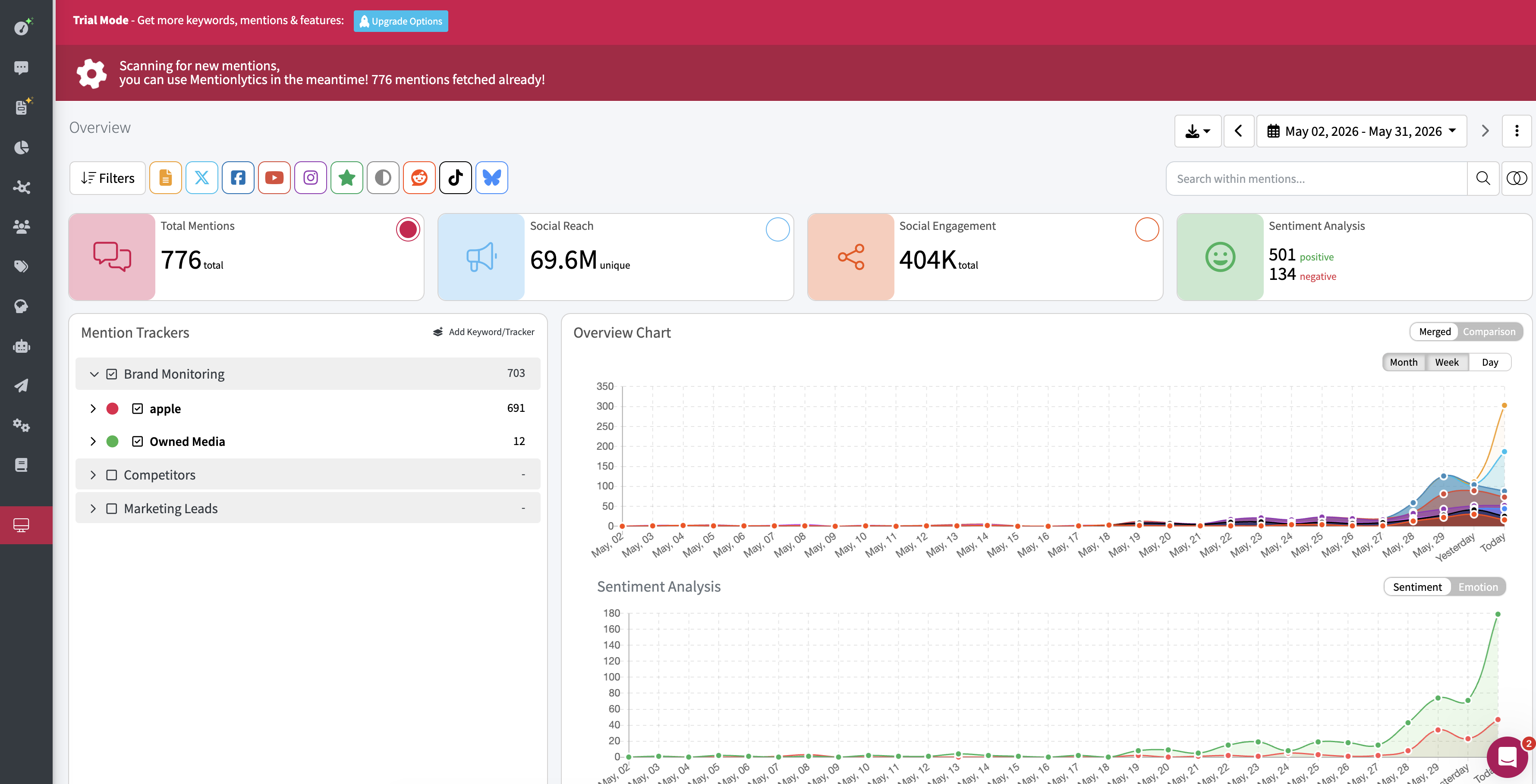
| Detail | Info |
| --- | --- |
| Pricing | Basic $69/mo, Essential $169/mo, Advanced $299/mo, Pro $499/mo, Business $749/mo, Enterprise from $1,299/mo |
| Platforms | Social media, news, blogs, forums |
| API | Yes, from the Pro plan ($499/mo) |
| Free trial | 14 days |
**Pros:**
- Social Intelligence Advisor (SIA) generates actionable recommendations automatically
- Good multi-language support
- Accessible pricing for small businesses
- Ties for the highest G2 rating in the category (4.9/5)
**Cons:**
- Review monitoring, AI visibility, and historical data require paid add-ons
- Smaller platform — fewer integrations and less mature ecosystem
- Small G2 review base (~112 reviews, August 2026)
- Less coverage depth than enterprise tools
**Website:** [mentionlytics.com](https://www.mentionlytics.com/)
## 17. BuzzSumo
**Best for: Content discovery and social engagement analysis** | G2: 4.5/5 (~107 reviews, August 2026)
BuzzSumo isn't a traditional social listening tool — it's a content research platform that shows you what's getting shared, who's sharing it, and what topics are trending. Useful for content marketers who want to understand what resonates before creating content.
The Content Analyzer shows top-performing content by topic. The Question Analyzer surfaces questions people are asking. The Influencer tool identifies who drives engagement in your space. For pure content strategy, it's excellent. For brand monitoring, it's limited.
| Detail | Info |
| --- | --- |
| Pricing | Content Creation $199/mo, PR and Comms $299/mo, Suite $499/mo |
| Platforms | Web, social (primarily engagement data, not real-time mentions) |
| API | Yes |
| Free trial | 30 days |
**Pros:**
- Content Analyzer is excellent for understanding what resonates in your space
- Question Analyzer surfaces real questions people are asking
- Influencer identification helps find who drives engagement
- API access included
**Cons:**
- Not a social listening tool — it's content research with some listening features
- No real-time mention alerts or brand monitoring
- Expensive at $199/mo for what's essentially a research tool
- Limited for teams that need actual social monitoring
**Website:** [buzzsumo.com](https://buzzsumo.com/)
## 18. Common Room
**Best for: Developer community intelligence and sales signals** | G2: 4.5/5 (~115 reviews, August 2026)
Common Room is different from every other tool on this list — it's a community intelligence platform that aggregates signals from Slack, Discord, GitHub, Stack Overflow, Twitter, and LinkedIn into unified person-level profiles. It's less about "brand mentions" and more about "who in your community is active, influential, or showing buying intent?"
If you're a developer tools company and want to understand your community (not just monitor keywords), Common Room fills a gap no traditional social listening tool covers.
One big caveat: [Zoom acquired Common Room in July 2026](https://www.zoom.com/en/blog/zoom-to-acquire-common-room/). It's becoming part of Zoom Revenue Accelerator, Zoom's revenue orchestration platform. Zoom says existing customers will keep being served and the roadmap will accelerate — but the framing is all sales intelligence, so expect the product to lean further into revenue workflows and away from standalone community tooling.
| Detail | Info |
| --- | --- |
| Pricing | From $2,500/mo (billed annually) |
| Platforms | Slack, Discord, GitHub, Stack Overflow, Twitter, LinkedIn |
| API | Yes |
| Free trial | No free tier (as of September 2026) |
**Pros:**
- Unified person-level profiles across community channels
- Aggregates signals from Slack, Discord, GitHub, and SO — unique coverage
- Identifies buying intent and community champions
**Cons:**
- Not traditional social listening — no broad mention monitoring
- Expensive at $2,500+/mo (annual billing only)
- Focused on developer/community companies — not general-purpose
- Acquired by Zoom (July 2026) — being folded into Zoom Revenue Accelerator, so the standalone product's direction is uncertain
- UI still has room to improve according to reviewers
**Website:** [commonroom.io](https://www.commonroom.io/)
Weighing a switch? We compared the [best Common Room alternatives](/common-room-alternatives) — split into community listening tools and GTM signal tools.
## 19. Syften
**Best for: Lightweight, affordable Reddit and HN monitoring** | G2: Limited reviews (August 2026)
Syften is the simplest tool on this list — and sometimes that's exactly what you need. It monitors Reddit, Hacker News, and a few other platforms for keyword mentions and sends you notifications. No dashboards, no analytics. Just fast alerts when someone mentions your keywords.
For indie hackers and small startups that just want to know when someone talks about them on Reddit or HN, Syften gets the job done at one of the lowest price points in the category.
| Detail | Info |
| --- | --- |
| Pricing | From $29.95/mo |
| Platforms | Reddit, Hacker News, select forums |
| API | Yes on all plans (webhooks + MCP on PRO) |
| Free trial | Available |
**Pros:**
- One of the cheapest paid options at $29.95/mo
- Fast, reliable alerts for Reddit and HN mentions
- Dead simple — no learning curve
- Good for indie hackers and micro-startups
**Cons:**
- Very limited platform coverage — Reddit, HN, and a few forums only
- No dashboards, analytics, or sentiment analysis
- API and AI filtering are reserved for the Standard plan ($49.95/mo) and up
- You'll outgrow it quickly as mention volume increases
**Website:** [syften.com](https://syften.com/)
## 20. Google Alerts
**Best for: Free basic web monitoring (and nothing more)** | G2: N/A
Google Alerts is free, unlimited, and the simplest way to get started with web monitoring. Set up alerts for keywords, get email notifications when Google indexes new pages mentioning those terms.
That's also where the good news ends. Google Alerts doesn't cover social media — no Twitter, Reddit, LinkedIn, YouTube, or TikTok. It has significant time lag for indexing. No sentiment analysis, no filtering, no API. Many users report missing obvious mentions that show up in paid tools within hours.
It's fine as a free supplement to a real tool. It's not a substitute for one. We wrote a full [Google Alerts alternative comparison](https://octolens.com/google-alerts-alternatives).
| Detail | Info |
| --- | --- |
| Pricing | Free |
| Platforms | Web pages indexed by Google only |
| API | No |
| Free trial | N/A (always free) |
**Pros:**
- Completely free with no limits on keywords
- Zero setup — takes 30 seconds
- Covers news sites and blogs indexed by Google
- Good as a supplementary tool alongside paid options
**Cons:**
- No social media coverage at all — no Twitter, Reddit, LinkedIn, YouTube, or TikTok
- Significant time lag — mentions can take days to appear
- No sentiment analysis, filtering, or prioritization
- High miss rate — many obvious mentions never surface
- No API or integrations
See our [Google Alerts alternative comparison](https://octolens.com/google-alerts-alternatives).
**Website:** [google.com/alerts](https://www.google.com/alerts)
## So which one should you actually pick?
Let me save you time with a decision framework:
**You want social data in your stack, not another dashboard** — [Octolens](https://octolens.com/). API, webhooks, and MCP on every plan. Covers HN, GitHub, Reddit, podcasts, and newsletters alongside mainstream platforms.
**You're an enterprise brand with a dedicated team and budget** — Brandwatch or NetBase Quid. Expensive but genuinely comprehensive.
**You need publishing + listening in one tool** — Sprout Social or Agorapulse. The listening isn't as deep, but the all-in-one workflow is hard to beat.
**You're bootstrapped and just need basic monitoring** — Brand24, Mention, or BrandMentions. They get the fundamentals right at prices that won't hurt.
**You're a solo founder who just wants Reddit/HN alerts** — Syften at $29.95/mo. Simple and effective.
**You're global and need multi-language coverage** — Hootsuite (Talkwalker) with 187 languages, or Brandwatch.
**You need visual brand recognition** — YouScan. Nobody else does image-based listening this well.
**You have zero budget** — Google Alerts, but know what you're not getting.
The right tool depends on where your audience actually talks. If that's Reddit and Hacker News, half the tools on this list won't help. If it's Twitter and Instagram, most of them will. Start with the free trials. Set up the same keywords in two or three tools. Compare what they catch. The differences will be obvious within a week.
---
# Build a Wall of Love from Reddit, Twitter & LinkedIn Mentions
URL: https://octolens.com/blog/turn-mentions-into-wall-of-love · Published: 2026-05-27 · Updated: 2026-05-27 · Author: Charlotte Schmitt (Co-Founder)
Every B2B SaaS homepage has a wall of love. Almost none of them are fresh.
The quotes were picked once, hand-curated by someone who had time, and then they sat there for a year — long after the people who said them stopped being your most relevant champions.
The problem isn't that you don't have new praise. You do. It's on Reddit threads, X posts, LinkedIn updates, Hacker News comments. The problem is finding it, picking the right ones, and getting them onto the page.
This workflow does all three.
The flow is simple:
**Positive mentions → AI picks the best fit for your positioning → quotes.json on your landing page**
## Watch the walkthrough
## What this workflow does
- Pulls every positive mention of your brand from the last 12 months across Reddit, X, LinkedIn, Hacker News, YouTube, and the rest
- Uses your ICP and your homepage as the rubric — picks the quotes that best match how you actually talk about yourself
- Outputs a clean `quotes.json` file you can drop into any landing page, CMS, or static site
Two inputs, both you already have. Run it whenever you want a refresh.
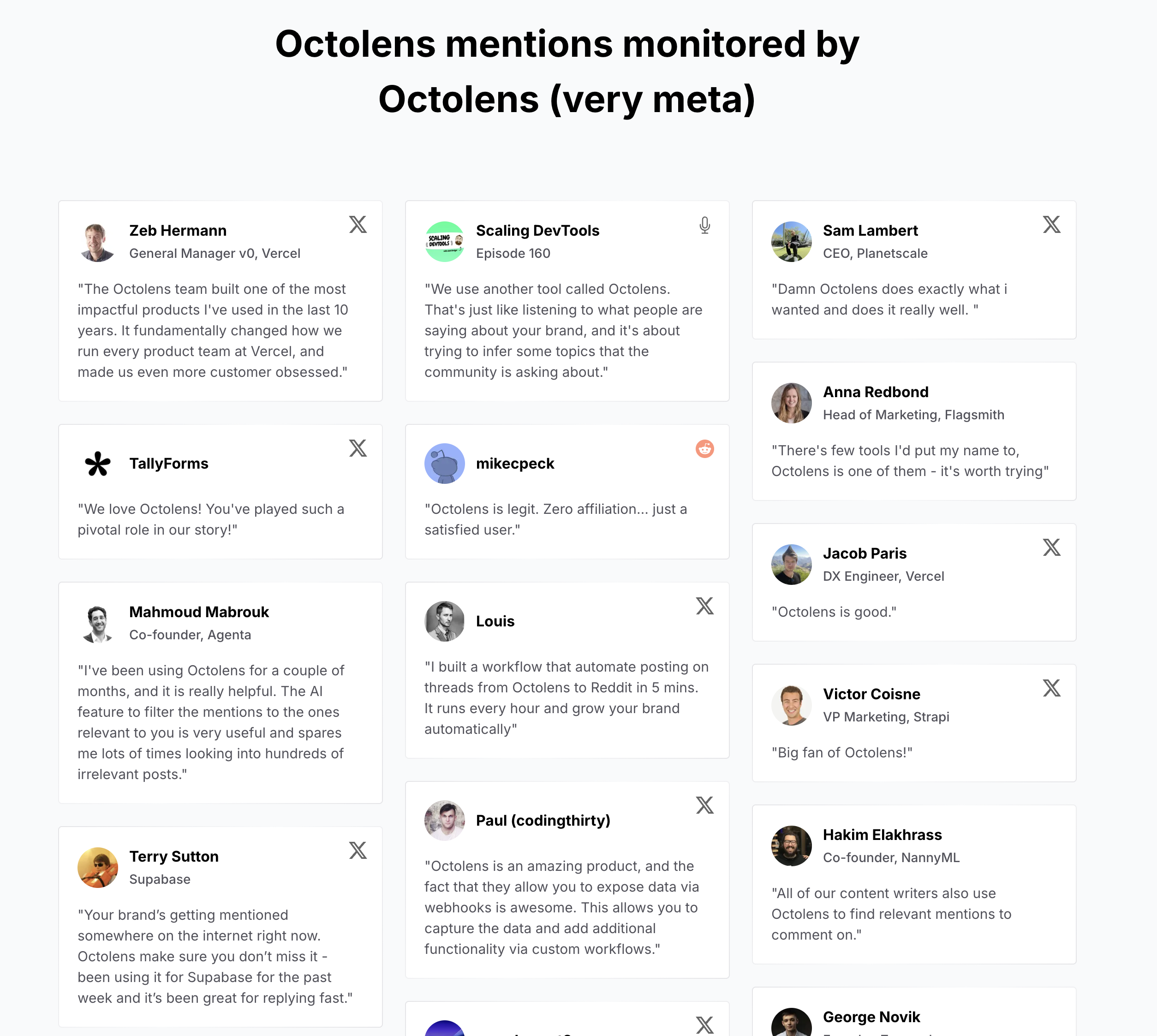
## Step 1: Connect the Octolens MCP
In your MCP-compatible client (the demo uses Claude Cowork, but any client works), connect the Octolens MCP. One click.
If your brand isn't already a keyword in Octolens, the prompt will add it for you on the first run using `add_keyword`. Mentions take a little time to accumulate after a keyword is added, so if it's brand new you'll want to wait a few days before running the rest of the workflow.
## Step 2: Drop in your ICP and homepage URL
Open the prompt below and fill in two fields. A one-line ICP description ("B2B SaaS founders at dev-tools companies who care about authentic engagement") and your homepage URL.
That's the rubric. The agent fetches your homepage and uses the language and positioning there to judge fit — so the quotes it picks sound like your site, not generic praise.
No file to maintain. If your positioning changes, your homepage already reflects it.
## Step 3: Run the prompt
Paste the prompt into your client, point it at your output folder, and run it.
The agent confirms your brand is tracked, reads your homepage, fetches up to 200 positive mentions, filters out anything from your own company or employees, scores each remaining mention against your ICP and positioning, picks the top 9 with theme variety, and writes `quotes.json` to your folder. It also explains its picks in chat so you can sanity-check before you ship.
Review the file, push it to your site, done. Run it again whenever your wall is feeling stale — before a launch, end of quarter, whenever.
## Copy-paste prompt
This workflow is also available as a ready-made skill with setup steps, inputs, and tools broken down: [Build a wall of love from real mentions](/skills/turn-mentions-into-wall-of-love).
Drop this into your MCP-compatible client, replace the placeholders, and run it once.
```text
Do the following once:
1. Use these inputs as the rubric for what makes a quote a good fit:
- Our brand: {BRAND_NAME}
- Our ICP: {ICP_DESCRIPTION}
(e.g. "B2B SaaS founders and marketing leads at developer-tools
companies — they care about authentic engagement, automation, and
staying close to their community.")
- Our positioning: fetch {HOMEPAGE_URL} and read it. Study how we
describe what we do, who we're for, and the language we use.
2. Make sure the brand is tracked in Octolens:
- Use list_keywords to check whether "{BRAND_NAME}" is already a keyword.
- If it isn't, call add_keyword with the brand name, then stop here and
tell the user — mentions need time to accumulate, so they should run
this prompt again once data has built up.
- If it is, continue.
3. Use Octolens to fetch up to 200 mentions with these filters:
- keyword: "{BRAND_NAME}"
- sentiment: positive
- relevance: High
- date range: last 12 months
4. Filter out anything from your own company or its employees:
- Call get_workspace to get the company name, domain, and description.
- For each mention, skip it if the author appears to be the company
itself (e.g. an official brand handle, an account using the brand
domain) or an employee.
- When in doubt, skip. Wall-of-love quotes should clearly be from
external customers.
5. Pick the top 9 quotes. Aim for variety across themes — don't pick
nine quotes about the same thing.
6. Write a file at {OUTPUT_FILE_PATH} containing a JSON array. Each entry:
{
"quote": "...", // trimmed to 1–2 sentences, max ~280 chars
"author": "...", // display name
"handle": "...", // platform handle if available, else ""
"platform": "...", // x | reddit | linkedin | hackernews | youtube | etc.
"url": "...", // permalink to the original mention
"date": "YYYY-MM-DD"
}
7. Post a short summary in chat:
- The 9 quotes picked, each with one line on why it landed
- How many mentions were excluded as own-company or employee posts
- Anything else notable you skipped and why
8. Leave the file in the folder for human review. Do not commit or push —
the user will read the summary, sanity-check quotes.json, and ship it
themselves.
If fewer than 9 strong matches exist, write what you found, note the count,
and stop. Don't pad with weak quotes.
```
---
# How to Track Social Signals Across the Internet (Not Just LinkedIn)
URL: https://octolens.com/blog/track-social-signals · Published: 2026-05-26 · Updated: 2026-07-29 · Author: Charlotte Schmitt (Co-Founder)
## Most of your market isn't buying. The ones who are, are telling you - just not where you're looking.
If you work in a go-to-market role, you've likely heard of the 95/5 rule: at any given time, roughly 95% of your total addressable market isn't in buying mode. But 5% is. They're actively evaluating, comparing tools, asking for recommendations, and making decisions.
The problem isn't that these buyers are invisible. They're posting on Reddit asking for alternatives to your competitor. They're tweeting about the exact pain point your product solves. They're on Hacker News tearing apart a tool in your category. A podcast host just mentioned your space to 10,000 listeners.
These are all social signals - and they're how that 5% tells you they're ready. Most GTM teams miss them entirely because they're only watching LinkedIn.
If you're running go-to-market at a B2B company, tracking social signals is how you find the 5% while they're still in motion. But doing it well means going way beyond LinkedIn profile views and post engagement.
## What are social signals in a GTM context?
When most people talk about social signals, they mean one of two things: either engagement metrics that might influence SEO rankings (likes, shares, link clicks) or LinkedIn activity that sales teams use for outbound prospecting. Both definitions are too narrow for modern GTM.
In a GTM context, social signals are any public online action that indicates buying intent, a market shift, or a competitive vulnerability. They break down into three categories:
**Buying intent signals**: Someone is actively looking for a solution. They're asking for recommendations, comparing tools, requesting alternatives to a competitor, or describing a problem they need to solve. These are the highest-value signals because the buyer is already in motion.
**Competitive signals**: People are complaining about a competitor, discussing a pricing change, flagging a deprecated feature, or sharing why they switched away. These signals tell you when windows are opening and how to position against specific alternatives.
**Market signals**: Industry discussions, emerging trends, new category definitions, and thought leadership that shapes how buyers think about your space. These signals are less immediately actionable but critical for positioning and timing.
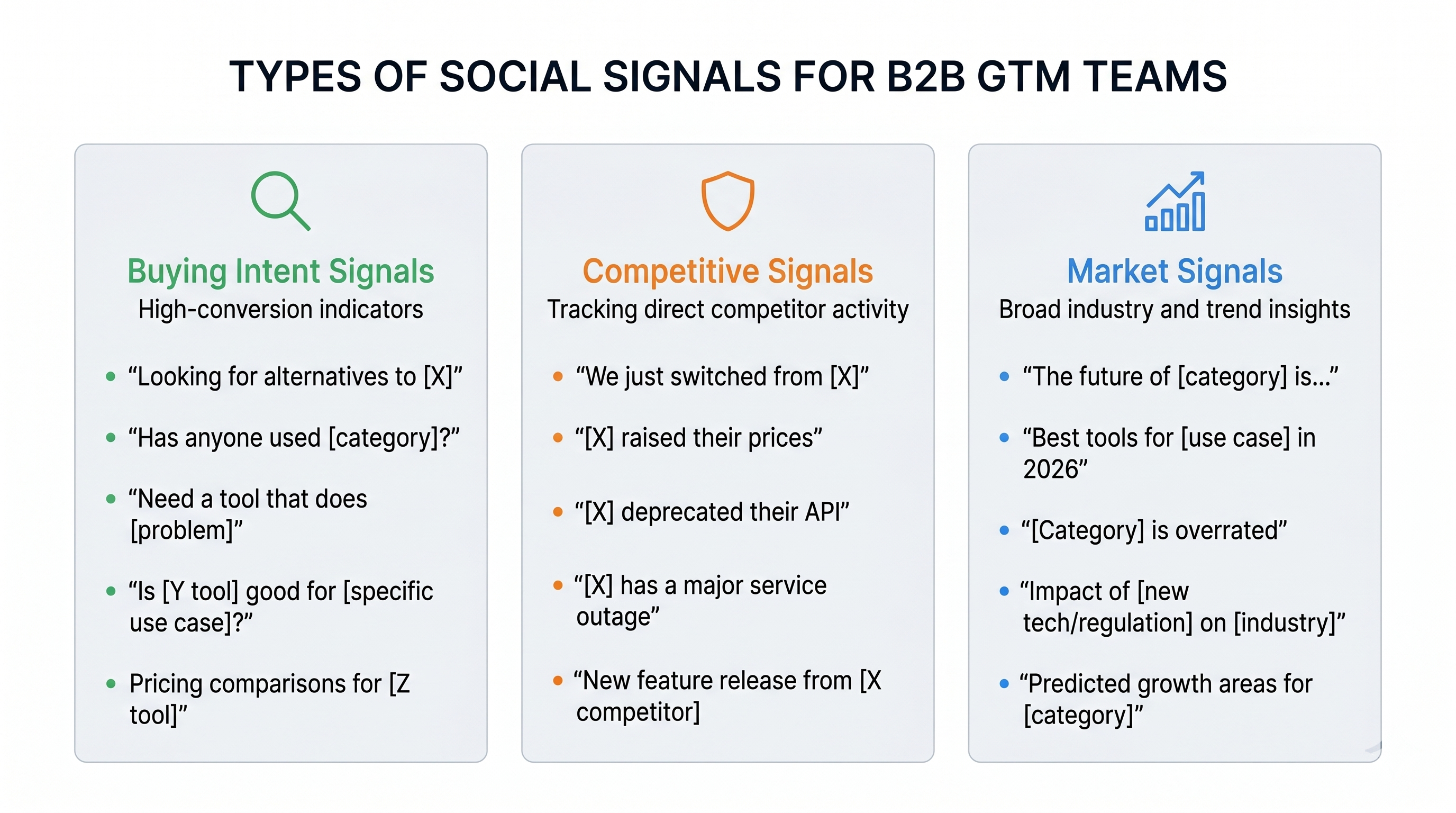
The key insight: these signals are scattered across the entire internet, not concentrated on any single platform. And the most candid, highest-intent signals often happen in the places you're least likely to be watching.
## Why LinkedIn alone isn't enough
Most tools that promise to help you track social signals focus almost exclusively on LinkedIn. They'll tell you when a prospect views your profile, likes your post, comments on your content, or changes jobs. That's useful context, but it's a fraction of the picture.
LinkedIn is where people perform. It's where they post polished takes, congratulate each other on work anniversaries, and share thought leadership that's been reviewed by their marketing team. The conversations that reveal genuine buying intent - the unfiltered frustrations, the honest tool evaluations, the "help me choose between X and Y" threads - those happen somewhere else.
**Reddit** is where technical buyers are most candid. Subreddits like r/SaaS, r/startups, r/devops, and hundreds of niche communities are full of threads like "looking for alternatives to [competitor]" and "has anyone used [your category]?" People share honest experiences because they're anonymous or semi-anonymous. The signal-to-noise ratio for B2B intent is often better than LinkedIn. These threads are also the source material AI assistants pull from when buyers ask for recommendations - which makes them [double leverage for AI search visibility](https://octolens.com/blog/how-to-get-your-brand-mentioned-in-chatgpt).
**Hacker News** is where developer tool decisions get made. "Ask HN" and "Show HN" threads surface real evaluations from technical decision-makers. When someone posts "Ask HN: What do you use for [your category]?" that's a buying committee forming in public.
**Twitter/X** is where frustrations surface in real time. Someone hits a bug, gets frustrated with pricing, or discovers a limitation - they tweet about it before they open a support ticket. These are signals you can act on within minutes.
**YouTube comments** reveal adoption friction. When someone watches a tutorial about your competitor and asks "does this also work with [use case]?" in the comments, that's a signal most teams never see.
**Podcasts and newsletters** are where category narratives form. When a respected voice in your space mentions a competitor or defines a problem, that shapes how hundreds of potential buyers think about solutions. Tracking these mentions gives you early reads on market shifts.
If you're only watching LinkedIn, you're hearing the formal version of the conversation. The real one is happening everywhere else.
## Five social signals worth tracking (with examples)
Not all social signals are created equal. Here are the five that consistently drive pipeline for GTM teams, along with where to find them and how to respond.
### 1. "Looking for alternatives to [competitor]"
This is the highest-intent social signal you can track. Someone is actively evaluating, which means they've already decided their current solution isn't working. These posts show up most frequently on Reddit (r/SaaS, r/startups, category-specific subreddits), Quora, and Hacker News.
**How to respond:** Show up with a genuinely helpful answer. Share what makes your approach different without leading with a pitch. Link to a comparison page or documentation, not a demo booking link. Reddit communities in particular will punish anything that smells like self-promotion.
### 2. "Has anyone used [your category]?"
This is category-level interest. The buyer is earlier in their journey - they know they have a problem and are exploring whether a solution category exists. You'll find these on Reddit, Twitter, LinkedIn, and niche forums.
**How to respond:** Answer the category question first. Explain what the category does, what to look for, and what trade-offs matter. If your product is relevant, mention it as one option among several. This builds credibility and positions you as someone who understands the space, not just someone selling into it.
### 3. "We just switched from [competitor]"
These signals are competitive intelligence gold. When someone shares why they left a competitor - on Twitter, LinkedIn, a blog post, or in a Reddit thread - you're getting unfiltered positioning data. What frustrated them? What did they switch to? What criteria mattered most?
**How to respond:** You don't need to respond publicly to every one of these. But you should be cataloging them. Over time, patterns emerge: maybe competitors lose customers over pricing, or lack of an API, or poor support. That's positioning ammunition for your website, sales decks, and outreach messaging.
### 4. "[Competitor] just changed their pricing / API / feature"
When a competitor makes an unpopular move - raises prices, deprecates a feature, changes their API - the internet reacts fast. Twitter threads, Reddit rants, and Hacker News discussions pop up within hours. This is a timing window.
**How to respond:** Move quickly. If the competitor change creates a gap your product fills, create a comparison page or a migration guide. Engage in the discussions where it's appropriate. This isn't about being opportunistic - it's about being visible when buyers are actively reconsidering their options.
### 5. Pain point discussions in your category
Sometimes the best signal isn't about any specific product at all. It's someone describing the exact problem you solve without knowing you exist. A developer on Stack Overflow asking how to do something manually that your product automates. A founder on Reddit describing a workflow that's clearly broken.
**How to respond:** This is where you can be most helpful. Answer the question or share your perspective on the problem. If your product is relevant, mention it briefly at the end. These interactions build genuine trust and create word-of-mouth over time.
## How to set up social signal tracking that actually works
Understanding which signals matter is the easy part. The hard part is building a system that reliably catches them across platforms, routes them to the right people, and makes it easy to respond. Here's how to do it step by step.
### Step 1: Define your keyword universe
Most teams start and stop with their brand name. That's a mistake. You need to track:
- Your brand name (including common misspellings)
- Top 3-5 competitor names
- Category terms ("social listening tool", "brand monitoring", etc.)
- Pain-point phrases ("how to track mentions", "monitor brand reputation", etc.)
- Integration partners or adjacent tools your buyers also use
Start with 5-10 keywords. You can always expand, but starting too broad means drowning in noise before you learn what's valuable.
### Step 2: Cover the platforms that matter
At minimum for B2B: Reddit, Twitter/X, LinkedIn, and Hacker News. If your buyers are technical, add GitHub, Stack Overflow, and dev-focused newsletters. If your space has active YouTube creators or podcasts, add those too.
The mistake most teams make is picking one or two platforms and assuming they're covered. Conversations hop between platforms constantly. A Reddit thread gets shared on Twitter, which gets discussed on a podcast, which gets posted to Hacker News. If you're only watching one platform, you're seeing one fragment of a multi-platform conversation.
### Step 3: Route signals to the right people
This is where most social signal tracking efforts die. Everything goes into one Slack channel, the channel gets noisy, someone mutes it, and within two weeks nobody is looking at it.
Instead, create separate routes: buying intent signals go to the GTM team. Competitor mentions go to product marketing. Technical questions go to developer relations or support. Use filtered feeds with different destinations so the right people see the right signals.
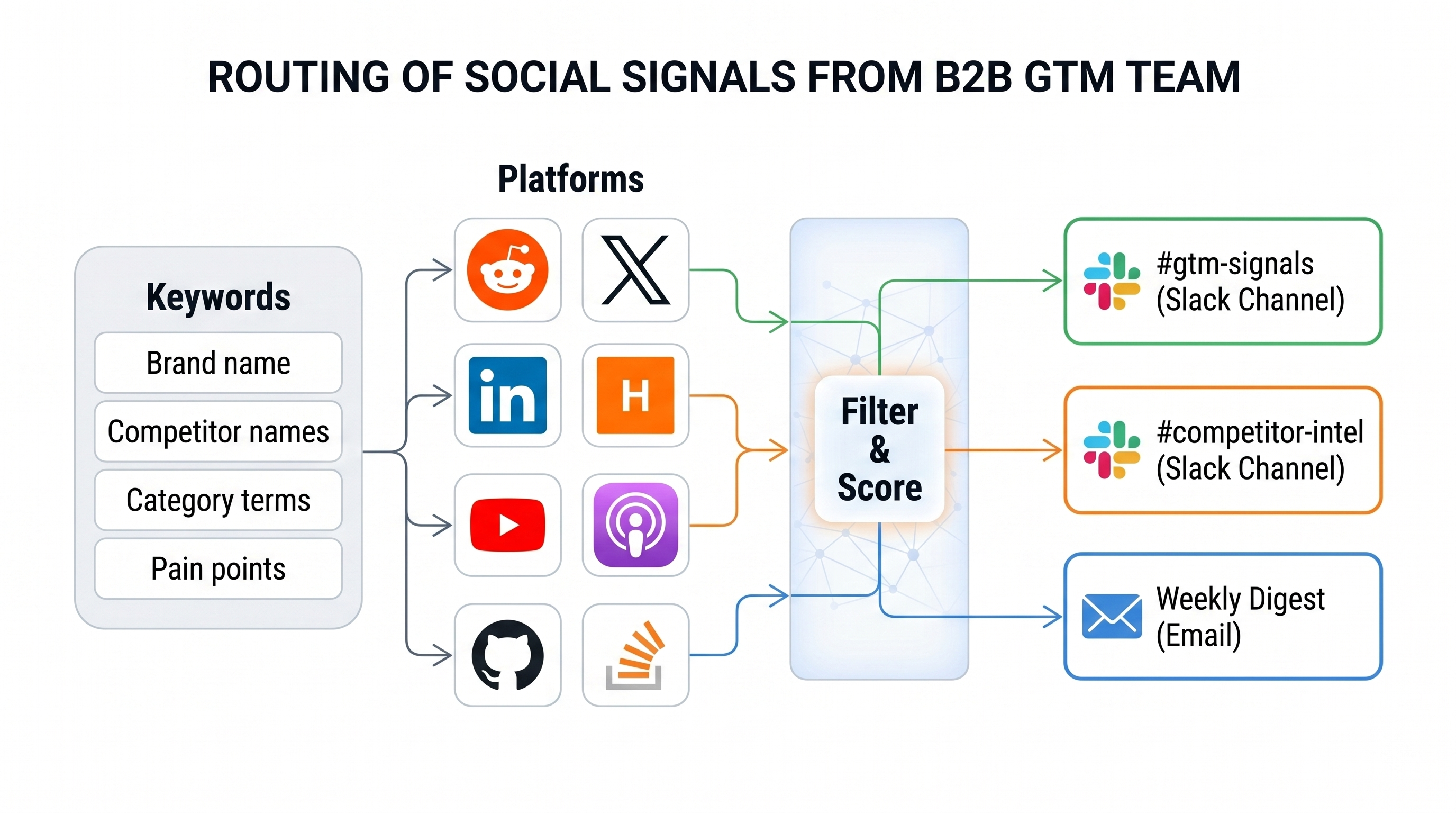
### Step 4: Set the right cadence
Not everything needs a real-time alert. High-intent signals - someone asking for alternatives, a competitor outage - should trigger immediately or hourly. Market signals and general category discussions can be a daily digest. Weekly summaries are too slow for almost everything.
### Step 5: Build a response playbook
Define how your team should respond to each signal type. What's the tone for Reddit versus Twitter versus LinkedIn? When should you comment publicly versus send a DM? What should you say when someone asks for alternatives - and what should you absolutely not say?
The playbook prevents two failure modes: nobody responding because nobody knows what to say, and someone responding badly because they improvised a sales pitch on Reddit.
## The technical side: APIs, webhooks, and GTM workflows
If you're a GTM engineer or a technical founder, you'll eventually want social signals integrated into your stack - not just delivered as notifications.
An API-first approach lets you pull mentions programmatically, enrich them with data from your CRM, score them based on your own criteria, and route them automatically. Instead of reacting to each mention manually, you can build workflows that surface the highest-priority signals and suppress noise.
Webhooks give you real-time delivery without polling. When a new mention matches your criteria, it pushes to whatever system you want: Slack, a CRM, a custom scoring pipeline, or a queue that triggers outreach sequences.
The alternative is stitching together multiple platform APIs - Twitter's API, Reddit's API, YouTube's API - each with its own auth, rate limits, schema, and pricing. For most teams, this is not a good use of engineering time.
This is why we built [Octolens](https://octolens.com/) as an API-first platform. One endpoint for mentions across 15+ platforms, with [webhooks](https://octolens.com/webhooks), [Slack integration](https://octolens.com/integrations/slack), and [MCP support](https://octolens.com/mcp) built in. Instead of managing a dozen API integrations, you get structured social signal data from everywhere - Reddit, Twitter, Hacker News, LinkedIn, YouTube, podcasts, newsletters, and more - through a single API.
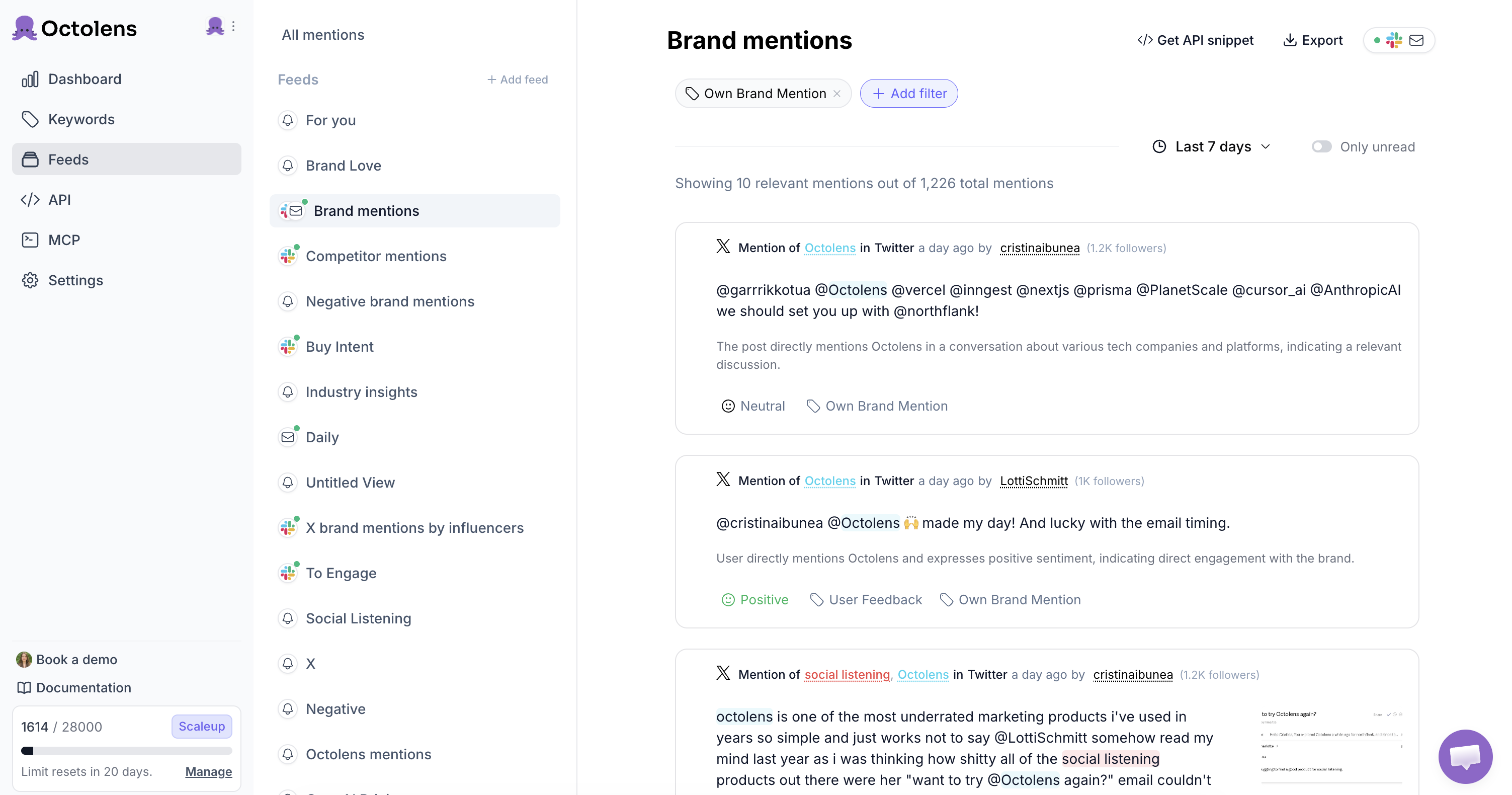
## Getting started this week
You don't need to build the whole system at once. Here's how to start tracking social signals this week and see results fast:
**Day 1:** Set up tracking for three keywords - your brand name and your top two competitors. Pick a tool that covers at least Reddit, Twitter, and LinkedIn (not just LinkedIn).
**Day 2:** Create a dedicated Slack channel for social signals. Not your general channel - a specific one that people know to check. Route your highest-intent signals there.
**Week 1-2:** Watch what comes in. You'll quickly learn which keywords produce valuable signals and which produce noise. Adjust your keywords and filters based on what you actually see.
**Week 3+:** Expand. Add category terms, pain-point phrases, and more platforms. Start building response playbooks based on the types of signals you see most often. Consider integrating via API if volume justifies it.
The goal isn't to track everything. It's to track the signals that actually lead to pipeline - and to be fast enough to act on them before your competitors do.
## The bottom line: The best GTM teams show up in conversations happening already
The best GTM teams don't wait for buyers to fill out a form. They show up in the conversations that are already happening - on Reddit, Hacker News, Twitter, YouTube, podcasts, and a dozen other places where buyers talk candidly about their problems and evaluate solutions.
Social signals are happening across the internet right now. The question is whether you're tracking them.
[Octolens](https://octolens.com/) tracks mentions across 15+ platforms and routes them to Slack, email, webhooks, or your API. [Try it free for 7 days](https://octolens.com/me/sign-up?selectedPlan=Free_trial).
---
# Auto-Create Linear Issues from Reddit, Twitter & LinkedIn Mentions
URL: https://octolens.com/blog/turn-mentions-into-linear-issues · Published: 2026-05-20 · Updated: 2026-05-20 · Author: Charlotte Schmitt (Co-Founder)
Someone could be reporting a bug about your product on Reddit, asking for a feature on X, or mentioning broken behavior on LinkedIn.
The problem is that this feedback often never makes it into the tool your product and engineering teams actually use.
For many SaaS teams, that tool is Linear.
In this tutorial, I'll show you how to automatically turn actionable product mentions into Linear issues using Octolens, Linear, and MCP.
The workflow is simple:
**Product mention → AI classification → Linear issue**
You can use it to catch bug reports, feature requests, and other product feedback from public conversations without manually checking Reddit, Twitter/X, LinkedIn, Hacker News, GitHub, and other sources.
## Watch the walkthrough
## What this workflow does
This automation checks new product mentions, filters out noise, and creates Linear issues only for actionable feedback.
It can:
- Pull new product mentions from the past 24 hours
- Classify each mention as a bug, feature request, or skip
- Ignore praise, general chatter, competitor comparisons, and unrelated posts
- Check whether the issue already exists in Linear
- Create a new Linear issue with the original source link and context
- Post a short summary of what was created
The goal is not to turn every mention into a ticket.
The goal is to make sure real product feedback does not get lost in social feeds.
## Step 1: Track your product name in Octolens
Start by adding your product name as a keyword in Octolens.
Octolens monitors public mentions across sources like Reddit, Twitter/X, LinkedIn, Hacker News, GitHub, YouTube, podcasts, news, and more.
For this workflow, start simple. Track your product name first.
Later, you can add:
- Common misspellings
- Feature names
- Competitor names
- Pain-point keywords
- Product category terms
But the first version should stay focused.
## Step 2: Connect Octolens and Linear through MCP
Next, connect the Octolens MCP and Linear MCP in your MCP-compatible client.
In the video, I use Claude Cowork, but the same workflow can work with any MCP-compatible setup.
The assistant needs access to two things:
1. Octolens mentions
2. Linear issue creation
Once both are connected, the assistant can pull new mentions, decide whether they are actionable, check for duplicates, and create Linear issues.
## Step 3: Schedule the recurring task
Create a recurring task that runs once per day.
Daily is usually enough. You catch feedback while it is still fresh, but you avoid flooding Linear with low-quality tickets.
The task should:
1. Pull new mentions from the past 24 hours
2. Classify each mention
3. Skip anything that is not actionable
4. Check whether the issue already exists
5. Create new Linear issues for bugs and feature requests
6. Return a short summary
I recommend leaving assignee and priority empty.
The automation should capture the signal. A human should still triage ownership and urgency.
## Copy-paste prompt
This workflow is also available as a ready-made skill with setup steps, inputs, and tools broken down: [Turn mentions into Linear issues](/skills/turn-mentions-into-linear-issues).
Replace `{PRODUCT_NAME}` with your product name and `{LINEAR_TEAM_ID}` with your Linear team ID.
```text
Every day, do the following:
1. Run `list_mentions_context` to refresh filter syntax and keyword IDs.
2. Pull all mentions from the past 24 hours matching the keyword "{PRODUCT_NAME}".
3. For each mention, classify it into exactly one bucket:
- bug — describes broken behavior, an error, a regression, or something not working
- feature_request — asks for a capability the product doesn't have, or expresses a clear unmet need
- skip — everything else, including praise, general chatter, competitor comparisons, and unrelated discussion
4. Drop everything classified as "skip".
5. For each remaining mention, search Linear for an existing issue whose description contains the source URL. If found, skip it because it is already tracked.
6. For each new actionable mention, create a Linear issue in team {LINEAR_TEAM_ID}:
Title:
8–12 word summary, prefixed with [Bug] or [Feature]
Description:
> {original quote, trim to ~500 chars if longer}
**Source:** {url}
**Author:** {authorName} (@{author})
**Platform:** {source}
**Posted:** {timestamp}
Labels:
"social-listening" plus either "bug" or "feature-request"
No assignee, no priority — leave for human triage.
7. Post a summary in chat:
- Mentions checked: N
- Actionable: N (X bugs, Y feature requests)
- Already tracked: N
- New issues created: bullet list with Linear issue URLs
If there are no new actionable mentions, just say "No new actionable mentions today" and exit cleanly.
```
---
# How Metabase's Dev Advocate Saves 10 Hours a Week
URL: https://octolens.com/blog/metabase · Published: 2026-05-19 · Updated: 2026-07-29 · Author: Charlotte Schmitt (Co-Founder)
## Metabase is the open-source business intelligence platform for asking questions about your data
[Metabase](https://www.metabase.com/) is an open-source business intelligence platform. You can use Metabase to ask questions about your data, or embed Metabase in your app to let your customers explore their data on their own.
### Company info (April 2026)
- **Size:** ~110 employees
- **Funding:** $42.5M raised (Series B led by Insight Partners, with NEA and Expa)
- **Headquarter:** Remote
With 47.3k+ stars on GitHub and a community that spans Hacker News, Reddit, LinkedIn, X, and more, Metabase has the kind of popularity that other open-source companies dream about.
It's also the kind of popularity that's difficult to monitor by hand.
We talked with **Matthew Hefferon, Metabase's first Developer Advocate** about how Octolens fits into his daily routine, the misinformation he catches before it spreads, and what changed when "monitoring the community" stopped meaning "spending the first half of every day toggling between bookmarked searches."
*"A big part of my job is listening and making sure people feel like there is a real human on the other side of Metabase."* — Matthew Hefferon, Developer Advocate, Metabase
## The Challenge: A Community That's Everywhere at Once
When Matthew joined Metabase as its first DevRel hire, his role was clear: support the community, jump in where he could help, and make sure people knew there was a real human on the other side. The hard part was the repetitive manual work:
*"Before Octolens, I would go to Hacker News, Reddit, LinkedIn, X, search Metabase, and save those searches as bookmarks. I would spend the first half of my day manually monitoring and helping."*
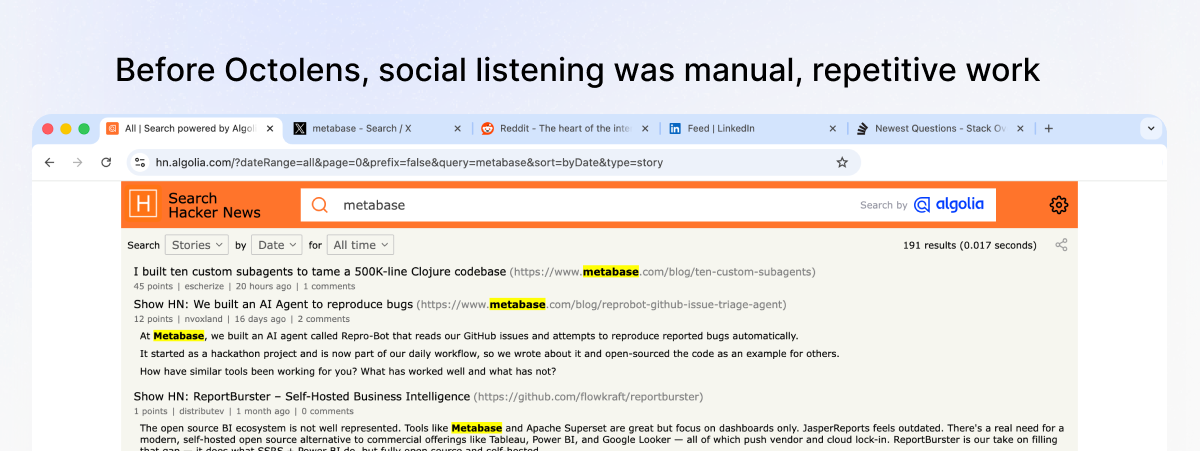
That workflow both ate into his time and left gaps. A Reddit thread may have already had the chance to run its course before it gets found.
*"We have a large open-source community, and around 47.3k stars on GitHub, so conversations are happening all the time across a lot of places."*
Finding a social listening tool was, in fact, one of the first projects Matthew was given when he was hired.
## The Decision: Monitor the Rooms Our Users Are Actually In
Matthew didn't need a general enterprise-grade listening platform. He needed something that covered the places Metabase users actually hang out and fit into his workflow.
*"I wanted something that monitored the places our users actually hang out. I did not want to miss conversations because I was at the wrong party. Seeing Hacker News, Reddit, and GitHub was enough for me to try it."*
That's the criterion most generic social listening tools fail — the rooms where developer-tool conversations actually happen — are not monitored. Octolens covers them by default, which is what got Matthew to sign up.
## The Workflow: Coffee, Octolens, and a Slack Channel Everyone Watches
Matthew's morning routine is short.
*"I pour a coffee, open Octolens, and start with brand monitoring. Then I go through all mentions and see where I can help."*
What's notable is what doesn't happen in that routine: no five-tab juggling, no "did I miss anything overnight?", no manual triage of false-positive mentions.
The second piece is broader than Matthew's own desk. Metabase pipes Octolens alerts into Slack, where the whole company can see Metabase mentions in real time and join conversations where it makes sense — engineers chiming in on technical threads, the product team flagging feature feedback, anyone catching a "have you tried Metabase?" recommendation in the wild.
*"I have Slack alerts set up so everybody at the company can see Metabase mentions and be a part of those conversations."*
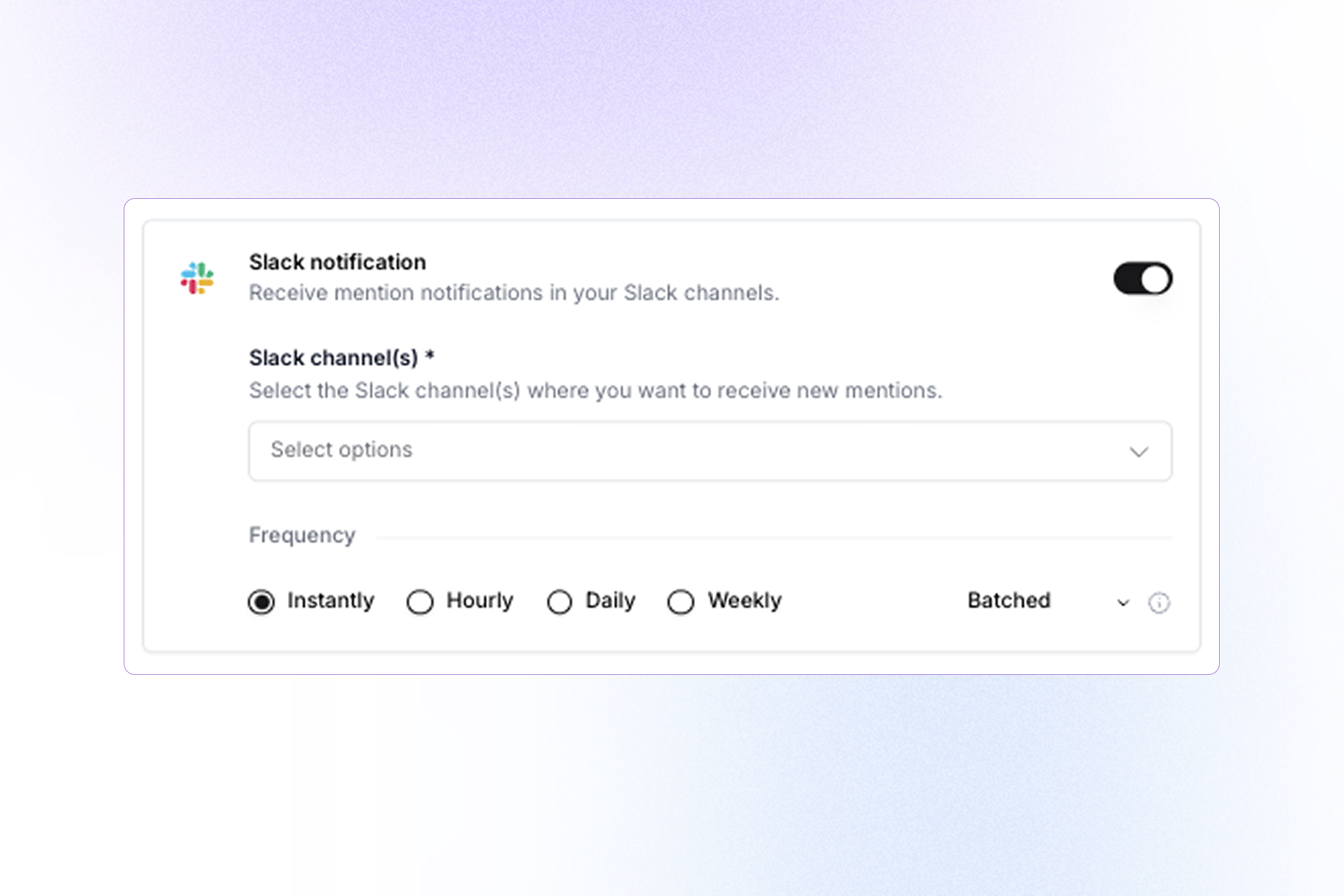
He's also started using the **Octolens MCP** to layer AI on top of the firehose:
*"I also started using the MCP to make sure I am not missing any important conversations."*
Here is the exact MCP prompt Matthew uses to make sure he didn't miss anything important:
```
Run my morning Metabase mentions brief.
Review all mentions from the last 24 hours across all keywords (Metabase, business intelligence, embedded analytics, BI tools).
Start with a 2–3 sentence situation summary: what's the dominant story or theme today, and is the overall sentiment healthy, mixed, or concerning? Then surface only the posts worth acting on — skip anything generic, promotional, or low-signal.
For each one, give:
Platform + author
Category: Question / Pain Point / Comparison / Praise / Risk
One sentence on why it matters and a suggested action (reply, monitor, escalate, share internally)
```
## Stopping Misinformation Before It Spreads
The clearest test of a listening tool is what would have been missed without it. For Matthew, the recurring pattern is **misinformation correction**: Metabase-related wrong claims that, left alone, become "things people just know."
Two examples he's seen:
**"You need to know SQL to use Metabase."** Not true. Metabase ships with a no-code query builder so non-technical users can explore data without ever touching SQL. Every time this comment shows up in a thread, it can dissuade a marketer or ops person from trying Metabase.
*"That is not true. You can use the query builder, so both technical and non-technical folks can use it. Octolens helps me catch those so I can jump in and clarify."*
**"Metabase only supports iframes for embedding."** Also not true. Metabase has a full embedded analytics product with multiple integration paths.
These maybe aren't viral moments, but things like this can slowly build up around any open-source project with a long history. With [AI answers sourcing Reddit and other UGC platforms heavily](https://octolens.com/blog/how-to-get-your-brand-mentioned-in-chatgpt), this kind of misinformation can also impact the way your brand is represented there.
Catching them as they happen, in the threads where they happen, means future readers see the correction.
## The Numbers: 10 Hours Back, Response Time in Minutes
*"Octolens saves me around 10 hours per week and completely changed how quickly I can respond. Going back to my bookmark method, I would check in the morning, around lunch, and again at the end of the day. There were hours in between where I could miss things. Now everything shows up in Slack or via MCP and I can respond in minutes."*
Three checkpoints a day means an average mention sits unread for a few hours; a worst-case mention (posted right after the morning check) sits for most of a working day. With Slack alerts piping in continuously, that gap closes to single-digit minutes — which, for a comment thread on Reddit or Hacker News, is the difference between joining the conversation and reading the post-mortem.
For a DevRel function at a company with 47k stars, ten hours a week is the difference between "I'm spending the first half of my day monitoring" and "I'm shipping content, helping community contributors, and showing up where it counts."
## How Octolens Helps Inform Content
The most interesting shift isn't the time saved — it's how Octolens has reshaped what Metabase does with what it hears.
**It informs content.** Metabase recently open-sourced its AI features and released an MCP server.
*"I have seen questions about how to connect Metabase to Claude, which definitely influences the kind of content I create."*
What developers ask in public helps determine what content Matthew creates next.
**It informs the company.** Every week, Matthew shares a Notion doc with the entire company that rolls up:
- Positive mentions
- Negative mentions
- Product feedback
- Feature requests
- Cool things the community is building
That doc closes the loop between "people are talking" and "the people building Metabase know about it." It helps inform the product roadmap discussions, customer-success talking points, marketing campaigns — all get richer when the source data is "what real users said this week" instead of "what we think they're feeling."
## Key Takeaways: How Octolens Helps Metabase
- **Full platform coverage:** Hacker News, Reddit, GitHub, X, and LinkedIn — the rooms where developer-tool conversations happen
- **Misinformation correction:** Catching false claims ("you need SQL to use Metabase," "embedding only works with iframes") before they perpetuate, including the Reddit and UGC threads AI answers now lean on
- **Company-wide Slack visibility:** Every Metabase mention piped into Slack so engineers, product, and marketing can jump into threads alongside DevRel
- **Listening with the MCP:** Layering the Octolens MCP on top of the firehose to answer any detailed question about mention data
- **Response time in minutes:** From three bookmark check-ins a day to mentions surfaced in real time — ~10 hours per week back, and replies in minutes instead of hours-to-days
- **A weekly feedback loop to the whole company:** A Notion digest of positive mentions, negative mentions, product feedback, feature requests, and cool community builds — feeding roadmap, content, and customer-success conversations
## About Octolens
Octolens monitors your brand in real-time.
Receive AI-vetted alerts for keyword mentions and growth opportunities so you can act fast and stay ahead of your competition.
[Get started for free](https://octolens.com/me/sign-up?selectedPlan=Free_trial) or [book a demo](https://cal.link/octolens-demo) to see how Octolens can help you stay on top of the conversations that matter.
---
# Get Social Listening Alerts in Discord with Val Town
URL: https://octolens.com/blog/val-town · Published: 2026-05-13 · Updated: 2026-05-13 · Author: Charlotte Schmitt (Co-Founder)
## Why Discord?
Octolens has built-in Slack and email alerts. But a lot of developer teams live in Discord — especially devtools companies, open source communities, and indie hackers. If that's where your team hangs out, you probably want your brand mentions showing up there too.
There's no native Discord integration in Octolens (yet). But with [webhooks](https://octolens.com/webhooks) and [Val Town](https://www.val.town/), you can set this up in about ten minutes. No server, no infrastructure, no maintenance.
This is exactly how the Val Town team themselves get their Octolens alerts — every mention across Reddit, Twitter, Hacker News, Bluesky, and more lands in a Discord channel automatically.
## How to Set It Up
The flow is simple: Octolens detects a mention, sends a webhook to a Val Town function, and that function forwards it to Discord.
### 1. Remix the val
[Val Town](https://www.val.town/) lets you write small cloud functions directly in your browser. No deployment, no server — you write code, it gets a URL, and it's live.
Val Town's team built an [Octolens-to-Discord val](https://www.val.town/x/valdottown/octolens/) that does exactly what we need. Hit **Remix** to create your own copy. It takes the incoming Octolens webhook payload, formats it into a Discord embed (with the platform, author, content, and a link to the original post), and sends it to Discord.
### 2. Get a Discord webhook URL
In your Discord server, go to the channel where you want mentions to appear. Open **Channel Settings**, then **Integrations**, then **Webhooks**. Create a new webhook, copy the URL, and save it in your val's environment variables.
### 3. Test it locally
Run `shell.ts` in your remixed val to verify everything works. It sends example mention data through the function so you can see what the Discord embed looks like before connecting it to Octolens.
### 4. Set up webhook security
Generate a random password and store it as `PASSWORD` in your val's environment variables. The val uses this password as a URL path segment for lightweight webhook authentication — only requests to the correct path get processed.
### 5. Create the Octolens webhook
In Octolens, create a feed for the keywords you want to track. Set the alert destination to **webhook** and paste your val's HTTP endpoint URL with the randomly generated password as the URL path.
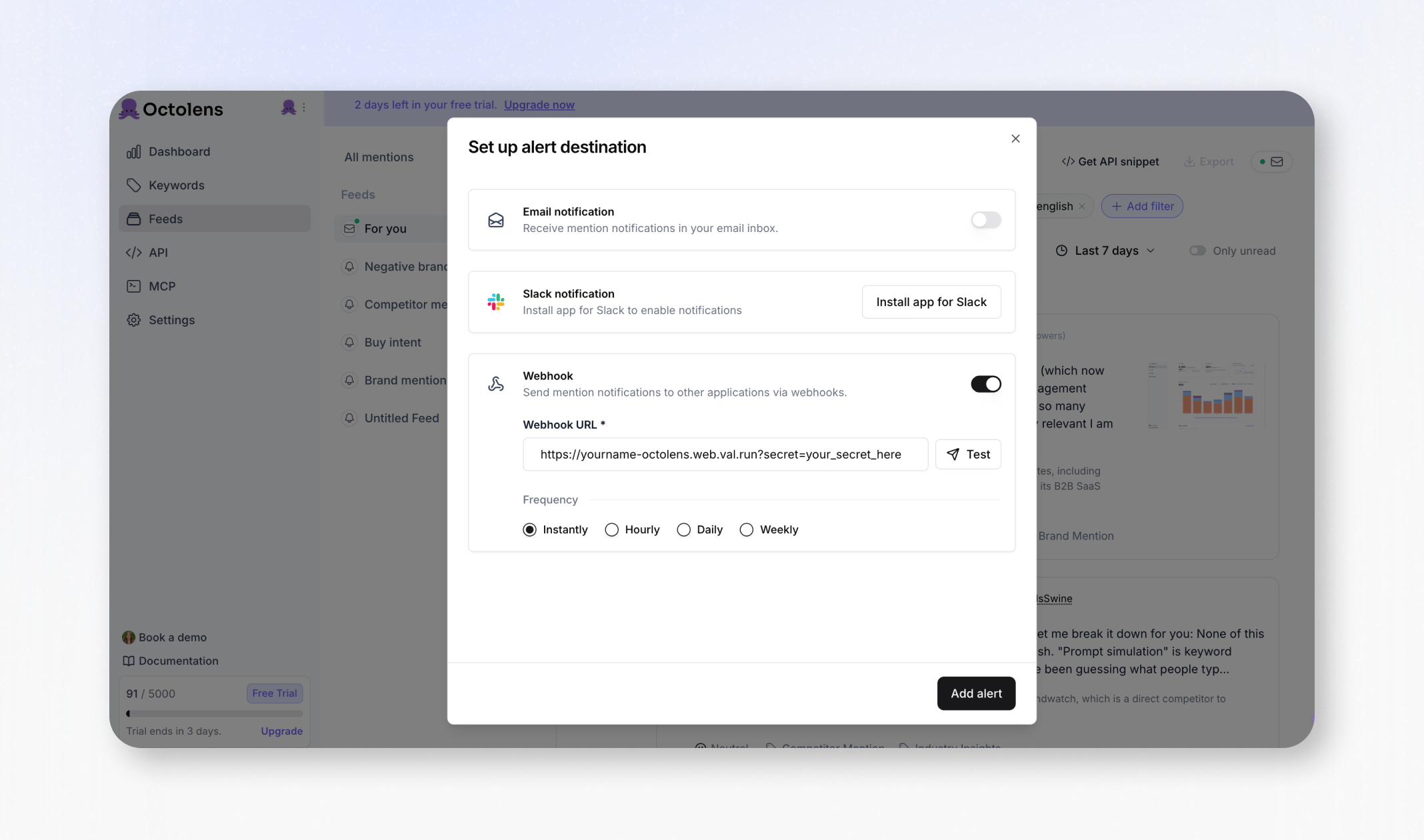
### 6. Test end-to-end
Hit the **Test** button next to your webhook URL in Octolens. This sends a test payload through the full flow — you should see it appear in your Discord channel within seconds.
That's it. Every time someone mentions your brand on any of the 13+ platforms Octolens monitors, it shows up in your Discord channel automatically.
## What Else Can You Build?
Discord forwarding is the most common use case, but the Octolens webhook + Val Town combo is flexible. A few other things people are building:
- **PostHog tracking** — Brian Young from PostHog's Demand Gen team built a [val that logs every mention as a PostHog event](https://www.val.town/x/brianatposthog/octolens-test), so they can track mention trends and sentiment shifts in their analytics dashboard
- **Lead enrichment** — When someone mentions your product positively on Twitter or LinkedIn, look up their profile via Clay and push the enriched contact into your CRM
- **Testimonial collection** — Filter for positive sentiment, extract quotes, and store them in Airtable for your website and pitch decks
- **Custom Slack formatting** — If you want more control than the native Slack integration (grouping by platform, color-coding by sentiment, filtering by relevance), a val in the middle gives you that
## Getting Started
Remix the [Octolens val](https://www.val.town/x/valdottown/octolens/) on Val Town and sign up at [octolens.com](https://octolens.com) if you haven't already. Val Town also has a dedicated [Octolens guide](https://docs.val.town/guides/octolens) with the full setup and code examples.
## From the Other Side
Val Town recently published [a post about switching from hand-rolled social listening scripts to Octolens](https://blog.val.town/blog/octolens/). They used to maintain separate vals for each platform — Twitter, Reddit, Hacker News, Bluesky, GitHub — and keeping up with API changes (especially Twitter's) was a constant headache.
Now they use Octolens as the listening layer and Val Town as the action layer. Octolens handles collecting mentions from everywhere, and their val handles sending them to Discord and any other tool.
---
# 13 Best Social Media APIs for Developers in 2026
URL: https://octolens.com/blog/best-social-media-apis · Published: 2026-05-12 · Updated: 2026-09-09 · Author: Igor Kotua (Head of Engineering)
Last year we needed to pull brand mentions from Twitter, Reddit, and LinkedIn into a single dashboard. Three APIs meant three OAuth implementations, three different JSON schemas, three sets of rate limit logic, and three pricing pages that required creative accounting to understand.
The Twitter integration broke twice when X changed their API tiers. Reddit's commercial approval took three weeks. LinkedIn returned roughly nothing useful unless we had a Marketing Developer Platform partnership.
This guide is what I wish existed when I started. Every social media API that matters in 2026 — with real pricing, actual rate limits, auth complexity, and an honest take on whether you should bother with the official API or skip straight to an aggregator.
Looking for complete social listening tools with dashboards and alerts? See our [best social listening tools comparison](https://octolens.com/blog/best-social-listening-tools). This guide is for developers who want raw API access to social media data.
## 1. Twitter/X API
The most searched-for social media API, and currently the most chaotic.
X killed the old tiered model for new developers in February 2026. If you're signing up today, you're on **pay-per-use** — no monthly subscription, no free tier. You buy credits upfront and they're debited per request.
### Pricing (pay-per-use, new signups)
| Operation | Cost |
| --- | --- |
| Read a post | $0.005 |
| Look up a user profile | $0.01 |
| Create a post (no URL) | $0.015 |
| Create a post with URL | $0.20 |
| Owned reads (your own posts, bookmarks) | $0.001 |
That URL post pricing is not a typo. X raised it from $0.01 to $0.20 in April 2026 — a 1,900% increase. If you're building anything that creates link posts at scale, this is a dealbreaker.
Legacy subscribers who signed up before February 2026 kept their old plans: Basic at $200/mo (15,000 reads/month) and Pro at $5,000/mo (1,000,000 reads/month). Neither is available to new developers.
Enterprise starts at $42,000/mo and includes full firehose access, filtered stream, and full-archive search.
### Rate limits
- 900 requests per 15-minute window (OAuth 2.0)
- Hard cap of 2 million reads/month on pay-per-use
- Monthly caps per endpoint on legacy tiers
### Auth
OAuth 2.0 with PKCE. Moderate complexity — access tokens expire every 2 hours unless you request `offline.access` for refresh tokens.
**Best for:** Apps that need Twitter/X data specifically and can budget for pay-per-use costs.
**Skip if:** You need data from multiple platforms. Managing X's pricing unpredictability alongside Reddit and LinkedIn APIs is a full-time job.
**Docs:** [docs.x.com](https://docs.x.com/x-api/getting-started/pricing)
## 2. Reddit API
Reddit's API has been in flux since the 2023 pricing crackdown that killed Apollo and dozens of other apps. The free tier still exists, but commercial access has gotten harder to get.
We wrote a [complete breakdown of Reddit API pricing](https://octolens.com/blog/reddit-api-pricing) — here's the summary.
### Pricing
| Tier | Cost | Limits |
| --- | --- | --- |
| Free (non-commercial) | $0 | 100 QPM (OAuth), 10 QPM (without) |
| Commercial | ~$0.24/1K calls | Entry contracts from $12K/year |
| Enterprise | Negotiated | $50K-$500K+/year |
The catch: commercial access requires explicit Reddit approval, and since January 2026, applications are frequently rejected without clear reasons. You need to detail your use case, which subreddits you'll access, and expected volume. Anything that looks like scraping or competitive intelligence gets rejected.
### Auth
OAuth 2.0. Getting a free API key is straightforward (create an app at reddit.com/prefs/apps). Commercial approval is a separate, slower process — expect 2-4 weeks with no guarantee.
### What you get
Post titles, body text, scores, comments, author info, subreddit metadata, search results. No real-time streaming — polling only.
**Best for:** Academic research, personal projects, or products where you've already secured commercial approval.
**Skip if:** You need fast access to Reddit data for a commercial product. The approval process is slow and opaque. Consider an aggregation API or [social listening API](https://octolens.com/social-listening-api) instead.
## 3. Meta Graph API (Facebook + Instagram)
Meta doesn't charge for API access. The cost is entirely in development time, App Review friction, and compliance overhead.
The biggest change you need to know: **Instagram Basic Display API is dead.** It was shut down in December 2024. Personal Instagram account access via API is completely gone. Everything now requires a Business or Creator account connected to a Facebook Page.
### What's available
- **Instagram Graph API** — full-featured (media, comments, insights, hashtag search, content publishing), but requires Business/Creator account + Facebook Page
- **Instagram API with Instagram Login** — simpler OAuth without Facebook Page, but limited scope (consumer-facing apps only)
- **Facebook Graph API** — Pages, posts, comments, reactions, insights, ad accounts. Current version: v22.0
### Rate limits
200 API calls per user per hour. App-level limit scales with your user base: 200 x number_of_users per hour.
### App Review
This is where Meta earns its "Complex" rating. Every permission beyond basic profile requires manual review by Meta staff. You'll need to submit video walkthroughs demonstrating how you use each permission. Reviewers can request revisions, which resets the clock.
Timeline: 2-4 weeks minimum, often longer. Apps that look like data scraping are rejected without explanation.
**Best for:** Building features that integrate with Facebook Pages or Instagram Business accounts (scheduling, analytics, comment management).
**Skip if:** You want personal Instagram data, you need fast time-to-market, or you don't have the patience for App Review.
**Docs:** [developers.facebook.com/docs/graph-api](https://developers.facebook.com/docs/graph-api/overview)
## 4. LinkedIn API
The most restrictive API on this list, and it's not close.
Without a formal Marketing Developer Platform (MDP) partnership, LinkedIn gives you exactly two things: **Sign In with LinkedIn** (name, headline, photo, email) and **Share on LinkedIn** (post on behalf of users). That's it.
Everything useful for monitoring — company page analytics, follower data, ad campaign management, organization insights — requires MDP approval. The approval rate is less than 10%. The process takes 3-6 months. You need to prove you have a legal entity, a detailed use case, and an established user base.
### Pricing
Consumer products (sign-in, share) are free. MDP starts around $699/month, with enterprise deals running $50K-$300K+/year.
### Rate limits
100,000 API calls per day (app-level). Per-endpoint limits vary and are not publicly documented — you check your Developer Portal. Some endpoints are as low as 10 requests per day per member.
### Auth
OAuth 2.0 via OpenID Connect. The auth itself is straightforward. Getting meaningful permissions is the hard part.
**Best for:** Apps that only need user authentication or the ability to post on LinkedIn. Enterprise products with the resources to pursue MDP partnership.
**Skip if:** You're an individual developer or startup that needs to read LinkedIn data. The access you'll get without MDP is nearly useless for monitoring or analytics.
**Docs:** [learn.microsoft.com/en-us/linkedin/](https://learn.microsoft.com/en-us/linkedin/)
## 5. YouTube Data API
After the pain of the previous four APIs, YouTube is a breath of fresh air.
The developer experience is genuinely good. Docs are clear, auth is simple, the free tier is generous, and the API has been stable for years.
### Pricing
Free. YouTube does not charge per API call. Access is gated by a daily quota system:
| Operation | Quota cost |
| --- | --- |
| Read (videos, channels, playlists) | 1 unit |
| Search | 100 units |
| Write (create/update/delete) | 50 units |
| Video upload | 1,600 units |
You get **10,000 free units per day** — enough for 10,000 video lookups or 100 searches. Quota resets at midnight Pacific Time.
Need more? Submit an audit form. Review takes 3-4 days, and quota increases are free. You need to re-audit every 12 months.
### Auth
API key for public data (no user login needed, generated in Google Cloud Console in minutes). OAuth 2.0 for private data and write operations.
**Best for:** Any app that needs YouTube data. The best developer experience on this list — generous free tier, excellent docs, simple auth, stable API.
**Skip if:** You need real-time notifications of new content (YouTube doesn't offer streaming; use webhooks via PubSubHubbub instead).
**Docs:** [developers.google.com/youtube/v3](https://developers.google.com/youtube/v3)
## 6. TikTok API
TikTok has three separate API products, and none of them do what most developers actually want.
- **Research API** — for reading data, but restricted to academic/institutional researchers in the US, UK, and a handful of European countries. Still in beta. Rate-limited to 1,000 requests per day.
- **Content Posting API** — lets you post content, but without an audit review, all posts are forced to private mode. Audit takes 2 days to 2 weeks.
- **Login Kit** — "Sign in with TikTok." No data reading beyond basic profile.
If you're a commercial developer who wants to read TikTok data at scale, the official API doesn't serve you. The Research API is the only read path, and it requires a professional/institutional email, a defined research proposal, and ethical review evidence.
### Rate limits (Research API)
1,000 requests per day, 100 records per request. Maximum: 100,000 records per day. No paid quota increase option.
**Best for:** Academic researchers with institutional affiliations who need TikTok data.
**Skip if:** You're a commercial developer. Use a scraping API (Apify) or an aggregation API that covers TikTok (like [Octolens](https://octolens.com/social-listening-api), which pulls transcripts and descriptions from all TikTok videos).
**Docs:** [developers.tiktok.com](https://developers.tiktok.com/)
## 7. Bluesky / AT Protocol
The antidote to everything above. Bluesky's AT Protocol is completely free, open, and developer-friendly. No API key required for public data. No pricing tiers. No App Review.
The AT Protocol is a federated protocol — Bluesky is one app built on it, but anyone can build clients, feeds, or services on the same infrastructure.
### Rate limits
- 3,000 requests per 5 minutes (IP-based) on the hosted PDS
- Write operations: 5,000 points per hour (a create costs 3 points, update costs 2, delete costs 1)
- Public data endpoints don't require authentication
### Auth
None needed for reading public data. OAuth for authenticated actions (posting, following, etc.).
### What you get
Posts, profiles, follows, blocks, feeds, labels, moderation data. The data model is transparent — everything is stored in personal data repositories that are publicly auditable.
**Best for:** Prototypes, side projects, or any app that needs social data with zero friction. The best starting point if you're learning how to work with social APIs.
**Skip if:** You specifically need Twitter, Reddit, or LinkedIn data. Bluesky's user base is growing but still a fraction of the major platforms.
**Docs:** [docs.bsky.app](https://docs.bsky.app/docs/get-started)
## 8. Pinterest API
Pinterest's API is open to developers, but the scope is narrow. It's primarily designed for managing pins, boards, and ad campaigns — not for reading social data at scale.
Access requires creating a developer app and going through App Review for production access. The API supports reading pin metadata, board contents, and user profile info. Write access lets you create and manage pins programmatically.
Rate limits aren't publicly documented in detail, but developers report reasonable limits for standard use cases. Auth is OAuth 2.0.
**Best for:** E-commerce apps that need to publish or manage pins. Pinterest-specific analytics tools.
**Skip if:** You're building social listening or brand monitoring. Pinterest data is a nice-to-have, not a primary source, and individual API integration isn't worth the maintenance cost for most B2B use cases.
**Docs:** [developers.pinterest.com](https://developers.pinterest.com/docs/api/v5/)
## 9. Mastodon API
Mastodon's API is open-source and well-documented. Since Mastodon is federated (thousands of independent instances), there's no single company gatekeeping access.
### Rate limits
300 requests per 5 minutes per account and per IP address. Media uploads and status deletions are capped at 30 per 30 minutes. These are instance-level defaults — individual instances can set their own limits.
### Auth
OAuth 2.0 for user-level actions. Public data (timelines, user profiles, public posts) is accessible without auth on most instances.
### The federation catch
Searching across Mastodon means querying individual instances. No single API endpoint gives you "all of Mastodon." Your app sees what the instance you're connected to knows about — which is its local users plus anyone its users follow on other instances. For comprehensive coverage, you'd need to query multiple instances or run your own relay.
**Best for:** Building Mastodon clients, moderation tools, or apps targeting specific Mastodon communities.
**Skip if:** You need comprehensive cross-instance search or monitoring. The federated model means completeness requires significant infrastructure.
**Docs:** [docs.joinmastodon.org](https://docs.joinmastodon.org/api/)
## 10. Aggregation & Scraping APIs
If managing individual platform APIs sounds painful, aggregation APIs handle the complexity for you. They maintain the integrations, handle rate limits and auth, and give you a unified endpoint.
### SocialData
Focuses on Twitter/X data specifically. Pricing is per-request — roughly $0.25 per 1,000 tweets. A good alternative to X's official API if you only need read access to Twitter data and want predictable pricing.
### Apify
A general-purpose scraping platform with pre-built "actors" for most social platforms. Pricing varies by platform:
- Twitter/X: ~$0.25-0.40 per 1,000 posts
- Instagram: ~$2.30 per 1,000 comments, or $0.005/query + $0.0005/post
- YouTube: ~$2.40 per 1,000 video metadata lookups
Apify offers a permanent free plan with $5/month in credits. Good for prototyping, but the per-platform pricing adds up at scale, and you're still managing separate actors for each platform.
### Trigify
**Update (October 2026):** HubSpot hired the Trigify team, and the standalone product shuts down on October 22, 2026. See our [Trigify alternatives guide](/trigify-alternatives) for replacements.
The closest direct competitor in the API-first social listening space. Trigify (trigify.io) positions itself as "agentic social listening for modern B2B teams" with signal-led intelligence — they focus on routing actionable insights to the right teams rather than delivering raw data dumps. Pay-as-you-go pricing, integrations with HubSpot, Salesforce, and Linear.
If you're evaluating API-first social listening tools, it's worth testing alongside Octolens. They focus in on letting you build workflow automations on their platform, while Octolens delivers the data into your own systems via API, Webhooks, or MCP.
**Best for:** Teams that want social data without managing platform-level API integrations.
**Skip if:** You need deep control over the data pipeline, or you need platforms that the aggregator doesn't cover.
## 11. Octolens API
Full disclosure: this is ours. I'm including it because it's the option we built after dealing with exactly the problems described in this guide.
Octolens is a [social listening API](https://octolens.com/social-listening-api) that gives you structured mention data from 13 platforms through a single REST endpoint. Instead of building and maintaining integrations with Twitter, Reddit, LinkedIn, YouTube, and 10+ other platforms, you get one API that returns clean, AI-enriched data.
### What you get
Every mention includes the post body, author, source platform, timestamp, sentiment label (positive/negative/neutral), relevance score, and AI-generated tags (feature_request, bug_report, competitor_mention, etc.).
You also get [webhooks](https://octolens.com/webhooks) for real-time alerts and an [MCP server](https://octolens.com/blog/how-ai-agents-access-social-data-reliably) for AI agents that need social context.
### Platforms covered
LinkedIn, Twitter/X, Reddit, Bluesky, GitHub, YouTube, DEV.to, Hacker News, Stack Overflow, Newsletters, Podcasts, TikTok, and News/Blogs (150K+ outlets).
### Pricing
| Plan | Price | Mentions | Keywords |
| --- | --- | --- | --- |
| Pro | $199/mo ($159/mo annual) | 15,000 | 10 |
| Scale | $599/mo ($499/mo annual) | 50,000 | 40 |
| Enterprise | Custom | Unlimited | Unlimited |
API, webhooks, and MCP access are included on all plans. One endpoint replaces building and maintaining 15 separate platform integrations — you get structured JSON and AI filtering across all of them out of the box, instead of stitching together a different API, auth flow, and rate limit for each.
Free 7-day trial, no credit card required.
**Best for:** Anyone who wants to build internal tools, automations, dashboards, or entire products on top of social mention data — without managing multiple platform APIs.
**Skip if:** You need full platform access (posting, DMs, ad management) — Octolens is read-only monitoring. You need raw firehose data for ML training.
**Docs:** [octolens.com/docs/api/overview](https://octolens.com/docs/api/overview)
## 12. Phyllo API
Phyllo is [social data API infrastructure](https://www.getphyllo.com/social-data-api) for creator and social data across 25+ platforms. Instead of maintaining separate scrapers, proxies, auth flows, and schemas for every network, you integrate one interface and one normalized schema.
The interesting part is the two access modes. Public APIs return profiles, posts, comments, and engagement without the account owner connecting anything. When your product needs non-public, account-level data — verified audience demographics, story reach, saves, content performance, earnings — Phyllo's authenticated APIs use official platform sign-in and creator consent to return first-party data instead of estimates.
### What you get
- Creator discovery and public profile analytics across supported networks
- Posts, reels, videos, stories, and comments with performance signals
- Audience demographics, location, language, interests, and authenticity indicators (fake vs. real followers)
- Creator-consented reach, saves, engagement, and income data (ad revenue, sponsorships, affiliate)
- Webhooks for products that need current account and content data
### Platforms covered
25+ platforms, including Instagram, YouTube, TikTok, TikTok Shop, X, LinkedIn, Twitch, Reddit, Snapchat, and Facebook. Field availability varies by platform and by whether you're using public or consented access.
### Pricing
Custom, based on data products, use case, and volume — no published price list. There's a free sandbox to test the schema and available fields before committing to a paid plan.
Phyllo reports a 99.99% uptime SLA, SOC 2 Type II controls, and GDPR compliance.
**Best for:** Creator platforms, influencer marketing products, and audience-verification systems that need both public and creator-consented data across several networks.
**Skip if:** You only need one low-volume dataset from a single network — a dedicated platform API is simpler. Or you want brand monitoring across the open web: Phyllo is account- and creator-centric, not open-web listening.
**Docs:** docs.getphyllo.com
## 13. Zernio API
Zernio is a unified social media API for publishing, engagement, and ads across 16 platforms. You don't register a developer app, and you don't sit through Meta's App Review or TikTok's audit, as Zernio holds those approvals already.
### What you get
Scheduling and publishing from a single payload, with media handled for you: images, video, carousels, Stories, Reels, and first comments. A shared inbox for reading and replying to comments and DMs across platforms. Analytics that come back in the same shape everywhere. Ad campaigns across Meta, Google, LinkedIn, TikTok, Pinterest, X, and OpenAI Ads.
### Platforms covered
Instagram, TikTok, X/Twitter, Facebook, LinkedIn, YouTube, Threads, Reddit, Pinterest, Bluesky, Telegram, Google Business, Snapchat, Discord, Slack, and WhatsApp.
### Pricing
| Connected accounts | Price per account/mo |
| --- | --- |
| 1–2 | Free forever |
| 3–10 | $6 |
| 11–100 | $3 |
| 101+ | $1 (no cap) |
Everything is included at every level, with no add-ons, no feature tiers, no enterprise wall.
**Best for:** Products, agencies, and agents that need to post and reply on behalf of a lot of accounts without building 16 integrations.
**Skip if:** You want brand monitoring. Zernio works with accounts you're connected to, it doesn't listen across the open web.
**Docs:** docs.zernio.com
## Comparison table
| API | Auth | Free tier | Paid from | Rate limits (free) | Platforms | Real-time | Best for |
| --- | --- | --- | --- | --- | --- | --- | --- |
| Twitter/X | Moderate | No (pay-per-use) | $0.005/read | 900 req/15min | 1 | Yes (Enterprise) | Twitter-specific data |
| Reddit | Moderate | Yes (non-commercial) | ~$12K/year | 100 QPM | 1 | No | Academic research |
| Meta Graph | Complex | Yes (but App Review) | Free (gated) | 200/user/hour | 2 | Webhooks | FB/IG business integrations |
| LinkedIn | Restrictive | Sign-in only | ~$699/mo (MDP) | 100K/day (app) | 1 | No | Enterprise partnerships |
| YouTube | Simple | Yes (generous) | Free increases | 10K units/day | 1 | No | YouTube data, any scale |
| TikTok | Complex | Academics only | No paid tier | 1K req/day | 1 | No | Academic research |
| Bluesky | Simple | Yes (everything) | No paid tier | 3K/5min | 1 | Yes | Prototypes, open social |
| Pinterest | Moderate | Limited | Free (gated) | Undocumented | 1 | No | E-commerce, pin mgmt |
| Mastodon | Simple | Yes (everything) | No paid tier | 300/5min | Per-instance | Yes | Mastodon clients |
| Apify | Simple | $5/mo credits | ~$49/mo | Varies | Multi (via actors) | No | Scraping, prototyping |
| Octolens | Simple | 7-day trial | $159/mo | N/A (mention-based) | 15 | Yes (webhooks) | Multi-platform monitoring |
| Phyllo | Simple (public) / OAuth (consented) | Sandbox | Custom | Not published | 25+ | Yes (webhooks) | Creator & influencer data |
| Zernio | Simple | Yes (2 accounts) | $6/account/mo | 60 req/min | 16 + 7 ad networks | Yes (webhooks) | Posting and replying at scale |
## Which one should you pick?
**Building a prototype or side project?** Start with Bluesky (AT Protocol) or YouTube Data API. Both have generous free tiers and straightforward auth. Get your concept working before dealing with Twitter or LinkedIn.
**Need Twitter/X data specifically?** Budget $0.005 per read on pay-per-use, or look at SocialData for predictable per-request pricing. If you also need Reddit and LinkedIn data, stop here — managing three separate integrations is a full-time engineering role.
**Building social listening or brand monitoring into your product?** Skip the individual platform APIs. The maintenance burden of 3+ integrations (different auth flows, rate limits, data formats, deprecation schedules) compounds fast. Use [Octolens](https://octolens.com/social-listening-api) or a similar aggregation API — one endpoint, one schema, one set of rate limits.
**Building an AI agent that needs social context?** Use an MCP-compatible endpoint. Octolens has an [MCP server](https://octolens.com/blog/how-ai-agents-access-social-data-reliably) that plugs into Claude, cursor, and other agent frameworks. Individual platform APIs don't offer this.
**Need raw, high-volume data for ML training or analytics?** You're looking at Twitter Enterprise ($42K+/mo), Reddit Enterprise ($50K+/year), or a data licensing deal. This guide probably isn't for that use case.
## Social Media Monitoring API vs. Individual Platform APIs
If you're building social media monitoring into your product or internal tools, you have two paths: integrate with each platform's API individually, or use a social media monitoring API that aggregates data from multiple sources.
**Individual platform APIs** give you the deepest access. You can post, read DMs, manage ads, and pull granular analytics. But each platform has its own auth flow, data format, rate limits, and deprecation schedule. Maintaining 3+ integrations is a real engineering burden — and some platforms (LinkedIn, Meta) make it intentionally hard to get read access.
**A social media monitoring API** trades depth for breadth. You get one endpoint, one auth method, one data schema across all platforms. The data is typically read-only and focused on mentions, sentiment, and conversations rather than full platform access. But for monitoring use cases — brand mentions, competitor tracking, product feedback, community sentiment — that's exactly what you need.
The math is simple: if you only need Twitter data, use the Twitter API. If you need mentions from 3+ platforms, the integration tax of individual APIs will cost you more in engineering time than a monitoring API costs in dollars.
## FAQ about Social Media APIs
### Is there a free social media API?
A few. Bluesky's AT Protocol is completely free and open — no API key needed for public data. YouTube Data API gives you 10,000 free quota units per day. Mastodon's API is free with 300 requests per 5 minutes. Reddit's free tier gives you 100 requests per minute but bans commercial use. Twitter/X killed its free tier in early 2026 — new developers start on pay-per-use at $0.005 per read. Meta's Graph API is free to call, but the App Review process to get permissions takes weeks.
### What is the best social media API for developers?
Depends on what you're building. For single-platform data with the best developer experience, YouTube Data API is hard to beat. For open/decentralized social data, Bluesky's AT Protocol is the most developer-friendly option. For multi-platform monitoring data, [Octolens](https://octolens.com/social-listening-api) covers 13 platforms through one endpoint. For raw Twitter/X data, you're stuck with X's pay-per-use API or a third-party aggregator.
### Can I scrape social media instead of using an API?
Technically yes, but it's a losing game. Platforms actively block scrapers, rotate selectors, and rate-limit IPs. Your integration will break regularly. Scraping also violates most platforms' Terms of Service, which matters if you're building a commercial product. Third-party scraping APIs (Apify, SocialData) handle the maintenance but add cost and legal gray area. Official APIs or aggregation APIs are more reliable for production use.
### How much does the Twitter/X API cost in 2026?
X moved to pay-per-use pricing in February 2026. Reading a post costs $0.005, looking up a user profile costs $0.01, and creating a post with a URL costs $0.20. There's no free tier for new developers. Legacy subscribers kept their old plans (Basic $200/mo, Pro $5,000/mo), but those aren't available to new signups. Enterprise starts at $42,000/mo.
### Why is the LinkedIn API so restrictive?
LinkedIn gates API access to protect its business model. Without a formal Marketing Developer Platform partnership (less than 10% approval rate, 3-6 month process), you can only use Sign In with LinkedIn and Share on LinkedIn. Reading company analytics, follower data, or ad campaign data requires partnership approval that most individual developers won't get.
### Do I need separate APIs for each social media platform?
Not necessarily. If you need data from 3+ platforms, managing separate integrations gets expensive fast — different OAuth flows, different JSON schemas, different rate limit logic. Aggregation APIs like [Octolens](https://octolens.com/social-listening-api) let you query multiple platforms through one endpoint. The trade-off: you get structured mention data rather than full platform access (no posting, no DMs).
---
# How Developer Marketing Teams Create Original Content With AI
URL: https://octolens.com/blog/content-workflow · Published: 2026-04-09 · Updated: 2026-07-29 · Author: Charlotte Schmitt (Co-Founder)
## The AI Content Problem in Developer Marketing
If you're marketing a developer tool, API, or SDK, you already know: developers are the hardest audience to create content for. They spot AI-generated fluff from a paragraph away. They skip your landing page and go straight to the docs. They trust a Reddit thread over a case study.
And yet every developer marketing team faces the same pressure in 2026: ship more content, faster, with AI. The problem? The output all sounds the same.
That's not a tools problem. It's a data problem.
Large language models are trained on the internet's existing corpus. When you prompt ChatGPT or Claude to "write a blog post about feature flags," you get a synthesis of everything already published about feature flags. It's competent, grammatically correct, and utterly indistinguishable from what your competitor published last Tuesday.
Google knows this. Their [information gain patent](https://patents.google.com/patent/US20200349181A1/) — granted in 2022 — describes a scoring system that measures how much *new* information a piece of content adds beyond what's already available. Content that simply reorganizes existing knowledge scores low. Content built on original data, unique perspectives, and first-party insights scores high.
Here's the uncomfortable math: if an AI can answer a question by synthesizing existing sources, your content adding the same answer contributes zero information gain. AI models are trained on the average of the internet, so their raw output is mathematically average. For developer audiences — who are already more skeptical of marketing content — generic AI output is dead on arrival.
But there's a workaround that most developer marketing teams haven't discovered yet: **use [social signal tracking](track-social-signals) data as the input layer for your content system.**
Your developers, users, and community are generating original, unscripted insights about your API, your SDK, your CLI, and your competitors every single day — on Reddit, Hacker News, GitHub, Stack Overflow, Twitter, DEV, podcasts, and newsletters. This data is unique to your brand. No competitor has it. No LLM was trained on it in this specific combination.
When you pipe this data into an AI content workflow, the output isn't generic anymore. It's grounded in real conversations, real sentiment, and real language that only your brand has access to.
This guide shows you exactly how to build that system — specifically for companies that serve developers.
## Why Most AI Content Strategies Fail (Especially With Developer Audiences)
Before we build the solution, let's understand why this problem is especially acute for developer tool companies.
### The Recycled Knowledge Trap
Google's Quality Rater Guidelines, [updated in 2025](https://static.googleusercontent.com/media/guidelines.raterhub.com/en//searchqualityevaluatorguidelines.pdf), specifically instruct raters to mark mass-produced pages with no original content as "Lowest" quality. Google's algorithms increasingly penalize content that lacks genuine experience signals, original data, and expert perspective — and pure AI output rarely demonstrates any of these qualities.
This isn't theoretical. Google reported that their [2024 spam update](https://developers.google.com/search/updates) reduced the amount of low-quality, unoriginal content in search results by 45%. Developer audiences are even more ruthless than Google — they'll close the tab the moment content reads like a machine wrote it.
The root cause is simple: LLMs can only remix what already exists. They can't conduct original research, interview customers, or observe patterns in your specific market. When everyone uses the same models with similar prompts, the output converges.
### Why Developer Audiences Are Different
Developer marketing has a unique challenge that makes generic AI content creation especially dangerous:
**Developers live in communities, not funnels.** Your ICP isn't scrolling LinkedIn waiting for your next thought leadership post. They're deep in Reddit threads debating your SDK vs. a competitor's. They're filing GitHub issues. They're asking on Stack Overflow whether your API handles edge cases correctly. They're reading Hacker News comments about your latest release.
**Developers trust peers over brands.** A positive Reddit comment from a fellow engineer carries more weight than any blog post your marketing team writes. Developer marketing that works is grounded in these real community conversations — not in what an LLM thinks developers want to hear. Those peer conversations are also exactly [what AI assistants cite when developers ask them for tool recommendations](https://octolens.com/blog/how-to-get-your-brand-mentioned-in-chatgpt).
**The platforms that matter are different.** For developer tools, the highest-signal sources are Reddit, Hacker News, GitHub, Stack Overflow, DEV, and Discord — not the B2C channels that dominate traditional SaaS content marketing. If your content strategy doesn't reflect what's happening on these platforms, you're writing in a vacuum.
This is exactly why community mention data is so powerful for dev tool companies. It's the bridge between what your community is actually saying and the content your marketing team produces.
### The Information Gain Imperative
Google's [information gain patent](https://patents.google.com/patent/US20200349181A1/) describes a mechanism for calculating how much unique information a document provides beyond what a user has already seen. Many SEO professionals believe it — or systems like it — now plays a direct role in ranking decisions.
The concept is straightforward: after a user views several search results on a topic, Google can calculate which remaining documents offer genuinely new information versus which ones simply repeat the consensus. Documents with high information gain scores get promoted. Documents that just repackage existing knowledge get buried.
The types of content that create information gain include: original data from surveys or proprietary sources, expert insights, unique perspectives on topics, and real-world examples. Notice what all of these have in common — they require *inputs* that don't exist in the LLM's training data.
### The Proprietary Data Advantage
Here's the key insight: **your brand mentions are a proprietary dataset.**
Every week, developers post candid feedback about your tool on Reddit. Engineers discuss your API on Hacker News. Prospects compare your SDK to alternatives on Twitter. Open-source contributors file issues and feature requests on GitHub. Industry newsletters mention your latest release. Podcast hosts debate whether your approach to the problem is the right one.
This data has three properties that make it uniquely valuable for content creation:
- **It's original.** No one else has your specific combination of mentions, sentiment patterns, and community conversations across developer platforms.
- **It's current.** Brand mentions reflect what developers are saying right now, not what was true when the LLM was last trained.
- **It's authentic.** These are real engineers using real language to describe real experiences — the exact "experience signals" that Google's [E-E-A-T framework](https://developers.google.com/search/docs/fundamentals/creating-helpful-content) rewards.
The problem is that most developer marketing teams treat brand mention tracking as a reactive tool — check for fires, respond to complaints, maybe share a positive mention in Slack. Very few have realized that mention data is a *content creation asset*.
Let's fix that.
## The Mention-Driven Content System: Architecture Overview
The system has four layers:
1. **Collection** — Brand mentions from 15+ platforms, pre-labeled with sentiment, relevance, and source
2. **Enrichment** — Categorize mentions by content type potential, tag themes, extract patterns
3. **Generation** — AI drafts grounded in real mention data for blog posts, social, newsletters, and case studies
4. **Distribution** — Publish across channels, track performance, feed learnings back into collection
Each layer is automated or semi-automated. The human role shifts from "write content from scratch" to "curate, edit, and approve content grounded in real developer conversations."
Let's build each layer.
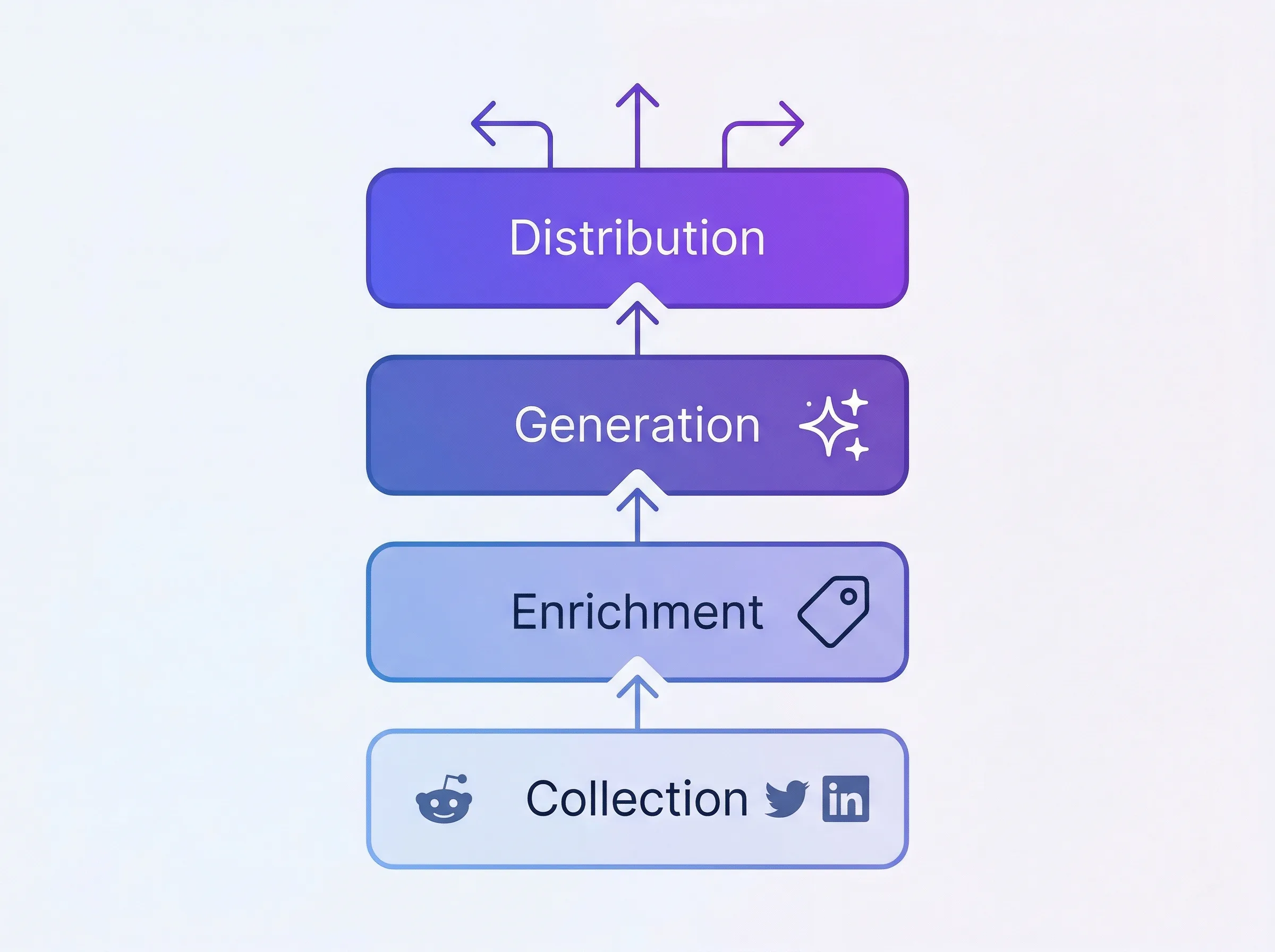
## Layer 1: Collection — Tracking What Developers Say About Your Tool
The foundation is structured access to your brand mentions across every developer platform that matters. You need:
- **Developer platform coverage:** Reddit, Hacker News, GitHub, Stack Overflow, DEV, Twitter/X, LinkedIn, YouTube, Bluesky, podcasts, newsletters, and more
- **Structured data:** Each mention should include the text, source platform, author metadata, sentiment, relevance score, engagement metrics, and a timestamp
- **A social listening API:** To build automated content creation pipelines, you need programmatic access — not just a dashboard you check manually
### Setting Up the Octolens API Pipeline
The [Octolens API](https://octolens.com/social-listening-api) — a social listening API built for developer tool companies — returns structured JSON for every mention. Here's how to pull your recent mentions:
```bash
curl https://api.octolens.com/v1/mentions \
-H "Authorization: Bearer YOUR_API_KEY" \
-H "Content-Type: application/json" \
-d '{
"filters": {
"keyword": [123],
"source": ["reddit", "twitter", "linkedin", "hackernews"],
"startDate": "2026-03-01T00:00:00Z"
}
}'
```
Each mention comes back with structured metadata:
```json
{
"id": 984210,
"source": "reddit",
"title": "Best developer tools for API monitoring in 2026?",
"body": "Just tried YourSDK and it completely changed how we handle monitoring...",
"author": "developer_mike",
"authorName": "Mike Chen",
"url": "https://reddit.com/r/SaaS/comments/xyz789",
"sentimentLabel": "Positive",
"relevanceScore": 0,
"tags": ["own_brand_mention", "user_feedback"],
"timestamp": "2026-03-08T14:23:00Z",
"language": "en"
}
```
The key fields for content creation are:
- **`body`** — The raw text of what someone said. This is your original data.
- **`sentimentLabel`** — Pre-labeled as Positive, Negative, or Neutral. Saves you from manual classification.
- **`relevanceScore`** — AI-scored relevance to your brand (0 = High, 1 = Medium, 2 = Low). Filter out noise before it enters your content pipeline.
- **`source`** — Which platform the mention came from. Different platforms yield different content types.
- **`tags`** — AI-assigned categories like `user_feedback`, `buy_intent`, `competitor_mention`, and more. Use these to route mentions to the right content workflows.
### Webhook-Based Real-Time Collection
For a more automated setup, configure a [webhook](https://octolens.com/webhooks) so mentions flow into your system as they're detected:
```javascript
// Express.js webhook receiver
app.post('/webhooks/octolens', async (req, res) => {
const mention = req.body;
// Store in your database
await db.mentions.create({
source: mention.source,
body: mention.body,
title: mention.title,
sentiment: mention.sentimentLabel,
relevance: mention.relevanceScore,
tags: mention.tags,
processed: false, // Flag for content pipeline
created_at: mention.timestamp,
});
res.status(200).send('OK');
});
```
### MCP Server for AI-Native Workflows
If you're using Claude or another MCP-compatible AI agent, you can skip the API entirely and let your AI query mentions directly through the [Octolens MCP server](https://octolens.com/mcp):
> "Pull all positive Reddit mentions about our brand from the last 7 days with a relevance score above 0.8 and at least 10 upvotes."
The MCP server lets AI agents access your mention data natively — your agent can query recent mentions, filter by sentiment or platform, and use the data in its reasoning without building a custom integration.
### What Keywords to Track
For a developer tool content system, you want three keyword categories:
- **Brand keywords** — Your tool name, SDK name, CLI name, common misspellings, GitHub repo name
- **Competitor keywords** — Competitor names, "X alternatives," "X vs Y," competitor GitHub repos
- **Category keywords** — The developer problems you solve, the tools in your space, industry trends (e.g., "API monitoring," "feature flags," "CI/CD pipeline")
Each category feeds different content types. Brand mentions fuel case studies, technical deep-dives, and changelog content. Competitor mentions fuel comparison posts and migration guides. Category mentions fuel thought leadership, tutorials, and educational content.
## Layer 2: Enrichment — Transforming Raw Mentions Into Content Fuel
Raw mentions are noisy. Before they become content inputs, they need to be categorized by their content potential.
### The Content-Type Tagger
Build a simple classification step that tags each mention with the type of content it could fuel. Here's a prompt you can use with any LLM:
```text
You are a content strategist for a developer tool company.
Analyze the following brand mention and classify it into
one or more content categories:
Mention: "{mention_body}"
Source: {platform}
Sentiment: {sentimentLabel}
Tags: {tags}
Categories:
- TESTIMONIAL: Developer expressing satisfaction or praising the tool
- API_FEEDBACK: Developer commenting on API design, DX, or SDK quality
- USE_CASE: Developer describing how they use the tool in their stack
- COMPARISON: Developer comparing your tool to alternatives
- INTEGRATION_REQUEST: Developer asking for a new integration or platform support
- DOCS_GAP: Developer struggling with documentation or onboarding
- MIGRATION_STORY: Developer describing switching from a competitor
- TREND: Developer discussing an industry trend related to your space
- OBJECTION: Developer expressing doubt or concern about the tool
Return: category, confidence score (0-1),
and a one-line summary of the content angle.
```
### Batch Processing Script
Here's a Python script that processes your stored mentions nightly:
```python
import anthropic
import json
client = anthropic.Anthropic()
def enrich_mention(mention):
"""Classify a developer tool mention by content potential."""
response = client.messages.create(
model="claude-sonnet-4-20250514",
max_tokens=300,
messages=[{
"role": "user",
"content": f"""Classify this brand mention for content potential.
Mention: "{mention['body']}"
Source: {mention['source']}
Sentiment: {mention['sentimentLabel']}
Tags: {json.dumps(mention['tags'])}
Return JSON only:
{{
"categories": ["TESTIMONIAL", "USE_CASE"],
"confidence": 0.85,
"content_angle": "Customer describing time savings from automated monitoring",
"quotable": true,
"suggested_formats": ["blog_post", "social_proof", "newsletter"]
}}"""
}]
)
return json.loads(response.content[0].text)
# Process unprocessed mentions
unprocessed = db.mentions.find({"processed": False})
for mention in unprocessed:
enrichment = enrich_mention(mention)
db.mentions.update(mention["id"], {
"content_categories": enrichment["categories"],
"content_angle": enrichment["content_angle"],
"quotable": enrichment["quotable"],
"suggested_formats": enrichment["suggested_formats"],
"processed": True,
})
```
### Building a Content Backlog
After enrichment, you'll have a tagged database of mentions. Now create a content backlog view that looks something like this:
- **Use Cases (34 mentions)** — Top angle: "Automated Slack alerts when devs mention our API on Reddit" → High priority
- **API Feedback (28 mentions)** — Top angle: "Webhook latency improved after v2 migration" → High priority
- **Comparisons (15 mentions)** — Top angle: "Switched from Brand24 — better developer experience" → Medium priority
- **Migration Stories (12 mentions)** — Top angle: "How we migrated from Mention to an API-first setup" → Medium priority
- **Docs Gaps (8 mentions)** — Top angle: "SDK quickstart guide needs Python example" → High priority (for docs + content)
This backlog is your editorial calendar — driven by real developer conversations, not guesswork.
## Layer 3: Generation — Writing Content Grounded in Real Data
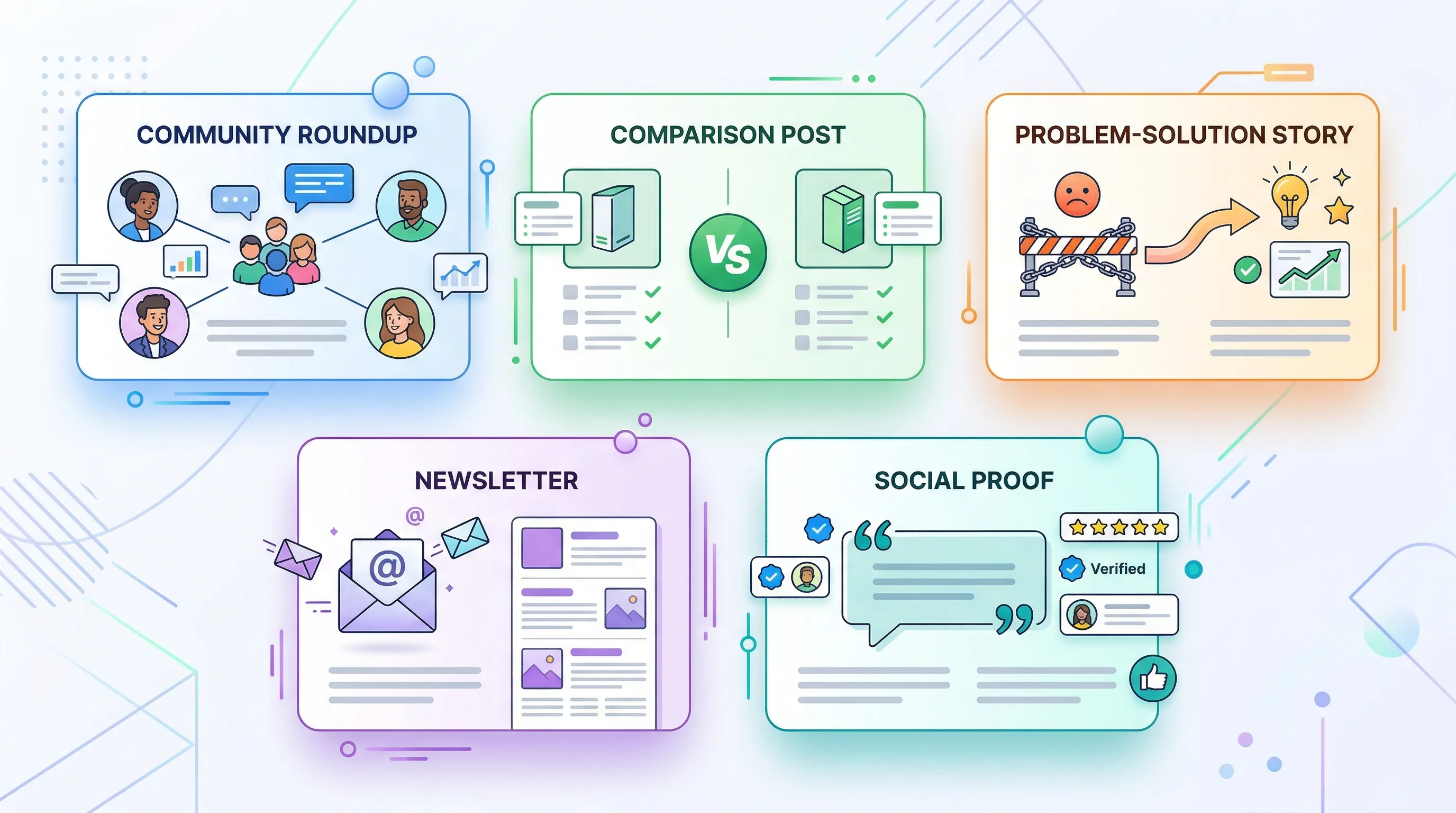
This is where the magic happens. Instead of asking AI to "write a blog post about brand monitoring," you give it specific, real-world data to work with.
### Pattern 1: The Developer Community Roundup Post
**Input:** 20-50 mentions from the past week, filtered by relevance > 0.7
**Prompt structure:**
```text
Here are {count} real mentions of our developer tool from the past
week across Reddit, Hacker News, GitHub, Stack Overflow, and Twitter:
{mention_data}
Write a weekly developer community roundup blog post that:
1. Identifies the 3-4 key themes across these mentions
2. Highlights specific conversations (paraphrased, with links)
3. Shares our engineering team's response or perspective on each theme
4. Includes data: total mentions, sentiment breakdown, top platforms
5. Ends with what we're building based on this developer feedback
Tone: Transparent, technical, not corporate.
Write like an engineering lead updating the community.
```
**Why this works for SEO:** Every roundup is unique because the underlying data changes weekly. No competitor can write this post because they don't have your mention data. This is textbook information gain — every issue adds new information to the corpus.
**Example output structure:**
> **This Week in [Tool]: Developer Community Pulse #47**
>
> 1,247 mentions across 8 platforms. 78% positive sentiment. Here's what you told us this week.
>
> **Theme 1: SDK Performance on Large Repos**
> We saw 12 conversations this week about SDK performance at scale. A developer in r/programming noted that...
>
> **Theme 2: The MCP Server Is Finding Its Audience**
> Since launching our MCP server, we've seen a steady stream of developers connecting their AI agents to our API...
### Pattern 2: The Data-Backed Comparison Post
**Input:** Competitor mentions + your brand mentions, filtered by COMPARISON category
```text
Here are real user conversations comparing our product to {competitor}:
Users who prefer us:
{pro_mentions}
Users who prefer them:
{con_mentions}
Neutral comparisons:
{neutral_mentions}
Write an honest comparison blog post "[Brand] vs {competitor}" that:
1. Acknowledges what {competitor} does well (from real user quotes)
2. Highlights where we win (from real user quotes)
3. Recommends who should use which tool
4. Uses actual engagement data to show which points resonate most
5. Doesn't trash the competitor — let the user quotes speak
Include a comparison table based on the specific features users mention most.
```
**Why this works:** Comparison posts driven by actual developer sentiment are categorically different from the typical "we're better at everything" competitor pages. They contain original perspectives (real developer opinions), they're more trustworthy (balanced view), and they address the specific technical criteria engineers actually evaluate when choosing tools.
### Pattern 3: The Problem-Solution Story
**Input:** Pain-point mentions + use-case mentions from the same topic area
```text
Here are real conversations from developers experiencing {problem}:
Pain points (before finding a solution):
{pain_mentions}
Solutions (how developers solved it):
{solution_mentions}
Write a blog post titled "How DevRel Teams Are Solving {Problem}
in 2026" that:
1. Opens with a real developer scenario (synthesized from pain mentions)
2. Quantifies the cost of the problem (using engagement data as
a proxy for how much developers care)
3. Walks through the solution approaches engineers are actually discussing
4. Shows specific examples of results (from positive mentions)
5. Includes direct links to source conversations where relevant
This should feel like a technical research report, not a sales pitch.
```
### Pattern 4: The "Voice of Customer" Newsletter
**Input:** Top 10 most-engaged mentions from the past week
```text
These are the 10 highest-engagement mentions of our brand this week:
{top_mentions_with_engagement_data}
Write a newsletter issue that:
1. Leads with the most surprising or interesting mention
2. Groups mentions by theme (max 3 themes)
3. For each theme, provides our take or a specific action we're taking
4. Includes exact engagement numbers (47 upvotes, 12 comments, etc.)
5. Closes with a question to the reader
Format: Short paragraphs, conversational, ~500 words total, scannable.
```
### Pattern 5: The Social Proof Engine
**Input:** Testimonial-tagged mentions, filtered by engagement > threshold
For developer tool companies, the social proof that matters most isn't LinkedIn endorsements — it's GitHub stars, HN upvotes, Reddit threads with 50+ comments, and Stack Overflow answers that reference your tool. This pattern turns those into distributable content.
```text
Here are 5 real developer testimonials from this week:
{testimonial_mentions}
For each, create:
1. A Twitter/X post (< 280 chars) that highlights the key quote
2. A LinkedIn post (3-4 paragraphs) that tells the technical story
behind the mention
3. A one-line website testimonial with attribution
Rules:
- Paraphrase rather than direct quote (unless you have permission)
- Include the platform and context (e.g., "from a Hacker News thread
about API monitoring tools")
- Add a relevant technical takeaway or lesson
- Never be salesy — let the developer's words do the work
```
## Layer 4: Distribution and Feedback Loop
### The Weekly Content Sprint
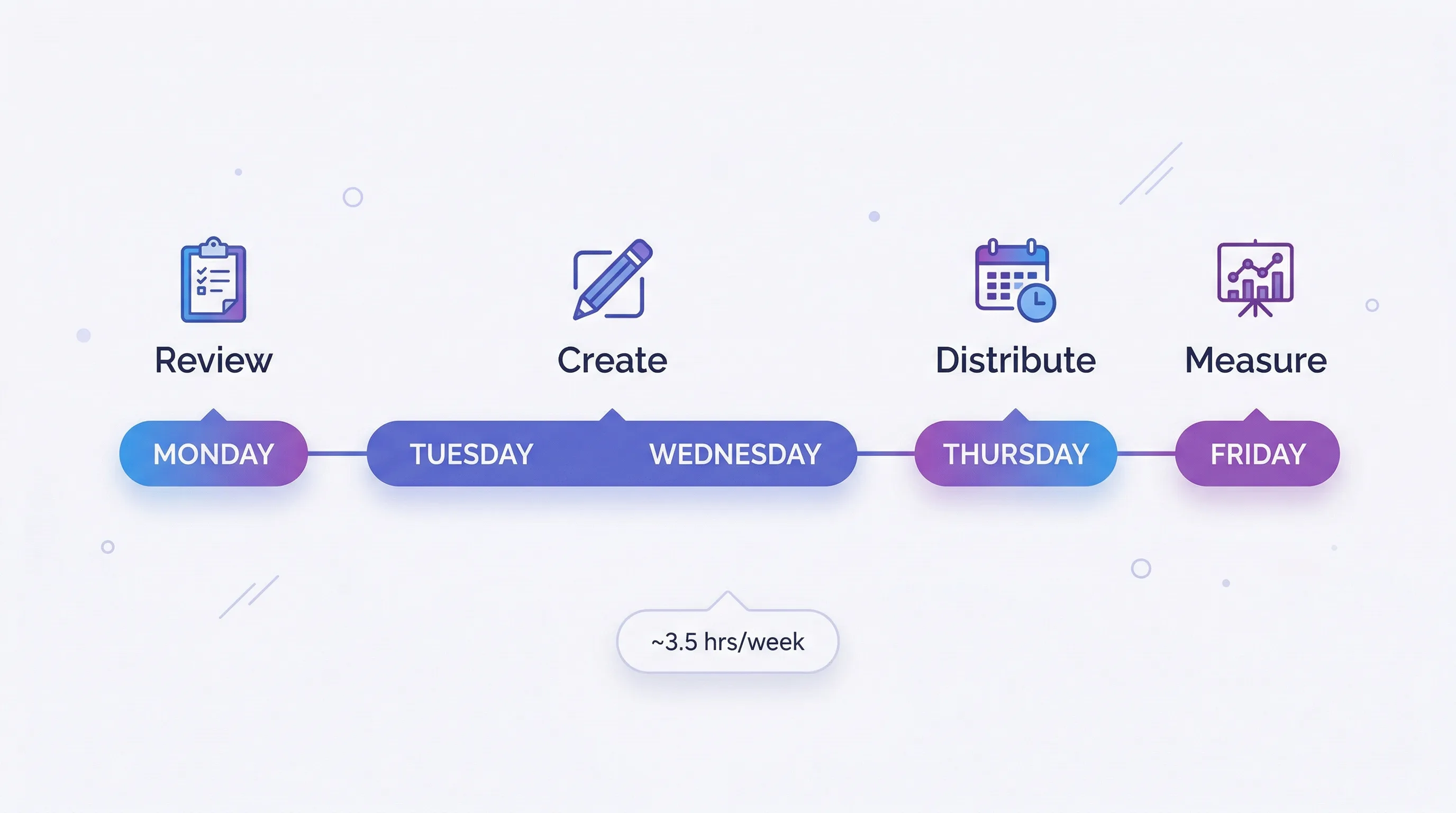
With this system running, your weekly content workflow becomes:
**Monday (30 minutes):** Review enriched mention backlog from the past week. Pick 2-3 content angles with the highest mention count and engagement. Assign them to content patterns (roundup, comparison, story, etc.).
**Tuesday-Wednesday (2 hours):** Run the AI generation prompts with real mention data. Edit the output: add your perspective, verify quotes, add internal links. This is where human judgment matters — the AI provides the scaffolding grounded in data, you add the voice and editorial decisions.
**Thursday (30 minutes):** Schedule social posts derived from the same mention data. Queue newsletter content.
**Friday (15 minutes):** Review content performance from the previous week. Note which mention-driven pieces performed best. Adjust next week's keyword focus if needed.
**Total time: ~3.5 hours per week for 2-3 blog posts, 5-10 social posts, and 1 newsletter.**
Compare this to the traditional developer marketing approach: staring at a blank page, brainstorming topics, researching from scratch, writing without unique data. That process takes 4-6 hours *per blog post* and produces content that sounds like everyone else's.
### The Performance Feedback Loop
Track which content types perform best and feed that back into your enrichment layer:
```python
# Weekly performance review
high_performers = db.content.find({
"published_at": {"$gte": last_week},
"pageviews": {"$gte": 500},
})
for post in high_performers:
# Tag the source mentions as "high-performing source"
for mention_id in post["source_mentions"]:
db.mentions.update(mention_id, {
"led_to_high_performing_content": True,
})
# Over time, this reveals which mention patterns
# (platform, sentiment, engagement level, category)
# produce the best content
```
## A Full Month of Mention-Driven Content for a Developer Tool Company
Here's what a month looks like when you run this system for a developer tool company with ~500 mentions per week:
**Week 1:**
- Blog: "5 Things Developers Taught Us This Week About Our SDK" (community roundup)
- Newsletter: Top 3 developer mentions + engineering team commentary
- Social: 3 posts featuring developer testimonials from Reddit and HN
**Week 2:**
- Blog: "Sentry vs Datadog: What Developers Actually Say" (data-backed comparison)
- Blog: "Why Backend Teams Are Switching to API-First Monitoring" (trend piece from category mentions)
- Social: 5 posts highlighting specific integration stories from Reddit threads
**Week 3:**
- Blog: "How [Customer]'s DevRel Team Caught a Breaking Change 5 Minutes After Deployment" (case study from mention data)
- Newsletter: Monthly sentiment report + developer community trends
- Social: 3 posts addressing common migration concerns (driven by negative/neutral mentions)
**Week 4:**
- Blog: "The State of Developer Tools: What 2,000 Community Mentions Reveal This Month" (data-backed thought leadership)
- Blog: "Reddit vs Hacker News vs Stack Overflow: Where Developer Tools Get Mentioned Most" (original data analysis)
- Social: 4 posts with mention statistics and developer insights
That's 6 blog posts, 4 newsletters, and 15+ social posts per month — all built on original developer community data that no competitor can replicate.
## Advanced: Automated Content Creation With the Full Pipeline
For developer marketing teams that want maximum leverage, here's the fully automated version using content automation platforms you probably already know.
### Using the MCP Server With Claude
If you're already using Claude for content, the MCP integration is the most natural approach:
```text
Prompt to Claude (with Octolens MCP connected):
"Pull all Reddit and Hacker News mentions from the last 7 days
with positive sentiment and relevance above 0.8.
Group them by theme. For the top 3 themes, draft a blog post
outline that includes:
- A specific data point from the mentions
- At least 2 paraphrased user quotes
- An original take from our team's perspective
- A clear content angle that hasn't been covered by competitors"
```
Claude queries the MCP server, gets structured mention data, and produces content outlines grounded in your real data — all in one step.
### Using n8n or Make
```text
Trigger: Octolens webhook (new mention detected)
↓
Filter: relevance_score > 0.7 AND sentiment != "neutral"
↓
Route by content_category:
├── TESTIMONIAL → Add to testimonial database
├── PAIN_POINT → Add to problem/solution queue
├── COMPARISON → Add to competitor content queue
└── USE_CASE → Add to case study pipeline
↓
Weekly aggregation trigger (every Monday):
↓
For each queue with 5+ items:
→ Generate content draft via Claude API
→ Send draft to Slack for review
→ On approval, publish to CMS
```
## Why This System Creates a Compounding Moat for Developer Marketing Teams
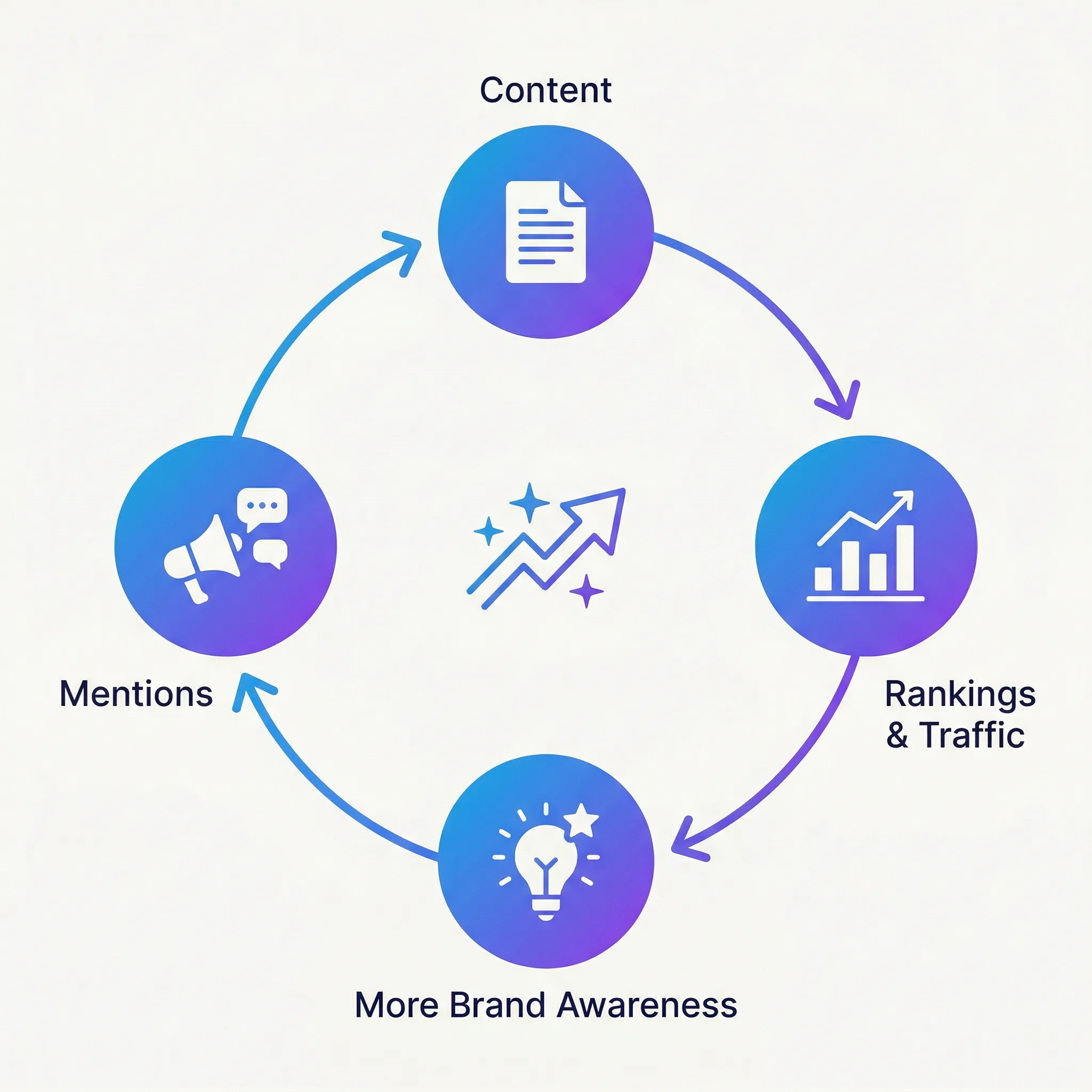
Most SaaS content marketing strategies produce diminishing returns. You publish a blog post, it ranks for a while, traffic decays. The next post starts from zero.
A mention-driven content system compounds because:
**The data gets richer over time.** More developer mentions = more content angles = more original insights. After 6 months, you have historical trend data about your developer community that no one else has.
**Content performance feeds back into collection.** You learn which topics resonate with developers, which sharpens your keyword tracking, which produces better mention data, which creates better content.
**Search engines reward the pattern.** Consistently publishing content with original data, real developer quotes, and unique perspectives builds topical authority. Google's systems learn that your site is a primary source for your category, not a content aggregator. This is information gain SEO in practice.
**Competitors can't copy it.** They don't have your mention data. They can copy your content format, but not the underlying community data that makes it unique. Their AI-generated content remains generic; yours is grounded in proprietary developer intelligence.
**It serves multiple channels simultaneously.** The same mention data feeds blog posts, changelogs, newsletters, social posts, case studies, DevRel talks, and product feedback. One input, many outputs.
## Getting Started: The 30-Minute Setup
You don't need to build the full content marketing automation pipeline on day one. Here's the minimum viable version:
**Step 1 (5 minutes):** [Sign up for Octolens](https://octolens.com/me/sign-up?selectedPlan=Free_trial) and set up keyword tracking for your tool name, top 2 competitors, and 1 category keyword (e.g., "API monitoring" or "feature flags").
**Step 2 (10 minutes):** Configure a webhook to pipe mentions into a Google Sheet, Notion database, or Airtable. Use a tool like [n8n](https://n8n.io/) or [Make](https://make.com/) for zero-code setup. Or use the [Octolens API](https://octolens.com/social-listening-api) directly if you prefer code.
**Step 3 (15 minutes):** At the end of your first week, export the mentions. Paste them into Claude or ChatGPT with this prompt:
```text
Here are [X] real developer mentions of my tool from the past week.
Identify the 3 strongest content angles and write a draft
blog post outline for each, citing specific mentions as evidence.
```
That's it. You now have three content ideas grounded in original community data, with real developer quotes and specific examples baked in. No other developer marketing team in your space has this.
Scale from there.
## The Bottom Line
The AI content creation crisis is real, but it's not about the AI — it's about the inputs. When every developer tool company feeds the same public knowledge into the same models, the output converges on mediocrity. And developers — your most important audience — will ignore it.
Brand mention tracking data is the unlock. It's proprietary, it's current, it's authentic, and it's structured for programmatic use via API. When you feed it into an AI content workflow, you get something that doesn't exist anywhere else: **original developer insights at scale.**
The developer marketing teams that figure this out first will own their category's content landscape. The teams that keep prompting AI with generic instructions will keep publishing content that sounds like everyone else's.
Your developer community is already generating the raw material — on Reddit, Hacker News, GitHub, and Stack Overflow. Build the system that turns it into your unfair advantage.
---
# How Railway Uses the Octolens API to Reach 2.6M Developers
URL: https://octolens.com/blog/railway · Published: 2026-03-30 · Updated: 2026-03-30 · Author: Charlotte Schmitt (Co-Founder)
## Railway is the intelligent cloud provider that takes the complexity out of shipping software
[Railway](https://railway.com/) is the all-in-one intelligent cloud provider that makes deploying applications effortless.
From hobby projects to Fortune 500 companies like Automattic and TripAdvisor, over 2 million builders use Railway to ship code without thinking about infrastructure.
The company has grown predominantly through word of mouth powered by a product-led growth engine and a developer community that loves the product.
### Company info (March 2026)
- **Size:** ~30 employees
- **Funding:** $124M total ($100M Series B, January 2026)
- **Headquarter:** Remote
For this case study, we interviewed two people with different Octolens workflows:
- **Mahmoud Abdelwahab, Senior DevRel Engineer:** on the frontlines, responding to mentions and building content around community conversations
- **Sarah Krasnik Bedell, Founding Growth Marketer:** zoomed out, tracking trends, correlating mentions with signups, and measuring the awareness flywheel that drives Railway's growth
Together, they show how Octolens powers both the day-to-day and the big picture.
## The Challenge: When Your Brand Name Is a Common Word
Railway's biggest monitoring challenge? Their name is a very common English word.
*Source: X (*[*link*](https://x.com/itsnoahd/status/1987324085429232037?s=20)*)*
"Our brand is a word. When we tried to do this on our own, there were just so many false positives. Like, 'my train from Berlin to wherever is late'" Sarah explained.
Mahmoud has firsthand experience: "My most popular tweet of all time is me replying to someone who had just mentioned us.
He's like, 'Oh, I'm having issues.'
I said, 'What's wrong?' And he's like, 'My train is late.'"
The screenshot went viral. While a funny post, it was a genuine problem to get real signal posts for their brand.
*Source: X (*[*link*](https://x.com/thisismahmoud/status/1976305454008385836?s=20)*)*
As if that wasn’t enough, a K-pop song called "Railway" added yet another wave of irrelevant mentions.
And on LinkedIn, people claim they work at "railway" when they actually work for a train company, making platform-level filtering a huge pain.
Before Octolens, Railway only tracked direct Twitter mentions.
Even that required a blocklist of accounts to reduce noise from people tagging @railway when they meant something else.
The rest of the internet, Reddit, LinkedIn, YouTube, Hacker News, was too noisy.
"We just missed out on all mentions across all platforms, that was life before Octolens."
## After Octolens: Full Coverage, Two Distinct Workflows
The switch to Octolens gave Railway visibility across every platform that mattered, with AI filtering to tell the difference between a cloud platform, a K-Pop song and a commuter train.
But what makes Railway's setup unique is how differently their two teams use the same tool.
### Mahmoud's Workflow for DevRel: An API-Powered Mention Engine
Mahmoud doesn't use the Octolens dashboard, he uses it as infrastructure.
Using the Octolens API, he built a custom service (deployed on Railway) that pipes mentions into dedicated channels and creates custom digests.
Each major platform gets its own channel plus a miscellaneous channel to catch everything else and a dedicated issues channel where problems surface at a glance.
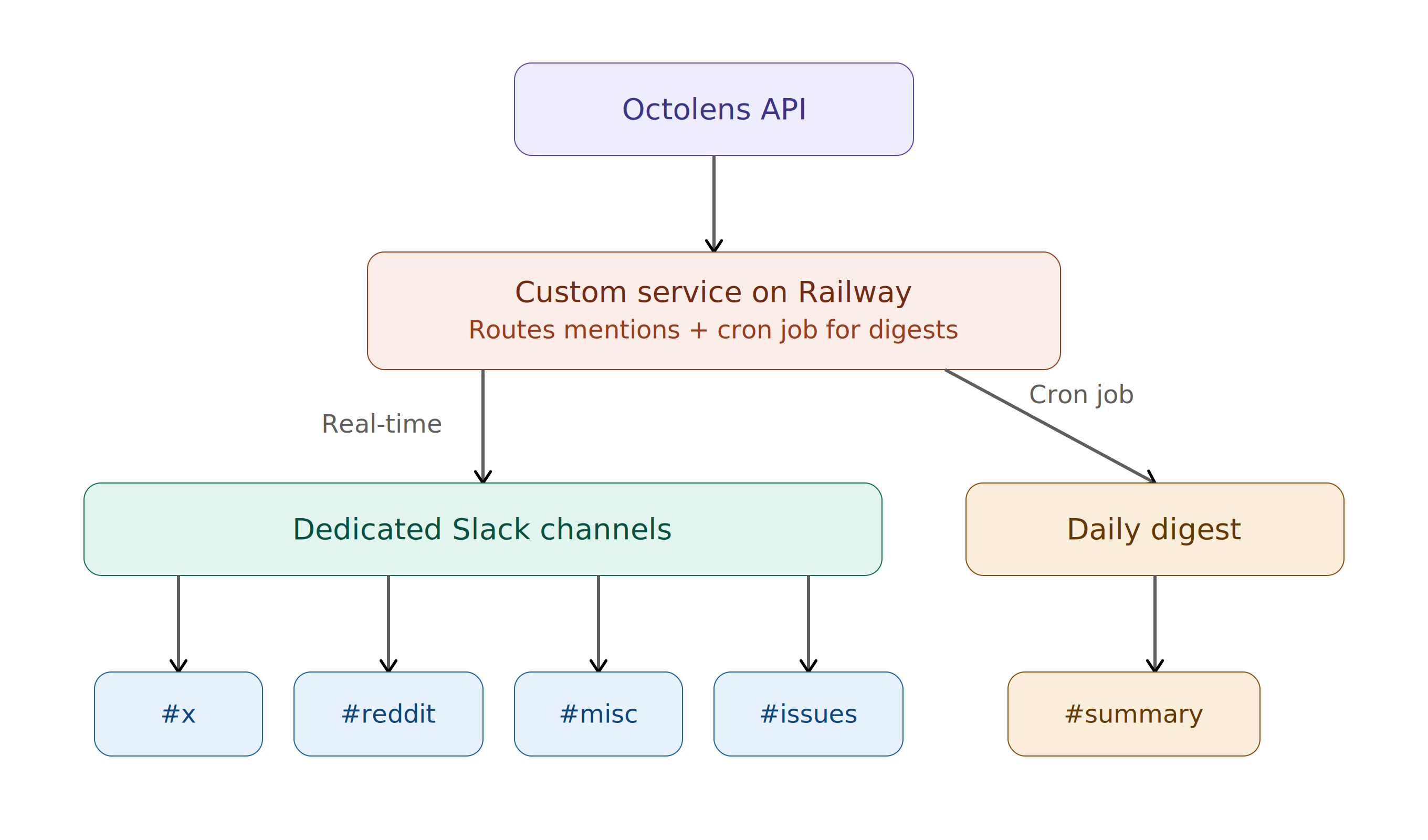
“Built on top of the Octolens API, I use Railway as a service to pipe all of the mentions to different channels.
Then there's a cron job that does a daily digest for us," Mahmoud explained.
The digest was needed due to the volume of posts coming in.
With Railway's mention volume, stepping away for a weekend could mean returning to 200+ unread mentions.
So Mahmoud built a daily digest that runs on a cron schedule via the Octolens API summarizing mentions into a single summary.
His day-to-day is built around speed. Every alert is a direct link to the original conversation. One click, and he's responding.
"Previously, I would search three platforms. Now it's just one click, and then I'm there, and then I talk to people."
What he cares most about are the silent mentions, people talking about Railway without tagging the brand.
"We have two types of feedback: when someone directly mentions us and when people just silently mention us.
I care a lot about the latter because it allows me to jump into conversations: someone having a good experience, I tell them 'thank you.'
Someone having a bad experience, I can ask what went wrong."
Those conversations also become content signals.
When he sees people confused about a feature, he knows it's time to create content around it.
When he spots someone excited about an unexpected use case, he reaches out to learn more.
"It's just part of the day to day at this point. I set it up, and for me, it just powers the infrastructure behind my workflow."
He's also experimented with Octolens' MCP integration to pull mentions into Claude and generate content ideas.
"You could just be very vague with the request, and it would work.
Without needing to write code."
Mahmoud also forwards relevant mentions to engineers across the company.
Whether it's positive feedback on a feature they shipped or an issue that needs attention, the whole team stays connected to what users are saying.
### Sarah's Workflow for Growth: Making Sense of 78% Word of Mouth Signups
While Mahmoud focuses on real-time alerts, Sarah focuses on trends.
"What I care about is: why are things happening and what can we do more of?" she said. "The way I think about it is much more in aggregate."
Her rhythm is a weekly review. Monday mornings she dives into mention volume, platform breakdown, and sentiment trends in the Octolens analytics page.
She's looking for trends, not individual posts.
For Railway, this isn't just nice-to-have analytics. It's how they measure their most important growth channel.
Railway is a product-led growth (PLG) company with no top-down sales.
Revenue comes from bottoms-up adoption, driven by word of mouth. 78% of their signups come from organic channels.
Sarah’s goal is to understand what’s driving those signups.
"When our signups started growing 40% month-over-month, we saw the same growth among Reddit mentions in a specific set of subreddits," Sarah wrote in a [recent article on the topic.](https://sarahsnewsletter.substack.com/p/aeo-starts-as-awareness-and-hides)
"That's not content optimization driving the growth. That's awareness compounding."
That correlation between community mention volume and signup growth turned Octolens from a monitoring tool into a strategic instrument.
It's how Sarah proves that word-of-mouth is actually working, even when it doesn't show up in UTM tracking or referral links.
#### Discovering channels worth investing in
Railway had always invested heavily in Twitter.
Mainly because their founder Jake Cooper tweets regularly, and the platform is deeply embedded in their brand presence.
But Octolens revealed a new signal: organic Reddit mentions were increasing.
"Octolens allows us to surface other channels that we maybe wouldn't have engaged in or thought about otherwise," Sarah said.
"We saw organic Reddit mentions start to creep up, and then that's something we should think about."
With this data the team could confidently prioritize relevant awareness channels to fuel growth further.
#### Measuring launches and campaigns
Sarah also uses Octolens to measure the impact of brand moments.
When Railway announced their $100M Series B in January 2026, the mention spike was immediately visible giving the team a way to assess reach beyond just their own post impressions.
"We can see on the day of the announcement — here's the spike.
You can assess impact beyond just post impressions, because there are so many other people mentioning us.
That would be really hard to do without Octolens."
As Railway ramps up brand campaigns in 2026, this becomes a repeatable measurement framework: launch something, watch the conversation, learn what resonated.
#### The subreddit signal
One of Sarah's favorite outputs from Mahmoud's API setup is the subreddit-level breakdown.
Different subreddits represent different topics, and the data tells a clear story about what's driving Railway's growth.
"Most of them are some sort of vibe coding subreddits, as opposed to a back-end subreddit," she said.
"That gives us a signal: we should talk more about this, make sure the experience is better. This is what's top of mind for people."
For a PLG company where community platforms dominate how users discover you, knowing which communities are talking about you and what they're saying is the difference between spending time on the right things and guesswork.
## The Bigger Picture: Why Brand Monitoring Is Growth Infrastructure
Mahmoud put it plainly: "Octolens has become really, really important for us."
The reason comes down to how Railway grows.
Social has always been one of their most important awareness channels.
Their users discover Railway through community conversations, YouTube tutorials, Reddit threads, and increasingly, through AI coding tools that suggest Railway as a deployment target.
Sarah sees the monitoring data as part of a larger flywheel.
Community discussions feed LLM training data.
Those LLMs then recommend Railway to new developers.
Those developers talk about their experience online which creates more community discussions.
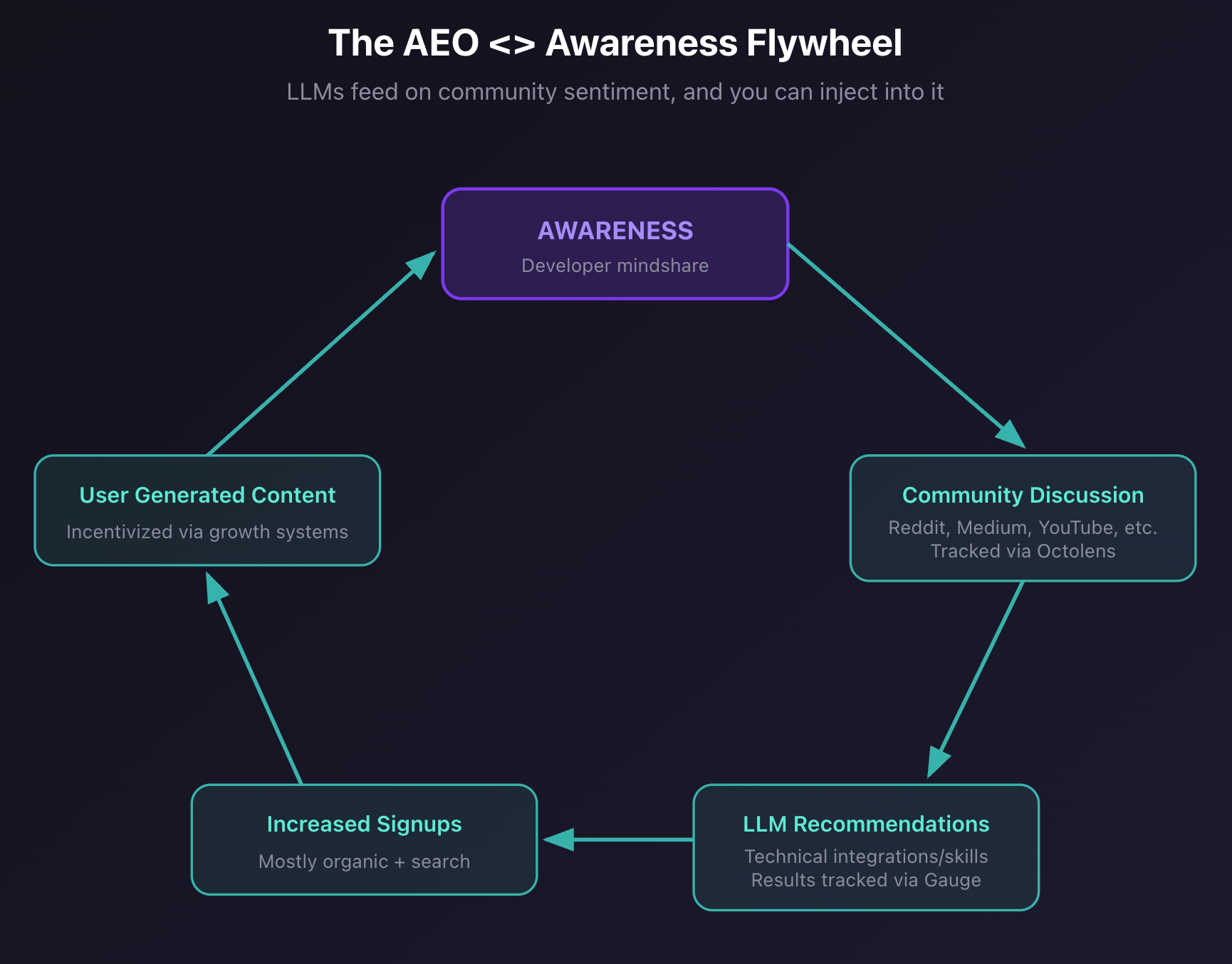
*Source: Sarah’s Newsletter on Substack (*[*link*](https://sarahsnewsletter.substack.com/p/aeo-starts-as-awareness-and-hides)*)*
Octolens helps shed light on the flywheel, making visible where the conversations are happening and where Railway needs to act.
When mention volume in vibe coding subreddits spikes, that's a signal to invest in that use case.
When a sponsorship generates community discussion, that's proof the spend was worth it.
When a launch falls flat in conversation, that's a sign to iterate.
"Because we're a PLG-driven company and social has always been a very important awareness channel — that's why Octolens is important," Mahmoud said.
"It helps us track one of our most important channels."
## Key Takeaways: How Octolens Helps Railway
- **Full platform coverage:** From Twitter-only to every channel that matters
- **Common-word filtering:** AI filtering smart enough to separate a cloud platform from the common word usage
- **API-powered workflows:** Custom notification channels, daily digests, and automated routing built on the Octolens API
- **Growth correlation:** Connecting social mention spikes to 40% month-over-month signup growth
- **Campaign measurement:** Visible mention spikes tied to launches like their $100M Series B announcement
- **Company-wide visibility:** Engineers, growth, and DevRel all connected to real community conversations
## About Octolens
Octolens monitors your brand in real-time.
Receive AI-vetted alerts for keyword mentions and growth opportunities so you can act fast and stay ahead of your competition.
[Get started for free](https://octolens.com/me/sign-up?selectedPlan=Free_trial) or [book a demo](https://cal.link/octolens-demo) to see how Octolens can help you stay on top of the conversations that matter.
---
# Reddit API Pricing in 2026: Complete Breakdown
URL: https://octolens.com/blog/reddit-api-pricing · Published: 2026-03-10 · Updated: 2026-03-10 · Author: Charlotte Schmitt (Co-Founder)
If you're building something that needs Reddit data, for example, a monitoring tool, a research project, or an AI agent, you've probably hit the Reddit API pricing wall.
Since Reddit's 2023 API changes (the ones that killed Apollo and dozens of other apps), the pricing structure has been... complicated.
This guide breaks down exactly what Reddit API access costs in 2026, what you get at each tier, and whether it makes sense for your use case. If your main goal is shipping mention monitoring quickly, compare it to a dedicated [social listening API](/social-listening-api).
## Is Reddit API Free?
Yes and no.
Reddit offers a free tier, but it comes with significant restrictions that make it unusable for most production applications:
**Free Tier Limits:**
- 100 queries per minute (QPM) with OAuth authentication
- 10 queries per minute without OAuth
- No commercial use allowed
- Rate limits are averaged over a 10-minute window to allow bursting
- Must comply with Reddit's [Data API Terms](https://support.reddithelp.com/hc/en-us/articles/16160319875092-Reddit-Data-API-Wiki)
For personal projects, bots, or research, the free tier works.
For anything commercial (monitoring brand mentions, building a SaaS product, tracking competitors) you need approval and likely a paid agreement.
## Reddit API Pricing Tiers
Reddit doesn't publish a transparent pricing page.
Here's what we know from developer reports and [Reddit's official documentation:](https://support.reddithelp.com/hc/en-us/articles/14945211791892-Developer-Platform-Accessing-Reddit-Data)
### Free Tier
- **Cost**: $0
- **Rate limit**: 100 QPM (OAuth), 10 QPM (no OAuth)
- **Use case**: Personal projects, academic research, hobby bots
- **Commercial use**: Not allowed without approval
- **Support**: Community forums only
### Commercial Access
- **Cost**: ~$0.24 per 1,000 API calls [reported pricing](https://data365.co/blog/reddit-api-pricing)
- **Requires**: Formal contract with Reddit
- **Approval process**: Manual review, typically 2-4 weeks
- **Requirements**: Business justification, use case documentation
- **Historical data**: May require custom enterprise arrangement
Reddit [explicitly states](https://techcrunch.com/2024/05/09/reddit-locks-down-its-public-data-in-new-content-policy-says-use-now-requires-a-contract/) that commercial use now requires a contract.
The actual cost depends on:
- Data volume (requests per month)
- Use case (research vs. commercial product)
- Whether you need historical data access
## The Real Cost: Time and Complexity
The dollar cost isn't the whole story. Here's what developers actually deal with:
### 1. Approval Process Takes Weeks
Commercial API access requires manual approval.
The review process typically takes [2-4 weeks](https://molehill.io/blog/reddit_killed_self-service_api_keys_your_options_for_automated_reddit_integration)
, with no guarantee of approval.
You'll need to explain your use case, which subreddits you'll access, and your expected request volume.
If you're building something time-sensitive, this is a blocker.
### 2. Rate Limits Are Strict
Even with commercial access, you're working within Reddit's rate limits.
If you're monitoring multiple keywords across multiple subreddits, you'll burn through your quota fast.
**Example:** Monitoring 10 keywords across Reddit, checking every 5 minutes = 2,880 requests/day just for basic polling.
Add in pagination for active threads and you're looking at 5,000-10,000+ requests daily.
### 3. No Real-Time Streaming
Reddit's API is pull-based. There's no webhook or streaming option. You have to poll constantly, which means:
- Higher API usage
- Delayed detection of mentions
- More infrastructure to manage
### 4. Data Processing Is On You
The API returns raw Reddit data. You still need to:
- Filter out irrelevant mentions
- Handle rate limit errors and retries
- Parse different post types
- Store and deduplicate data
- Build sentiment analysis
### 5. Compliance Overhead
Reddit's [Data API Terms](https://support.reddithelp.com/hc/en-us/articles/16160319875092-Reddit-Data-API-Wiki) are strict. You need to:
- Display Reddit attribution
- Respect robots.txt
- Cannot use data to train ML/AI models without explicit approval
- Cannot sell, license, or commercialize data without written approval
- Handle user deletion requests
## Common Reddit API Use Cases (and Their Real Cost)
### Brand Monitoring
**Goal:** Track mentions of your company name across Reddit.
**DIY approach:**
- Reddit API: $0.24 per 1,000 requests (at ~5,000 requests/day = ~$36/month)
- Server infrastructure: $20-50/month
- Development time: 40-80 hours initial build
- Ongoing maintenance: 5-10 hours/month
- Wait 2-4 weeks for commercial approval (if granted)
**The real cost is engineering time.** Even if API costs are modest, building polling infrastructure, handling rate limits, parsing data, and adding sentiment analysis takes weeks of developer time.
### Competitor Intelligence
**Goal:** Monitor mentions of 5-10 competitor brands.
**DIY approach:**
- Higher API volume needed (5-10x single brand)
- More complex filtering (separate keywords, Boolean logic)
- Additional storage for historical comparison
- Same engineering overhead, multiplied
### Research/Academic
**Goal:** Analyze Reddit discussions for a study.
**DIY approach:**
- Free tier may work if volume is low
- Pushshift (third-party archive) is no longer reliably available
- Historical data access requires custom enterprise arrangement
## Why Developers Are Looking for Alternatives
The math doesn't work for most teams.
If you're a startup or small team, spending 100+ hours building and maintaining Reddit monitoring infrastructure doesn't make sense.
You're not in the "Reddit API" business—you need Reddit data to solve a different problem.
Common frustrations we hear:
- "I just want to [track social signals](track-social-signals) when someone mentions my product on Reddit"
- "The approval process is killing our timeline"
- "Rate limits mean I'm missing mentions"
- "I don't want to manage another piece of infrastructure"
## The Alternative: Use an Aggregation API
Instead of integrating with Reddit's API directly, you can use a service that handles the complexity for you via one aggregation endpoint.
Here's what changes:
| | Reddit API Direct | Aggregation API |
| --- | --- | --- |
| Approval process | Weeks/months | Instant |
| Rate limits | Your problem | Handled |
| Data processing | Build it yourself | Pre-processed |
| Sentiment analysis | Build it yourself | Included |
| Real-time alerts | Not available | Webhooks/Slack |
| Multiple platforms | Reddit only | Reddit + Twitter + LinkedIn + more |
| Compliance | Your responsibility | Handled |
### Cost Comparison
For a typical brand monitoring use case (1 brand, 500 mentions/month):
**Reddit API Direct:**
- API costs: Variable (depends on polling frequency and volume)
- Infrastructure: $25-50/month
- Engineering time to build: 40-80 hours upfront
- Ongoing maintenance: 5-10 hours/month
- **Hidden cost**: 2-4 week approval delay before you can start
**Aggregation API (like Octolens):**
- All-in cost: $159/month (Pro, annual) or $199/month (Pro, monthly)
- Setup time: Minutes, not weeks
- Engineering: Near zero
- **Total: $159-199/month, start immediately**
The real savings is engineering time and speed-to-market.
Instead of waiting for approval and building infrastructure, you're monitoring mentions on day one.
## When Reddit API Direct Makes Sense
Direct Reddit API integration is the right choice if:
1. **You're building a Reddit-specific product** — A Reddit client, moderation tool, or Reddit-native feature
2. **You need write access** — Posting, commenting, or moderation requires direct API
3. **You're doing academic research** — Free tier + patience with approval may work
4. **You have dedicated infrastructure** — Large team with DevOps capacity to maintain it
## When to Use a Reddit API Alternative
An aggregation API makes more sense if:
- **You need Reddit data, not Reddit integration** — Monitoring, research, alerts
- **You're monitoring multiple platforms** — Reddit + Twitter + LinkedIn + HN
- **Speed matters** — Can't wait weeks for API approval
- **You want it to just work**— No infrastructure to manage
- **You need real-time alerts** — [Webhooks](https://octolens.com/webhooks), Slack, email notifications
- **You want agent workflows** — use the [Reddit MCP server](/reddit-mcp) for Claude, Cursor, or ChatGPT
## Getting Started with Reddit Monitoring
If you've decided that managing Reddit's API directly isn't worth the overhead, here's how to get Reddit mentions flowing in minutes:
### Option 1: Octolens (API-first approach)
```bash
# Get your API key at octolens.com
curl https://api.octolens.com/v1/mentions \
-H "Authorization: Bearer YOUR_API_KEY" \
-d '{"keyword": "your-brand"}'
```
What you get:
- Reddit mentions with sentiment analysis
- Relevance scoring (filters out noise)
- Real-time webhooks
- 13+ platforms beyond Reddit (Twitter, LinkedIn, HN, GitHub, etc.)
- Starts at $159/month (annual) with API access included
### Option 2: Build it yourself
If you do want to go the direct route:
1. Register at reddit.com/prefs/apps
2. Create a "script" or "web app" application
3. Use PRAW (Python) or snoowrap (Node.js)
4. Build your polling, storage, and alerting infrastructure
5. Apply for commercial access when ready
## TL;DR
- **Is Reddit API free?** Yes, but the free tier is too limited for production use
- **Reddit API pricing**: Commercial access starts at $0.24/1K requests, requires manual approval
- **Real cost**: The engineering time to build and maintain infrastructure often exceeds API costs 10x
- **Alternative**: Aggregation APIs like Octolens handle Reddit + other platforms for a flat monthly fee
For most teams, the question isn't "what does Reddit API cost?" but "is building Reddit monitoring infrastructure the best use of our engineering time?"
Need Reddit mentions without the infrastructure overhead?
[Try Octolens free for 7 days](https://octolens.com/me/sign-up?selectedPlan=Free_trial) — API access included on all plans. If you are building MCP-first automations, start at the [MCP hub](/mcp).
---
# How AI Agents Access Social Data Without Getting Blocked
URL: https://octolens.com/blog/how-ai-agents-access-social-data-reliably · Published: 2026-02-02 · Updated: 2026-02-04 · Author: Charlotte Schmitt (Co-Founder)
AI agents are everywhere. [OpenClaw](https://openclaw.ai/)
(formerly Moltbot/Clawdbot) just crossed 100k GitHub stars.
The Moltiverse community on Reddit is exploding with automation workflows.
Claude, ChatGPT, and custom coding agents are handling tasks that would have seemed impossible a year ago.
But there's a problem every agent developer hits: these agents need data.
Specifically, they need social data: what people are saying on Reddit, Twitter/X, LinkedIn, Hacker News, and dozens of other platforms where your customers and competitors are talking.
And most of the obvious approaches don't work.
## The Social Data Problem for AI Agents
### What agents try (and why it fails)
**Approach 1: Direct API access**
Twitter's API costs $42,000/month for enterprise access.
Reddit restricted their API in 2023.
LinkedIn will terminate your account for scraping.
Most platforms are actively hostile to programmatic access.
**Approach 2: Web scraping**
Rate limits. CAPTCHAs. IP bans.
Anti-bot measures that evolve daily.
Your agent might work today and break tomorrow.
Building reliable scrapers is a full-time job - and platforms are winning the arms race.
**Approach 3: Existing MCP servers**
The MCP ecosystem has Twitter servers, [Reddit MCP implementations](/reddit-mcp), and Bluesky integrations.
But they're fragmented. Each one has different authentication requirements, data formats, and reliability issues.
Stitching together five different MCP servers means maintaining five different failure modes.
**Approach 4: "Just use web search"**
Search engines are great for one-off queries.
They're terrible for ongoing monitoring.
You can't track 50 keywords across 10 platforms with search.
And by the time something is indexed, the conversation has moved on.
## The Real Requirements
When you're building agents that need social data - whether for [tracking social signals](track-social-signals), competitor intelligence, lead generation, or community engagement - you need:
1. **Multi-platform coverage** in a single integration
2. **Real-time or near-real-time** data (not days-old search results)
3. **Structured, clean data** (not raw HTML to parse)
4. **Reliability** (the integration shouldn't break every week)
5. **Filtering and relevance** (not drowning in noise)
6. **Legitimate data access** (not violating ToS and risking shutdowns)
## How Octolens Solves This
Octolens is a brand monitoring tool for B2B SaaS companies.
It monitors mentions across Twitter/X, Reddit, LinkedIn, Hacker News, GitHub, YouTube, newsletters, podcasts, and more.
What makes it useful for AI agents: it exposes this data through both an [MCP server](/mcp) and a [social listening API](/social-listening-api).
The Octolens skill is now listed in the [awesome-openclaw-skills](https://github.com/VoltAgent/awesome-openclaw-skills) repository under Marketing & Sales—alongside 700+ other community-built skills.
From the listing:
> **octolens** — Brand mention tracking across Twitter, Reddit, GitHub, LinkedIn with sentiment analysis.
### Installing the Octolens Skill
For OpenClaw users, the fastest way to get started is via ClawdHub:
```
npx clawdhub@latest install octolens
```
Or manually copy the skill to your skills folder:
- Global: **`~/.openclaw/skills/`**
- Workspace: **`/skills/`**
### The MCP Integration
If you're using OpenClaw, Claude Desktop, or any MCP-compatible agent framework, you can connect Octolens MCP directly. Here's what the setup looks like in your MCP configuration:
```
{
"mcpServers": {
"octolens": {
"url": "https://app.octolens.com/api/mcp/sse?token=YOUR_API_TOKEN"
}
}
}
```
Once connected, your agent can query mentions with natural language:
The MCP server exposes these capabilities:
- **`get_filters`** — Returns available keywords, saved views, tags, sources, and sentiment values. Your agent calls this first to understand what's available.
- **`get_mentions`** — Fetches mentions with optional filters. Supports filtering by:
- Source platform (twitter, reddit, linkedin, hackernews, etc.)
- Sentiment (positive, neutral, negative)
- Tags (competitor_mention, buy_intent, user_feedback, bug_report, etc.)
- Keywords (by ID)
- Date ranges
- X/Twitter follower counts
- Engagement status
### The REST API
For agents that don't use MCP, or when you need more control, the REST API provides the same data:
```
curl -X GET "https://app.octolens.com/api/mentions" \
-H "Authorization: Bearer YOUR_API_TOKEN" \
-H "Content-Type: application/json" \
-d '{
"filters": {
"source": ["reddit", "twitter"],
"sentiment": ["negative"],
"startDate": "2026-01-01T00:00:00Z"
},
"limit": 100
}'
```
Responses include structured data for each mention:
```
{
"mentions": [
{
"id": "123456",
"source": "reddit",
"title": "Alternatives to Brand24?",
"content": "Looking for something that actually works for monitoring...",
"url": "https://reddit.com/r/SaaS/comments/...",
"author": "username",
"sentiment": "negative",
"tags": ["competitor_mention", "buy_intent"],
"publishedAt": "2026-02-01T14:30:00Z",
"engagement": {
"likes": 45,
"comments": 23
}
}
],
"nextCursor": "abc123"
}
```
## Real-World Agent Use Cases
The Moltiverse community has been sharing workflows that combine Octolens with other skills. Here are patterns that work:
### 1. Automated Competitive Intelligence
Set up an agent workflow that:
- Queries Octolens every hour for mentions tagged **`competitor_mention`**
- Filters for negative sentiment
- Summarizes key complaints into a weekly digest
- Pushes insights to Notion or your wiki
Pair with the **`notion`** or **`obsidian`** skill for automatic knowledge base updates.
### 2. Proactive Customer Support
Build an agent that:
- Monitors mentions of your brand across all platforms
- Flags bug reports and negative feedback in real-time
- Auto-drafts responses for human review
- Logs issues in your support system
Combine with **`linear`** or **`jira`** skills for automatic issue creation.
### 3. Lead Generation Automation
Create a workflow that:
- Tracks **`buy_intent`** tagged mentions
- Identifies users asking about your product category
- Enriches with follower count and engagement data
- Queues high-value prospects for sales outreach
Stack with **`apollo`** or **`hubspot`** skills for CRM integration.
### 4. Content Research Assistant
Use an agent to:
- Pull trending discussions in your space
- Analyze what topics generate engagement
- Suggest content ideas based on community conversations
- Track how content performs after publication
Works well with the **`marketing-skills`** bundle for end-to-end content workflows.
## Why Not Just Build Your Own?
You could. Here's what you'd need:
- API access or scraping infrastructure for 10+ platforms
- Rate limit management and retry logic
- Data normalization across different formats
- Relevance filtering (most mentions are noise)
- Sentiment analysis
- Storage and retrieval
- Ongoing maintenance as platforms change
Octolens handles all of this. You get a single endpoint that returns clean, filtered, relevant data from across the social web.
For teams building AI agents, this is the difference between spending weeks on data infrastructure and shipping in an afternoon.
## Getting Started
### For OpenClaw Users
1. **Install the skill** via ClawdHub: **`npx clawdhub@latest install octolens`**
2. **Get your Octolens API token**: Octolens App → Settings → API (7-day free trial available)
3. **Add your keywords** - brand names, competitor names, or topic keywords
4. **Start asking** - "Show me mentions of [brand] from the last 24 hours"
### For Other Agent Frameworks
If you're building with Claude Desktop, Cursor, or any MCP-compatible framework:
1. **Sign up for** [Octolens](https://octolens.com/me/sign-up?selectedPlan=Free_trial)
2. **Get your API token** from Settings → API
3. **Add the MCP endpoint** to your configuration:
```
{
"mcpServers": {
"octolens": {
"url": "https://app.octolens.com/api/mcp/sse?token=YOUR_API_TOKEN"
}
}
}
```
### For REST API Users
If you need direct API access for custom integrations:
```
curl -X GET "https://app.octolens.com/api/mentions" \
-H "Authorization: Bearer YOUR_API_TOKEN" \
-H "Content-Type: application/json"
```
## The Bottom Line
AI agents are only as useful as the data they can access. Social platforms are locking down. Scrapers are unreliable. Search isn't real-time.
Tools like Octolens provide a legitimate, reliable way to pipe social data into your agents—whether you're building on OpenClaw, Claude, or your own custom stack.
The skill is already listed in [awesome-openclaw-skills](https://github.com/VoltAgent/awesome-openclaw-skills) and works out of the box with the broader MCP ecosystem.
The agents that win are the ones that can see what's happening in real-time. Social monitoring is a prerequisite, not a nice-to-have.
*Building something with Octolens? We'd love to hear about it and feature your use case. Reach out at [hi@octolens.com](mailto:hi@octolens.com) or find us on Twitter [@octolens](https://twitter.com/octolens).*
---
# 12 Best Social Media Search Engines in 2026 (Compared)
URL: https://octolens.com/blog/search-engines-for-social-media · Published: 2026-01-14 · Updated: 2026-04-14 · Author: Charlotte Schmitt (Co-Founder)
A **social media search engine** lets you find posts, conversations, and mentions across platforms like Reddit, Twitter/X, LinkedIn, and Hacker News — all from one place. Google doesn't index most social content. A conversation happening right now on Reddit, a thread blowing up on Twitter/X, someone asking for tool recommendations on LinkedIn — none of that shows up reliably in a Google search until hours or days later, if ever.
If you've tried searching for conversations about your brand, competitors, or industry across social platforms, you already know the pain. You open Twitter, search, scroll. Open Reddit, search, scroll. LinkedIn. Hacker News. Rinse and repeat across a dozen platforms.
This guide compares the **12 best social media search engines** in 2026 — from free tools for quick lookups to API-first platforms for developers who need programmatic access. This is not a [social listening tools](https://octolens.com/blog/best-social-listening-tools) roundup (we have one of those). The difference: listening is about ongoing monitoring and alerts. Social media search tools are about finding what's already out there right now.
## What Is a Social Media Search Engine?
A social media search engine is a tool that indexes and searches content across social platforms — tweets, Reddit threads, LinkedIn posts, YouTube comments, forum discussions — and returns results in one unified interface. Unlike Google, which crawls static web pages, these tools tap into platform APIs and real-time feeds to surface conversations as they happen.
There are roughly three categories:
- **Free search aggregators** (Social Searcher, SearchAll.net) — quick lookups, no account needed, limited depth
- **Paid search + monitoring platforms** (Octolens, Brand24, Mention) — ongoing keyword tracking with alerts, analytics, and historical data
- **Native platform search** (Twitter Advanced Search, Reddit search) — powerful within a single platform, useless outside it
The best social media search engine for you depends on whether you need a one-off search or ongoing monitoring, how many platforms you need to cover, and whether you need API access to build search into your own workflows.
## Why Use a Social Media Search Engine?
Social media search engines solve problems that Google can't:
- **[Real-time social signal tracking](track-social-signals)** — Find mentions of your brand, product, or competitors within minutes, not days. 78% of internet users research brands on social platforms before making decisions.
- **Competitive intelligence** — Track what people say about competitors. Find feature requests, complaints, and switching signals in real conversations.
- **Social proof discovery** — Find positive mentions and testimonials you didn't know existed. Turn organic praise into marketing assets.
- **Market research** — Understand how your target audience talks about problems your product solves. Find the exact language they use.
- **Developer and API access** — Pipe social search results into your own tools, dashboards, or AI agents. This is where API-first platforms like Octolens differentiate — you get structured data, not just a dashboard.
- **Lead generation** — Find people actively asking for recommendations or complaining about a competitor. That's warm outreach, not cold.
The shift toward social-first search is accelerating. Over 40% of Gen Z now start product research on social platforms instead of Google. For B2B teams, the conversations that matter most — honest reviews, tool recommendations, pain point discussions — overwhelmingly happen on Reddit, Twitter/X, and niche communities.
### What people are actually saying about searching social media
We track the keyword "social listening" across Reddit, Twitter, and 12 other platforms through Octolens. Here's what practitioners are telling each other in April 2026:
> *"Social Listening Tools: I've seen SaaS products gain traction by tracking X, Reddit, and LinkedIn to find people discussing the problems their product solves. These tools send notifications so you can jump into the conversation."* — [r/smallbusiness](https://www.reddit.com/r/smallbusiness/comments/1sjknnq/need_help_in_pricing_my_product/og3ma7i/)
> *"The thing that actually moved the needle for me was monitoring buyer intent signals — local businesses posting about struggling with social, asking for recommendations, or complaining about their current agency. That's warm outreach, not cold."* — [r/b2bmarketing](https://www.reddit.com/r/b2bmarketing/comments/1ske746/help_a_mate_to_find_new_leads/og09hlr/)
> *"Don't just set keyword alerts like 'patreon alternative.' Also track intent phrases — stuff like 'I wish there was a way to' or 'does anyone know a tool that' in your niche. Those people aren't just chatting; they're ready to make a move."* — [r/EntrepreneurRideAlong](https://www.reddit.com/r/EntrepreneurRideAlong/comments/1sjch1e/im_trying_to_get_my_first_10_paying_users_for_a/og3hy4a/)
The pattern is clear: people need to find conversations across social platforms, not just set up alerts and wait. Here are the 12 best tools for that in 2026.
## 1. Octolens
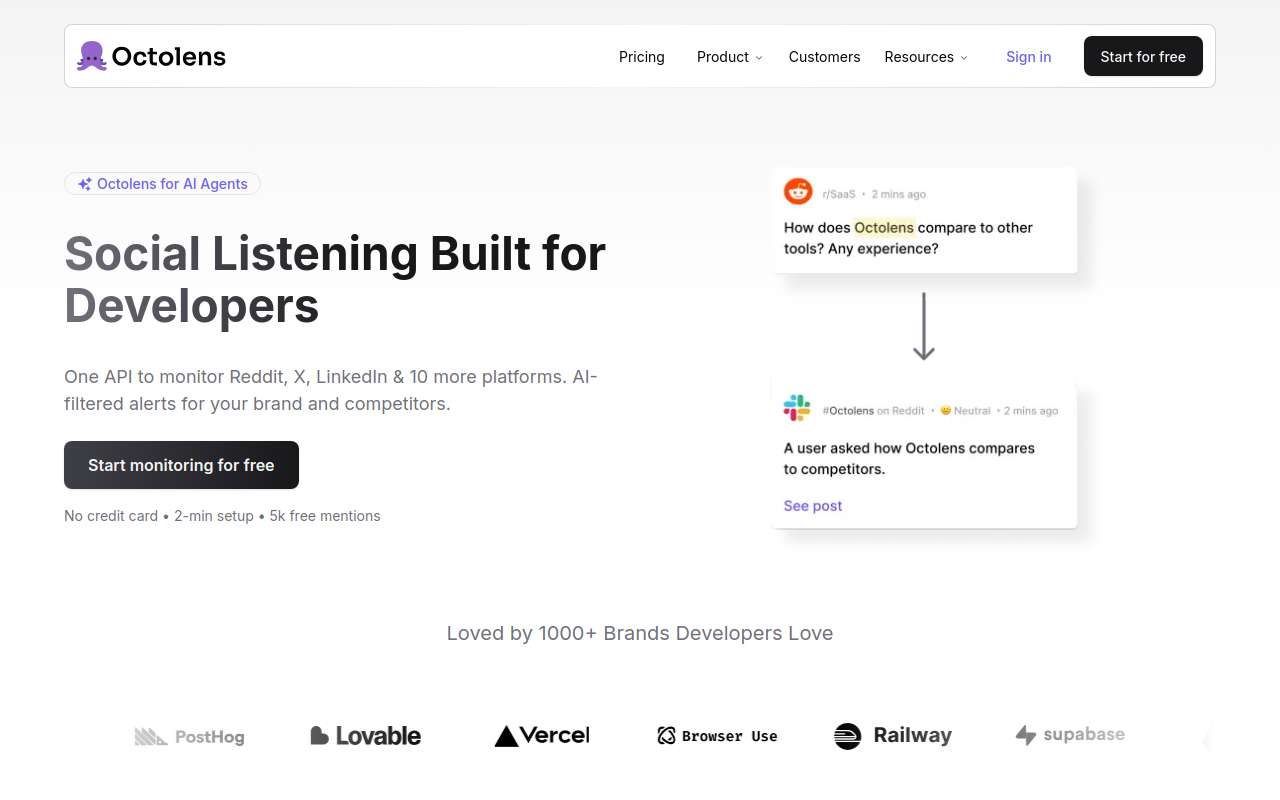
Full disclosure: this is ours. I'll be straightforward about what it does well for search and where it doesn't fit.
Octolens was built as a [social listening](https://octolens.com/blog/social-listening) platform, but the API-first architecture makes it work as a social media search engine too. Set up a keyword, and you get backfilled results from the last 7 days across 15 platforms — Twitter/X, LinkedIn, Reddit, Bluesky, GitHub, YouTube, DEV.to, Hacker News, Stack Overflow, newsletters, podcasts, Product Hunt, Medium, TikTok, and 150k+ news outlets. That backfill essentially functions as a search query across all those sources at once.
The API returns structured data — author, platform, sentiment, relevance score, timestamp — so you can filter, sort, and pipe results into your own tools. Every plan includes API access, [webhooks](https://octolens.com/webhooks), and MCP server access. No enterprise-only gates.
### Pricing
| Plan | Price | Mentions/mo | Keywords |
| --- | --- | --- | --- |
| Pro | $159/mo (annual) / $199/mo | 15,000 | 10 |
| Scale | $499/mo (annual) / $599/mo | 50,000 | 40 |
| Enterprise | Custom | Unlimited | Unlimited |
All plans include API, webhooks, MCP, Slack, email alerts, and unlimited seats. 7-day free trial on Pro.
**Honest downsides:** This is not a free ad-hoc search engine. You need a subscription and keywords set up first. If you want to do a quick one-off search without committing to a plan, the free tools below are a better fit. But if you need structured, ongoing search across 15 platforms with an API, nothing else on this list comes close.
Customers include Vercel, Supabase, Lovable, Prisma, and 1000+ more.
## 2. Social Searcher
Social Searcher is the most popular free social media search engine, and for good reason — it actually works for quick lookups without requiring an account.
Type a keyword, hit search, and you get real-time results from Twitter/X, Facebook, Instagram, YouTube, Reddit, Pinterest, TikTok, and a few more. The free tier gives you a limited number of searches per day with basic sentiment analysis. Paid plans ($49-$199/mo) unlock historical data, email alerts, and more searches.
The interface feels dated compared to newer tools, and the results quality can be inconsistent — particularly for platforms like LinkedIn where access is limited. But for a quick "is anyone talking about this right now?" check, it's hard to beat the price (free).
**Best for:** Quick, one-off social media searches without signing up for anything.
**Skip if:** You need reliable API access, developer community coverage, or consistent data quality.
## 3. Brand24
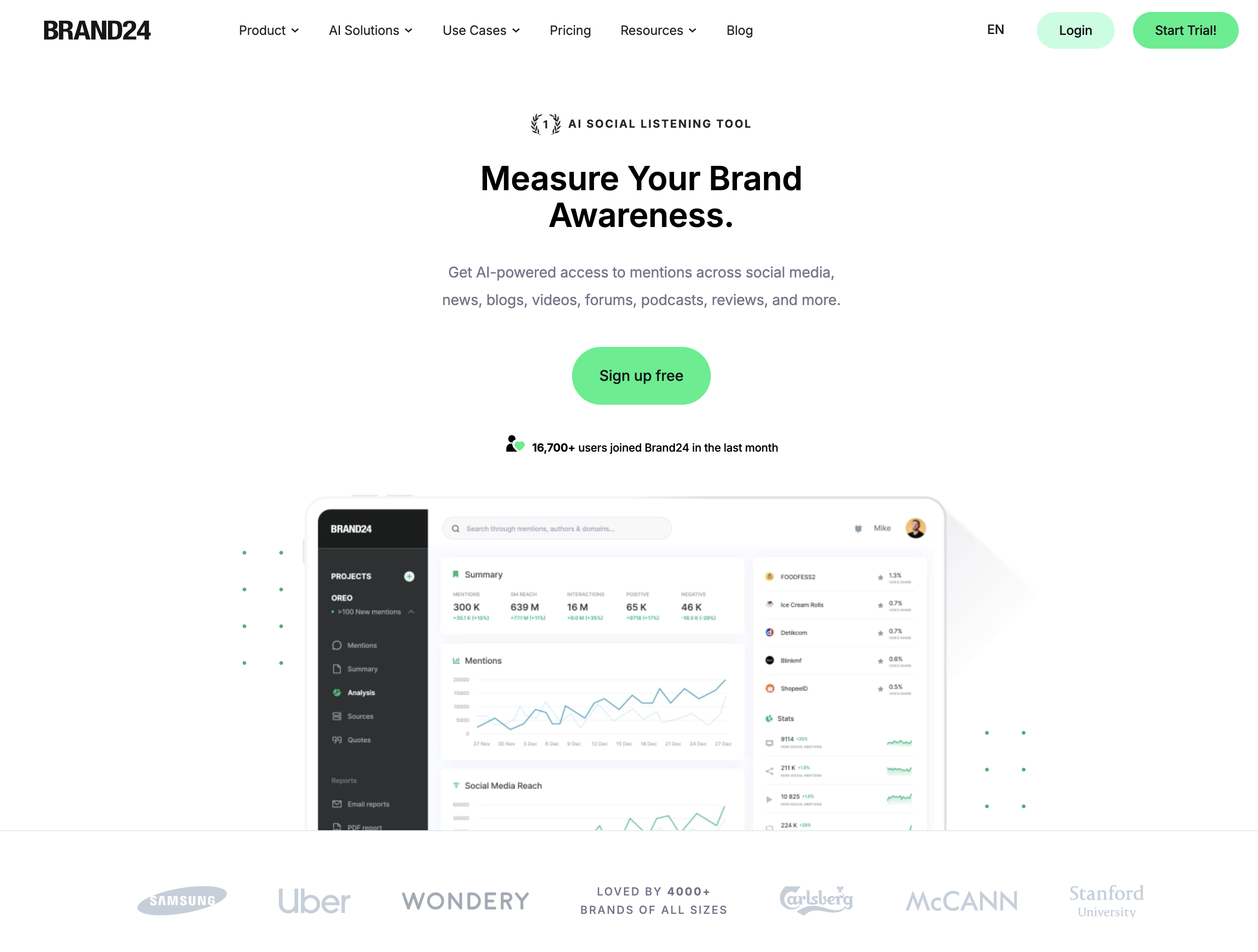
Brand24 is the most approachable paid tool on this list for teams that want both search and monitoring. Plans start at $49/month with transparent pricing and a 14-day free trial. No sales calls.
The interface is clean and the learning curve is minimal. You get real-time mention tracking, sentiment analysis with emotion detection, reach estimates, and share of voice calculations. The mobile app with push notifications is a nice touch for founders who want instant alerts.
The search functionality works well for finding conversations about specific keywords across Twitter, Instagram, Facebook, YouTube, blogs, and news sites. The AI filtering helps separate signal from noise on high-volume keywords.
**Trade-offs at this price point:** The entry plan only updates every 12 hours. Reddit and TikTok coverage is limited to higher tiers. Monthly mention limits can feel restrictive. And for developer communities like GitHub, Hacker News, or Stack Overflow — Brand24 doesn't cover them.
For a deeper comparison, see our [7 best Brand24 alternatives](https://octolens.com/brand24-alternatives) or our guide on [the best brand monitoring tools](https://octolens.com/blog/best-brand-monitoring-tools).
## 4. Mention
Mention tracks over 1 billion sources and has unusually strong coverage of review platforms — 75+ including Yelp, G2, Capterra, and Trustpilot. If you're a B2C brand that needs to search across review sites alongside social media, this is where Mention stands out.
The search is precise thanks to Boolean operators. You can build complex queries to find exactly the conversations you're looking for. The competitive analysis dashboards are helpful for tracking share of voice across your keyword set.
The pricing jump is steep. The Company plan starts at $599/month, and that's where you get API access and historical data. Lower tiers feel restrictive for anything beyond basic monitoring.
For a detailed comparison, see our [Mention alternative](https://octolens.com/mention-alternatives) breakdown.
**Best for:** B2C brands that need review site coverage alongside social search.
**Skip if:** Developer community coverage matters, or you need API access without a $599/mo commitment.
## 5. Hootsuite
Hootsuite is primarily a social media management platform, but the "Streams" feature provides persistent keyword search columns that update in real time. If your team already uses Hootsuite for scheduling and publishing, adding search and monitoring keeps everything in one place.
The enterprise-tier listening is powered by Talkwalker under the hood, which means the deep search capabilities are actually quite good — at the right price point. The AI-powered summaries help cut through volume when tracking high-frequency keywords.
Where Hootsuite falls short as a social media search engine: the lower-tier plans offer only basic mention tracking. To get Talkwalker-powered deep search, you need Enterprise pricing (sales call required). And developer communities — Reddit, Hacker News, GitHub, Stack Overflow — are largely absent from the coverage.
For a full analysis of Hootsuite's listening features, see our [brand monitoring tools comparison](https://octolens.com/blog/best-brand-monitoring-tools).
**Best for:** Existing Hootsuite users who want search alongside their publishing workflow.
**Skip if:** You'd be signing up for Hootsuite just for the search features.
## 6. Talkwalker
Talkwalker is the enterprise option. 150 million+ sources, 187 languages, Blue Silk AI for image and logo recognition. If you need to search for brand mentions in Japanese, Portuguese, and German simultaneously — including mentions where your logo appears in photos but nobody tagged you — Talkwalker is one of the few tools that does this.
The "IQ Apps" pre-built dashboards can save weeks of setup time. Unlimited user seats across all plans encourage company-wide adoption. The crisis management features are battle-tested by Fortune 500 companies.
This is not a tool for B2B SaaS startups. Pricing is custom and enterprise-only — expect $200k+/year. Implementation cycles are long. The platform is powerful but dense, and you'll likely need a dedicated analyst to extract value from it.
**Best for:** Global brands with multilingual monitoring needs and six-figure budgets.
**Skip if:** You're a startup, your budget is under $1,000/month, or you primarily care about English-language developer communities.
## 7. SearchAll.net
SearchAll is a free aggregated search interface that lets you search across multiple social platforms from a single search box. Twitter/X, Instagram, YouTube, TikTok, Reddit, Mastodon, Medium, DEV.to, LinkedIn — type your query and pick a platform.
Here's the thing most people don't realize until they try it: SearchAll doesn't actually aggregate results. It redirects you to each platform's native search interface. So searching for "project management tool" on SearchAll just opens Twitter's search, Reddit's search, etc. in separate tabs.
That's still useful — it saves you the step of navigating to each platform individually — but it's not a unified search engine that returns combined results.
No account required, no API, no monitoring or alerting. It's ad-supported and free.
**Best for:** Quickly jumping to native search across multiple platforms without bookmarking each one.
**Skip if:** You want unified results, API access, or any kind of analytics.
## 8. Social Search Engine
Social Search Engine (socialsearchengine.org) is a bare-bones social media search tool that lets you search across a handful of platforms — primarily Twitter/X, Instagram, TikTok, Reddit, and YouTube.
The interface is simple: pick a platform, type a keyword, get results. No account required. Basic filtering and sorting options. It does what it says on the tin.
The limitations are significant. Platform coverage is narrow compared to other options on this list. No advanced filters, no Boolean operators, no historical data archive. No API or webhook support. Results can be sparse for niche queries.
**Best for:** A quick, no-frills check when you want to see if a keyword is active on a specific platform.
**Skip if:** You need anything beyond basic search — analytics, API access, or broad platform coverage.
## 9. Boardreader
Boardreader is a specialized search engine for forums and message boards. While most tools on this list focus on mainstream social networks, Boardreader indexes Reddit, various forums, discussion boards, and community sites.
For B2B teams, this is actually valuable. Many product conversations — especially in technical niches — happen on forums rather than Twitter or LinkedIn. Boardreader lets you search across these communities from one interface, with basic filtering by date range and source.
The interface is bare-bones. The coverage of modern platforms (TikTok, Bluesky, Mastodon) is nonexistent. And the data can feel stale compared to real-time tools. But for finding conversations in niche communities and forums that other search engines miss, it fills a gap.
**Best for:** Searching forums, message boards, and Reddit for niche community conversations.
**Skip if:** You need modern platform coverage or a polished interface.
## 10. Twitter/X Advanced Search
Twitter's Advanced Search is arguably the most powerful native social media search tool available. Boolean operators (AND, OR, NOT), exact phrase matching, date ranges, from/to specific accounts, minimum engagement thresholds, language filters — it's genuinely sophisticated for a free tool.
Some queries you can run that most people don't know about:
- `"project management" min_replies:5` — find conversations with real engagement
- `"tool recommendation" until:2026-04-14 since:2026-04-01` — search within a date range
- `from:username "keyword"` — search a specific person's tweets
The obvious limitation: it only searches Twitter/X. If the conversation you're looking for is happening on Reddit, LinkedIn, or Hacker News, you won't find it here. And the API — which you'd need for any programmatic access — starts at $100/month for the Basic tier and goes up steeply from there.
**Best for:** Deep searching within Twitter/X specifically. Free, powerful, and immediate.
**Skip if:** You need to search across multiple platforms, or you need API access without paying $100+/mo.
## 11. Reddit Search (+ Redditle)
Reddit's native search is notoriously bad. Even Reddit users will tell you to use Google instead. The results are poorly ranked, the filtering is basic, and it misses a lot of relevant content.
That's where third-party tools like Redditle come in. Redditle uses Google's index of Reddit, which is significantly better than Reddit's own search. The query `site:reddit.com "your keyword"` executed through Google returns more relevant results than Reddit's search bar in almost every case.
A few search tips for Reddit specifically:
- Use Google: `site:reddit.com/r/SaaS "social listening"` to search a specific subreddit
- Filter by time: add `after:2026-01-01` to find recent conversations
- Use Reddit's own filters: sort by "New" rather than "Relevance" for the latest discussions
- Try `site:reddit.com inurl:comments "keyword"` to find comment threads
Reddit is often the most valuable platform for B2B conversations — it's where people give honest opinions about tools, complain about pain points, and ask for recommendations. But searching it effectively requires working around the native search, not with it.
**Best for:** Finding honest product discussions, recommendations, and complaints in specific communities.
## 12. Google Site Search + Google Alerts
The free option that everyone forgets about. Google's `site:` operator lets you use Google as a social media search engine:
- `site:reddit.com "brand monitoring tools"` — search Reddit via Google
- `site:twitter.com "keyword"` — search Twitter via Google's index
- `site:linkedin.com/posts "keyword"` — search LinkedIn posts
- `site:news.ycombinator.com "keyword"` — search Hacker News
You can combine these with [Google Alerts](https://octolens.com/google-alerts-alternatives) to get email notifications when Google indexes new content matching your query. It's free, requires no tools, and works surprisingly well for content Google has indexed.
The major limitation: Google doesn't index most social content in real time. Tweets, Reddit comments, and LinkedIn posts can take hours to days to appear in Google's index — and many never get indexed at all. For anything time-sensitive, this approach is too slow.
For more on why Google Alerts has reliability issues, see our guide on [why Google Alerts stops working](https://octolens.com/blog/why-google-alerts-is-not-working).
**Best for:** Free, zero-setup social search when real-time isn't critical.
**Skip if:** You need real-time results or comprehensive coverage of social platforms.
## Comparison Table
| Tool | Type | Price | Platforms | API | Webhooks |
| --- | --- | --- | --- | --- | --- |
| **Octolens** | Search + Monitor | $159-599/mo | 15 platforms | Yes (all plans) | Yes |
| **Social Searcher** | Search + Monitor | Free-$199/mo | 12+ | Paid only | No |
| **Brand24** | Search + Monitor | $199-699/mo | 10+ | Higher tiers | No |
| **Mention** | Search + Monitor | Custom (Company plan) | 10+ | Paid add-on | Yes |
| **Hootsuite** | Mgmt + Search | $99-739/mo | 8+ | Enterprise | No |
| **Talkwalker** | Enterprise Search | Custom | 150M+ sources | Enterprise | Yes |
| **SearchAll.net** | Pure Search | Free | 10+ | No | No |
| **Social Search Engine** | Pure Search | Free | 5+ | No | No |
| **Boardreader** | Forum Search | Free | Forums/Reddit | No | No |
| **Twitter/X Advanced** | Native Search | Free | Twitter only | $100+/mo | No |
| **Reddit + Redditle** | Native Search | Free | Reddit only | No | No |
| **Google site: search** | Web Search | Free | Indexed only | No | No |
## Which one should you pick?
**You need a quick, free search right now.** Use Social Searcher for a multi-platform scan, or SearchAll.net to quickly hop between platform-native searches. No signup, no commitment.
**You're searching one specific platform.** Use that platform's native search. Twitter/X Advanced Search is the best of the bunch. For Reddit, skip native search and use Redditle or Google's `site:reddit.com` operator instead.
**You want to search forums and niche communities.** Boardreader covers ground that mainstream tools miss. Combine it with Reddit-specific search techniques for the best coverage.
**You need to search AND monitor ongoing.** This is where Octolens fits. Set up your keywords once, get backfilled search results across 15 platforms, then keep monitoring with alerts on Slack or email. The API means you can build search into your own workflows.
**You're a global enterprise brand.** Talkwalker, if you have the budget and the team to operate it.
The one thing I'd push back on: don't assume free tools are good enough just because they're free. Social Searcher and Google site: search will find you some conversations, but they'll miss the majority of what's happening on platforms that don't cooperate well with external indexing. If finding these conversations matters to your business, the paid tools pay for themselves fast.
## Frequently Asked Questions
### What is the best social media search engine?
It depends on your use case. For **free, quick searches**, Social Searcher is the most capable option. For **ongoing monitoring with API access**, Octolens covers 15 platforms and includes API, webhooks, and MCP on all plans. For **enterprise-scale multilingual search**, Talkwalker is the most powerful (and most expensive). For **single-platform deep search**, Twitter/X Advanced Search is hard to beat within its own platform.
### Can you search all social media at once?
Yes — that's exactly what social media search engines do. Tools like Octolens, Social Searcher, and Brand24 search across multiple platforms simultaneously and return unified results. Free aggregators like SearchAll.net let you search multiple platforms too, but redirect you to each platform's native search rather than combining results.
### Is there a free social media search engine?
Several. Social Searcher offers free real-time search with limited daily queries. SearchAll.net and Social Search Engine are free with no account required. Google's `site:` operator works as a free social media search engine for any platform Google has indexed. The trade-offs: limited platform coverage, no API access, no alerts, and slower results compared to paid tools.
### How do I search for brand mentions on social media?
You have two approaches. **Manual:** Use each platform's native search (Twitter Advanced Search, Reddit search via Google's `site:reddit.com` operator, etc.) and check each one individually. **Automated:** Use a social media search engine like Octolens, Brand24, or Mention to set up keyword monitoring across all platforms at once, with alerts delivered to Slack, email, or via webhook.
### What's the difference between social listening and social media search?
Social listening is ongoing and automated — you set up keywords, and the tool continuously monitors platforms and sends you alerts when new mentions appear. Social media search is on-demand — you type a query and get results right now. Most paid tools (Octolens, Brand24, Mention) do both. Free tools (Social Searcher, SearchAll.net) are search-only.
### Can I use an API to search social media?
Yes, but options are limited. Octolens includes API access on all plans ($159/mo+) with structured data across 15 platforms. Twitter/X's API starts at $100/mo for Basic access (Twitter only). Mention's API is a paid add-on on its custom-priced Company plan. Most free social media search engines don't offer API access. If you need to build social search into your own tools, dashboards, or AI agents, an API-first platform is the way to go.
---
# Brand Monitoring in 2026: B2B Brands Built in Public
URL: https://octolens.com/blog/brand-monitoring · Published: 2026-01-13 · Updated: 2026-09-02 · Author: Charlotte Schmitt (Co-Founder)
**Brand monitoring is the practice of tracking mentions of your brand, products, and competitors across the public web — social platforms, communities, news, and forums — and turning the relevant ones into action.** The goal isn't a report at the end of the month, but a signal that reaches the right team while the conversation is still happening.
This guide covers why that's become table stakes for B2B brands, why most monitoring setups collapse under their own alert volume, and what a setup that actually works looks like in 2026.
## Your brand is built in public, outside your owned channels
Over the last few years, B2B businesses — especially in technology — have undergone a quiet but fundamental shift.
Developer tools, infrastructure products, and AI software are now evaluated in much the same way as consumer products.
What used to be shaped by analyst reports and gated research is increasingly decided in public: in threads on X, discussions on Reddit, or comment chains on Hacker News. 75% of all B2B buyers and 84% of executives use social media to make purchasing decisions [
[IDC](https://business.linkedin.com/content/dam/business/sales-solutions/global/en_US/c/pdfs/idc-wp-247829.pdf)
].
As a result, what people say about your brand online often carries more weight than what you publish on your website, your social channels, or a carefully crafted white paper.
Perception is no longer shaped episodically through campaigns or announcements, but continuously — in conversations teams don't control. (How to measure that perception, and what to do when it turns against you, is its own discipline — we cover it in our guide to [brand reputation monitoring](https://octolens.com/blog/brand-reputation-monitoring).)
And those public conversations now have a second audience: the recommendation threads your buyers read are also being worked by your competitors. Ask a question about tools in any marketing subreddit and watch what happens — as one founder put it, replying to suspiciously enthusiastic product endorsements:
> *"this looks an awful lot like astroturfing by the Meltwater team... The odds that 2 separate human people say exactly 'used Meltwater during live campaigns' is basically 0..."* — [r/b2bmarketing](https://www.reddit.com/r/b2bmarketing/comments/1qwmset/comment/o3y6cok/)
If vendors are actively working the threads your prospects read, then not knowing those threads exist puts you at a real disadvantage.
## The problem: monitoring breaks when mentions pile up
That shift is where brand monitoring starts to matter — and where most setups begin to fail.
Monitoring social channels works when volume is low and teams can still read everything that comes in.
As soon as a brand crosses a certain threshold and starts receiving thousands of mentions each month, that model breaks down.
Activity increases, but clarity disappears.
Alerts flood inboxes and Slack channels, yet no one knows what actually requires action.
Ownership blurs: product, marketing, and support all assume someone else is handling it.
Alert fatigue sets in quickly, channels get muted "temporarily," and important signals slip by unnoticed.
Critical moments aren't missed because mentions weren't visible, but because they weren't interpretable.
By the time teams realize something matters, the conversation has already moved on — and with it their connection to what customers actually want.
## What actionable brand monitoring actually looks like
**Brand monitoring is not about awareness, it's about action.** Its purpose isn't to count how often your brand is mentioned, but to [detect meaningful signals](https://octolens.com/blog/track-social-signals) as they happen.
A brand mention only matters when it appears in context: inside a complaint, a comparison, a moment of confusion, or an active buying decision.
Outside of those situations, most mentions are just background noise.
That's why brand monitoring only earns its place when it enables concrete workflows (i.e. escalation, response, clarification) rather than producing reports and dashboards.
When it works, alerts don't feel constant or overwhelming.
They feel rare, obvious, and hard to ignore, precisely because they point to moments that actually require action from your team.
## Why traditional brand monitoring tools fail at scale
Most traditional [brand monitoring, media monitoring](https://octolens.com/blog/media-monitoring), and [social listening tools](https://octolens.com/blog/best-brand-monitoring-tools) fail at scale not because they miss data, but because they were designed for visibility, not decision-making. The same pattern holds across the [social media monitoring tools](https://octolens.com/blog/best-social-media-monitoring-tools) we've compared: most are great at collecting and bad at deciding.
### Problem #1: They treat all mentions the same
Their core model assumes that capturing everything and surfacing it in dashboards is sufficient.
At a small scale, that feels useful.
At a meaningful scale, it becomes counterproductive.
These tools treat all mentions as roughly equivalent events.
As a result, they struggle to distinguish between a passing reference and a moment that requires intervention.
Context is flattened, conversations are fragmented, and teams are left to reconstruct meaning manually (if they have time at all).
Naive sentiment scoring makes this worse rather than better. Communities speak in sarcasm, in-jokes, and slang that keyword-level analysis reads exactly backwards:
> *"Someone saying 'this product fucking slaps' gets flagged as negative because of the language, but it's actually glowing praise. Context is everything on reddit."* — [r/digital_marketing](https://www.reddit.com/r/digital_marketing/comments/1omad4f/comment/nmz2ls9/)
A sentiment model that can't read context doesn't just miss signals, it misroutes them: your team gets alerted about praise while polite but serious criticism goes through unnoticed.
### Problem #2: They flatten context and intent
Traditional tools are optimized for analysts and reports, not for teams that need to respond in real time.
Signals arrive without clear routing, priority, or responsibility attached.
Monitoring becomes observational rather than operational, producing insights that look valuable but arrive too late to change outcomes.
### Problem #3: They don't map signals to workflows
Finally, most platforms optimize for retrospective analysis.
They are good at telling you what happened last week or last month, but poorly suited for identifying what just changed.
By the time trends show up clearly in charts, the opportunity to respond early has already passed.
For brands that are scaling, these design choices compound.
The problem isn't that teams lack tools - it's that the tools were never built to support fast, contextual decisions when reputation is being shaped in real time.
### Problem #4: They miss the conversations that aren't typed
Coverage claims usually mean text coverage. But a growing share of brand conversation happens in video and audio — YouTube reviews, TikTok takes, podcast discussions — where most tools only catch a mention if it happens to land in a caption or description. An agency lead who has run monitoring for clients for years, on where every tool still falls short:
> *"the YouTube/TikTok video content analysis part is still pretty manual everywhere unless it's in captions or descriptions. if someone just talks about your brand without typing it, most tools miss it. that's the gap nobody has really solved well yet."* — [r/AskMarketing](https://www.reddit.com/r/AskMarketing/comments/1nyqvq4/comment/nklqq0j/)
When you evaluate a tool, ask the coverage question in exactly those terms: does it transcribe and search what's *said*, or only what's typed? (Transcribed podcast and video coverage is one of the gaps we built [Octolens](https://octolens.com) to close.)
## How brand monitoring works in 2026 (and where AI helps)
Brand monitoring in 2026 starts with a different assumption:
**not everything needs to be seen, only what is likely to change an outcome.**
Instead of treating mentions as isolated events, modern monitoring looks for patterns forming across time, context, and sources.
This is where AI meaningfully helps - not by replacing judgment, but by reducing the surface area teams have to pay attention to.
AI can cluster related conversations, surface recurring themes, and flag shifts that would be impossible to spot manually at scale.
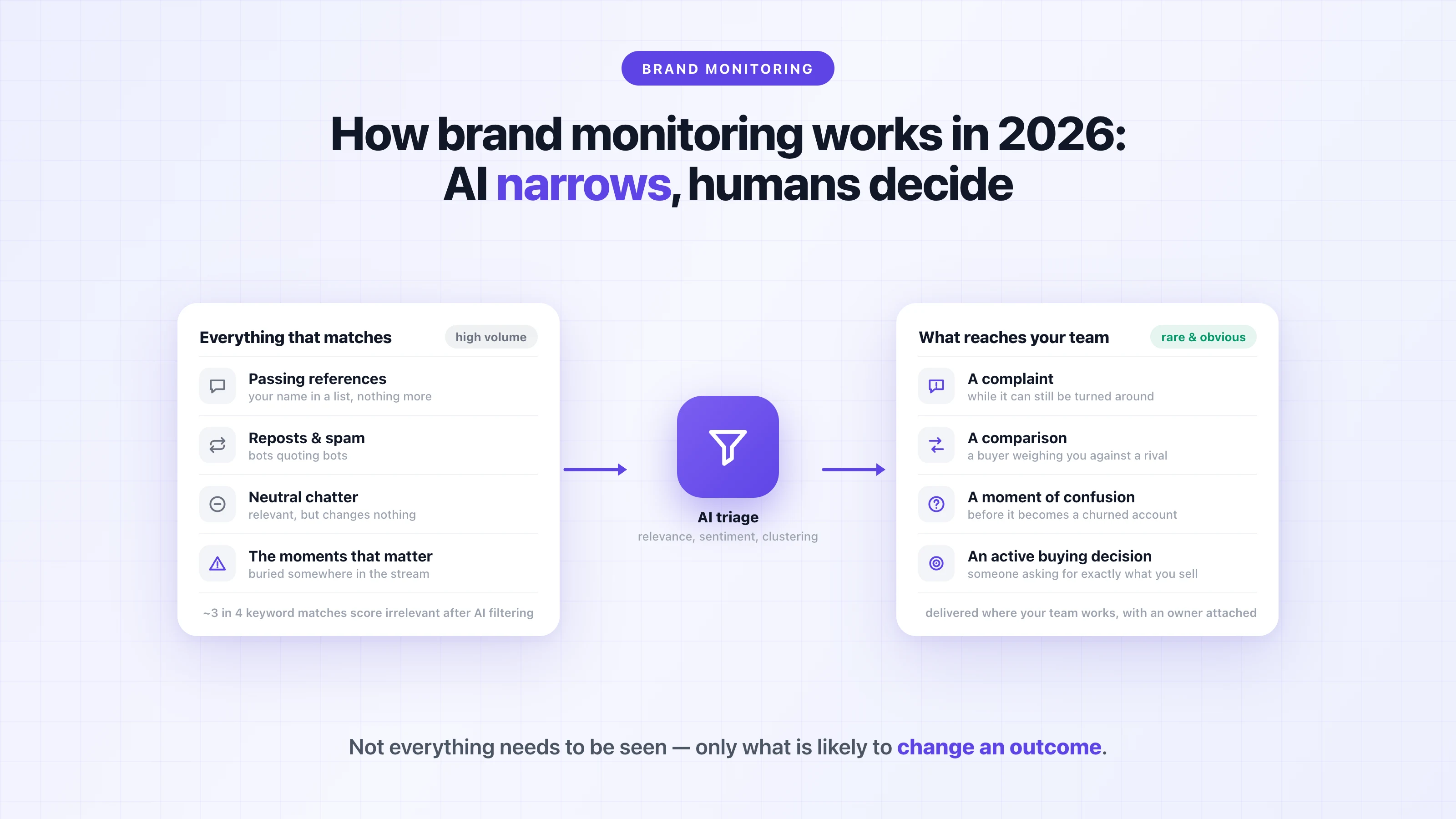
What it cannot do is decide what matters for your business or how to respond.
That responsibility still sits with humans. Practitioners who monitor communities for a living are blunt about where the line sits:
> *"the sarcasm, inside jokes, and context-heavy conversations make ai sentiment scoring basically useless. you need to actually read the threads to understand if someone's genuinely praising or shit talking your company."* — [r/digital_marketing](https://www.reddit.com/r/digital_marketing/comments/1omad4f/comment/nmy791w/)
That's overstated as an absolute — modern relevance filtering is exactly what makes high-volume monitoring survivable — but the underlying point stands. AI's job is triage: deciding which ten threads out of a thousand deserve human eyes today. The reading, and the response, stay human.
When AI is used correctly, it acts as a filter and amplifier for signals, making important moments easier to recognize and harder to ignore - not by producing more alerts, but by narrowing attention to the few changes that actually require action.
There's one more reason the filtering layer matters now: your monitoring feed is increasingly full of machines talking. Marketers browsing recommendation threads notice it constantly — *"It's crazy to see so many obviously AI generated comments."* ([r/seogrowth](https://www.reddit.com/r/seogrowth/comments/1pjx8yy/comment/ntkiqj8/)) A monitoring system that counts astroturf and bot replies as brand signal will happily alert you to conversations no human is having.
## Brand monitoring vs brand tracking
If you research this category, you'll also run into the term **brand tracking**, and it's worth understanding the difference, because the tools behind it come from a different world.
Classic brand tracking is survey research: platforms like quantilope, Kantar, or GWI run recurring consumer surveys — "which of these brands have you heard of?" — and measure awareness, consideration, and perception over time. That's genuinely the right method for one thing monitoring can't do: measuring the opinions of people who never post anything online. A consumer brand spending heavily on top-of-funnel advertising usually wants a survey tracker in the mix.
What's changed is that monitoring data now covers a lot of the same ground continuously. Mention volume against your baseline, sentiment ratio over time, and share of voice against competitors are brand-tracking metrics — measured from real conversations as they happen, instead of from quarterly survey waves. For example, when a launch or an incident moves perception, a survey tracker shows it weeks later in the next wave; an always-on feed shows the shift the same day, with the actual posts behind the number attached.
That's the practical way to think about it: survey-based brand tracking for the audience that doesn't post, and always-on brand tracking from real conversations for the audience that does. Octolens is built for the second kind — and for B2B and developer-facing brands, where buying decisions form in public threads rather than panel surveys, that's usually the signal that matters first.
## Brand monitoring as part of your team's workflow
Brand monitoring only works when it is embedded directly into your team's existing workflows.
In practice, effective brand monitoring consistently enables a small set of repeatable actions rather than generic awareness.
Based on our experience, these are the five workflows where brand monitoring delivers the most value:
- **Misinformation correction** when inaccurate assumptions or outdated claims start to spread — a stale pricing screenshot circulating on X, or a "they don't support self-hosting" claim that stopped being true two releases ago. Fast, factual replies from a named human close these down; unanswered, they get repeated until they become the accepted truth.
- **Product feedback escalation** when recurring issues or confusion signal a real gap. This is how [PostHog uses its mention stream](https://octolens.com/blog/posthog): recurring product sentiment gets routed to the team that owns the fix, turning scattered public complaints into a prioritized signal.
- **Competitive comparison response** when buyers actively weigh alternatives in public conversations. "X vs Y" threads are the highest-intent mentions you'll ever receive — and as the astroturfing examples above show, your competitors may already be in them.
- **Churn risk detection** by surfacing public frustration before it reaches support or account management. A customer venting on Reddit rarely files a support ticket about the same problem — if you don't see the thread, you often don't hear about it until they cancel.
- **Sales objection awareness** so teams aren't surprised by concerns prospects have already discussed publicly — the pricing thread from last month is sitting in your prospect's browser history.
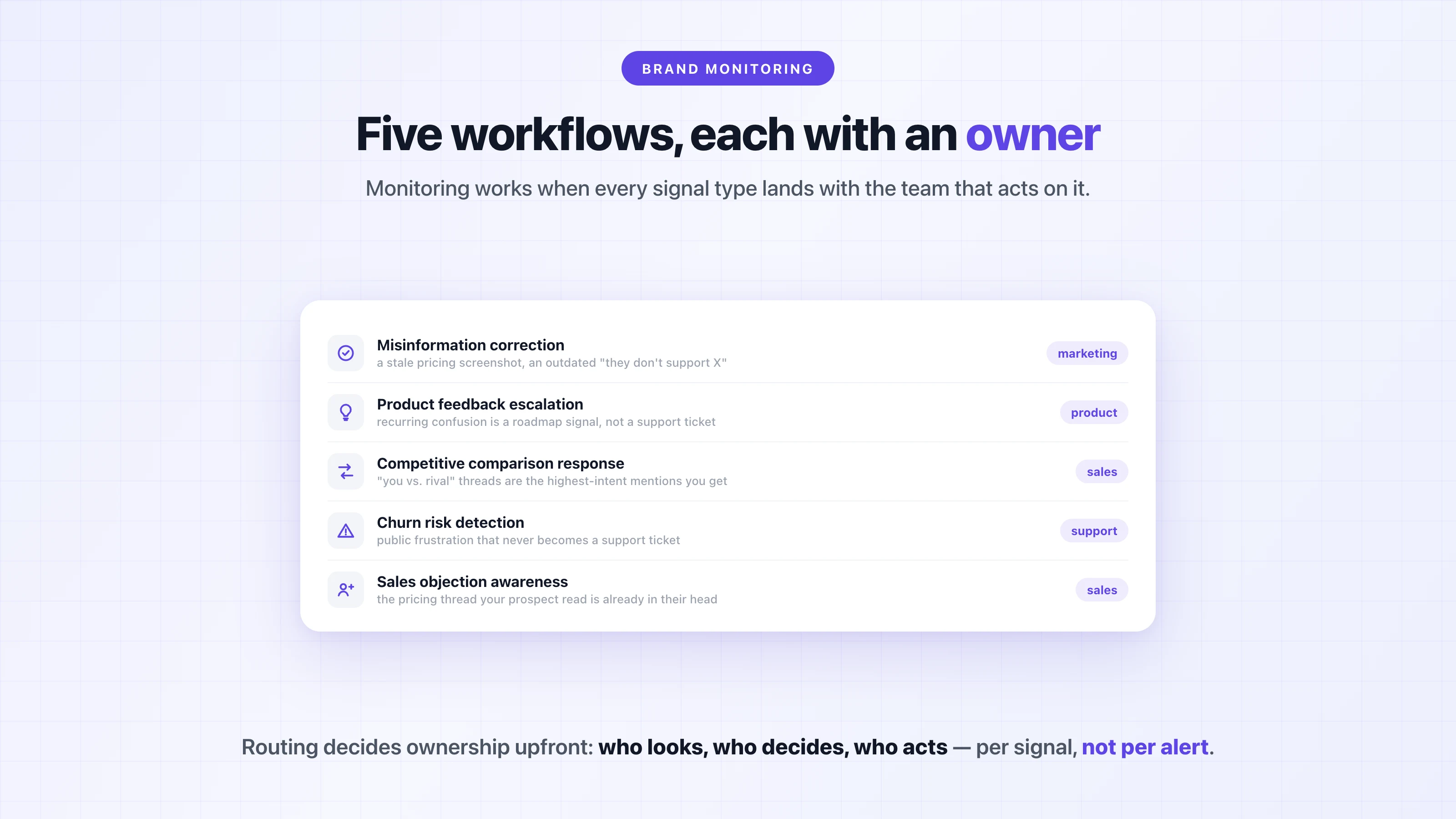
For these workflows to function, alerts need clear ownership: who looks, who decides, and who acts.
Different signals belong to different teams, whether that's product, marketing, sales, or support. Vercel, for example, routes its mentions into 20+ team-specific Slack channels, so ownership is decided upfront by the routing instead of being figured out for every single alert.
Monitoring only works when it triggers explicit next steps instead of passive awareness.
Alerts should enter the workflow once, not bounce endlessly between teams.
Cadence matters more than constant attention, because the goal of brand monitoring is fast alignment and response.
When it works, monitoring reduces surprises instead of creating more meetings.
If you want to see what filtered, workflow-routed monitoring looks like for your brand, [try Octolens free for 7 days](https://octolens.com/me/sign-up?selectedPlan=Free_trial) — and if your bigger question is how perception of your brand is trending, start with the [brand reputation monitoring guide](https://octolens.com/blog/brand-reputation-monitoring).
---
# Best Brand Monitoring Tools in 2026 (Free Stack + Paid Compared)
URL: https://octolens.com/blog/best-brand-monitoring-tools · Published: 2026-01-07 · Updated: 2026-09-02 · Author: Charlotte Schmitt (Co-Founder)
I've spent the last three years evaluating [brand monitoring](https://octolens.com/blog/brand-monitoring) tools, first as a customer, now as someone who builds one. So here's what I actually think about the options out there, not a list of repackaged feature pages.
Most of these tools fall into two camps. The enterprise platforms (Brandwatch, Meltwater, Talkwalker) are built for global consumer brands with six-figure budgets and dedicated analyst teams. The mid-market tools (Brand24, Mention, Awario, Mentionlytics, BrandMentions) are more accessible but tend to focus on traditional social media. If you're a B2B SaaS company or dev tool, neither camp is a great fit out of the box. (And if your main reason for looking is sentiment and risk rather than general tracking, read our [brand reputation monitoring guide](https://octolens.com/blog/brand-reputation-monitoring) first — it will change which of these tools you shortlist.)
That segmentation isn't just my framing — it's how practitioners answer the question when someone asks:
> *"Really depends on the budget and the size of the company you work at. Large players use sprinklr, sprout, brandwatch."* — [r/DigitalMarketing](https://www.reddit.com/r/DigitalMarketing/comments/1mso7n2/comment/n95zp4a/)
That gap is why we built Octolens, and I should say upfront that I'm one of its co-founders and Octolens is one of the tools on this list. I've held it to the same checks as every other tool here, with real prices and its weak spots included, and where another tool is the better fit for your situation I say so. Let's start with how we compared everything, then the full landscape, including a free stack at the end if you have no budget at all.
## How we evaluated these tools
Five things, in this order:
1. **Coverage.** Does the tool actually see the places where your brand gets discussed — including Reddit comment threads, Hacker News, forums, podcasts, and newsletters — or just X and Facebook? This is the criterion buyers consistently rank first once they've been burned:
> *"One thing I've learned while testing brand monitoring tools is that coverage matters more than fancy dashboards. Some tools are great at tracking social mentions but they miss discussions happening on forums, blogs or smaller sites."* — [r/digital_marketing](https://www.reddit.com/r/digital_marketing/comments/1m736lg/comment/oapcnlg/)
2. **Signal quality.** Relevance filtering and sentiment accuracy. This matters double if your brand name is a common word — a founder who builds monitoring software put the problem bluntly: *"Think about a brand like 'Apple', 'Amazon', 'Shell', 'Target' or 'Stripe'. Without expensive AI not possible to do correctly, it would just be a random number generator."* ([r/b2bmarketing](https://www.reddit.com/r/b2bmarketing/comments/1qwmset/comment/ozg1cl4/))
3. **Speed.** How fast a mention becomes an alert, and whether the entry plan gives you real-time or 12-hour batches.
4. **Data access.** Can you get mentions out — into Slack, your warehouse, or your AI agents — or is the API gated behind enterprise tiers?
5. **Honest pricing.** What you'll actually pay, verified on the vendor's pricing page as of August 5, 2026. Where vendors hide pricing behind sales calls, I cite contract data (Vendr) and our own published research instead of guessing.
G2 ratings are included as of August 2026; review counts are approximate.
## Quick comparison: all 13 tools at a glance
| Tool | Best for | G2 (Aug 2026) | Starting price | API |
| --- | --- | --- | --- | --- |
| [Octolens](#our-tool-octolens) *(our tool, not ranked)* | B2B SaaS & dev tools | 5/5 (8) | $159/mo (annual) | Yes (all plans) |
| [Brandwatch](#1-brandwatch) | Global enterprise brands | 4.4/5 (~730) | Custom (~$50k/yr median) | Enterprise only |
| [Talkwalker (Hootsuite)](#2-talkwalker-now-hootsuites-enterprise-listening) | Multilingual global brands | 4.3/5 (~7,400) | Custom (enterprise) | Enterprise only |
| [Meltwater](#3-meltwater) | PR & comms teams | 4.1/5 (~2,700) | Custom ($10k+/yr) | Enterprise only |
| [Sprout Social](#4-sprout-social) | Social media teams | 4.4/5 (~6,900) | $199/seat/mo + add-on | Higher tiers |
| [Hootsuite](#5-hootsuite) | Publishing + basic monitoring | 4.3/5 (~7,400) | $99/user/mo | Enterprise only |
| [Brand24](#6-brand24) | Budget real-time alerts | 4.6/5 (355) | $199/mo (annual) | Higher tiers |
| [Mention](#7-mention) | Review-site coverage | 4.4/5 (~440) | Custom (Company plan) | Paid add-on |
| [Mentionlytics](#8-mentionlytics) | Multi-language SMB monitoring | 4.9/5 (~112) | $69/mo | Higher tiers |
| [BrandMentions](#9-brandmentions) | Real-time web + social tracking | 4.9/5 (~240) | $79/mo (annual) | No |
| [Awario](#10-awario) | Boolean search on a budget | 3.9/5 (~50) | €49/mo | Enterprise only |
| [BuzzSumo](#11-buzzsumo) | Content marketing & digital PR | 4.5/5 (~107) | $199/mo | Higher tiers |
| [Semrush Brand Monitoring](#12-semrush-brand-monitoring) | Existing Semrush users | — (app add-on) | $79/mo add-on | No |
Plus [the free stack](#the-free-stack-monitoring-with-no-budget) — Google Alerts, F5Bot, and ForumScout — at the end.
## Our tool: Octolens
*We make Octolens, so it sits outside the ranking. The numbered list below starts with the tools we don't make.*
**Best for: B2B SaaS and developer-tool companies that want mentions in their stack, not another dashboard** | G2: 5/5 (8 reviews, August 2026)
Full disclosure: this is ours. I'm going to be straightforward about what it does well and where it falls short.
Octolens was built specifically for B2B SaaS and developer tool companies. The founding insight was simple: the conversations that matter most for technical products don't happen on Instagram or Facebook. They happen on Reddit, Hacker News, GitHub issues, Stack Overflow threads, and niche newsletters. Most monitoring tools either don't cover these platforms or bury them under a mountain of irrelevant social media noise.
The AI filtering is the piece I'm proudest of. When Prisma started using Octolens, their previous tool was flooding them with every mention of the word "Prisma" regardless of context. As Marc Hess, their Manager of Developer Advocacy, put it: *"The alerting system was hard to configure, and we were flooded with irrelevant noise."* ([full customer story](https://octolens.com/blog/prisma)) Octolens scores every mention for relevance, so you only see what's actually about your product — across our customer base, roughly 70–76% of keyword matches get scored irrelevant and filtered out before they reach anyone's Slack.
**API-first architecture.** The full REST API, [webhooks](https://octolens.com/webhooks), and MCP server access are available on every plan. This isn't an afterthought API bolted onto a dashboard product. The API *is* the product. The dashboard, CLI, and integrations all consume the same API. If you're building internal tools, feeding mentions into your data warehouse, or connecting to AI agents, this matters — trial users who connect the MCP or API convert at 4x our baseline, because that's the point where the tool stops being another tab.
**15 platforms, one endpoint.** Twitter/X, LinkedIn, Reddit, Bluesky, GitHub, YouTube, DEV.to, Hacker News, Stack Overflow, Newsletters, Podcasts, Product Hunt, Medium, TikTok, and 150k+ news outlets. Instead of managing separate APIs for each platform, you get structured data from all of them through a single integration.
**Unlimited team seats on every plan.** Vercel routes mentions into 20+ team Slack channels. We never wanted seat-based pricing to be the reason a DevRel team couldn't see what the support team was tracking.
| Detail | Info |
| --- | --- |
| Pricing | Pro $199/mo ($159/mo annual), 15,000 mentions, 10 keywords. Scale $599/mo ($499/mo annual), 50,000 mentions, 40 keywords. Enterprise custom. |
| Platforms | 15 (incl. Reddit, HN, GitHub, Stack Overflow, podcasts, newsletters) |
| API | All plans (REST + webhooks + MCP) |
| Free trial | 7 days on Pro |
**Pros:**
- Purpose-built coverage of developer and B2B communities no one else has
- AI relevance filtering that handles common-word brand names
- API, webhooks, and MCP on every plan — no enterprise gate
- Unlimited seats on every plan
- Transcribed podcast and video coverage (mentions that are said, not typed)
**Cons:**
- No mobile app yet
- If your brand gets fewer than a couple hundred mentions a month, the AI filtering won't have enough data to really shine
- No survey-based brand tracking or consumer-panel research
Customers include Vercel, PostHog, Cursor, and Lovable. [Start a free trial](https://octolens.com/me/sign-up?selectedPlan=Free_trial) and see if the mentions are relevant to you within the first day.
**Website:** [https://octolens.com](https://octolens.com)
## 1. Brandwatch
**Best for: Global enterprise brands with dedicated analyst teams** | G2: 4.4/5 (~730 reviews, August 2026)
Brandwatch (part of Cision) is the 800-pound gorilla. It monitors over 100 million sources, handles dozens of languages, and has the deepest historical data archive in the industry. If you're a global consumer brand running multi-market campaigns, it's probably on your shortlist — and practitioners treat it as the default at that scale:
> *"If you're looking at something enterprise-grade, then Brandwatch is usually considered the 'industry leader' for social listening."* — [r/DigitalMarketing](https://www.reddit.com/r/DigitalMarketing/comments/1mso7n2/comment/n96esa1/)
The consumer intelligence capabilities are genuinely impressive. The AI can identify emerging narratives across millions of conversations and surface trend shifts before they become obvious. The crisis management features are battle-tested by Fortune 500 companies.
Here's the catch: pricing is opaque and enterprise-only. Vendr contract data puts the median Brandwatch contract around $50,000 per year, and if you're spending under a few hundred dollars a month on monitoring, you're not the customer they're built for. The platform also has a steep learning curve. Plan for a multi-week onboarding just to get your dashboards configured properly. Brandwatch Academy exists for a reason.
For B2B SaaS companies, Brandwatch is almost certainly overkill. The source coverage skews heavily toward mainstream social and news. Developer communities like GitHub, Hacker News, and Stack Overflow aren't its strength. (Weighing a switch? We compared the [best Brandwatch alternatives](https://octolens.com/brandwatch-alternatives) with real contract data.)
| Detail | Info |
| --- | --- |
| Pricing | Custom, enterprise-only. Vendr median ~$50k/yr |
| Platforms | 100M+ sources, mainstream social + news focus |
| API | Enterprise tiers |
| Free trial | No — demo via sales |
**Pros:**
- Deepest historical archive and consumer-intelligence AI in the category
- Battle-tested crisis management at Fortune 500 scale
- Strong multi-language coverage
**Cons:**
- Custom pricing that starts where most SMB budgets end
- Multi-week onboarding and a real learning curve
- Weak developer-community coverage
**Website:** [https://www.brandwatch.com](https://www.brandwatch.com)
## 2. Talkwalker (now Hootsuite's enterprise listening)
**Best for: Multilingual global brands already in the Hootsuite ecosystem** | G2: 4.3/5 (~7,400 reviews with Hootsuite, August 2026)
Talkwalker was acquired by Hootsuite in 2024 and now operates as Hootsuite's enterprise listening arm (rebranded under the Lumen name). The technology still competes directly with Brandwatch at the enterprise level: 150 million sources, 187 supported languages, and the Blue Silk AI engine powering image recognition (it can spot your logo in photos) and predictive analytics.
Unlimited user seats is a smart move that encourages company-wide adoption, and the pre-built "IQ Apps" dashboards can save weeks of setup time if your use case fits their templates.
Same warnings as Brandwatch apply: enterprise pricing, long implementation cycles, and a platform that's more than most SaaS companies need. There's now an extra consideration too — buying Talkwalker means buying into the Hootsuite ecosystem, so evaluate the combined roadmap, not the standalone product it used to be. If you're monitoring mentions in 30+ languages across consumer markets, it earns its price. If you're a Series A startup tracking Reddit threads, look elsewhere.
For more on the difference between passive monitoring and active listening, see our piece on [social listening](https://octolens.com/blog/social-listening).
| Detail | Info |
| --- | --- |
| Pricing | Custom, enterprise-only (via Hootsuite sales) |
| Platforms | 150M sources, 187 languages |
| API | Enterprise tiers |
| Free trial | No — demo via sales |
**Pros:**
- Best-in-class multilingual coverage and image recognition
- Unlimited seats encourages org-wide use
- Pre-built dashboard templates shorten setup
**Cons:**
- Enterprise pricing and implementation cycles
- Future roadmap now tied to Hootsuite's priorities
- Overkill for single-market B2B teams
**Website:** [https://www.talkwalker.com](https://www.talkwalker.com)
## 3. Meltwater
**Best for: PR and comms teams that need social + traditional media in one view** | G2: 4.1/5 (~2,700 reviews, August 2026)
Meltwater's killer feature is access to premium, paywalled news content from Bloomberg, Dow Jones/Factiva, and similar outlets. If your PR team needs to track coverage across both social media and traditional media in one view, Meltwater does this better than anyone else.
The GenAI Lens feature is useful for synthesizing large volumes of coverage into narrative summaries. The integrated influencer outreach tools mean your PR team can go from "we spotted a journalist writing about our space" to "here's a pitch" without leaving the platform.
The flip side: this is a PR tool first and a brand monitoring tool second. If your primary concern is tracking developer community conversations or piping mention data into your own systems via API, Meltwater's strengths won't help you much. And the pricing deserves eyes-open evaluation: contracts are annual-only with auto-renewal, and the real-world range runs from about $10,000 to $130,000+ per year. We published the full contract data — indicative tiers, Vendr medians, and the renewal terms that catch teams off guard — in our [Meltwater pricing guide](https://octolens.com/blog/meltwater-pricing).
| Detail | Info |
| --- | --- |
| Pricing | Custom. Indicative $10k–$130k+/yr, annual contracts only |
| Platforms | Social + 270k news sources incl. paywalled outlets |
| API | Enterprise tiers |
| Free trial | No — demo via sales |
**Pros:**
- Unmatched premium/paywalled news coverage
- PR workflow (journalist database, outreach) built in
- Solid multi-market reporting for comms leadership
**Cons:**
- Annual-only contracts with a 60-day cancellation window
- PR-first design — mention data access is secondary
- Sentiment and filtering trail the specialized tools
**Website:** [https://www.meltwater.com](https://www.meltwater.com)
## 4. Sprout Social
**Best for: Marketing teams that want publishing, engagement, and monitoring in one tool** | G2: 4.4/5 (~6,900 reviews, August 2026)
Sprout Social is primarily a social media management platform that added listening capabilities. It's a solid choice if your team already uses Sprout for scheduling and publishing and wants monitoring in the same tool rather than adding another vendor.
Not sold on the all-in-one bundle? Compare the [best Sprout Social alternatives](https://octolens.com/sprout-social-alternatives) for listening and management, with pricing for each.
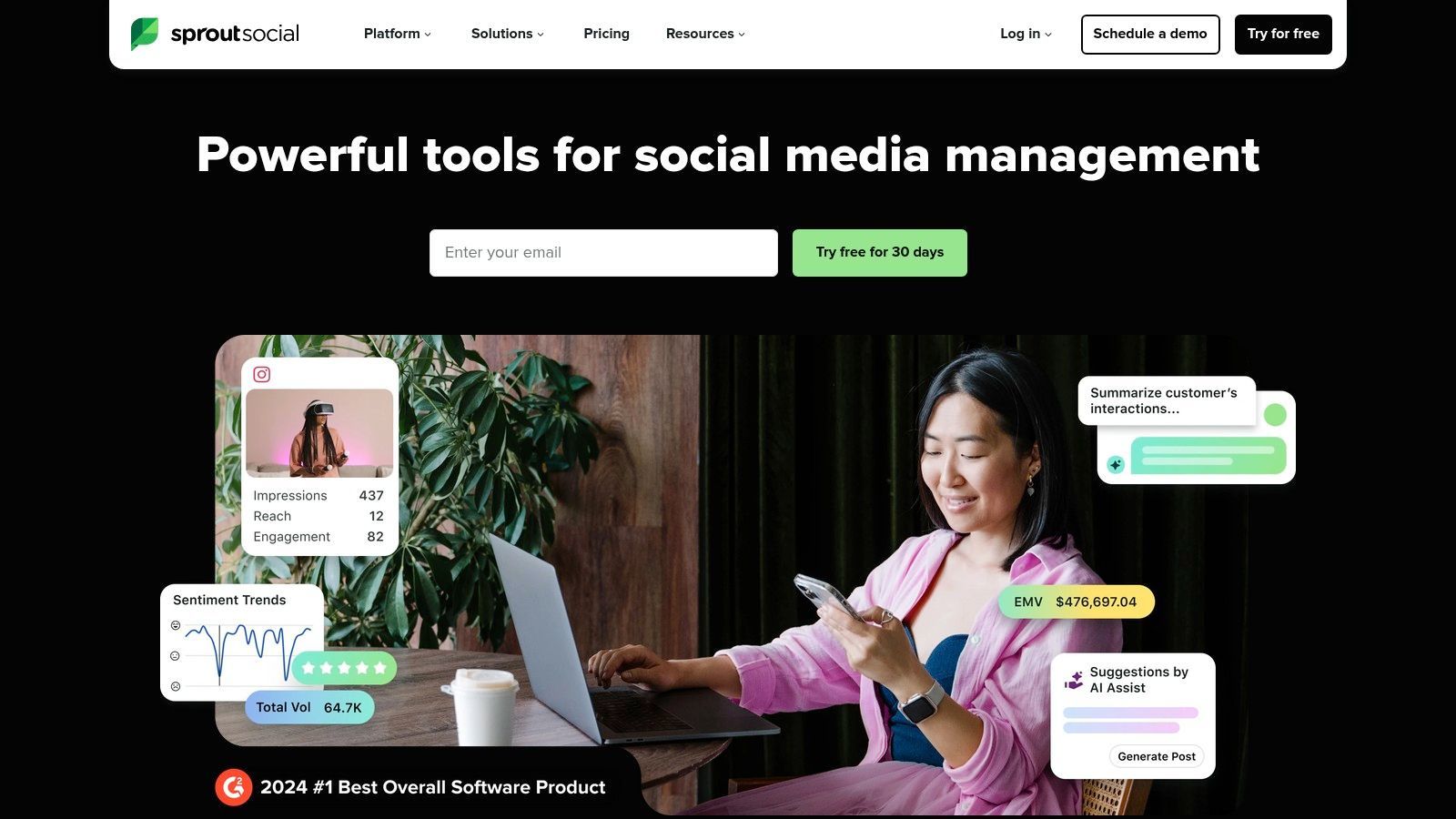
The Smart Inbox is well-designed for community managers who need to triage and respond to mentions across multiple social accounts. The listening templates for competitor analysis and brand health tracking get you started quickly.
Two things to know before buying it *as a monitoring tool*, though. First, the economics: listening is a separate paid add-on available from the Standard plan ($199/seat/month) up, so a small team's bill climbs fast — we've broken down the full seat math and real contract data in our [Sprout Social pricing guide](https://octolens.com/blog/sprout-social-pricing). Second, the depth — users who push the listening side hit its ceiling:
> *"Sprout's social listening feels like it's geared more for crisis or brand reputation monitoring rather than proactive social marketing. It's missing some of the more complex features like advanced contextual filtering, keyword-specific sentiment"* — [r/b2bmarketing](https://www.reddit.com/r/b2bmarketing/comments/1qwmset/comment/o3s1wc0/)
If you need Reddit, Hacker News, or podcast coverage, Sprout won't have it.
| Detail | Info |
| --- | --- |
| Pricing | Standard $199/seat/mo, Professional $299, Advanced $399; listening is a separate add-on (price via sales) |
| Platforms | Mainstream social networks |
| API | Higher tiers |
| Free trial | 30 days |
**Pros:**
- Excellent publishing + engagement workflow (the core product)
- Smart Inbox triage for community managers
- Listening templates make setup fast
**Cons:**
- Listening costs extra on top of per-seat pricing
- Contextual filtering and sentiment are basic vs. dedicated tools
- No Reddit, HN, forum, or podcast depth
**Website:** [https://sproutsocial.com](https://sproutsocial.com)
## 5. Hootsuite
**Best for: Teams already publishing with Hootsuite that want basic mention tracking included** | G2: 4.3/5 (~7,400 reviews, August 2026)
Similar story to Sprout Social, with a twist: since acquiring Talkwalker, Hootsuite's advanced listening genuinely is enterprise-grade — but it's sold as an Enterprise feature, effectively a separate product (see the [Talkwalker entry](#2-talkwalker-now-hootsuites-enterprise-listening) above).
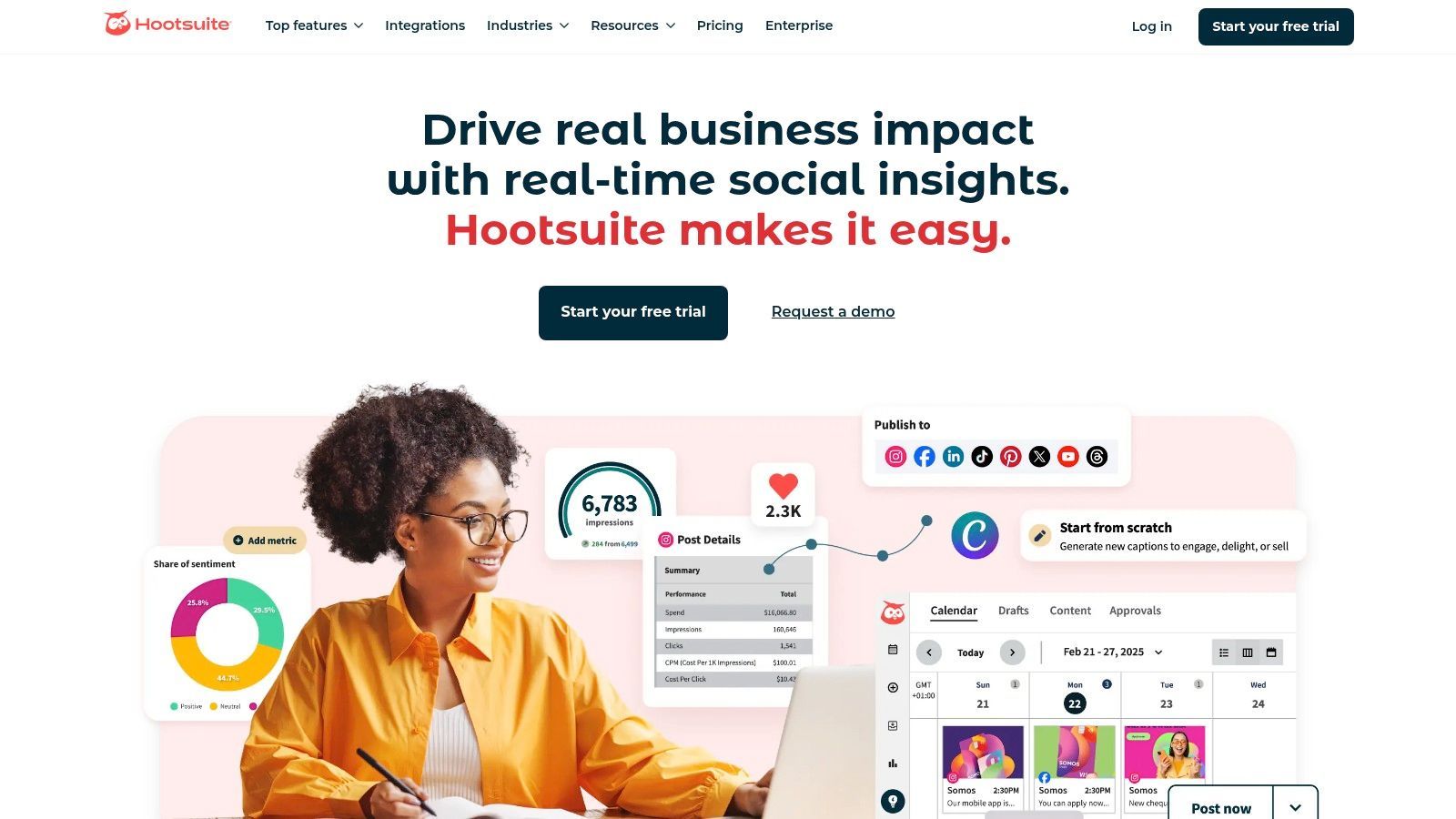
The "Streams" feature for real-time keyword and hashtag tracking is handy for social media managers who want persistent monitoring columns alongside their publishing queue. The AI-powered summaries help cut through volume.
Where Hootsuite falls short: the standard plans ($99–$399/user/month) offer only basic mention tracking. To get the Talkwalker-powered deep listening, you need Enterprise pricing, which requires a sales call. If you're already paying for Hootsuite for publishing and want basic brand mentions in the same dashboard, it works. As a dedicated monitoring solution, there are better options — we compared the [best Hootsuite alternatives](https://octolens.com/hootsuite-alternatives) for exactly this situation.
| Detail | Info |
| --- | --- |
| Pricing | Standard $99/user/mo, Professional $199, Advanced $399; deep listening = Enterprise (custom) |
| Platforms | Mainstream social networks |
| API | Enterprise |
| Free trial | 30 days |
**Pros:**
- Streams give publishers always-on keyword columns for free (within plan)
- Talkwalker tech available if you go Enterprise
- Familiar tool many teams already pay for
**Cons:**
- Real listening is gated behind Enterprise sales
- Basic tiers only track the obvious mentions
- Weak beyond mainstream social platforms
**Website:** [https://www.hootsuite.com](https://www.hootsuite.com)
## 6. Brand24
**Best for: Small teams and agencies that want real-time alerts at a self-serve price** | G2: 4.6/5 (355 reviews, August 2026)
Brand24 is the most approachable of the classic monitoring tools for small teams — transparent pricing, self-serve signup, and a 14-day free trial with no sales calls. One thing that's changed since we first wrote this guide: Brand24 was acquired by Semrush, and entry pricing has moved well past its old budget positioning — the Individual plan is now $249/month ($199/month on annual billing).
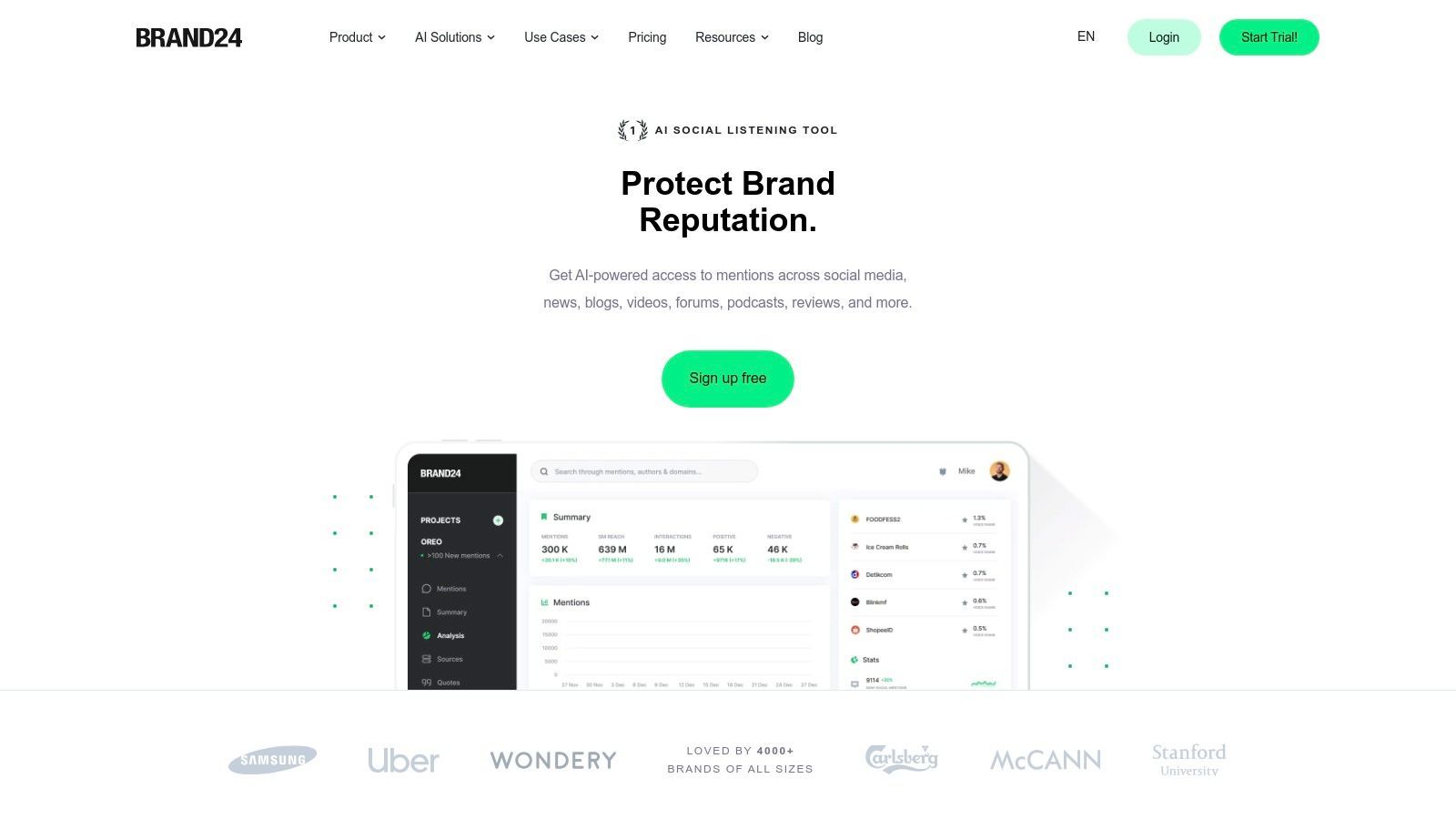
The interface is clean and the learning curve is minimal. You get sentiment analysis, reach estimates, and share of voice calculations out of the box. The mobile app with push notifications is useful for founders who want to know immediately when something is happening.
The trade-offs: the Individual plan updates every 12 hours (real-time costs more), includes 3 keywords and 2,000 mentions a month, and one user seat. Reddit coverage exists but is shallower than the platforms that specialize in it — a common pattern in this category:
> *"most brand monitoring tools are built for twitter/facebook and just slap reddit on as an afterthought … a lot of the big name tools miss comments that are nested deep in threads"* — [r/DigitalMarketing](https://www.reddit.com/r/DigitalMarketing/comments/1mso7n2/comment/n9o2pyn/)
For a more detailed comparison, see our [7 best Brand24 alternatives for B2B social listening](https://octolens.com/brand24-alternatives) — or read our full [hands-on Brand24 review](https://octolens.com/blog/brand24-review), based on a real trial run.
| Detail | Info |
| --- | --- |
| Pricing | Individual $249/mo ($199 annual): 3 keywords, 2k mentions, 12h updates. Team $349, Pro $499, Business $699, Enterprise from $1,499 |
| Platforms | Social, news, blogs, forums, podcasts |
| API | Higher tiers |
| Free trial | 14 days |
**Pros:**
- Self-serve with transparent pricing — no sales calls
- Clean interface, minimal learning curve
- Good mobile app with push alerts
**Cons:**
- 12-hour update cycle and 2k mentions on the entry plan
- Entry price has climbed to $249/mo — no longer the budget option
- Reddit and niche-community depth is limited
**Website:** [https://brand24.com](https://brand24.com)
## 7. Mention
**Best for: Brands that need review-platform coverage alongside social monitoring** | G2: 4.4/5 (~440 reviews, August 2026)
Mention tracks a very broad source set and has unusually strong coverage of review platforms (75+ sites including Google, Trustpilot, Amazon, and Glassdoor), which makes it a standout if reviews are where your reputation actually lives.
The alert system is fast and the Boolean search operators let you build precise queries (up to 2,000 characters on advanced alerts). The competitive analysis dashboards are helpful for benchmarking.
But Mention has repositioned significantly, and the old buying advice no longer applies. The self-serve tiers are gone from the pricing page — there's now a single demo-gated "Company" plan with custom pricing. **API access and historical data are paid add-ons, not included.** And Mention has deprecated its Publish and Respond features, directing users to Agorapulse (its sister product) for those. In short: it's become a pure enterprise monitoring product. If you saw "$41/month" in an older roundup (including an earlier version of this one), that plan no longer exists.
| Detail | Info |
| --- | --- |
| Pricing | Custom ("Company" plan, demo-gated); API and historical data are paid add-ons |
| Platforms | Social, web, news, forums + 75+ review sites |
| API | Paid add-on |
| Free trial | No — demo via sales |
**Pros:**
- Best review-platform coverage in this list
- Fast alerts with serious Boolean query support
- Dedicated account management on the Company plan
**Cons:**
- No more self-serve tiers or public pricing
- API and historical data cost extra
- Publishing/responding features deprecated (moved to Agorapulse)
**Website:** [https://mention.com](https://mention.com)
## 8. Mentionlytics
**Best for: SMBs that need multi-language monitoring at a low entry price** | G2: 4.9/5 (~112 reviews, August 2026)
Mentionlytics comes up constantly in practitioner threads as the value pick — it covers the essentials (real-time alerts, sentiment, social listening) without enterprise bloat, and it holds one of the highest G2 ratings in the category. Agencies in particular seem to land on it for mid-sized clients after pricing out Meltwater.
One user's reason for choosing it, from a thread about Reddit coverage specifically: *"it picks up those specific comment threads that other platforms often ignore."* ([r/DigitalMarketing](https://www.reddit.com/r/DigitalMarketing/comments/1mso7n2/comment/okfo0oz/)) I'd verify that claim against your own brand during the trial — Reddit depth varies widely by tool — but the sentiment accuracy (including sarcasm handling) gets consistent praise.
The trade-offs at the entry level mirror Brand24's: the Basic plan ($69/month) gives you 3 keyword rules, 5,000 mentions, and 12-hour updates; real-time monitoring starts on higher tiers. The interface is functional rather than beautiful, and there's no native podcast or newsletter coverage.
| Detail | Info |
| --- | --- |
| Pricing | Basic $69/mo: 3 keyword rules, 5k mentions, 12h updates. Essential $169, Advanced $299, Pro $499, Business $749 (annual billing) |
| Platforms | Social, news, blogs, web; multi-language |
| API | Higher tiers |
| Free trial | 14 days, no credit card |
**Pros:**
- Lowest entry price of the full-featured tools ($69/mo)
- 4.9/5 G2 rating — tied for highest in the category
- Sentiment accuracy praised across languages
**Cons:**
- 12-hour updates and 5k mentions on Basic
- Dated interface
- No podcast/newsletter coverage
**Website:** [https://www.mentionlytics.com](https://www.mentionlytics.com)
## 9. BrandMentions
**Best for: Real-time web and social mention tracking with strong per-keyword control** | G2: 4.9/5 (~240 reviews, August 2026)
BrandMentions shows up in nearly every "what do you use" thread — sometimes suspiciously enthusiastically, which is its own signal about the category — but the product underneath is legitimately solid, with one of the highest G2 ratings on this list. It tracks social media, news, blogs, forums, and review sites, and users praise its real-time accuracy:
> *"BrandMentions has worked really well for me for social listening. It finds mentions on Reddit, forums, and social media in real time, which is great."* — [r/DigitalMarketing](https://www.reddit.com/r/DigitalMarketing/comments/1mso7n2/comment/nio3tfc/)
The pricing structure rewards annual commitment: Starter is $79/month billed annually ($99 billed quarterly) for 5 keywords and 5,000 mentions with daily updates. Hourly updates arrive on Pro ($249/month annual), real-time on Expert ($399/month annual). Note the update-frequency ladder — "real-time tracking" is an Expert-tier feature, not a Starter one.
There's no API at any tier, which rules it out if you want mentions flowing into your own systems, and the sentiment analysis is more basic than the AI-first tools.
| Detail | Info |
| --- | --- |
| Pricing | Starter $79/mo (annual): 5 keywords, 5k mentions, daily updates. Pro $249 (hourly), Expert $399 (real-time) |
| Platforms | Social, news, blogs, forums, review sites |
| API | No |
| Free trial | 7 days |
**Pros:**
- 4.9/5 G2 rating with consistent accuracy praise
- Broad source coverage including forums
- Fair entry price on annual billing
**Cons:**
- Real-time updates gated to the $399 Expert tier
- No API at any price
- Basic sentiment vs. AI-first competitors
**Website:** [https://brandmentions.com](https://brandmentions.com)
## 10. Awario
**Best for: Budget monitoring with Boolean search precision** | G2: 3.9/5 (~50 reviews, August 2026)
Awario is the budget pick. Generous mention quotas (30,000/month even on Starter), unlimited keywords per topic, and Boolean search on every plan. For a small team that needs wide coverage without worrying about hitting limits, it delivers solid fundamentals at a low price — Starter is €49/month, or €29/month on annual billing (Awario now prices in euros).
The white-label reporting on higher tiers makes it popular with agencies. API access is reserved for the Enterprise plan, so piping data elsewhere means paying for the top tier.
The downsides are what you'd expect from a budget tool: fewer data sources than the enterprise players, a simpler UI with fewer customization options, and limited historical data on lower tiers. The AI and filtering capabilities don't match the more specialized platforms — and the 3.9/5 G2 rating (lowest on this list) mostly reflects complaints about data quality and support responsiveness. But if you're price-sensitive and need the basics done well, Awario is worth a look.
| Detail | Info |
| --- | --- |
| Pricing | Starter €49/mo (€29/mo annual): 3 topics, 30k mentions. Pro €149/mo (€89 annual), Enterprise €399/mo (€249 annual) |
| Platforms | Social, news, blogs, forums |
| API | Enterprise plan only |
| Free trial | 7 days |
**Pros:**
- Cheapest full Boolean search on the market
- Generous mention quotas at every tier
- White-label reports for agencies
**Cons:**
- Lowest G2 rating on this list (3.9/5)
- Simpler filtering — noise is on you to manage
- Limited history on lower tiers
**Website:** [https://awario.com](https://awario.com)
## 11. BuzzSumo
**Best for: Content marketing and digital PR teams** | G2: 4.5/5 (~107 reviews, August 2026)
BuzzSumo isn't really a brand monitoring tool in the traditional sense. It's a content intelligence platform that happens to have mention tracking. Where it shines is connecting brand mentions to content performance: which articles about your brand got the most shares, who wrote them, and what related topics are trending.
The journalist and influencer database is genuinely useful for PR outreach. The YouTube analyzer is a nice bonus for teams tracking video content.
If you're looking for real-time social listening or community monitoring, BuzzSumo isn't it. The social media coverage is thin compared to dedicated monitoring tools, and alert quotas are tight (2 alerts on the $199 Content Creation plan; 5 on PR & Comms at $299, which is also where Slack alerts arrive). No free plan, only a limited trial. But for content marketing and digital PR teams, it fills a specific niche well.
| Detail | Info |
| --- | --- |
| Pricing | Content Creation $199/mo (2 alerts), PR & Comms $299 (5 alerts + Slack), Suite $499, Enterprise $999 |
| Platforms | Web content, news, YouTube; light social |
| API | Suite and up |
| Free trial | Limited trial, no free plan |
**Pros:**
- Best-in-class content performance data
- Journalist/influencer database for PR outreach
- Alerts tie mentions to engagement metrics
**Cons:**
- Thin social and community coverage
- Alert quotas are small per tier
- Not built for real-time monitoring
**Website:** [https://buzzsumo.com](https://buzzsumo.com)
## 12. Semrush Brand Monitoring
**Best for: SEO teams that already live in Semrush** | G2: — (App Center add-on)
If your team already lives in Semrush for SEO, the Brand Monitoring app in the App Center adds mention tracking without leaving the ecosystem. You can track brand keywords alongside your SEO data, spot unlinked brand mentions for link building, and monitor sentiment in one familiar interface. The app costs $79/month for 3 queries, with add-on packs (+3 queries/20k mentions for $50, +9 queries/90k mentions for $120).
Worth knowing for context: Semrush also owns Brand24 now, so the company effectively has two monitoring products — the lightweight App Center app for SEO teams and Brand24 as the standalone tool.
It's a supplementary tool, not a replacement for dedicated monitoring. The coverage is lighter, the analytics are basic, there's no API, and you need a core Semrush subscription to get full value. But for SEO-focused teams that want brand awareness data alongside their keyword rankings, the convenience factor is real.
| Detail | Info |
| --- | --- |
| Pricing | $79/mo (3 queries) + add-on packs; requires Semrush account |
| Platforms | Web, news, social (lighter coverage) |
| API | No |
| Free trial | 7 days |
**Pros:**
- Lives inside the tool your SEO team already uses
- Unlinked-mention detection feeds link building
- Cheap way to add basic monitoring
**Cons:**
- Light coverage and basic analytics
- No API
- Only makes sense on top of a Semrush subscription
**Website:** [https://www.semrush.com/apps/brand-monitoring/](https://www.semrush.com/apps/brand-monitoring/)
## The free stack: monitoring with no budget
If you have zero budget, you can still cover the basics with three free tools. This is genuinely what many founders run before their mention volume justifies paying for anything:
**Google Alerts** — free email alerts for new pages Google indexes with your keyword. No social media, no forums, and often days late, but it catches news coverage and blog posts reliably.
> *"It's pretty basic, but Google Alerts is at least one tool you should be using. And it costs nothing."* — [r/AskMarketing](https://www.reddit.com/r/AskMarketing/comments/1nyqvq4/comment/nhxg2xi/)
**F5Bot** — free, real-time email alerts for keyword mentions on Reddit, Hacker News, and Lobsters. For developer-adjacent brands this covers the two platforms that matter most, and users genuinely love it: *"The one I use for Reddit is F5Bot. It's awesome and free!"* ([r/digital_marketing](https://www.reddit.com/r/digital_marketing/comments/1m736lg/comment/n4vbugz/))
**ForumScout** — has a free plan for forum monitoring, useful for niches where the real conversations happen on specialized boards rather than mainstream social.
What the free stack can't do: relevance filtering (every match hits your inbox, relevant or not), sentiment analysis, X/LinkedIn/YouTube/TikTok/podcast coverage, history, or any kind of team routing. When you find yourself manually forwarding F5Bot emails to teammates, that's usually the moment to graduate to a paid tool.
## Brand monitoring vs. brand tracking
One naming confusion worth clearing up, because the tools get mixed together in search results: **brand monitoring** (everything on this page) tracks individual mentions so you can read and respond to them. **Brand tracking** measures aggregate awareness and perception over time, usually through recurring consumer surveys — think Tracksuit, Latana, or research panels asking "which of these brands have you heard of?"
They answer different questions. Monitoring tells you what happened this morning and where to respond; tracking tells you whether unaided awareness moved this quarter. Survey-based tracking makes sense for consumer brands spending heavily on top-of-funnel marketing — for that, look at survey platforms like quantilope, Kantar, Tracksuit, or Latana rather than anything on this page.
The two are converging, though. Mention volume, sentiment ratio, and share of voice from a monitoring tool are brand-tracking metrics, computed continuously from real conversations instead of quarterly survey waves — always-on brand tracking, essentially, at a fraction of a survey program's cost. If you're here because people are talking about your product online and you want to see it (and measure it over time), a monitoring tool gives you both.
## Which one should you actually pick?
By job, honestly:
- **B2B SaaS or dev tool company** → Octolens. Not just because we built it, but because no one else covers GitHub, Hacker News, Stack Overflow, podcasts, and newsletters alongside the mainstream platforms, with API access on every plan. [Start a free trial](https://octolens.com/me/sign-up?selectedPlan=Free_trial) and judge the relevance filtering on your own brand within a day.
- **Global consumer brand, analyst team, six-figure budget** → Brandwatch or Talkwalker. They're genuinely the deepest platforms; just go in knowing the contract sizes.
- **PR/comms team tracking press + social together** → Meltwater — read the [pricing guide](https://octolens.com/blog/meltwater-pricing) first so the contract terms don't surprise you.
- **Review sites are your battleground** → Mention (with the new enterprise pricing in mind) or a dedicated review-management platform.
- **Smallest workable budget** → Mentionlytics ($69) or Awario (€49, or €29 annual) to start; BrandMentions ($79 annual) if you want the higher-rated option and can live without an API.
- **Already paying for Sprout or Hootsuite** → try their listening add-ons first, but test them against a dedicated tool on your own mentions before committing — the depth difference shows up fast.
- **No budget at all** → the free stack above, until it hurts.
The one thing I'd push back on: don't default to the biggest, most expensive tool just because it looks impressive in a vendor evaluation. A monitoring tool that delivers 50 relevant mentions to your Slack channel is worth more than one that dumps 5,000 unfiltered alerts into a dashboard nobody checks.
And if your scope is specifically social platforms rather than the whole web, we've also compared the best [social media monitoring tools](https://octolens.com/blog/best-social-media-monitoring-tools) side by side — or all 21 [social listening tools](https://octolens.com/blog/best-social-listening-tools) if you're leaning toward market research. Tracking rivals instead of (or alongside) your own brand? That's a different tool landscape — see the [best competitor monitoring tools](https://octolens.com/blog/best-competitor-monitoring-tools).
---
# What Is Social Listening? A B2B Founder’s Guide (2026)
URL: https://octolens.com/blog/social-listening · Published: 2026-01-05 · Updated: 2026-10-06 · Author: Charlotte Schmitt (Co-Founder)
Right now, someone is asking for a recommendation for exactly the kind of product you sell. It might be on Reddit, on LinkedIn, or on X.
A lot of B2B buying gets shaped in threads like that before anyone fills out a demo form on your website. Social listening is how you find out it's happening while you can still reply.
I run a social listening company, [Octolens](https://octolens.com/), and help brands like Lovable, Vercel, and PostHog with this. In this guide I'll show you what social listening means for a founder and how to do it yourself, even if you have zero budget today.
If you prefer to watch, I go through the whole guide in this video:
## What Is Social Listening?
Social listening (also called social media listening) means you track what people say in public about your brand, your competitors, and the problems you solve, and then you do something with what you find.
The second half of that sentence is the important part. Getting the mentions is not the goal by itself, because a mention is only useful if something happens next.
That can be a reply in the thread, a fix in your product, a better page in your docs, or a new customer. I'll go through each of those further down.
## Why Social Listening (and Brand Monitoring) Is Important for B2B SaaS companies
I started my journey in B2B SaaS at a startup building a developer data platform.
Our customers were B2B DevTool companies whose success hinged on building engaged communities across their social channels.
When developers shared their tools, others were convinced to try them, and that worked more effectively than any paid ad.
Over the years, I've seen how these engaged communities have become a go-to-market (GTM) strategy for the broader B2B SaaS space.
When companies evaluate B2B tools today, a lot of that happens in public conversations. People ask their peers, they read Reddit threads, and they compare notes on LinkedIn and X.
By the time someone actually books a demo with you, a lot of the conversation has already happened, and it happened somewhere you as a company might not even be looking. That's why it is so important to be in the consideration set at that point.
For you as a founder, that means three practical things:
- **You can catch people while they're still deciding.** Someone is describing the exact problem you solve, or discussing a competitor, and you can join the conversation or offer an alternative.
- **You hear it right away.** When someone praises you or complains about you, you'll know right then and there instead of finding out weeks later. If this is your main goal, our [brand reputation monitoring guide](https://octolens.com/blog/brand-reputation-monitoring) covers the metrics and early-warning signals in depth.
- **You stop scrolling five platforms by hand.** This is the most underrated one. Going through X (Twitter), LinkedIn, Reddit, Hacker News, Bluesky, and more every day is a massive waste of time, and it is exactly the part that can be automated.
I built [Octolens](https://octolens.com/) to tackle these pain points, but the bulk of these tips will help you even if you do it all manually (though you'll lose out on time savings and on some time-sensitive opportunities).
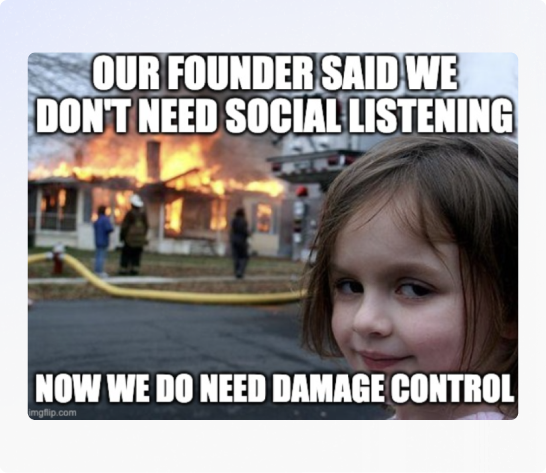
## What's the difference between Social Listening & Brand Monitoring
I've used both the terms [Brand Monitoring](https://octolens.com/blog/brand-monitoring) and Social Listening. They are intertwined and most B2B SaaS founders care about both.
As the name already suggests, brand monitoring is focused on staying on top of direct brand and product mentions.
It's a part of social listening, which is the broader category.
Social listening can encompass tracking and analyzing all types of keywords and the sentiment of your audience.
What your activities will be skewed to will definitely be impacted by the stage your company is currently in and by your goals.
If you are much smaller, you'll obviously have fewer direct brand mentions and you'll spend less time on brand monitoring.
Your focus will rather be on monitoring competitors or industry terms, so you can create more opportunities to mention your brand.
For example: If I am looking to sell Octolens, I'll monitor for people searching for "social listening tools" or a competitor name.
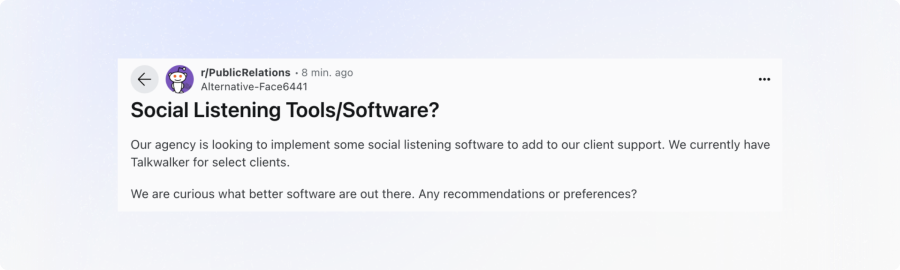
Larger brands might have many mentions a day and will care much more about the current positive or negative sentiment around their brand.
For example: A team at Notion might closely monitor the dozens of daily brand mentions (like this one on Reddit):
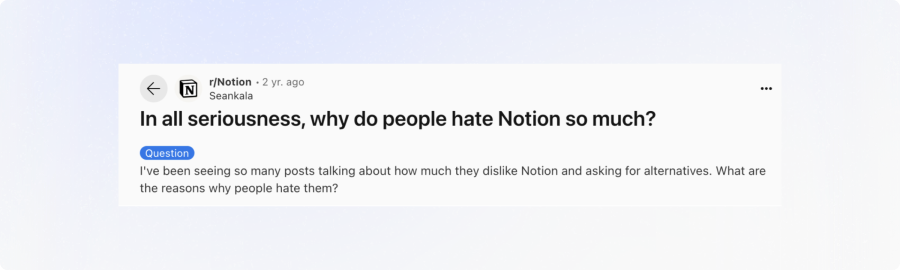
In this guide I will focus on both aspects and treat brand monitoring as a part of social listening.
I will also note that the content in this guide is most relevant to B2B SaaS founders of small to medium sized businesses.
Once you reach really large 500+ enterprise stages you'll have a different set of concerns.
## How to Approach Brand Monitoring & Social Listening for B2B SaaS
Brand monitoring and social listening boil down to these core steps:
1. **Know which conversations you're looking for.** There are five types that come up again and again, and I describe them below.
2. **Identify the key channels** where your audience and industry peers are most active (e.g., LinkedIn, Twitter/X, Reddit, Hacker News).
3. **Define the keywords** you need to track: brand names, product names, competitor names, and specific pain points.
4. **Monitor your channels**, either manually or with a social listening tool, to find relevant conversations based on those keywords.
5. **Take action.** For example, respond quickly and thoughtfully to the mentions that matter (both positive and negative), or learn from the current sentiment and apply it to your business (e.g., add a new feature).
The sections below will dive deeper into how you can excel at each step.
## The Five Types of Conversations to Listen For
When you do social listening, you're essentially monitoring for a certain type of audience behavior on social platforms.
In practice I'd say there are five patterns, and once you know them, you start seeing them everywhere.
### 1. People asking for recommendations
Someone posts "What are you all using for this?" and the community answers with what they use themselves.
If that's your category, you want to know that this thread exists today and not in three weeks.
Also, a good answer in a thread like that keeps getting read for years, because these threads rank in Google, and AI assistants pull their recommendations from them as well.
### 2. People describing a problem they need solved
They're not asking for a product yet. They just need help from the community, and sometimes your product can be the answer to their problem.
### 3. Your own brand
You want to know about shout-outs, complaints, and questions that your docs already answer.
Sometimes people tag your brand and sometimes they don't, which is how you end up finding recommendations in threads you would never have found otherwise.
### 4. Your competitors
Here you'll want to know about announcements, outages, people praising them, and people asking if there is an alternative.
### 5. The broader industry conversation
These posts are less urgent, but you can learn a lot about where your market is going by reading them. They also show you what you could post about yourself as a person in that field.
**One caveat, because this is where a lot of founders go wrong:** don't turn any of this into a pure lead list.
If you catch everyone who types a keyword and start pitching to them, you'll drown in noise and you'll get a bad reputation. The point is that when a conversation is yours (your category, your problem, your brand), you know that it's happening while you can still be a part of it.
I wrote more about why the automated version of this backfires in my post on [Reddit lead generation tools](/blog/reddit-lead-generation).
## Core Channels & Platforms for Social Listening for B2B SaaS
For B2B, there is a consistent set of places where these conversations happen. The platforms below draw B2B SaaS founders, decision makers, and developers who are looking for product recommendations, sharing best practices, or venting about their current solutions.
You'll likely want to monitor them all +/- a few depending on your specific niche and ideal customer profile (ICP):
- [**X (fka Twitter)**](https://octolens.com/twitter-monitoring): This is where the real-time product chatter happens. Users often post about a product they love or hate. It's also a popular channel for startup news and for asking for product recommendations.
- [**LinkedIn**](https://octolens.com/linkedin-monitoring): The go-to professional network and the place where B2B decision makers tend to post. Most B2B leaders, team members, and prospects are active here, discussing trends and sharing product recommendations.
- [**Reddit**](https://octolens.com/reddit-monitoring): Probably the highest-signal one, because it's very niche communities (e.g., r/SaaS, r/Entrepreneur, r/Marketing) and very honest opinions. Users share genuine feedback and look for "best tool" recommendations.
- [**Hacker News**](https://octolens.com/hackernews-monitoring): A tech-centric community run by Y Combinator, and always important if you're anywhere near tech. Discussions can trend quickly, and a single mention could bring in a lot of signups or hurt your reputation.
- [**YouTube**](https://octolens.com/youtube-monitoring): Reviews and tutorials are conversations as well. Prospects often watch "how-to" videos and unbiased reviews before making buying decisions, and YouTube is big as a source of citations for AI search.
- [**Bluesky**](https://octolens.com/bluesky-monitoring): A newer, decentralized social platform that is popular with early adopters and tech enthusiasts. A lot of people have been migrating from X to Bluesky, so depending on your category it's worth a look.
- [**GitHub**](https://octolens.com/github-monitoring): A central hub for open-source projects and developer collaboration. If developers use your product, this is where they discuss feature requests, report bugs, and compare tools, so you get early signals of community sentiment.
- [**Stack Overflow**](https://octolens.com/stackoverflow-monitoring): The largest Q&A platform for developers who need help with specific coding challenges. Mentions of your product here often come up when users need troubleshooting tips or integration advice, and a helpful response builds a lot of trust.
- [**DEV**](https://octolens.com/dev-monitoring): An active community platform where developers share articles, tutorials, and personal experiences. Founders and dev advocates can comment on technical discussions and keep a pulse on emerging trends in their niche.
- **Niche forums:** Beyond the mainstream sites, specialized forums often host deep-dive conversations about very specific problems. These forums will be unique to your industry, so you'll need to do some research to find them.
Depending on your niche you may also want to look at Facebook groups, TikTok, or Instagram, however those tend to be more relevant for B2C companies.
### One more thing to know about Reddit
Reddit threads rank high in Google now. That means one good recommendation thread can keep sending people to a product for years, long after everyone stopped commenting.
You'll often see a thread at the top of Google that is three years old.
The practical version of all this: write down the two or three places where your customers already hang out, and start by monitoring those closely.
## Step-by-Step Guide to Setting Up Your Social Listening Strategy
This is the version I would give you on a call as well.
### 1. Define Your Goals
Decide what you want out of it first, because your goals will decide the keywords that you set up. Goals can, for example, include:
- **New Customers:** Find people who are actively looking for a solution like yours, while they are still deciding.
- **Reputation Management:** Quickly address negative feedback, amplify positive mentions, and make sure your brand image stays strong.
- **Community Building:** Take part in relevant threads, forums, and social posts to become a known, helpful resource in your niche.
There are a lot of different goals, so pick the one that you care about most to start off with. You can always add the others later.
### 2. Choose the Right Keywords
I would choose keywords in four major buckets:
- **Brand & Product Names:** Include variations, domains, and social handles.
- **Competitor Names:** You'll see when people complain about your competitors or ask for alternatives.
- **Relevant Industry Terms:** E.g., "social media monitoring," "project planning tool," "no-code workflow automation."
- **Pain Points:** The phrases a customer would type when they're dealing with the exact problem your product solves, e.g., "data drift".
**Some more things to consider when choosing your keywords:**
- **Be Specific:** Try to go a bit more specific than broad. If you track a super common word, it becomes way too many posts to actually stay on top of.
- **Avoid Common Words:** If your brand name is also a common word, refine further (e.g., "Apple Inc." instead of just "Apple").
- **Consider Multiple Languages:** Some brand names have unintended meanings elsewhere.
- **Test & Tweak:** It's normal to need a few iterations before hitting the sweet spot.
Being specific and avoiding common words is especially important if you are trying to monitor manually.
Good luck getting through the keyword "AI agent" every day!
### 3. Decide How You'll Monitor
There are three ways to do the monitoring itself, and most founders move through them in this order.
**Manually, on a schedule.** Doing this by hand works well at the start. You run your searches on each platform on a schedule, let's say every day with your morning coffee.
**Google Alerts.** After that you can add Google Alerts. It covers news and blogs, and it's free. However, the notifications come late, it doesn't see the social platforms at all, and common words can pull in so much junk that you drown in it. I go into more detail on that [in the side note below](#side-note-why-google-alerts-isnt-enough).
**A social listening tool.** When speed really begins to matter, that's when automation comes into play. The shelf-life of an X post or a Reddit conversation is not very long, so if you want to jump in quickly and consistently, a tool will be of huge help.
| | What it covers | Cost | Where it falls short |
|---|---|---|---|
| **Manual searches** | Whatever you search yourself | Free | Takes time every day, and you see threads late |
| **Google Alerts** | News and blogs | Free | Late notifications, no social platforms, lots of junk for common words |
| **Social listening tool** | Social platforms, news, and more in one place | Paid (most have a free trial) | You still need to set up good keywords and reply yourself |
Here is how it works in Octolens, which is the company I founded. When a post matches one of your keywords, Octolens checks with AI whether it's actually relevant to your business and notifies you about the ones that are important.
For example, I get those notifications in Slack. So every day I see threads while they are still warm, and I can take part while the conversation is still going on.
This loop looks the same in any tool. Octolens is just the one that I make, so it's the one I use myself and often recommend. If you use a tool like Octolens you'll:
- **Set Up Custom Alerts:** Configure email, Slack, or in-app notifications so you can respond right away.
- **Score Relevancy:** Let AI highlight the conversations that matter most to you, like [high buy-intent signals](/blog/track-social-signals) or praise and complaints that need your attention.
- **Consolidate Cross-Platform Monitoring:** Instead of juggling multiple sites, you'll have one view that brings together mentions from Twitter/X, Reddit, LinkedIn, Hacker News, and more.
And if you convert just one customer, you'll usually have your monthly subscription covered in no time.
*Side Note: When you first sign up for Octolens and choose keywords, we fetch up to 7 days of historical posts on each platform (100 per platform during onboarding). If you test it out, you can see what kind of opportunities you might be missing straight away.*
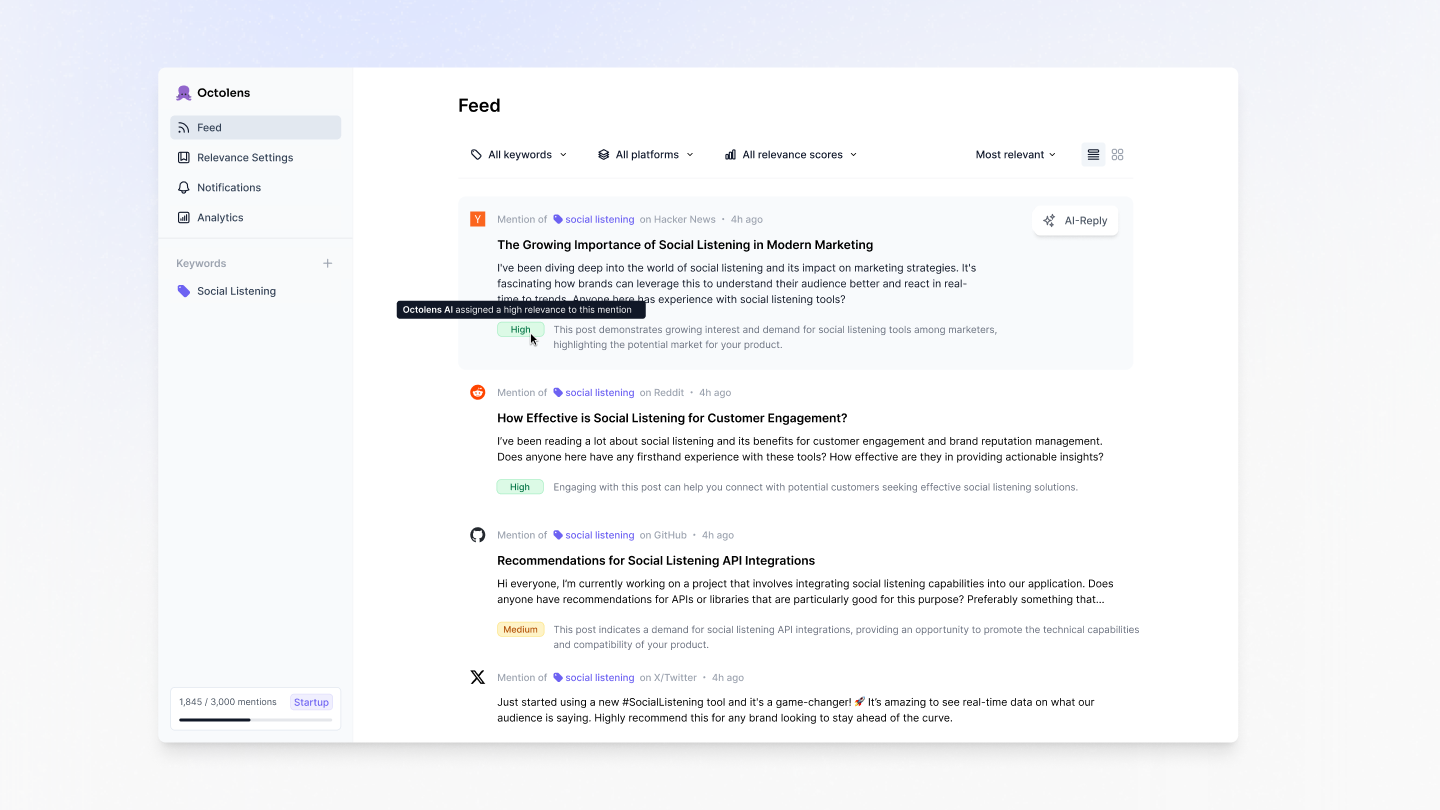
### 4. Decide Who Replies to What
As the founder, your replies carry the most weight. People can tell they're talking to the person who built the thing, and who is also able to make decisions.
However, you can't reply to everything yourself if you're a high-volume brand. So you split it up:
- **Roles:** Know who is responding to what type of alert. You take the conversations where being the founder matters the most, and your team can do the rest. Maybe you can split it up by keyword type or by content.
- **Protocols:** Make sure you're aligned on how you'll respond, for example on always saying who you are and on never dropping a bare product link.
## Side Note: Why Google Alerts Isn't Enough
I often get asked, why not just set up Google Alerts? It's free and it's a good baseline for news and blogs, but it often misses critical mentions because:
- **Delayed Notifications:** Google Alerts doesn't index everything in real time.
- **Missing Mentions:** Platforms like Twitter, Reddit, and LinkedIn aren't reliably picked up.
- **Irrelevant Results:** Basic text matching brings in tons of noise if your brand name is a common word.
- **Limited Customization:** You can't refine or score mentions with AI.
Google Alerts can serve as a baseline, but for real-time engagement and cross-platform visibility, it falls short.
I went into detail on [why Google Alerts is not enough here](https://octolens.com/blog/why-google-alerts-is-not-working) if you are interested, and I compared the [Google Alerts alternatives](/google-alerts-alternatives) as well.
## Converting Mentions into Opportunities
Collecting brand or competitor mentions is only the first step. A mention is only useful if something happens next, so let me make this a bit more tangible.
### The deal you would never have seen
This is the obvious one. Someone posts "What should we use for X?" and you're in there within a few hours with a good answer, and someone actually tries out your product.
For this to work you have to answer the question properly and honestly. You're putting your name out there, so it needs to be reliable and believable.
You also add one line about who you are. I always say "I'm the founder of Octolens here", so people know. I don't add a bare product link, because that's often just viewed as junk, and if someone wants to find you they can type the name into Google themselves.
Here is my own example. Someone is looking for an alternative to a competitor of Octolens, which I track:
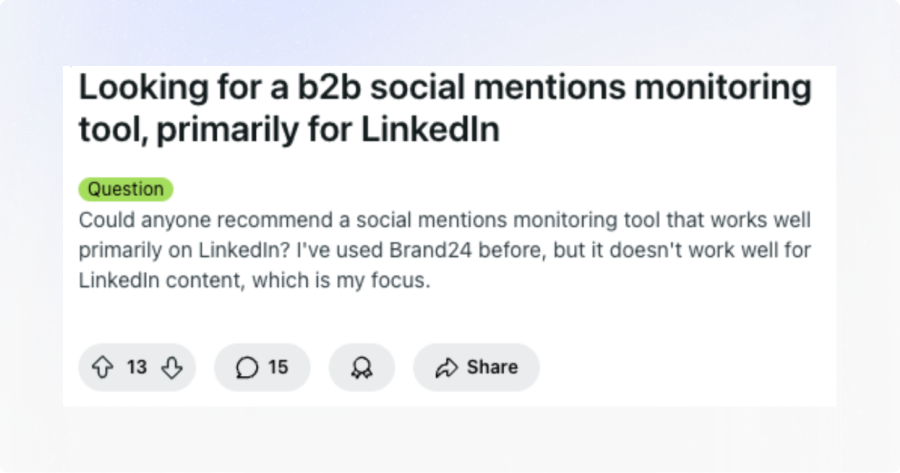
I get alerted in Slack by Octolens about a high-relevance mention:
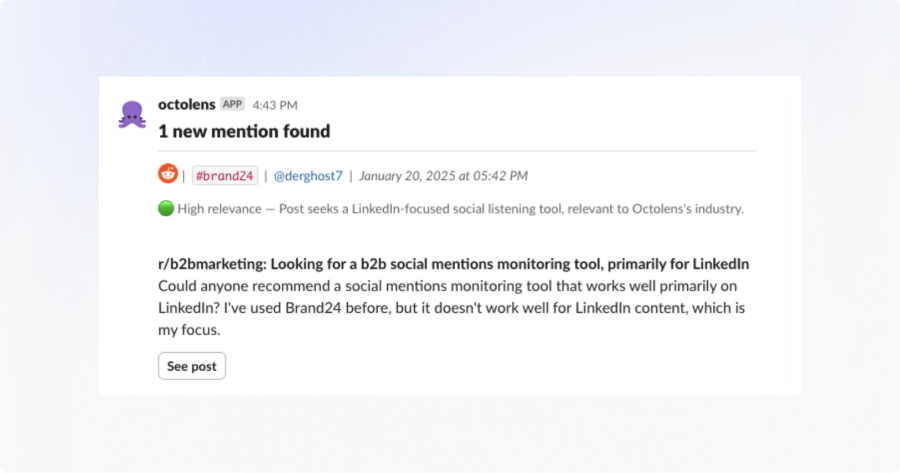
I respond and go into the nuances of the question:
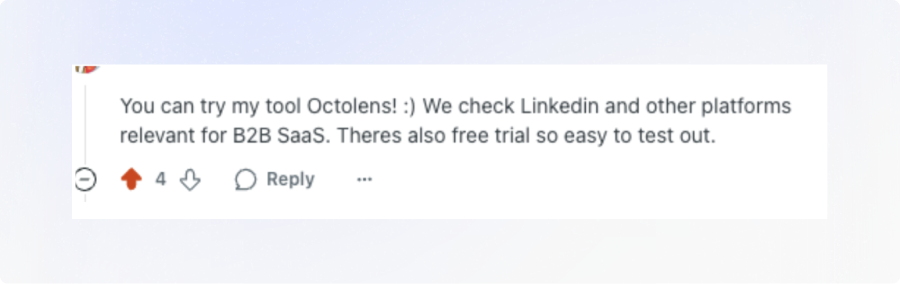
The customer converts!
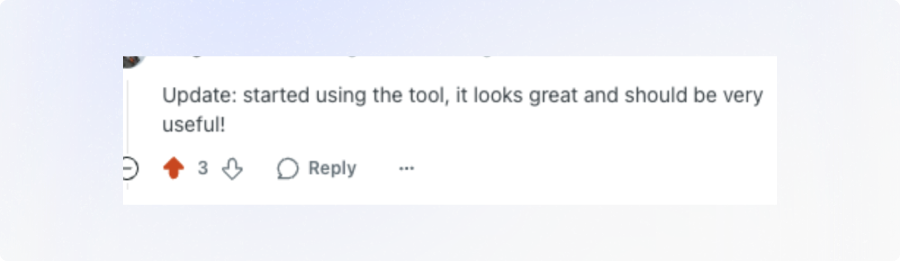
### The thread that keeps working
The part that surprises people is that the thread doesn't stop working after that one customer.
It keeps ranking in Google, and people can find it for years to come. And when ChatGPT recommends products, it's pulling from exactly these threads that rank well on Google.
So your most valuable content for showing up in AI answers might be a reply on a social site, and not your own blog post. You might also convert many more people with social listening than you can officially attribute.
That's a whole topic on its own, and I wrote about it in [how to get your brand mentioned in ChatGPT](/blog/how-to-get-your-brand-mentioned-in-chatgpt).
### The customer you win on a competitor's bad day
This happened to us. Someone on Reddit was complaining about a tool in our category because they were missing something, and the alert landed in my Slack.
I went in and replied with advice about their existing setup. I didn't pitch, because pitching while someone is venting is the fastest way to get ignored, and people don't take you seriously anymore after that.
This particular person ended up becoming a customer.
And if you don't have anything real to add to a thread like that, the best thing to do is actually to skip it.
### The complaint you catch early
This is the one people underestimate. Let's say someone posts something negative about your brand. Instead of finding out in three weeks, you're in the thread within an hour. You answer, and then you fix the thing in your product.
If nobody notices a thread like that, it can do real damage. If it's answered early, it's usually fine.
It works the other way as well. If someone says something nice, you thank them, and then you can reuse it, because that's some of the best marketing you'll get. I showed a workflow for that in [how to build a wall of love from your mentions](/blog/turn-mentions-into-wall-of-love).
### The question your docs already answer
You answer it anyway. Then you go and improve your docs based on the language people actually used, which might be different from the language in your docs.
### Product intel
People are brutally honest out there. You get unfiltered opinions on your product and on your competitors, which you usually wouldn't get in your support chat.
It's also the exact words that customers use, and that flows straight into what you build and how you talk about it. Some of our own features started exactly from this candid feedback on us and on our competitors.
### Whichever one you're going for
A few things apply to all of the above:
- **Reply as yourself.** AI can do a first draft, but you need to edit it and post in your own voice, because people still notice.
- **Take it further when a conversation goes well.** Move to a DM or email with someone who is really interested, offer a trial or a short demo if they're open to it, or turn it into a larger partnership. A mention doesn't always lead to a direct sale; some lead to co-marketing or collaborations.
- **Be consistent.** Consistency is really what pays off here, so make it a routine instead of something you do when you remember it.
## Common Pitfalls & How to Avoid Them
Having over +1,000 founders and GTM team members using Octolens and a lot of social listening under my belt, I have also learnt a lot about what not to do.
Here are 7 mistakes I've seen founders and GTM teams make that you should avoid.
#### Going Straight for the Sale
- *Problem:* Coming across as spammy by dropping a product link with zero context.
- *Fix:* Give a thoughtful response or tip first, then mention your product where it actually fits.
#### Treating It as a Lead List
- *Problem:* Pitching everyone who types one of your keywords. You'll drown in noise and get a bad reputation.
- *Fix:* Only join the conversations that are really yours (your category, your problem, your brand), and skip a thread if you have nothing real to add.
#### Not Disclosing Founder/Employee Role
- *Problem:* People value transparency, especially on Reddit.
- *Fix:* State who you are and why you're recommending your own product or solution.
#### Not Tracking the Right Keywords
- *Problem:* Missing out on high-intent threads or overloading on irrelevant topics.
- *Fix:* Monitor competitor names, key pain points, and multiple variations of your own brand name.
#### Using AI-Generated Answers Without a Personal Touch
- *Problem:* Overly generic responses that read like a bot.
- *Fix:* Edit AI drafts so they include your own expertise and sound like you.
#### Focusing Solely on LinkedIn
- *Problem:* Overlooking valuable discussions on Reddit, Twitter/X, Hacker News, and smaller communities.
- *Fix:* Monitor across platforms, either manually or with a tool like Octolens.
#### Being Inconsistent
- *Problem:* Checking mentions only sporadically. You'll miss time-sensitive opportunities.
- *Fix:* Put your manual searches on a fixed schedule, or use a social listening tool that alerts you about every relevant mention.
## If You Want This Running by the End of the Week
Social listening and brand monitoring are essential for B2B SaaS founders in 2026, and you can get a first version running in a few days. This is what I would do:
1. **Pick your goal.** New customers, protecting your reputation, or building community.
2. **Write down your four keyword buckets.** Your brand, your competitors, your industry terms, and the pain-point phrases.
3. **Decide how you want to monitor.** Can you do it manually on a schedule, with Google Alerts for the part outside of the social platforms, or do you need something more automated?
4. **Decide who takes care of the replies** and make sure that person really owns that part.
If you go for the automated version, [Octolens](https://octolens.com) monitors X (Twitter), Reddit, LinkedIn, Bluesky, YouTube, Hacker News, GitHub, and more, checks every mention for relevance with AI, and sends the important ones to Slack. You can try it out for free for a week.
And if you set it up and something feels off, maybe the keywords bring in noise or the mentions aren't useful, leave a comment on [the video](https://www.youtube.com/watch?v=BfOj2FzOaoE) with what you're tracking and I will check. Helping with a good setup is genuinely my favorite thing to do.
I also share tips on social listening over on my [X](https://x.com/LottiSchmitt). You can follow me there for more!
---
# How Tally Turns Community Conversations Into Compounding Growth
URL: https://octolens.com/blog/tally · Published: 2025-10-28 · Updated: 2025-10-28 · Author: Charlotte Schmitt (Co-Founder)
**Company info (October 2025):**
- **Size:**4 employees, $4M ARR
- **Funding:**Bootstrapped
- **Headquarters:** Ghent, Belgium
[Tally](https://tally.so/) is one of the most loved form builders on the internet.
The tiny team behind Tally has reached $4M ARR fully bootstrapped by making form building simple, fun, and community-driven.
Their growth wasn’t fueled by ads or sales but by genuine conversations on Reddit, Indie Hackers, X, and LinkedIn.
Even as their community has scaled from hundreds to hundreds of thousands of users, one thing has never changed: to keep growing on their terms Tally keeps listening to their users.
For this customer story, we spoke with Marie Martens, Co-Founder of Tally, who together with her marketing manager uses Octolens daily to stay close to their users.
“Talking to users is the one thing that always matters.
As the volume grew, we just couldn’t do it manually anymore - Octolens helps make it a structured process.”
- Marie Martens, Co-Founder, Tally
## The Foundation: Listening as a Growth Habit
When Marie and her co-founder Filip started Tally they were focused on one thing: learning fast.
“We joined YC Startup School early on,” Marie recalled. “They tracked two metrics every week: How many users did you talk to? and What did you learn from them?
That stuck with us. Especially as a bootstrapped team of two for three years - it helped us prioritize what matters.”
That discipline of direct feedback became Tally’s north star.
They shipped an MVP quickly, shared it across founder communities, and kept iterating based on real user input.
“It’s in the DNA of how we build Tally.
The most genuine marketing you can do is just showing up where someone needs help and joining the conversation.”
Early on, Marie spent hours each week combing through Reddit, Indie Hackers, and X threads jumping in to help when people discussed form builders or user onboarding flows. “We didn’t think of it as marketing,” she said. “It was just the most natural way to grow.”
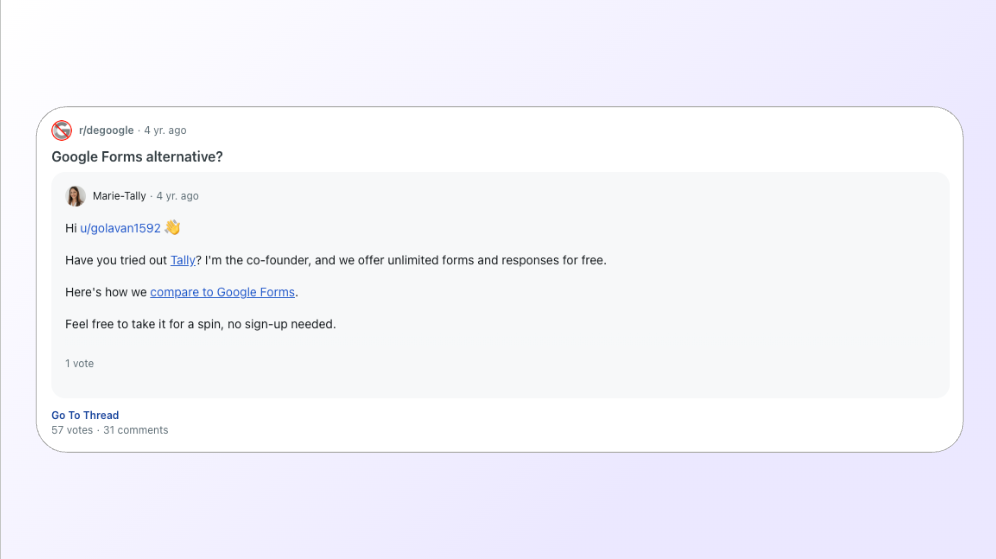
## The Challenge: Untagged Mentions and a Growing User Base
As Tally’s community grew, so did the noise.
People were recommending the product everywhere - from private Slack groups to LinkedIn posts and Hacker News threads.
But the team quickly realized a few problems:
1. **Not everyone tags your brand.** Users shared Tally forms daily without tagging the company, meaning valuable insights and reach were being missed.
2. **“Tally” is a common word.**Searches surfaced irrelevant results.
3. **Manual checks couldn’t scale.**Marie had relied on a simple Slack integration from an indie tool to track Reddit and Indie Hackers, but as volume grew, they needed a more structured system.
“We were getting generic alerts without context. It told us someone mentioned Tally, but not what they said, where, or the sentiment.”
As Tally expanded to LinkedIn and beyond, the gap widened. The team needed a way to centralize every relevant mention without drowning in noise.
That’s when they discovered Octolens.
## After Octolens: Intelligent Listening
“I think I first saw Octolens mentioned on LinkedIn,” Marie said. “I liked the UI, and it felt approachable”
Tally set up tracking for their brand name, core category terms, and competitor terms.
The biggest win wasn’t just seeing mentions - it was how they handled them.
Tally routes every Octolens mention directly into Missive, their shared inbox.
From there, Marie and her social media manager, Emily, triage each mention as if it were a support ticket.
“We treat mentions like support. Octolens pipes them into Missive, we assign owners, and we clear the inbox every day.”
Here’s how their workflow works:
1. **Route to Inbox.**Octolens sends each mention to Missive via email.
2. **Assign and comment.**Team members can claim or discuss each mention internally.
3. **Engage directly.**Jump into Reddit, X, or LinkedIn threads to reply, clarify, or celebrate wins.
4. **Spot trends and opportunities.** Identify creators, community advocates, or companies using Tally.
5. **Close the loop.**Use insights for content, community stories, and product messaging.
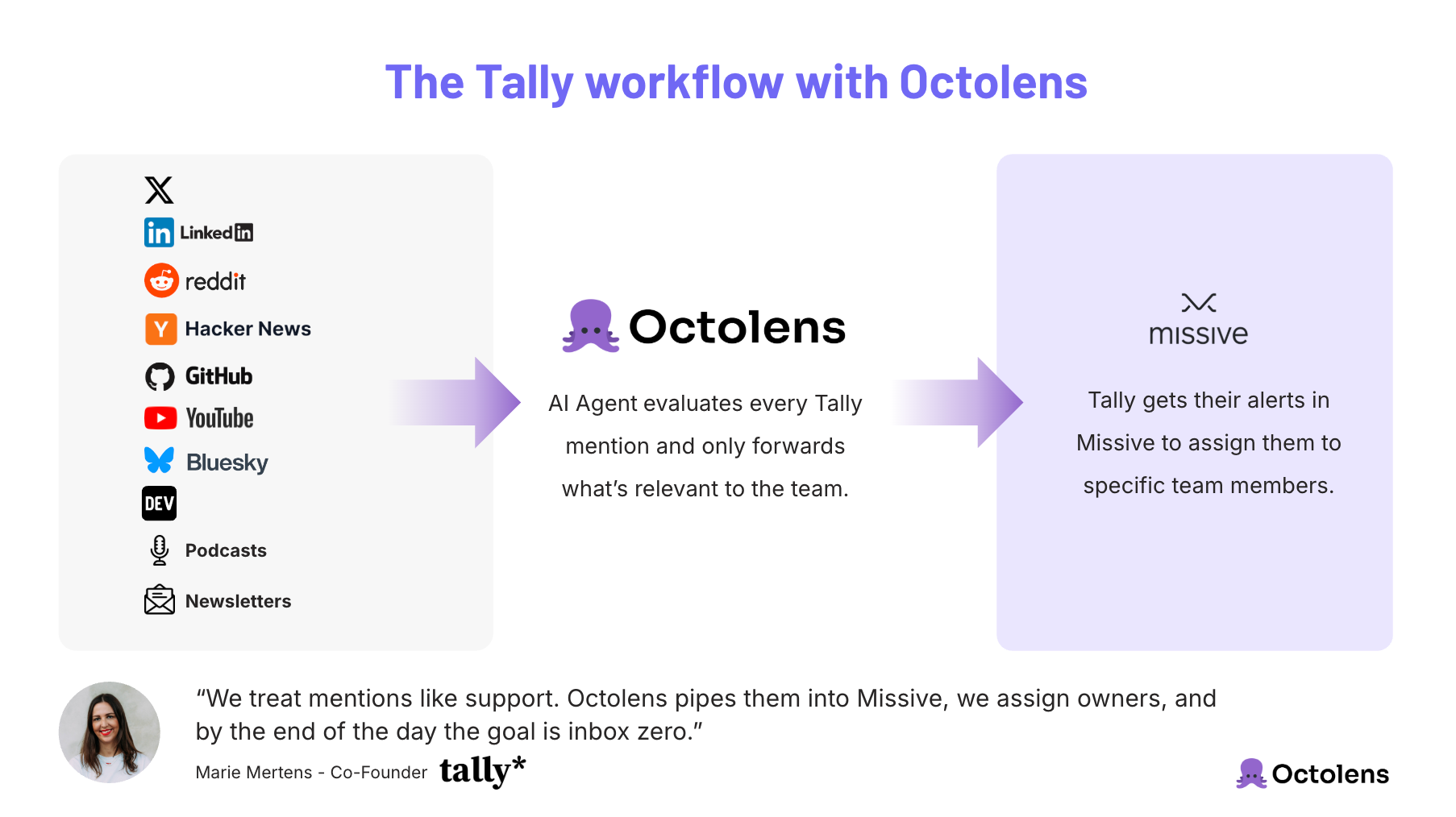
By the end of each day, the goal is simple: Inbox zero. Every mention is seen, processed, and if needed acted on.
“Every mention is a task. And by the end of the day, everything’s handled.” Marie said.
## Real Examples: From Hidden Customers to Content Ideas
Since implementing Octolens, Tally has surfaced several valuable surprises:
- **OpenAI using Tally.**“We discovered that one through Octolens. It wasn’t tagged or announced anywhere, we just spotted it through a post.”
- **Creator & community stories.**Many of the “[Community Stories](https://tally.so/community-stories)” featured on Tally’s blog solopreneurs, agencies, and small SaaS founders were discovered through Octolens alerts.
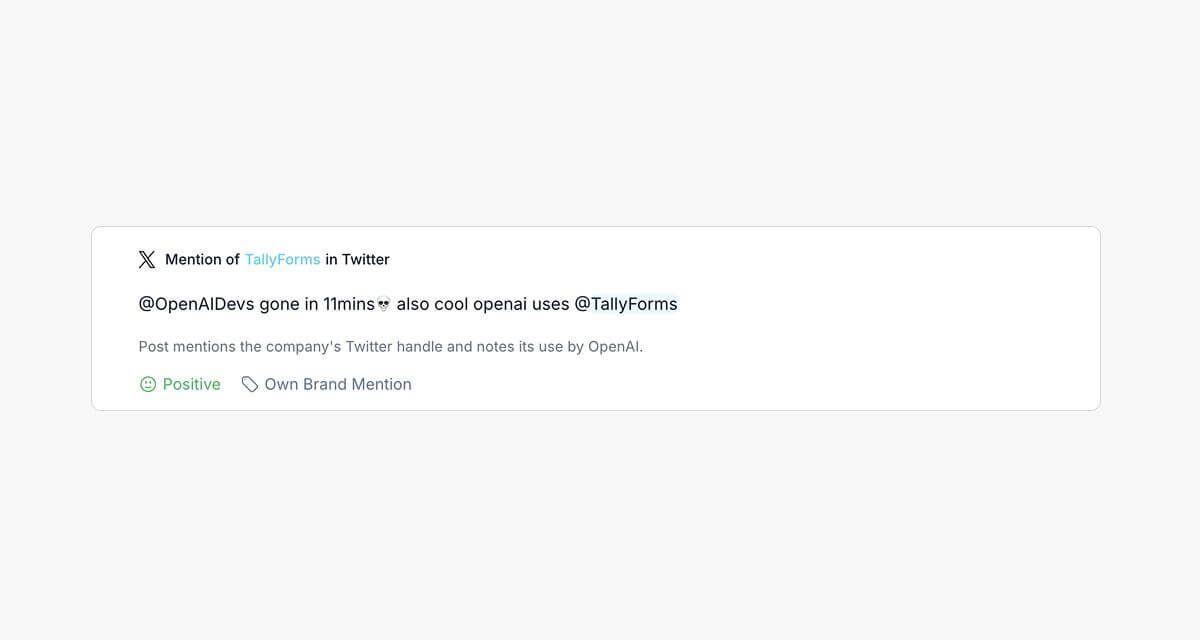
“We’re constantly discovering new clients and use cases we weren’t aware of.
Octolens helps us catch those quickly and turn them into stories.
It’s motivating internally too, seeing real people use Tally in creative ways, it’s the best feedback loop you can have.”
## Impact: Time Saved, Visibility Gained, and a More Genuine Voice
Marie estimates that Octolens saves her team at least an hour a day compared to manual searching and triage.
But more importantly, it ensures nothing falls through the cracks.
- **Inbox Zero:**Every single mention gets reviewed daily.
- **Faster engagement:**The team can respond to community threads within minutes, keeping Tally present in conversations that drive awareness.
- **Higher discovery:** Untagged mentions reveal “silent fans” and brand advocates who were previously invisible.
- **Messaging insight:**By analyzing real language used around Tally, what users love, what they wish for, the team now feeds those insights into product messaging.
“It’s not about replying to everything. It’s about showing up in the right conversations and doing it genuinely. Octolens helps us do that at scale.”
The team now handles mentions as naturally as support tickets making social listening part of everyday operations rather than an afterthought.
## Cultural Fit: Listening as a Competitive Edge
Tally’s story exemplifies what makes founder-led companies so powerful.
Their entire growth model is built on proximity to users being where their community is and responding quickly.
“Our roadmap is basically shaped by our users,” Marie said. “That’s why we haven’t had to backtrack on features or messaging.
We know what to build because we’re always listening.”
By combining Octolens data with customer feedback and support insights, Marie’s team understands what users truly value.
That feedback even influenced the upcoming redesign of Tally’s homepage. “I’ve been looking at what people say online what words they use to describe us, what they love most.
That, combined with support data, gives us a clear direction.”
## Key Takeaways: How Octolens Helps Tally
- **Find Tally users faster**across LinkedIn, Reddit, and Indie Hackers.
- **Save ~1 hour/day** through automated triage and inbox-based workflow.
- **Scale authenticity:**focus on genuine interactions in the right threads, not every thread.
- **Turn mentions into assets:**community stories, messaging insights, and creator relationships.
- **Keep sentiment visible:** positive, neutral, and constructive feedback all feed into strategy.
## About Octolens
Octolens monitors your brand in real time.
Receive AI-vetted alerts for keyword mentions and growth opportunities so you can act fast and stay ahead of your competition.
[Start for free](https://octolens.com/me/sign-up?selectedPlan=Free_trial) or [ book a demo](https://cal.link/charlotte15mins) to see how Octolens can help you stay on top of the conversations that matter.
---
# How Vercel Listens to Developers at Scale
URL: https://octolens.com/blog/vercel · Published: 2025-10-07 · Updated: 2025-10-07 · Author: Charlotte Schmitt (Co-Founder)
## Vercel's AI Cloud enables you to build and scale products easily
[Vercel](https://vercel.com/) is the home of Next.js and powers high-performance apps for everyone from solo builders to the Fortune 500.
**Company info (October 2025):**
- **Size:** ~650 employees
- **Funding:** $563M raised
- **Headquarters:** San Francisco
I sat down with three people at Vercel to understand how they use Octolens. Brian Emerick is a Technical Program Manager who helped roll out Octolens across 20+ teams. Rhys Sullivan is a Software Engineer on the Domains team, and Anthony Shew leads community for Turborepo. All three have built Octolens into how they work day-to-day.
## The Challenge: Listening and Incorporating Feedback at Scale
Vercel's products get talked about everywhere. Reddit, X, Hacker News, GitHub, community forums — thousands of mentions every day.
Before Octolens, keeping up was a real problem. Brian explains:
"We wanted our Product Managers (PMs) plugged into social conversations.
But for many, especially those coming from engineering, it wasn't a natural muscle.
They aren't the ones to spend hours a week on X or Reddit, filtering through noise."
This matters because community engagement is baked into Vercel's culture. Guillermo Rauch, their CEO, is constantly responding on socials. He wanted that same mindset across the whole company.
X and Reddit move fast. Vercel needed every team hearing what the community was saying — not just leadership or the engineers who happened to be chronically online.
##### The key challenges:
- **Critical feedback and issues risked being missed.** A Reddit bug report or valuable feedback on X could go unseen until it snowballed.
- **Coverage was uneven.** Some teams stayed close to chatter, others had no visibility.
- **Manual searching was slow.** Team members without a social media habit couldn't realistically keep up.
## After Octolens: Fast Response and Feedback Loops
Guillermo found Octolens on X. They piloted it on a few keywords.
It spread fast. Today, 20+ Vercel teams — Domains, Turborepo, CI/CD, Pricing, and more — each have a dedicated "firehose" Slack channel powered by Octolens.
Relevant mentions stream in automatically, filtered by AI and Boolean logic to cut out the noise.
### Actioning on Feedback Faster
The Domains team has their own firehose. When something comes in, they jump on it.
Here's a good example from Rhys:
"A user was accidentally charged for a domain and posted about it on Reddit.
I saw it within minutes, replied, fixed their account, and let them know it was handled.
That quick response mattered and the fix went out to all users."
Without Octolens, this either gets missed entirely or Rhys burns hours each week manually searching X and Reddit.
"I don't want to spend my workday scrolling X.
Octolens pipes the important stuff into Slack so I can focus on building and still stay on top of what developers are saying."
Anthony Shew on Turborepo uses it differently — more as an early-warning system for incidents.
"Sometimes a tweet is the first signal of an incident. Octolens lets me ring the bell, respond to users, and keep them updated in real time."
He also tags posts to track issues over time. When a fix ships, he goes back to the original reporters and lets them know. That kind of follow-through builds real trust.
### Positive Signals and Morale
It's not just about catching bugs and putting out fires.
Teams also pick up on the good stuff — praise, wins, organic love from the community that would otherwise go unnoticed.
Rhys:
"We love seeing those positive mentions come through that we would have otherwise missed.
It's great for morale to see community love, not just bug reports."
And sometimes you find things you'd never expect. Anthony:
"Octolens flagged an entire college lecture about Turborepo.
I would have never known someone was teaching Turborepo in class.
Discovering things like that is incredible."
___
Faster bug detection, real-time incident response, and the occasional morale boost — that's why engineers at Vercel actually use Octolens every day.
## Vercel's Workflow with Octolens
Here's how Vercel runs it in practice:
1. **Firehoses by product**– Each major product area gets its own Slack channel fed by Octolens.
2. **Filter out noise**– On top of Octolens's AI noise detection, teams add negative keywords and excluded authors to keep streams relevant.
3. **Triage in real time** – Engineers and PMs check alerts throughout the day, responding or escalating.
4. **Incorporate feedback & celebrate wins** – Feedback shapes roadmap decisions. Positive mentions get shared for team morale.
5. **Trend analysis** – Weekly summaries and combining other feedback sources with social mentions help zoom out and see patterns beyond day-to-day posts.
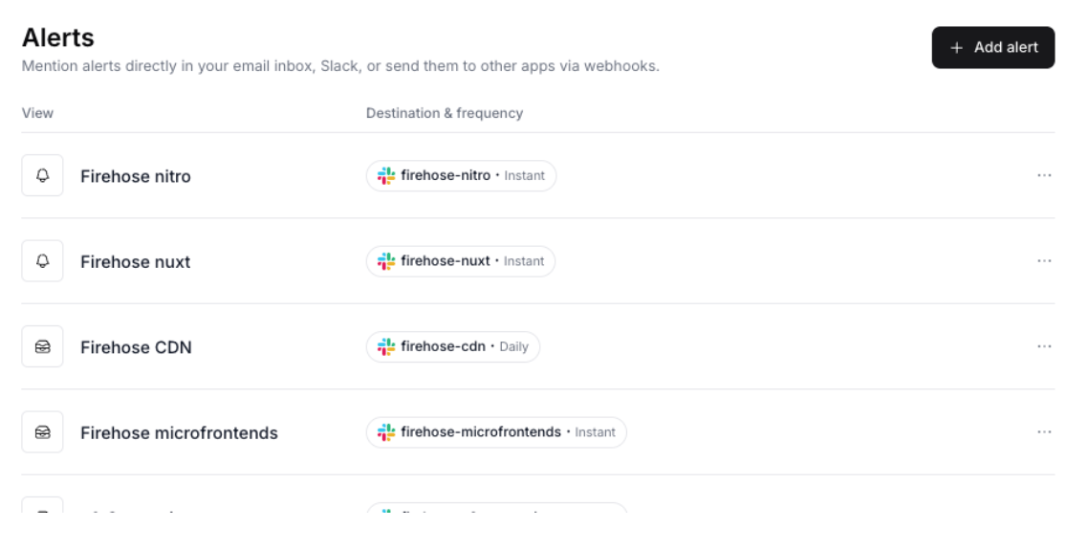
## Why Octolens Matters for Product Managers
Brian on what changed for PMs:
"Before Octolens, PMs could spend hours just searching across platforms.
Now they spend that time consuming and acting on filtered feedback.
It's twice as efficient."
But it goes beyond saving time. Vercel treats community sentiment as one of three equal inputs to their roadmap:
- Direct customer interviews
- Data analytics
- Community conversations surfaced by Octolens
Brian:
"At Vercel, community sentiment is as important as enterprise feedback or usage data.
If Reddit or X tells us we're misaligned, that's enough for us to make a move."
That's the key shift. Social conversations aren't just noise to monitor — they're a real input to product decisions.
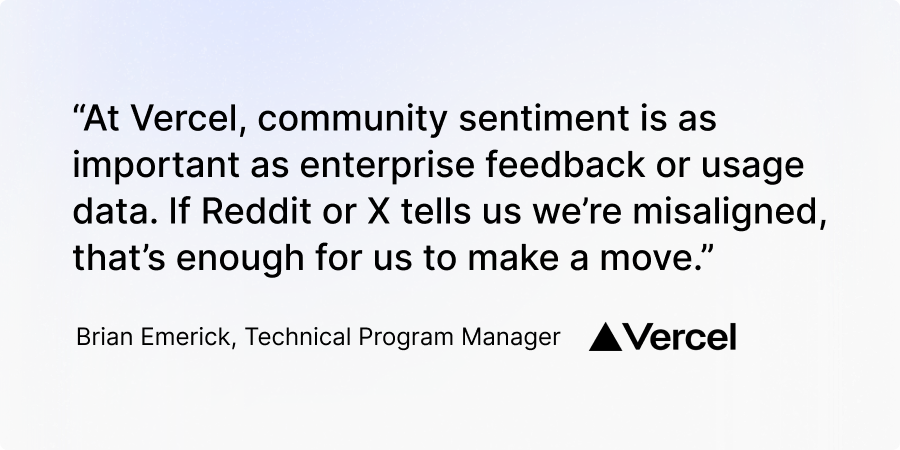
## The ROI: Efficiency, Coverage, and Confidence
Across 20+ teams, the impact compounds:
- **Faster response to incidents** including security-related issues.
- **Real-time visibility across all product areas**, not just leadership.
- **Efficiency gains for PMs** who now act instead of search (estimated 50% time savings).
- **Morale boost for engineers** from seeing candid community love.
- **Unexpected discoveries** like college lectures shaping strategy.
Anthony put a number on it:
"I answer about 5 posts a day that I wouldn't have seen otherwise.
Over time, that really adds up, it keeps us close to developers and shapes how we build."
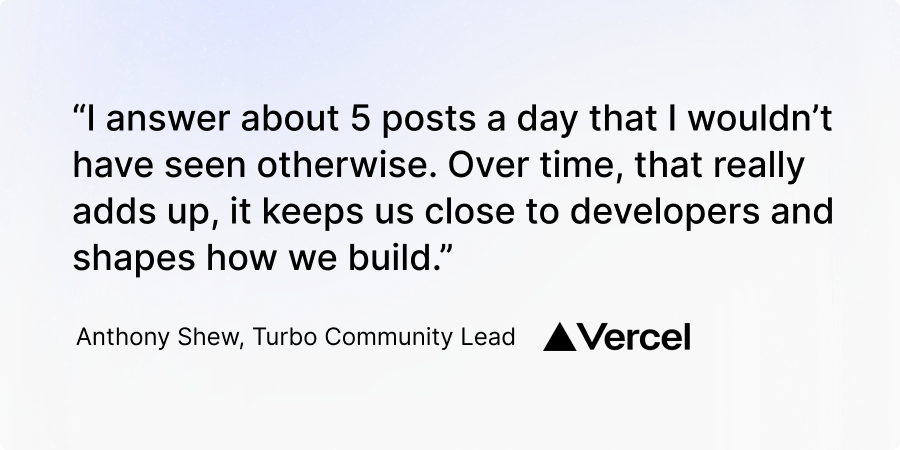
## About Octolens
Octolens monitors your brand mentions across 15+ platforms in real time. AI filters the noise so you only see what matters.
[Start for free](https://octolens.com/me/sign-up?selectedPlan=Free_trial) or [ book a demo](https://cal.link/octolens-demo) to see how it works for your team.
---
# How Juicebox Saves 10+ Hours a Week on User Feedback
URL: https://octolens.com/blog/juicebox · Published: 2025-08-04 · Updated: 2025-08-04 · Author: Charlotte Schmitt (Co-Founder)
## Juicebox is the AI platform for recruiting for 2,000+ customers
[Juicebox.ai](http://juicebox.ai)
(makers of PeopleGPT) helps teams find and connect with candidates using natural language search. They ship fast, grow through word of mouth, and count Cursor, Perplexity, and incident.io as customers.
**Company info (August 2025):**
- **Size:**15 employees
- **YC Batch:** Summer 2022
- **Headquarter:**San Francisco
I sat down with [David Paffenholz](https://www.linkedin.com/in/david-paffenholz/)
, CEO and Co-Founder of Juicebox, to talk about how his team uses Octolens.
He's been on the platform daily for over a year. What started as something he used mostly himself has spread across the whole company — Sales, Marketing, and Product all use it now.
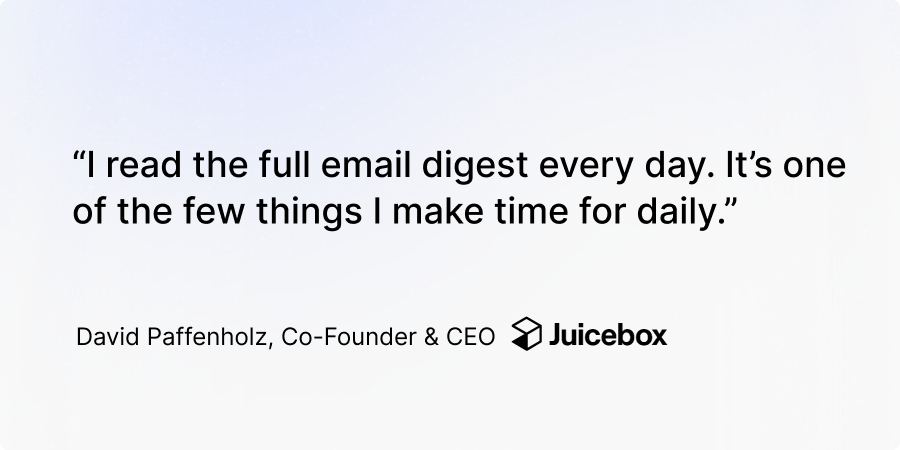
## The Challenge: Seeing the Full Picture of Community Conversation
Juicebox grows through word of mouth. That's great — until you realize most of those conversations are happening on Reddit, LinkedIn, X, and podcasts, and you have no idea they exist.
"All of our growth comes from inbound and community conversations, but for a long time, we were in the dark."
The team would stumble on Reddit threads or forum posts here and there, but it was random. They'd catch some, miss most. Anonymous platforms made it worse — no way to track sentiment or jump in before the conversation moved on.
They tried other tools. Nothing quite worked:
- Poor coverage on the platforms that mattered most (Reddit and LinkedIn especially)
- No good way to filter out noise — "Juicebox" is a common word, so irrelevant mentions were everywhere
- Setup meant talking to sales reps or waiting through a slow onboarding
So they switched to Octolens.
## With Octolens: Instant Setup, Candid Feedback, Daily Use
Two things clicked right away:
1. Instant coverage across Reddit, Hacker News, LinkedIn, and X
2. Best-in-class filtering — AI filters plus boolean logic that actually separated signal from noise
3. Self-serve signup. No sales call, no enterprise pricing required
"I was able to set everything up myself, fast," said David. "And Octolens' filtering logic was the best we'd seen, especially for a name like Juicebox where irrelevant mentions are common."
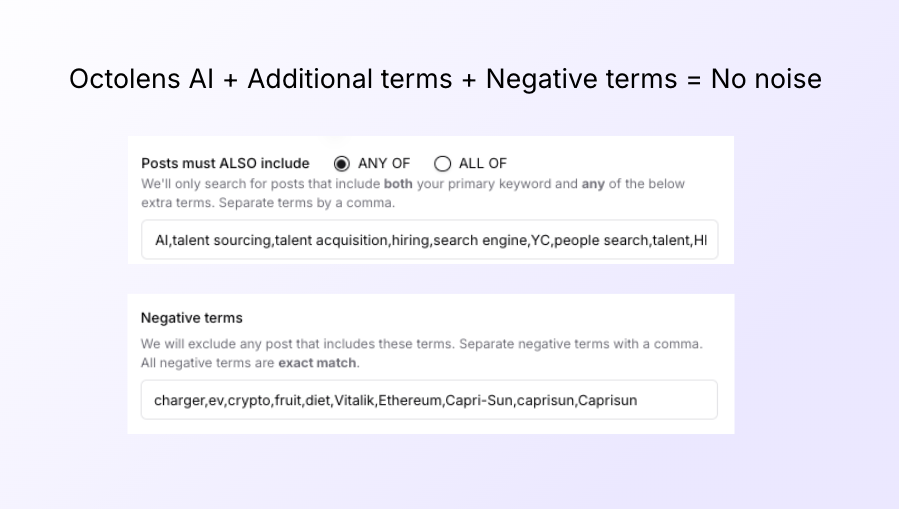
And it fits right into how the team already works.
- The whole sales team subscribes to Juicebox mentions. They use them to re-engage prospects and jump into relevant threads
- Marketing reviews sentiment and key posts to gut-check brand perception and messaging
- Engineers and founders read the daily digests too — everyone stays close to what users are actually saying
"I read the full email digest every day," David said. "That alone makes Octolens pretty unique. It gets my attention."
## Time Saved and Messaging Wins
The Juicebox team no longer manually hunts for brand mentions. David estimates replicating what Octolens does would take at least
** 10 hours per week.**
But the time savings aren't even the best part. Octolens became their messaging gut-check.
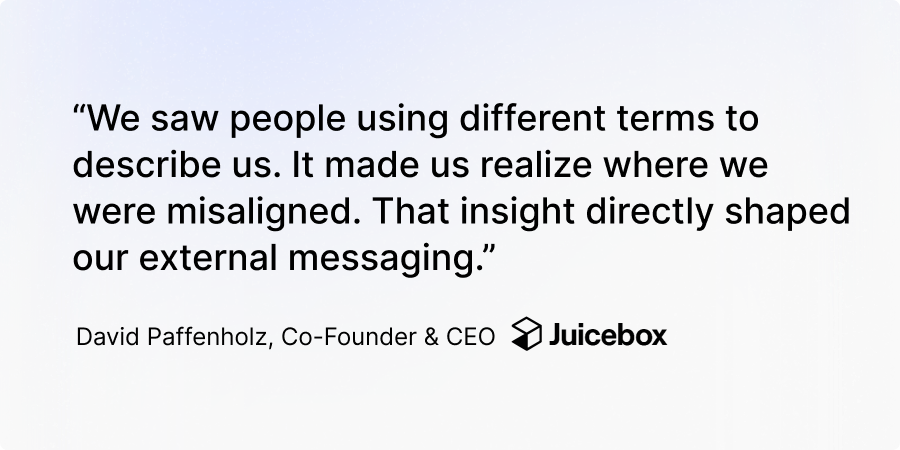
Here's a concrete example: Juicebox originally positioned their outreach module as a CRM. But reading how people actually talked about it through Octolens, the team realized "CRM" wasn't landing. Users described it differently. They rebranded the feature as "Sequences" — a term that matched how people already thought about it.
"We saw people using different terms to describe us. It made us realize we were misaligned. That insight directly shaped our external messaging."
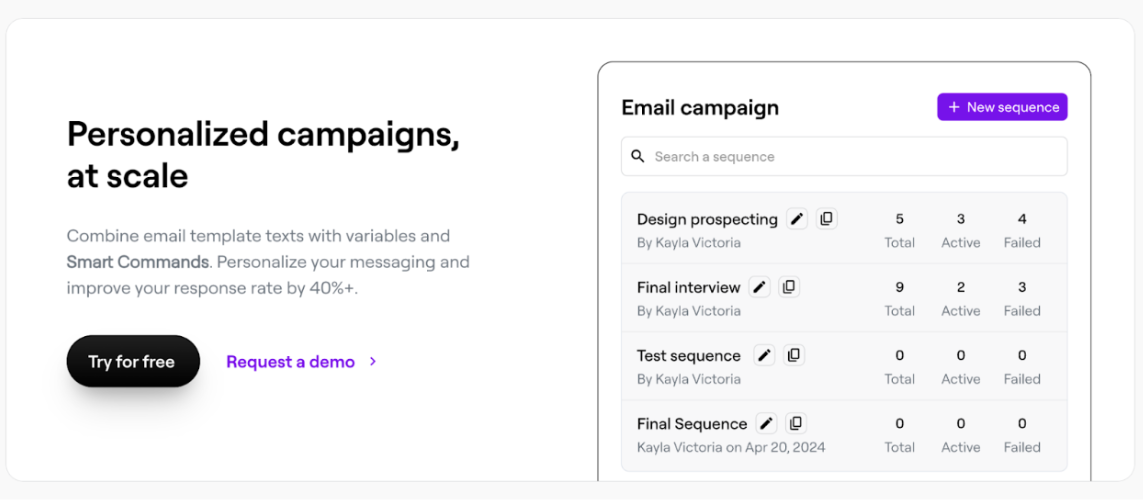
## Juicebox's Workflow: Unstructured and Structured
The team runs two parallel workflows:
1. **Unstructured Awareness:**Company-wide, everyone reads the daily email digests and jumps in when something's relevant
2. **Structured Analysis:** Marketing and leadership dig into sentiment and post-level feedback, then update messaging and positioning based on what they find
Fast and reactive day-to-day. Strategic when it matters.
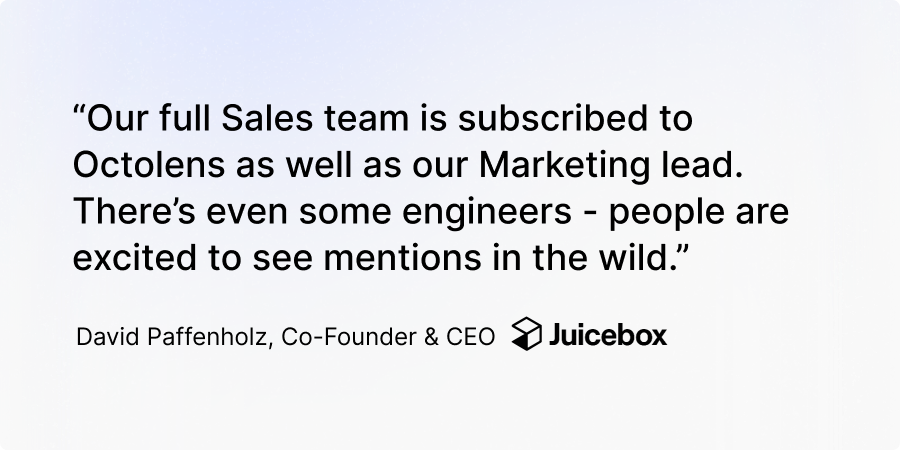
## AI Summaries: Tracking Brand Sentiment Over Time
One thing David kept coming back to: being able to measure how the brand is doing over time. Are positive mentions going up? Are people talking about us differently than six months ago?
That feedback (from David and others) is actually why we built AI-generated weekly summaries. The Juicebox team now uses those alongside mention analytics to spot trends and track how sentiment shifts week over week.
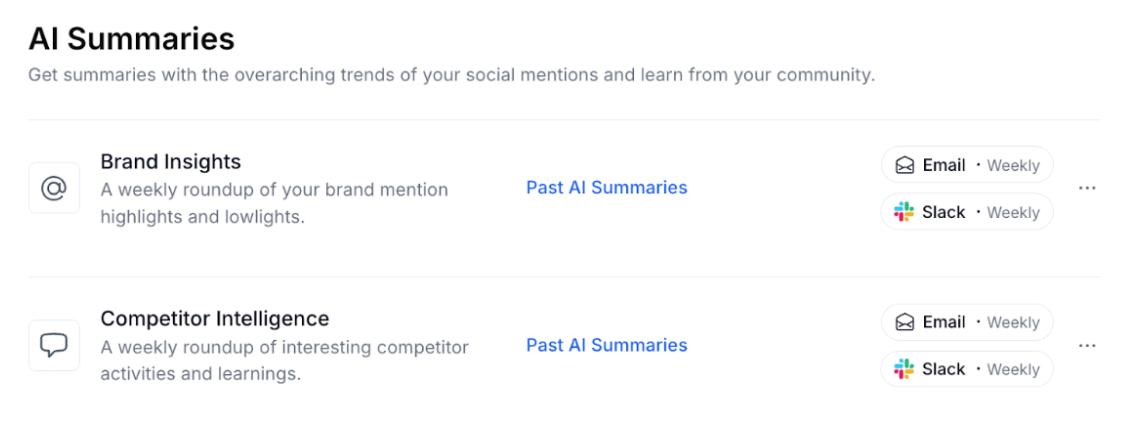
## Key Takeaways: How Octolens Helps Juicebox.ai
- Full visibility into Reddit, LinkedIn, and more — including the candid, anonymous conversations you'd otherwise miss
- Saves the team**10+ hours a week**over manual discovery
- Surfaces feedback that directly shapes product messaging and positioning
- Powers sales, marketing, and product with daily visibility
- Keeps the whole team close to how users really talk about the product
"Without Octolens, we'd miss out on some of the most important, candid conversations about our product," David said. "Now we see them, and we act fast."
## About Octolens
Octolens tracks your brand mentions across 15 platforms in real time. AI filtering cuts through the noise so you only see what matters.
[Get started for free](https://octolens.com/me/sign-up?selectedPlan=Free_trial) or [book a demo](https://cal.link/octolens-demo) to see it in action.
---
# How PostHog Keeps a Pulse on Brand Perception and Product Sentiment
URL: https://octolens.com/blog/posthog · Published: 2025-07-09 · Updated: 2025-07-09 · Author: Charlotte Schmitt (Co-Founder)
## PostHog Is a Leading Developer Brand
[PostHog](https://posthog.com/) helps developers build better products by giving them everything they need to deploy, test, observe, and analyze new features in one platform.
The fast‑growing company is equally serious about shipping great products and understanding how they land with the community.
Today, PostHog is trusted by over 170k engineering teams worldwide.
**Company info (June 2025):**
- **Size:** 108 employees
- **Funding:**$70M Series D
- **Headquarter:**San Francisco, Remote
For this case study, we interviewed Brian Young, who is leading Demand Generation at PostHog.
## The Challenge: Keeping a Pulse on Fast‑Moving Conversations that Impact the PostHog Brand
PostHog’s core audience (engineers and technical founders) trust peer‑to‑peer recommendations far more than ads.
Engineers tend to install ad‑blockers, skim past promoted posts, and share candid opinions on Reddit, X (Twitter), and Hacker News.
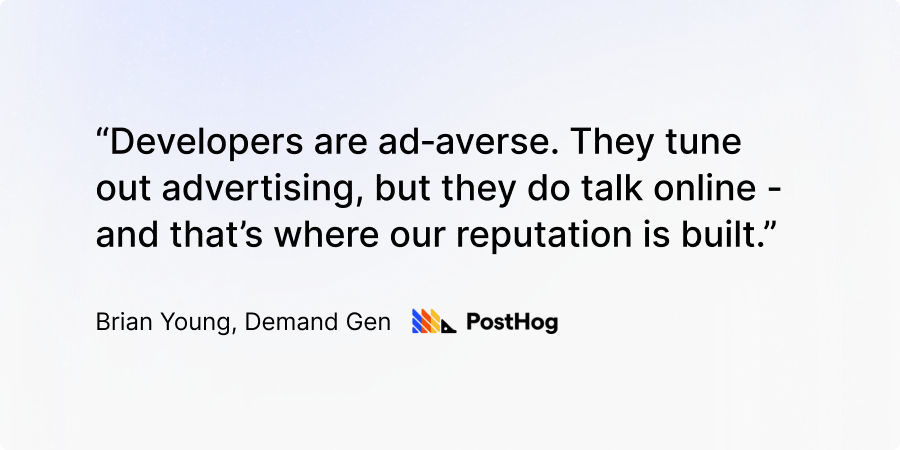
Marketing is split into three teams at PostHog: Brand & Vibes, Content, and Demand Gen.
“My side is about using all that brand power to drive new sign‑ups—but keeping our brand perception positive through engagement and responsiveness is everyone’s job”, explains Brian.
**Before Octolens, the team used a simple Slack integration from a generic monitoring tool. Mentions flowed in, but key context was missing:**
- No sentiment analysis to separate love letters from bug rants.
- Cumbersome mention filtering that was difficult to update.
- No way to slice feedback by product area.
“Our Slack channel was just a firehose of mentions, and would often miss things,” Brian recalls. “We saw our name, but not how people felt or which part of the platform they meant.”
Especially with PostHog launching new offerings like [LLM Observability](https://posthog.com/docs/ai-engineering)
(currently in beta), the Demand Gen Team team wanted more granularity. “I wanted to split our social listening in a way that lets us track perception by product.
Are people excited about this release?
That’s critical feedback.”
## With Octolens: Real‑Time Insight, Product‑Level Sentiment, Company‑Wide Visibility
Today, PostHog uses Octolens to monitor Reddit, Twitter, Hacker News, and more.
Mentions come through a [webhook](https://octolens.com/webhooks) into a PostHog dashboard using [ValTown](https://www.val.town/)
, where the team can view trends by platform, product, and timeframe.
Additionally, they have
**set up Octolens Slack integration and funnel mentions into a channel that includes almost every PostHog employee**
.
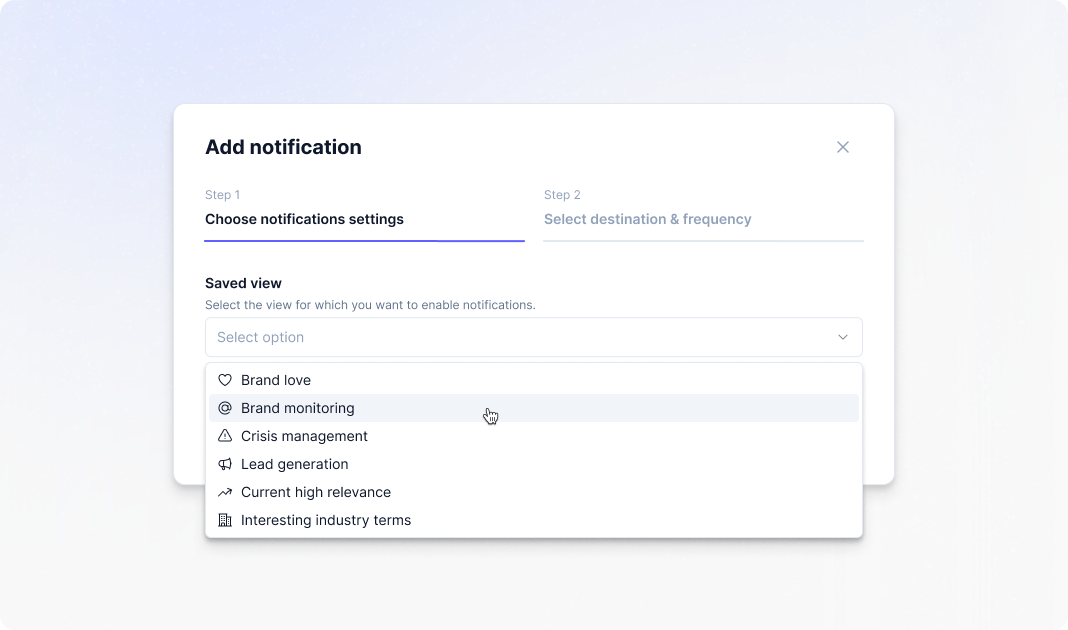
“Everyone’s invested in mentions,” said Brian. “It’s part of our culture.
If something needs attention, it gets flagged and handed to the support team or, often, directly to the team that is building the product.
Giving everyone access to this information enables us to support our community better and to have engineers directly engage with our users."
Last, and also importantly, if someone says something hilarious or positive, PostHog shares that too - it’s great for their team morale.
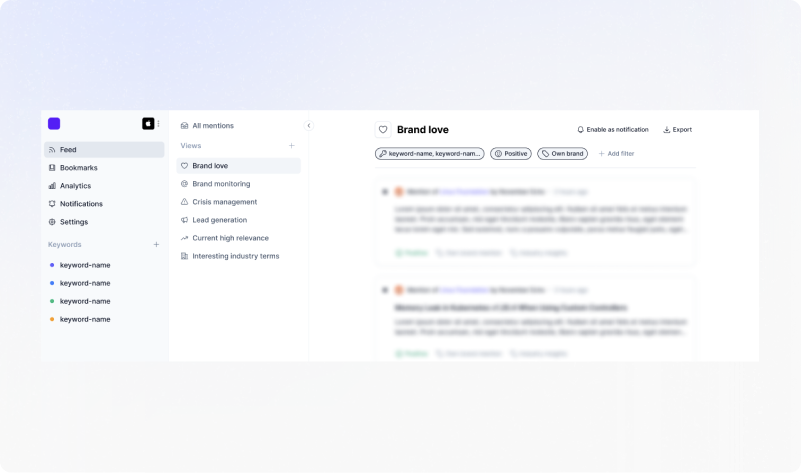
### PostHog’s Workflow: From Firehose to Focused Insight
PostHog's workflow looks like this:
1. **Cast a wide net:** Begin with broad brand and product keywords (across core product lines).
2. **Route in real time:** Octolens pushes AI‑scored alerts into Slack together with sentiment analysis and AI classification tags, making triage and response time fast.
3. **Analyze trends:** The ValTown connection using Octolens webhooks to a PostHog dashboard allows the team to create custom charts by sentiment by platform and product, highlighting spikes or dips after each release.
4. **Close the loop:** Key insights are shared within the team.
### From Billboard Campaigns to Bug Reports
One of the most unexpected use cases? Measuring billboard campaign impact.
“We ran a billboard campaign—something notoriously hard to track.
But thanks to Octolens, we saw real-time reactions like ‘Who is PostHog and why are their [billboards](https://x.com/matt_slotnick/status/1924664236715970819)
[so](https://x.com/nizzyabi/status/1932828444863443326)
[hilarious](https://x.com/kamui_fin/status/1926666059324518815)
?’ It gave us a clear brand signal that would’ve otherwise been invisible.”
Octolens also helps PostHog jump on support requests, identify misinformation, and get feedback on UI changes - all as it happens.
**“We’ve caught negative threads early, surfaced bugs, and celebrated wins.
But most importantly, we’ve built a habit of listening.
That’s changed the game.”**
With PostHog's most new signups coming from organic or referral traffic, staying close to those unfiltered conversations is crucial.
## Key Takeaways: How Octolens Helps PostHog
- **Real‑time sentiment** across Reddit, X, Hacker News, and more.
- **Product‑level granularity to track new launches** like LLM Observability.
- **Measurable brand moments** - even offline campaigns get instant online feedback.
- **Company‑wide culture of listening** that boosts morale and speeds support.
When asked about
**life without Octolens: "I think we’d be in a tough spot,”** Brian said.
“As I said before, brand reputation is critical to our success; not being on top of our users' needs and thoughts could mean a missed opportunity for us.
Octolens makes sure we’re never in the dark.”
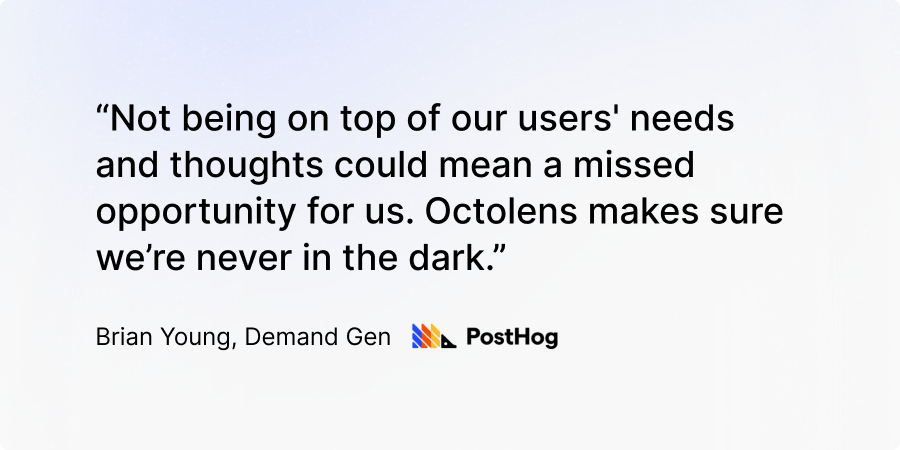
## About Octolens: Brand Monitoring for Developer Brands
Octolens monitors your brand in real-time.
Receive AI-vetted alerts for keyword mentions and growth opportunities so you can act fast and stay ahead of your competition.
[Get started for free](https://octolens.com/me/sign-up?selectedPlan=Free_trial) or [book a demo](https://cal.link/octolens-demo) to see how Octolens can help you stay on top of the conversations that matter.
---
# How Prisma Responds To 600 Mentions Per Week In Under 5 Minutes
URL: https://octolens.com/blog/prisma · Published: 2025-07-02 · Updated: 2025-07-09 · Author: Charlotte Schmitt (Co-Founder)
## Prisma is the database of choice for thousands of companies
[Prisma](https://www.prisma.io/) makes working with databases easy, especially for applications that need to scale and handle complex data relationships.
Prisma Postgres is a fully managed database and is deeply integrated with their popular ORM.
Fast growing companies like dub, LUSH, Rapha, and Grover all rely on Prisma.
**Company info (June 2025):**
- **Size:** 40-50 employees
- **Funding:** $40M Series B
- **Headquarter:**Berlin, Remote
For this case study, we interviewed Marc Hess, who is Manager of Developer Advocacy at Prisma.
We go over how he and his team can handle on average 600 community mentions across platforms a week, with response times within minutes, and much more.
## The Challenge: Staying On Top Of The Conversations That Matter
Prisma is known for their great developer experience.
In part, because of this, they’ve been able to grow through a thriving and active community that shares their experience with others.
With that growth, listening and staying on top of all relevant conversations about Prisma had become more complex over time.
**To add to the complexity, the term “Prisma” is often used in other contexts and businesses (e.g., Prisma Health).
Making it near impossible to stay on top of mentions manually.**
Marc Hess who leads developer advocacy explains, “we’re the engineers that teach the community how to do things.
A big part of our job is paying attention to what people are saying online - answering questions, correcting misunderstandings, and joining the conversation in real time.”
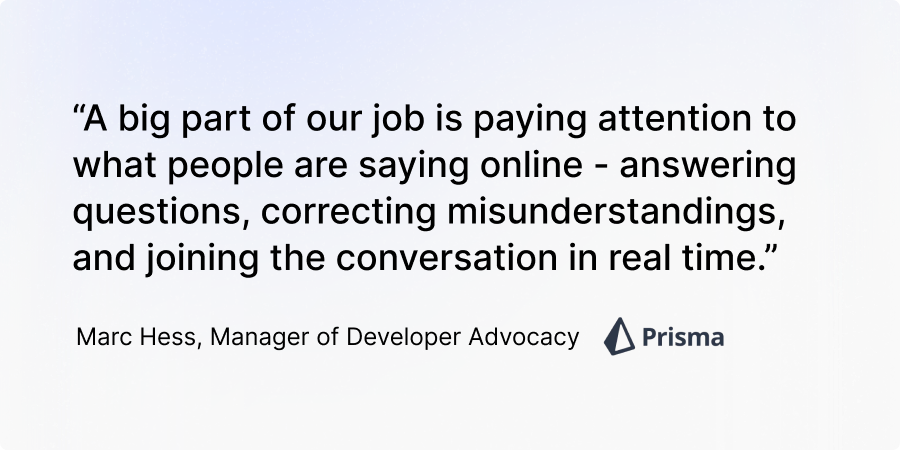
**Misinformation spreads quickly, support questions pop up on unexpected channels, and attention is hard-won.**
That’s why Prisma was on the hunt for a social listening tool.
Before switching to Octolens, the Prisma team used a complex sales suite that included basic social listening alerts.
“We weren’t using any of their advanced features,” Marc explained. “The alerting system was hard to configure, and we were flooded with irrelevant noise - every mention of ‘Prisma,’ even things out of context.
It just wasn't filtering the way we needed.”
So the team started looking for a tool built specifically for social listening - something lightweight, responsive, and configurable to their needs.
## After Octolens: Easy Setup, Reduced Noise, Top Notch Customer Support
Unlike other tools that felt bloated or slow to evolve, Octolens gave the Prisma team a fast feedback loop and the flexibility to tune their setup the way they needed.
They now handle
**over 600 community mentions a week**
across platforms and typically
**respond within 5 minutes**
—a massive improvement from their previous manual workflow that required
**5–10 minutes of searching multiple times a day over different platforms**
.
Octolens’ AI-assessments helped weed out a lot of the noise surrounding the keyword Prisma.
Example of an important post, “Prisma” is used in the right context, and Octolens categorizes it further:
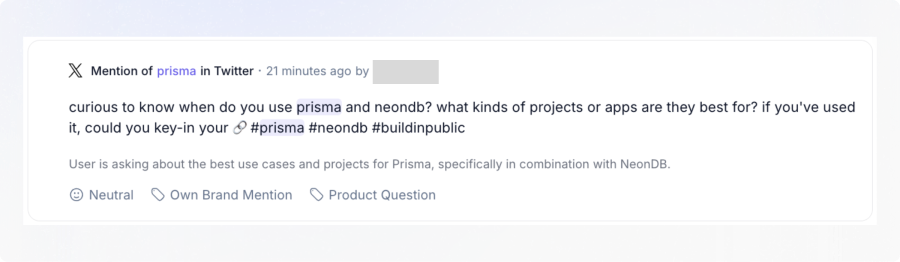
Example of noise that Octolens marks as “low relevance”:
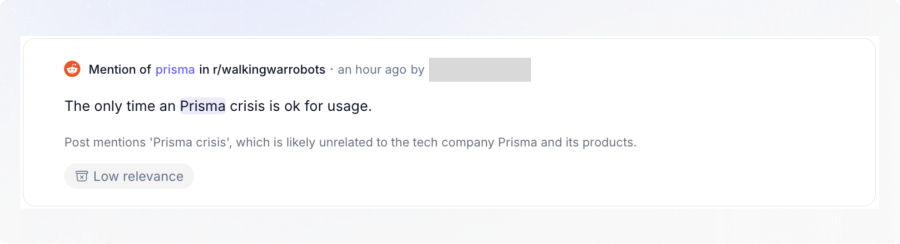
“Another reason we picked Octolens was how responsive the team was,” Marc said. “We had ideas, and you just built them.
Or helped us set them up. That goes so far.”
Marc and his team now uses Octolens every day.
## Prisma’s Workflow: Clean Filters, Slack Alerts, Real-Time Responses
At Prisma, Developer Advocacy is on the frontlines of social listening.
Their Octolens setup is a finely tuned engine:
- **Start wide:**They began with broad keyword feeds using Octolens' default tags.
- **Exclude noise:**Through testing, they’ve also been able to add more exclusion filters via negative keywords to remove even more irrelevant chatter.
- **Refine feeds:** They narrowed things down to four or five core tags that matter most..
- **Team triage:**In Slack, they use emoji reactions to mark alerts: ❌ = ignore, ✅ = someone’s replying. A team of seven monitors and responds in real time.
From Misinformation to Market Awareness
The biggest value? Reclaiming the narrative.
“Once you reach a certain size, there’s the risk of misinformation out there.
People may post things like ‘Prisma is slow,’ but it’s based on outdated info or hearsay,” Marc said. “With Octolens, we can jump in, respond with the facts, and over time, that really shifts public perception.”
That proactive presence is now paying off.
“We’re even seeing people outside the company defend Prisma.
They’ll say, ‘Actually, that’s not true - check this benchmark.’ That’s the long-term impact of showing up consistently.”
## Real ROI: Driving Adoption of Their New Database Product
One of the coolest ways Prisma has been using Octolens is to help spread the word about their newer products.
Their ORM is extremely well-known, but some of their other products like their database product, Prisma Postgres, less so.
Octolens helps the team introduce it organically into conversations where people are discussing other databases - or Prisma’s ORM without knowing the company now offers a hosted solution.
“If we see someone talking about using Prisma with another database, we’ll jump in and say: ‘Hey, we now offer our own database too.’ That kind of visibility is key, and over time, it has a real impact on adoption and revenue.”
How do they do this? Next to tracking their brand name, they also add in keywords around databases, as well as some of their competitors.
## Key takeaways: How Octolens helps Prisma
To summarize, here is how Octolens helps Prisma:
- **Response speed:** From hours to under 5 minutes
- **Brand Perception:**Stop misinformation before it spreads
- **Time saved:** No more manual platform searches
- **Community mentions handled:** ~600/week
- **Product visibility:** Boosted awareness for Prisma Postgres
Octolens has become part of Prisma’s daily workflow.
It saves the team time, helps them steer the conversation, and even supports the launch of new products.
“It lets us focus on what matters, not just drown in mentions,” said Marc. “And having that ability to ping someone, get help, or iterate together - that’s been the difference.”
## About Octolens
Octolens monitors your brand in real-time.
Receive AI-vetted alerts for keyword mentions and growth opportunities so you can act fast and stay ahead of your competition.
[Get started for free](https://octolens.com/me/sign-up?selectedPlan=Free_trial) or [book a demo](https://calendar.app.google/GVgvoLc9AwSoibgq5) to see how Octolens can help you stay on top of the conversations that matter.
---
# Competitor Social Media Monitoring: The Insider's Guide
URL: https://octolens.com/blog/competitor-monitoring · Published: 2025-06-14 · Updated: 2026-04-09 · Author: Charlotte Schmitt (Co-Founder)
Most competitor monitoring fails for the same reason: teams track too many things and act on too few. You set up alerts for five competitors, get 200 mentions a week, skim through them occasionally, and nothing changes.
The companies that actually benefit from competitor monitoring do something different. They focus on a few specific questions — *What are our competitors' customers unhappy about? What messaging is working for them? Where are the gaps we can fill?* — and build a lightweight system around those questions.
This guide is how to do that without it becoming a full-time job.
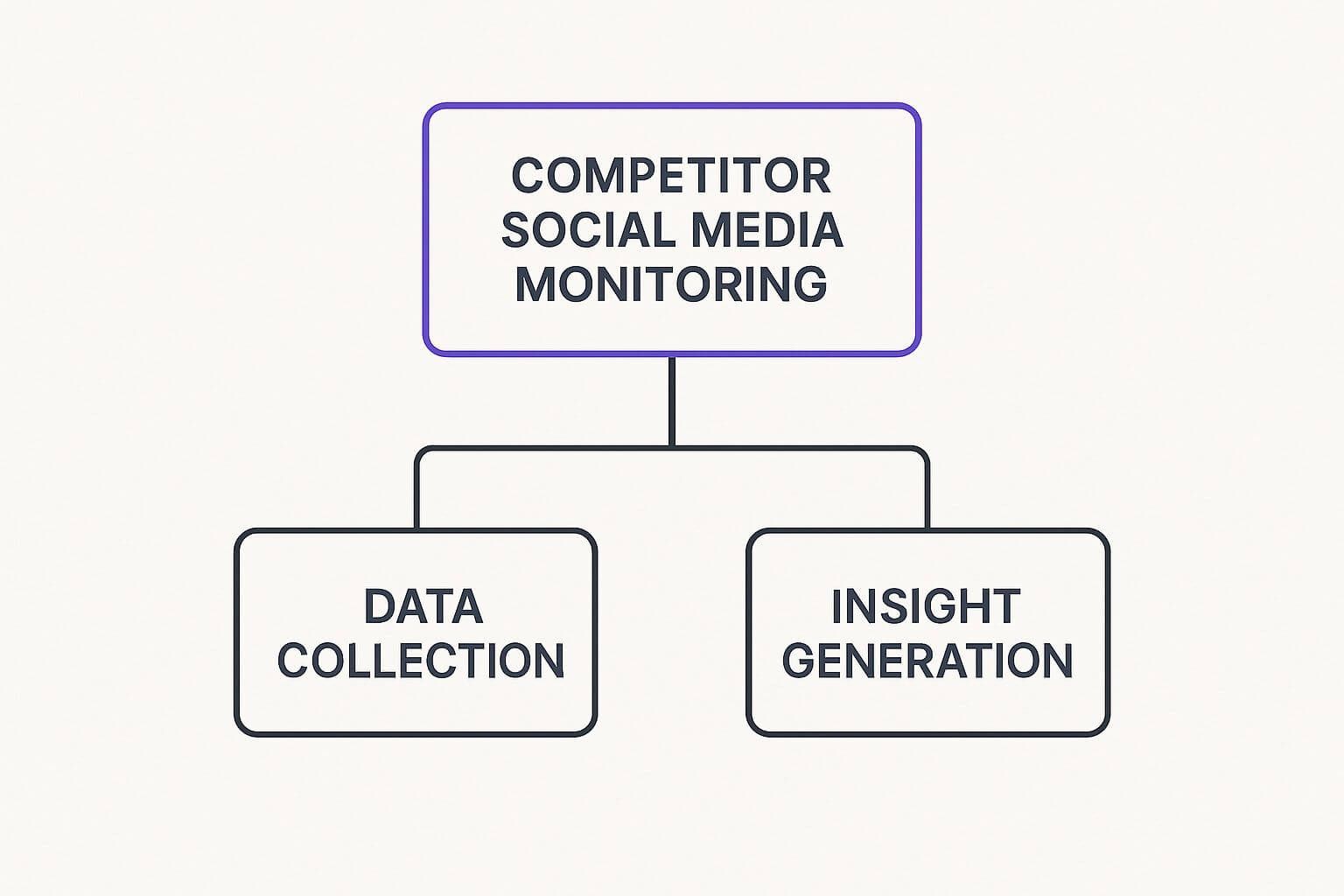
## Know who you're actually competing with
The obvious competitors — the ones everyone in your category knows — are just the start.
Think in three categories:
- **Direct competitors** sell a similar product to the same audience. If you sell project management software, that's [Asana](https://asana.com/), Monday, Notion.
- **Indirect competitors** solve the same problem differently. A team using [Google Sheets](https://www.google.com/sheets/about/) and [Slack](https://slack.com/) reminders instead of project management software is an indirect competitor.
- **Emerging competitors** are the startups that seem irrelevant today but could eat your lunch in 18 months. These are worth watching even if they're small.
| Competitor type | How often to check | What to watch |
| --- | --- | --- |
| Direct | Daily/Weekly | Pricing changes, feature launches, campaign messaging, customer complaints |
| Indirect | Weekly/Monthly | Content strategy, audience engagement, market positioning |
| Emerging | Monthly | Product innovation, growth signals, hiring patterns |
Direct competitors need the most attention. Indirect and emerging competitors are background monitoring — you're looking for shifts, not daily updates.
**Where to find competitors you might be missing:** Your sales team hears about them in calls ("We're also looking at X"). Keyword research shows who's ranking for your terms. Industry forums surface tools you've never heard of. And Reddit threads asking "What's the best tool for X?" are goldmines — people recommend tools you might not have on your radar.
## Set clear goals before you pick tools
Before you set up any monitoring, answer this: *What will you actually do with the information?*
Vague goals like "track the competition" lead to dashboards nobody checks. Specific goals lead to action:
- **"Understand why competitor X's latest campaign went viral"** — you'll focus on content analysis and engagement patterns
- **"Know within 24 hours when a competitor changes pricing"** — you'll set up targeted alerts
- **"Find the complaints competitor customers have that we already solve"** — you'll [track social signals](track-social-signals) and monitor sentiment on Reddit and Twitter
Your monitoring goals should connect to something you'll actually change: your messaging, your pricing, your product roadmap, your content calendar. If a piece of intel wouldn't change any decision, you don't need to track it.
## Pick tools that match your budget and team size

Expensive dashboards don't automatically equal better intelligence. Some of the priciest enterprise platforms are loaded with features most teams never touch. Meanwhile, a focused tool that covers the right platforms can deliver more useful intel at a fraction of the cost. We've compared the full landscape — CI platforms, SEO tools, price trackers, website-change alerts, and mention monitoring — in our roundup of the [best competitor monitoring tools](https://octolens.com/blog/best-competitor-monitoring-tools).
A few practical guidelines:
**Start with one or two tools, not a full stack.** You can always add more later. A common setup for B2B SaaS companies: a dedicated [social media monitoring tool](https://octolens.com/blog/best-social-media-monitoring-tools) for Twitter/Reddit/LinkedIn + Google Alerts for news and blog mentions.
**Match the tool to the platforms that matter.** If your competitors' customers are on Twitter and Reddit, you need a tool that actually monitors those platforms well — not one that just checks news sites. For B2B SaaS, [Octolens](https://octolens.com/) covers Twitter/X, LinkedIn, Reddit, Hacker News, and 11 other platforms where developer and SaaS conversations happen. More details in our [Twitter monitoring](https://octolens.com/twitter-monitoring) deep-dive.
**Don't confuse data with insight.** A tool that gives you 500 mentions a day but no way to sort them by importance isn't saving you time — it's creating work. AI-powered filtering (like relevance scoring) matters a lot more than raw volume.
### Platform-specific monitoring approaches
| Platform | What to track | Useful tools |
| --- | --- | --- |
| Twitter/X | Complaints, feature requests, launch reactions | Octolens, native analytics |
| Reddit | Recommendation threads, comparisons, candid feedback | Octolens |
| LinkedIn | Thought leadership, company updates, hiring signals | Octolens, manual checks |
| Facebook | Ad Library for competitor ad creative | Facebook Ad Library |
## Focus on signals, not vanity metrics
A competitor's post getting 1,000 likes doesn't tell you much by itself. What matters is *why* it resonated and whether that engagement connects to business results.
**Engagement quality matters more than volume.** A competitor's LinkedIn post with 50 thoughtful comments from potential buyers is more meaningful than a viral tweet with thousands of likes from people who'll never purchase. If you see a competitor consistently sparking discussions with your target audience, pay attention — they're building credibility where it counts.
For context on platform-specific engagement benchmarks, check our guide on [which social networks to start with](https://octolens.com/blog/social-listening).
**Track content formats, not just topics.** Are their product demo videos driving signups? Are comparison blog posts generating backlinks? Are LinkedIn polls sparking conversations with decision-makers? Understanding what *format* works for competitors helps you pick your own content battles.
**Watch for sentiment shifts over time.** A competitor suddenly getting more negative mentions could signal a botched product update, a pricing change that frustrated customers, or a support quality decline. These are windows of opportunity — but only if you catch them while they're happening.
## Mine competitor advertising for intelligence

Organic social media is just the surface. Competitor advertising — what they're spending money on — reveals their real strategic priorities.
**Spot A/B tests.** Watch for small variations in ad copy, visuals, or targeting across a competitor's ads. If they're testing different discount levels, pricing sensitivity is a factor in their market. If they're testing different value propositions, they haven't found their winning message yet. Both are useful intel.
**Track ad spend patterns.** Where competitors invest most heavily tells you where they see the best returns. If a competitor is pouring budget into LinkedIn ads targeting CTOs while ignoring Twitter, that tells you something about their ICP and where they're finding traction.
**Check the Facebook Ad Library regularly.** It's free and shows all active ads for any company page. You can see creative, copy, and when campaigns launched. It's one of the most underused free tools for competitive intelligence.
**Find the gaps.** If every competitor is running Google Ads but nobody's doing Reddit-native content, that's an open lane. If everyone targets the same enterprise audience, the mid-market might be underserved. Competitor advertising patterns reveal not just what they're doing, but what they're *not* doing.
## Turn monitoring into action
Competitor intelligence that sits in a spreadsheet doesn't help anyone. The point is to change what you do based on what you learn.
**React to competitor weaknesses.** When a competitor ships a buggy update and their subreddit fills with complaints, that's a window to reach those frustrated users with empathetic, helpful content (not schadenfreude — that backfires). When their customers publicly ask for a feature you already have, make sure your content surfaces for those conversations.
**Adapt successful tactics — don't copy them.** If a competitor's humor-driven Twitter presence is working, don't imitate their jokes. Instead, ask *why* humor is working for their audience and whether a different personality angle could work for yours.
**Share intel across your team.** Competitive intelligence is useful beyond marketing. Sales teams can use it to handle objections ("Yes, we saw CompetitorX launched that too — here's why our approach is different..."). Product teams can use it to validate or reprioritize roadmap items. Customer success can use it to proactively address concerns before they become churn risks.
**Time your responses.** Not every competitor move requires an immediate reaction. When a competitor launches a new product, sometimes the best play is to wait, let the initial buzz settle, observe what customers like and dislike, then respond with something more targeted. Rushed responses often look desperate.
For the tooling side, see how [Octolens handles competitor monitoring](https://octolens.com/competitor-monitoring) — switching-thread alerts, sentiment comparison, and CRM routing.
## A practical weekly routine
You don't need to spend hours on this. Here's a realistic weekly rhythm:
**Daily (5-10 minutes):**
- Check Slack/email alerts for competitor mentions
- Flag anything that needs a response today (customer complaints about competitors, buying-intent threads)
**Weekly (30 minutes):**
- Review competitor campaign activity — new ads, new content, messaging changes
- Check sentiment trends — is perception shifting for any competitor?
- Share 2-3 key findings with your team (a short Slack message works fine)
- Note any new emerging competitors that surfaced
**Monthly (1 hour):**
- Zoom out: how has the competitive landscape shifted?
- Update your competitor tracking keywords if needed
- Review whether your monitoring is answering the questions you set at the start
The key is consistency, not intensity. Thirty minutes a week of focused competitor monitoring beats three hours of unfocused data collection.
## Get started
If you're manually checking competitor Twitter accounts and Reddit threads, you already know that doesn't scale. [Octolens](https://octolens.com/) automates the collection across 15 platforms and uses AI to surface the mentions that actually matter — so you spend your time on the insight, not the search.
[Start a free trial](https://octolens.com/me/sign-up) and set up your first competitor keyword in under two minutes.
---
# $200k in 60 Days: An Honest AppSumo Select Review (2024)
URL: https://octolens.com/blog/200k-in-60-days-honest-review-of-appsumo-select-for-my-ai-b2b-saas-product-2024 · Published: 2024-12-12 · Updated: 2024-12-16 · Author: Charlotte Schmitt (Co-Founder)
We made $200k in sales on AppSumo in 60 days. Here’s my honest review of selling my AI B2B SaaS product, [Octolens](https://octolens.com)
, through [ AppSumo Select](https://appsumo.com/products/octolens/?query=Octolens)
.
## Why write this?
When I was researching AppSumo, I found some helpful reviews.
However, many were outdated, and I found little from the perspective of an AI and B2B SaaS founder.
I thought this reflection could help other founders in a similar situation inform their decision.
## How did I find out about AppSumo?
I first learned about AppSumo through the [Tim Ferriss Podcast](https://www.youtube.com/watch?v=_htIvi4JzOs) where Noah Kagan, AppSumo’s founder, was a guest.
He was promoting his book [Million Dollar Weekend](https://noahkagan.com/mdwbook/)
. At the time, I had just started working on Octolens and really enjoyed Noah’s pragmatic approach to founding businesses and his strong focus on distribution.
This sparked my interest in AppSumo, and I looked into listing Octolens but initially decided against it.
## What is Octolens?
Octolens is an AI-powered social monitoring tool for B2B SaaS.
We track keywords important to our customers across platforms like X, LinkedIn, Reddit, and others, alerting them when
***relevant***
posts pop up. Our AI assesses posts for relevance—flagging those with buy-intent or strong engagement opportunities.
As a typical SaaS, we charge monthly or annually, incurring recurring costs ourselves for every workspace.
These costs include notably hosting, scraping, and AI.
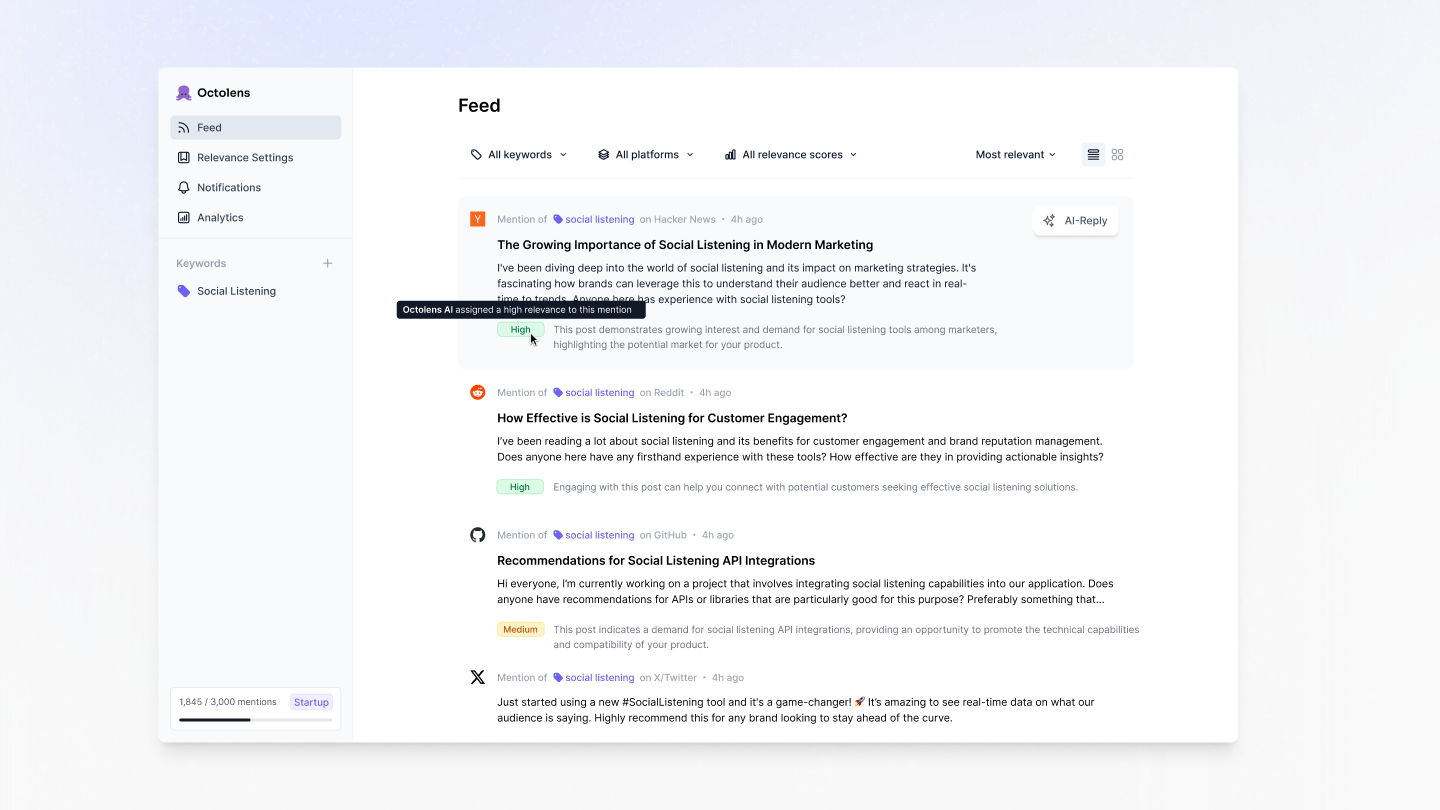
## Why did I (initially) decide against AppSumo Select?
- **The Lifetime Deal (LTD) Approach**: Customers pay once for lifetime access on AppSumo and have a 60-day money-back guarantee. For a product with recurring costs like Octolens, I was worried about long-term sustainability if pricing wasn’t right—especially given our AI costs.
- **The Revenue Share Model**: It’s negotiable, but AppSumo takes 65-80% of revenue from my research (even though recently I saw [this comment from Noah on LinkedIn saying the average is 50%](https://www.linkedin.com/feed/update/urn:li:activity:7247589623386804224?commentUrn=urn%3Ali%3Acomment%3A%28activity%3A7247589623386804224%2C7249192218203238400%29&dashCommentUrn=urn%3Ali%3Afsd_comment%3A%287249192218203238400%2Curn%3Ali%3Aactivity%3A7247589623386804224%29)). Without knowing much about other potential benefits, this split felt high and added to my uncertainty about creating attractive yet viable pricing tiers.
- **The Time Commitment Needed**: Listing on AppSumo requires engineering resources to set up custom onboarding and pricing tiers. With just two of us (me and Pepe, Octolens' founding engineer), I didn’t want to halt product development. Plus, many warned about being swamped with customer support during and after the campaign.
- **Brand Concerns**: I worried that offering a lifetime deal would dilute Octolens' perceived value. The same goes for any other heavy discounting.
Given these concerns, and with Octolens growing steadily on its own, I decided AppSumo wasn’t a good fit.
## What changed my mind about AppSumo Select?
A couple of months later, the AppSumo team approached me on LinkedIn.
After talking with them several times and doing a lot more research, I decided to give it a go.
Here’s why:
- **A Great Team**: One of the highlights of working with AppSumo - a really helpful and great team. In total, every interaction I had with a member of the AppSumo team was positive. They are quick to respond, structured, and informed.
- **Inactivity Clause**: To address my concerns about recurring costs, AppSumo allowed us to turn off accounts after six months of inactivity. Users could always reactivate, but this protected us from spending on abandoned accounts.
- **A More Mature Product**: By this point, we had more customers, core features, and a better understanding of user behavior and costs. This made it easier to model pricing tiers. I’ll emphasize here: If you have a recurring cost product, I would strongly recommend only going for AppSumo once you have a good grasp on your costs. This might seem obvious, but it's really not that trivial in the early stages of a SaaS.
- **Decreasing AI Costs Helped Pricing**: Around the same time, AI costs started to go down quite a bit, which helped in creating pricing tiers that could accommodate a LTD. The AppSumo team also gave me a better indication of how to think about lifetime pricing and lifetime averages to work with and cover.
- **Letting go of the Brand Concerns**: Some great companies that I value today have launched with AppSumo (e.g., [Lemlist founded by Guillaume Moubeche](https://medium.com/@guillaume.moubeche/365-days-of-growth-from-0-to-250k-arr-2014d0c54671) and others like Zapier) and I think done right it can be a brand booster. If Octolens can get on a similar trajectory to a company like Lemlist - I would be happy.
- **Defining Clear Goals Beyond Revenue**: If your only goal is to bring in cash, as a recurring cost product, AppSumo likely won’t be sustainable. I began seeing AppSumo as less about immediate profit and more as an investment in marketing, learning, and growth.
## What were my goals for our AppSumo campaign?
In the end I distilled my goals for Octolens to the following:
- **Goal 1:**Gather user feedback to refine our ICP and improve our product.
- **Goal 2:** Drive website traffic during and after the campaign.
- **Goal 3:** Increase MRR with post-campaign add-ons.
- **Goal 4:** Turn AppSumo reviews into testimonials on platforms like G2 and Capterra.
A cash injection was of course also a goal, but I knew it would only be temporary, so it was
*secondary to the above.*
## How did the campaign go?
#### The Numbers
As the title suggests, we grossed slightly over $200,000 in total sales within the 60-day period.
That’s the headline figure, but let’s break it down.
After AppSumo’s revenue share (in our case, around 70%) and the inevitable refunds (remember, it’s a very buyer-friendly marketplace with a 60-day guarantee), we will net closer to $40,000 in payouts.
We ended up onboarding over 1,000 new users, which is no small number for an early-stage B2B SaaS tool.
This greatly helped us test our robustness and scalability.
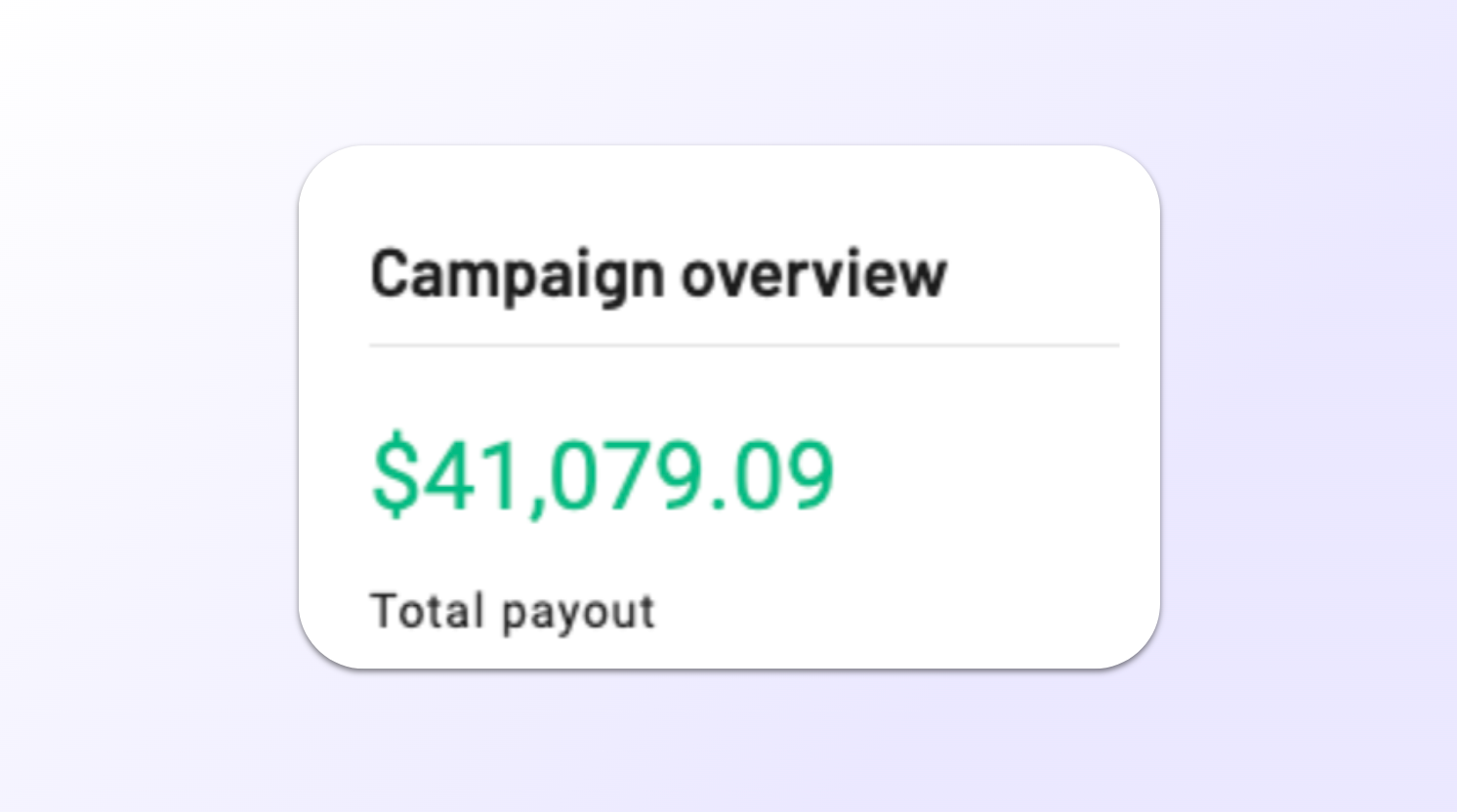
We have managed to already convert some customers to partial MRR, which is exciting.
This has come through add-on packages like selling extra mentions or social media platform add ons to the lower tiers.
Making some progress on Goal 4 of creating MRR opportunities.
#### Quality of Users & Engagement
Quantity doesn’t automatically mean quality, and I was initially nervous that we’d bring in a crowd who didn’t fit our ideal customer profile (ICP).
To be honest, we did see a mix.
Some customers were in our ICP—B2B founders and growth teams who “got it” and started using Octolens to drive their growth.
Others clearly weren’t a perfect fit and dropped off quickly or asked for refunds.
That’s the nature of a broad marketplace.
But the upside: the engaged users gave us insights.
We saw how people interpreted our features, what they loved, and what they found confusing.
#### Support Load & The Reality Check
Everyone warns you that AppSumo campaigns come with a tidal wave of support requests.
They’re not kidding. The first couple of weeks were a big change to our much calmer customer support thus far, with questions pouring in from all directions.
Some queries were totally fair—basic onboarding help, clarification on tiers.
Others felt more like demanding wish lists (“Can you just give us all features, forever, for free?”).
While stressful, it was also a forcing function to improve our support docs, streamline onboarding, and clarify certain product points.
In the end, the support-heavy sprint made our product more accessible and helped us get rid of a lot of edge case bugs!
#### Brand Visibility & Traffic
Another pleasant surprise was the spike in website traffic during and after the campaign.
There’s a halo effect: being on AppSumo’s radar brought us into new communities.
Even after the deal ended, there are more organic sign-ups and inbound interest.
We also leveraged the momentum to strengthen our overall marketing funnel—tweaking landing pages and improving messaging.
A side bonus: AppSumo is a great website to have a backlink from!
Similar to Product Hunt, launching on a very reputable site like AppSumo means your own website improves in domain rating.
We went from 10 to 23 DR on Ahrefs during our AppSumo campaign
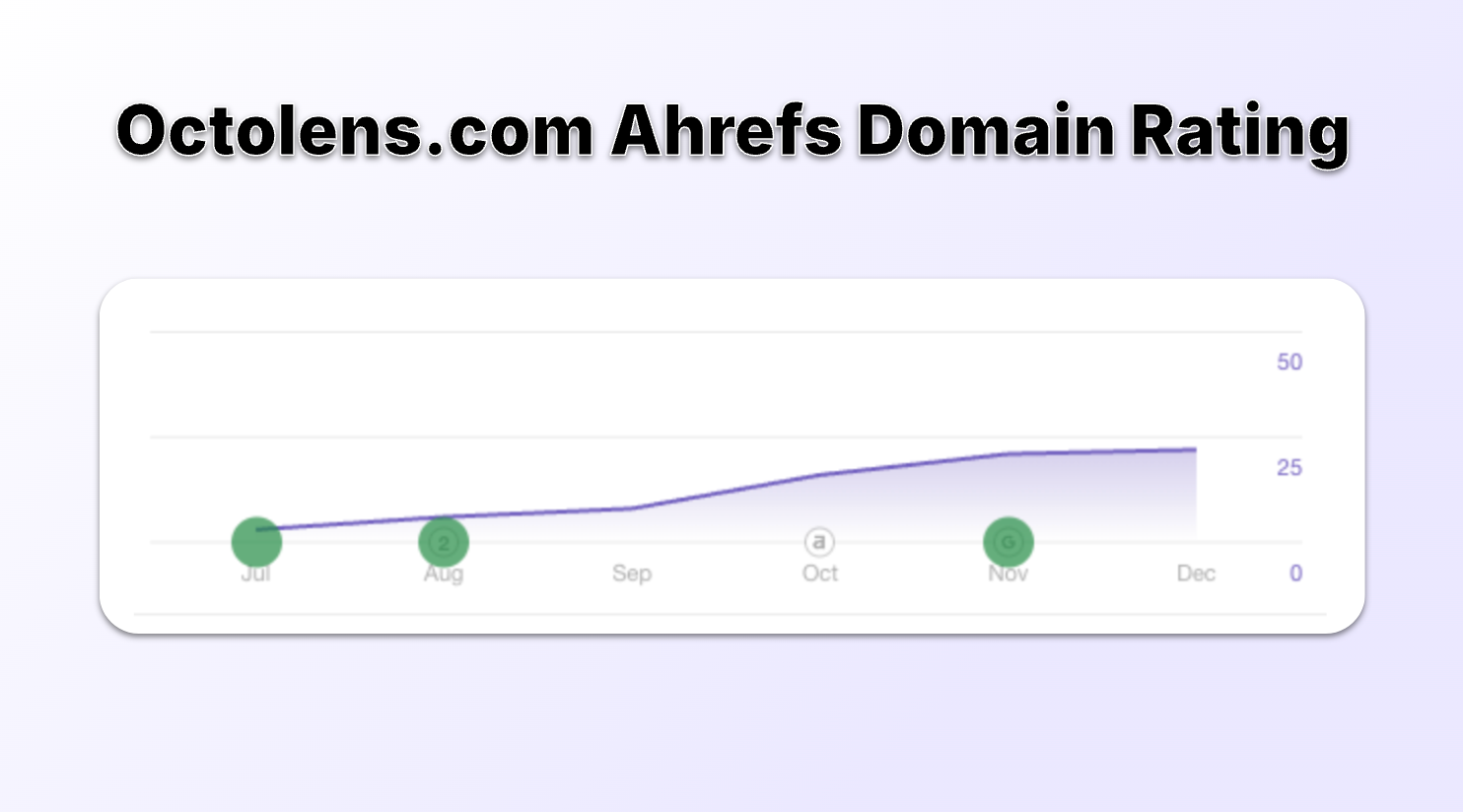
## Did we reach our goals with AppSumo Select?
I still consider a lot of these goals as “in progress”, but here are some reflections so far.
#### Gather user feedback to refine our ICP and improve our product. ✅
Yes. The volume and variety of users meant we got feedback we might have taken many months to gather otherwise.
We learned that some of our original assumptions about who would use Octolens most effectively were spot-on, while others needed adjusting.
This feedback didn’t just come in the form of “I like/don’t like this feature”; it helped us understand what types of customers derive the most value, which workflows are most common, and what features are truly must-haves.
#### Drive website traffic during and after the campaign. ✅
We saw a substantial traffic spike, and while some of it tailed off after the campaign ended, our baseline traffic is now higher than before.
We gained more backlinks, mentions on social media, and word-of-mouth buzz.
The long-term effect is yet to be fully measured, but the initial signs are positive.
#### Increase MRR with post-campaign add-ons. ⏳
We already have some AppSumo users upgrading with add-on packages, like additional keyword mentions or platform expansions.
It’s still early days, but this indicates that at least a portion of the AppSumo cohort sees enough value to pay more on an ongoing basis.
That’s a big win because it was one of my primary concerns—could we convert lifetime deal seekers into recurring revenue customers?
#### Turn AppSumo reviews into testimonials on platforms like G2 and Capterra. ❌
No. We got some great reviews - and even though I have approached some to also share on other platforms, I haven’t had success yet.
This is largely due to lack of follow ups - so more on me than anything else.
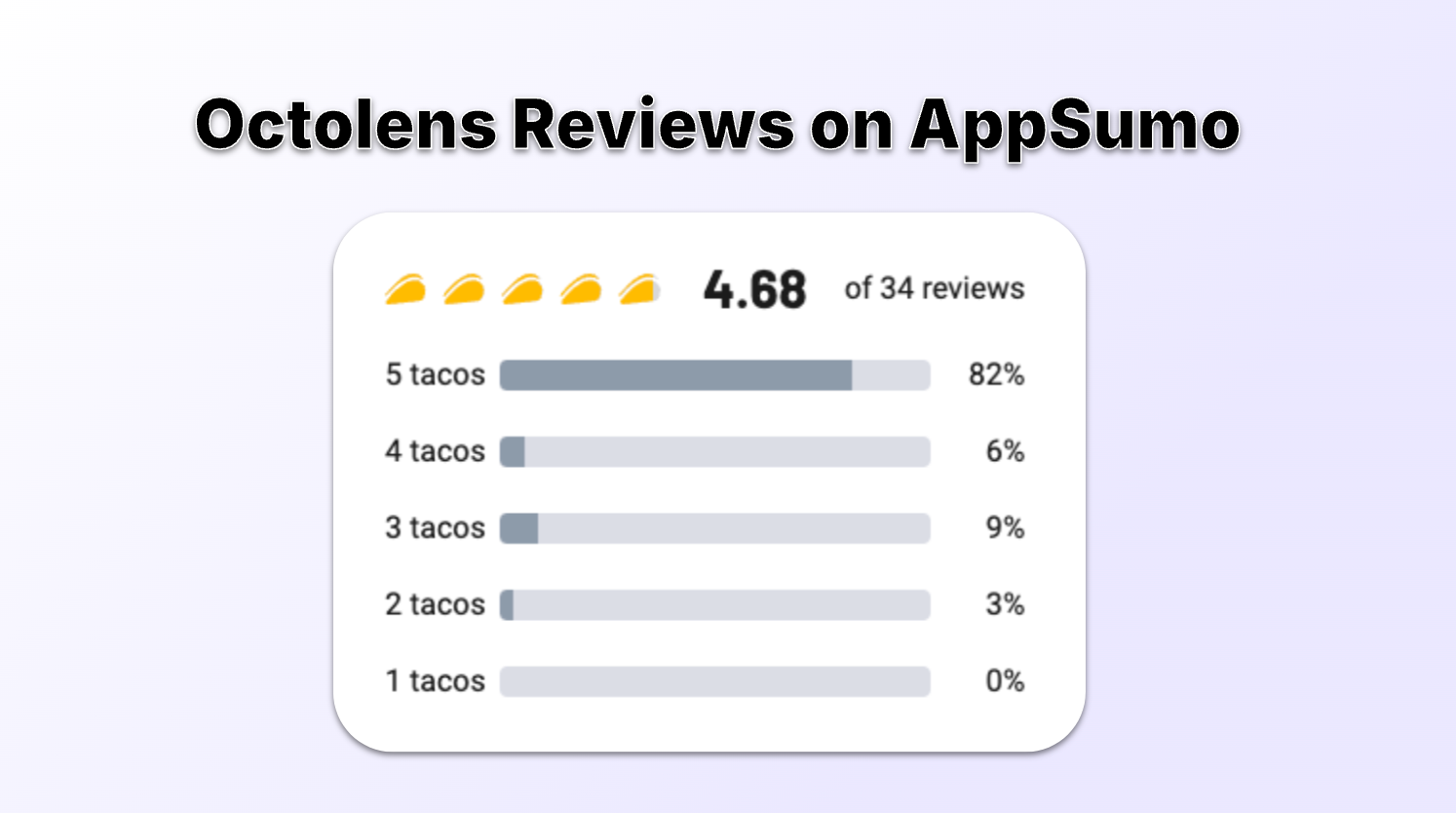
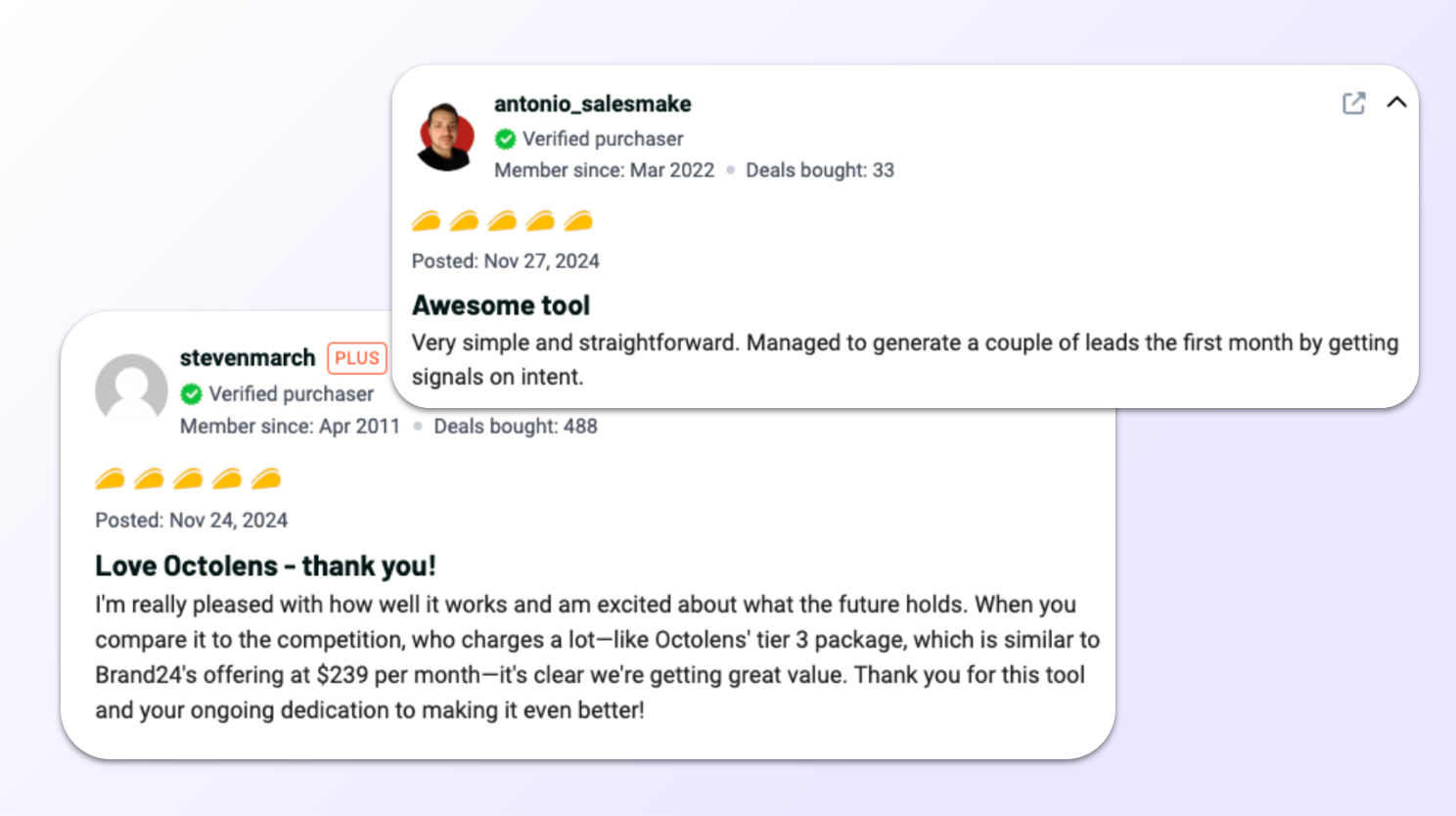
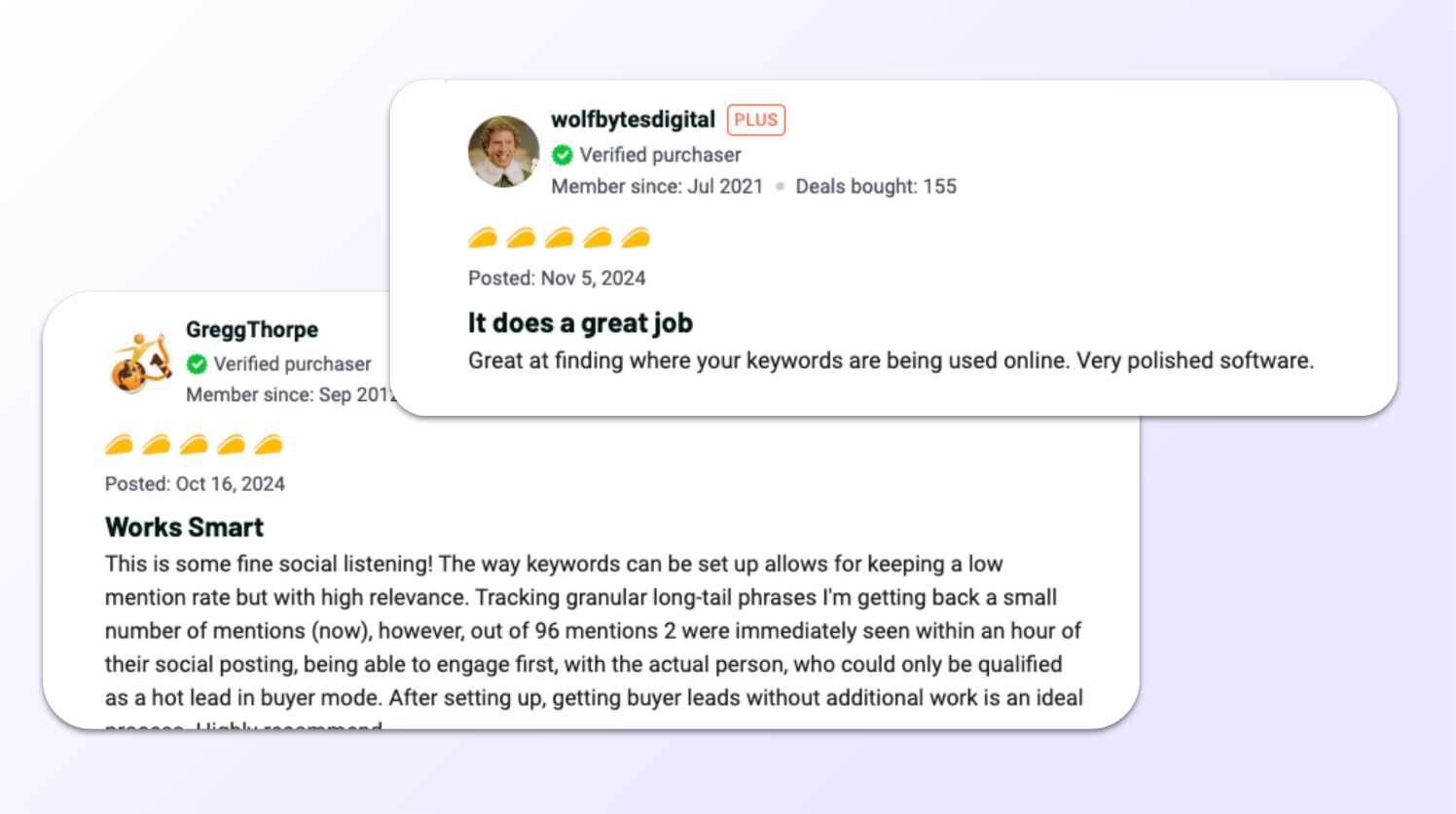
## Knowing what I know now: Would I do it again?!
Yes. ✅ But I would do a few things differently.
Here’s what I would tell my past self:
- **Try to negotiate a little more**- I’d try harder to improve the revenue split. As a first-timer, I accepted terms too readily. With hindsight, even a few percentage points improvement would have made a meaningful difference.
- **Put negative feedback into perspective**- it was the first time I had to deal with rude and angry customer messages, but looking at the numbers now, it was really a small small percentage. I had days where I was down because of these voices, which was unnecessary.
- **Set firmer boundaries with some users** - it’s a thing on AppSumo, you can see it in the comments of virtually any campaign, Sumo-Lings ask for more, and often not in the kindest of ways. We did add in some features due to some of these voices, but guess what, they’ll always ask for more! Sometimes you just have to politely ignore them. At times maybe you should edit your deal - but it should be more data driven and not due to loud voices.
- **Clarify ICP better in listing description** - I would even more clearly try to address our ICP in the product description and work with the AppSumo copywriters. For example, we know Octolens is not great for agencies yet, it would have been smart to explicitly write that into the product description.
- **Test test test onboarding**- We would definitely test our redemption flow better and avoid early missteps. We had a big bug in the beginning which was not the best start and catching that would have reduced the initial support flood.
## Do I recommend AppSumo?
As with all things - it depends! For Octolens, we’ve come out of the campaign stronger - with a revenue boost and powerful learnings.
I hope the above summary can help some of you in making your decision.
AppSumo is not a magic bullet. As with most startup moves, it’s a big experiment that can pay off if you manage it well.
You have to go in eyes wide open—knowing the trade-offs, the time investment, and the emotional rollercoaster.
But if you play it right, it's a great catalyst for growth and a step towards a stronger, more customer-focused product.
---
# 5 Reasons Why Google Alerts Is Not Working
URL: https://octolens.com/blog/why-google-alerts-is-not-working · Published: 2024-08-05 · Updated: 2026-04-09 · Author: Charlotte Schmitt (Co-Founder)
We use [Google Alerts](https://www.google.com/alerts) ourselves at Octolens — mostly to catch the occasional blog post or news article that mentions us outside of social media. It's free, it takes 30 seconds to set up, and for that it's fine.
But if you're relying on Google Alerts as your primary way to know what people are saying about your brand? You're going to have a bad time.
Here are the five biggest reasons it falls short — and what to do instead.
## 1. The results are full of noise (or just wrong)
This is the most common complaint, and it's easy to see why. Google Alerts has almost no filtering intelligence. It matches your keyword against indexed web pages and sends you whatever it finds.
If your brand name is a common word — like "Tally" or "Juicebox" — good luck. You'll get alerts about juice boxes, tally marks, and everything in between. There's no way to tell Google Alerts "I mean the SaaS product, not the beverage container."
Even with a unique name, the results tend to include random blog spam, scraped content, and pages that barely mention your keyword in passing.
**What you can do:** Use quotation marks around exact phrases, and add extra context words. For example, `"Octolens" software` instead of just `Octolens`. It helps a little, but it won't solve the core problem — Google Alerts simply doesn't understand context the way AI-powered tools do.
## 2. Alerts show up late — sometimes days late
Google Alerts depends on Google's indexing schedule. A page has to be crawled and indexed before it can trigger an alert. For popular news sites, that might happen quickly. For a Reddit thread, a Stack Overflow answer, or a niche forum post? It could take days — or never happen at all.
We've tested this ourselves: we published a blog post, and the Google Alert for our own brand name didn't fire for over 48 hours. By then, the conversation had moved on.
If someone posts a complaint about your product on Reddit at 9am, you probably want to know before lunch — not next Thursday.
**What you can do:** Set alert frequency to "As-it-happens" instead of daily or weekly. It helps marginally, but the underlying delay is in Google's indexing, which you can't control.
## 3. It completely misses social media
This is the biggest gap. Google Alerts doesn't monitor Twitter/X, LinkedIn, Reddit (reliably), YouTube comments, Hacker News, or any of the platforms where your customers actually talk about you.
Think about it: when someone complains about a SaaS tool, where do they go? Twitter. Reddit. A Slack community. Not a blog post that'll get indexed by Google three days from now.
Google Alerts covers web pages, news sites, and some blogs. That's roughly 20% of the conversations happening about your brand. The other 80% — social, community, developer forums — is invisible to it.
**What you can do:** There's no workaround here. Google Alerts fundamentally doesn't crawl social platforms. You need a [dedicated social listening tool](https://octolens.com/blog/best-social-listening-tools) to cover those channels.
## 4. You can't rank or prioritize what you get
Let's say Google Alerts sends you 15 results today. Some might be genuinely important — a journalist writing about your product, a potential customer asking for recommendations. Others are noise — a random aggregator site that scraped your name, a three-year-old blog post Google just re-indexed.
Google Alerts treats all of them equally. There's no relevance scoring, no sentiment analysis, no way to say "show me the important ones first." You have to read through everything yourself and decide what matters.
When you get 5 alerts a week, that's manageable. When you get 50 a day, it becomes a job nobody wants.
**What you can do:** Create separate alerts with different keywords to rough-sort by topic. But honestly, this just multiplies the email noise without solving the prioritization problem.
## 5. There's zero customization (and no way to get help)
Google Alerts gives you exactly five settings: search query, sources, language, region, and frequency. That's it.
You can't exclude specific domains. You can't filter by sentiment. You can't get alerts in Slack instead of email. You can't set up team notifications so multiple people see the same mentions. And if something breaks or doesn't work the way you expect — there's no support team to ask. It's a free Google product, and it gets the level of support you'd expect from that.
**What you can do:** Accept the limitations and use Google Alerts as a supplement, not a primary tool. It's genuinely useful for catching the occasional news article or blog mention. Just don't rely on it for anything time-sensitive or business-critical.
## A better setup for B2B companies
Google Alerts is still worth keeping around — it's free and occasionally catches things other tools miss on the open web. But treating it as your social listening strategy is like using Google Maps street view to watch your store's foot traffic. It technically shows you something, but it's not built for the job.
If you're running a B2B SaaS company, here's what actually works:
**Use a purpose-built monitoring tool for social and community platforms.** [Octolens](https://octolens.com) monitors everywhere your customers actually talk: Twitter/X, Reddit, LinkedIn, Hacker News, GitHub, YouTube, and more. Mentions come with AI-powered relevance scoring so you see the important conversations first, not just everything that matches a keyword. Here's [how keyword monitoring works](https://octolens.com/product) across all of them.
You can get alerts in Slack, email, or via [webhooks](https://octolens.com/webhooks) and API if you want to build your own workflows. And because every mention gets scored for relevance and sentiment, your team spends time responding — not sorting through junk.
**Keep Google Alerts for the long tail.** News mentions, blog roundups, and the occasional obscure forum post that only Google's crawler reaches. It's a fine complement, just not a replacement.
You can find a [detailed comparison of Google Alerts vs. Octolens here](https://octolens.com/google-alerts-alternatives).
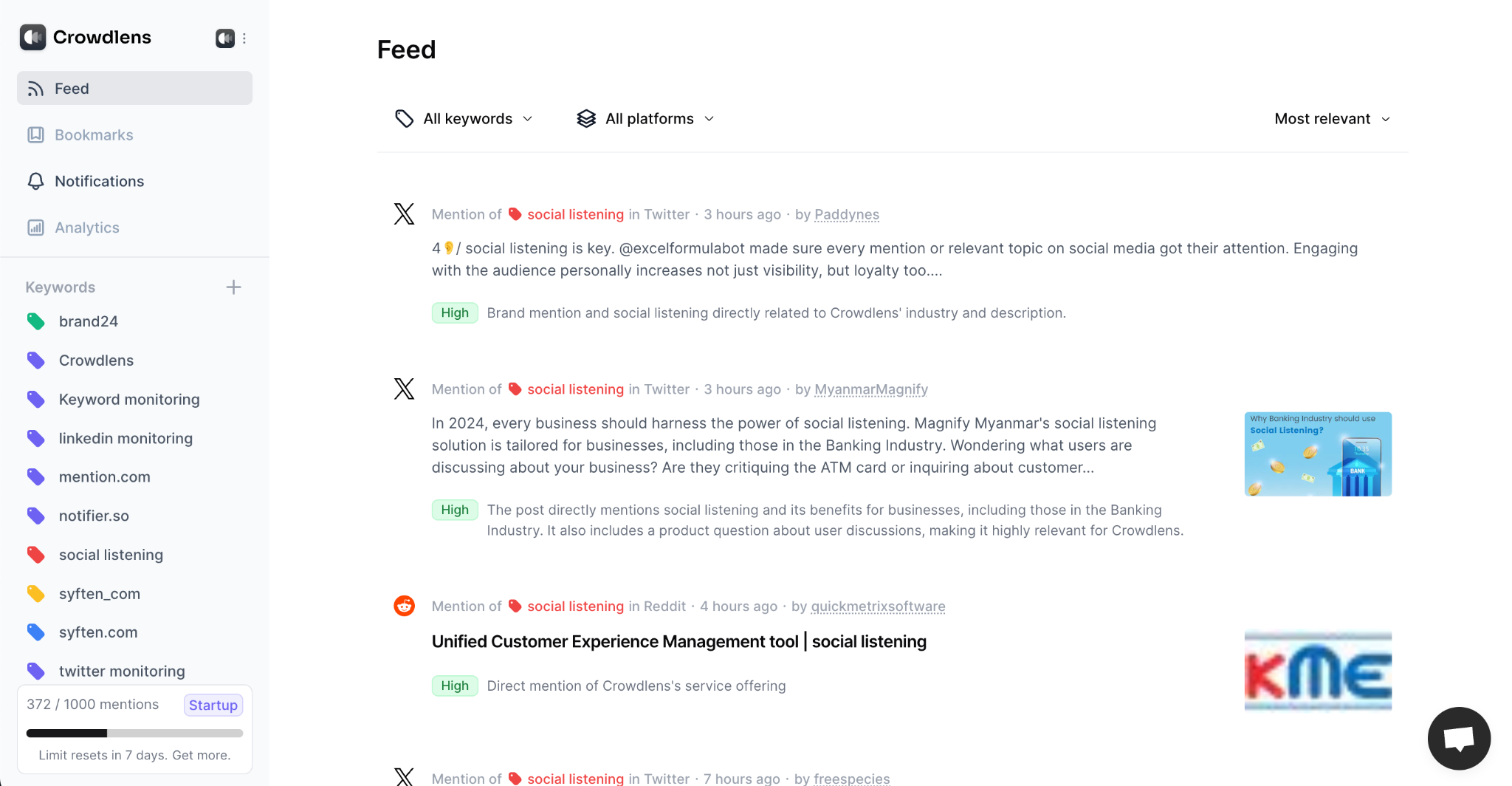
[Start a free trial](https://octolens.com/me/sign-up?selectedPlan=Free_trial) and see the difference in signal quality within the first hour.