> ## Documentation Index
> Fetch the complete documentation index at: https://octolens.com/docs/llms.txt
> Use this file to discover all available pages before exploring further.
# Claude Code
> Connect Octolens to Claude Code and work with your mentions from the terminal.
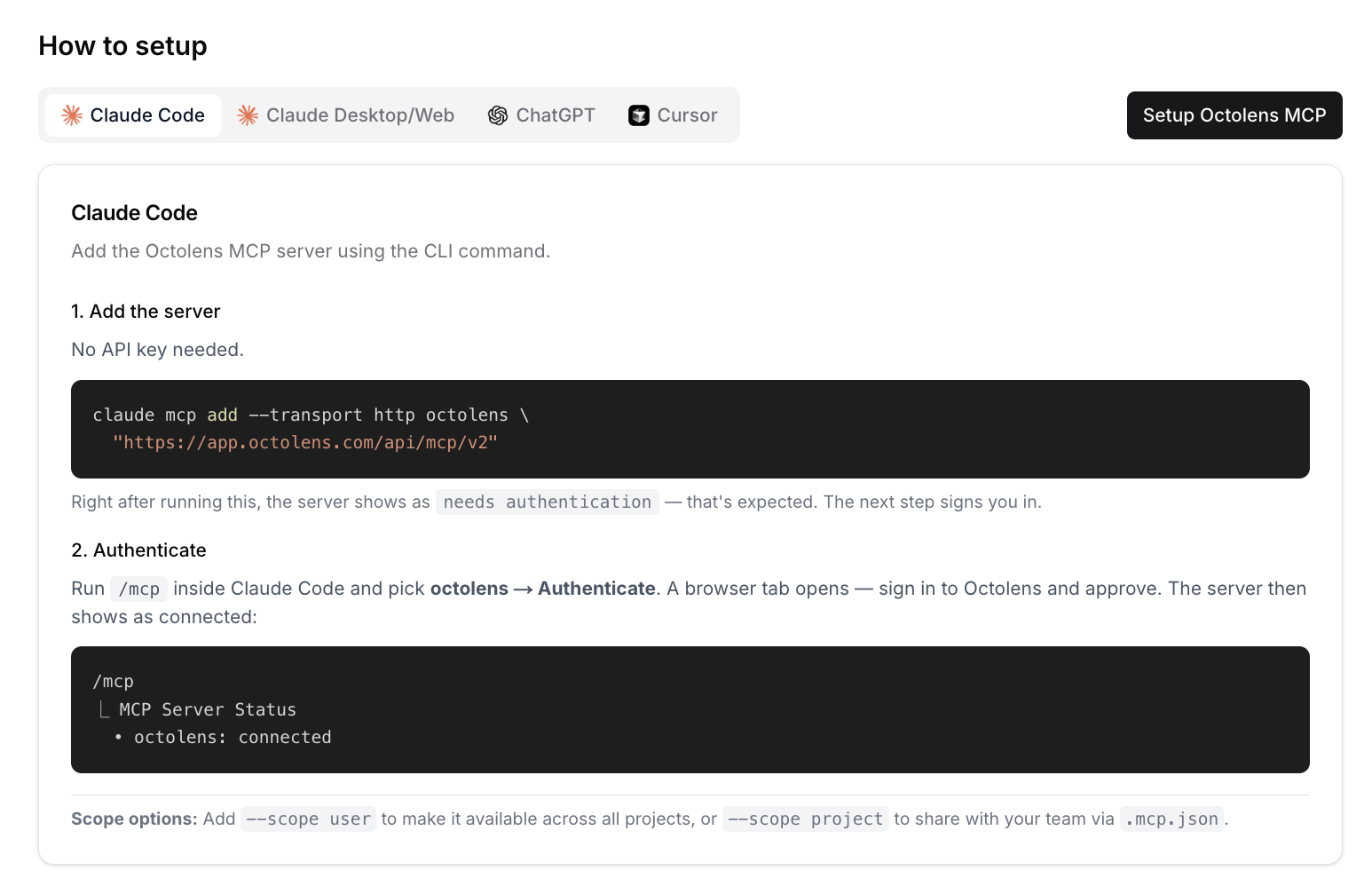
You add Octolens with one command and sign in with your Octolens account. There's no API key to paste.
You can also start this from the app: **Settings → MCP → Setup Octolens MCP** walks you through the same steps.
```bash theme={null}
claude mcp add --transport http octolens \
"https://app.octolens.com/api/mcp/v2"
```
The server now shows as `needs authentication`. The next step signs you in.
Run `/mcp` inside Claude Code and pick **octolens → Authenticate**. A browser tab opens. Sign in to Octolens and approve the connection. The server then shows as connected:
```text theme={null}
/mcp
⎿ MCP Server Status
• octolens: connected
```
Add `--scope user` to use Octolens in every project, or `--scope project` to share it with your team through `.mcp.json`.
 ## Try it
* "Pull this week's bug reports from Octolens and group them by feature."
* "Add 'vercel deployment' as a keyword, Reddit only."
## Next steps
* [Use cases](/docs/mcp/v2/use-cases): prompts that work well
* [Tools Reference](/docs/mcp/v2/tools): everything Claude can do in your workspace
* [API](/docs/api/v2/overview) and [CLI](/docs/cli/overview): for scripts and automations
This documentation is built and hosted on [Mintlify](https://mintlify.com), a developer documentation platform.
## Try it
* "Pull this week's bug reports from Octolens and group them by feature."
* "Add 'vercel deployment' as a keyword, Reddit only."
## Next steps
* [Use cases](/docs/mcp/v2/use-cases): prompts that work well
* [Tools Reference](/docs/mcp/v2/tools): everything Claude can do in your workspace
* [API](/docs/api/v2/overview) and [CLI](/docs/cli/overview): for scripts and automations
This documentation is built and hosted on [Mintlify](https://mintlify.com), a developer documentation platform.